
Monthly visits
7,012
2026-10
Monthly growth +903.1%

Liftora - AI planning, habits, and focus in one app

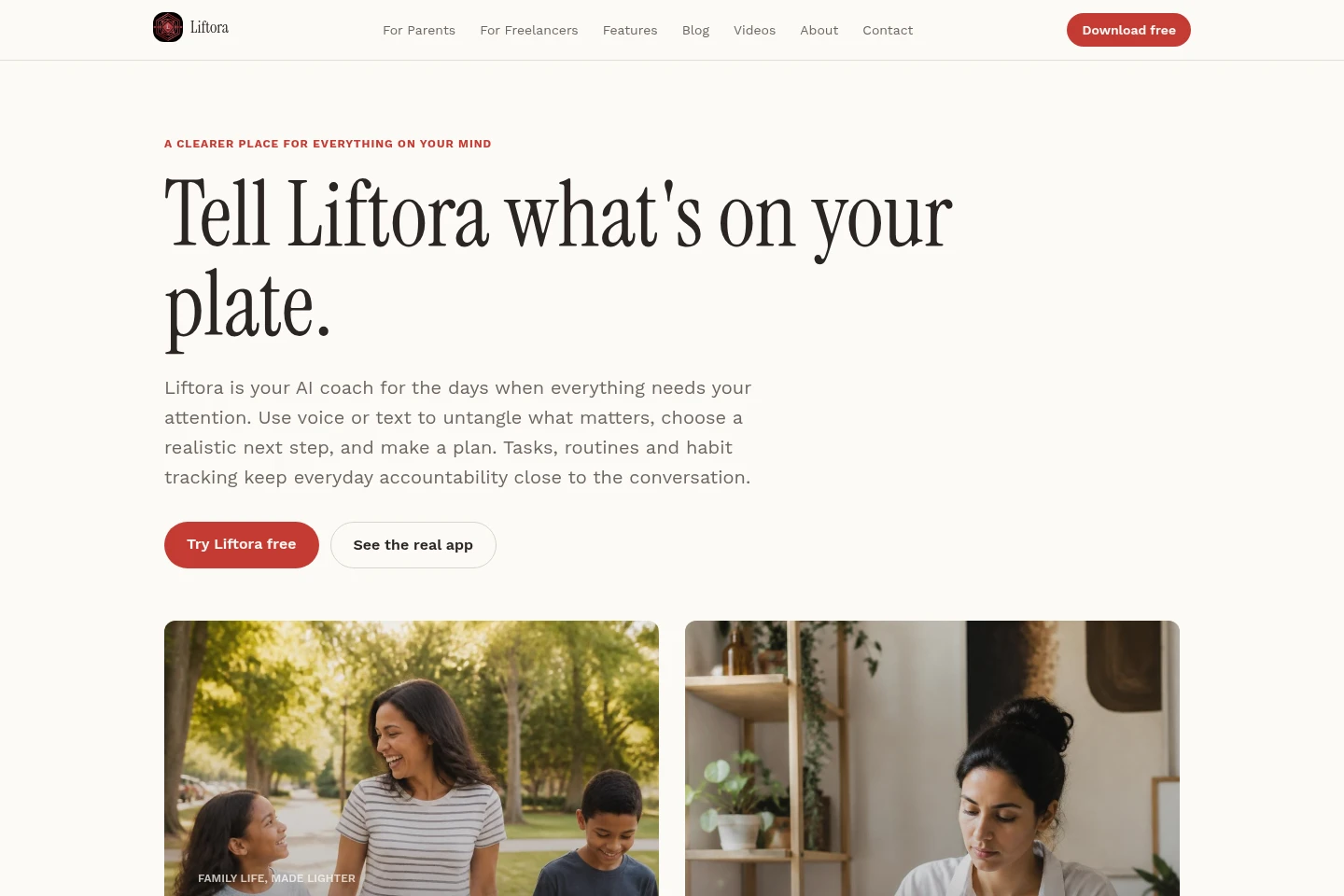
Liftora is an AI-assisted personal planning app for iOS and Android. Describe responsibilities by voice or text, then organize them into tasks, priorities, dates, routines, and goals. Track habits, use app-blocking controls to protect focus time, and sync data across devices. The core is free; Premium adds streak freezes and advanced AI.

Visit WebsiteUpdate this product

0Views

Capabilities

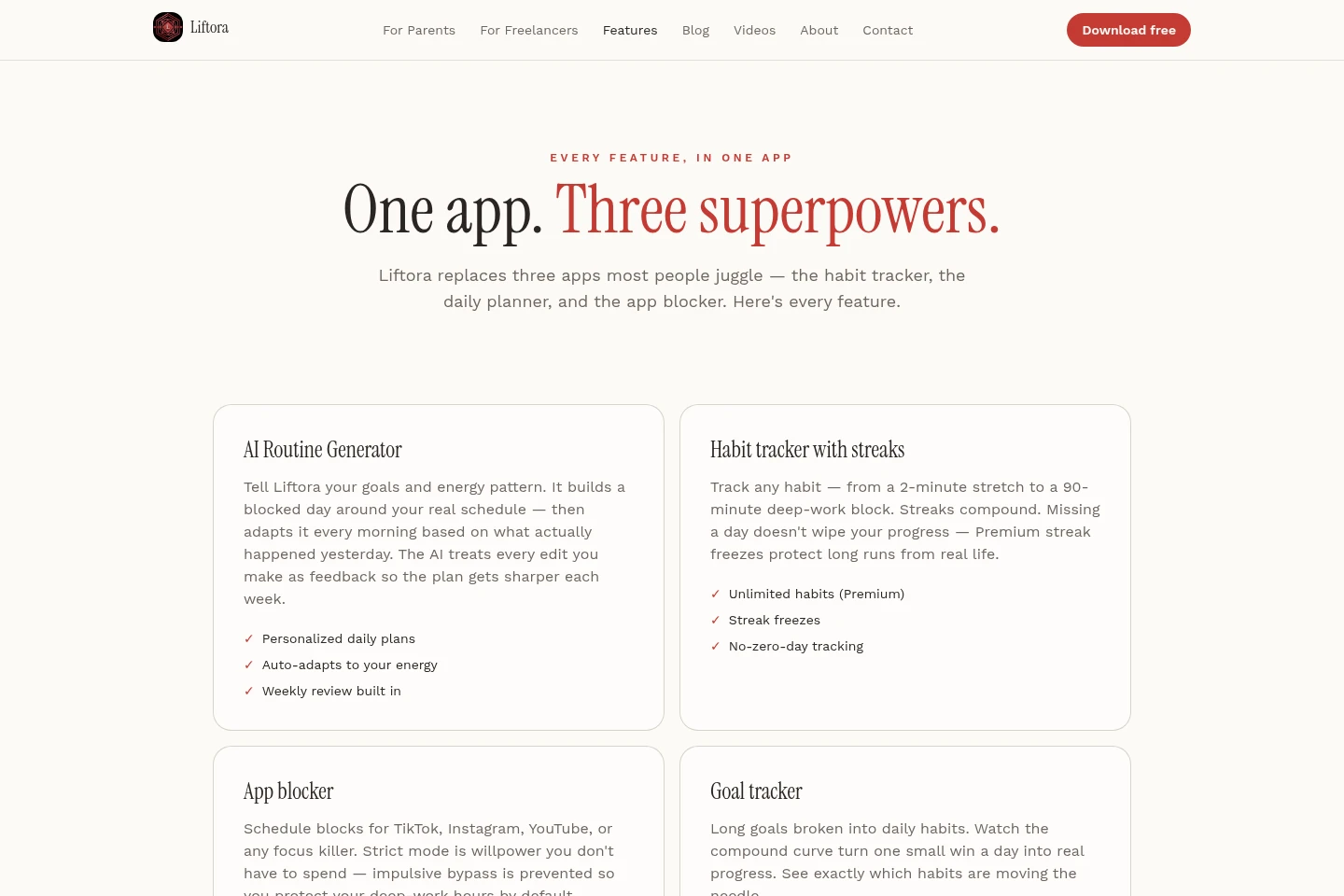
AI-assisted planning

Turns spoken or typed descriptions of responsibilities into tasks, priorities, dates, routines, and goals. Users provide everyday-language input, and Liftora helps organize it into a plan.

Habit tracking and streaks

Records habits and makes consistency visible through tracking and streaks. Premium includes streak freezes; the feature page also describes unlimited habits as a Premium benefit.

Scheduled app blocking

Schedules blocks for distracting apps and provides strict mode and a focus timer. Availability and controls depend on the device and granted permissions.

Goal tracking

Breaks longer-term goals into milestones and daily habits, then displays progress. Users set goals and track related actions in the app.

Cross-device synchronization

Syncs Liftora data between iOS and Android devices. The feature page describes synchronization as private by default and says users can export data anytime.

PricingFree

Liftora has a free core and a Premium plan. Compare the included AI features and habit limits or protections; the supplied pages do not list plan prices or billing periods.

PlanPriceIncluded features and limits
Free

Free; price not stated

  • Core features are described as free forever.

  • The pages do not specify a Free-plan habit quota.

  • Advanced AI and streak freezes are listed as Premium benefits.

Premium

Premium; price not stated

  • Includes streak freezes.

  • Unlocks advanced AI.

  • Unlimited habits are listed as a Premium benefit.

Use cases

Organize daily responsibilities into a plan

When responsibilities are scattered across work and personal life, describe them to Liftora by voice or text. The app helps arrange the input as tasks, priorities, dates, and routines for a clearer plan.

Build and track personal habits

When working on a recurring behavior or routine, add it as a habit and record progress in Liftora. Habit tracking and streaks make recorded consistency visible; Premium streak freezes can protect streaks.

Protect scheduled time for focused work

When distracting apps compete with a planned focus period, schedule app blocks and use the focus timer or strict mode. App-blocking controls depend on the device and permissions.

Limitations

  • App-blocking controls depend on the user's device and the permissions granted to Liftora.

  • The app provides AI support for planning and accountability, but does not independently verify task completion or guarantee results.

Liftora alternatives

FlowCoach AI

A daily plan built from your goals, tasks, habits, and calendar

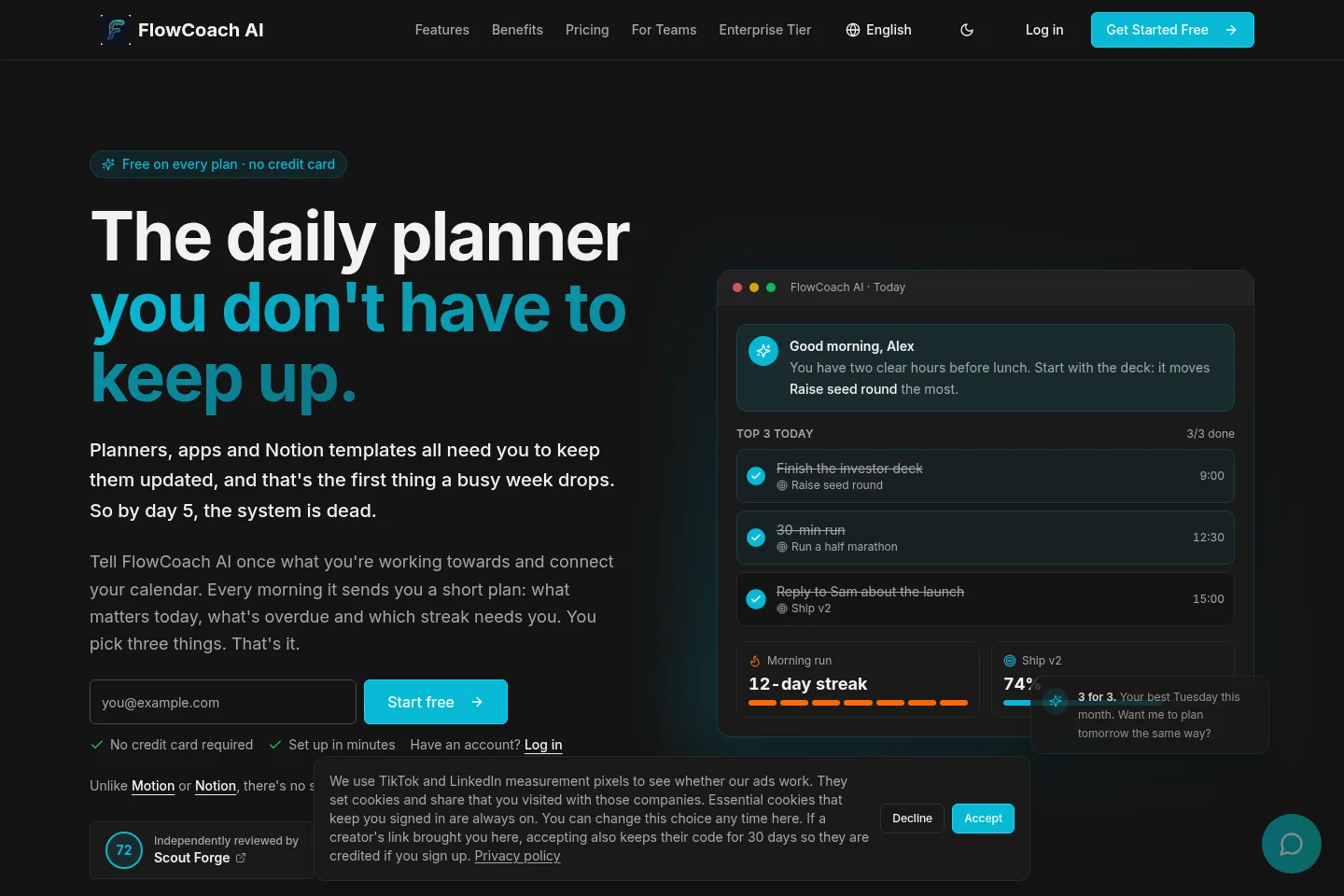
FlowCoach AI brings goals, tasks, habits, notes, and calendar events together to prepare a short daily plan. Each morning, it highlights priorities, overdue tasks, and habits needing attention; users choose up to three tasks to focus on. The app also includes progress tracking, AI coaching, and evening and weekly reviews.

  • Cloud
  • Freemium
  • FreeFree
  • ProPrice not stated
  • PremiumPrice not stated
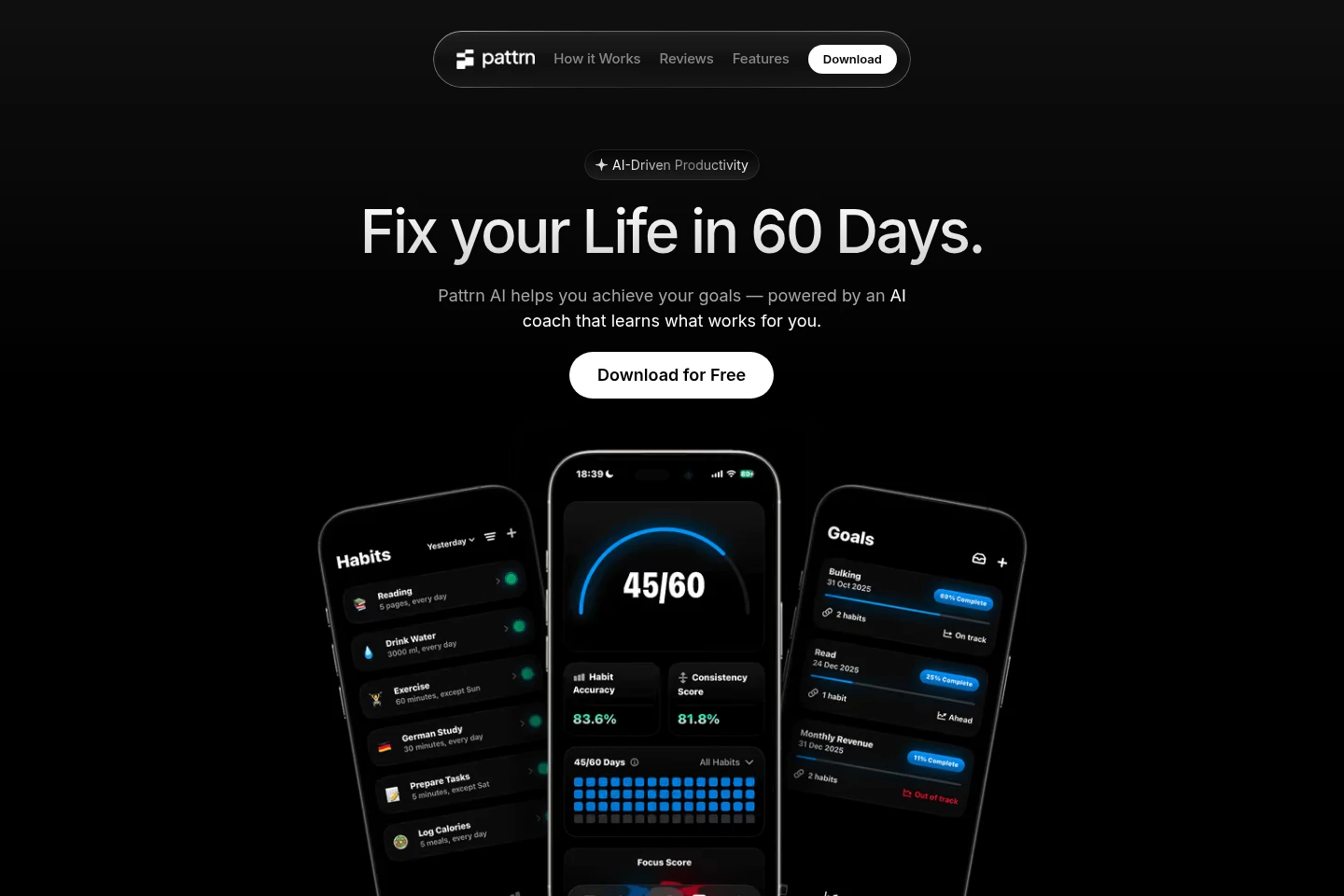
  1. Pattrn

    Track habits and goals with an adaptive AI coach

    Contact Sales
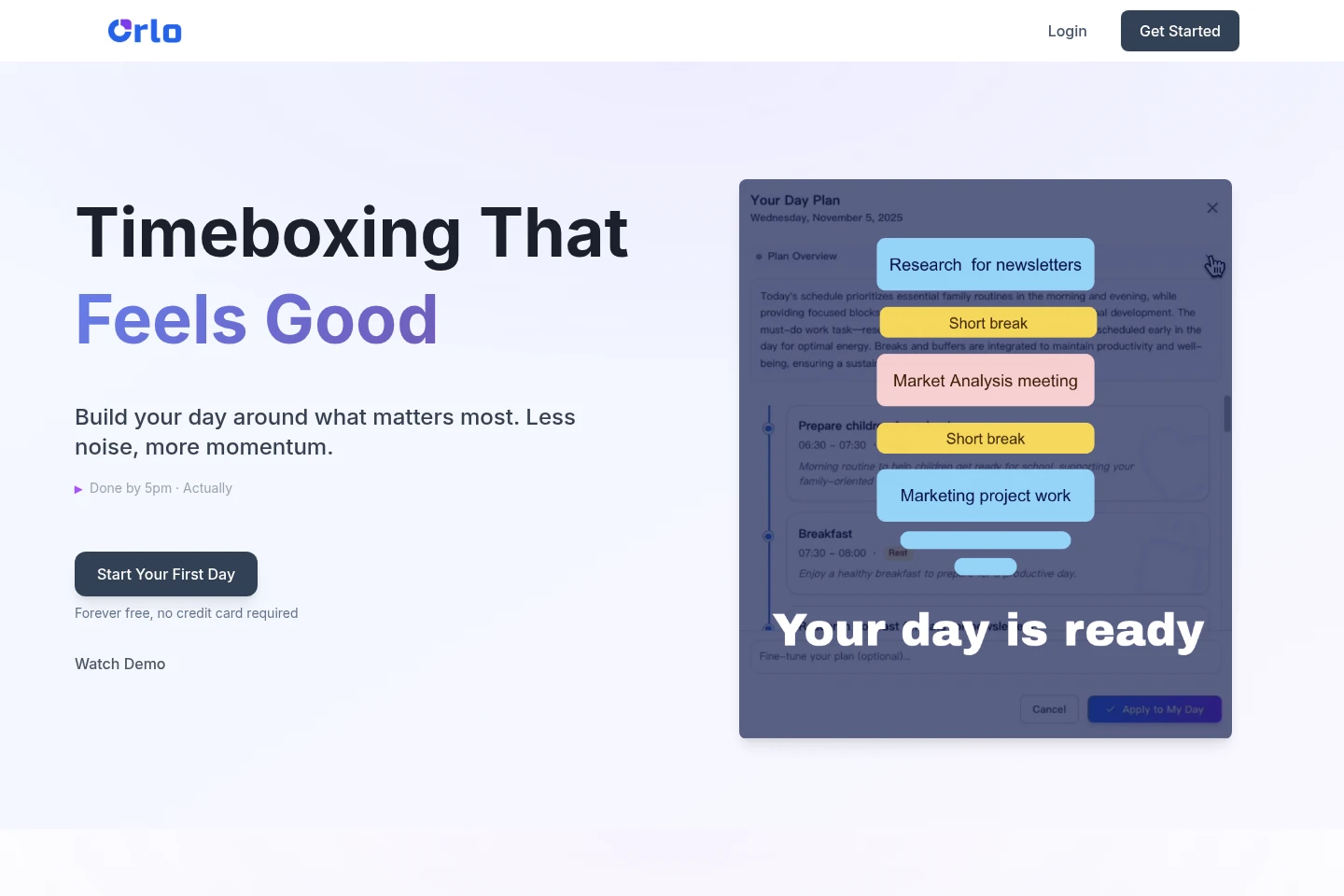
  2. Orlo

    Plan your day with AI-guided timeboxing

    Free · $0/month
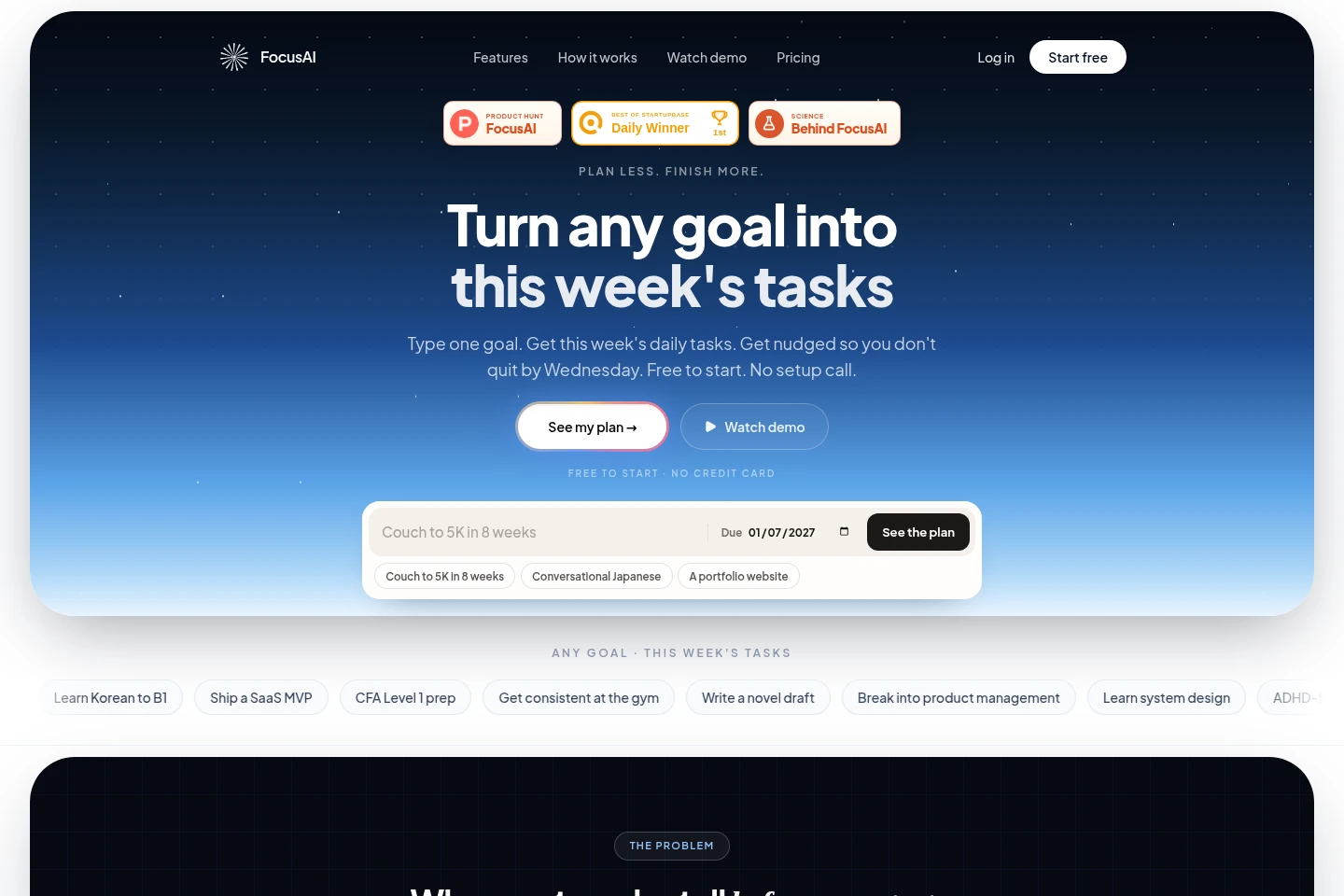
  3. FocusAI

    Turn one goal into this week’s daily tasks

    Free · $0/month
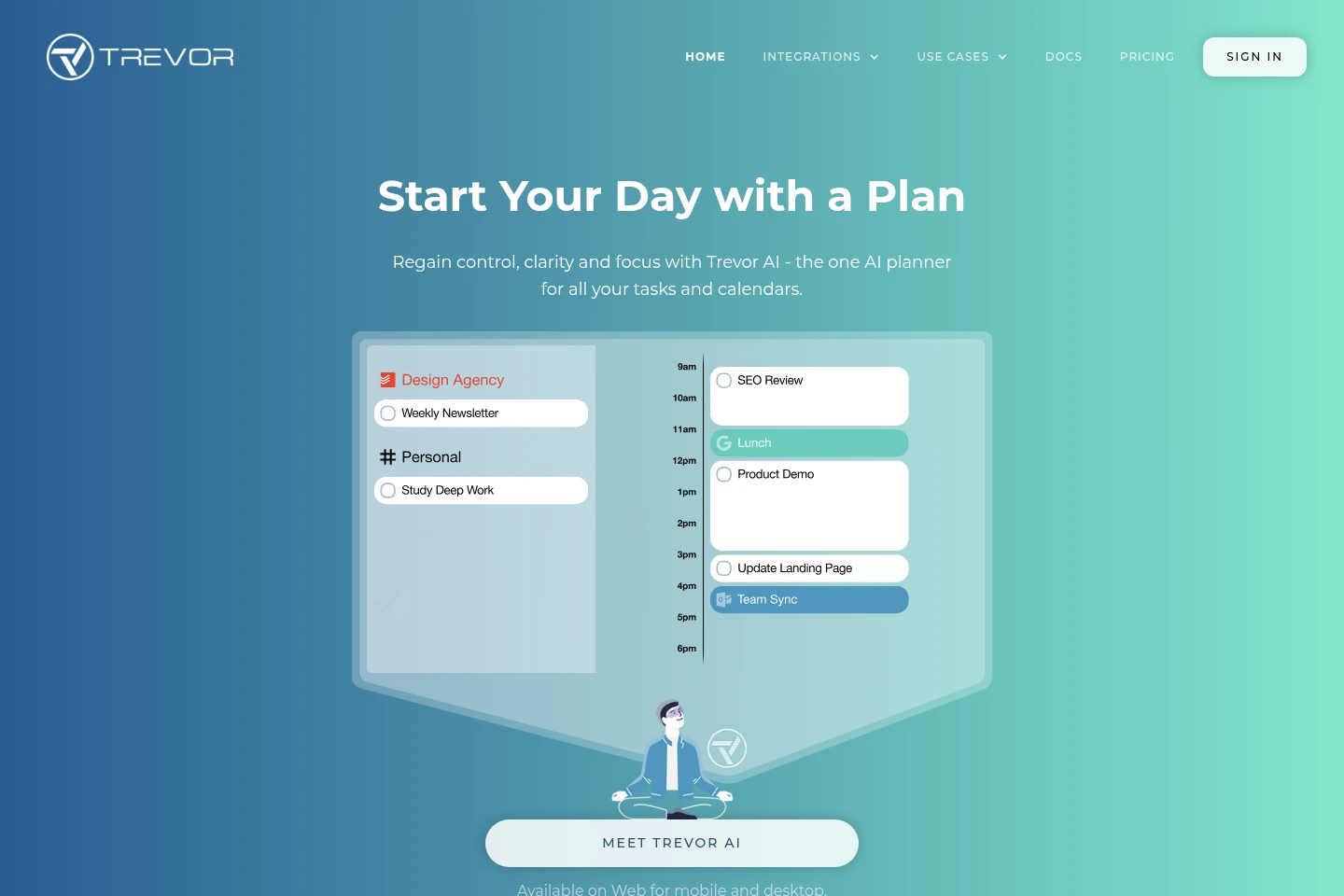
  4. Trevor AI

    AI task planning and calendar scheduling

    Free Plan · Free
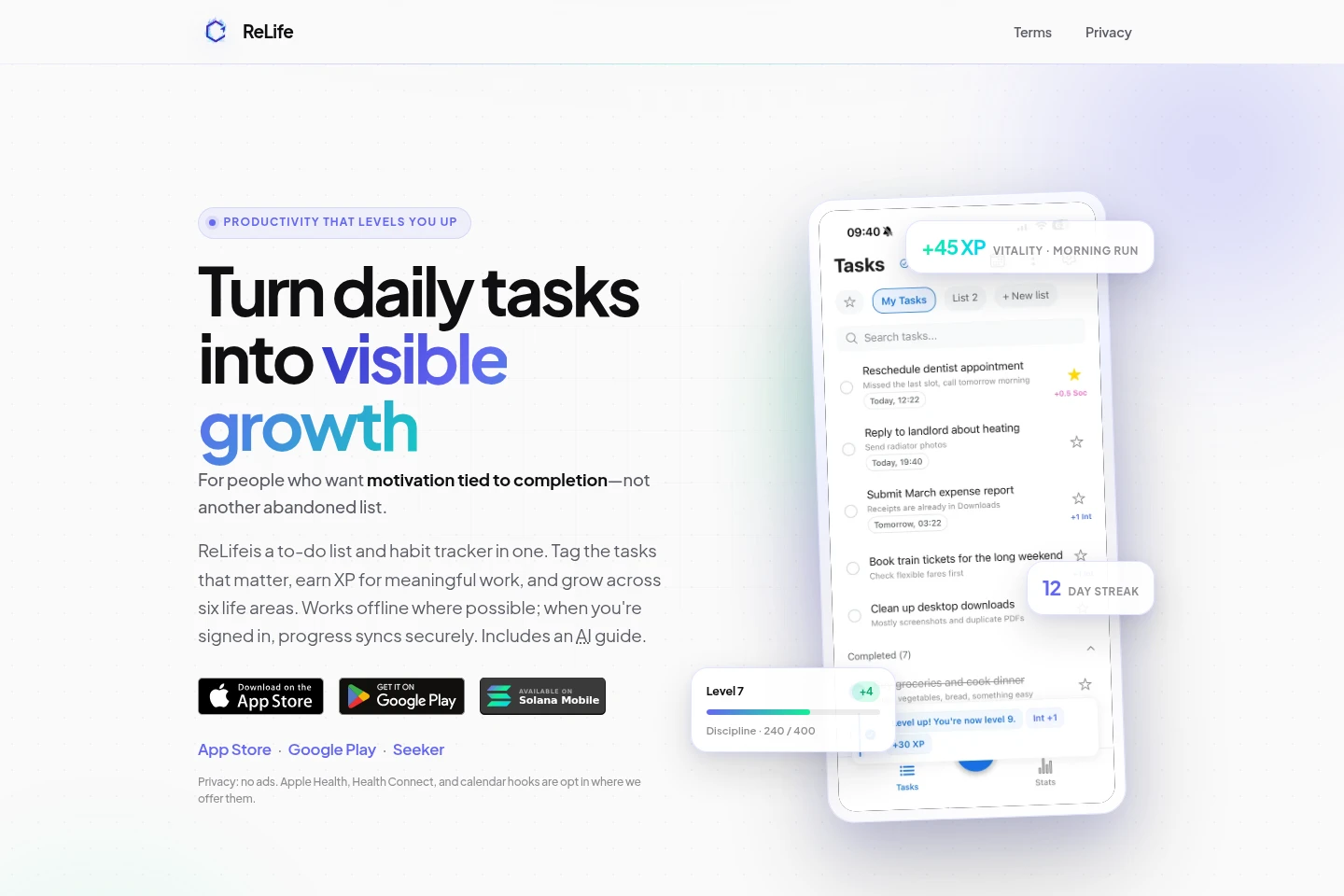
  5. ReLife

    Turn tasks and habits into visible personal progress

    Contact Sales

Who it is for

  • Parents who need to coordinate family schedules, errands, appointments, and personal goals.

  • Freelancers who need to organize client work, deadlines, projects, administration, and personal time.

FAQ

Which devices can run Liftora?

Liftora is offered for iOS and Android, with downloads linked from the official site to the Apple App Store and Google Play.

What does Liftora do with spoken or typed input?

Liftora uses everyday-language descriptions of responsibilities to help organize tasks, priorities, dates, routines, and goals into a plan.

Is Liftora free to use?

The core is described as free forever. Premium adds streak freezes and advanced AI; the supplied pages do not state prices or payment periods.

How does app blocking work?

Users can schedule blocks for distracting apps and use strict mode and a focus timer. Available controls depend on the device and permissions.

Does Liftora confirm that tasks were completed?

No. Liftora supports planning and accountability, but it does not independently verify task completion or guarantee a result.

Comments

Please sign in to leave a comment.
No comments yet. Be the first to share your thoughts!