
Monthly visits
925
2026-10
Monthly growth +781%

Lebenmaster - Plan objectives, build discipline, and recover energy

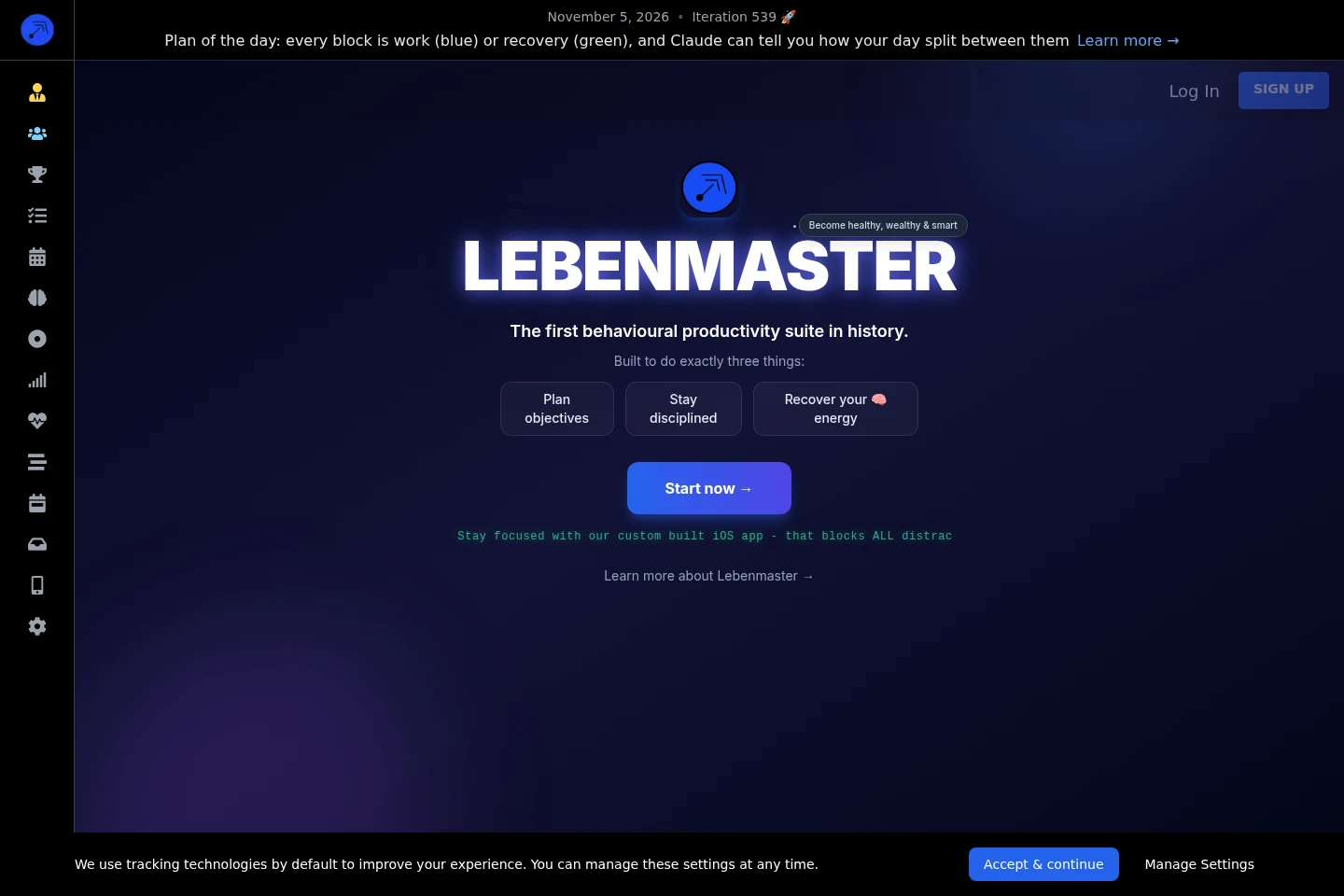
Lebenmaster is a productivity suite for planning objectives, organizing tasks, and managing work and recovery. Its web app includes daily and weekly planning, task tracking, focus sessions, and health logging. The pricing page offers individual, team, and enterprise plans, with higher tiers adding accountability and support.

Visit WebsiteUpdate this product

0Views

Capabilities

Task and objective tracking

Track tasks and long-term objectives in the app. Create tasks, organize them with subtasks and checklists, and use objective matching to connect work with broader goals.

Daily and weekly planning

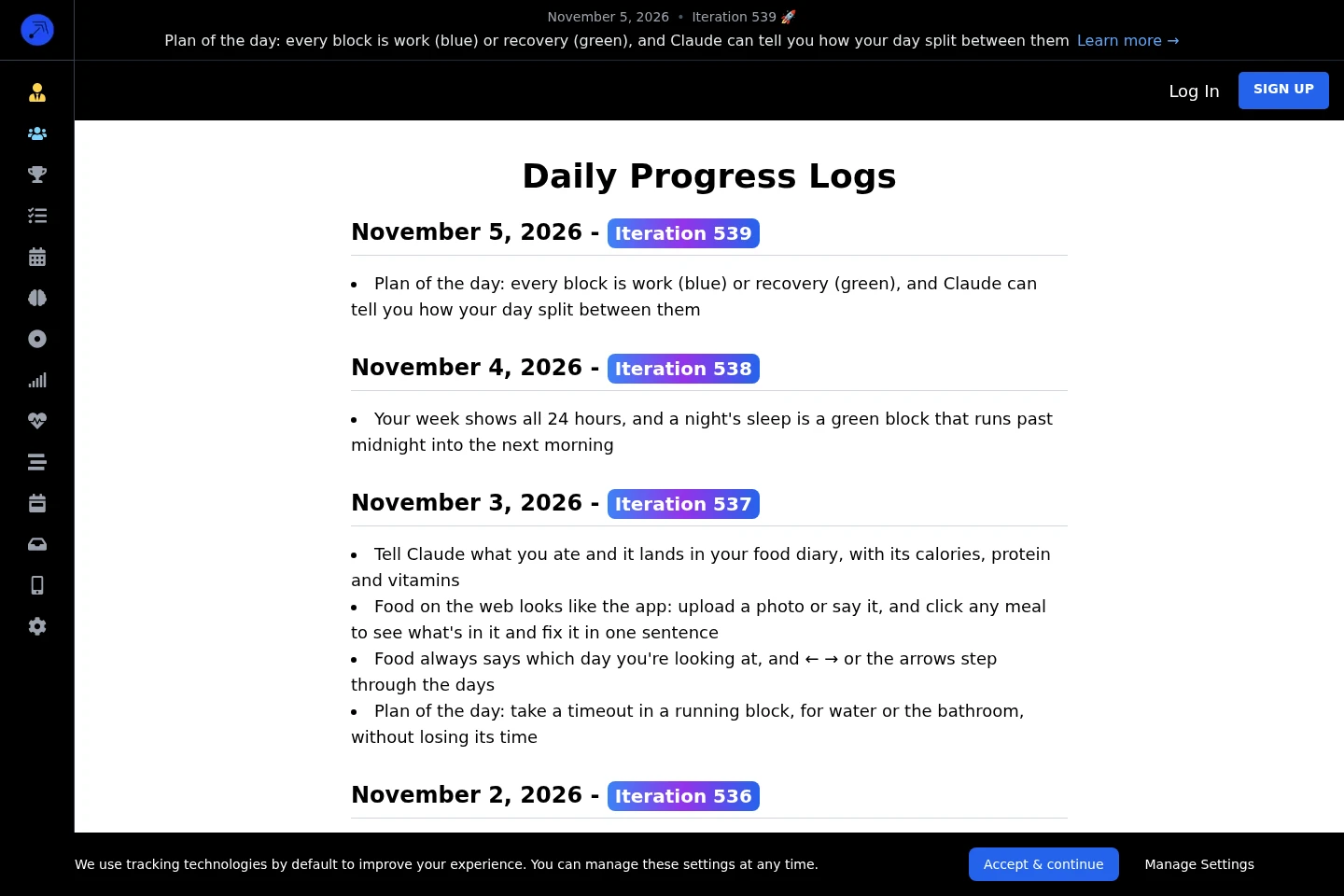
Plan work and recovery in daily blocks and view the full week on a calendar. Compare the morning plan with what happened, and keep plans and focus sessions in sync across devices.

Focus sessions and timers

Run a focus timer alongside a task and track actual work time, including overtime. A running block can be paused for a timeout without losing its recorded time.

Health and food logging

Record meals and view a food diary with nutritional information. Enter what you ate or upload a meal photo; the feature log describes estimates for calories and macronutrients from photos.

Rex task coaching

Use Rex while working to get help breaking a task into smaller steps and starting a timer. Rex can listen and respond, and users can adjust how fun or harsh the coach is.

Pricing

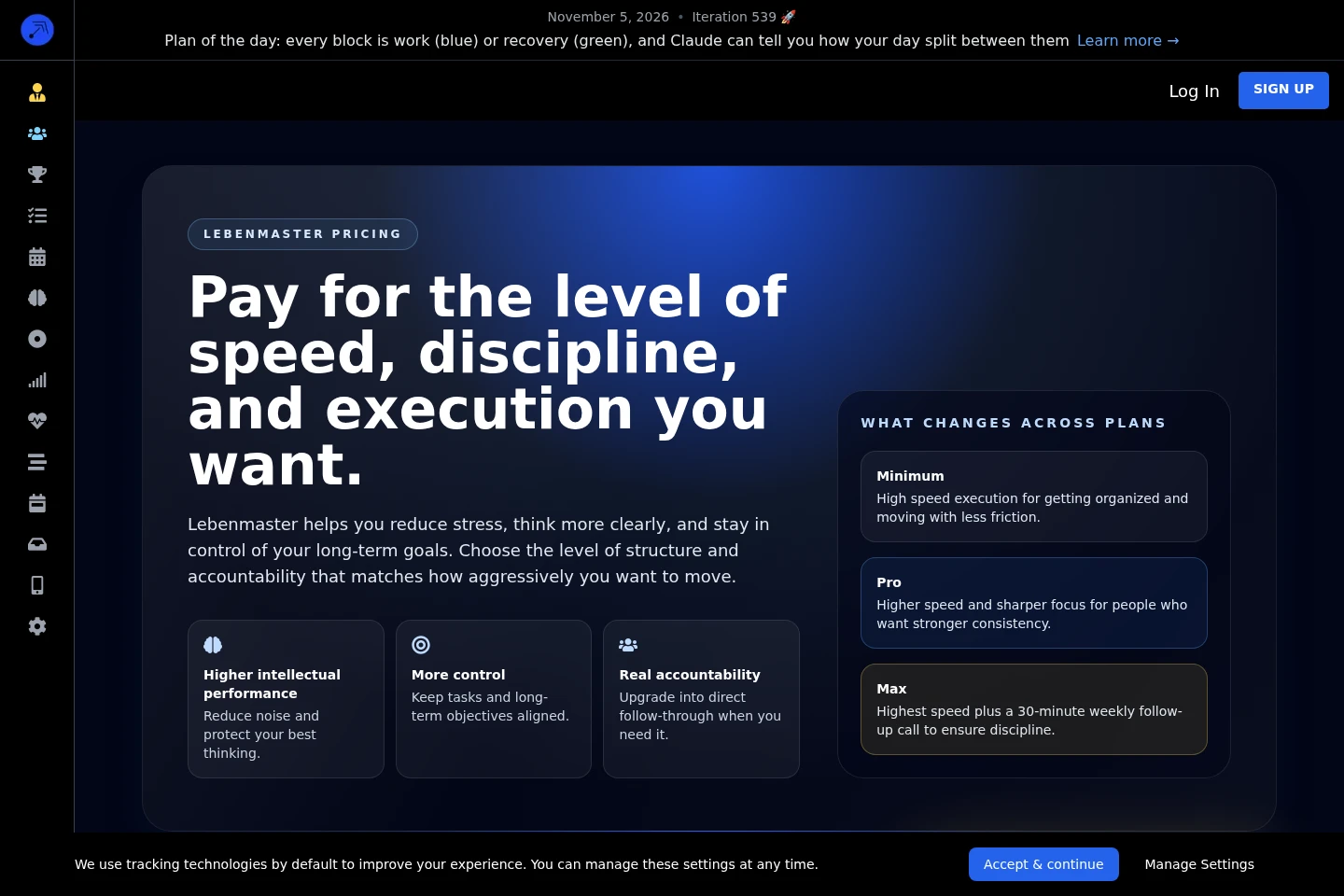
Lebenmaster has paid individual, team, and enterprise plans, billed monthly, weekly, per seat monthly, or at custom pricing. Compare execution and accountability features, included support, and whether pricing is per person or custom.

PlanPriceIncluded features and limits
Minimum

$16.99/month

  • High speed execution system

  • Task and objective tracking

  • Structure for long-term goals

  • Positioned to lower daily stress

Pro

$29.99/month

  • Higher speed execution and planning

  • Sharper focus on high-value work

  • Consistency-oriented intellectual performance

  • Operating system for disciplined output

Max

$199/week

  • Highest speed execution environment

  • 30-minute weekly follow-up call

  • Direct accountability for execution

  • Premium support

Teams

$24.99 per seat/month

  • Shared system for team execution

  • Per-seat pricing

  • Team support

  • Rollout guidance

Enterprise

Custom pricing

  • Custom onboarding and implementation support

  • Pricing adapted to the organization

  • Direct conversation about the operating model

Use cases

Organize goals and daily tasks

When long-term objectives and everyday work need to stay connected, record objectives, tasks, subtasks, and recurring checklists in Lebenmaster. Use the task and objective views to organize work and follow progress.

Plan work and recovery time

When structuring a day or reviewing how time was spent, arrange work and recovery in daily blocks and view the week on a calendar. Compare the plan with the actual day and keep focus sessions aligned across devices.

Track time spent on focused work

When working through a task, start its focus timer and track actual time, including overtime. Use the recorded work time alongside tasks and achievements; a timeout in a running block does not discard its time.

Record meals and nutrition details

When keeping a personal food diary, enter a meal in the web app or upload a photo, then review available nutritional details. The feature log says photo-based entries estimate calories and macronutrients.

Limitations

  • The 30-minute weekly follow-up call is included in Max, not described as an included feature of Minimum or Pro.

  • The pricing page lists Enterprise as custom priced and directs organizations to contact sales.

  • The pricing page lists Teams at $24.99 per seat per month; it does not state a minimum seat count.

  • The homepage labels the mobile app as Android Nov 25, while the FAQ links to an iOS App Store download. The Android label does not establish current Android availability.

Lebenmaster alternatives

Emery Planner

Optimize your time with ease

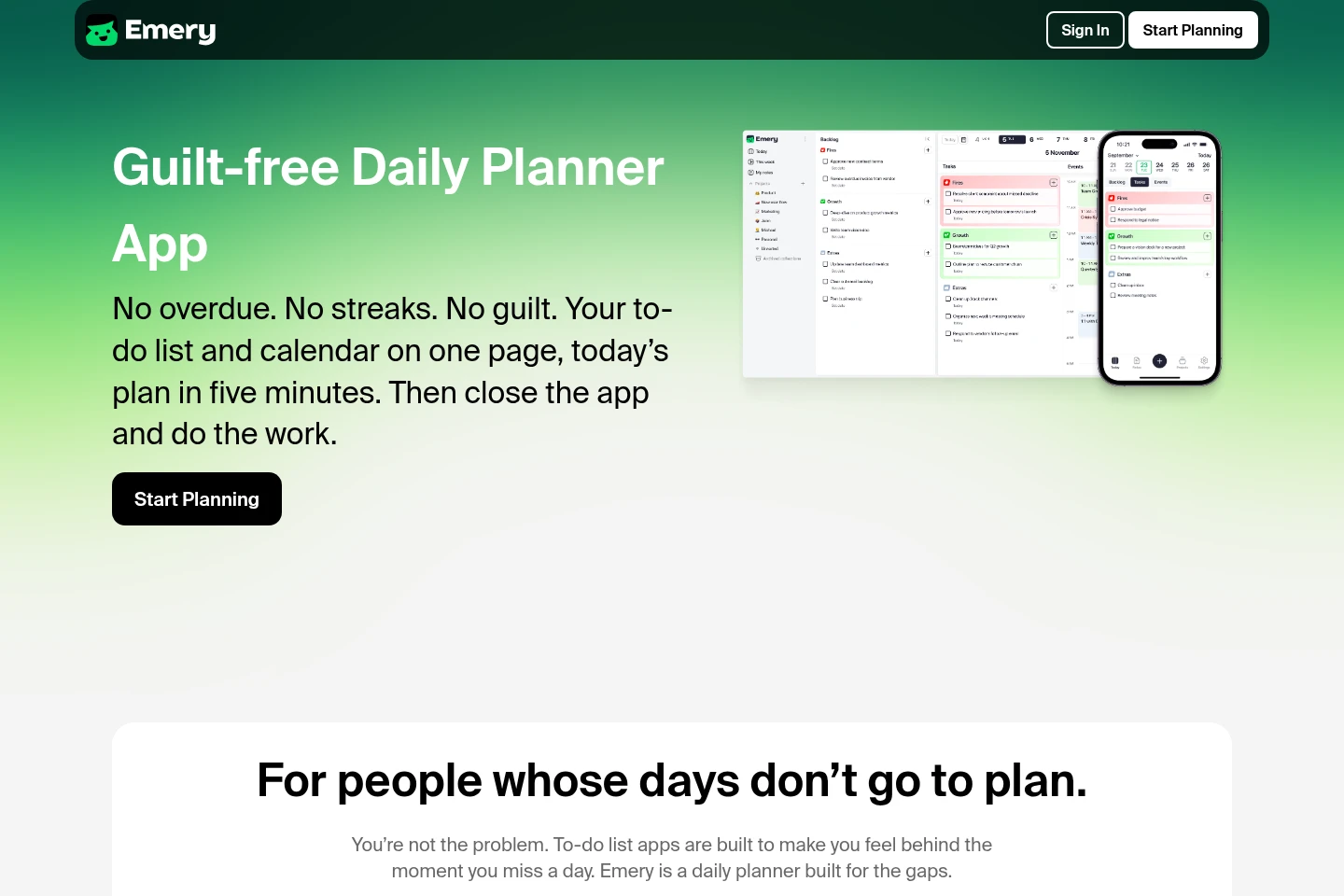
Emery Planner is an intuitive, all-in-one task management tool designed to enhance productivity and organization. It allows users to create, track, and prioritize tasks seamlessly, ensuring nothing falls through the cracks. Key features include a daily focus planner, weekly goals, and a user-friendly interface that adjusts according to your needs. Whether you’re planning for the week ahead or just tackling daily chores, Emery Planner keeps you focused and in control, enabling you to make the most of your time.

  • Free
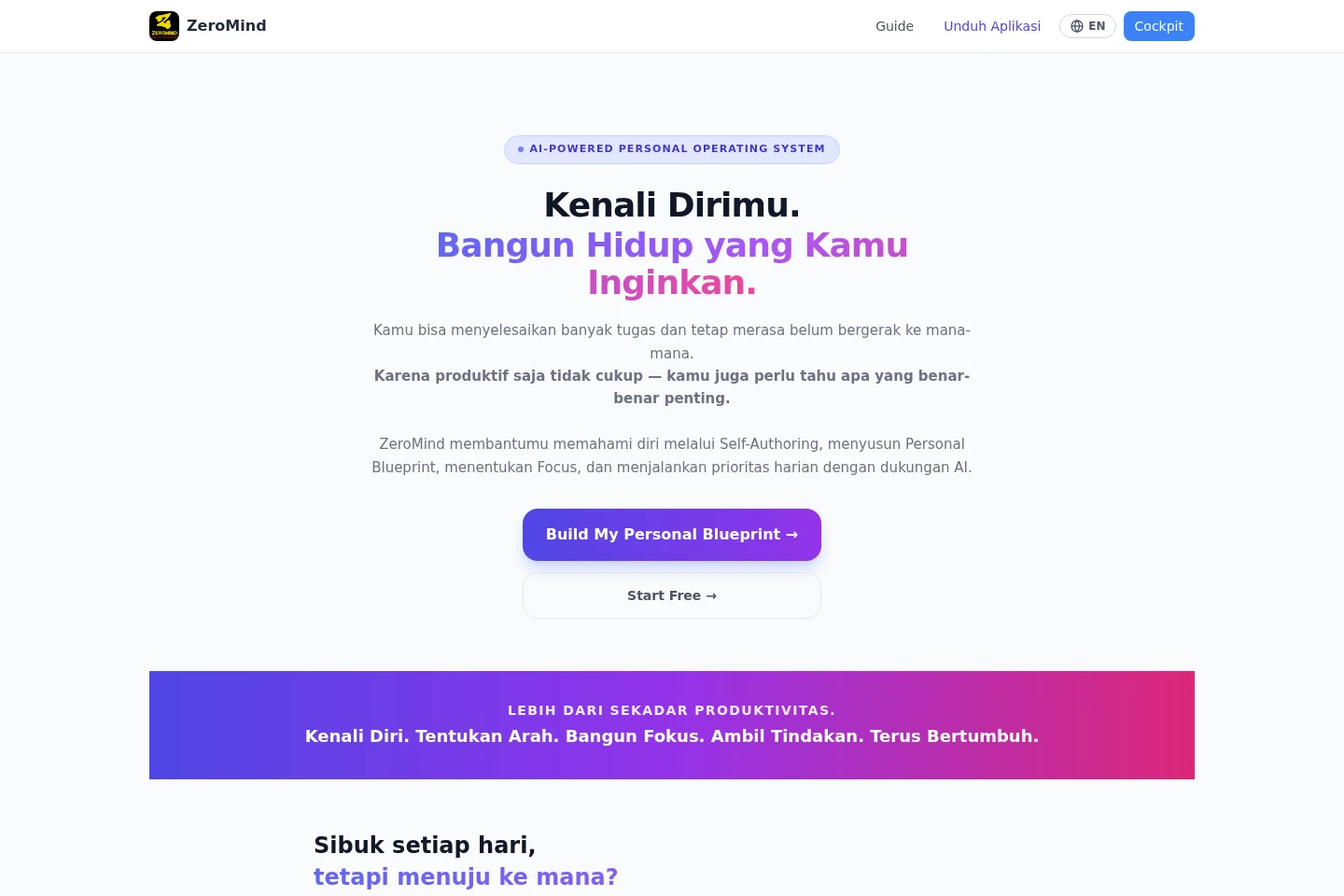
  1. ZeroMind

    Connect daily actions with the life you want to build

    Contact Sales
  2. TimeMaster

    Awaken your productivity potential

    Freemium
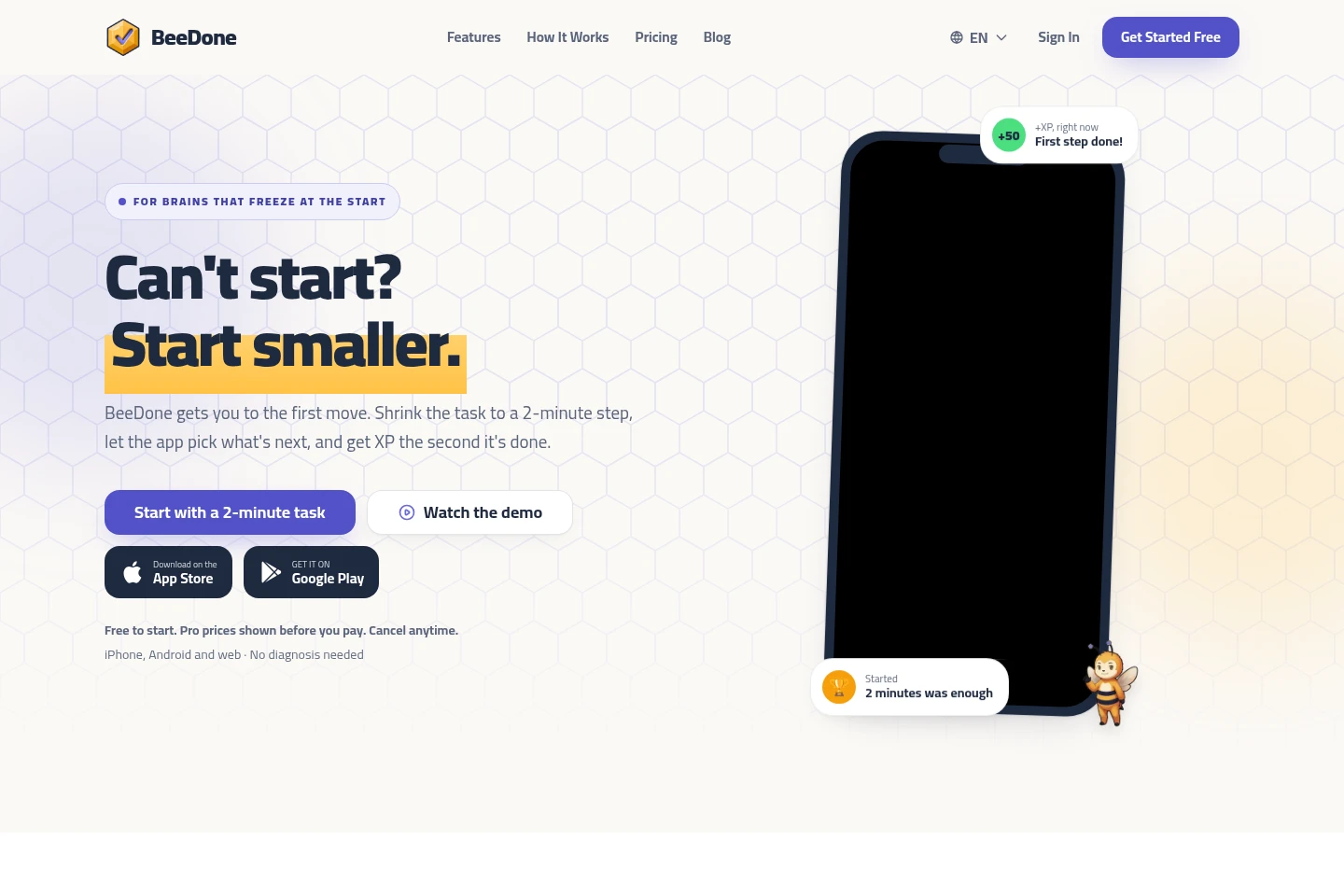
  3. BeeDone

    Transform tasks into triumphs

    Paid
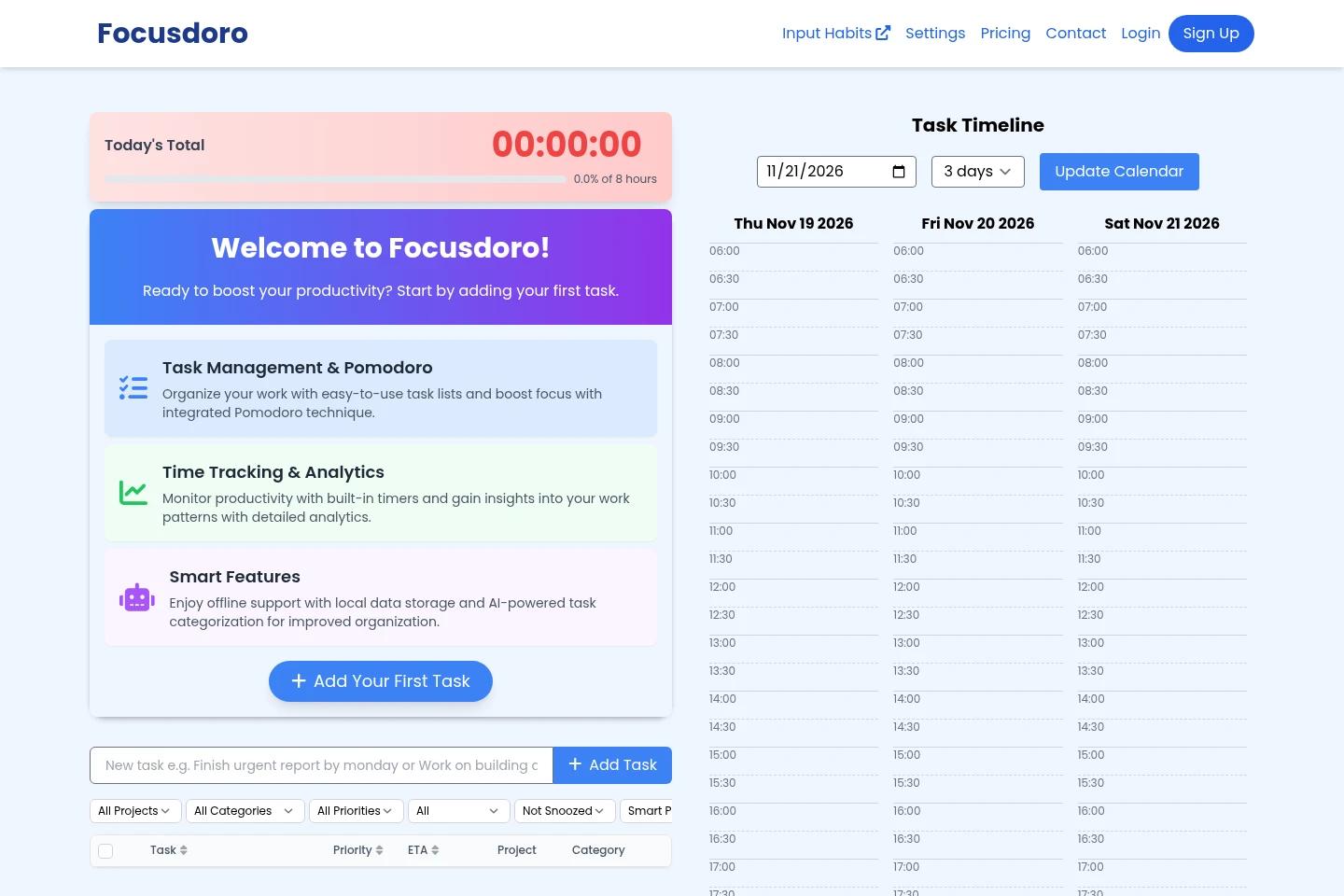
  4. Focusdoro

    Boost your focus and productivity effortlessly

    Freemium
  5. Momentum

    Organize tasks, projects, and team collaboration on customizable boards

    Individual / Team · £5/month; 7-day free trial

Who it is for

  • People who want structure for daily tasks and long-term objectives

  • People who want to plan focus sessions and track actual work time

  • Founders and operators seeking weekly follow-through and direct accountability

  • Teams seeking a shared system for execution, accountability, and rollout support

FAQ

What can I use Lebenmaster to plan?

You can plan objectives, tasks, and daily work and recovery. The app also provides a weekly calendar and focus sessions, according to its homepage and feature log.

Can I record meals in Lebenmaster?

Yes. The feature log describes web meal entry by typing or uploading a photo, with nutritional details; it says photo entries estimate calories and macronutrients.

What does the Max plan include?

Max is listed at $199 per week and includes a 30-minute weekly follow-up call, direct accountability, and premium support. The pricing page positions it for founders and operators.

How is Teams priced?

Teams is listed at $24.99 per seat per month. Its plan description includes a shared operating system, team support, and rollout guidance.

Can I speak with someone for support?

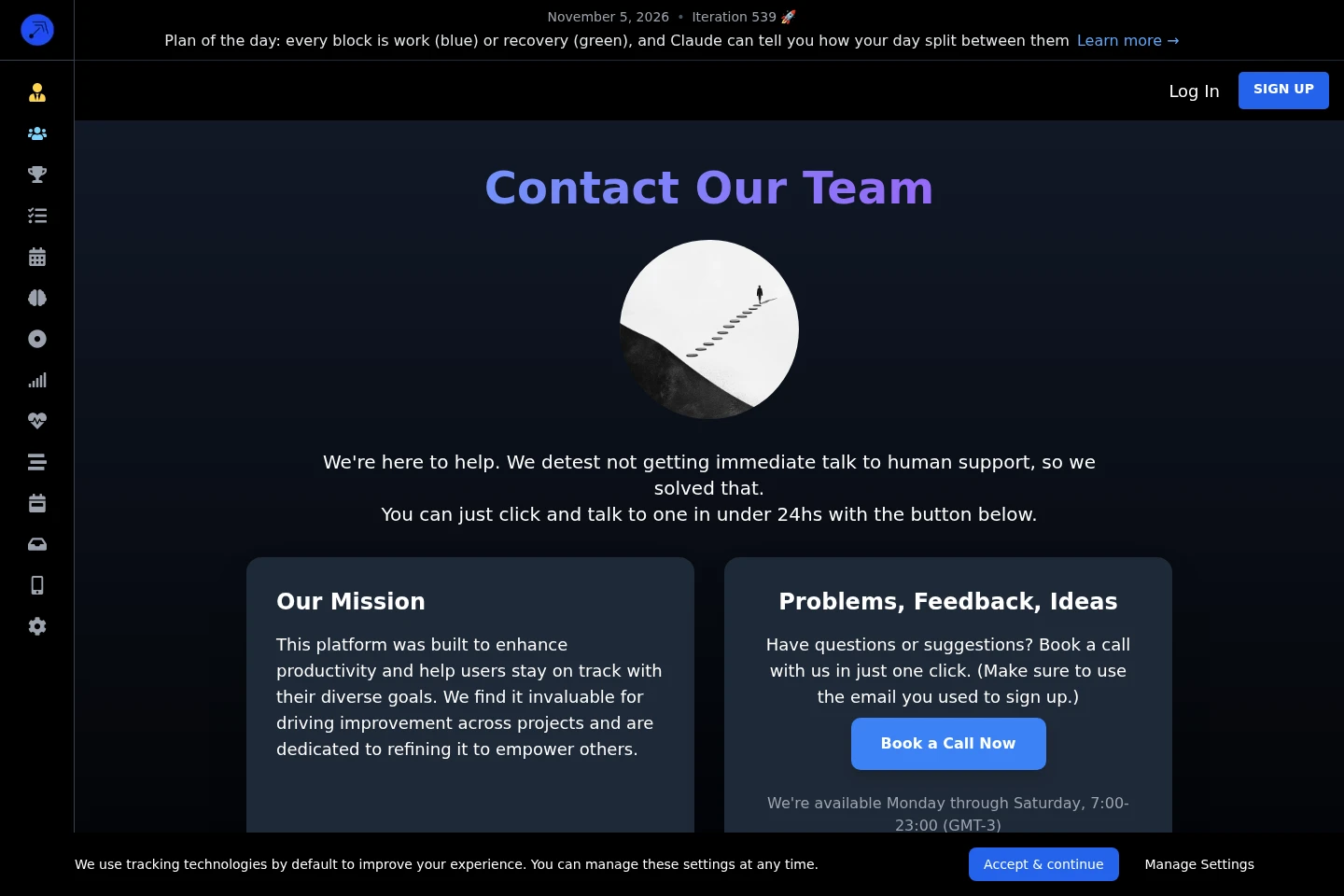
Yes. The contact page offers a one-click call booking and says support is available Monday through Saturday, 7:00–23:00 GMT-3. It asks users to book with the email used to sign up.

Comments

Please sign in to leave a comment.
No comments yet. Be the first to share your thoughts!