

- Monthly visits
- 2,662
- 2026-10
- Monthly growth +1,857.4%
Krea 3 - Create and refine images, then turn them into short videos
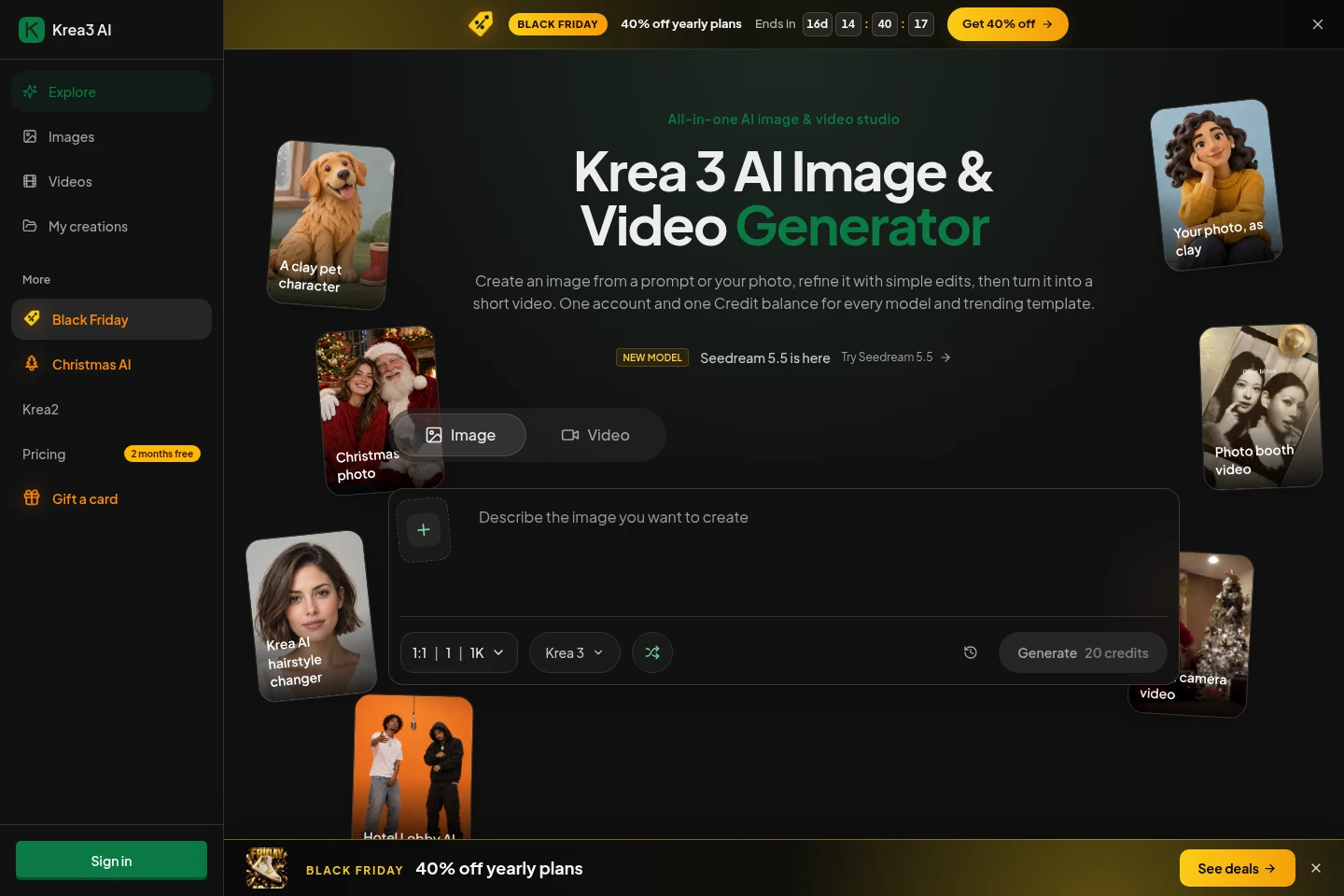
Krea 3 is an AI image and video editor for creating visuals from text prompts or photos. Describe changes to lighting, backgrounds, clothing, or other details, and specify what to preserve. Review and refine the result, then download it or turn an image into a short video. Plans use Credits for generations.
- AI Image
- Image Generators
- Photo Editors
- Video Generators
- AI image editor
- image-to-video generator
- AI photo editing
Capabilities
Prompt-based image generation
Generate an image from a written prompt. Describe the subject, setting, composition, and style, then review the result and use it as a starting point for further edits.
Reference image editing
Edit a photo, illustration, or generated image using written instructions. Describe the changes and details to preserve, review the output, and refine the prompt for another pass.
Visual style guidance
Guide the appearance of an image with references and style cues. Specify a look such as film grain, studio lighting, or a hand-drawn finish, then compare the generated options.
Image-to-video generation
Turn an image into a short video. The homepage presents image and video creation in the editor and describes video generation using a generated image or photo as a starting point.
Pricing
Paid plans are available with recurring annual billing, and the pricing page also offers monthly or one-time Credit options. Compare monthly Credits, generation capacity, and image resolution when choosing a listed plan.
| Plan | Price | Included features and limits |
|---|---|---|
| Starter | $149/yr, billed annually |
|
| Creator | $299/yr, billed annually |
|
| Pro Credits | $799/yr, billed annually |
|
The pricing page says one annual payment covers 12 months for the price of 10. Starter, Creator, and Pro Credits receive Credits monthly, and renewal can be canceled anytime. Monthly and one-time Credit options are mentioned, but their prices are not shown in the supplied page content.
Use cases
Refine a photo or illustration
When an existing portrait, product image, or illustration needs a different look, upload it as a reference and describe what to change and keep. Review the output, adjust the instruction, and download the preferred version.
Create a visual from a written brief
When starting with an idea rather than an image, describe the subject, setting, composition, and style in a prompt. Generate an image, assess how it fits the brief, and use it as a reference for another edit if needed.
Turn an image into a short video
When a still image needs a video treatment, start from a photo or generated image in the editor and choose video creation. The site presents this as a way to produce a short video from the starting visual.
Limitations
Results can vary by image, as the site notes for its image-editing examples.
Who it is for
Visual content creators who need to generate or revise images from prompts and reference photos
Designers and brand creators who need to explore lettering, composition, lighting, or product visuals
Social and editorial creators who need alternate moods, palettes, and compositions for visual posts
FAQ
Can I start editing with a photo I already have?
Yes. Upload a photo, selfie, or illustration as a reference, then describe the change you want and the details to preserve.
How can I keep important image details consistent?
Include the details to preserve in your instruction, such as a face, hair, clothing, or composition. Review the result and refine the instruction if needed.
Can I try the editor before paying?
Yes. The site invites users to explore the editor before buying Credits; the pricing page also has a question about exploring before payment.
What do the paid plans include?
The listed plans provide monthly Credits, with amounts varying by plan. They also differ in generation capacity and supported image resolutions; all three list unlimited downloads and watermark-free downloads.
Can I use the images commercially?
The pages include this as a pricing FAQ question, but the supplied page content does not provide an answer or usage terms.
Comments