

- Monthly visits
- 45,772
- 2026-09
jpgHi - AI upscaling for photos and artwork
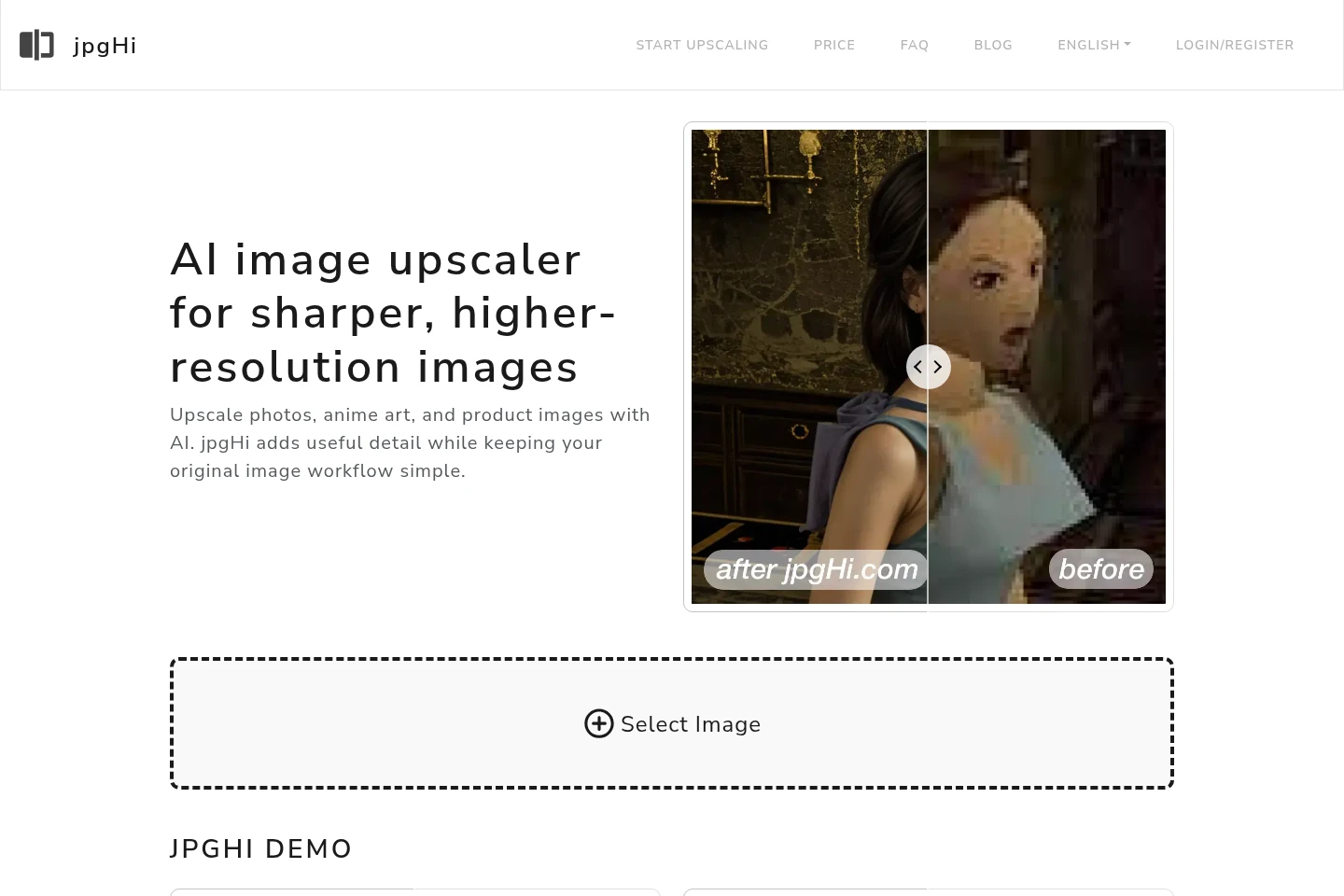
jpgHi is a browser-based AI image upscaler for photos, anime artwork, portraits, and product images. Select an image type and enlargement factor, then process the image with options for creativity, similarity, HDR, and sharpness. Upscaling is available up to 16x; processing time and token cost depend on image size, type, and factor.
- AI Image
- Image Upscalers
- AI image upscaler
- anime image enlargement
- photo resolution enhancement
Capabilities
AI image upscaling
Enlarges an uploaded photo or artwork and adds image detail, with factors up to 16x. Choose the image type and scale; higher factors can take longer and may introduce AI-imagined details.
Image enhancement controls
Adjusts image processing with creativity, image similarity, HDR, and sharpness settings. These controls are available in the advanced options before starting an upscale.
Image type selection
Lets users classify an image as a photo or artwork before processing. The selected type and upscaling factor affect token requirements.
Pricing
jpgHi offers a free tier and paid token packs purchased as one-time credits. Compare monthly token allowance, token quantity, validity period, and processing priority when choosing an option.
| Plan | Price | Included features and limits |
|---|---|---|
| Free Version | ¥0 |
|
| 180 token | $6 |
|
| 500 token | $15 (was $20) |
|
| 1200 token | $30 (was $50) |
|
Use cases
Enlarge a photo for clearer detail
When a photo needs a larger output, upload it, select Photo, and choose an upscaling factor. jpgHi processes it with AI to enlarge the image and add detail; higher factors may take longer.
Enlarge anime or cartoon artwork
When anime or cartoon artwork appears small or pixelated, upload it, choose the artwork image type, and select a scale. The service processes the image to increase resolution and reduce pixelation.
Limitations
Higher upscaling factors can add AI-imagined details and slow processing; a larger factor is not always a better choice.
Token requirements vary by image type and upscaling factor; check the displayed requirement after selecting them.
Deleting a task while it is still processing does not refund its tokens; failed tasks can be refunded by deleting them.
The service does not provide refunds after purchase because processing cannot be canceled once started.
Who it is for
People enlarging photos, portraits, anime, or other artwork
People preparing product images who need a larger image with added detail
FAQ
How do I upscale an image with jpgHi?
Upload an image, choose Photo or Artwork, select an upscaling factor, and start processing. Advanced options include creativity, image similarity, HDR, and sharpness.
What is the maximum upscaling factor?
The FAQ describes upscaling up to 16x. Higher factors may take longer and can add AI-imagined details, so the largest factor may not suit every image.
How long does processing take?
Time depends on the original image size and selected factor. The FAQ estimates 1–2 minutes for 2x, 5–6 minutes for 4x, 8–9 minutes for 6x, and 30–60 minutes for 16x.
How are tokens charged?
Token requirements depend on image type and upscaling factor. Select those options to see the required tokens before starting.
Can I get a refund for a purchase?
No. The FAQ says purchases are non-refundable because the service cannot be canceled once processing starts; users can try the free service before purchasing.
Are tokens refunded for failed tasks?
Yes, deleting failed tasks refunds their tokens. Deleting a task that is still processing does not refund tokens.
Comments