

- Monthly visits
- 203
- 2026-10
- Monthly growth -36.6%
ItemIQ - Prepare resale listings and keep inventory organized
ItemIQ helps marketplace resellers turn item photos into listing drafts, organize inventory with SKUs, recover catalog items, export listings in bulk, and coordinate live shows. It offers an iPhone app and web workflows, including Host View and Remote Host. A free listing generator can create one draft from a photo without an account.
- AI Business Tools
- E-commerce Management
- Product Description Generators
- E-commerce
- reseller listing generator
- reseller inventory management
- live selling tools
Capabilities
Photo-based listing drafts
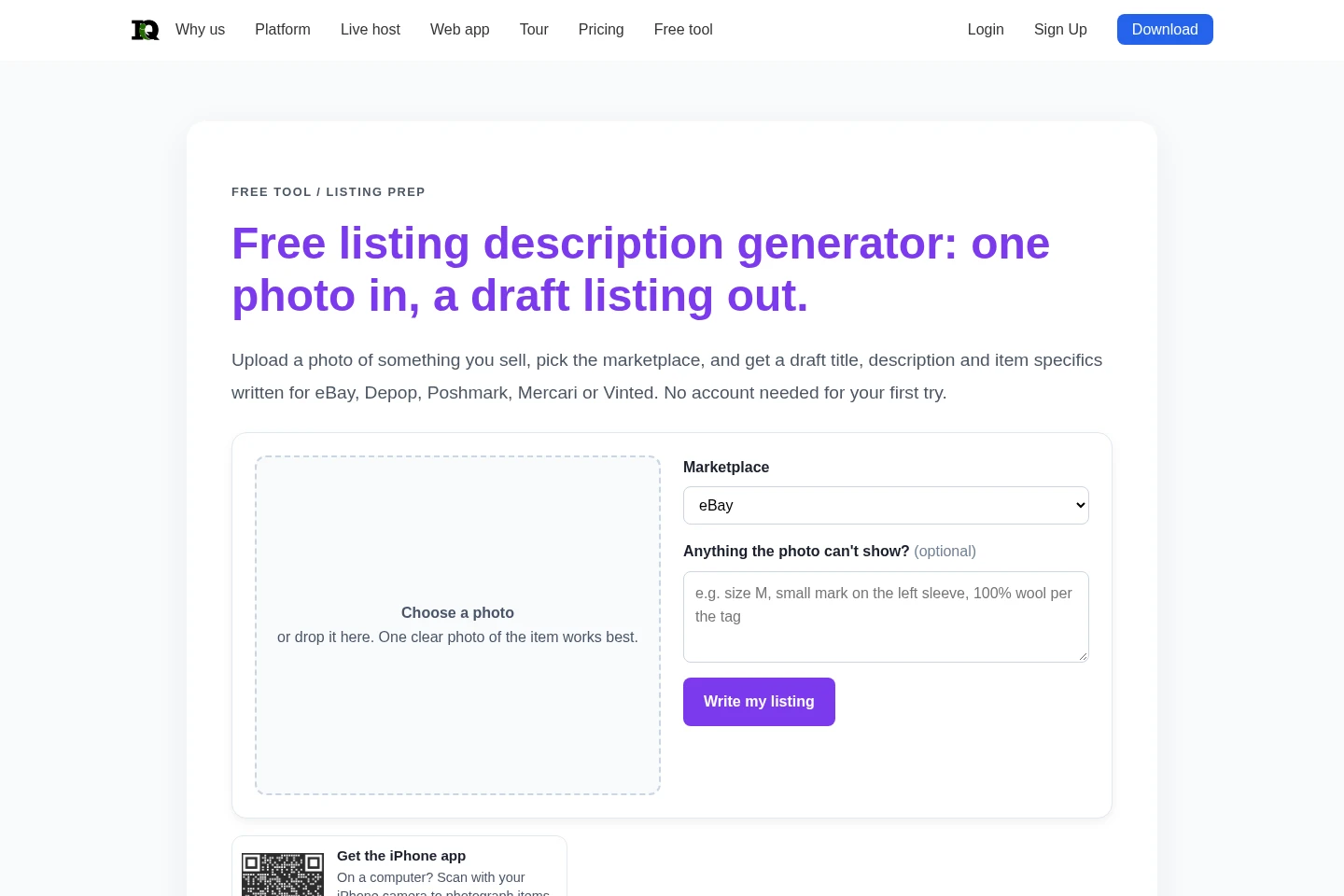
Create a draft title, description, and item specifics from item photos. Choose a marketplace and review the generated text; the one-photo web generator needs no account for the first try, and drafts do not publish listings.
SKU inventory tools
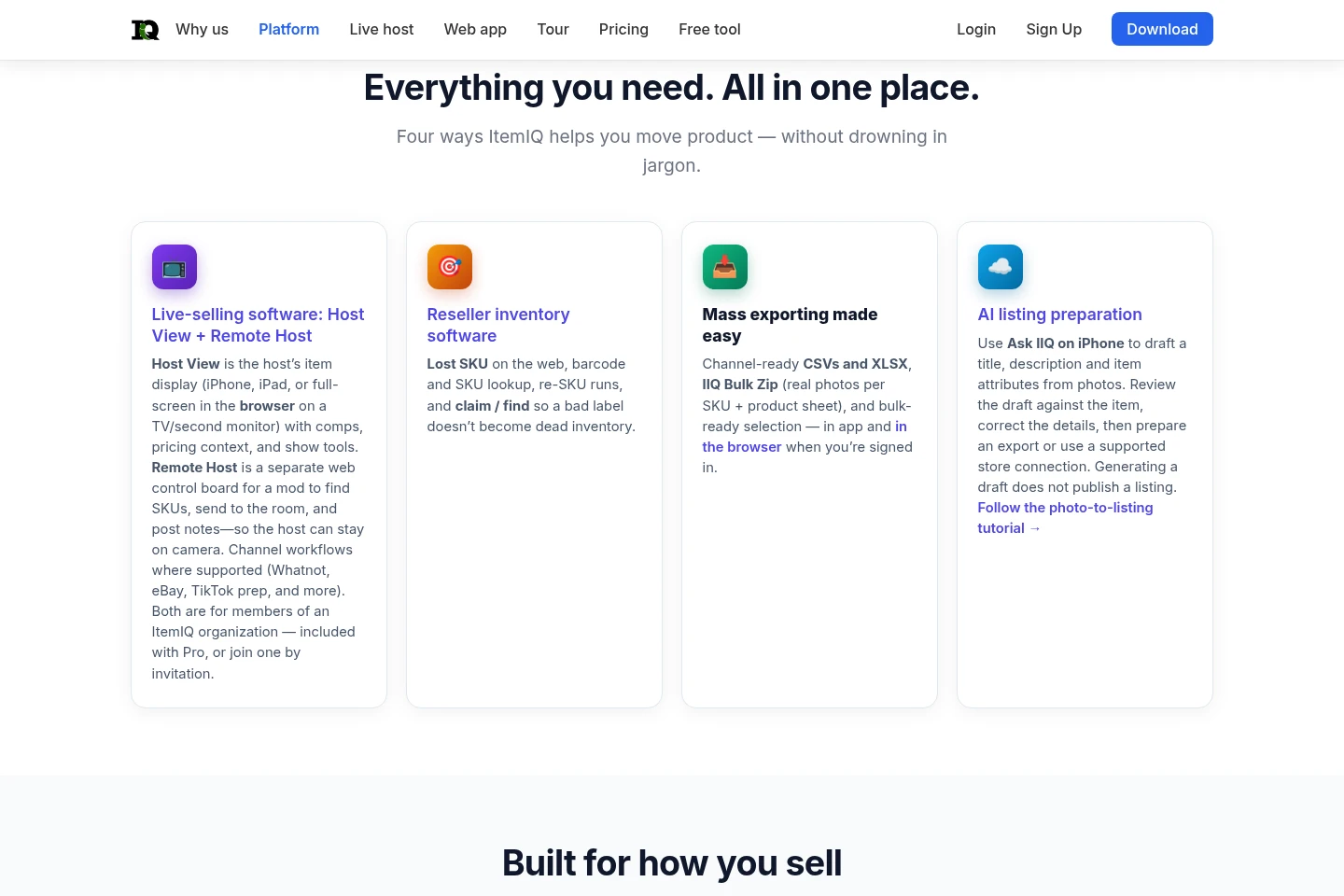
Organize item records with photos, SKUs, and shelf locations, and find or claim catalog items. Use barcode, scan, text, or web photo lookup workflows to locate items and correct SKU problems.
Bulk listing exports
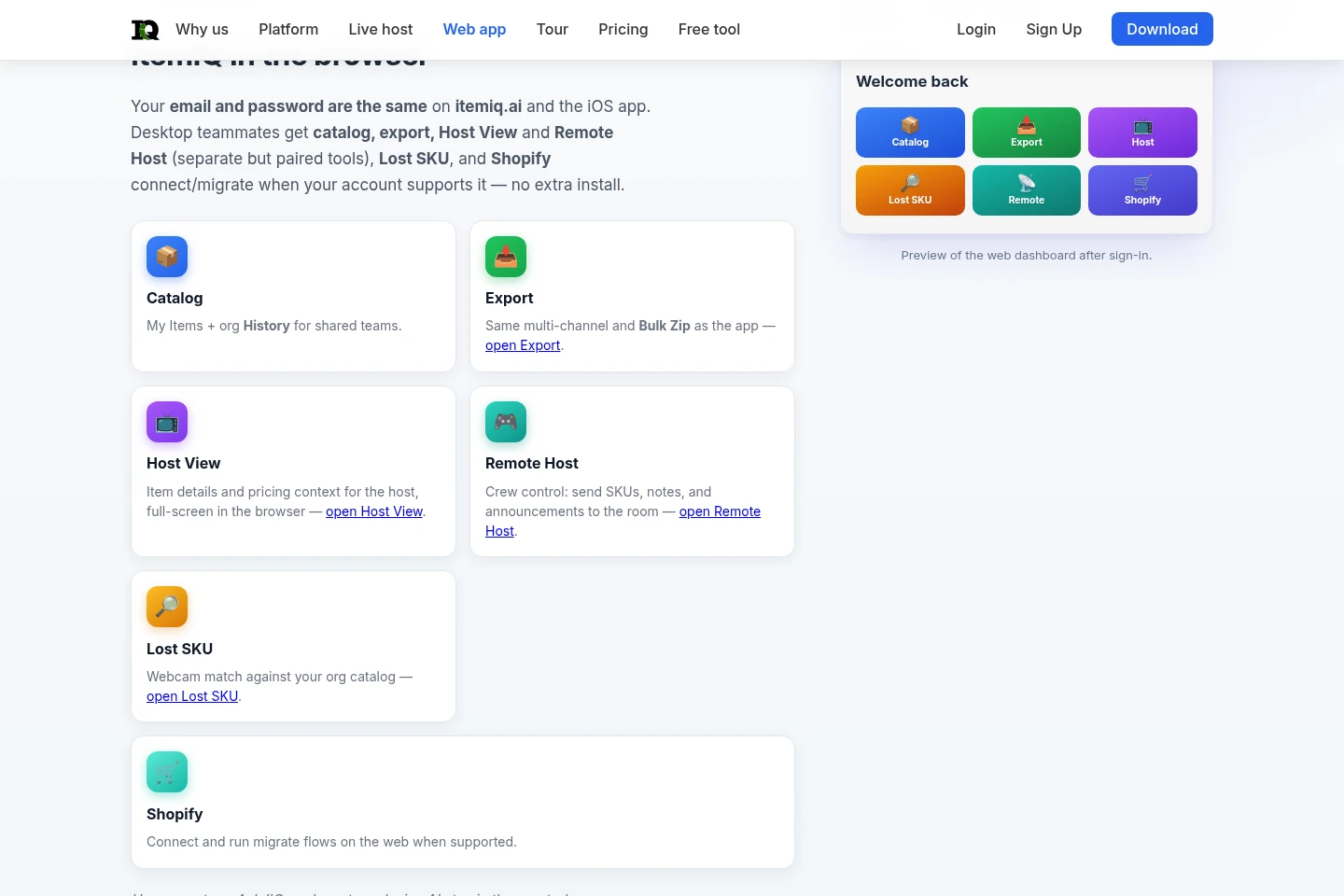
Export selected inventory in channel-ready formats, including CSV and XLSX, or as an IIQ Bulk Zip with photos and a product sheet. Bulk exports are available in the app and signed-in browser workflows.
Live show coordination
Display item details and pricing context with Host View, and let crew members use Remote Host to find SKUs, send them to the room, and post notes or announcements. These tools require membership in an ItemIQ organization.
Pricing
ItemIQ offers a free plan and a Pro plan; the supplied pricing evidence does not show prices or billing periods. Compare plan access and included features, including the free plan's monthly credit allowance and organization access for live-show tools.
| Plan | Price | Included features and limits |
|---|---|---|
| Free | Free; price not stated |
|
| Pro | Price and billing period not stated |
|
Use cases
Prepare marketplace listings from item photos
When a reseller needs listing copy for an item, upload a photo, select a marketplace, and review the draft title, description, and item specifics. Check brand, size, measurements, condition, and other details yourself before posting.
Locate and correct misidentified inventory
When a SKU or label does not match an item, use barcode, scan, claim/find, or web photo lookup against the saved catalog. The matching and re-SKU workflows help identify the catalog record to correct.
Export inventory for multiple marketplaces
When preparing listings or moving inventory data in volume, select SKUs in the app or signed-in web workflow and export channel-ready CSV or XLSX files, or an IIQ Bulk Zip containing item photos and a product sheet.
Coordinate a live-selling show with a crew
When a host is presenting items live, use Host View for item and pricing context while a crew member uses Remote Host to find and send SKUs, add notes, or post announcements. Both tools require an ItemIQ organization.
Limitations
The free account plan provides 20 credits per month, while the AI listing draft in the iPhone app does not use credits.
The one-photo web generator creates a draft only; sellers must verify brand, size, measurements, condition, and other details before listing.
Host View and Remote Host require membership in an ItemIQ organization, through Pro or an invitation.
The web generator does not judge item authenticity, and it names a brand only when the brand is clearly visible.
Who it is for
Marketplace resellers who prepare listings and track item inventory
Live-selling hosts who need item details and pricing context during shows
Resale teams and auction operations crews coordinating inventory and live-show tasks
FAQ
Can I use the listing generator without an account?
Yes. The first web-based listing draft can be created without an account from one item photo. After that, a free ItemIQ account provides the AI listing draft in the iPhone app.
Does ItemIQ save the photo used by the free generator?
No. The page says the photo is sent to the AI model to write the draft and is not saved to an account or stored by ItemIQ.
Can ItemIQ identify a brand or verify authenticity?
It names a brand only when the brand is clearly visible, and it does not judge authenticity. Check labels, tags, and serial numbers yourself.
What does the app do beyond the one-photo generator?
The app supports up to eight photos per item, creates a draft, assigns a SKU and shelf location, and supports bulk listing exports. The one-photo page creates a single draft.
Comments