
- Monthly visits
- 2,008
- 2026-09
- Monthly growth -4%
IraVoice - Private on-device dictation for Mac, Windows, and Linux
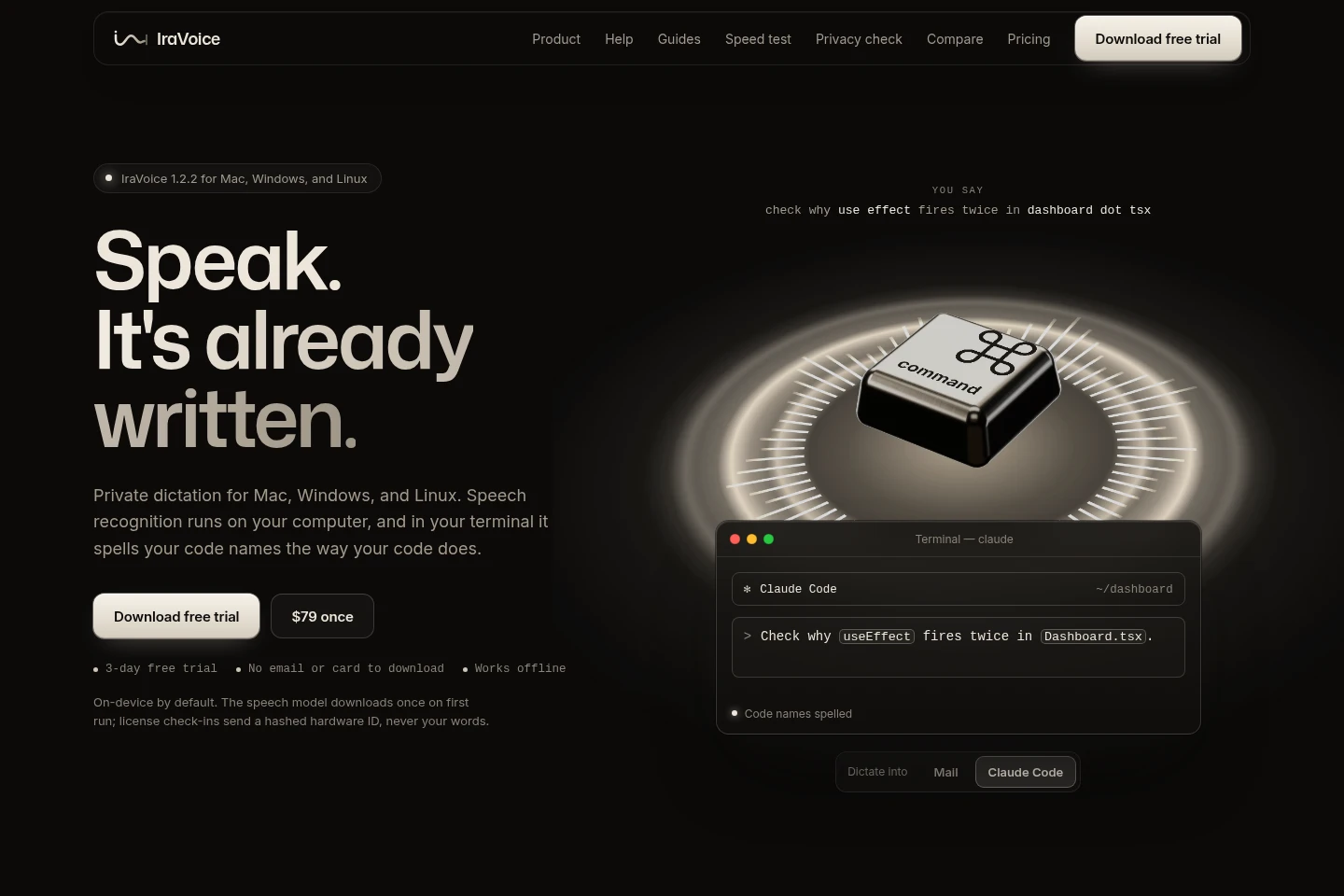
IraVoice is a desktop dictation app for macOS, Windows, and Linux. Hold a shortcut, speak, and it types at the cursor in the focused app. Speech recognition runs on your computer with NVIDIA Parakeet, including offline use after the model downloads. In terminals and editors, it reads project file, folder, and symbol names to spell code identifiers as written.
- AI Productivity
- Voice Dictation
- on-device dictation
- developer voice typing
- offline speech to text
Capabilities
On-device speech dictation
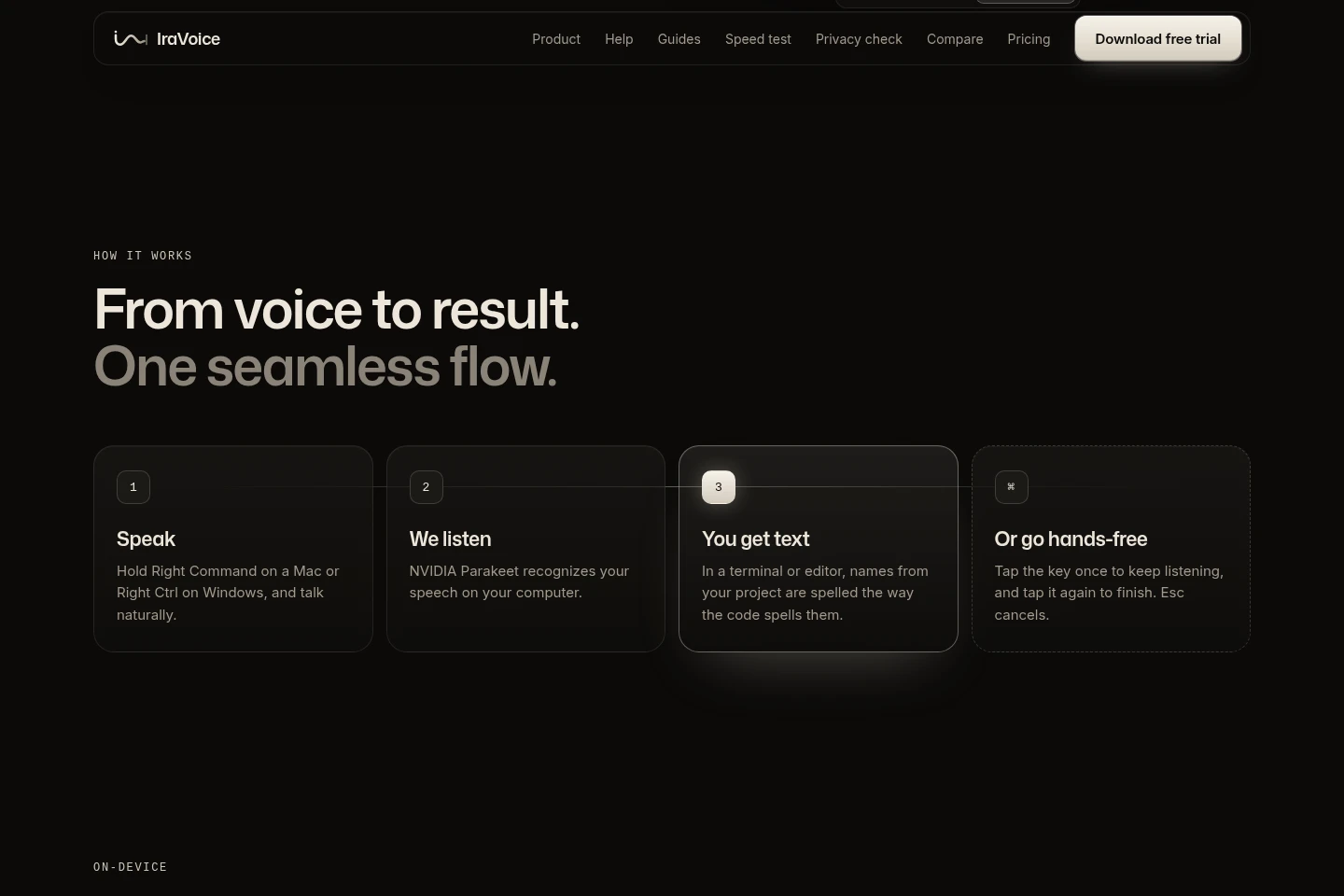
Converts spoken words into text at the cursor in the focused app. Hold a keyboard shortcut while speaking; recognition runs locally with NVIDIA Parakeet, and works offline after its model downloads.
Project-aware code names
Types spoken file, folder, and symbol names with the project’s casing and punctuation. In supported terminals and editors, IraVoice reads names from the Git project, not source text, and skips secrets and dependency folders.
Hands-free listening
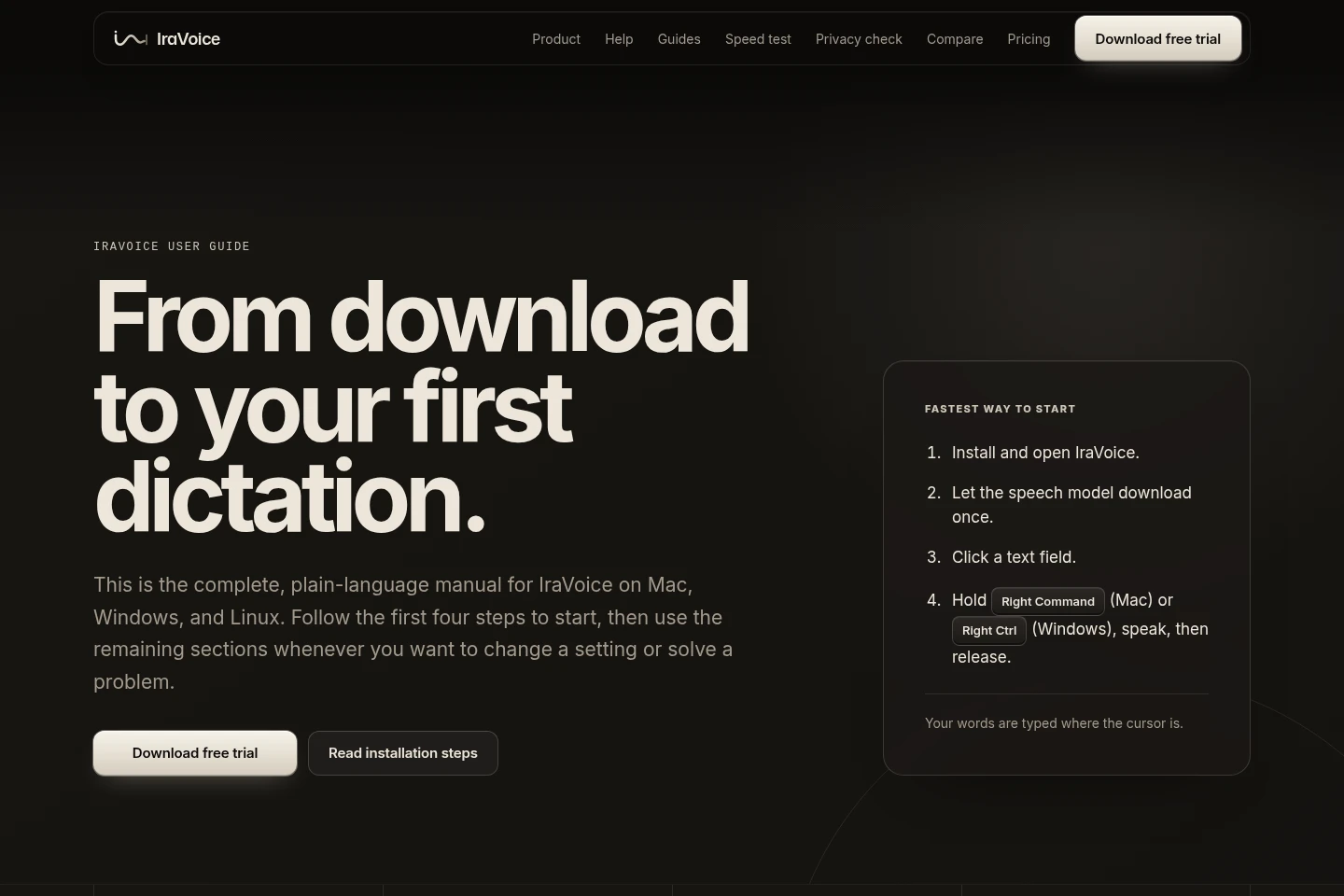
Keeps dictation listening after a shortcut tap and ends when the user taps again. Esc cancels; Mac uses Right Command, Windows uses Right Ctrl, and Linux defaults to Ctrl+Space.
Custom words and replacements
Applies user-defined words, replacements, and snippets during dictation. The app also learns words from user corrections, with these items kept on the computer.
Pricing
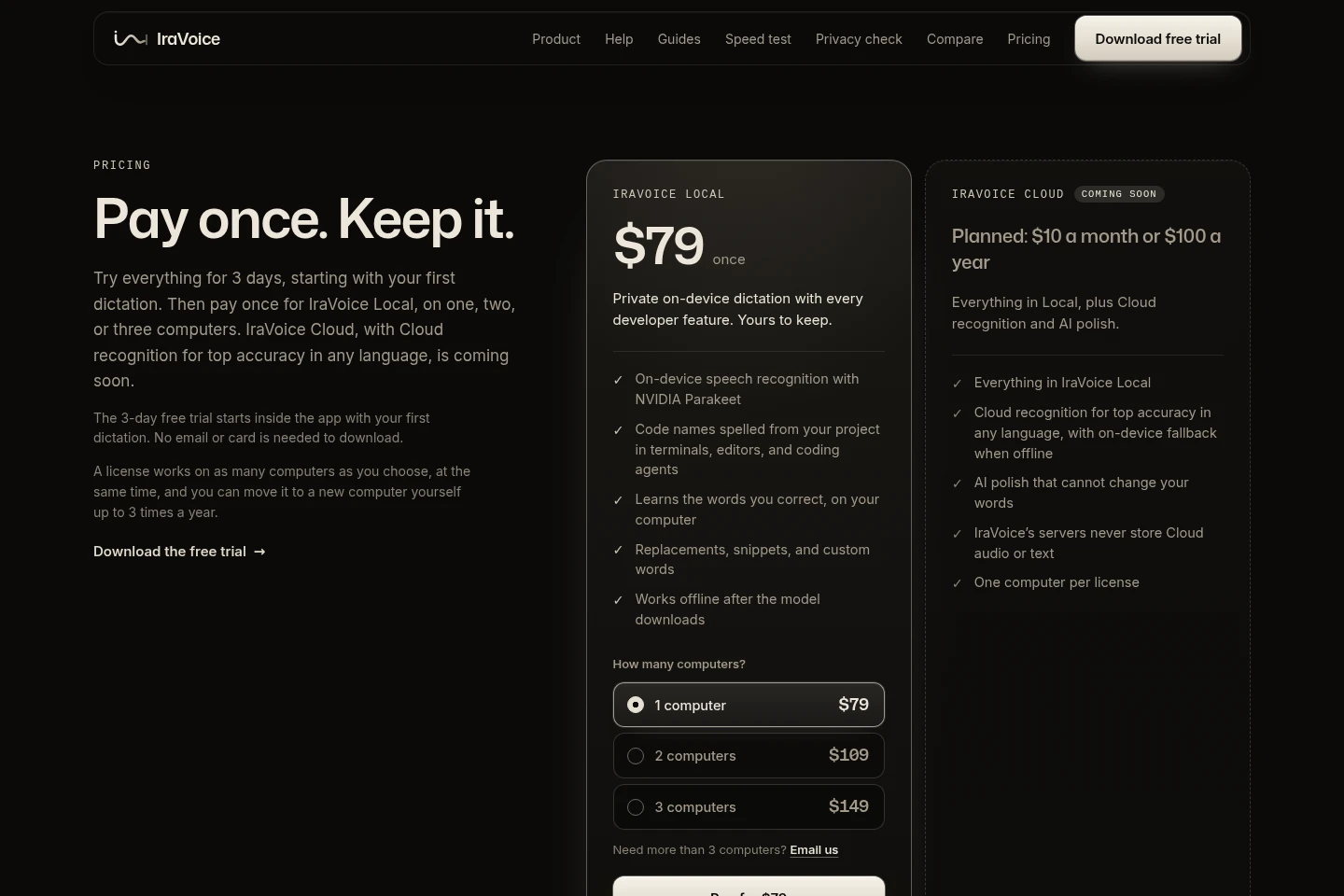
IraVoice Local is a paid one-time purchase after a three-day free trial. Compare the number of computers covered; one, two, or three computers have different prices. IraVoice Cloud is planned but is not currently for sale.
| Plan | Price | Included features and limits |
|---|---|---|
| IraVoice Local | $79 once for 1 computer; $109 once for 2; $149 once for 3 |
|
| IraVoice Cloud | Planned: $10 a month or $100 a year; not on sale |
|
Stripe handles payments and collects applicable sales tax, VAT, or GST. A 30-day money-back guarantee applies; refunds are requested by email from the purchase address, and a refunded license stops working.
Use cases
Dictate text into desktop apps
When writing in an email, document, chat, terminal, or editor, speak with the app focused and IraVoice types the words at the cursor. Most text fields are covered, though some protected fields such as password boxes block typed input.
Dictate code identifiers in projects
When entering prompts or code-related text in a terminal, editor, or coding agent, say project names aloud and IraVoice types their project spelling. It reads file, folder, and symbol names from the Git project without reading source text.
Dictate without an internet connection
After the speech model has downloaded on first run, dictate with local recognition while offline. Trial, license, and update checks still require periodic connections to IraVoice’s service.
Limitations
IraVoice Local recognizes speech on the computer; its speech model must download once on first run before offline use.
Linux support is in beta and is limited to 64-bit Linux from 2022 or later, including Ubuntu 22.04, Debian 12, and Fedora 36 or newer.
Intel Macs are not supported; the Mac app requires macOS 13 or later on Apple silicon.
Some protected input fields, including password boxes, block text typed by IraVoice.
IraVoice Cloud is coming soon and is not currently on sale; its planned cloud recognition and AI polish are not available in IraVoice Local.
A Local license covers one, two, or three computers according to the purchased option; moving it to another computer is self-service up to three times a year.
Who it is for
Desktop users who want private voice dictation directly in the apps where they type
Developers who dictate prompts or code-related text and need project identifiers spelled accurately
FAQ
What happens when the three-day trial ends?
Dictation pauses until you activate a license. The trial starts inside the app with your first dictation and provides three days of full use; IraVoice Local is a one-time purchase.
Does IraVoice Local upload my speech or text?
No. IraVoice Local performs speech recognition on your computer, and audio and dictated text do not leave it. Trial, license, and update checks contact IraVoice’s service using a hashed hardware ID.
Which computers can run IraVoice?
IraVoice supports macOS 13 or later on Apple silicon, Windows 10 or 11 64-bit (x64), and 64-bit Linux from 2022 or later. Linux is in beta; Intel Macs are not supported.
How does IraVoice spell names from a code project?
It reads file, folder, and symbol names from the Git project used by the focused app, then types spoken names with the project’s casing and punctuation. It does not read source text and skips secrets and dependency folders.
How many computers can one IraVoice Local license cover?
Choose a one-, two-, or three-computer license for $79, $109, or $149 respectively, paid once. The license works on that number of computers at the same time and can be moved up to three times a year.
Is IraVoice Cloud available to buy?
No. IraVoice Cloud is coming soon and is not on sale. Its planned price is $10 a month or $100 a year; IraVoice Local is available separately as a one-time purchase.
Comments