
- Monthly visits
- 577
- 2026-09
- Monthly growth -26.4%
InteriorStaging - Stage empty property rooms with AI-generated furnishings
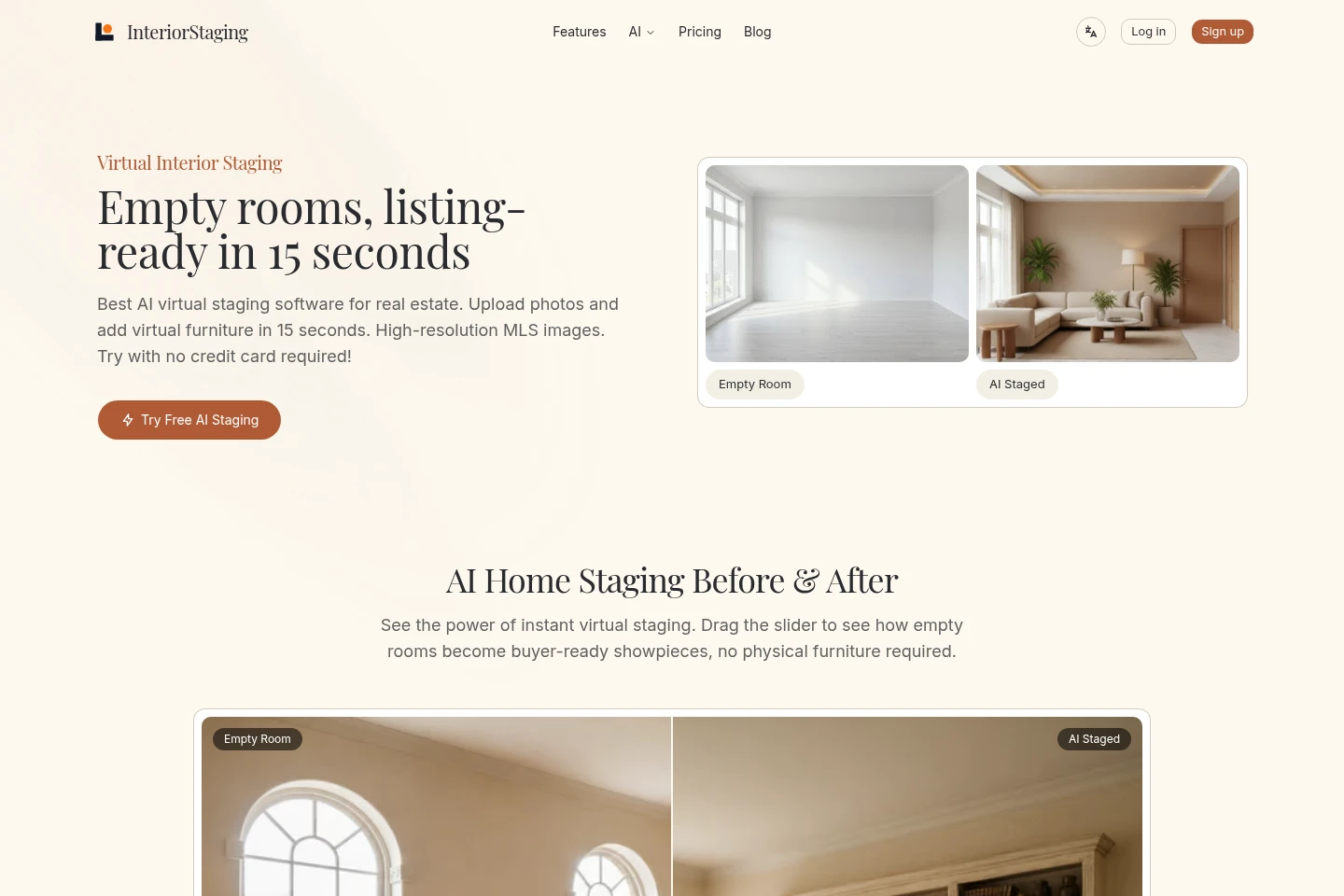
InteriorStaging turns photos of empty rooms into virtually furnished images for property listings. Upload a room photo, choose its type and a design style, then generate and compare staged versions. The browser-based service supports multi-room batch processing, property organization, and 4K downloads for MLS listings.
- AI Design
- Interior Design
- Photo Editors
- Real estate
- AI virtual staging
- real estate listing photos
- virtual room design
Capabilities
AI photo staging
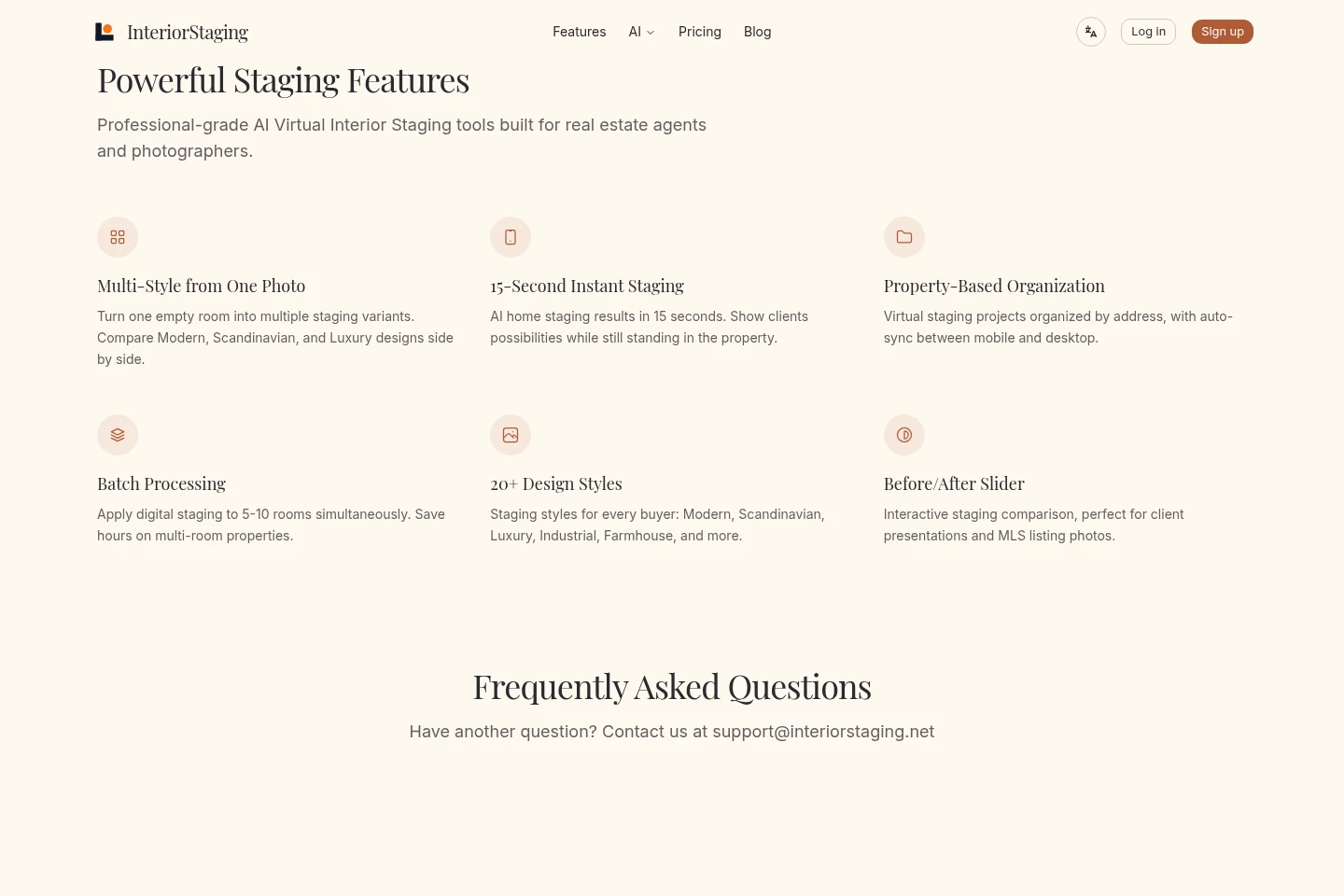
Creates a virtually furnished image from an empty-room photo. Upload a room image, choose a room type and style, and generate a staged version while the photographed walls, flooring, and windows remain as photographed.
Style variants
Generates multiple staging versions from one room photo for comparison. Choose among more than 20 design styles, including Modern Organic, Scandi-Japandi, and Modern Farmhouse.
Batch room processing
Applies virtual staging to several rooms at once. Select 5–10 rooms for batch processing, then export the resulting images for a multi-room property.
Property project organization
Organizes virtual-staging projects by property address. Projects can sync between mobile and desktop, supporting work across multiple listings.
Before-and-after comparison
Displays an interactive comparison of an empty-room photo and its staged result. Use the slider to review changes for client presentations and listing photos.
Pricing
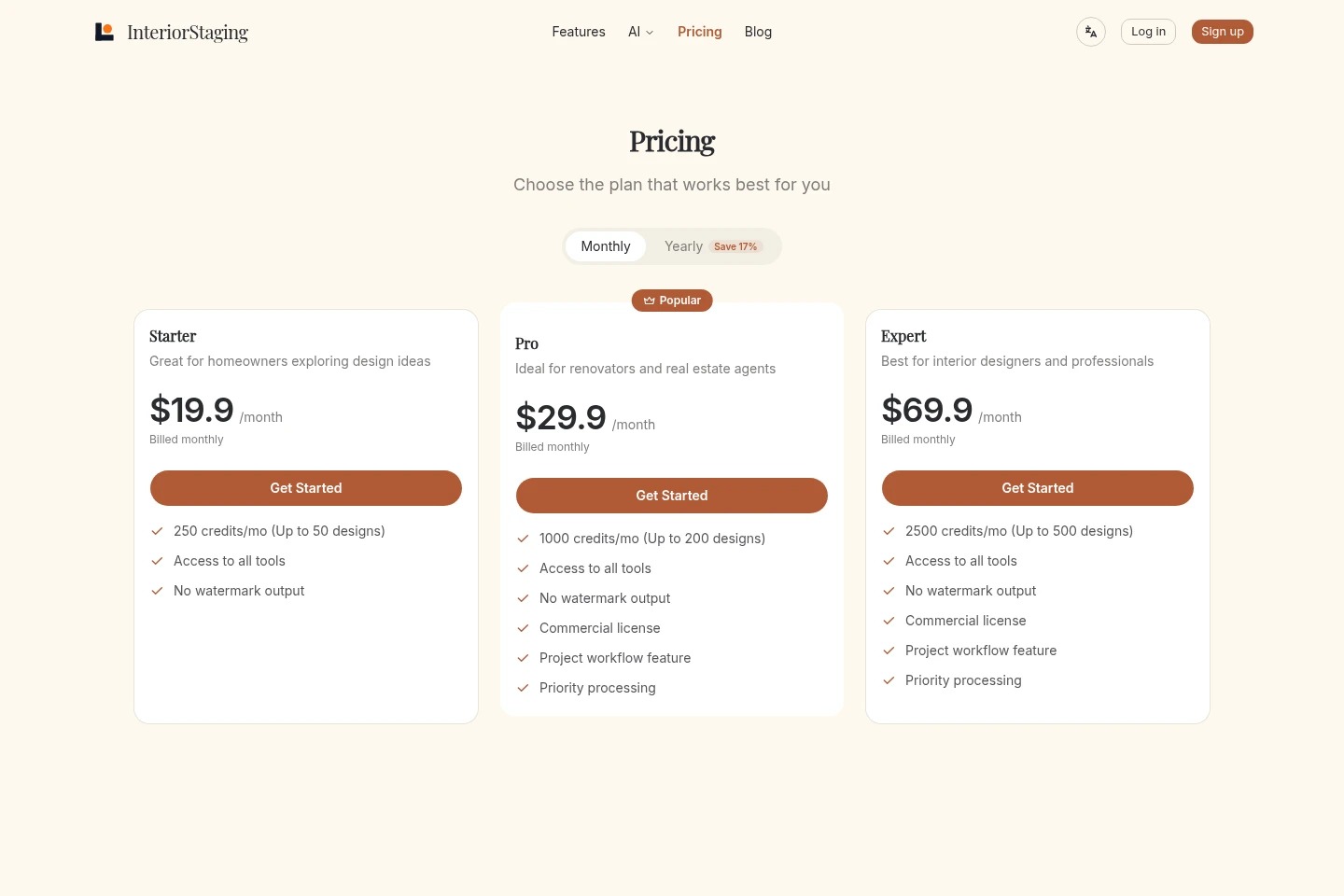
InteriorStaging offers three paid plans with monthly prices and a yearly billing option. Compare monthly credits and design allowances, commercial licensing, project workflow, and priority processing to choose a plan.
| Plan | Price | Included features and limits |
|---|---|---|
| Starter | $19.9/month, billed monthly |
|
| Pro | $29.9/month |
|
| Expert | $69.9/month |
|
The pricing page offers monthly and yearly billing intervals and displays Save 17% for yearly billing. The supplied page does not state yearly plan amounts.
Use cases
Prepare empty-room photos for property listings
When a property listing has photos of unfurnished rooms, upload a room photo and select its room type and design style. Generate a furnished image and download a 4K version for MLS listing requirements.
Compare design styles for a room photo
When deciding how an empty room should appear in a listing, generate multiple staging variants from the same photo. Compare styles side by side and choose an image for the property presentation.
Stage several rooms in one property
When preparing images for a property with multiple empty rooms, batch process 5–10 rooms and keep one design style across rooms. Organize the work by property and export the images.
Limitations
Batch processing is described for 5–10 rooms at a time; the pages do not specify batch sizes outside that range.
Who it is for
Real estate agents preparing listing photos for properties
Interior designers creating virtually furnished room images
Property photographers preparing staged listing-image options
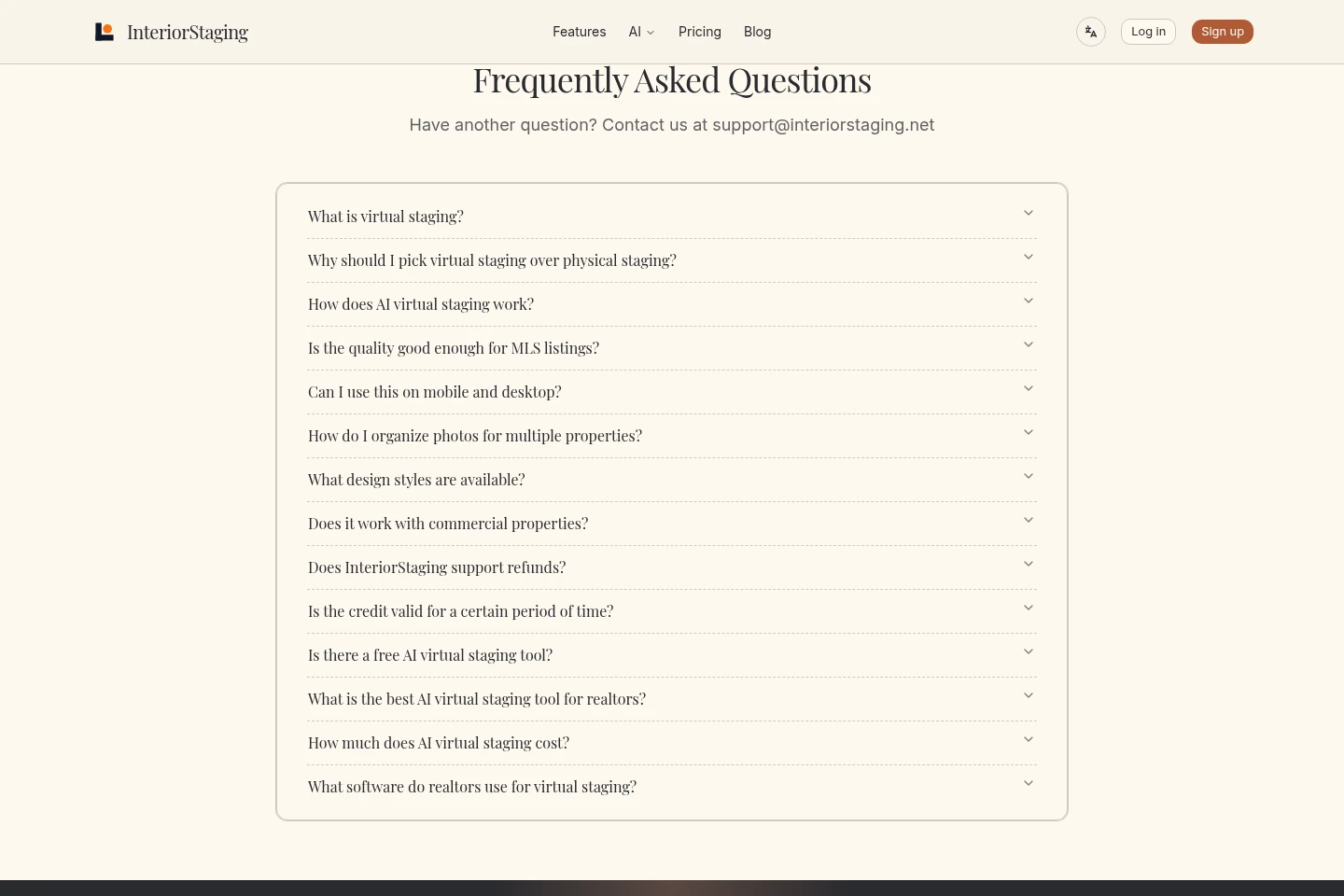
FAQ
What does InteriorStaging do?
It adds virtual furnishings to photos of empty rooms for property listings. Upload a room photo, choose its type and a design style, and generate an image without physically furnishing the property.
How long does image generation take?
The first staged image is described as arriving in about 15 seconds. The stated time applies to the first image; the pages do not specify generation times for every later variant.
Can I compare multiple styles from one photo?
Yes. Generate more than one staging variant from the same room photo and compare designs side by side. The site lists more than 20 design styles.
Can I download images for MLS listings?
Yes. You can download a 4K version, which the site describes as meeting MLS requirements. The Pro and Expert plans also list a commercial license; Starter does not list one.
What does each paid plan cost?
Starter is $19.9/month, Pro is $29.9/month, and Expert is $69.9/month, with monthly billing shown. The pricing page also offers a yearly billing interval and states Save 17%, but does not show the yearly amounts in the supplied page.
Comments