Monthly visits
346
2026-10
Monthly growth +888.6%

inbound - Receive, parse, route, and reply to email through one API

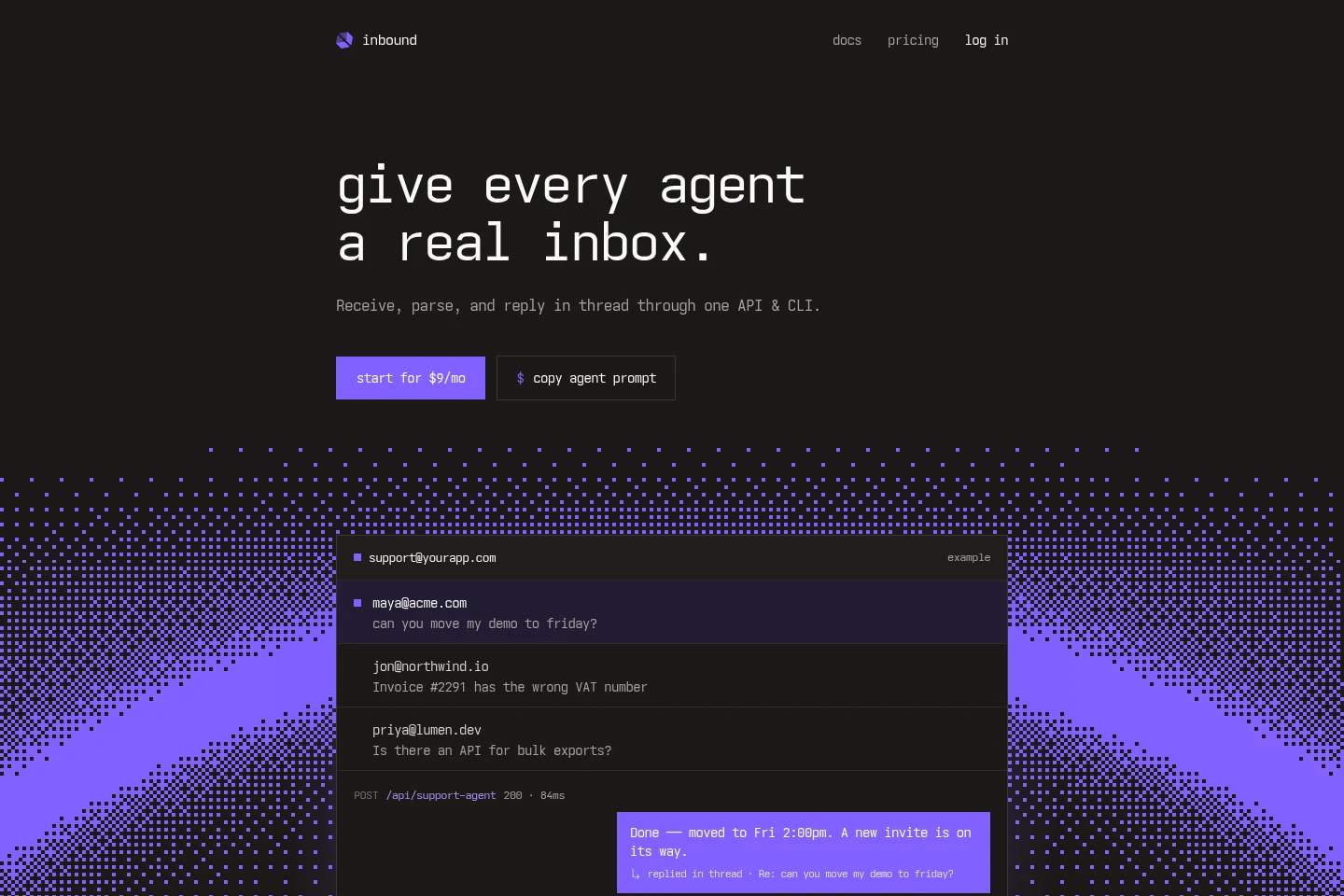
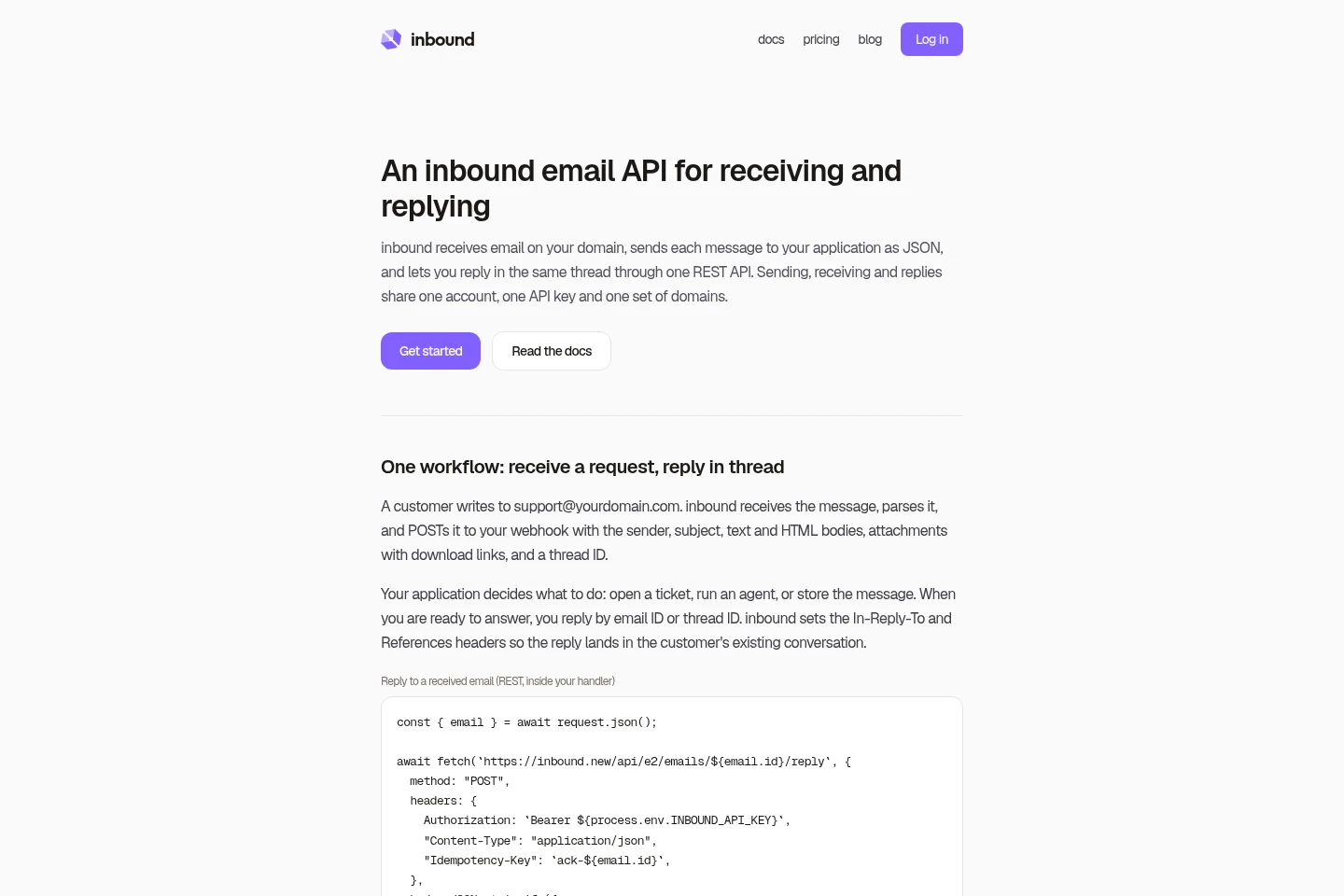
inbound is email infrastructure for applications and AI agents. It receives messages on a domain you configure, parses them into structured JSON, and delivers them to your webhook or stores them for API or IMAP access. You can route addresses, handle attachments, and reply within the original thread. Plans include monthly email capacity and domain allowances.

Visit WebsiteUpdate this product

0Views

Capabilities

Inbound email receiving

Receive messages sent to addresses on a configured domain and expose each message as structured data. Configure MX and verification records, then route an address to a webhook or store the message for later access.

Email parsing and attachments

Parse incoming messages into JSON containing fields such as sender, subject, text and HTML bodies, thread information, and attachment download links. Payloads also include raw MIME and sanitized HTML; raw MIME omits attachment bodies when the payload exceeds 1 MB.

Webhook delivery and routing

POST received-message events to an HTTPS endpoint and route individual addresses or all domain addresses to endpoints. Failed deliveries are logged rather than retried automatically; users can retry them from the dashboard or API.

Replies in existing threads

Send a reply to a received email by email ID or thread ID through the REST API. inbound sets In-Reply-To and References headers so the response remains in the customer's existing conversation.

Stored mail access

Access stored received messages and conversations through the API or IMAP, or poll the API for new messages. A message can be stored even when its address has no webhook endpoint.


Pricing

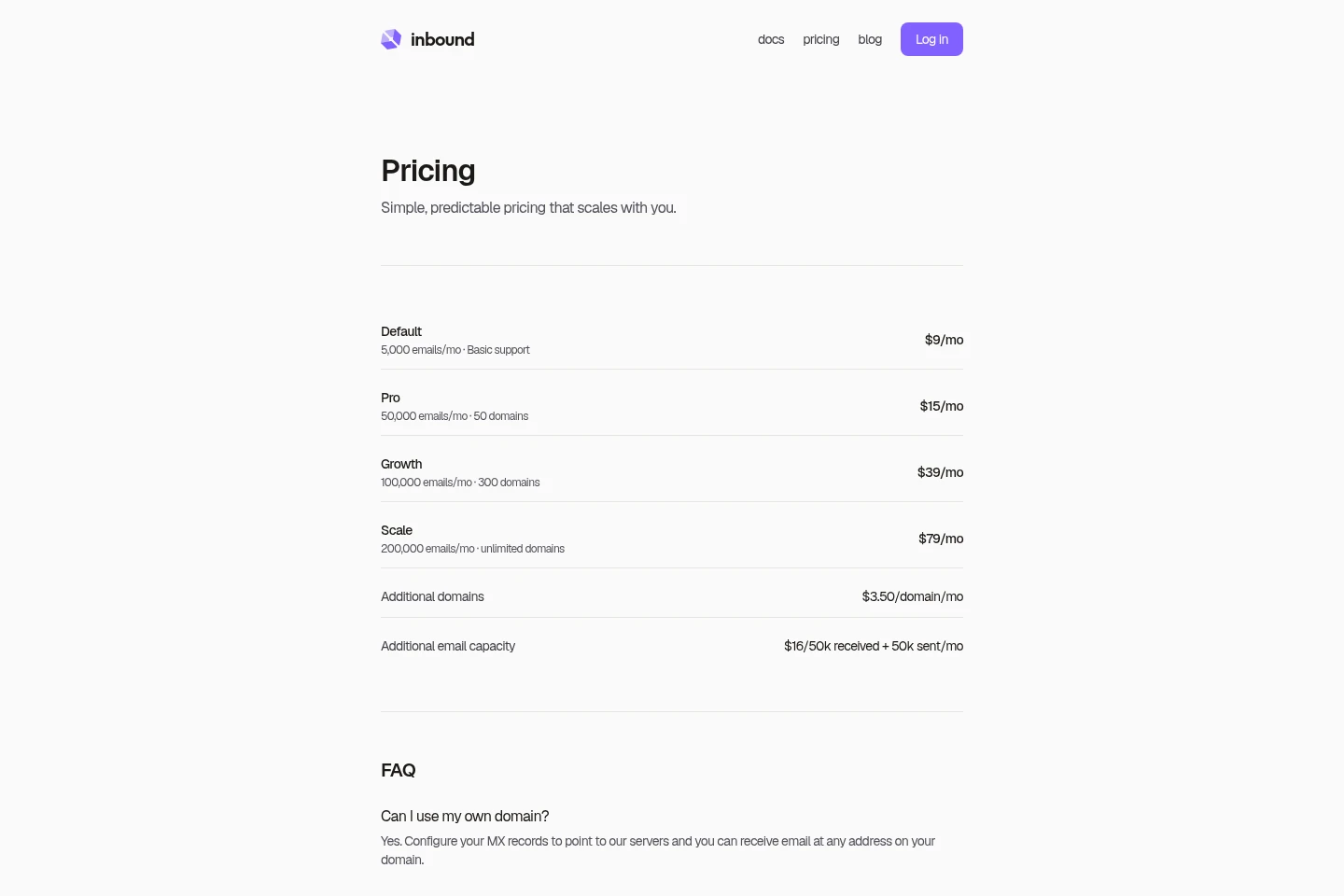
Paid plans are billed monthly. Compare included monthly email capacity and domain allowances; additional domains and email capacity are priced separately.

PlanPriceIncluded features and limits
Default

$9/month

  • 5,000 emails per month

  • Basic support included

  • Unlimited mailboxes

Pro

$15/month

  • 50,000 emails per month

  • 50 domains

  • Unlimited mailboxes

Growth

$39/month

  • 100,000 emails per month

  • 300 domains

  • Unlimited mailboxes

Scale

$79/month

  • 200,000 emails per month

  • Unlimited domains

  • Unlimited mailboxes

Additional domains cost $3.50 per domain per month. Additional email capacity costs $16 per 50,000 received plus 50,000 sent emails per month.

Use cases

Automate replies to incoming support email

When an application needs to process support requests sent to its own domain, it can receive parsed messages through a webhook, pass them to its own ticketing or agent workflow, and reply by email or thread ID. Replies remain in the original conversation.

Route messages to application workflows

When different addresses on a domain need different handling, configure address routes or a catch-all route to send messages to the appropriate HTTPS endpoints. The application receives message data and can decide what to do next.

Process incoming email attachments

When received messages contain files, use the attachment metadata and authenticated download URLs included in the payload to retrieve them with an API key. For payloads over 1 MB, attachment bodies are removed from raw MIME but remain available through download URLs.

Limitations

  • An address for receiving mail must use a domain or subdomain the customer owns, configured with the required DNS records.

  • Webhook deliveries that fail are logged but are not retried automatically; a user must retry them from the dashboard or API.

  • When a message payload exceeds 1 MB, attachment bodies are omitted from raw MIME, although download URLs remain available.

  • The API rate limit is 100 requests per second per account.

  • inbound does not connect to third-party Gmail or Outlook inboxes; those mailboxes require their provider's API or IMAP.

inbound alternatives

AgentEmail

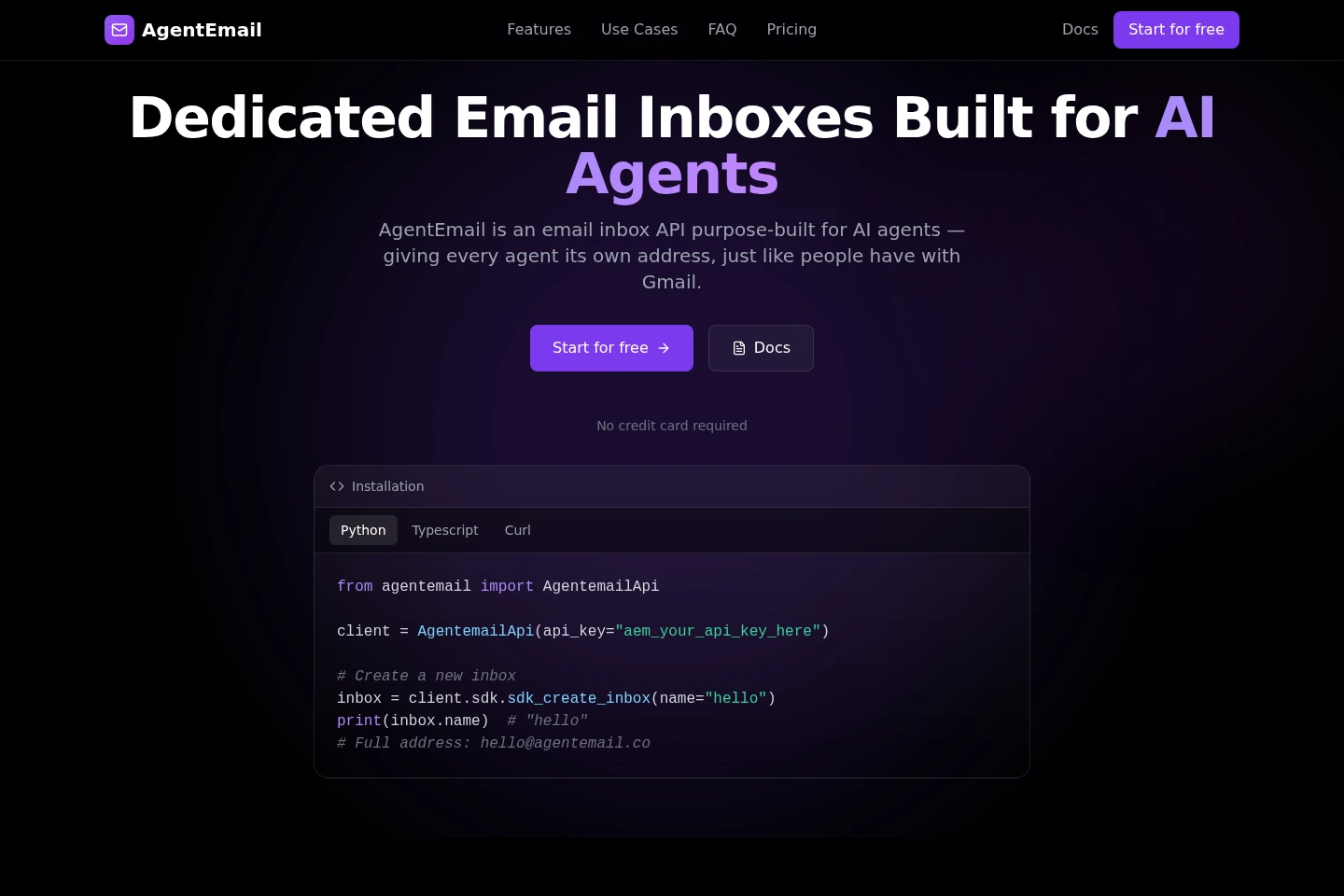
Dedicated email inboxes for AI agents

AgentEmail provides an API for creating and managing dedicated email inboxes for AI agents. Agents can receive, read, and reply to threaded email, handle attachments, and use real-time events, webhooks, and data extraction. Inboxes can support workflows such as retrieving verification codes, processing documents, and routing customer service email.

  • Cloud
  • API
  • Freemium
  • FreeFree forever
  • Developer$20/mo, billed monthly
  • Startup$200/mo
  • EnterpriseCustom; contact us for pricing
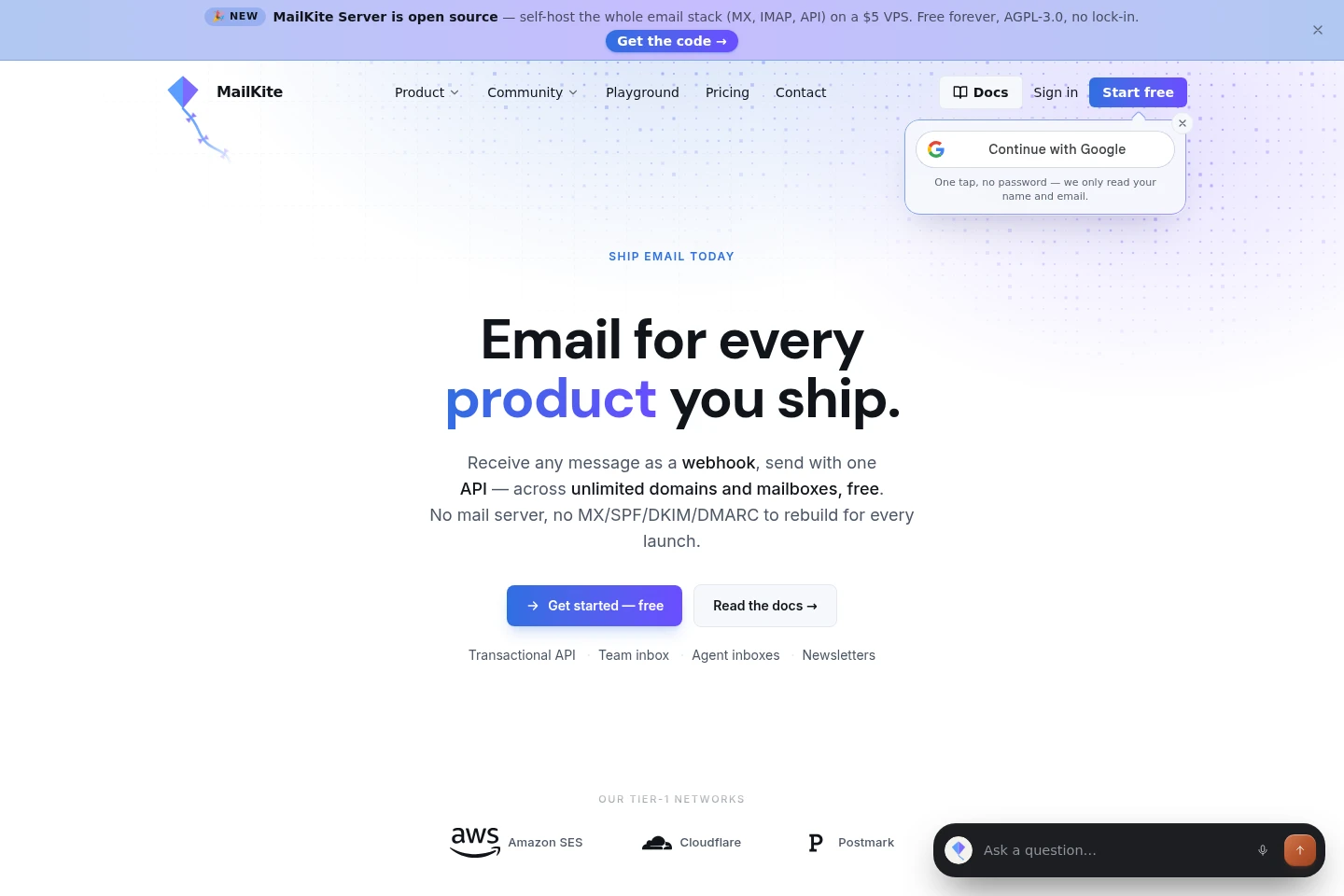
  1. MailKite

    Send, receive, and route email through APIs and webhooks

    Free · $0
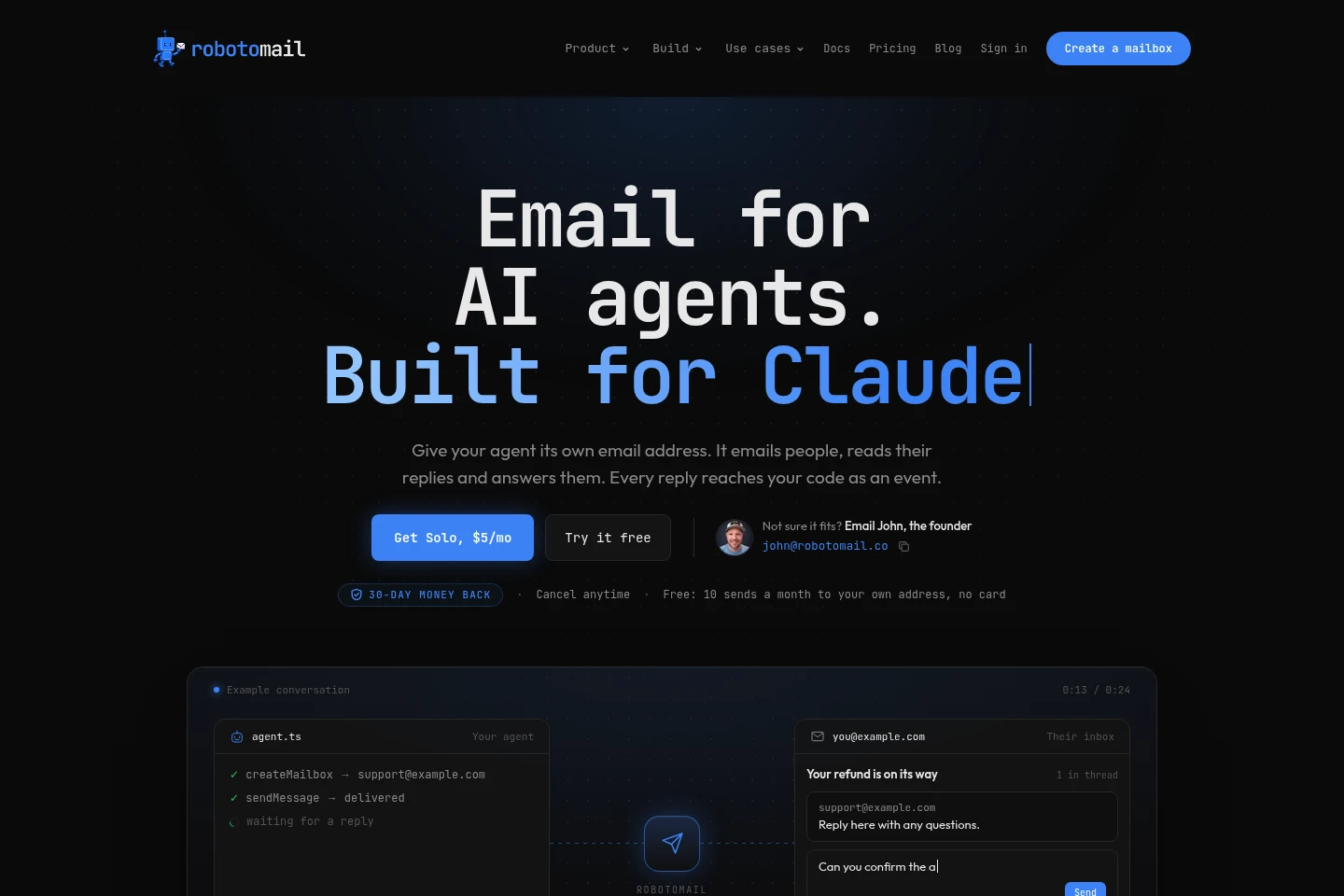
  2. Robotomail

    Email infrastructure for AI agents to send, receive and reply

    Free · Free, no expiry
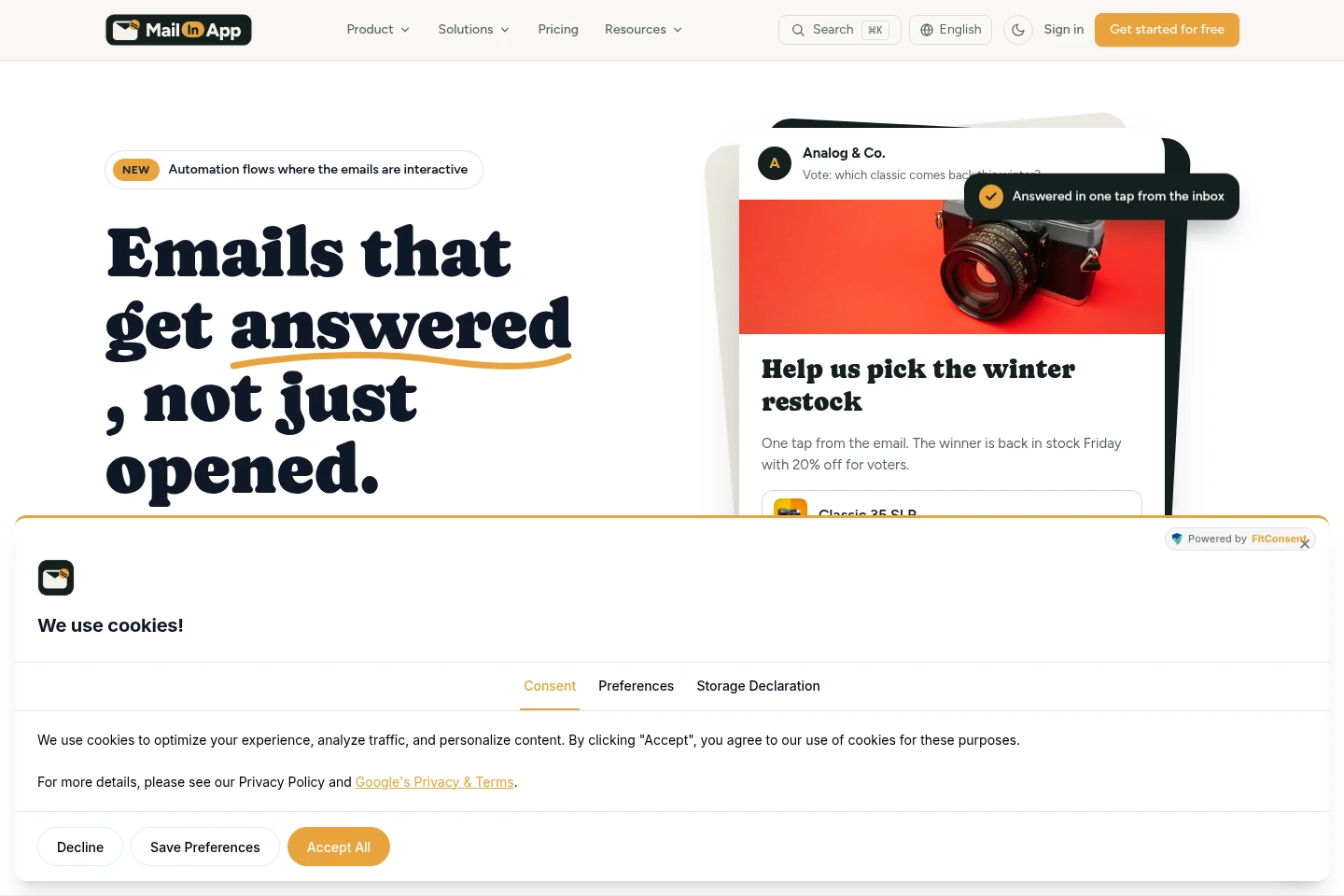
  3. MailInApp

    Build interactive email campaigns with built-in fallbacks

    Free · $0, free forever
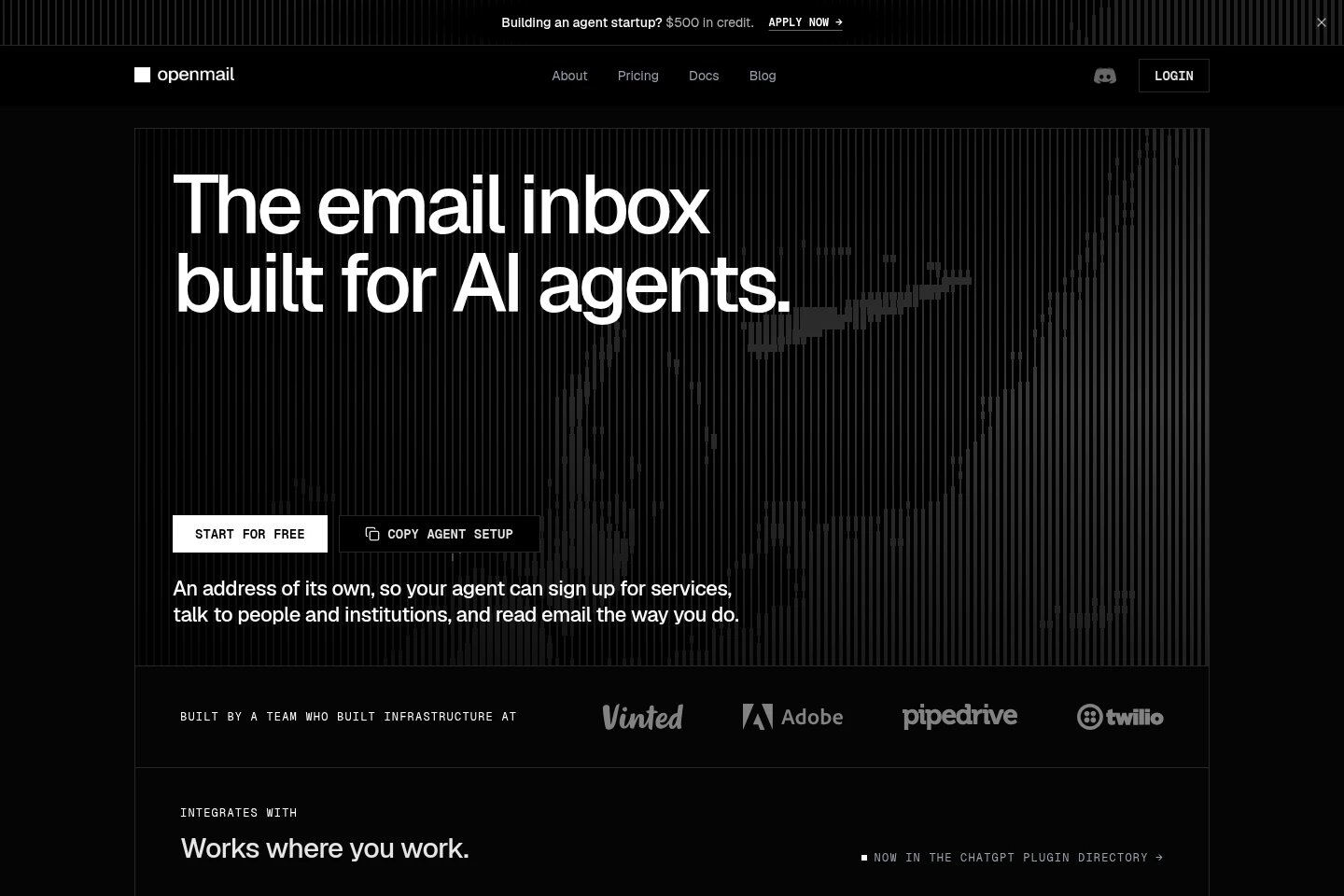
  4. OpenMail

    Dedicated email inboxes and real-time delivery for AI agents

    Free · €0/mo · no credit card
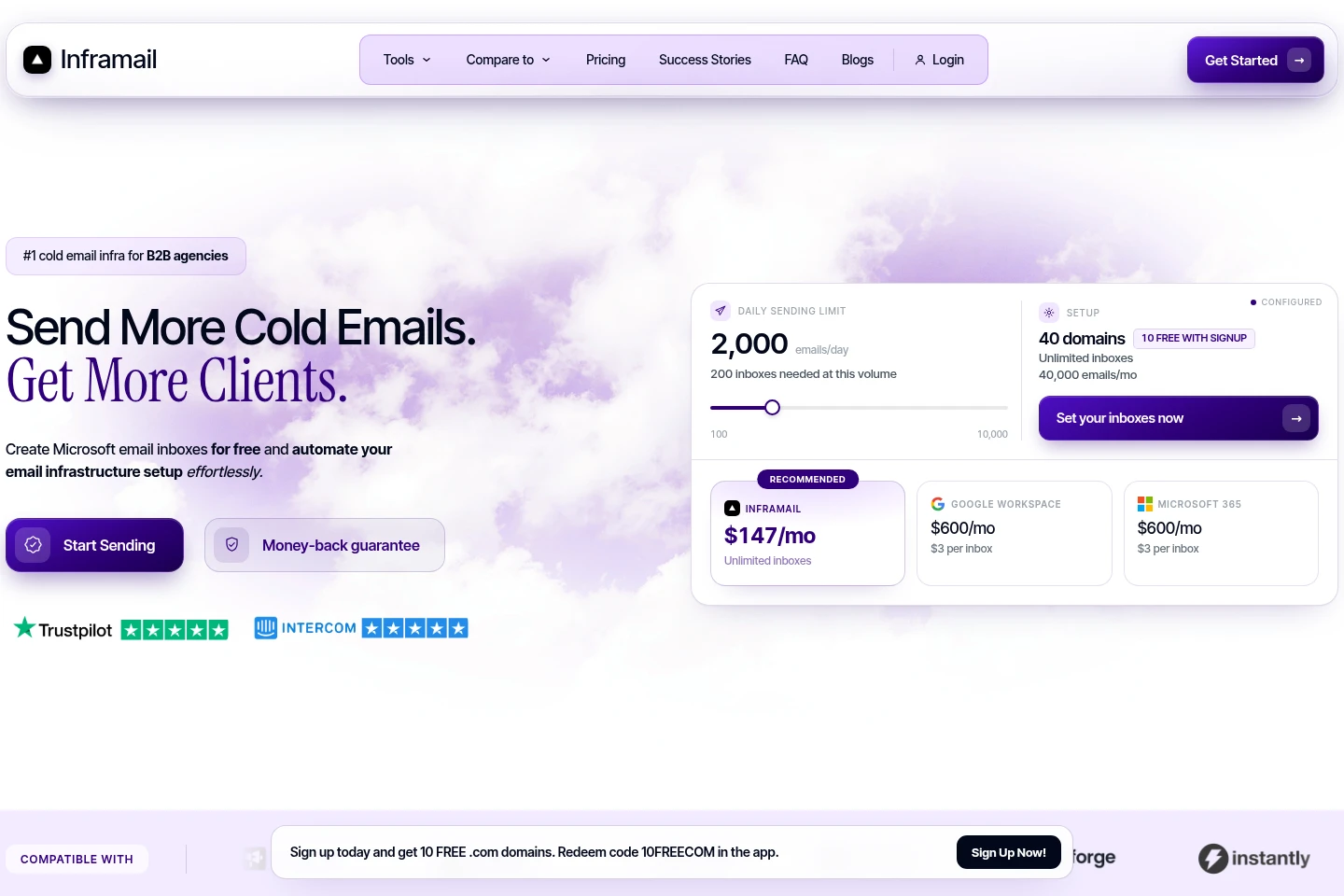
  5. Inframail

    Automate cold email inbox and domain setup

    FREE DFY Email Setup · $797/month; minimum 3-month commitment

Who it is for

  • Application developers building email workflows into their products

  • Developers giving AI agents an address for receiving and replying to email

  • Teams automating support or operational email through their own applications

FAQ

Can I use a domain I already own?

Yes. Configure the domain's MX and verification records to receive mail at its addresses. You can use a subdomain when your main domain already receives mail elsewhere, and a verified parent domain passes verification to its subdomain.

How are incoming messages delivered?

Messages are parsed and sent as JSON POST requests to your configured HTTPS webhook. You can also store messages and access or poll them through the API, or use IMAP.

What happens when a webhook delivery fails?

The failure and its response code or error are recorded in logs, but inbound does not retry automatically. Once the endpoint is available, retry the delivery from the dashboard or with the API.

Can I receive and send attachments?

Yes. Received-message payloads include attachment details and authenticated download URLs. Attachments can also be added when sending or replying, up to 25 MB per file and 40 MB per email.

How does spam handling work?

Incoming email is checked for spam. Mailbox settings let you choose whether detected spam is rejected, flagged, or accepted.

What are the email capacity and domain allowances?

The plans list monthly email capacity and domain allowances: Default includes 5,000 emails, Pro 50,000 emails and 50 domains, Growth 100,000 emails and 300 domains, and Scale 200,000 emails and unlimited domains. Additional domains and email capacity are available at the listed rates.

Comments

Please sign in to leave a comment.
No comments yet. Be the first to share your thoughts!