

- Monthly visits
- 9,315
- 2026-09
- Monthly growth +29.1%
Imgity - Generate and edit images with AI prompts and references
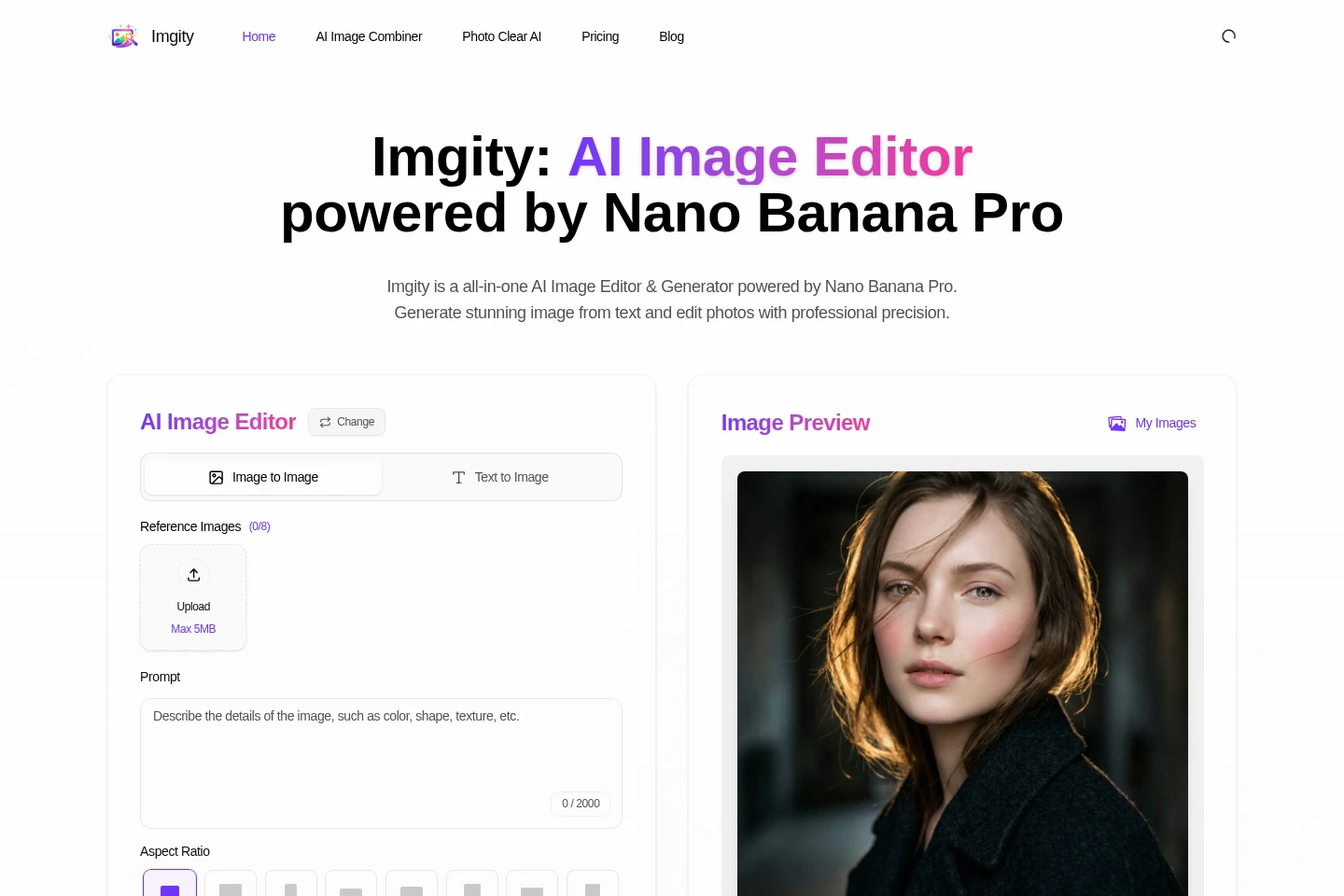
Imgity is an online AI image editor and generator powered by Nano Banana Pro. Create images from text prompts, edit existing photos with image-to-image workflows, combine images, and enhance blurry photos. The editor accepts reference images, prompts, and aspect-ratio selections; generation uses credits.
- AI Image
- Image Generators
- Photo Editors
- Image Upscalers
- E-commerce
- AI image generator
- AI photo editor
- image enhancement
Capabilities
Text-to-image generation
Generate an image from a text prompt and selected aspect ratio. The editor provides a prompt field with a 2,000-character limit, and a generation costs 2 credits.
Image-to-image editing
Edit an existing image using prompts and reference images. The editor accepts uploaded images, supports aspect-ratio choices, and uses credits to generate the edited result.
AI image combining
Combine multiple images into one composition guided by a text prompt. The combiner supports up to eight reference images in its interface; the guide says uploads can be up to 5 MB.
Photo clarity enhancement
Enhance photo clarity by addressing blur, noise, and detail using AI. Photo Clear AI accepts one reference image and prompts, and its page describes 2K output.
Pricing
Imgity offers paid subscription plans with monthly and annual billing options. Compare each plan's annual credit allowance, image limit, included license, and listed price before choosing.
| Plan | Price | Included features and limits |
|---|---|---|
| Starter | $9.90 monthly; annual option $94.80/year ($7.90/month) |
|
| Standard | $29.90 monthly; annual option $250.80/year ($20.90/month) |
|
| Premium | $79.90 monthly; annual option $478.80/year ($39.90/month) |
|
The pricing page presents monthly and annual options and shows the annual total alongside its monthly equivalent. Annual prices are billed per year; the page also displays savings percentages.
Use cases
Create images from written prompts
When a user needs a new visual based on a written description, they can enter a prompt, choose an aspect ratio, and generate an image. The editor also allows reference images to guide the result.
Refine an existing photo with AI
When an existing photo needs changes, users can provide it as a reference and describe the requested edit in a prompt. Imgity generates an edited image through its image-to-image workflow.
Combine several images into one composition
When several source images need to appear in one composition, users upload them to AI Image Combiner and describe the desired result. The tool generates a blended image from the references and prompt.
Improve clarity in a blurry photo
When a photo appears blurry or noisy, users upload it to Photo Clear AI and enter instructions for the enhancement. The tool generates a clearer image, with the feature page describing sharpening and noise reduction.
Limitations
Each image generation costs 2 credits, and the number of images depends on the credits available in the account.
The homepage editor limits prompts to 2,000 characters and shows an upload size limit of 5 MB.
Photo Clear AI accepts one reference image; the AI Image Combiner interface shows support for up to eight reference images.
Who it is for
People creating or editing images from text prompts and photo references
Designers and content creators preparing visual assets for campaigns or social posts
Photographers and photo editors looking to enhance or adjust existing photos
FAQ
How many credits does generating an image use?
The homepage editor lists a cost of 2 credits for image generation. The pricing page lists annual credit allowances for its subscription plans.
What does each subscription plan include?
Starter includes 1,200 credits per year, Standard includes 4,800, and Premium includes 14,400. Each plan also lists an annual maximum number of images, no watermark, a commercial license, and customer support.
Can I use generated images commercially?
The pricing page lists a commercial license for Starter, Standard, and Premium. The supplied pages do not specify further license conditions.
Can I combine several images?
Yes. AI Image Combiner is described as combining multiple images into one composition, and its interface shows up to eight reference images. Its guide describes uploads of up to five images at once.
Which image formats can Photo Clear AI process?
The Photo Clear AI page lists JPG, PNG, and WEBP support. It describes uploading one image, with a maximum upload size of 5 MB in its usage instructions.
Is Imgity affiliated with Google?
No. Imgity describes itself as an independent product and says it is not affiliated with Google, although its pages describe use of Google's Nano Banana Pro.
Comments