
- Monthly visits
- 6,363
- 2026-09
- Monthly growth +62.9%
Image2PPT - Convert slide images and PDFs into editable PowerPoint
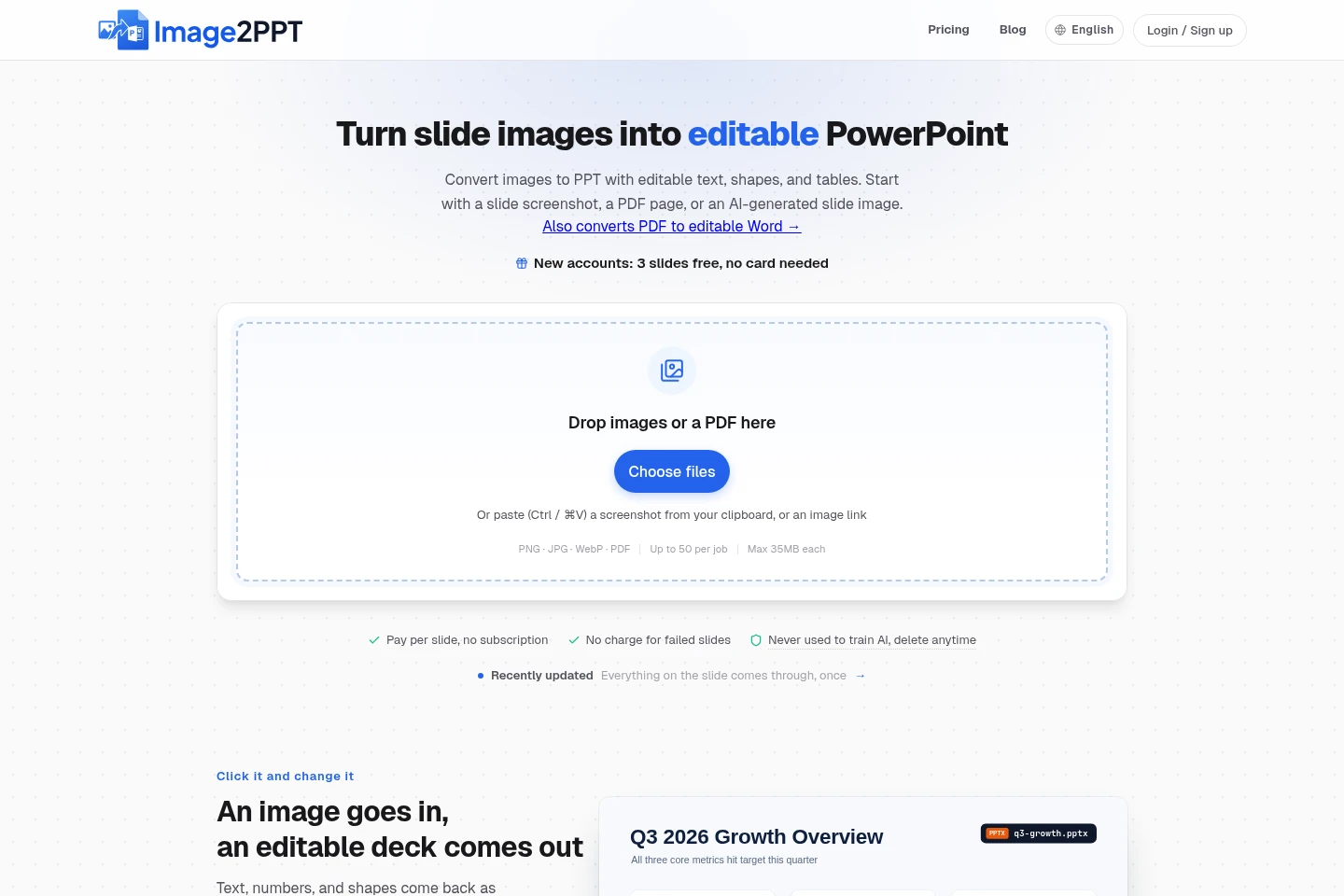
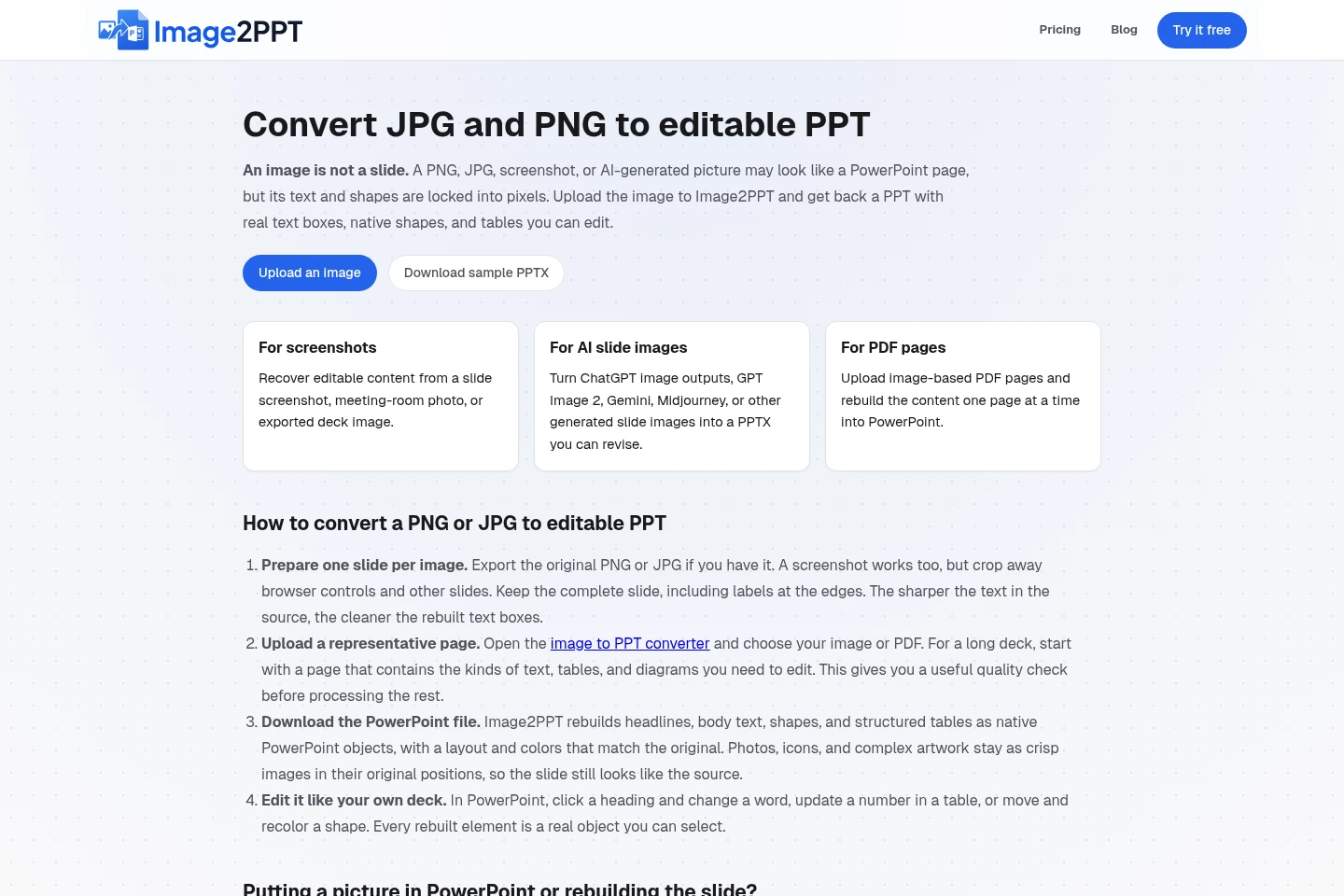
Image2PPT converts JPG, PNG, WebP, and PDF slide pages into PPTX files with editable text boxes, shapes, and tables. Upload files or paste a screenshot, select PDF pages, then download and edit the result in PowerPoint or compatible presentation apps. Photos, illustrations, logos, and complex artwork may remain image elements.
- AI Productivity
- Presentation Makers
- image to editable PowerPoint
- PDF to PPT converter
- screenshot to PowerPoint
Capabilities
Slide image reconstruction
Rebuilds slide images as PPTX files with editable text boxes, PowerPoint shapes, and tables. Inputs include JPG, PNG, WebP images, screenshots, and AI-generated slide images; photos, illustrations, logos, and detailed artwork can remain images.
PDF page conversion
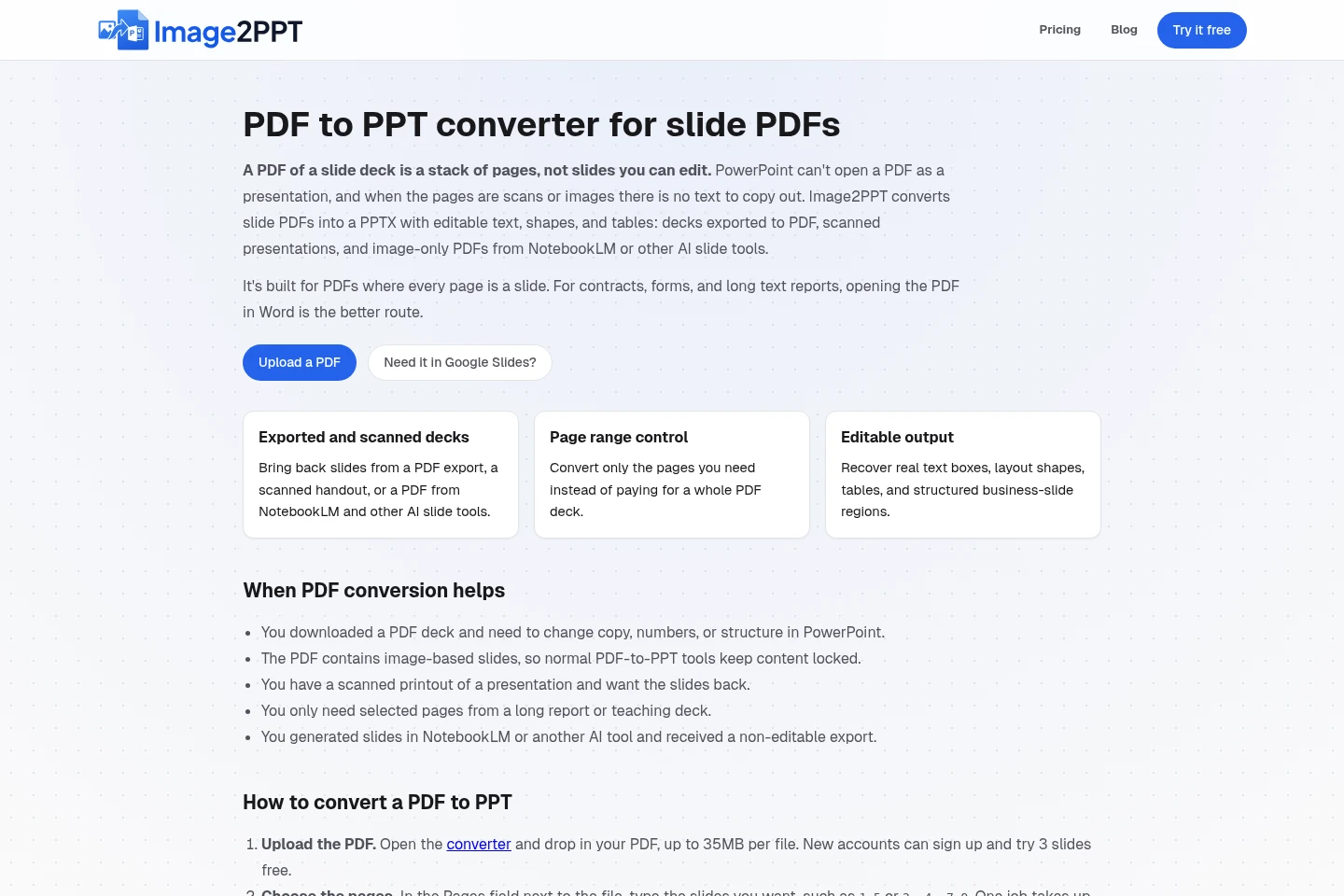
Converts selected PDF pages into slides in a single PPTX file. Choose page ranges before conversion; each selected PDF page uses one credit, and a job accepts up to 50 pages or images.
Editable PowerPoint export
Outputs a PPTX whose reconstructed text, shapes, and qualifying tables can be selected and edited. Download the file and continue in PowerPoint, Google Slides, Keynote, or LibreOffice Impress.
Batch file processing
Accepts multiple image files or PDF pages in one job and combines converted pages into a PPTX. Each job supports up to 50 pages or images, with a maximum file size of 35 MB per file.
Pricing
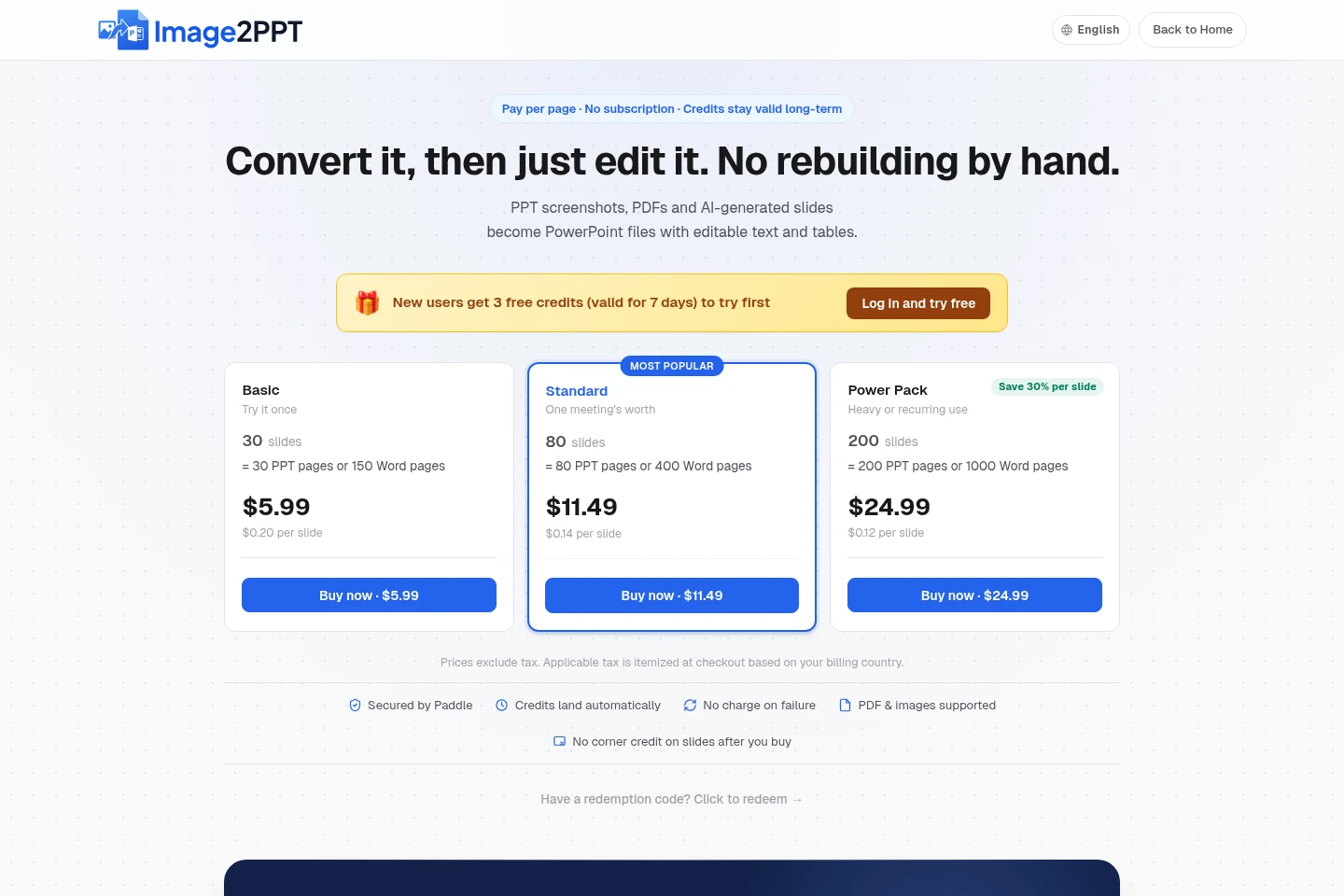
Image2PPT is paid through one-time credit-pack purchases, with three free trial slides for new accounts. Compare the number of pages in each pack and the displayed currency and checkout total; each credit converts one PPT page.
| Plan | Price | Included features and limits |
|---|---|---|
| Basic | $5.99 or ¥29.90 |
|
| Standard | $11.49 or ¥59.90 |
|
| Power Pack | $24.99 or ¥139.90 |
|
USD amounts are base prices; final currency and taxes are confirmed at checkout. Card checkout prices may include channel costs, and available payment methods depend on country and currency. High-volume use can be quoted separately.
Use cases
Edit content in a slide screenshot
When a presentation exists only as a screenshot or exported image, upload a clear, complete slide image to reconstruct its readable text, shapes, and tables. Download the PPTX and revise the rebuilt elements in a presentation editor.
Convert selected pages from a PDF deck
When only some pages of a PDF presentation need editing, specify the page numbers or ranges before conversion. The selected pages become slides in page order in one PPTX, and only selected pages are charged.
Revise an AI-generated slide image
When a slide generated by an image or AI slide tool needs text or layout changes, upload its image or PDF page. Image2PPT rebuilds readable text and supported shapes as editable PowerPoint objects; complex artwork can remain an image.
Limitations
Photos, illustrations, logos, and detailed icons remain image elements rather than editable text or shapes.
Complex posters, hand-drawn flowcharts, and dense or decorative charts are best-effort and may remain images.
Each conversion job accepts up to 50 pages or images, and each uploaded file can be no larger than 35 MB.
The tool is designed for PDFs whose pages are slides; contracts, forms, and long text reports are better handled by opening the PDF in Word.
Who it is for
People who need to revise slides available only as screenshots or flat images
People who need editable PowerPoint slides from selected PDF presentation pages
People who need to correct text or figures in AI-generated slide images
FAQ
What file types can Image2PPT convert?
It accepts PNG, JPG, WebP, and PDF files, as well as pasted screenshots or image links. Each job supports up to 50 pages or images, and each file is limited to 35 MB.
Which parts of a converted slide can I edit?
Readable text, supported shapes, and clear tables are rebuilt as editable PowerPoint objects. Photos, illustrations, logos, detailed icons, and some charts remain images.
Can I choose specific pages from a PDF?
Yes. Enter the page numbers or ranges you want before converting. Only the selected pages are converted and charged, and each selected PDF page uses one credit.
How do credits and free sign-up credits work?
One credit converts one PowerPoint slide or PDF page, while one credit covers five Word pages. New accounts can try three slides free without a card; those free credits expire after seven days if unused and no credits have been purchased or redeemed.
Do purchased credits expire or renew?
Purchased credits remain valid long-term while the service is operating. Credit packs are one-time purchases with no subscription or automatic renewal.
What happens when a conversion fails?
Failed pages are refunded automatically, although automatic refunds on free trial credits are capped. Purchased credits and redeem codes are generally non-refundable once sold, except where applicable law requires otherwise.
Comments