
- Monthly visits
- 9,100
- 2026-09
- Monthly growth +36.9%
Image to Image AI - Turn reference photos into prompt-guided image variations
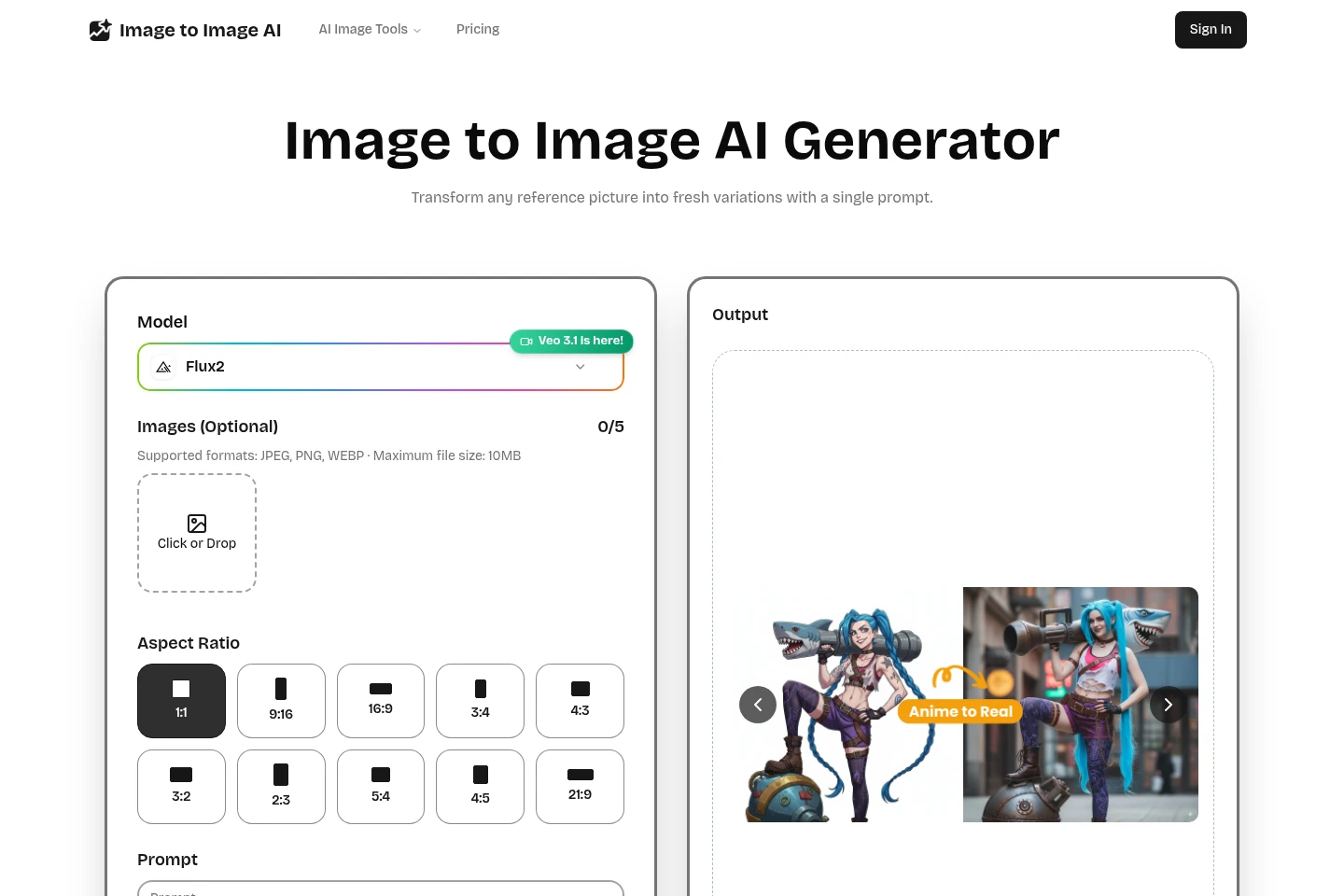
Image to Image AI transforms an uploaded reference picture according to a text prompt while preserving its core composition. Users can choose a model and aspect ratio, adjust image strength and output count, preview results, and download generated images. The cloud-based tool accepts JPEG, PNG, and WEBP images up to 10 MB.
- AI Image
- Image Generators
- Photo Editors
- AI image-to-image generator
- prompt-based photo editing
- reference image variations
Capabilities
Prompt-guided image transformation
Transforms an uploaded reference image into a variation guided by a text prompt. Upload JPEG, PNG, or WEBP files up to 10 MB, describe the desired changes, and generate while preserving the image’s core composition.
Image generation controls
Controls the generated image’s aspect ratio, strength, and output count. Select from the listed ratios and adjust the available settings before generating; the homepage shows up to five optional image inputs.
Preview and download
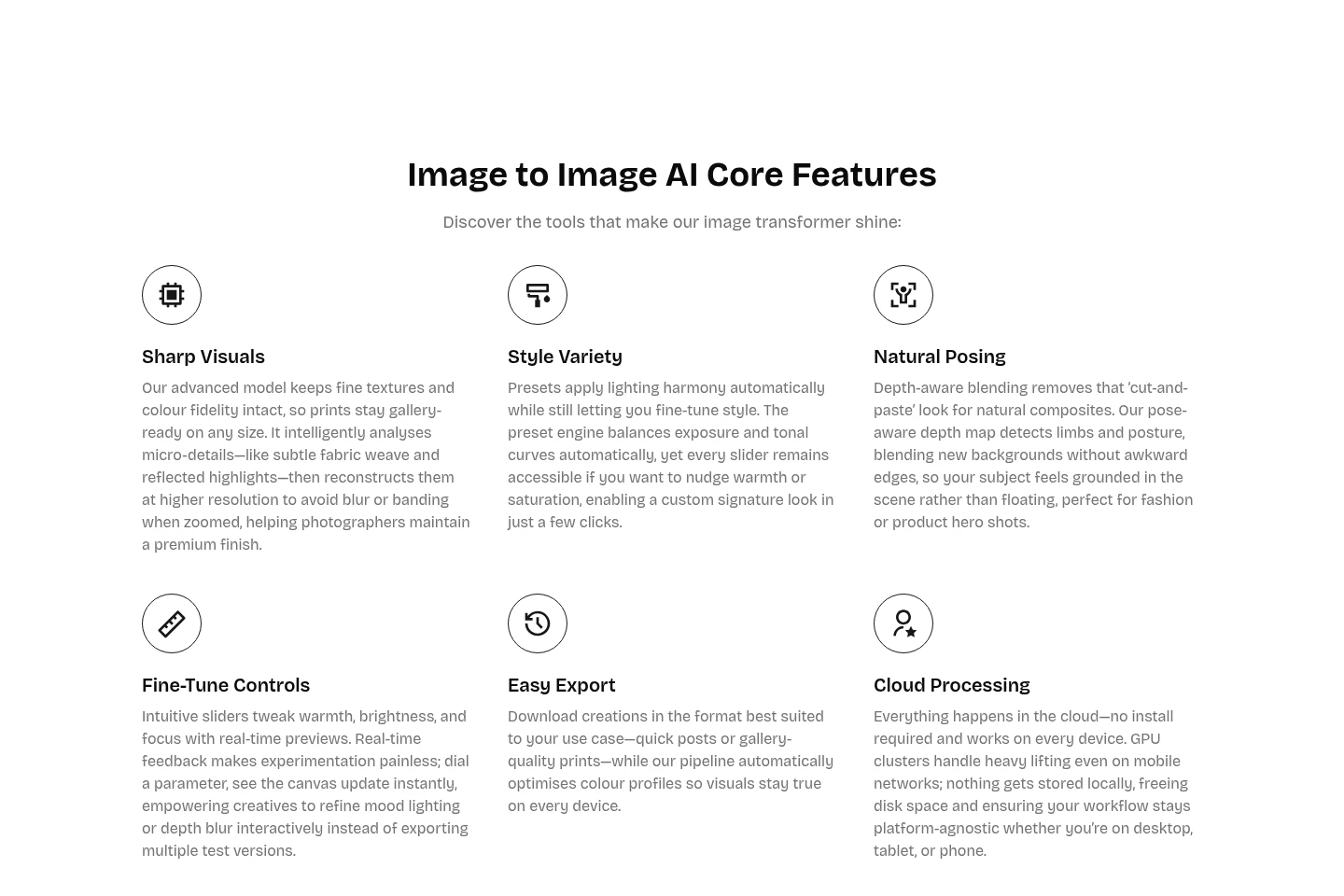
Displays generated images for review and lets users download creations. Preview and refine the result before saving it; available export formats are described as suited to different uses.
Pricing
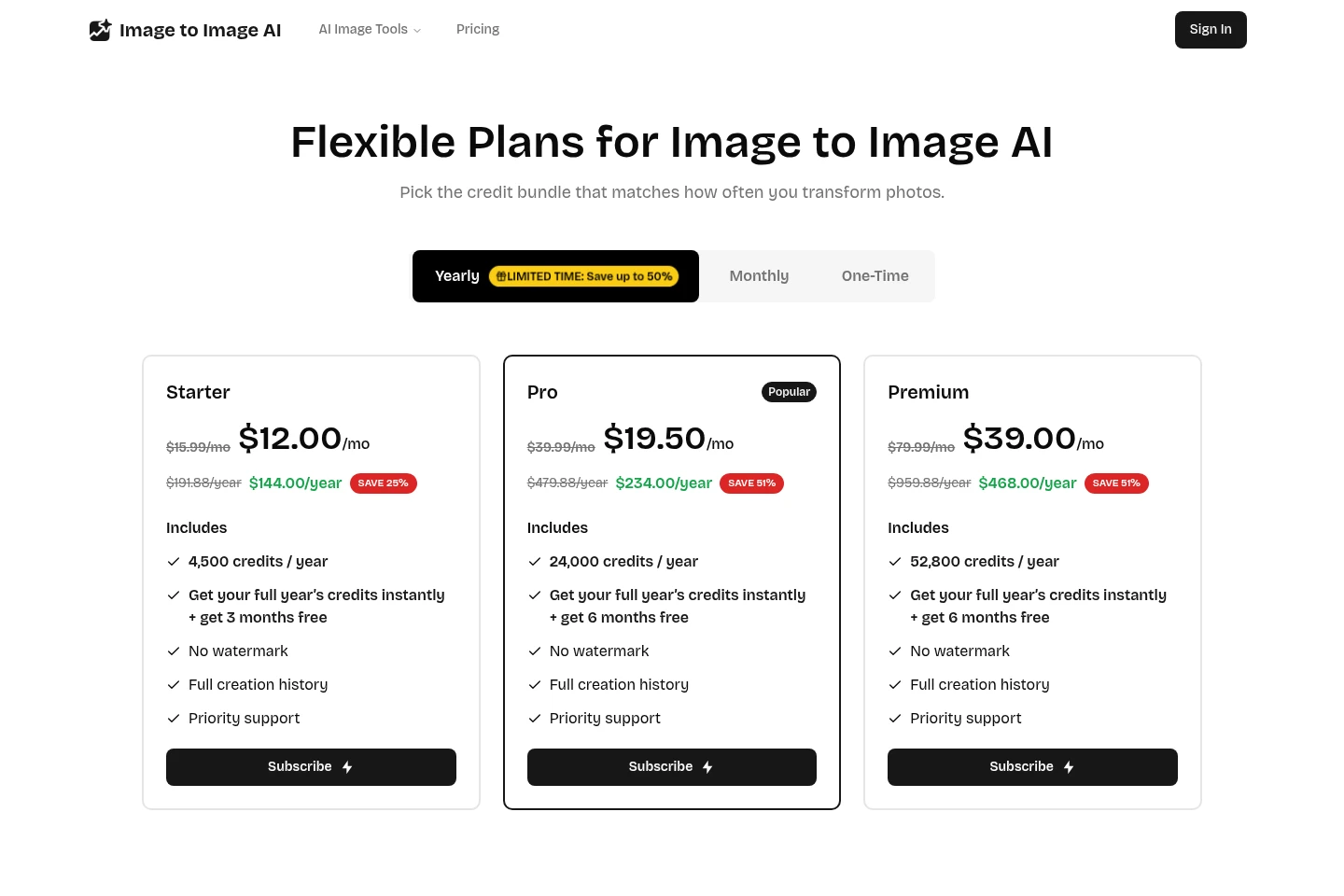
Paid plans are offered as subscriptions with yearly and monthly billing options. Compare each plan’s credit allowance, included features, and displayed payment term to choose an option.
| Plan | Price | Included features and limits |
|---|---|---|
| Starter | $15.99/mo or $12.00/mo yearly |
|
| Pro | $39.99/mo or $19.50/mo yearly |
|
| Premium | $79.99/mo or $39.00/mo yearly |
|
The yearly prices are also shown as annual totals: Starter $144.00/year, Pro $234.00/year, and Premium $468.00/year. The displayed yearly savings are limited-time offers.
Use cases
Create prompt-guided image variations
When a creator wants to change an existing image rather than start from a blank canvas, they upload a reference and describe the desired style or edits in a prompt. The tool generates a variation while preserving the core composition.
Iterate on an image’s visual style
When comparing visual directions for an image, users can change the prompt and style settings, then generate and preview variations. The available controls include aspect ratio, strength, and output count.
Limitations
Uploaded reference images must be JPEG, PNG, or WEBP and no larger than 10 MB each.
Monthly credits expire at the end of each cycle; yearly bundles last for the full term.
Who it is for
Visual creators who need prompt-guided edits to existing images
Designers and marketers preparing variations from reference images
FAQ
What does Image to Image AI do?
It transforms an existing picture into a variation guided by a prompt while preserving the core composition. Upload a reference image and describe the desired changes.
Which image formats and file sizes are accepted?
The upload accepts JPEG, PNG, and WEBP images up to 10 MB. The homepage also shows up to five optional image inputs.
How do credits work?
Each generation deducts credits. Credits refresh with the plan, and users can top up at any time.
Do unused credits roll over?
Monthly credits expire each cycle, while yearly bundles last for the full term.
Can I change or cancel a plan?
Plans can be upgraded or downgraded at any time. Users can cancel a subscription and keep remaining credits until they expire.
Comments