

- Monthly visits
- 74,603
- 2026-09
- Monthly growth +388.2%
Image to 3D AI - Generate 3D models from images, text, and multiple views
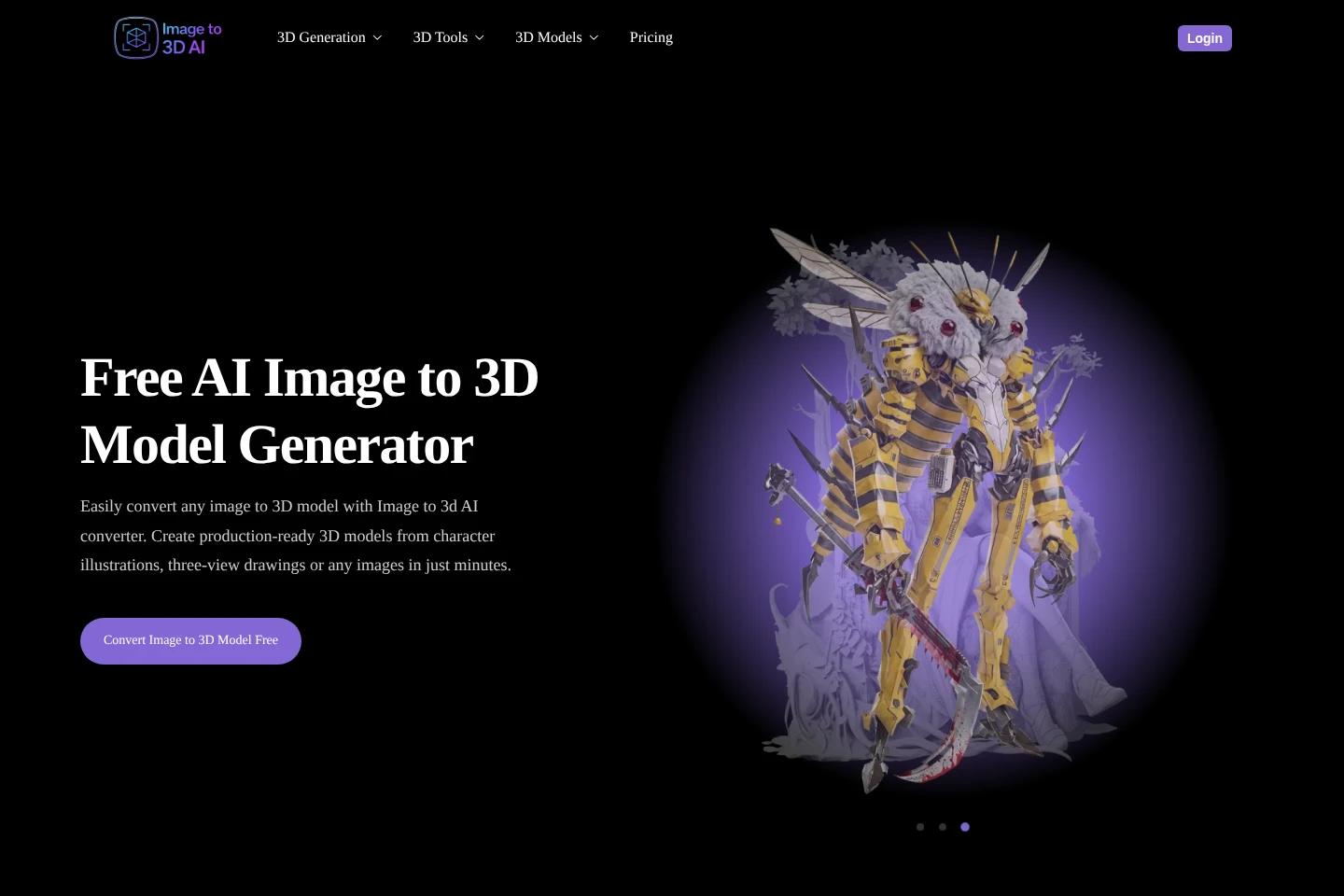
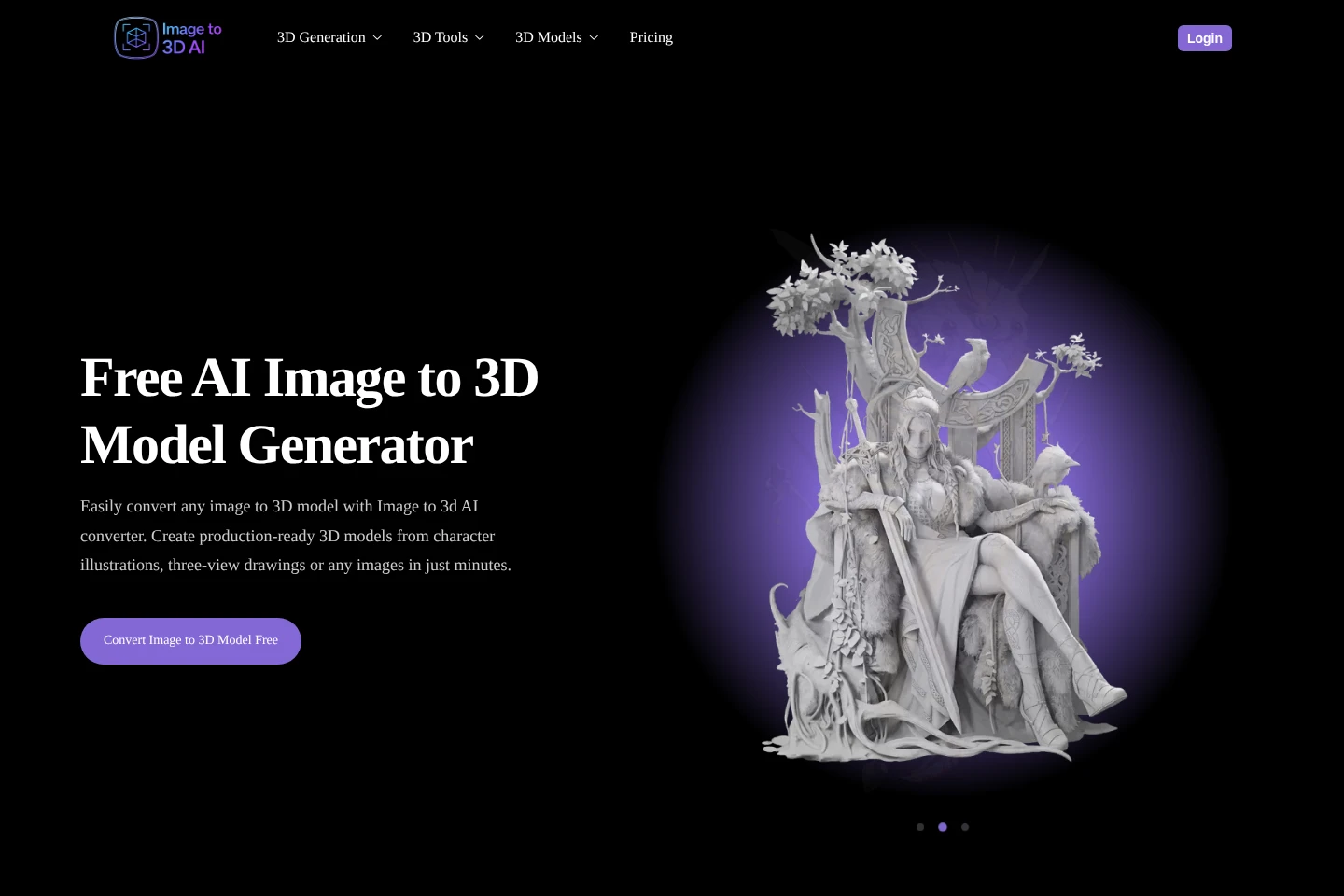
Image to 3D AI is a browser-based generator for creating 3D models from uploaded images, text prompts, or multiple reference views. Users can choose textured or geometry-only output, adjust mesh complexity, and export models in supported formats including GLB, STL, USDZ, and FBX. Free credits and paid credit plans are available.
- AI Design
- 3D Model Generators
- Education
- image to 3D model generator
- text to 3D AI
- multi-view 3D reconstruction
Capabilities
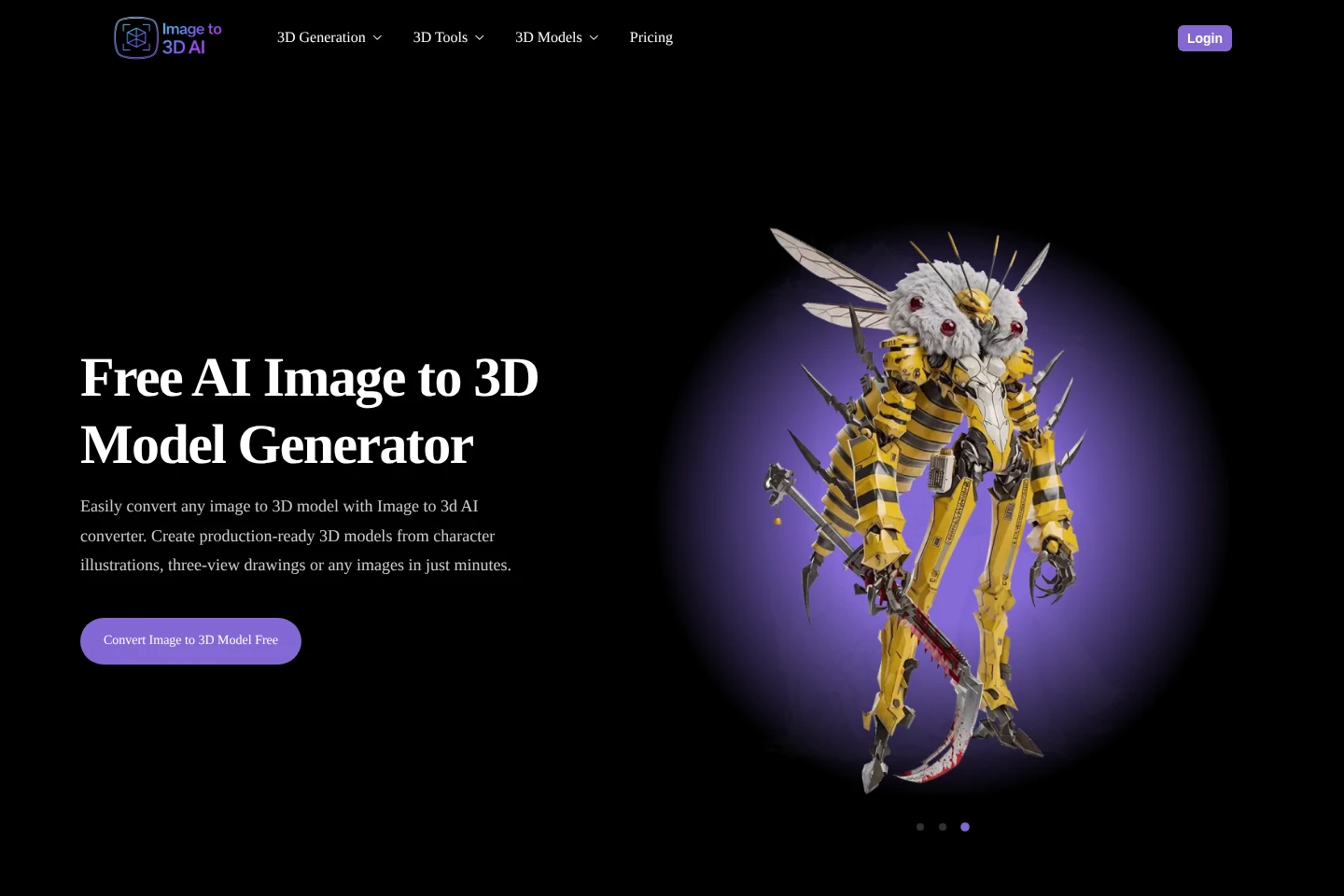
Image-to-3D generation
Generates a 3D model from an uploaded reference image and a text description. Upload a JPG, PNG, or WEBP image of up to 6 MB, describe the object, then choose a model and license option.
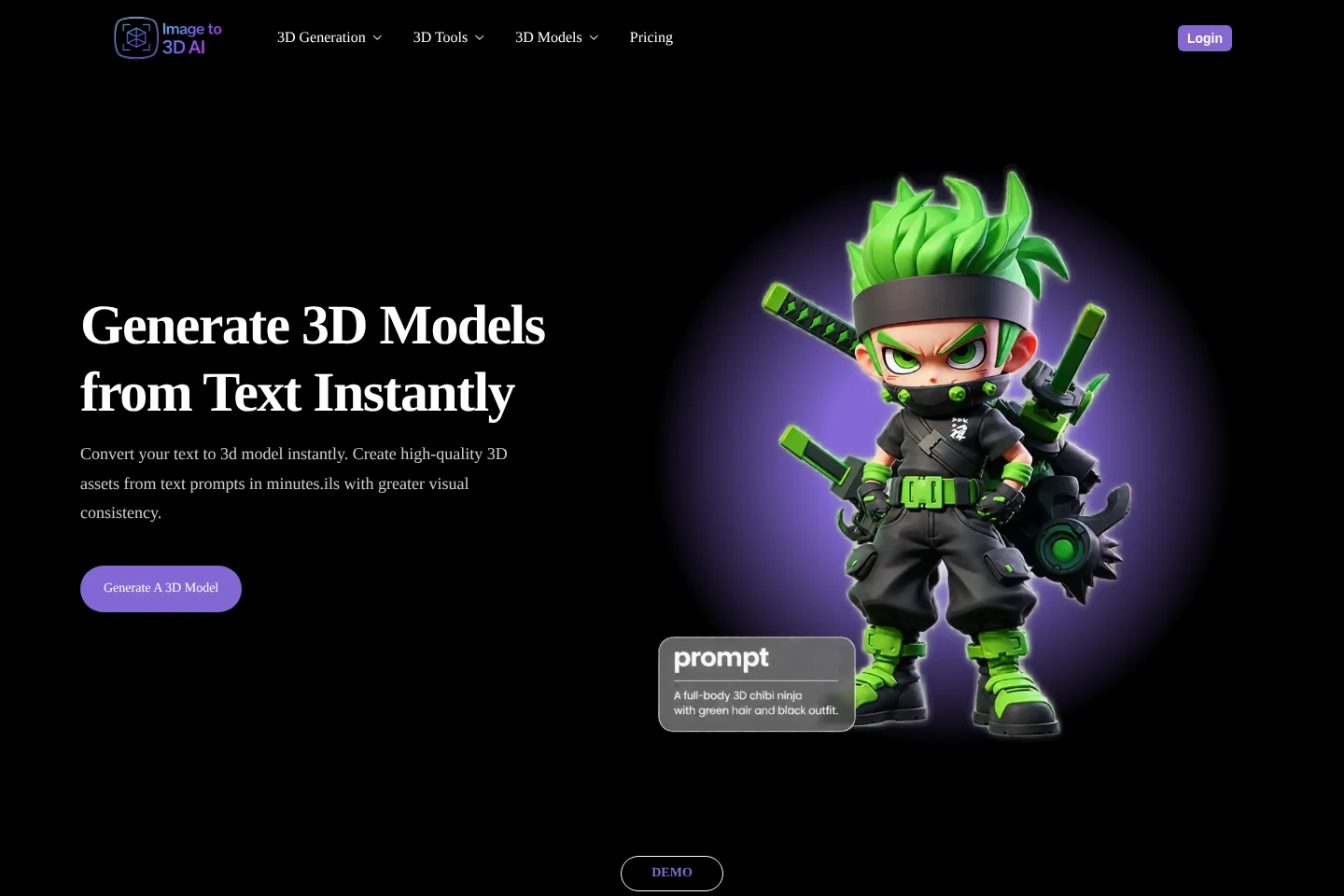
Text-to-3D generation
Creates a 3D model from a plain-text prompt. Enter an object description, select generation options such as texture or geometry, face count, and output format, then generate the model.
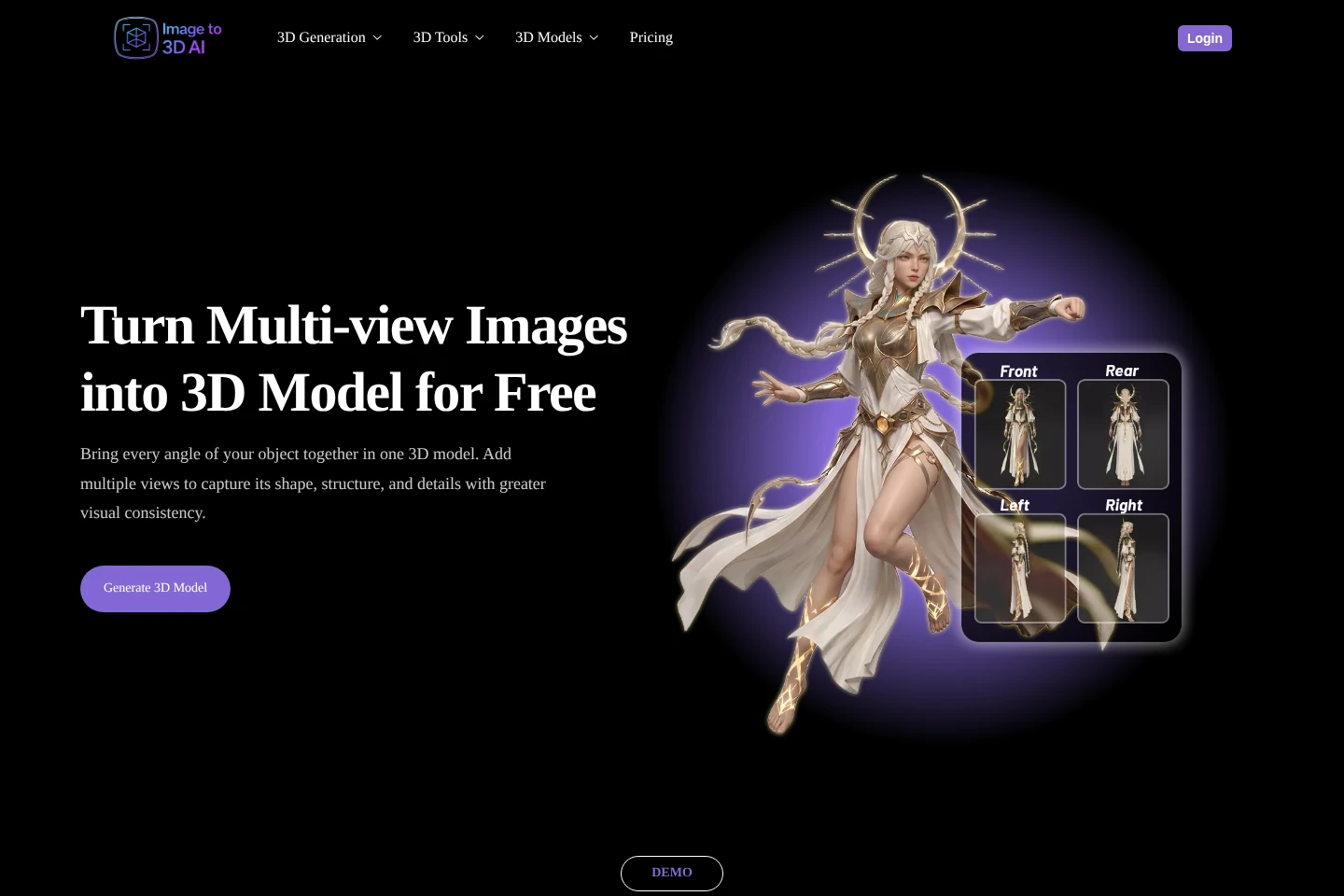
Multi-view reconstruction
Combines multiple images of an object into a 3D model. Upload 2 to 8 views, including a front view, and adjust mesh options such as target face count before generation.
3D model output options
Produces textured or geometry-only meshes and lets users set mesh face count and output format. Available format choices shown include GLB, STL, USDZ, and FBX; PBR material can also be enabled.
Pricing
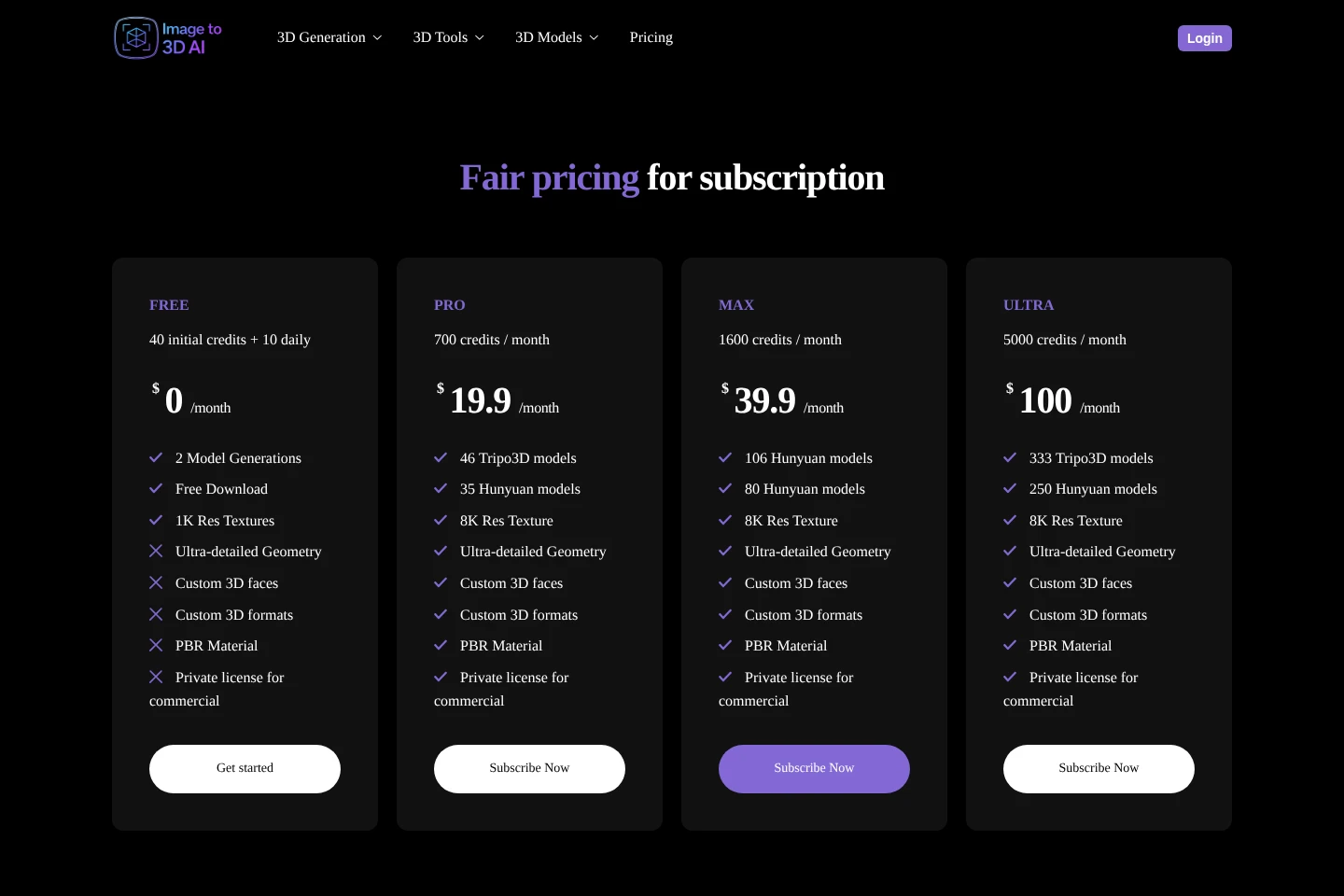
Paid subscriptions are billed monthly, and one-time credit packs are paid once. Compare monthly credit allowances, model equivalents, subscription features, and pack restrictions to choose an option.
| Plan | Price | Included features and limits |
|---|---|---|
| Pro | $19.9/month |
|
| Max | $39.9/month |
|
| Ultra | $100/month |
|
| 900 one-time credits | $30 one time |
|
| 2000 One-time credits | $50 one time |
|
One-time credit packs do not grant access to subscription-plan features. Subscription credits are issued monthly while the subscription remains active; one-time purchased credits are issued immediately.
Use cases
Create a model from a reference image
When a creator has a character illustration, product image, or other visual reference, they can upload an image and describe the object to generate a 3D model. The image workflow accepts JPG, PNG, or WEBP files up to 6 MB.
Reconstruct an object from several views
When one image does not show enough of an object's shape, users can combine front, back, side, and other views. Uploading 2 to 8 images supplies the generator with additional visual references for a 3D reconstruction.
Prototype a 3D model from text
When starting with a written concept rather than a finished model, users can describe an object in a text prompt and generate a 3D asset. They can choose options such as texture, mesh face count, and file format for the output.
Limitations
Image-to-3D uploads accept JPG, PNG, or WEBP files up to 6 MB per image.
Multi-view reconstruction requires at least 2 and allows at most 8 input images.
Free-plan generated models use the CC BY 4.0 license and require appropriate attribution for commercial use.
One-time credit purchases do not include access to subscription-plan features.
Subscription renewals are non-refundable; first-time payment refunds are available only when no credits have been used.
Who it is for
3D creators who need models from visual or text references
Game developers and designers prototyping characters, props, or environments
3D printing hobbyists preparing image-based model concepts
FAQ
Is there a free trial or free credit allowance?
Yes. A free account receives 50 credits on registration and can earn 10 additional credits each day by logging in. The credits can be used to try the products.
How can I get more credits?
Choose a subscription plan for recurring monthly credits or buy a one-time credit pack. Pack purchases do not have recurring monthly charges, and additional packs are available to free users and subscribers.
Can generated models be used commercially?
Yes, subject to the rights of other people and the Terms of Use. Models from paid subscriptions have full commercial usage rights; free-plan models use CC BY 4.0 and require appropriate attribution.
How do I cancel a subscription?
Cancel from your account by opening your profile avatar, choosing User Info, and selecting Cancel Subscription. You can cancel at any time or reactivate an unexpired subscription.
Will a subscription charge continue after cancellation?
No further automatic charges are made after cancellation. Current subscription benefits and credits remain available until the subscription expires.
When are purchased credits issued, and are refunds available?
Purchased credits are issued immediately. A refund is available only for a first-time payment when no credits have been used; subscription renewals are non-refundable.
Comments