

- Monthly visits
- 2,538
- 2026-09
- Monthly growth +1,358.6%
IconVectors - Edit SVG icons and export code from a focused desktop editor
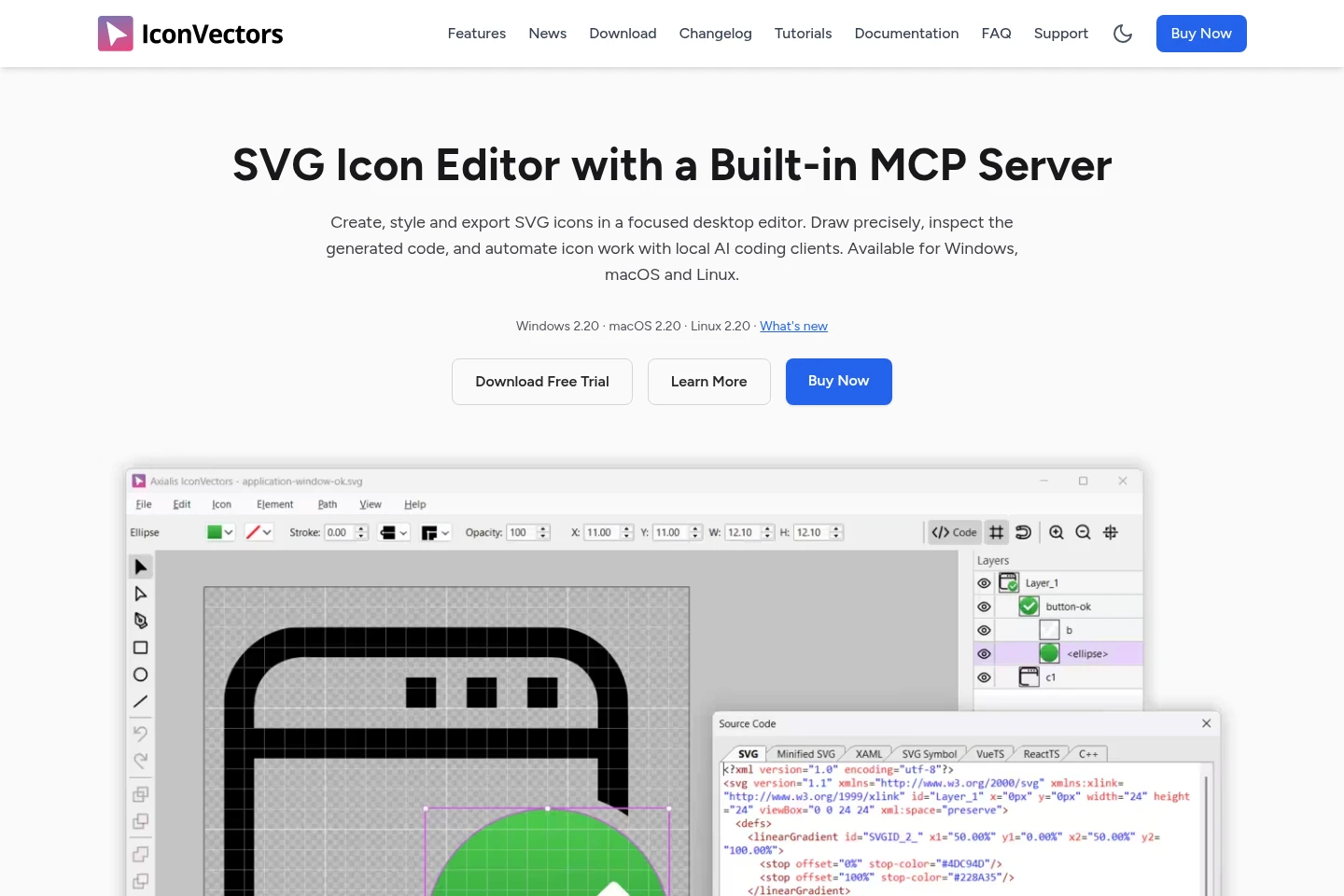
IconVectors is a desktop SVG icon editor for drawing and refining vector artwork, viewing generated code, and exporting icons to formats including SVG, XAML, ReactTS, VueTS, SwiftUI and C++. It also supports reusable Styles, VS Code editing, CLI file operations and local MCP automation. Available for Windows, macOS and Linux.
- AI Design
- SVG Generators
- UI Design
- MCP Servers
- SVG icon editor
- SVG code export
- MCP icon automation
Capabilities
SVG icon editing
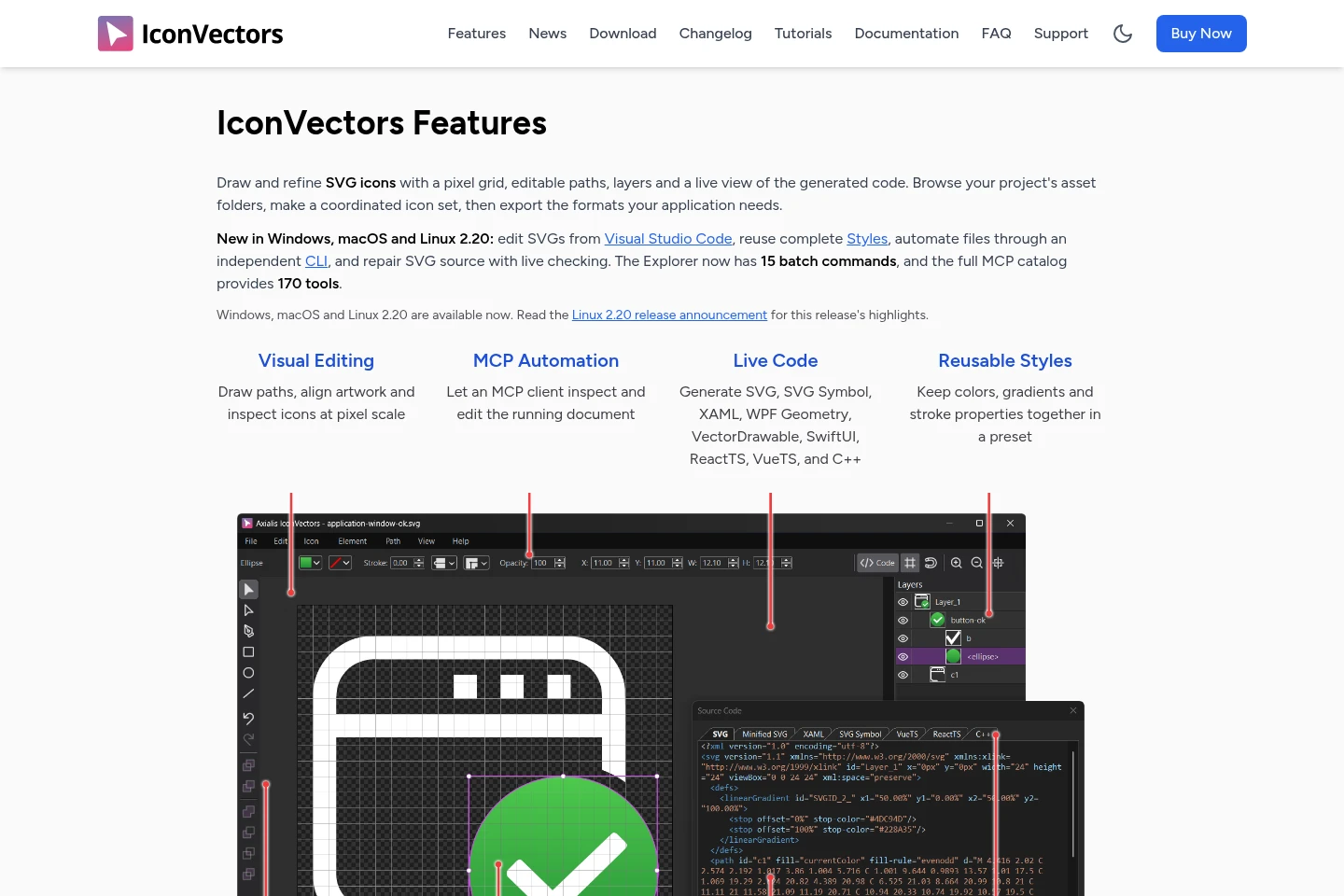
Draw and refine SVG icons, with editable paths, layers and a live view of generated source code. Use grid and vector tools to adjust artwork in the desktop editor.
Icon code export
Export icons as SVG and code for formats including XAML, WPF Geometry, VectorDrawable, SwiftUI, ReactTS, VueTS and C++. Choose output for the target application; non-SVG formats are export-only.
Reusable Styles
Save fills, gradients, strokes and opacity in Style libraries and apply presets to artwork or groups of files. Embedded styles can manage shared CSS definitions inside an SVG.
CLI and MCP automation
Run file checks, exports and transformations through the CLI, or connect a local MCP client to operate on the running editor. MCP tool profiles provide 40, 80 or 170 tools, depending on version and profile.
Visual Studio Code editing
Open standalone SVG files, supported static asset references or self-contained inline SVG blocks in IconVectors from VS Code. Save edits back to the asset or tracked block; inline updates can require review when selected.
Pricing
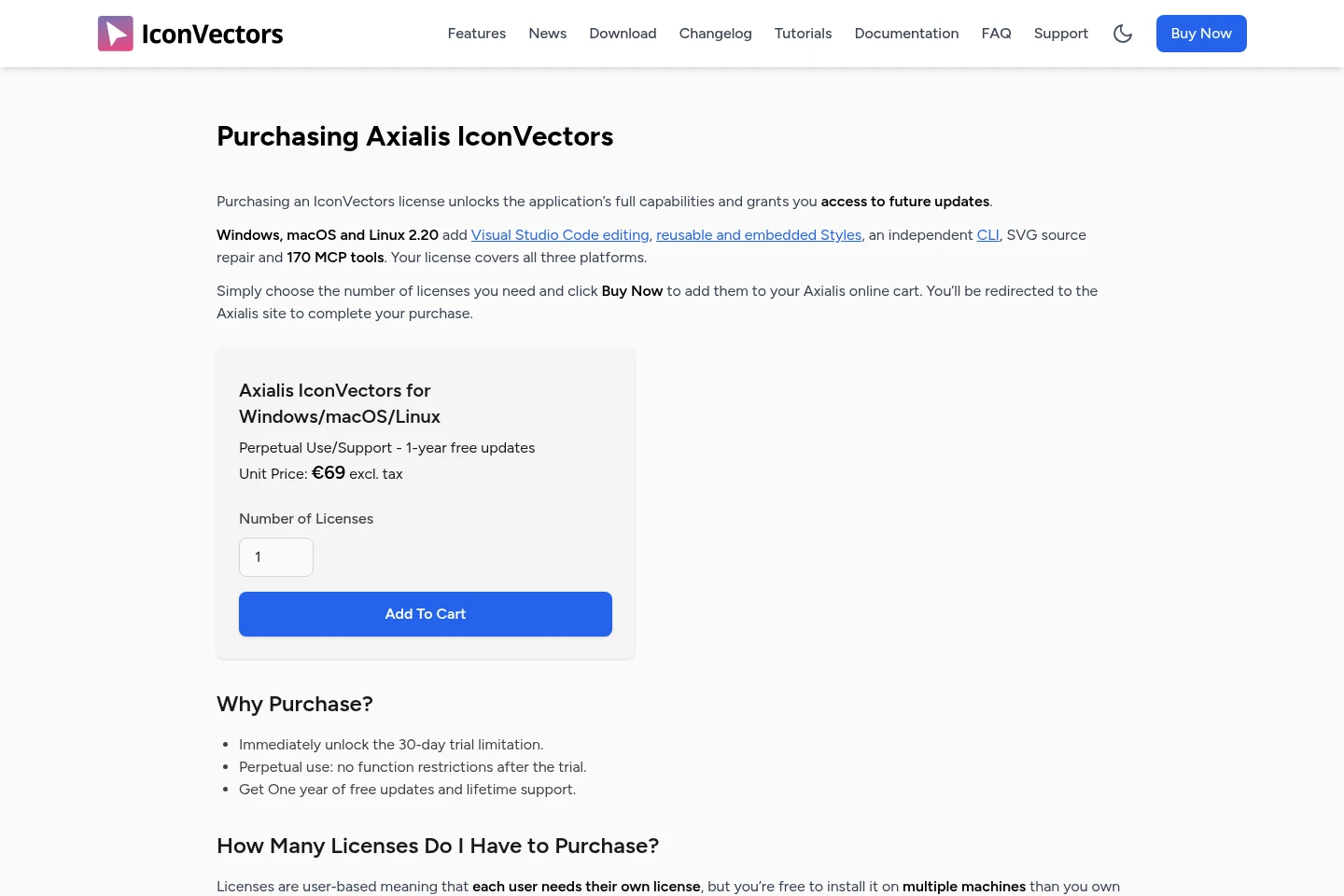
IconVectors is paid through a one-time perpetual license. Compare the license price and included update period; the license covers Windows, macOS and Linux.
| Plan | Price | Included features and limits |
|---|---|---|
| Perpetual Use/Support - 1-year free updates | €69 per license, excluding tax; one-time purchase |
|
The purchase page describes lifetime use and support, with one year of free updates. The listed unit price excludes tax.
Use cases
Draw and refine SVG interface icons
When creating or adjusting vector icons for an application, use the desktop editor’s drawing, path, layer and grid tools to refine the artwork. Inspect the generated source and save the resulting SVG.
Export icons for application code
When a project needs icons in a particular code or asset format, select the relevant export such as ReactTS, XAML, SwiftUI or VectorDrawable. IconVectors generates the output; formats other than SVG are for export only.
Apply consistent styles across icon sets
When multiple icons need a shared appearance, capture fills, gradients, strokes and opacity as a Style and apply it to artwork or batches of files. The resulting icons can share preset styling.
Automate SVG checks and transformations
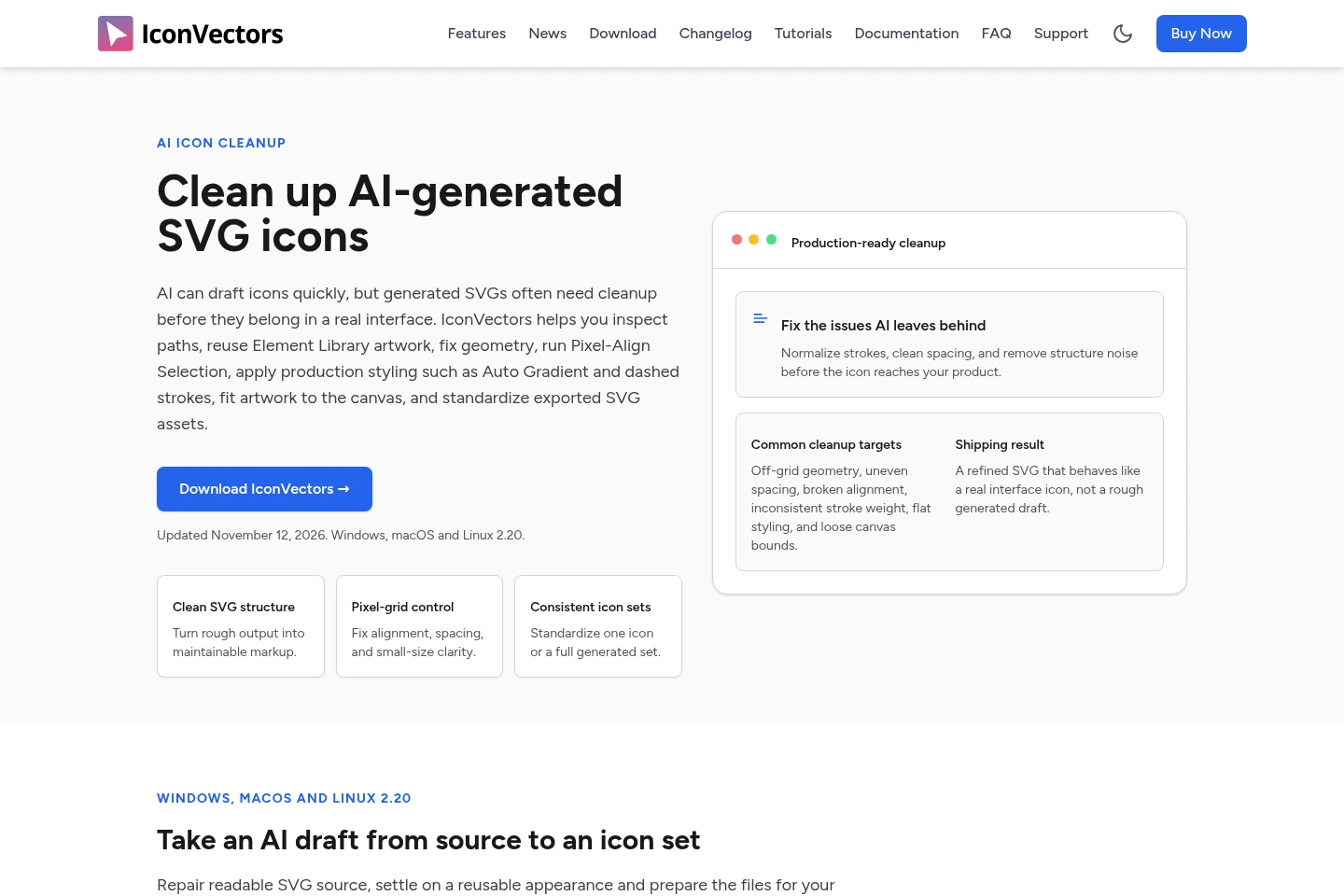
When handling files repeatedly or editing through a coding client, run checks, exports and transformations with the CLI, or use a local MCP client with the running editor. CLI operations can provide dry-run plans and JSON reports.
Limitations
IconVectors opens SVG files; other listed formats, including PNG and XAML, are available for export only.
Each license is user-based, so each user needs a separate license, although that user may install it on multiple machines they own.
The Visual Studio Code integration works in trusted local desktop workspaces and requires VS Code 1.101 or later; macOS 11 or later is required for that VS Code version.
Who it is for
Developers who need SVG icons and code output that fits application frameworks
Designers creating interface assets or icon packs with editable vector artwork
Teams maintaining coordinated icon sets and repeatable export workflows
FAQ
Which file formats can IconVectors open and export?
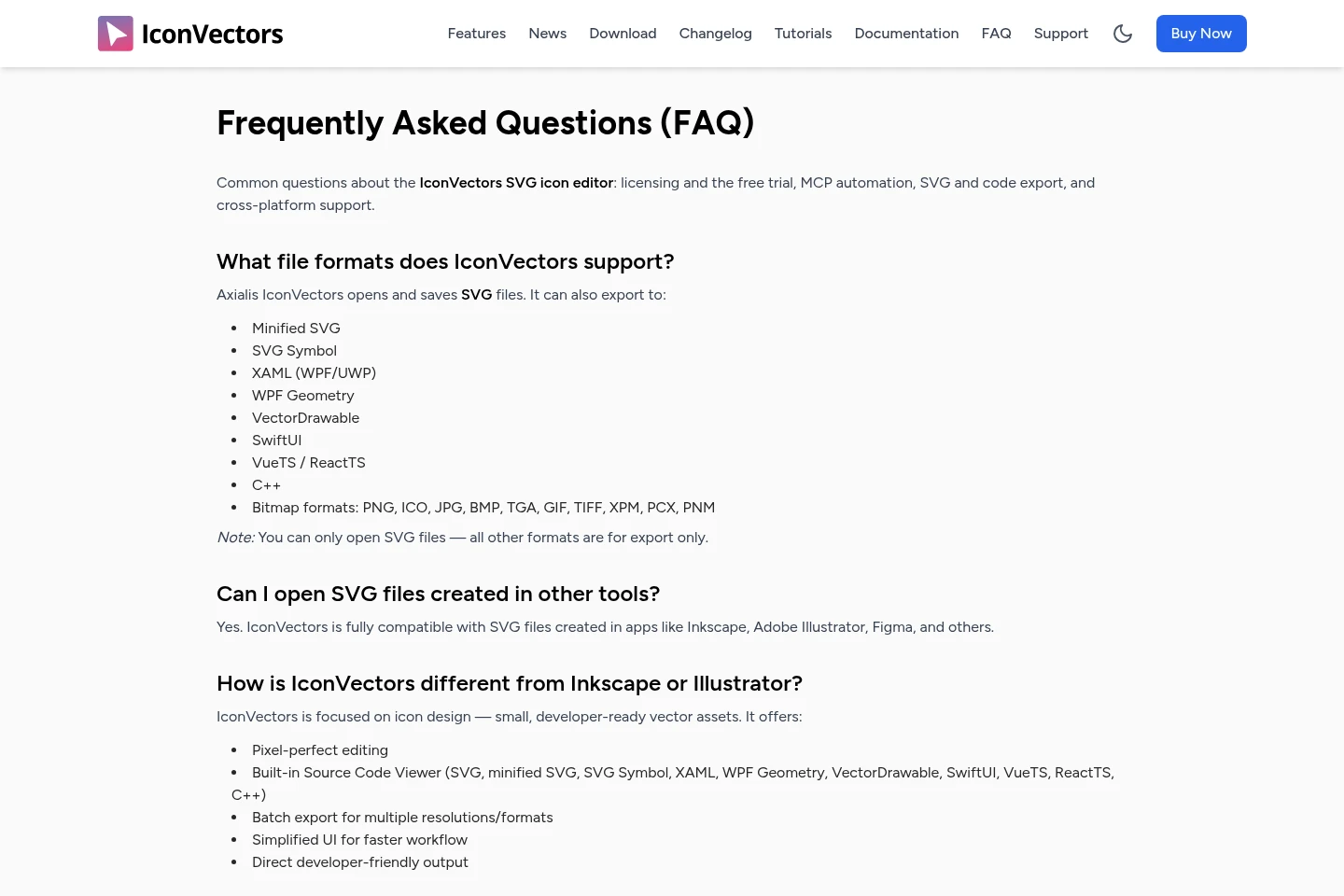
IconVectors opens and saves SVG files. It exports formats including minified SVG, SVG Symbol, XAML, WPF Geometry, VectorDrawable, SwiftUI, VueTS, ReactTS, C++ and bitmap formats; other formats cannot be opened as source files.
Can I edit SVGs created in other applications?
Yes. The FAQ states that IconVectors is compatible with SVG files created in applications such as Inkscape, Adobe Illustrator and Figma.
Can one license be installed on more than one computer?
Yes. A license is assigned to one user, and that user may install it on multiple machines they own; each additional user needs their own license.
Which operating systems does one license cover?
One license covers the Windows, macOS and Linux versions of IconVectors.
How do I connect an AI coding client to the editor?
Use the local MCP integration to connect a supported coding client to the running editor. The available MCP tool profile and setup steps depend on the client and operating system.
Comments