

- Monthly visits
- 65,977
- 2026-10
- Monthly growth +31.1%
HyproAI - Edit videos with regional captions and automated cuts
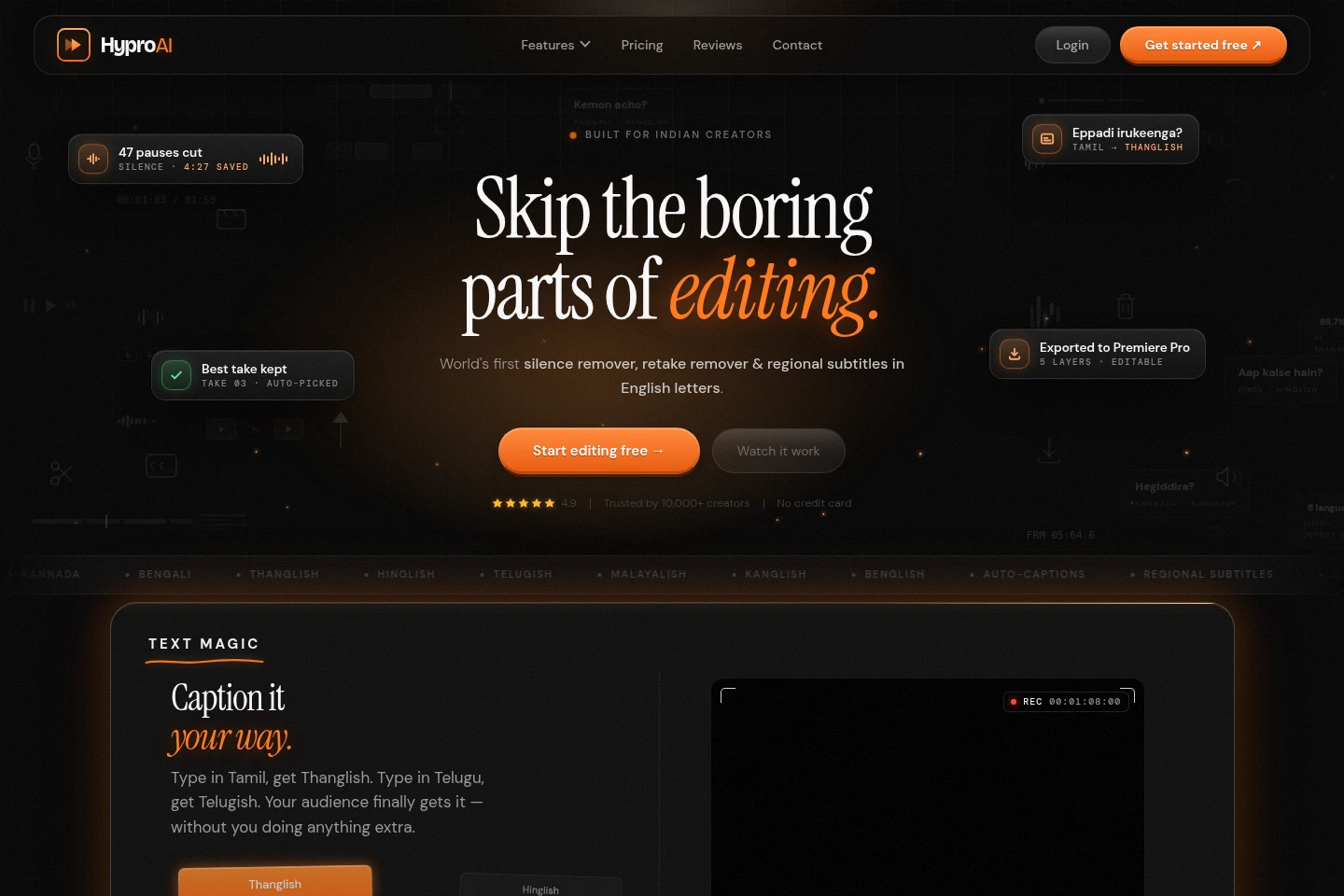
HyproAI is a browser-based video editor for creators working with Indian languages. It transcribes speech, converts captions into Romanized regional forms, removes silence and repeated takes, and offers audio cleanup, caption styles, cloud projects, and exports to video-editing software. The free plan has monthly limits.
- AI Video
- Video Editors
- Transcription
- Subtitle Generators
- regional language video editor
- AI silence remover
- Tamil video captions
Capabilities
Regional language captions
Transcribe speech and create captions in regional languages, including Romanized forms such as Thanglish and Hinglish. The listed languages are English, Tamil, Telugu, Hindi, Malayalam, Kannada, and Bengali; caption accuracy can vary.
Silence removal
Detect and cut silent pauses and dead air in uploaded video. The AI processes the recording and removes identified pauses; access and export limits depend on the plan.
Retake removal
Detect repeated sentences in a recording and keep the cleanest take. This automatically condenses multiple spoken attempts into an edited sequence, with availability varying by plan.
Audio and video enhancement
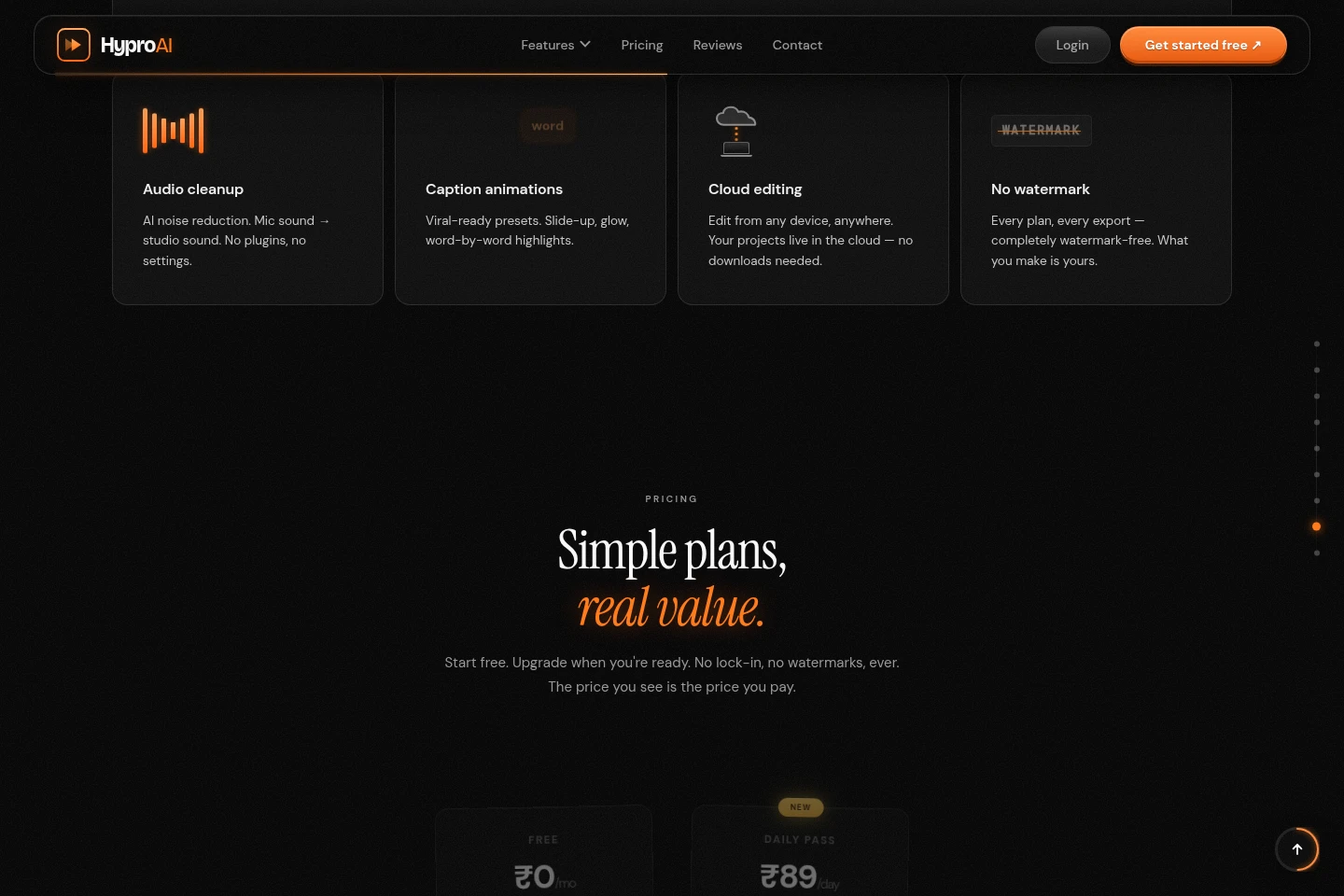
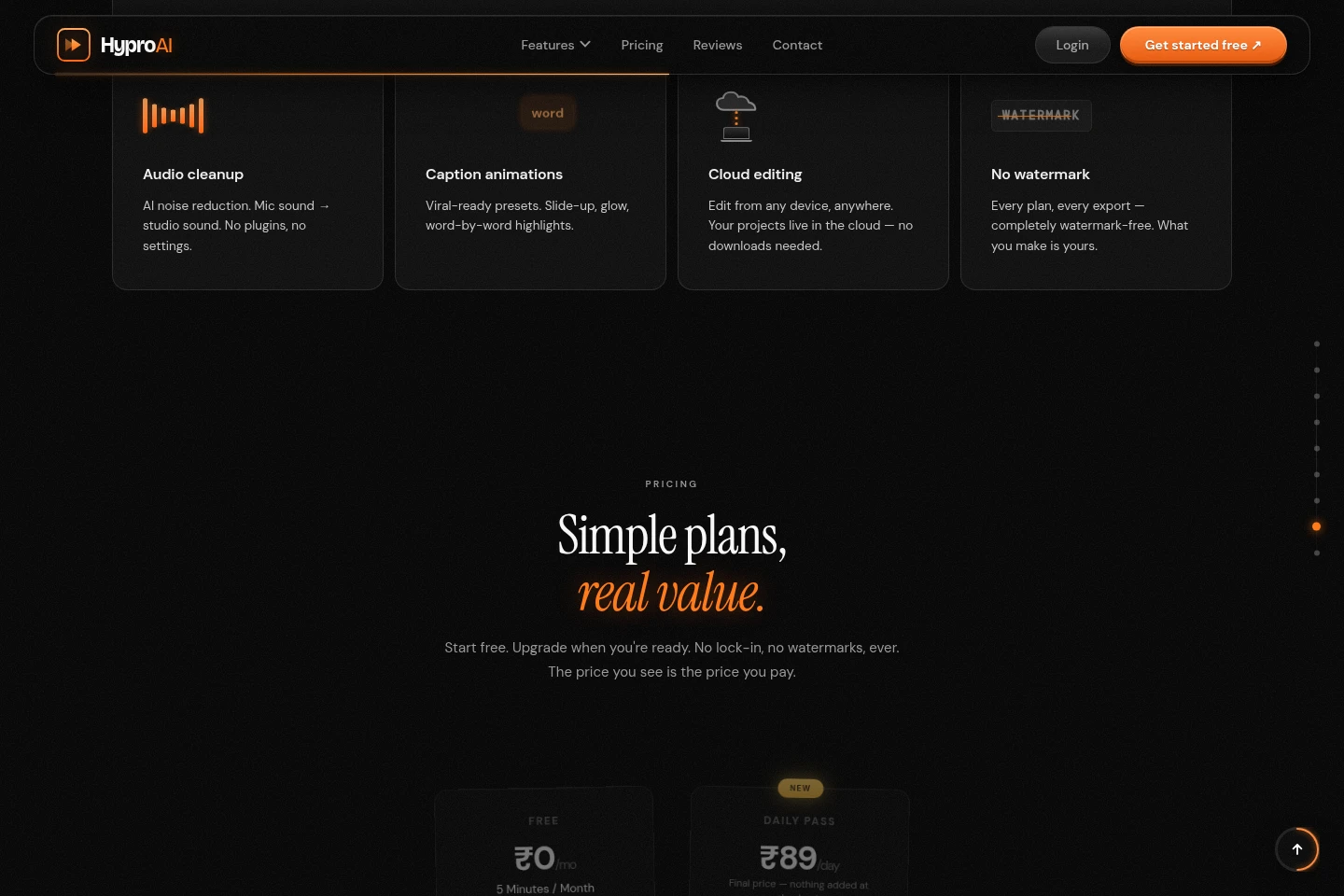
Apply AI audio noise reduction and, on some plans, video enhancement. The editor processes uploaded media, with feature availability and export limits determined by the selected plan.
Video editor exports
Export projects for supported editing software while preserving media elements as separate editable tracks. Supported destinations and export quality vary by plan; named software includes Premiere Pro, DaVinci Resolve, and After Effects.
Pricing
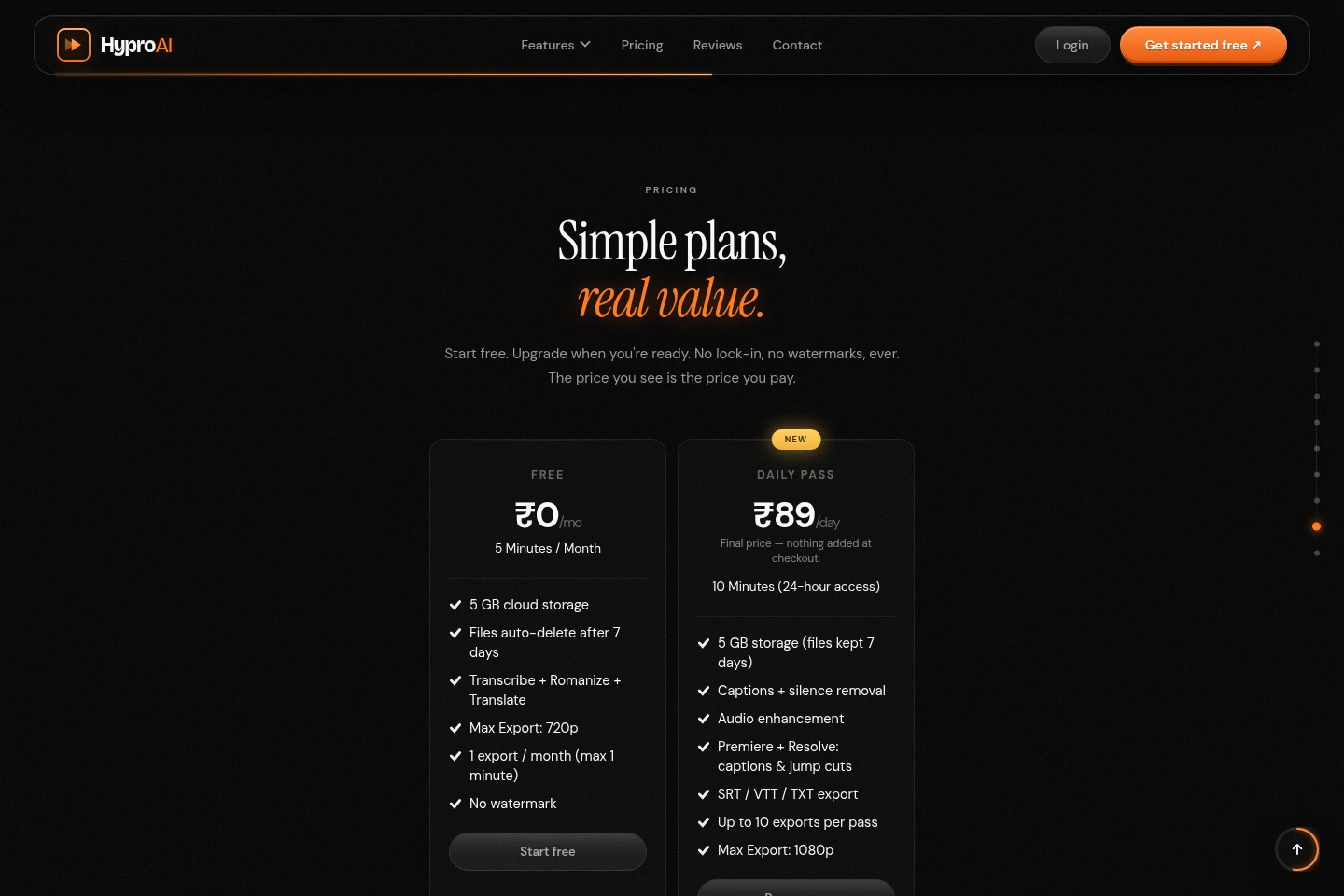
HyproAI offers a free tier, a 24-hour pass, and recurring monthly plans. Compare included editing minutes, storage, export limits and resolution, and available editing tools when choosing.
| Plan | Price | Included features and limits |
|---|---|---|
| Free | ₹0/mo |
|
| Daily Pass | ₹89/day |
|
| Starter | ₹399/mo |
|
| Creator | ₹799/mo |
|
| Agency | ₹2,499/mo |
|
The page says listed prices are final at checkout. Extra minutes are from ₹9.99/min. Extra storage is ₹3/GB for 30 days, one-time, with no auto-renew. All plans are watermark-free.
Use cases
Caption videos in regional languages
When publishing videos spoken in supported Indian languages, generate captions and Romanized regional text such as Thanglish or Hinglish. Review the resulting captions and export them or include them in an editing project.
Trim pauses and repeated takes
When a recording contains dead air or several attempts at the same sentence, use Silence Remover and Retake Remover to cut pauses and keep a clean take. Which tools are available depends on the plan.
Prepare a project for another editor
When continuing a video in desktop editing software, export the project with its video, audio, and caption layers kept separately where supported. The available destinations and export resolution depend on the plan.
Limitations
The free plan includes 5 minutes per month, 5 GB storage, file deletion after 7 days, exports limited to 720p, and one monthly export of at most 1 minute.
The Daily Pass provides access for 24 hours; its 5 GB storage files are kept for 7 days and it allows up to 10 exports at 1080p.
The Starter plan includes 25 minutes per month and 10 GB storage; its listed exports and editing features are more limited than higher tiers.
The Creator plan’s Resolve import/export preview is listed, but downloads are marked as pending publication.
The site says HyproAI is being optimized for mobile; it recommends using a laptop or PC browser for the editing experience.
Who it is for
Video creators making content in supported Indian languages
Podcasters editing recorded speech with pauses or repeated takes
Small video-editing teams needing shared storage and workspace seats
FAQ
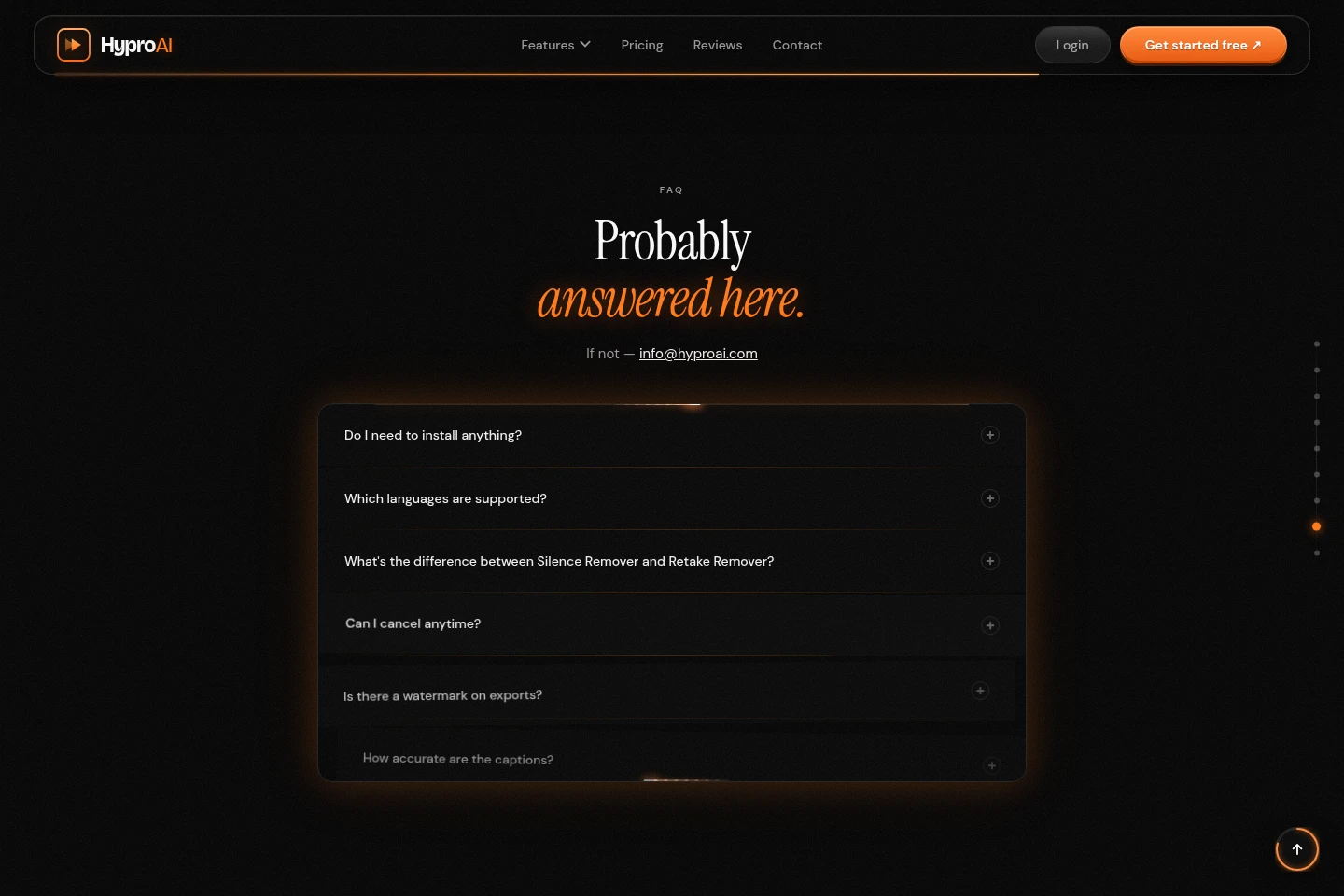
Do I need to install HyproAI?
No. HyproAI runs in a browser, and the site lists Chrome, Safari, and Firefox. You can try it without downloading software or creating an account first.
Which languages can it caption?
The listed languages are English, Tamil, Telugu, Hindi, Malayalam, Kannada, and Bengali. It can also render regional speech in Romanized forms such as Thanglish and Hinglish.
How do Silence Remover and Retake Remover differ?
Silence Remover cuts dead air and pauses. Retake Remover detects repeated sentences and keeps the cleanest version.
Can I cancel a paid plan?
Yes. The FAQ says you can cancel anytime from account settings; the Agency plan also lists cancel anytime for its custom plan offer.
Do exported videos have a watermark?
No. The site states that exports on every plan, including Free, have no watermark.
What export formats and editing software are supported?
The site lists SRT, VTT, and TXT caption exports on Daily Pass, and project exports for Premiere Pro, DaVinci Resolve, and After Effects. Available exports depend on the plan.
Comments