

- Monthly visits
- 0
- 2026-10
- Monthly growth -100%
HuntPDF - Online tools to convert, edit and manage PDFs and images
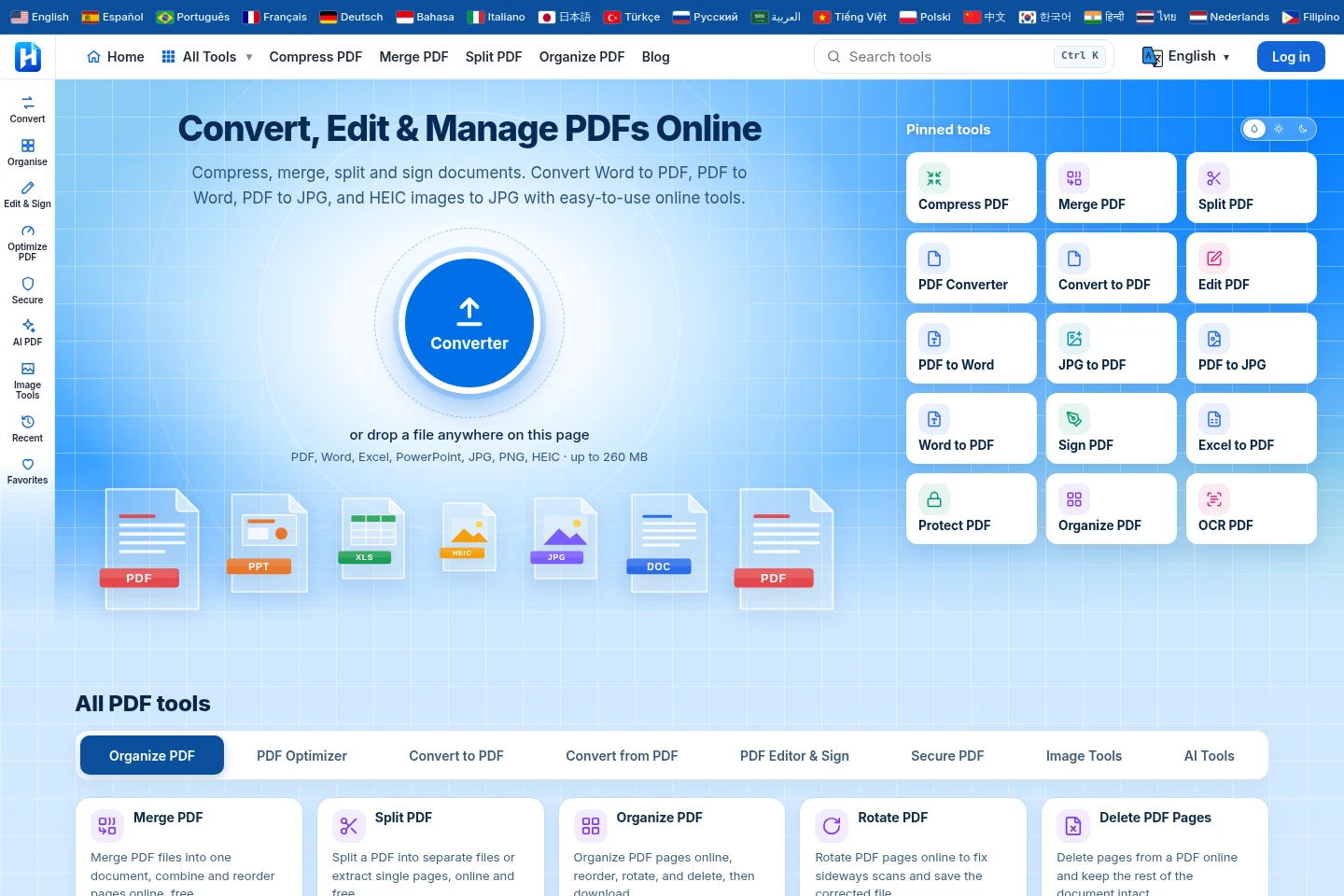
HuntPDF provides browser-based tools for converting, merging, splitting, compressing, editing and signing PDFs, alongside image conversion and editing tools. Its AI tools include PDF chat, summarization, translation and document analysis. The homepage says the tools are free, require no sign-up and add no watermark; it lists a 260 MB file-size limit for the homepage converter.
- AI Productivity
- Chat with PDF
- Translators
- Document Parsing
- free PDF converter
- online PDF editor
- AI PDF tools
Capabilities
PDF and document conversion
Convert PDFs to formats including Word, Excel, images, text, HTML and Markdown, and convert documents and images to PDF. Select a conversion tool and upload a supported file; the homepage converter lists PDF, Word, Excel, PowerPoint, JPG, PNG and HEIC and a 260 MB limit.
PDF page management
Merge, split, reorder, rotate, crop, resize, delete and extract PDF pages, or add page numbers. Choose a page-management tool and provide a PDF; each tool performs its named operation.
PDF editing and security
Edit, annotate, sign, fill forms, add watermarks, protect, unlock or redact PDFs. Select the relevant tool and upload a PDF; the site lists these operations as online tools.
Image conversion and editing
Convert, compress, resize and crop images, remove backgrounds, enhance image quality, run OCR and create PDFs from images. Choose an image tool and supply an image or PDF appropriate to that operation.
AI document tools
Chat with, summarize and translate PDFs, analyze documents, extract tables, compare files and create mind maps. Select an AI tool and provide the relevant document; specific availability conditions are not stated on the supplied pages.
Pricing
HuntPDF says its tools are free, with no daily task limits or watermarks and no features locked behind a paid plan. Compare the relevant tool and its stated file conditions; the homepage converter lists a 260 MB limit.
Use cases
Convert a document or image between formats
When a document or image needs another file format, choose a listed conversion tool and upload the source file. HuntPDF offers conversions to and from PDF, including Word, Excel, PowerPoint, JPG, PNG, HEIC, text, HTML and Markdown.
Reorganize or adjust PDF pages
When pages need combining, removal, extraction, rotation or rearrangement, use the corresponding PDF page tool and provide the file. The site lists separate tools for these operations, as well as cropping, resizing and page numbering.
Edit, sign or protect a PDF
When a PDF needs annotations, form completion, a signature, watermark or sensitive-text removal, open the relevant editing or security tool and upload the document. Listed options include editing, signing, filling forms, protecting, unlocking and redacting PDFs.
Ask questions or extract information from a PDF
When information needs to be found or summarized in a document, use AI Chat with PDF, AI Summarizer, Table Extractor or another listed AI document tool. The homepage identifies these tools but does not state their individual usage conditions.
Limitations
The homepage converter lists a maximum file size of 260 MB; this limit is stated for that converter, not every tool.
The supplied pages do not specify the individual file-size, format or usage conditions for each listed tool.
Who it is for
People who need to convert, organize or edit PDF documents online
People who need to convert, resize, compress or process image files
People who need AI-assisted summaries, document questions or data extraction from files
FAQ
Is HuntPDF free to use?
Yes. The homepage FAQ says all tools are free, with no daily task limits or watermarks, and says no feature is locked behind a paid plan.
Do I need to create an account?
No sign-up is required according to the homepage description. The supplied pages do not state whether signing in is needed for any optional account feature.
What is the homepage converter's file-size limit?
The homepage converter lists files up to 260 MB. The supplied text does not establish that this limit applies to every separate tool.
What happens to files after processing?
The homepage description says files are deleted after processing. The supplied page excerpt does not provide a specific deletion time or retention schedule.
How can I contact HuntPDF?
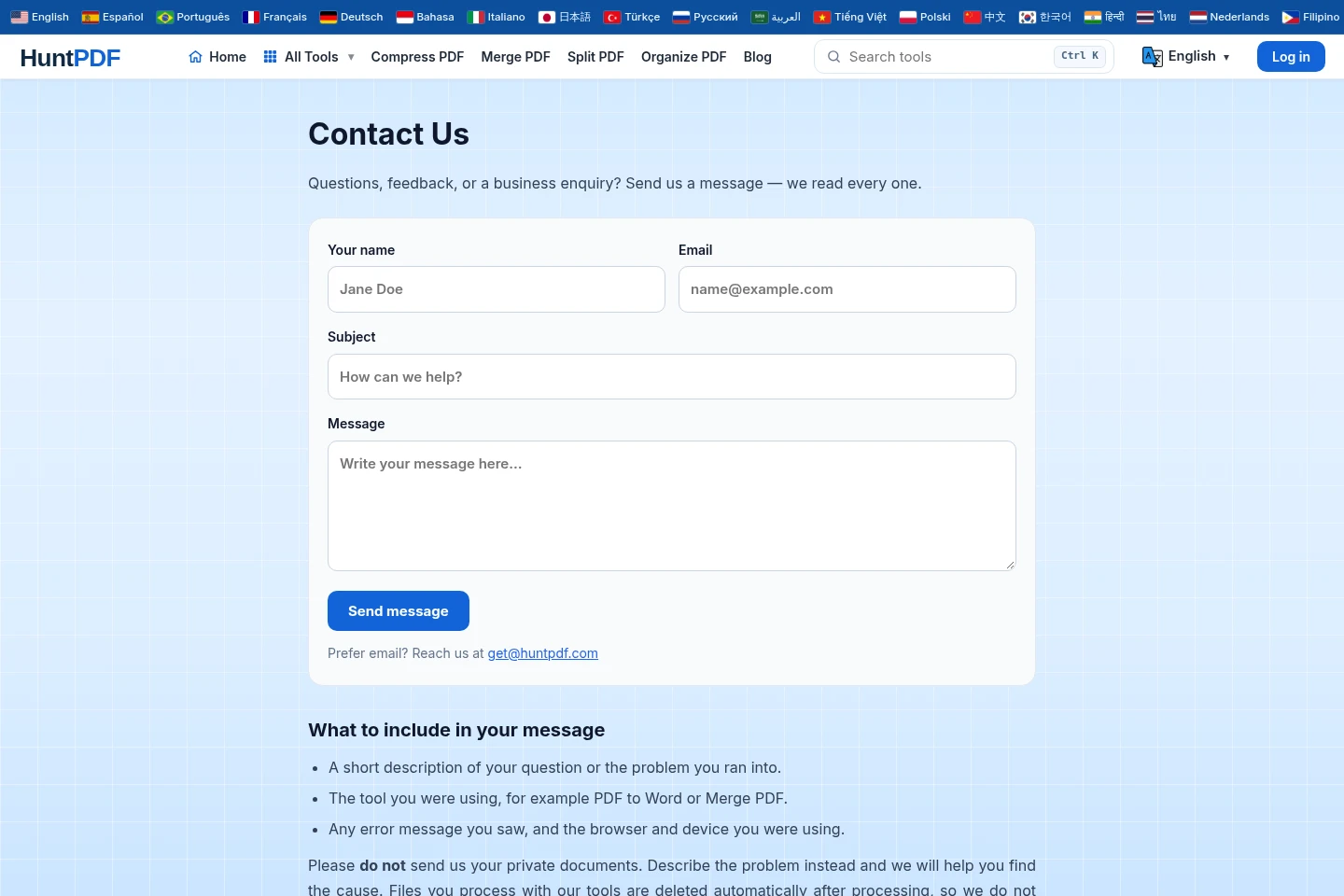
Email [email protected] or use the contact form at https://huntpdf.com/contact-us for questions, feedback or business inquiries.
Comments