

- Monthly visits
- 30,848
- 2026-10
- Monthly growth -33.8%
Humanize AI Text - Rewrite AI-generated text while preserving its meaning
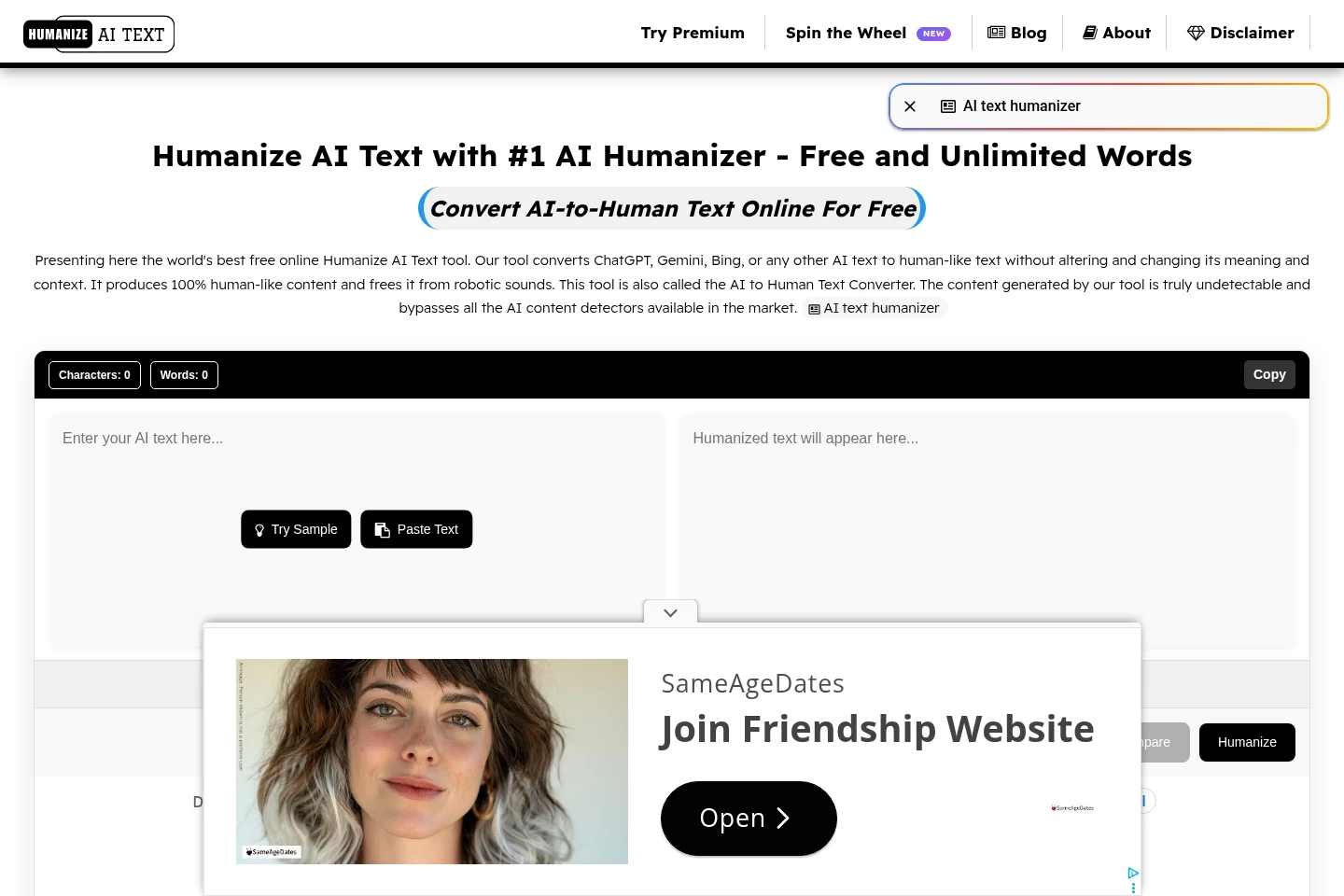
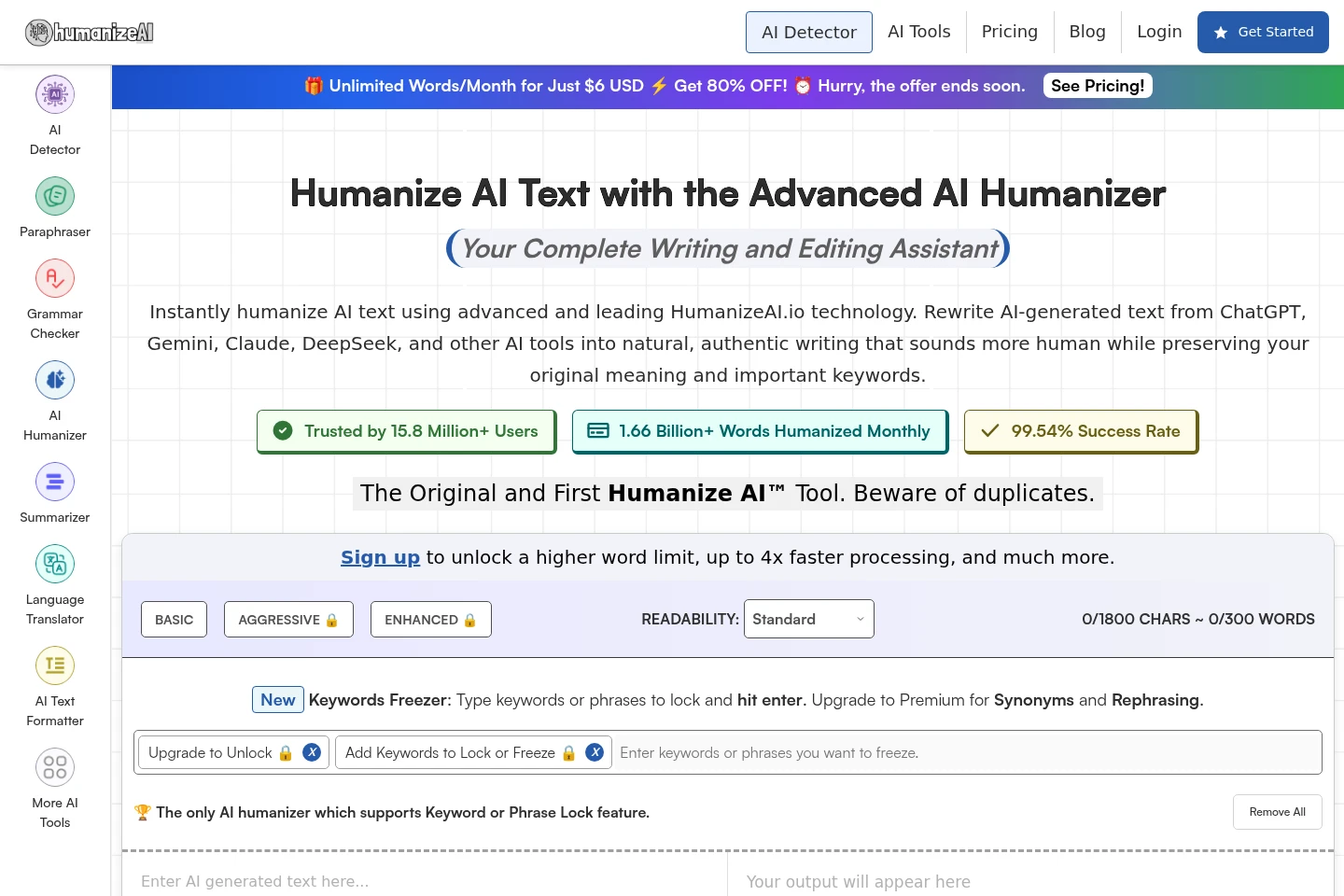
Humanize AI Text is a browser-based tool for converting AI-generated writing into text intended to sound more natural. Paste text into the input area and select Humanize to produce a revised version. The site says it preserves the input’s meaning and context, supports text in any language, and can be used without signing up.
- AI Writing
- Paraphrasing Tools
- free AI text humanizer
- AI text rewriter
- humanize AI writing
Capabilities
AI text humanization
Rewrites AI-generated text into a version intended to sound more natural. Users paste text into the input area and select Humanize; the site says the conversion preserves meaning and context.
Repeat text rewriting
Produces another version of the entered text when the user selects Humanize again. The site says users can repeat the process until they are satisfied with the output.
Copy revised text
Lets users copy the converted text for further editing or use. The site instructs users to review the result before copying it.
Pricing
The Humanize AI Text homepage describes its online converter as free to use. It does not provide a priced plan comparison on the supplied pages.
Use cases
Rewrite an AI-generated draft
When an AI-written passage sounds robotic, paste it into the text area and select Humanize. The tool returns a revised version intended to read more naturally while retaining the original meaning and context.
Generate another version of revised text
When the first converted result is not satisfactory, select Humanize again. The site says users may repeat the conversion and then review and copy the version they prefer.
Limitations
The site describes this tool as a text converter; it does not describe editing documents or files directly.
The site says the result should be reviewed and can be edited by the user after conversion.
Who it is for
People who want to revise AI-generated text so it reads more naturally
People who want to humanize text written in a language other than English
FAQ
How do I convert AI text with Humanize AI Text?
Paste AI-generated text into the input area and select Humanize. Review the converted text, and copy or edit it if you want to use it.
Can I run the conversion more than once?
Yes. The site says you can select Humanize again if you are not satisfied with the output, and repeat the process as needed.
Do I need to sign up to use the tool?
No. The site says the tool is available without login or signup, and describes its use as free and unlimited.
Which languages can the tool process?
The site says it supports text in any language and lists examples including English, French, Chinese, Spanish, Arabic, Hindi, Bengali, Portuguese, Russian, and Japanese.
Comments