

- Monthly visits
- 4,215
- 2026-10
- Monthly growth -16.9%
Hold to Talk - Speak into Mac apps with hold-to-talk dictation
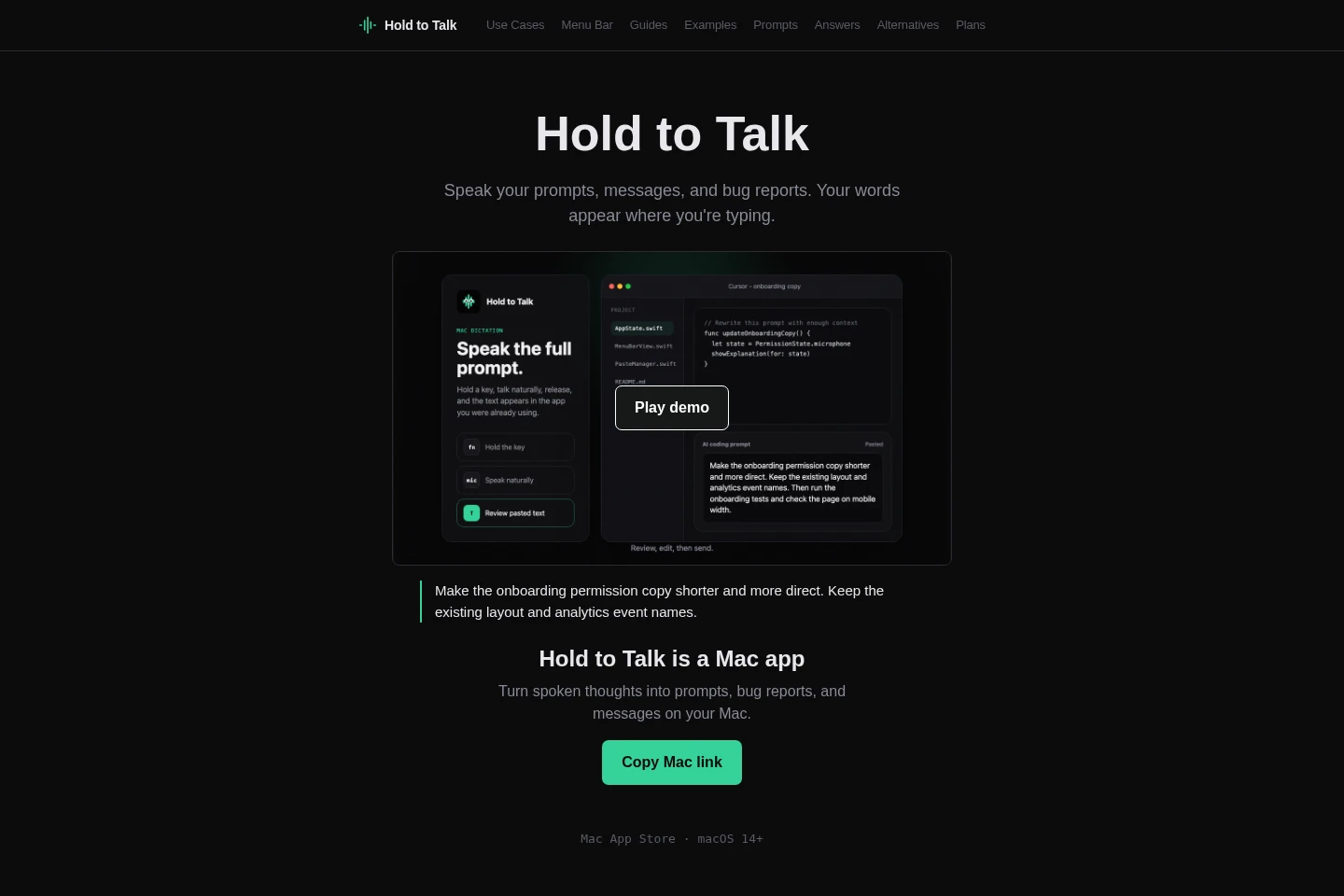
Hold to Talk is a native macOS menu bar dictation app. Hold a shortcut, speak, and release to paste the transcript into the active text field for review. It supports common Mac apps and editable fields, with custom vocabulary and local transcript history. Hosted transcription uses Groq Whisper Large v3 and retains no audio server-side.
- AI Productivity
- Voice Dictation
- Transcription
- Mac voice dictation
- speech to text for prompts
- menu bar dictation app
Capabilities
Hold-to-talk dictation
Turns speech into text and pastes the transcript into the active Mac text field. Hold Option-Space or a custom shortcut while speaking, then release; review the inserted text before sending.
Custom vocabulary
Uses words and spellings you add to a vocabulary list in transcription. Add names or work-specific terms in settings to help them appear as intended.
Local transcript history
Keeps recent transcript history on the Mac for reference. The default hosted transcription path uses Groq Whisper Large v3 and retains no audio server-side.
Pricing
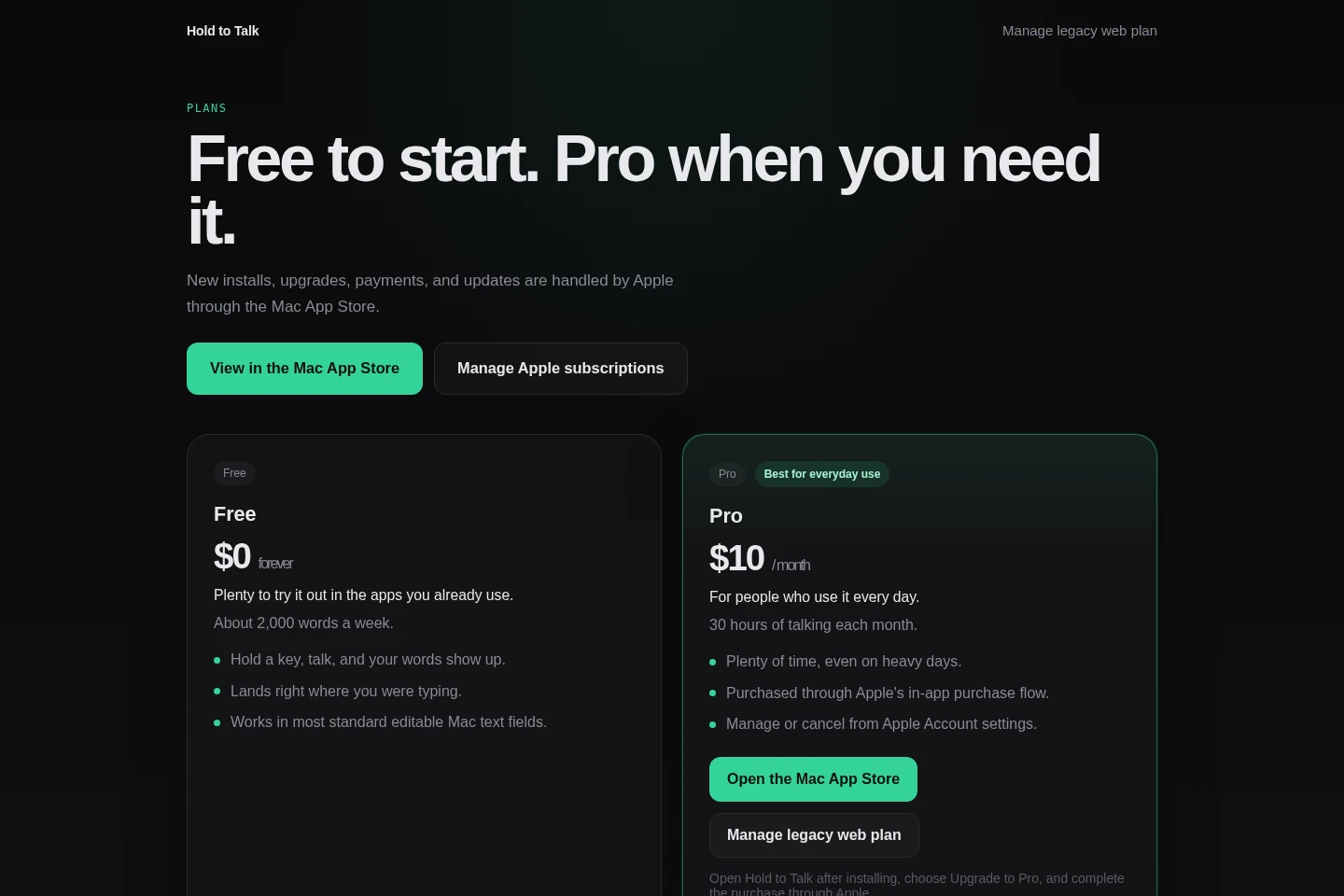
Hold to Talk offers a free plan and a recurring monthly Pro subscription. Compare the weekly word allowance with Pro's monthly transcription hours to choose a plan.
| Plan | Price | Included features and limits |
|---|---|---|
| Free | $0 forever |
|
| Pro | $10 per month |
|
Use cases
Dictate prompts into AI tools
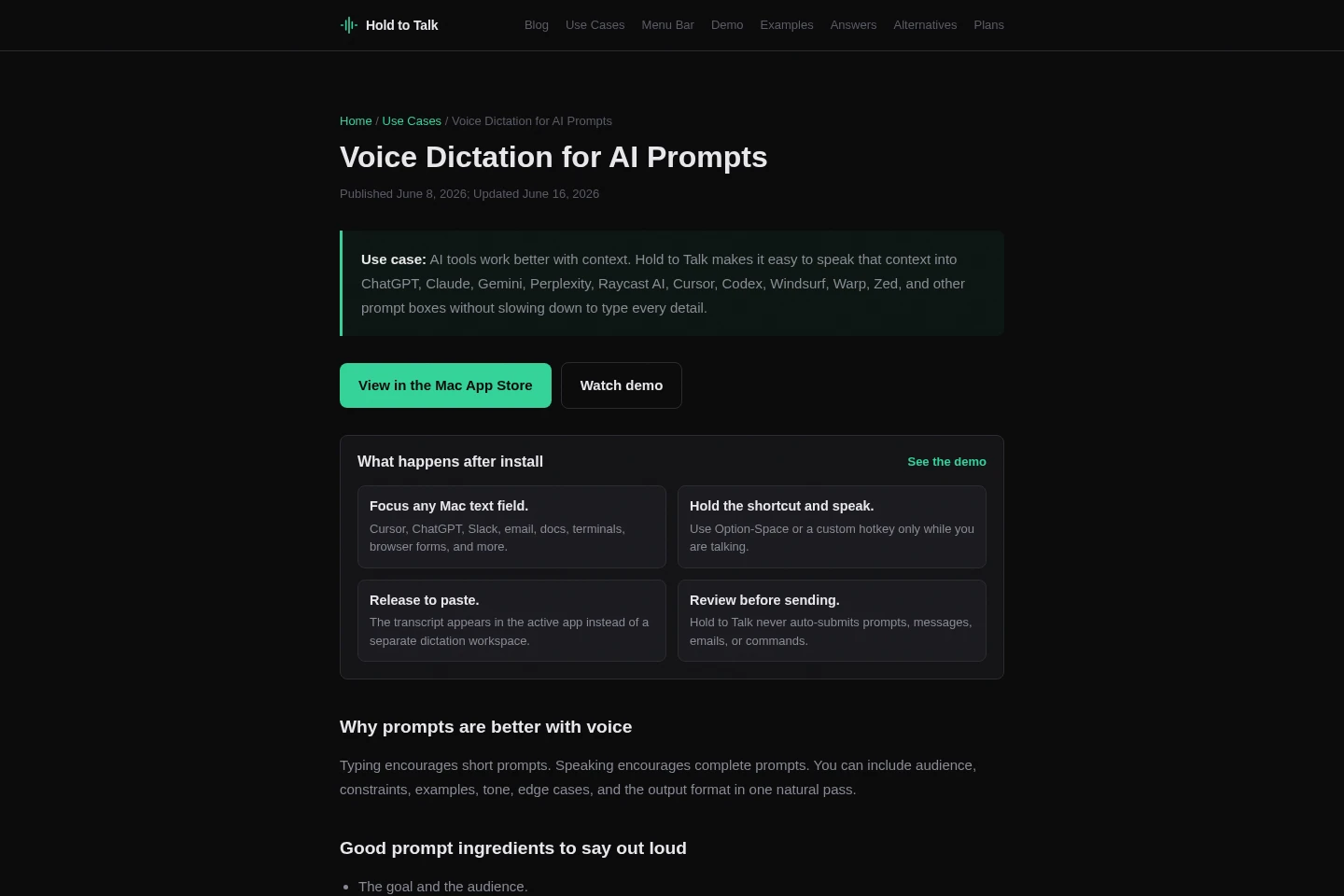
When a prompt needs more context than is convenient to type, speak it into an active prompt field in supported Mac apps. Hold the shortcut, dictate the details, release to paste, and review before submitting.
Draft developer notes and reports
When writing code reviews, bug reports, commit messages, or documentation in a Mac text field, dictate the draft with the shortcut. The transcript is pasted into the active app for review.
Write messages and email replies
When composing replies in Slack, email, or another standard editable Mac field, dictate the text instead of typing it. Release the shortcut to paste the transcript, then review and send it yourself.
Limitations
Hold to Talk is a native Mac app distributed through the Mac App Store, and requires macOS 14 or later.
Secure or custom controls may not accept simulated paste, even when standard editable Mac text fields do.
The default hosted transcription path sends audio for cloud transcription, so it is not suitable when audio must never leave the Mac.
The app is designed for repeated short dictation bursts, not meeting recording, call summaries, or long-session recording.
Hold to Talk pastes text for review and does not automatically submit prompts, messages, emails, or commands.
Who it is for
Mac users who write prompts, messages, and notes across multiple apps
Developers who want to dictate prompts, code reviews, bug reports, and commit messages
People who regularly dictate short bursts of text into Mac apps
FAQ
How does Hold to Talk dictate into a Mac app?
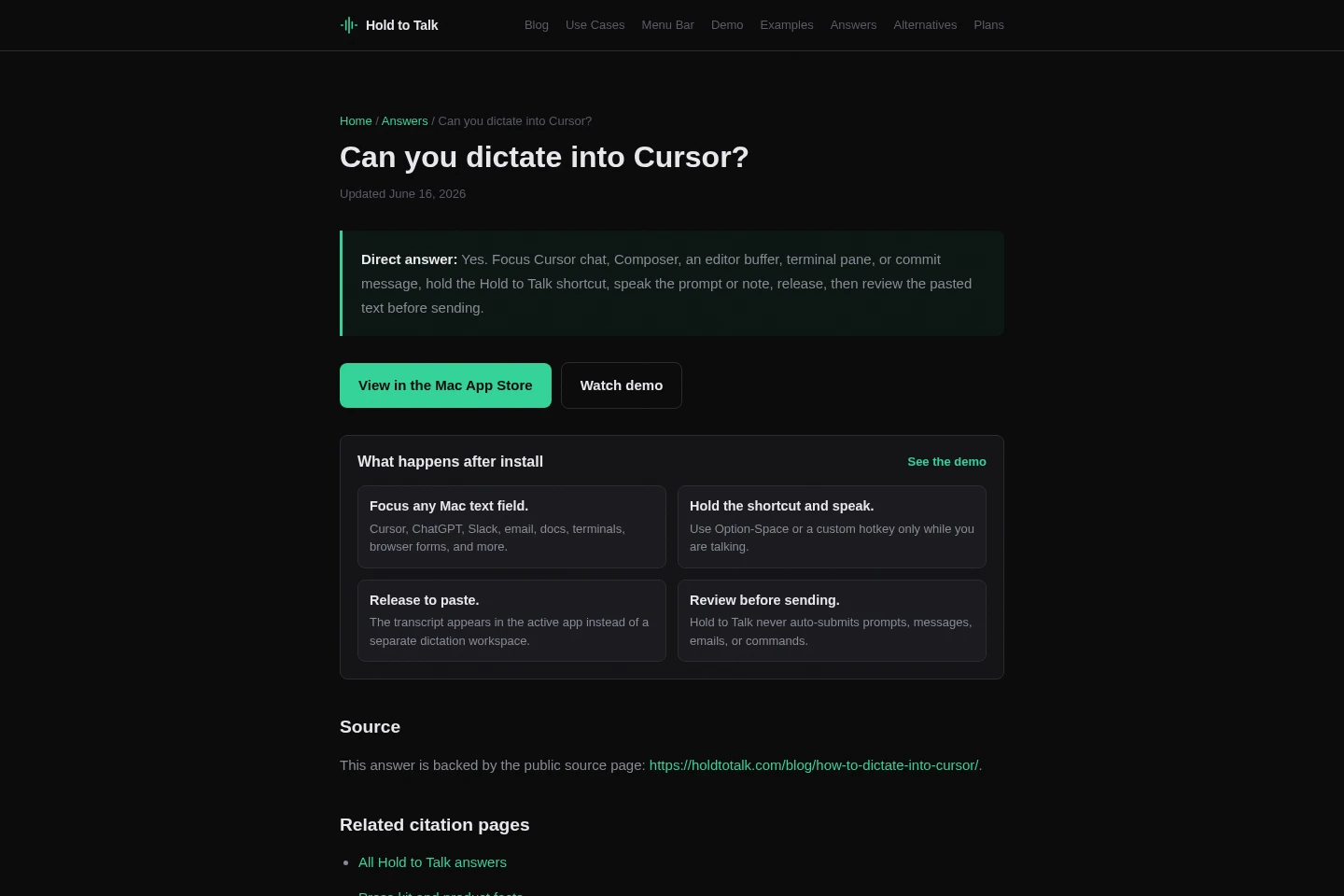
Focus a text field, hold Option-Space or a custom shortcut, and speak. Release to paste the transcript into that field, then review it before sending.
Does Hold to Talk store audio?
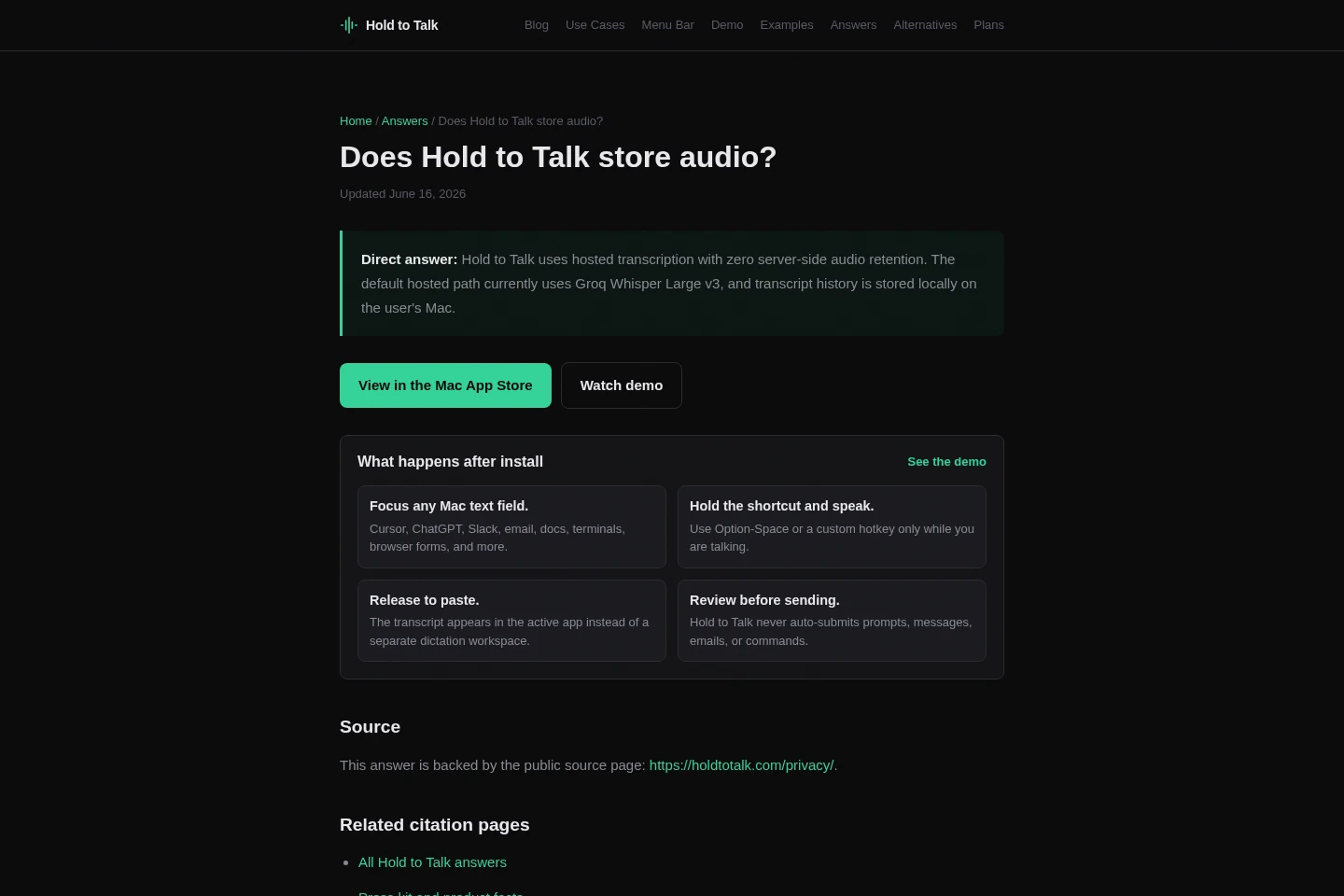
No server-side audio retention is used on the default hosted path, which currently uses Groq Whisper Large v3. Recent transcript history is stored locally on the Mac.
Can I use Hold to Talk offline?
No. The default transcription path is hosted, so audio is processed through cloud transcription. Choose an on-device dictation app if audio must never leave your Mac.
What does the Free plan include?
Free costs $0 forever and includes about 2,000 words per week. It supports hold-to-talk dictation and pasting into most standard editable Mac text fields.
How much does Pro cost and how is it purchased?
Pro costs $10 per month and includes 30 hours of transcription each month. New purchases are made through Apple's in-app purchase flow and managed or canceled in Apple Account settings.
Comments