

- Monthly visits
- 55
- 2026-10
- Monthly growth -91.7%
HogoNext Chrome Extension - Templates and AI tools in Chrome’s side panel
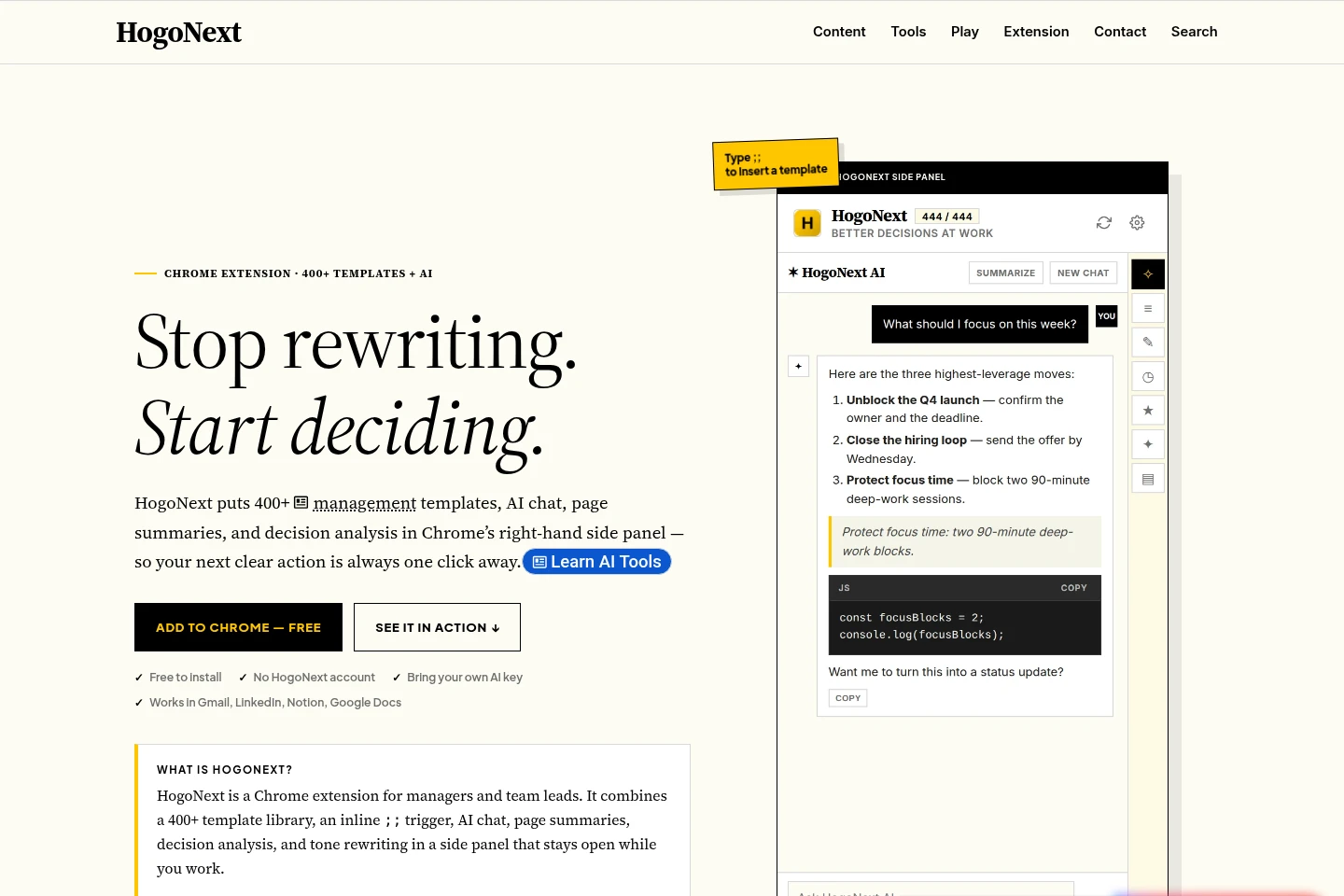
HogoNext is a free Chrome extension for managers and team leads. It provides more than 400 management templates, an inline template shortcut, AI chat, page summaries, decision analysis, and tone rewriting in a side panel. The template features work without an account or AI key; AI features require a key from a supported provider.
- AI Writing
- Writing Assistants
- Summarizers
- Paraphrasing Tools
- Chrome management templates
- AI decision analysis extension
- manager writing assistant
Capabilities
Management template library
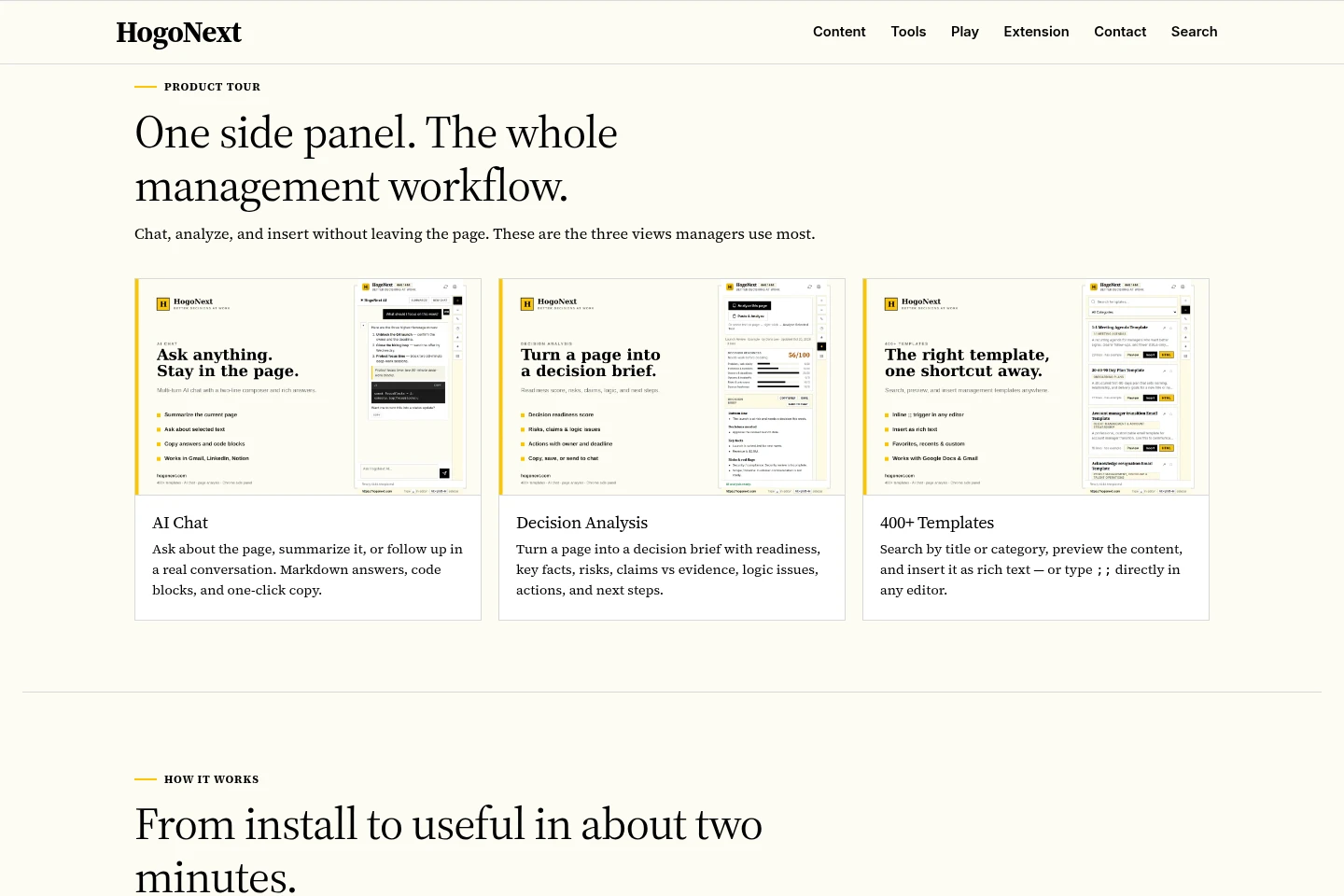
Search, preview, and insert more than 400 management templates as rich text. Templates cover tasks such as one-to-ones, status updates, decision memos, feedback, and project briefs; type ;; in a supported editor for inline search.
Page and decision analysis
Turn a page or document into a structured decision brief. When you explicitly run analysis, it can return readiness, facts, risks, claims versus evidence, logic issues, actions, and next steps.
AI chat and summaries
Ask questions about a page, selected text, or notes, and summarize page content in the side panel. AI features require the user's own key for a supported provider, and requests go directly to that provider.
Tone rewriting
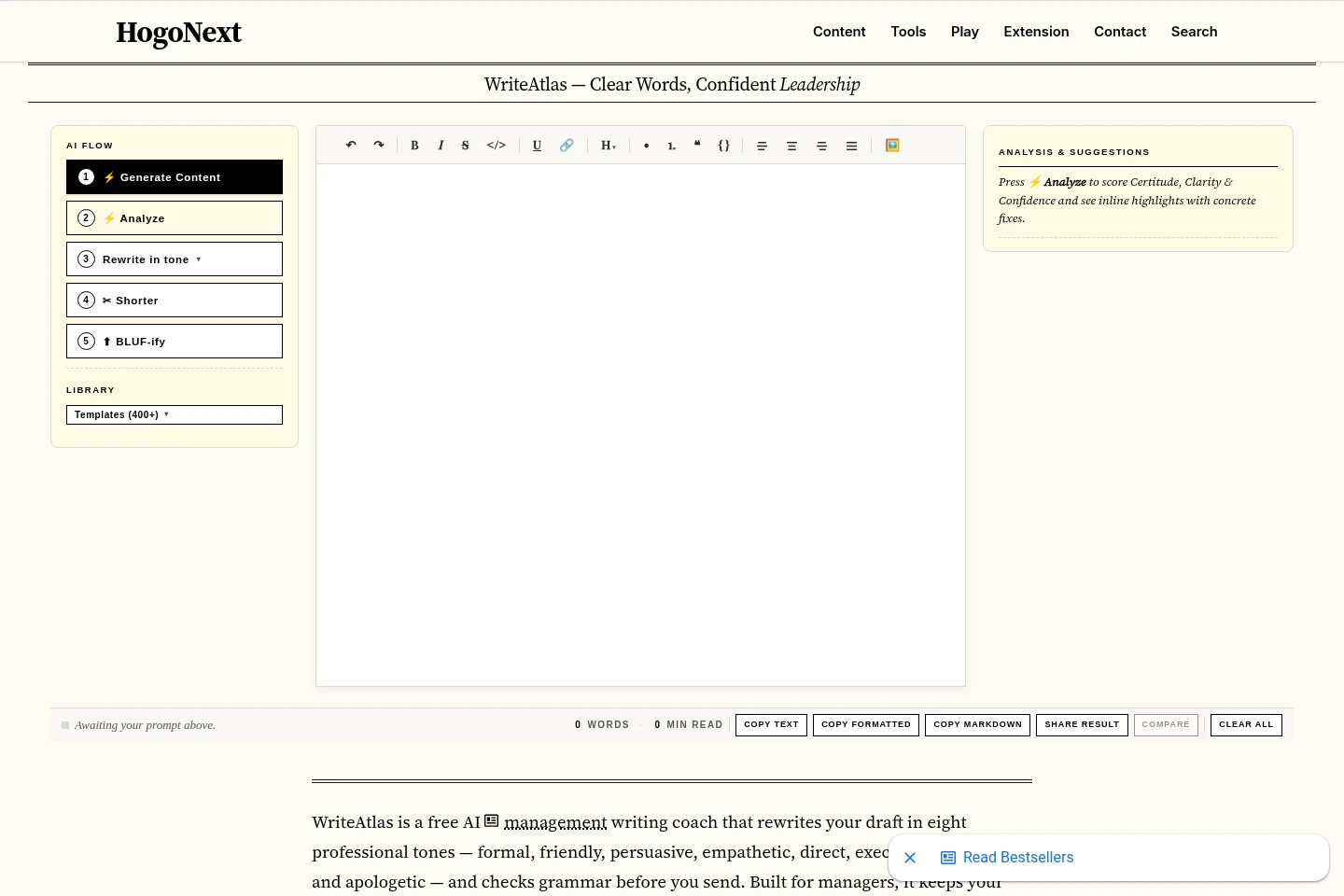
Rewrite a draft in one of eight professional tones and preview the result before accepting or copying it. The user chooses a tone and supplies the text to rewrite.
Pricing
The extension has a free plan with no recurring product charge. Compare the included template tools with AI features, which require your own provider API key and are billed by that provider.
| Plan | Price | Included features and limits |
|---|---|---|
| Free | Free to install |
|
For AI features, requests go directly to the selected provider, and the user pays that provider directly for token usage. HogoNext says it does not proxy or store those requests.
Use cases
Draft recurring management messages
When preparing a one-to-one agenda, status update, feedback note, decision memo, or project brief, search or invoke a template with ;; and insert it into the editor. The template provides a structured starting point for the message.
Review a page for a decision
When a manager needs to assess an article or document, run Analyze This Page in the side panel. With an AI provider key configured, it produces a decision brief with facts, risks, evidence, and possible next actions.
Summarize or ask about page content
When working through a page or selected passage, use the side-panel chat to request a summary or ask follow-up questions. AI requests use the user's selected provider and key, and the answer can be copied.
Revise a draft for its audience
When a draft needs a different register, select one of the eight professional tones and use Rewrite. Preview the change, then accept or copy the result; the AI feature requires a supported provider key.
Limitations
AI chat, summaries, analysis, and tone rewriting require the user to provide an API key for a supported provider; the user pays that provider directly for token usage.
Analyze and Summarize can send up to 200,000 characters of extracted main content; a smaller model context window can cause automatic shortening and retries.
The extension is offered for Chrome; the supplied pages do not identify other browser versions as supported.
Who it is for
Managers who prepare recurring team communications and decision documents
Team leads who want templates and page context beside their browser editors
Business operators who review information and turn it into structured next steps
FAQ
Is HogoNext free to use?
Yes. The extension is free to install and its template library and related template tools are included. AI features require your own supported provider API key, and you pay that provider directly for token usage.
Do I need an AI API key?
Only for AI features. Templates, search, preview, insertion, favorites, recents, and custom templates work without a key; chat, summaries, page analysis, and tone rewriting require a key from a supported provider.
Which AI providers can I connect?
HogoNext lists Google Gemini, OpenAI, Anthropic Claude, DeepSeek, and OpenRouter. You choose the active provider and enter your own API key; AI requests go directly from your browser to that provider.
How does the inline template shortcut work?
Type ;; in a supported editor to open template search, enter keywords, navigate with the arrow keys, and press Enter to insert a template as rich text. The extension also lets you search and preview templates in its side panel.
What information does Analyze This Page return?
It can produce a decision brief with readiness, key facts, risks, claims versus evidence, logic issues, actions, and next steps. Page content is read when you explicitly run analysis or summarization, not through background AI processing.
Can I create and import my own templates?
Yes. You can create custom templates in the extension and import or export them as JSON. Custom templates appear alongside the built-in library and are marked with a CUSTOM badge.
Comments