

- Monthly visits
- 4,737
- 2026-09
- Monthly growth +80%
Hawser - Plan your day and get a nudge when you drift
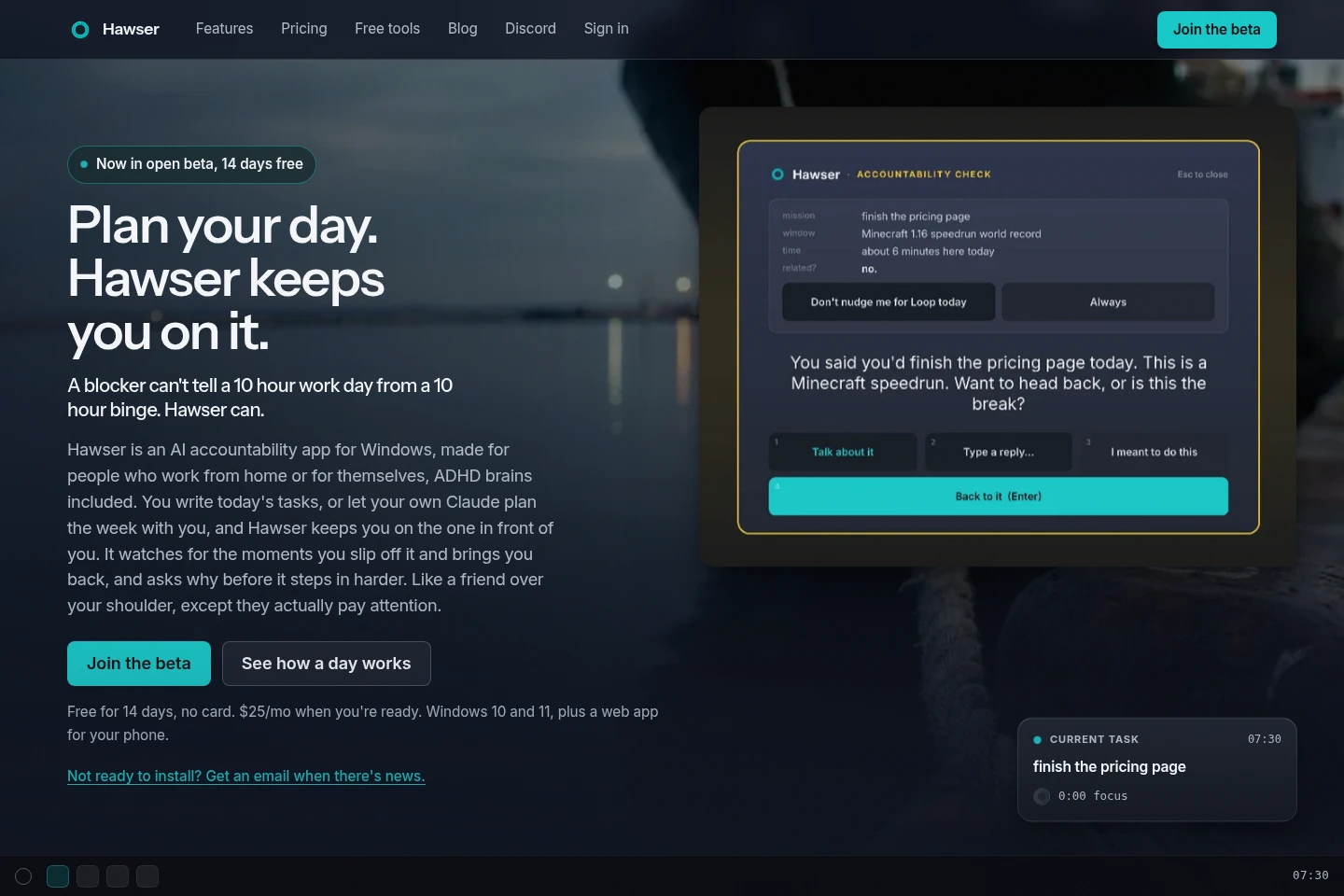
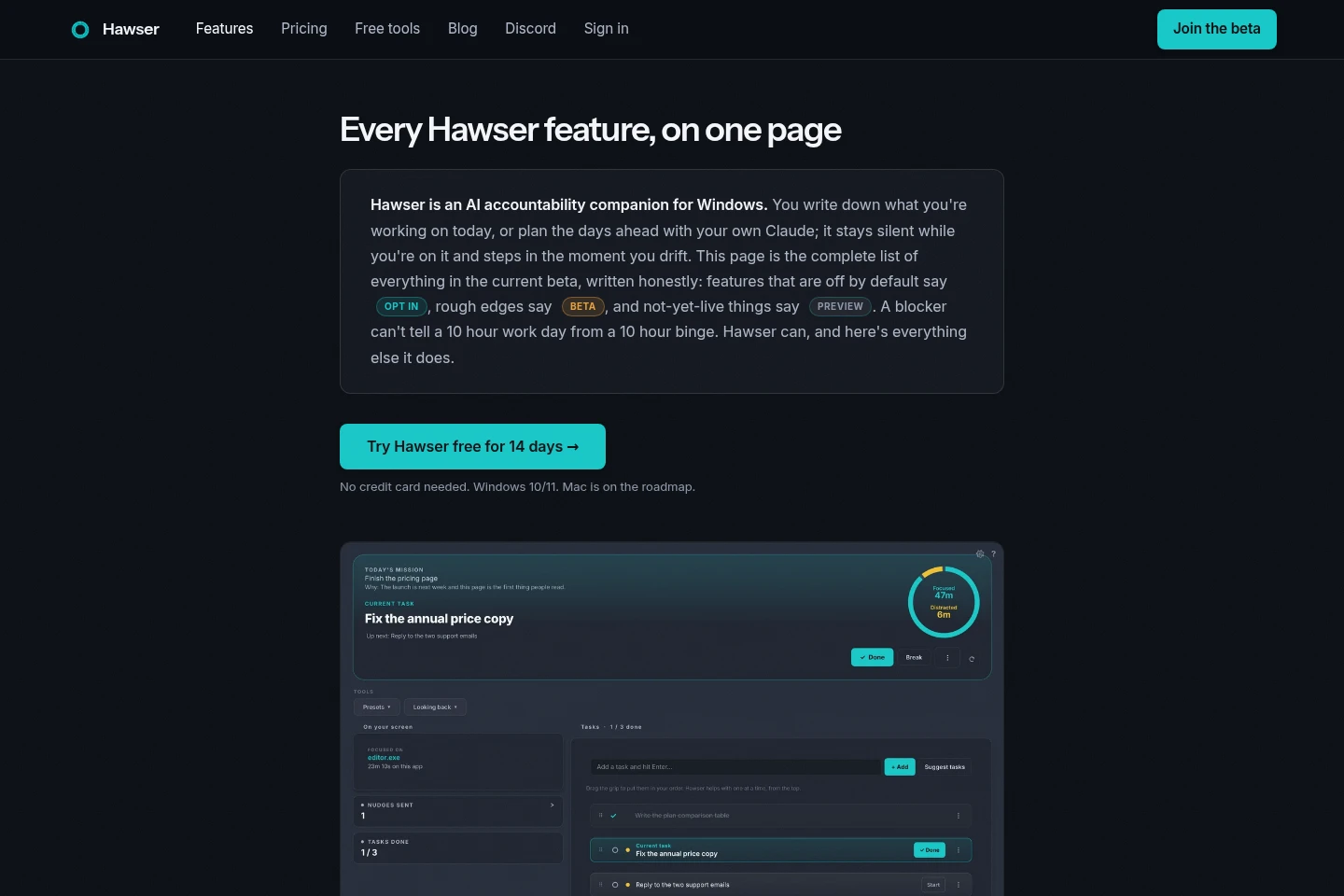
Hawser is a Windows accountability app that puts your tasks in order and identifies when your screen activity drifts from the task you set. It can help plan days with your Claude app, offer reminders and focus sessions, and apply optional app or website limits. A phone web app provides notes, timers and reminders.
- AI Productivity
- To-Do Lists
- Time Tracking
- Desktop Automation
- Windows accountability app
- AI focus companion
- task nudges for Windows
Capabilities
Ordered daily tasks
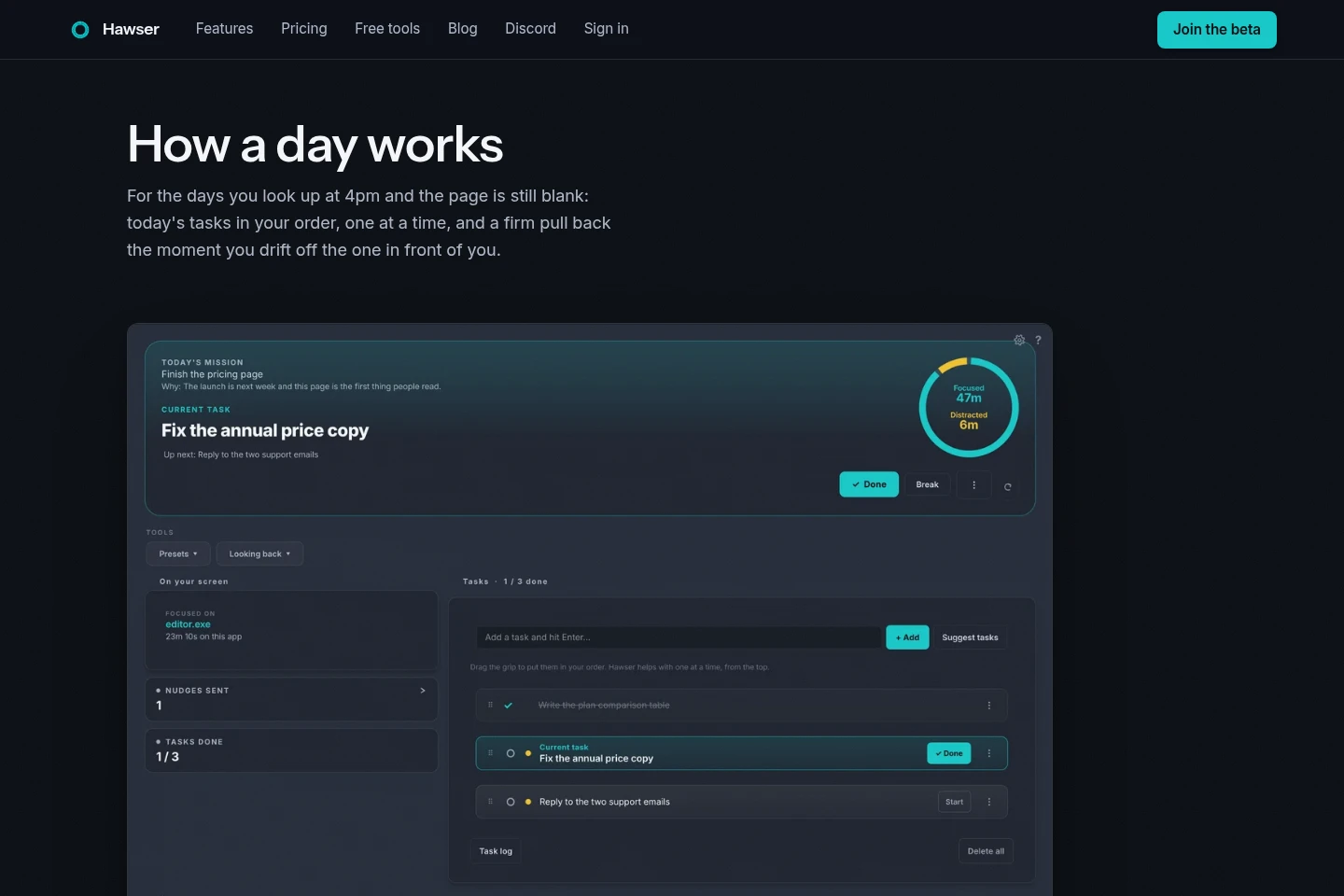
Organize daily tasks in a chosen order and make the next unfinished task current. Add an optional mission, mark tasks done to move forward, and review unfinished tasks from earlier days.
Contextual focus nudges
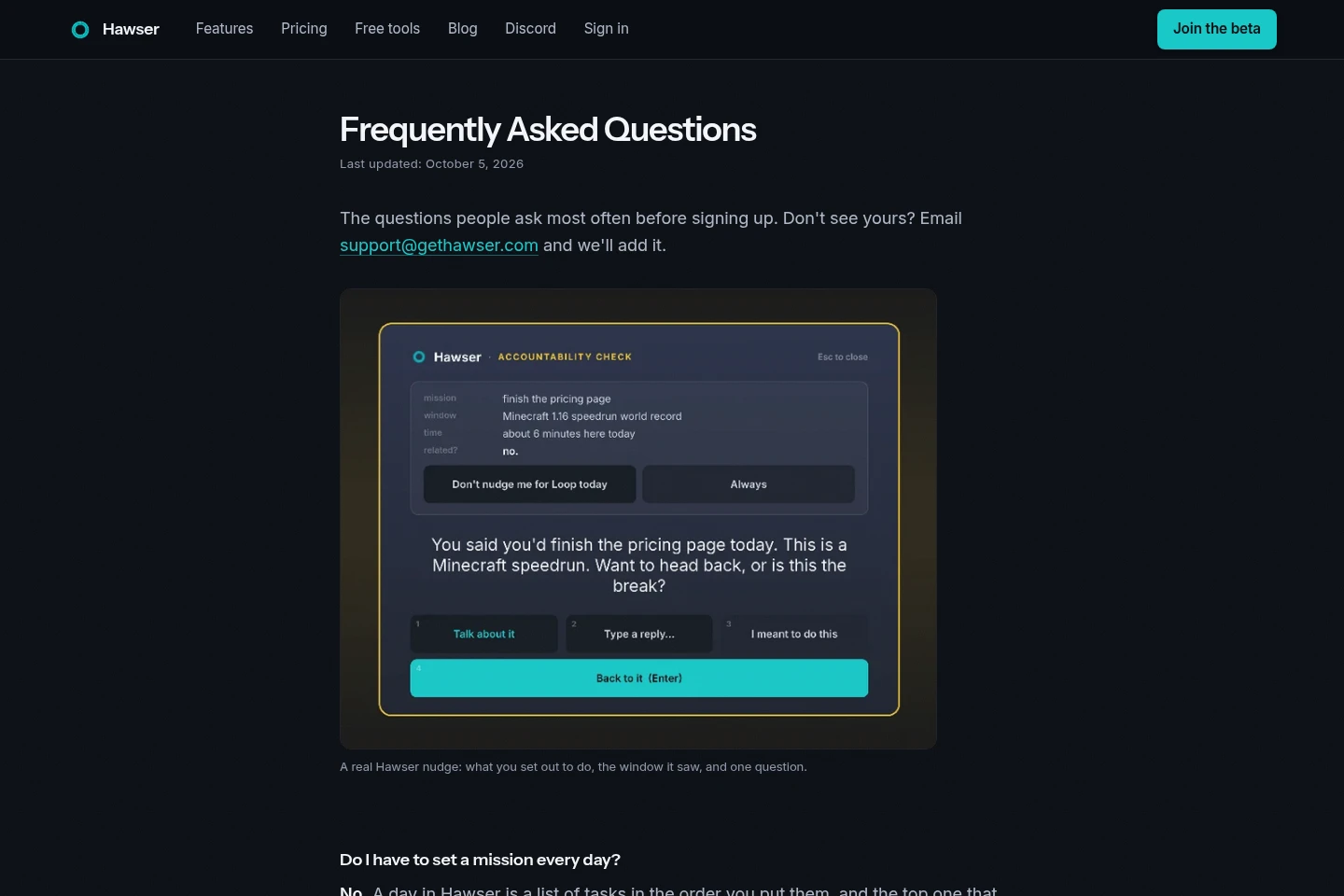
Hawser compares screen activity with the current task and prompts you when it detects a drift. It uses window and app context, can show a reason prompt, and does not close a browser.
Calendar planning
Plan days ahead with tasks, reminders, time blocks and goals on their dates. The calendar can open a prepared day for confirmation, while recurring tasks and scheduled blocks follow their configured timing.
Planning with Claude
Ask the Claude app for Windows to propose a plan using Hawser's day and goal context. Plans wait in the calendar for approval; this uses your Claude account and counts toward its plan.
Optional app and site controls
Choose to close distracting apps, block websites or categories, set time limits, and schedule rule sets. These controls apply only when configured, and website blocking requires administrator rights once.
Phone web app
Use the phone browser version for notes, brain dumps, timers and reminders. Sync must be enabled in the desktop app; offline entries are held and sent when connectivity returns.
Pricing
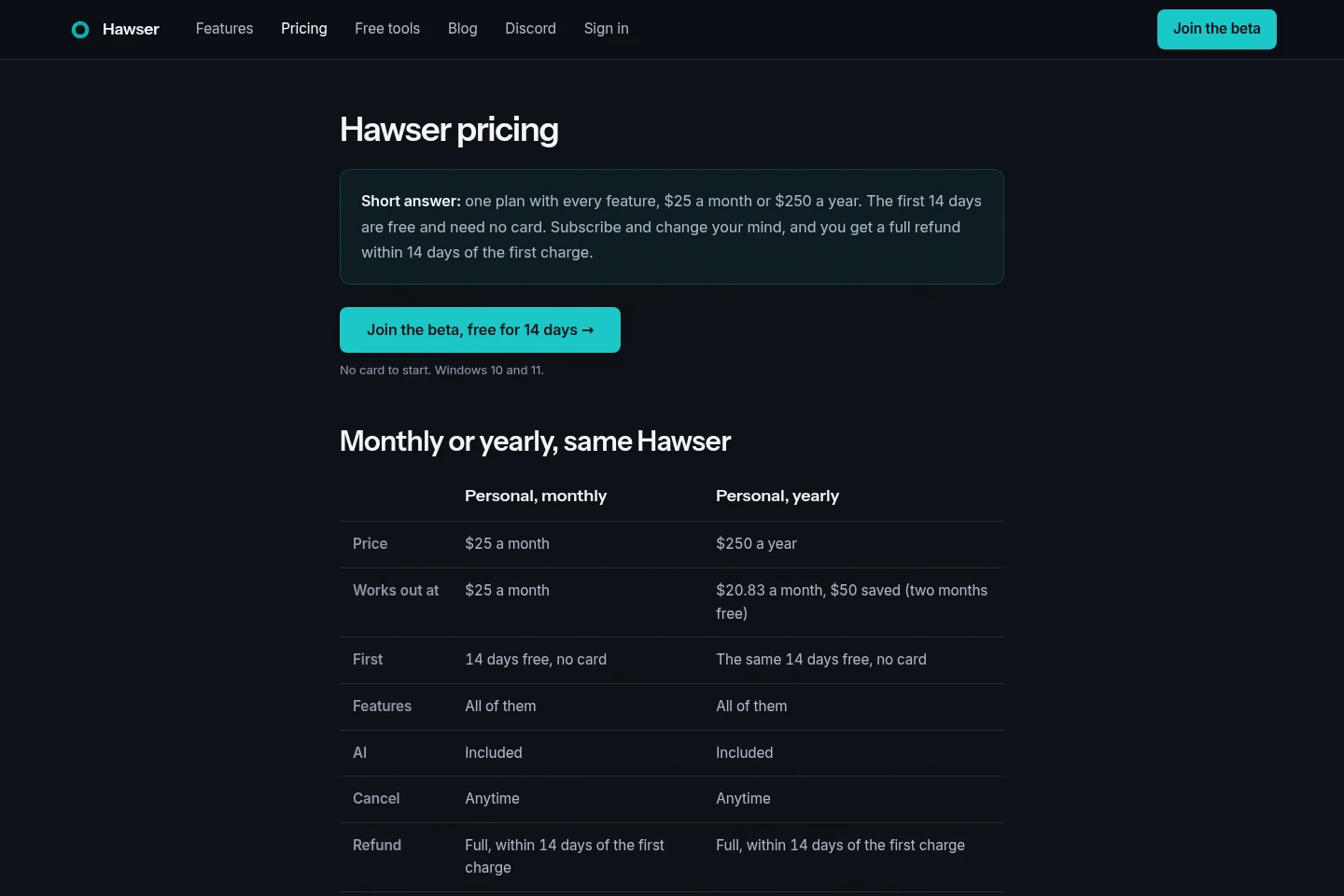
Hawser is paid by monthly or yearly subscription after a 14-day free trial with no card. Compare the billing period; both options include all features and AI, with the yearly option billed annually.
| Plan | Price | Included features and limits |
|---|---|---|
| Personal, monthly | $25 per month |
|
| Personal, yearly | $250 per year |
|
Prices are in US dollars. Select monthly or yearly inside the app after the trial; no charge is made if you do not subscribe.
Use cases
Plan and follow a daily task list
When you need a clear next task for the workday, arrange tasks in order and optionally add a mission. Hawser keeps the first unfinished task current and hands you the next one when you mark it done.
Return to work after a distraction
When screen activity moves away from the task you selected, Hawser can show the context and ask whether you want to return or change plans. It can escalate configured controls, while browser windows are not closed.
Prepare upcoming days with Claude
When planning a week or future day, ask the Claude app for Windows to use Hawser's context and propose tasks and schedule items. Review and approve each plan in the calendar before it changes anything.
Limitations
The desktop app is for Windows 10 and 11; Mac support is described as on the roadmap, not currently available.
The phone experience is a beta web app, not a native app, and does not include the desktop day view.
Phone sync must first be enabled in the desktop app; reminders are fired by the computer.
Claude planning currently works with the Claude app for Windows and uses the user's Claude account and plan.
Website blocking requires administrator rights once; a blocked website does not close the whole browser.
Who it is for
People who work independently on Windows and want task-focused reminders
People working from home who need context-aware prompts rather than only website blocking
People with ADHD seeking an optional structure for daily tasks and focus
FAQ
Is there a free plan?
No. Hawser offers a 14-day free trial without a card, followed by a paid plan. If you do not subscribe when the trial ends, you are not charged and AI features pause.
What happens when the trial ends?
Choose monthly or yearly inside the app. If you do not choose a subscription, Hawser does not charge you; your data stays on your machine and AI features pause.
Do I need my own AI account or API key?
No account or API key is needed for Hawser's included AI nudges. Planning with your own Claude is optional and uses your Claude account, counting toward its plan.
Can I get a refund?
Yes. Email [email protected] from your signup address within 14 days of the first charge for a full refund. You can cancel later, with access continuing through the period already paid.
How does planning with Claude work?
Connect the Claude app for Windows, then ask it to plan. Proposed changes appear in Hawser's calendar and do not take effect until you confirm them; the planning uses your Claude account.
Comments