

- Monthly visits
- 2,068
- 2026-09
Hairstyle Atlas - Preview haircuts and colors on your own selfie
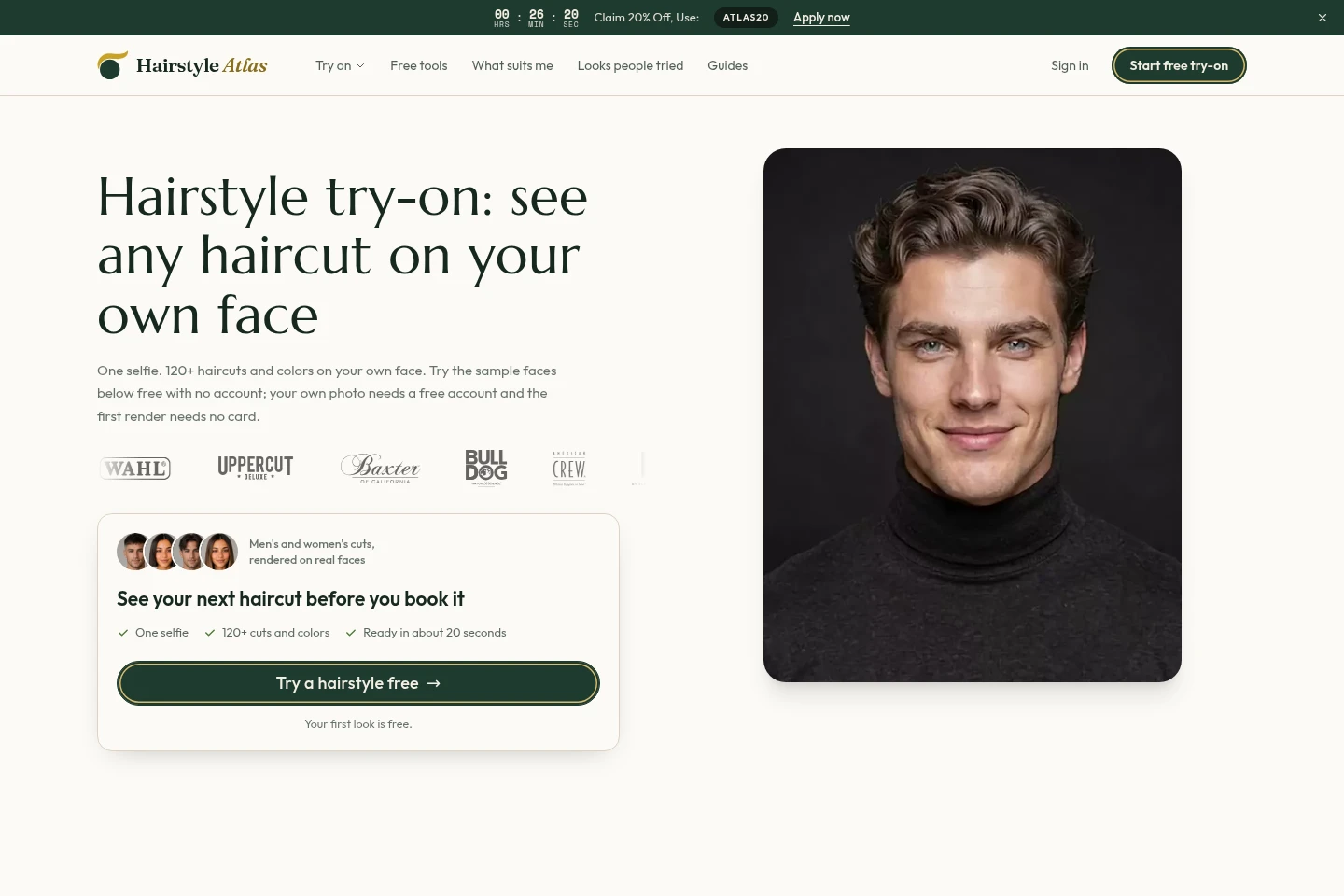
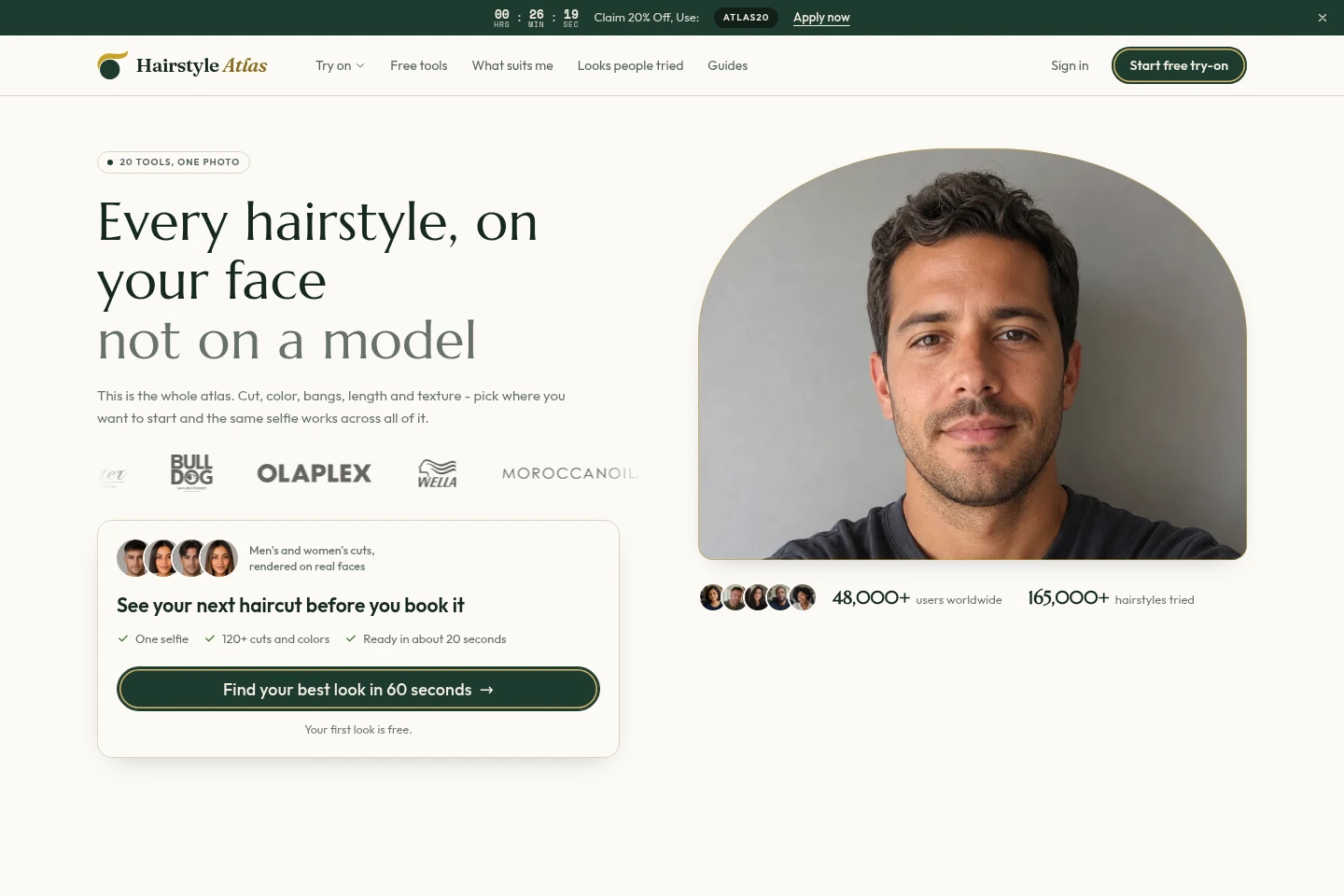
Hairstyle Atlas lets you preview haircuts, colors, bangs, length and texture on a selfie. Compare a look with a before-and-after view, then download a comparison sheet or rendered image on eligible plans. Sample faces can be tried without an account; using your own photo requires a free account. The first look is free, and paid plans add credits and additional options.
- AI Lifestyle
- Hairstyle Try-On
- AI hairstyle try-on
- haircut simulator selfie
- virtual hair color preview
Capabilities
Selfie hairstyle preview
Preview cuts, colors, bangs, length and texture on a selfie, producing an image of the selected look. Choose from the available atlas styles; using your own photo requires a free account, while sample faces can be previewed without one.
Before-and-after comparison
Compare the original and previewed look with a draggable comparison view, producing a visual reference. The homepage demo shows pre-generated sample-face renders; live rendering of your own photo is available through the try-on workflow.
Rendered image downloads
Render and download hairstyle previews, with resolution and watermark conditions depending on plan. Credits are used for renders: a hairstyle on a photo costs 10 credits, and applying a color to that cut costs 5 credits.
Pricing
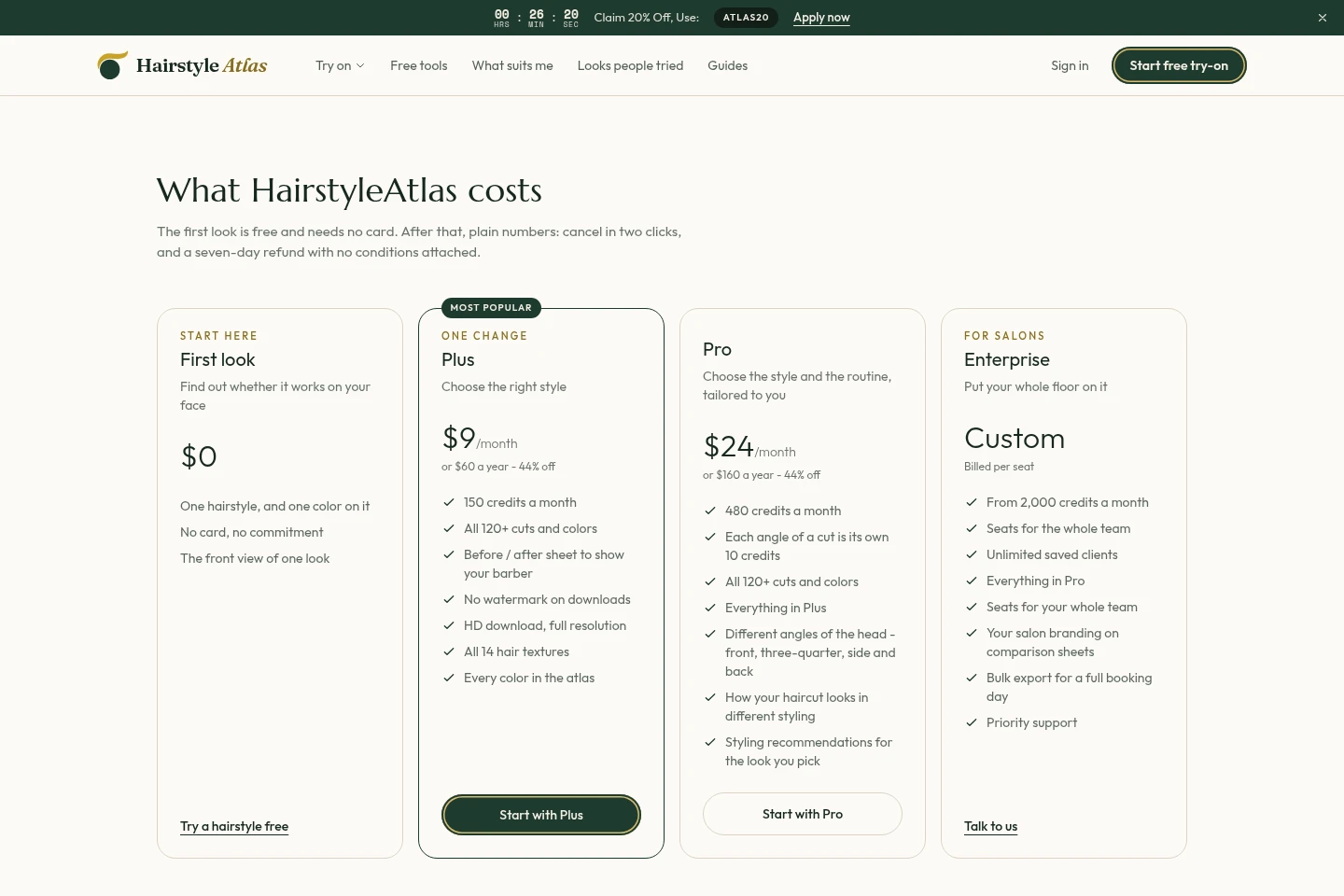
Hairstyle Atlas has a free first-look option and paid monthly or annual plans, plus custom per-seat pricing for salons. Compare monthly credits, image options and team features when choosing a plan.
| Plan | Price | Included features and limits |
|---|---|---|
| First look | $0 |
|
| Plus | $9/month or $60/year |
|
| Pro | $24/month or $160/year |
|
| Enterprise | Custom; billed per seat |
|
The listed annual prices are annual payment options; the page describes them as 44% off. All plans include a seven-day refund, and the page says rendering does not void it. Credits are returned when a render fails.
Use cases
Preview a haircut before visiting a salon
When deciding which haircut to ask for, upload a selfie and try available cuts on your own face. Compare the preview with your original appearance and use the result as a visual reference.
Compare hair colors and styles on a selfie
When considering a different color or style, use the same selfie to preview options from the atlas. Review the rendered looks and, on eligible plans, download images or comparison sheets to share.
Limitations
Using your own photo requires a free account; sample faces can be previewed without an account.
The homepage demo uses pre-generated sample-face renders, so those demo examples are not live renders of a visitor's photo.
Who it is for
People deciding which haircut, color or hair detail to discuss with a barber or stylist
Barbershops and salons that want client comparisons, team seats and salon-branded sheets
FAQ
Can I try Hairstyle Atlas without paying?
Yes. The first look is free and does not require a payment card. The First look option includes one hairstyle and one color on it, with a front view of one look.
Do I need an account to use my own photo?
Yes. A free account is required to try your own selfie. Sample faces can be previewed without an account.
How many credits does a hairstyle render use?
A hairstyle on your photo costs 10 credits, and a color applied to that cut costs 5 credits. Length, bangs and part are included in the same picture at no additional credits; failed renders return their credits.
Comments