
- Monthly visits
- 239,624
- 2026-09
- Monthly growth -1.5%
Guideflow - Create, customize, and share interactive product demos
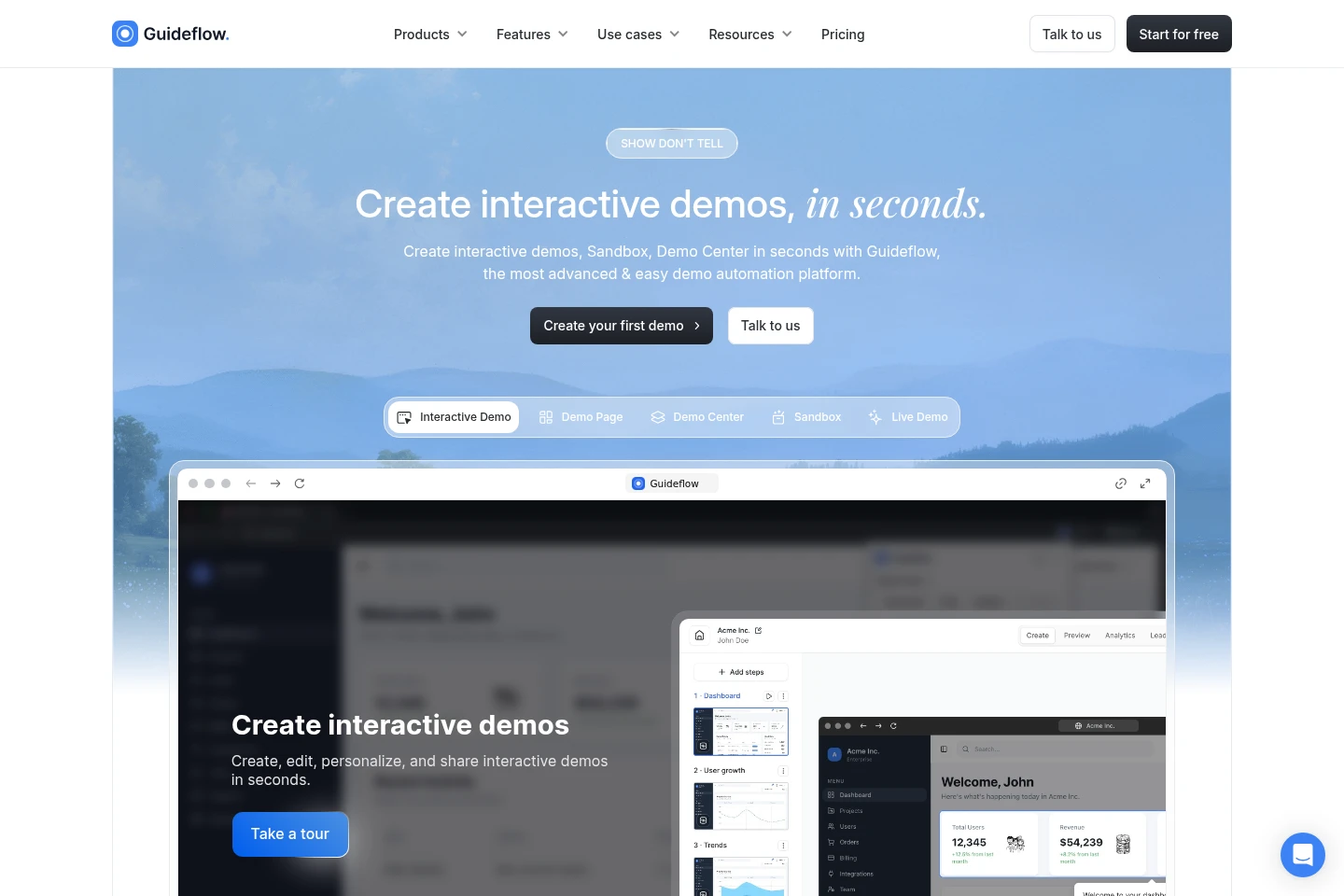
Guideflow captures website or app workflows as interactive demos and step-by-step guides. Users can edit the captured steps, personalize content, use AI to adjust demos and translations, share demos through links or embeds, and review engagement analytics. The product also offers sandbox, demo center, mobile demo, and live demo options.
- AI Design
- Prototyping
- interactive product demos
- demo automation platform
- step-by-step product guides
Capabilities
Workflow capture
Capture a website or app workflow in a browser and turn it into a demo. Follow the actions to record, then finish the capture to create steps.
Demo editing
Edit demo steps and add notes, colors, images, logos, text, and graphs. The builder supports team collaboration and can customize captured content.
AI demo adjustment
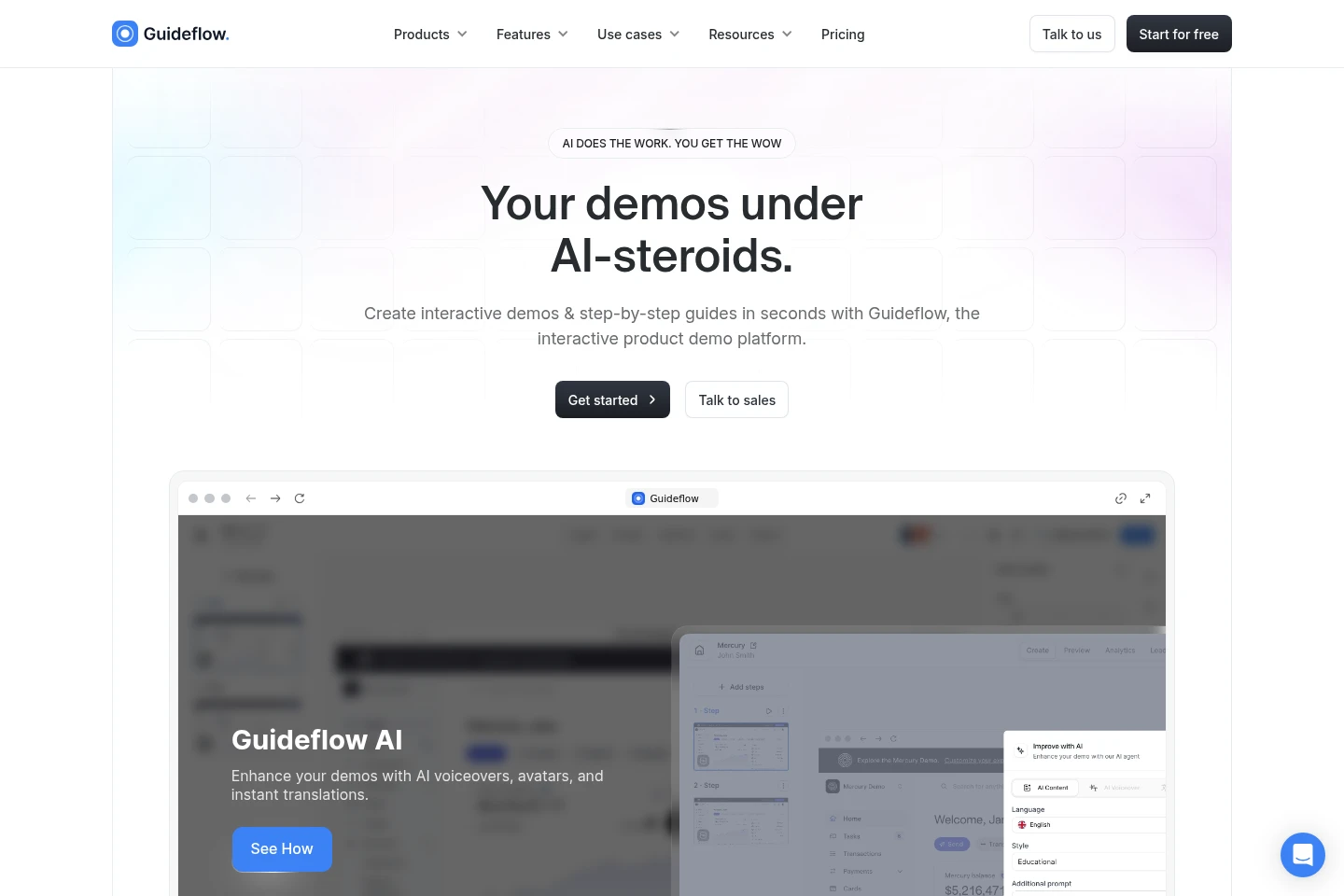
AI adjusts demos and guides, including steps, popups, translations, voiceovers, and avatars. The AI feature can polish the flow for an intended audience.
No-code personalization
Personalize demo text, images, and graphs using a no-code editor. Users can hide or blur elements and tailor content for leads.
Sharing and analytics
Share demos through public links, embeds, email, Notion, social platforms, or ads, and review impressions, completion, collected leads, and conversions.
Pricing
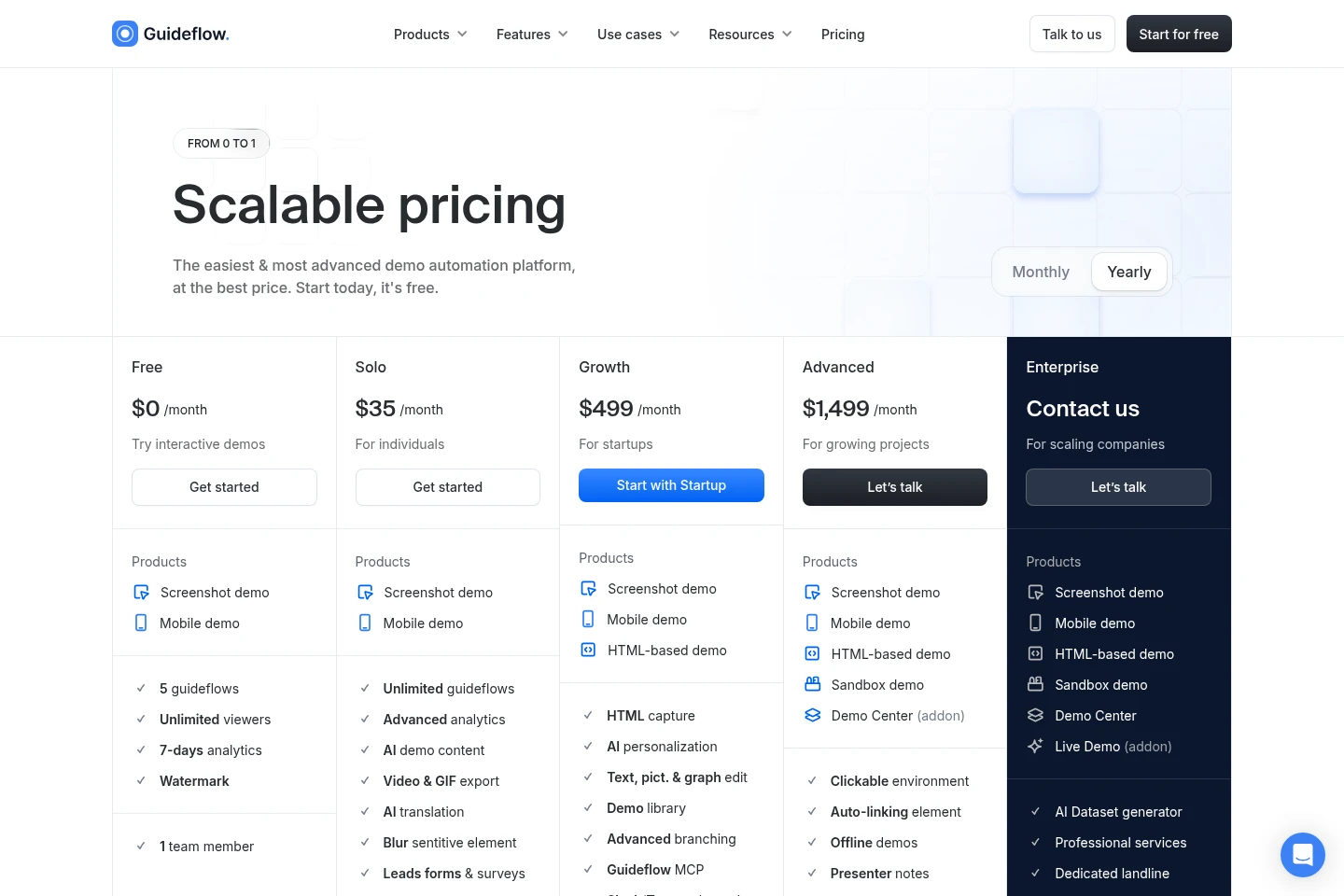
Guideflow has a free plan and paid plans, with monthly and yearly billing options shown. Compare included demo types, analytics, AI features, member limits, and collaboration or support provisions when choosing.
| Plan | Price | Included features and limits |
|---|---|---|
| Free | $0/month |
|
| Solo | $40 |
|
| Startup | $599 |
|
| Advanced | $1,799 |
|
| Enterprise | Contact us |
|
| Growth | $499 or $1,499 |
|
The pricing page offers Monthly and Yearly selections, but the supplied text does not unambiguously associate every displayed paid price with a billing period. Confirm the selected billing term and applicable price on the pricing page.
Use cases
Show a product through interactive demos
When prospects need to explore a product, teams capture a website or app flow and share the resulting interactive demo. Public links and embeds let viewers follow the demonstrated steps.
Personalize demos for sales prospects
When a sales team presents a product to different leads, it can edit demo content, hide or blur elements, and tailor the experience. The resulting demos can be shared with prospects.
Guide users through product tasks
When users need help following a product workflow, teams create step-by-step interactive guides from captured flows. Edited guides can be shared as links or embedded in other materials.
Limitations
The Free plan limits accounts to 5 guideflows, 1 team member, and 7-days analytics, and includes a watermark.
The Solo plan includes 1 member; additional users cost $35 each.
The Startup plan includes 10 members; each additional user costs $50.
The Advanced plan specifies a custom seat number rather than a fixed member quota.
Who it is for
Product marketing teams presenting product value and collecting qualified leads
Sales and pre-sales teams tailoring product demonstrations for prospects
Customer success and support teams creating guides for customer workflows
FAQ
What can teams create with Guideflow?
Teams can create interactive product demos, step-by-step guides, sandbox demos, demo centers, mobile demos, and live demos. Specific products and features depend on the selected plan.
How does Guideflow capture a demo?
Capture a website or app flow in the browser by performing the actions you want to demonstrate, then finish the capture. Guideflow generates an interactive demo or guide from that recorded flow.
How can a demo be shared?
Demos can be shared using public links, embedded on websites, and shared through email, Notion, social platforms, or ads. Available sharing options may depend on the product configuration.
What analytics does Guideflow provide?
Guideflow describes real-time analytics for impressions, completion rate, leads collected, and conversions. The Free plan includes 7-days analytics.
Does Guideflow include AI features?
Yes. Guideflow describes AI adjustment of demo steps, popups, translations, voiceovers, and avatars. The pricing page lists AI demo content for Solo and AI personalization for Startup.
Comments