Monthly visits
538,846
2026-10
Monthly growth +15.5%

GitKraken - Git tools that connect code, context, and agent workflows

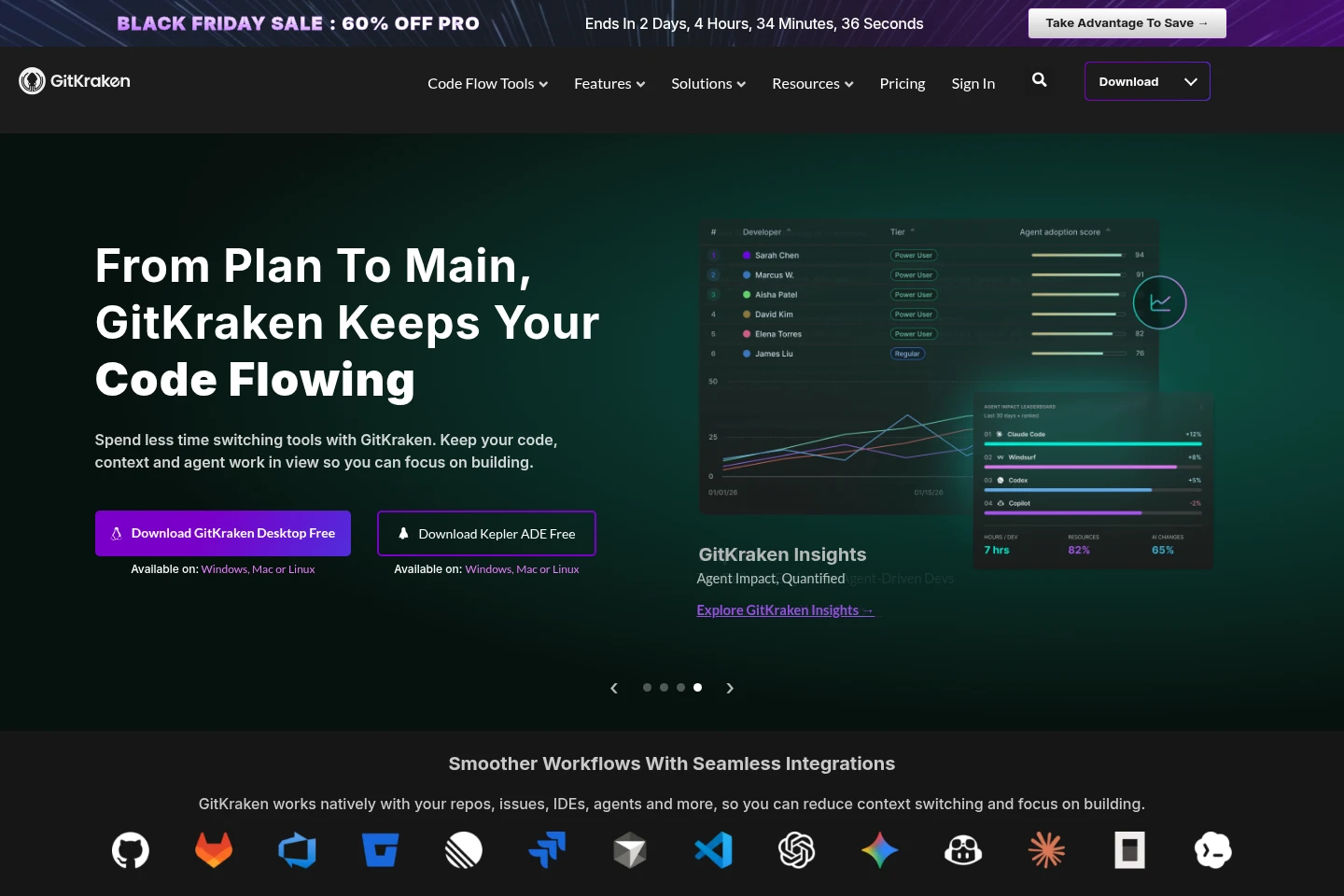
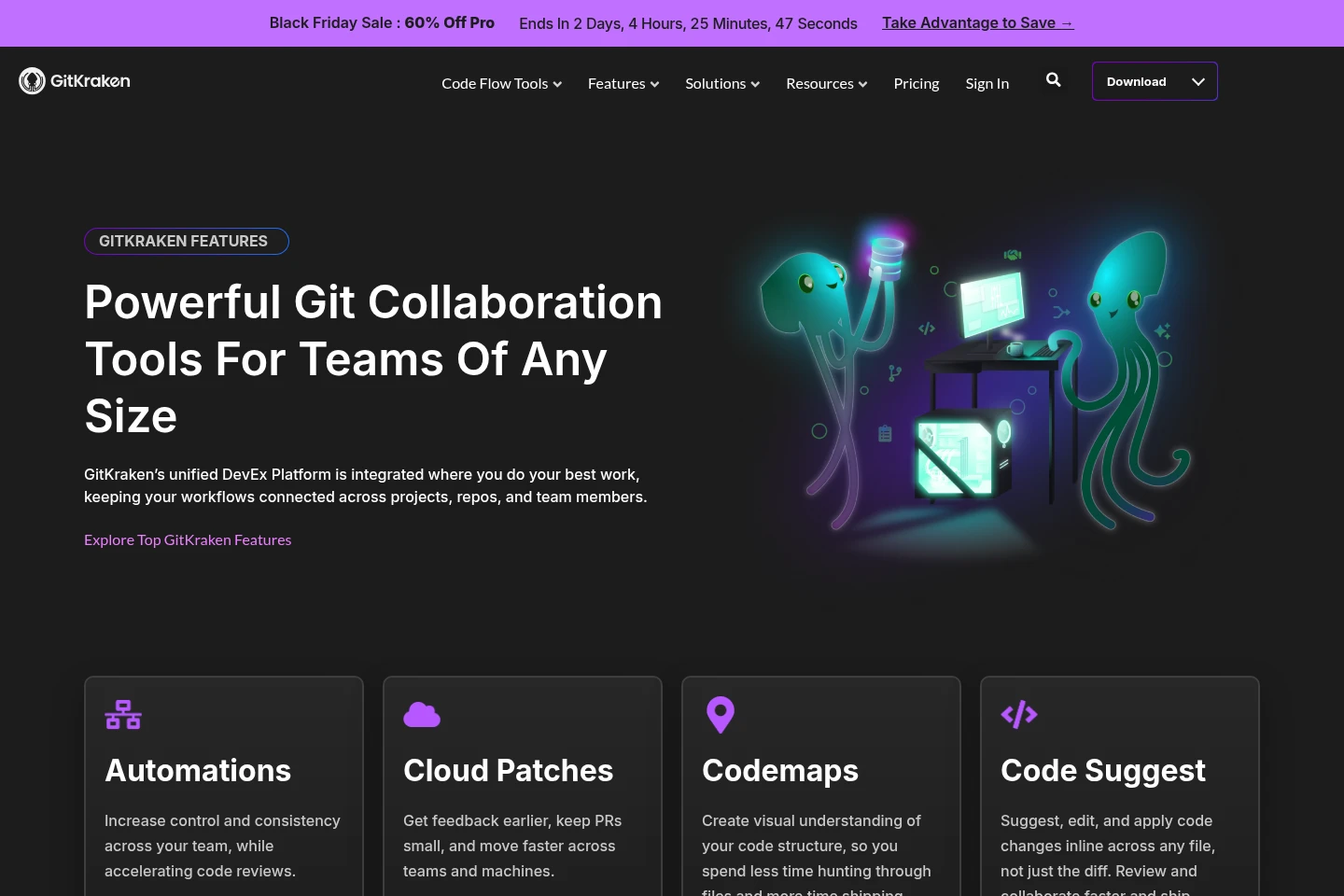
GitKraken combines GitKraken Desktop, GitLens, Kepler, GitKraken Insights, CLI, and integrations for software development workflows. Developers can visualize repositories, inspect code history, review changes, manage AI agent activity, and connect Git work to Jira. Available products include downloadable desktop tools and online services.

Visit WebsiteUpdate this product

0Views

Capabilities

Visual Git management

GitKraken Desktop displays repository branches, commits, and conflicts in a visual interface. Developers can inspect and manage Git work at the repository level using local repositories and supported remotes.

Code history and context

GitLens presents code context, history, and authorship inside supported IDEs. Developers use it alongside their existing coding environment to understand changes and their contributors.

AI agent workflow management

Kepler provides an agentic development environment for starting agents from issues, running work across parallel worktrees, and reviewing changes before merging. Its tools support oversight of agent activity.

Engineering activity insights

GitKraken Insights helps engineering leaders examine development and agent usage, costs, and impact. It presents information about software delivery across teams, workflows, and AI systems.

Git and Jira integration

Git Integration for Jira surfaces commits, branches, and pull requests in Jira and associates them with the issues they advance. Delivery stakeholders can view development progress alongside planning work.


PricingFreemium

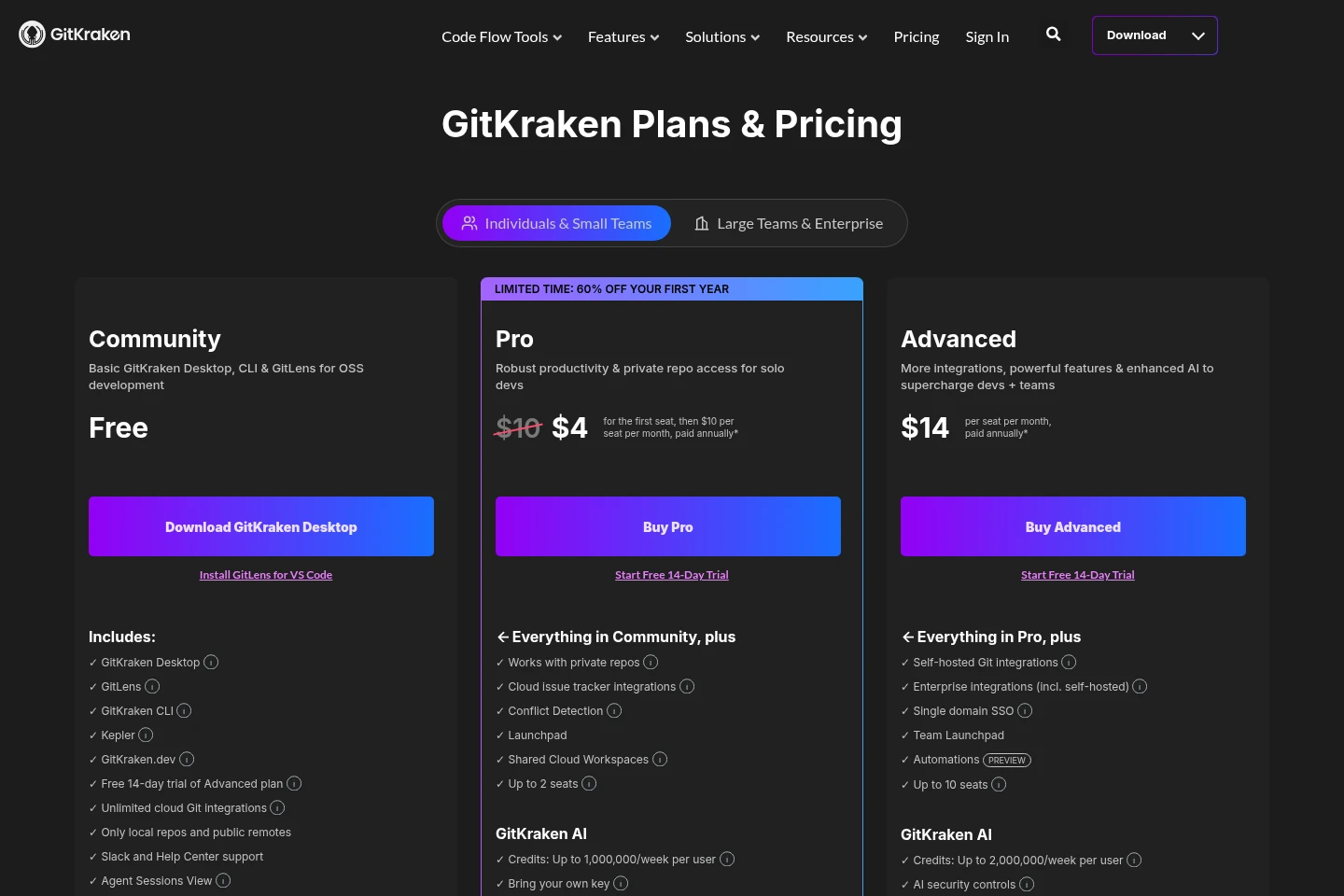
GitKraken offers a free Community plan and paid plans billed by seat, with Pro explicitly paid annually. Compare repository access, seats, integrations, AI allowances, and agent features when choosing.

PlanPriceIncluded features and limits
Community

Free

  • Basic Desktop, CLI, and GitLens for open-source development

  • Local repositories and public remotes only

  • Unlimited cloud Git integrations for non-enterprise services

  • Includes a free 14-day Advanced plan trial option

Pro

Per seat per month, paid annually

  • Privately hosted repository remotes are included

  • Up to 2 seats; starts with 1 seat

  • Up to 1,000,000 AI credits per user per week

  • Includes cloud issue tracker integrations and Launchpad

Advanced

Per seat per month, paid annually

  • Includes everything in Pro

  • Adds integrations and enhanced AI features

  • Free 14-day Advanced plan trial is offered

Use cases

Inspect repository changes and history

When working across branches or resolving conflicts, developers use GitKraken Desktop to view commits, branches, and conflicts together. This gives them a visual way to inspect repository state and manage Git work.

Understand code history in an IDE

When investigating existing code or a change, developers use GitLens in their IDE to review code context, history, and authorship. The information appears alongside their coding work.

Oversee parallel AI agent work

When coordinating AI agents on software tasks, developers use Kepler to start agents from issues, run work in parallel worktrees, and review changes before merging. The environment exposes agent activity for oversight.

Connect Git activity with Jira issues

When a team plans work in Jira, Git Integration for Jira links commits, branches, and pull requests to the issues they advance. Stakeholders can see development activity in the planning context.

Limitations

  • The Community plan supports only local repositories and public remotes; access to privately hosted repository remotes is listed with Pro.

  • The Community plan's agent sessions view is limited to public repositories; private-repository agent session viewing is listed with Pro.

  • The Pro plan supports a maximum of two seats.

  • The Pro plan's AI allowance is up to 1,000,000 credits per user per week, with usage based on the selected model.

Alternatives

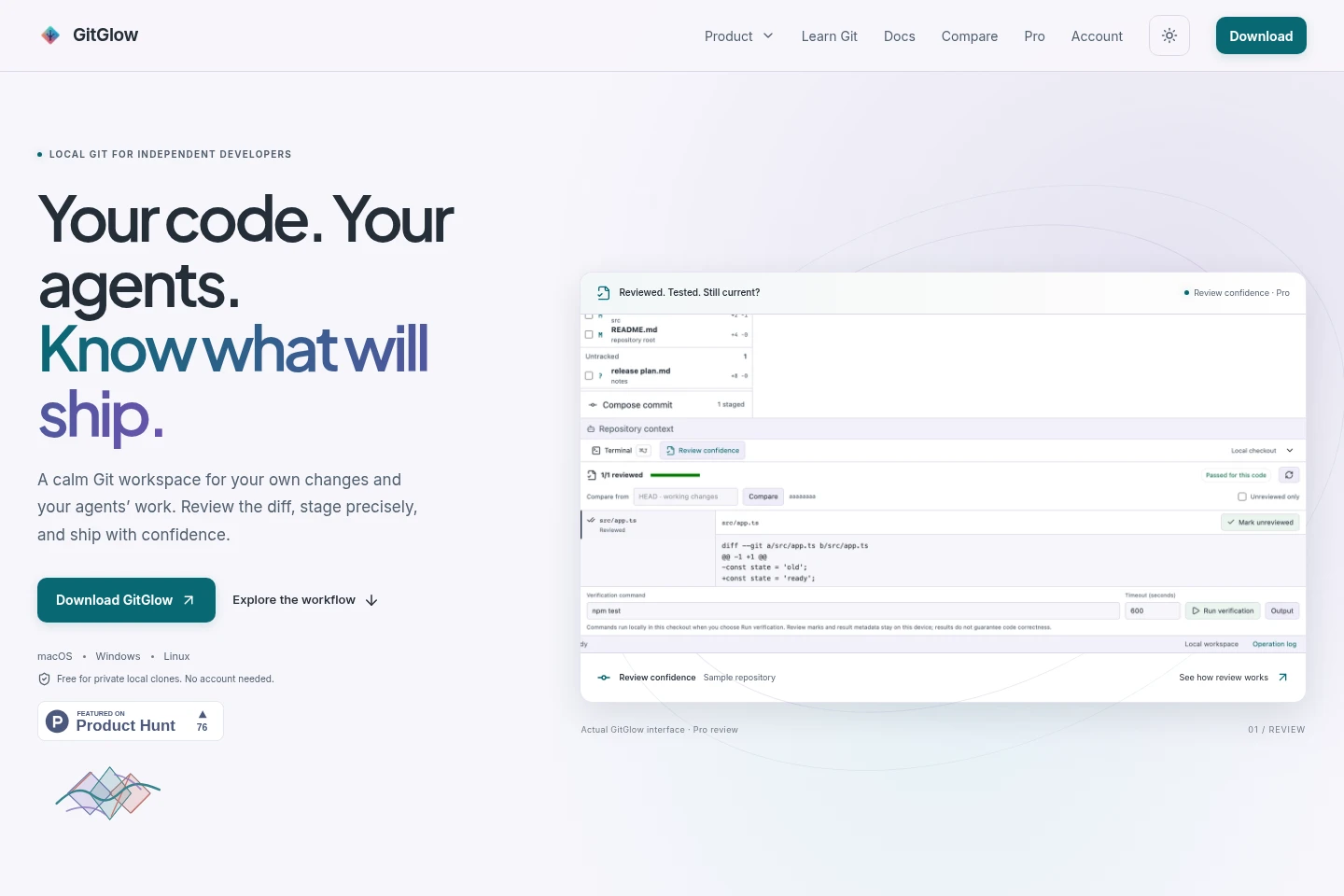
GitGlow

Review local Git changes, agent work, and releases

GitGlow is a local-first visual Git workbench for desktop. Review diffs, stage files or selected lines, inspect history, resolve conflicts, and prepare releases. It also supports observing coding-agent activity and connecting GitHub workflows. Free works with a private local clone without an account; Pro adds concurrent workspaces and advanced review, agent, and release features.

  • Freemium
  • Free€0
  • GitGlow Pro€2.99/month or €29/year
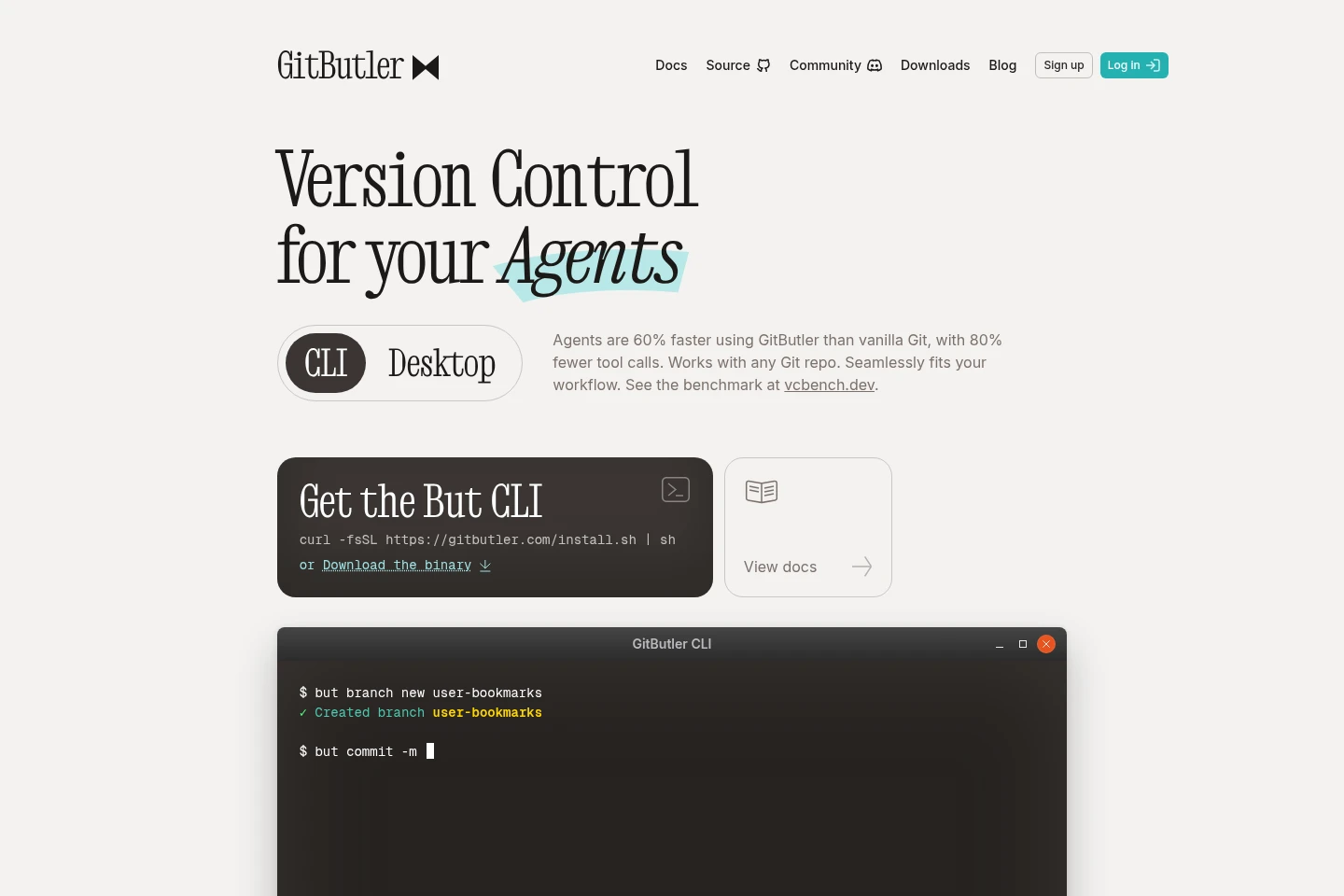
  1. GitButler

    Git workflows for people and AI coding agents

    Free
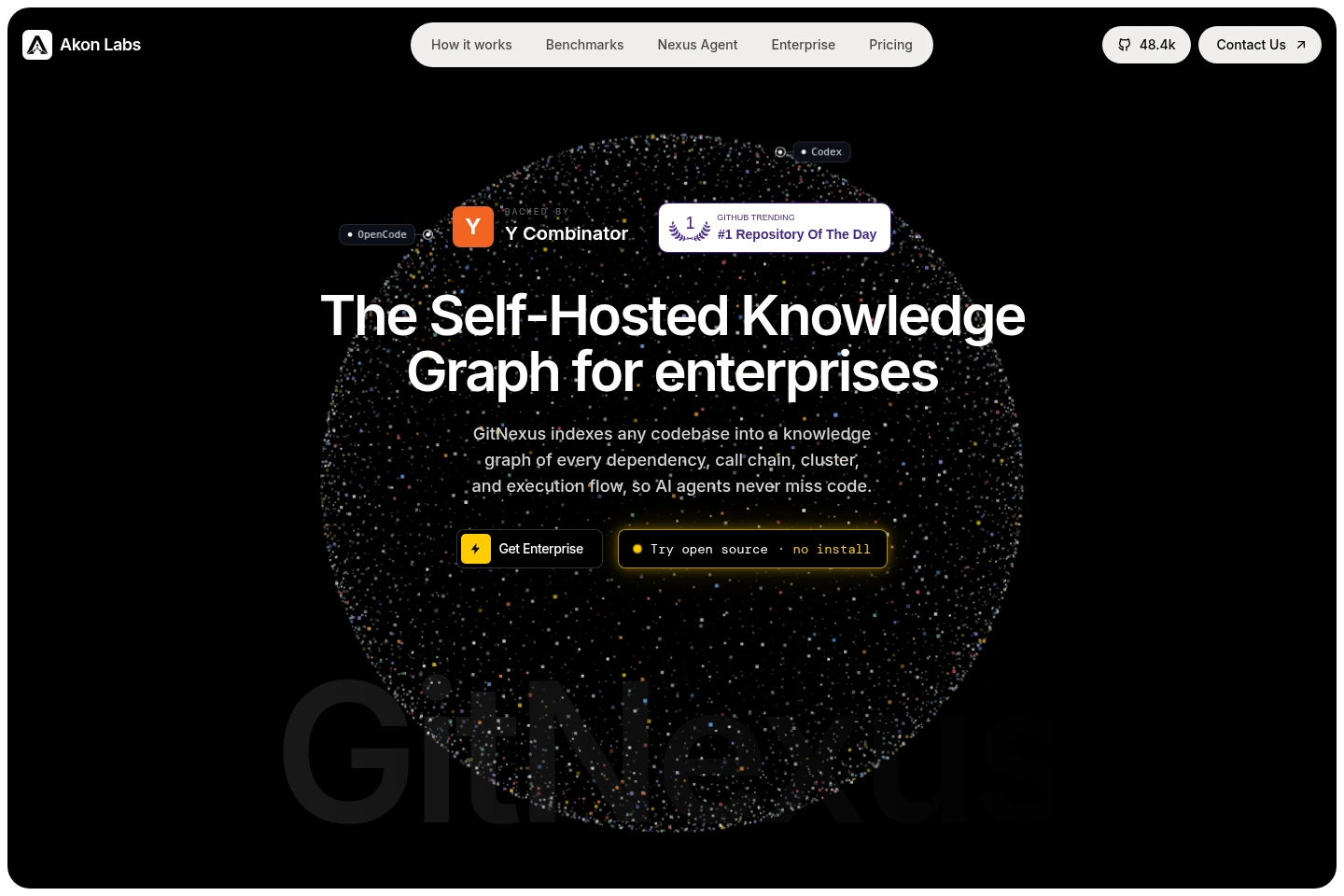
  2. GitNexus

    Codebase knowledge graphs for coding agents

    Open Source · $0 forever
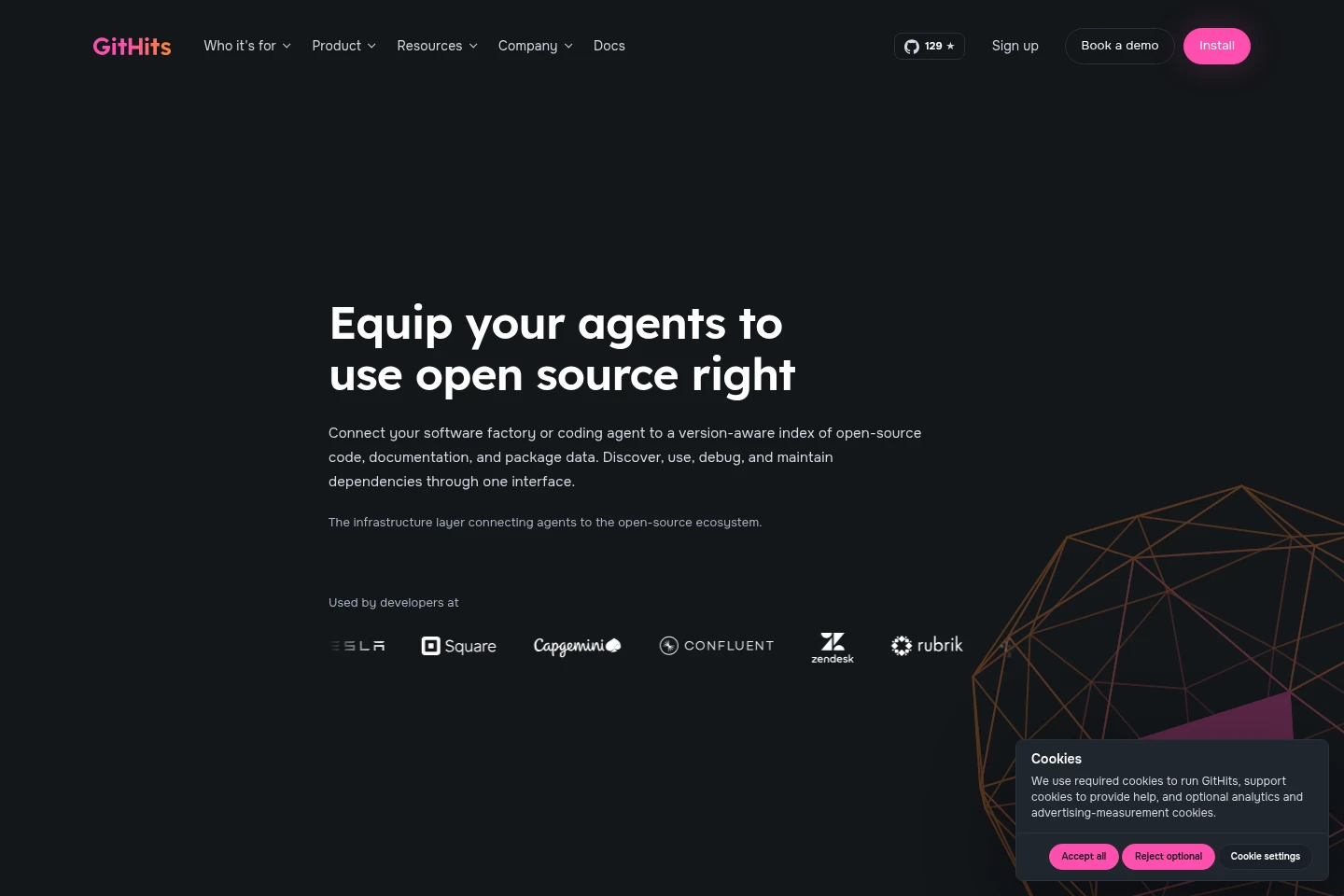
  3. GitHits

    Version-aware open-source context for coding agents

    Contact Sales
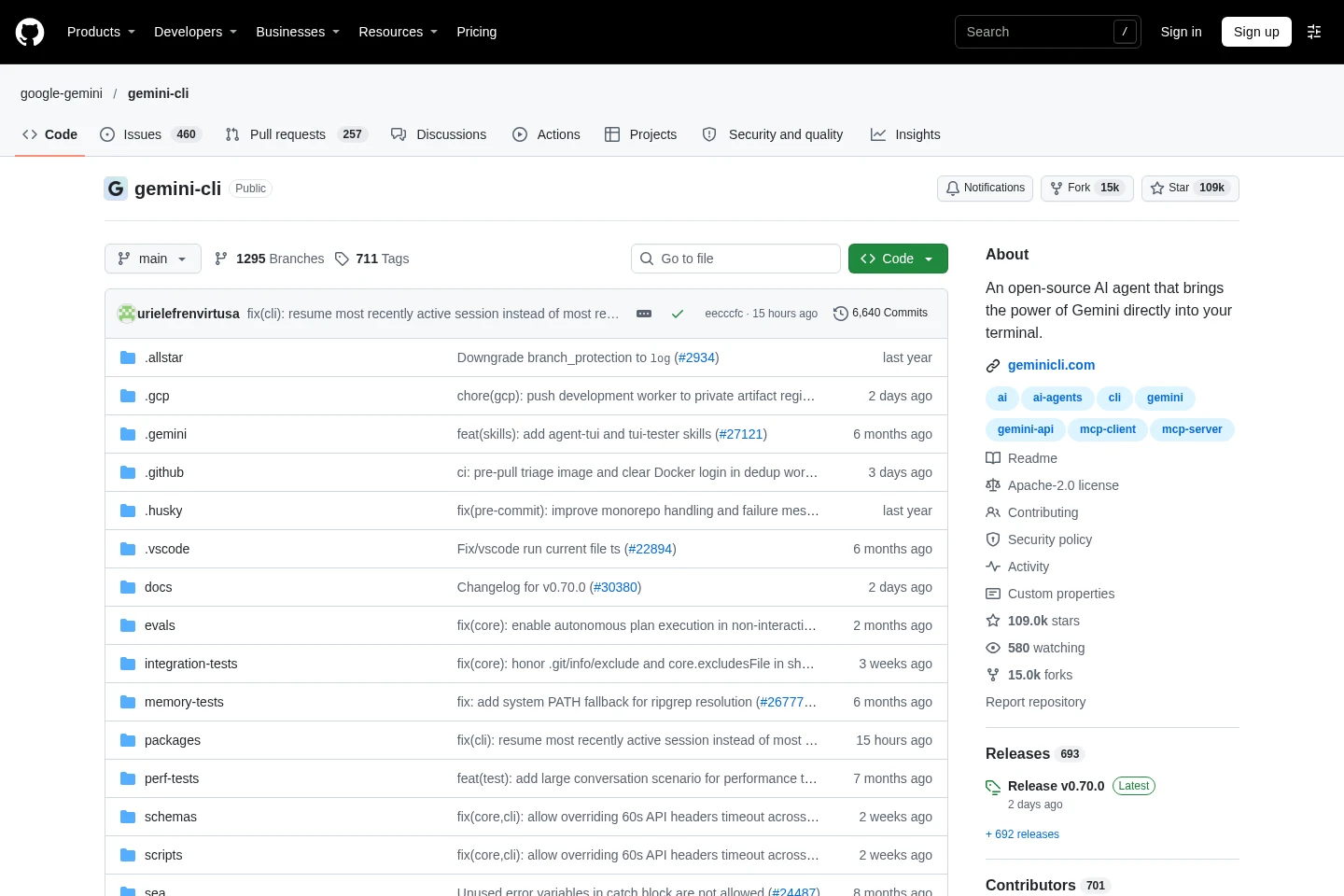
  4. Gemini CLI

    Google Open-Source AI Agent for the Terminal

    Freemium
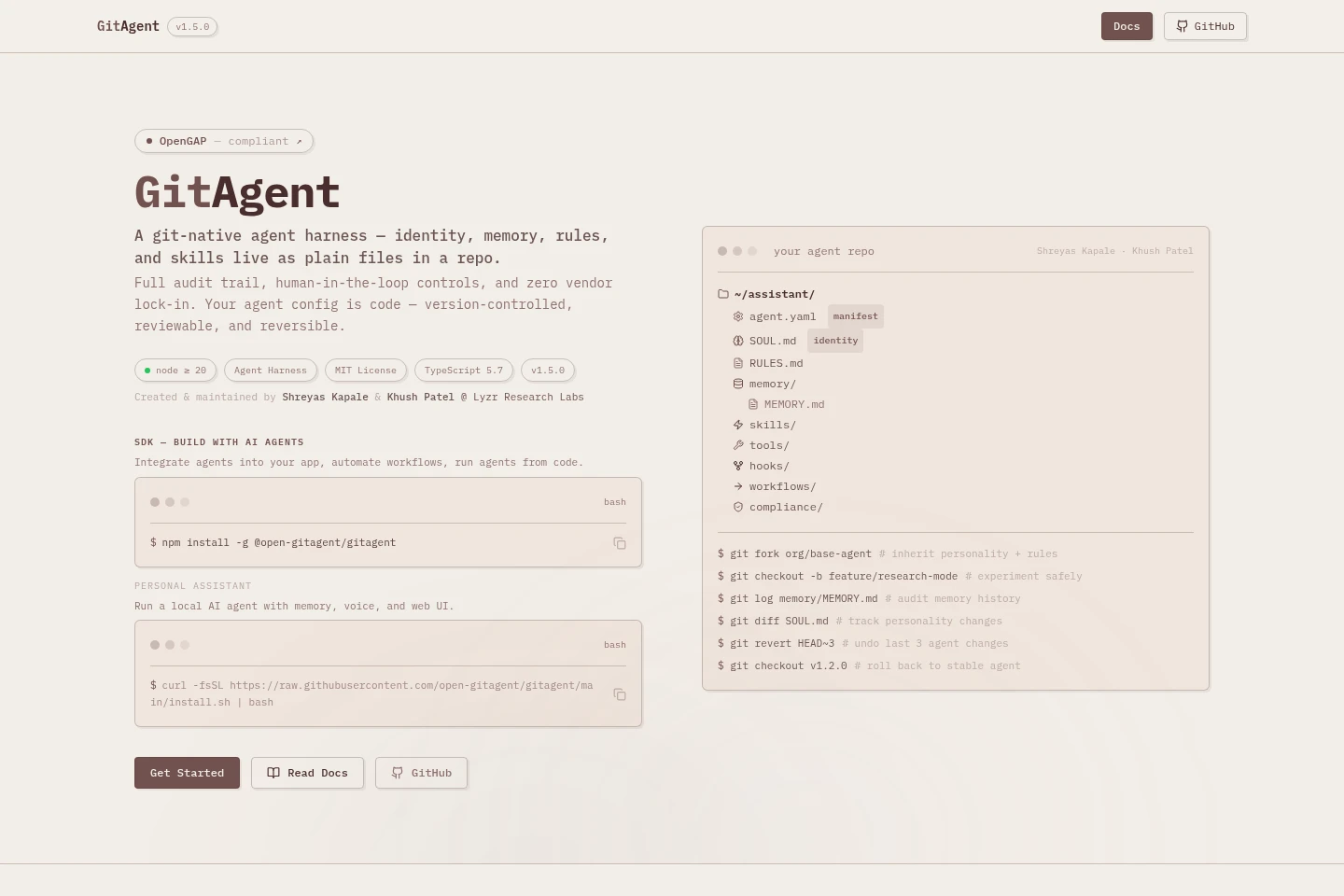
  5. Git Agent

    Define and run AI agents from version-controlled files

    Contact Sales

Who it is for

  • Software developers who need visual Git tools, code history, or repository context

  • Engineering leaders who need to examine development and AI agent activity, costs, and impact

  • Development teams that need Git commits, branches, and pull requests connected to Jira issues

FAQ

Which products are included in the GitKraken platform?

The pricing page says all plans include the GitKraken DevEx platform. Listed products include GitKraken Desktop, GitLens, Kepler, GitKraken CLI, and GitKraken.dev.

Can I use GitKraken for free?

Yes. Community is listed as a free plan and includes basic GitKraken Desktop, CLI, and GitLens for open-source development. Its stated repository access is limited to local repositories and public remotes.

Does GitKraken offer a free trial?

Yes. The pricing page offers a free 14-day trial of the Advanced plan through GitKraken Desktop, GitLens, and GitKraken CLI. Pro also has a Start Free 14-Day Trial option.

What does Pro add to Community?

Pro adds access to privately hosted repository remotes, cloud issue tracker integrations, conflict detection, Launchpad, shared cloud workspaces, and additional GitKraken AI and agent-management features. Pro supports up to two seats.

How is Pro billed?

Pro is priced per seat per month and paid annually. The supplied pricing text does not show the numeric amount.

Comments

Please sign in to leave a comment.
No comments yet. Be the first to share your thoughts!