

- Monthly visits
- 26,988
- 2026-10
- Monthly growth +29,557.1%
GenPPT AI - Create, refine, and export AI-assisted PowerPoint presentations
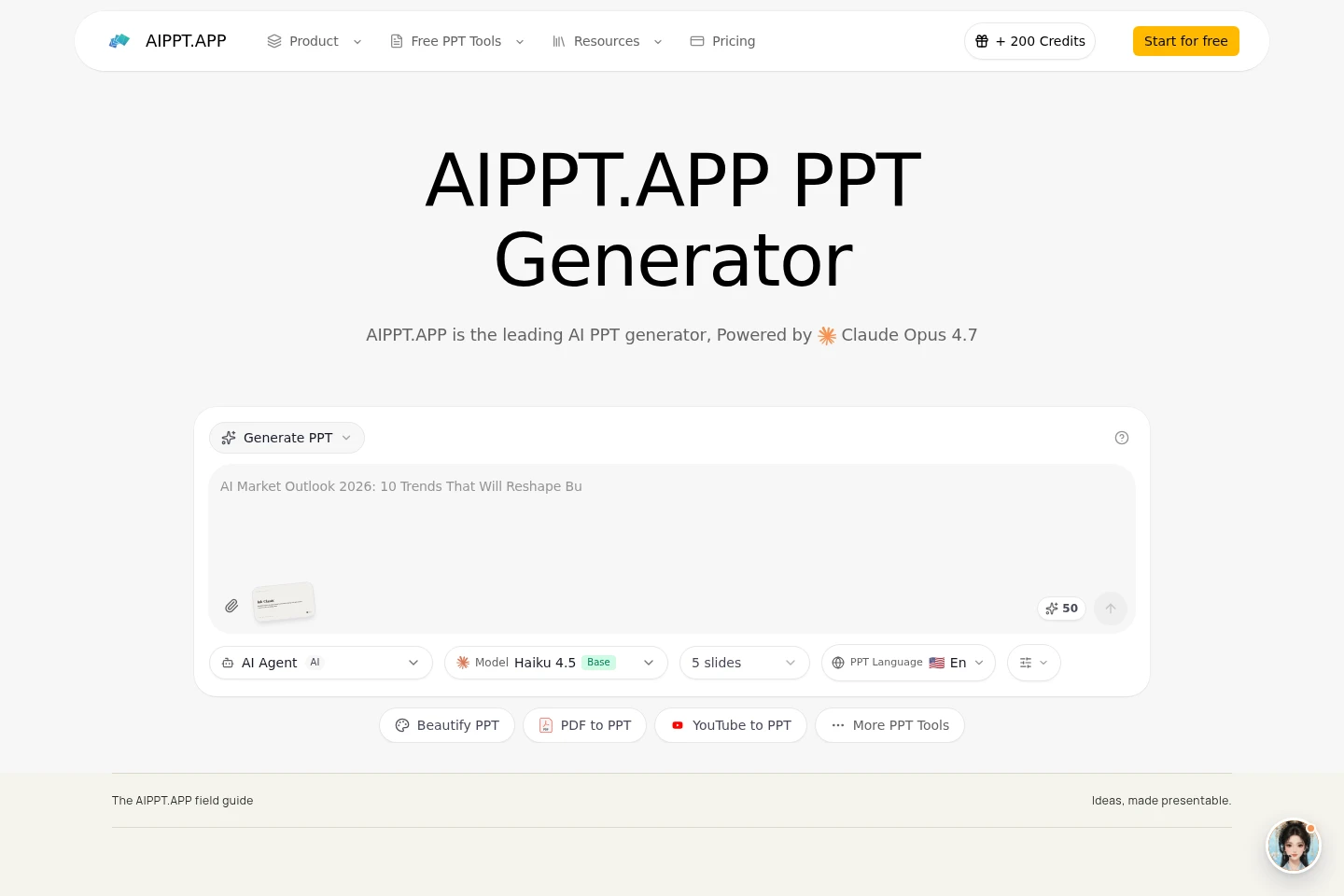
GenPPT AI turns a brief, source files, or an existing presentation into a draft you can review and edit in a browser workspace. Choose slide count, output language, and rendering mode, then export a PowerPoint when your account meets the download conditions. Credits vary by workflow and settings; image-based slides export as full-page pictures rather than individually editable text.
- AI Productivity
- Presentation Makers
- AI PowerPoint generator
- presentation redesign tool
- PPTX presentation maker
Capabilities
Brief-to-presentation generation
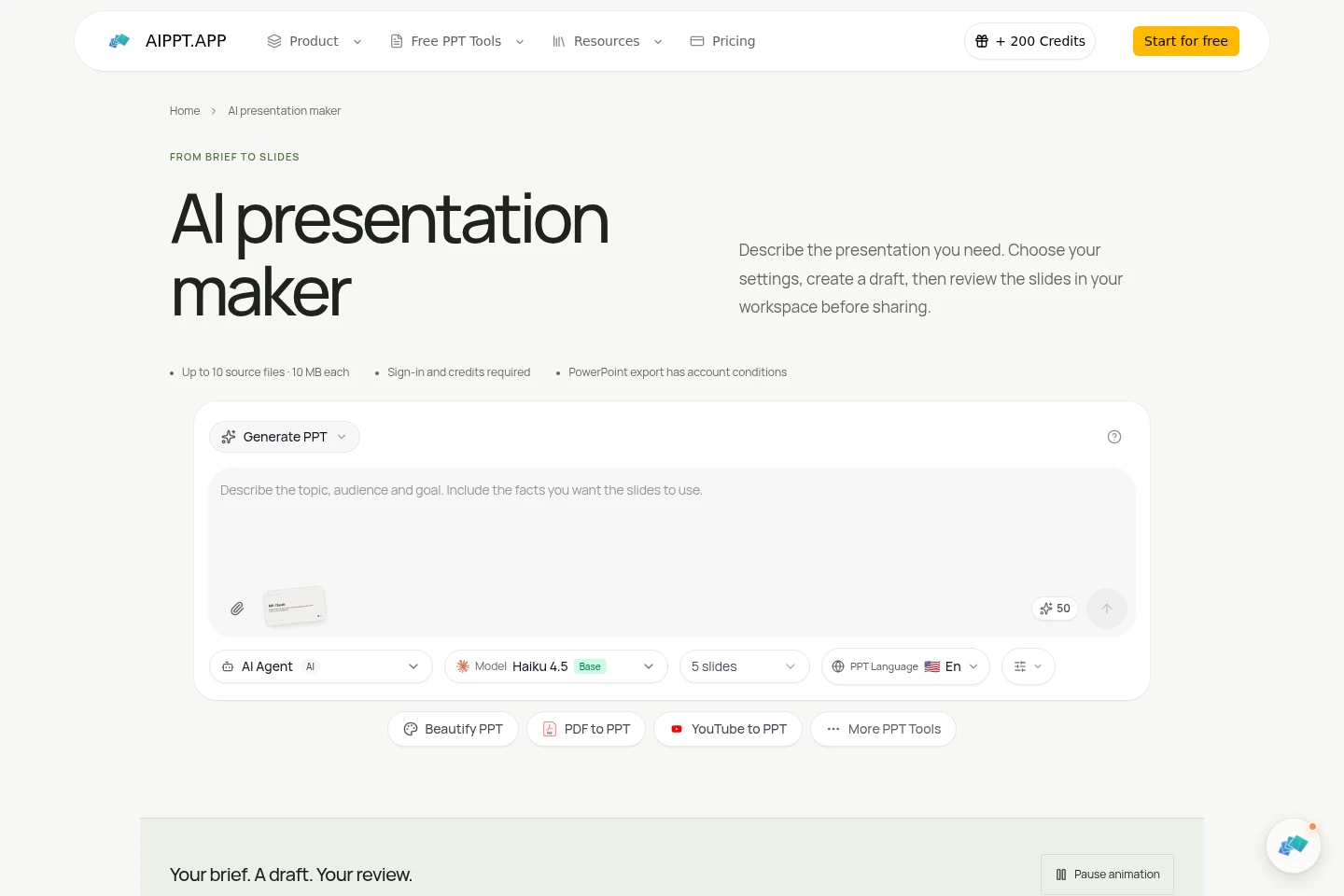
Creates a draft presentation from a brief and supplied source material. Users specify the audience, purpose, confirmed facts, slide count, output language, and rendering mode; available source files are limited to 10 files of 10 MB each.
Presentation redesign
Creates a new arrangement from an existing PowerPoint and a design request. Users describe the desired visual direction and compare the result with the original; redesign is not a lossless conversion.
Browser-based slide review
Lets users inspect and revise generated slides in the online workspace before export. Users can change slide text and review facts and layout; actual editability in the exported file depends on its content and rendering mode.
PowerPoint export
Exports a reviewed draft as a PowerPoint file when the account permits downloading. Users select the export option in the workspace; downloads require sign-in and are governed by account conditions, including active-subscription rules.
Presentation file tools
Provides conversion and organization tools for presentation files, including PowerPoint-to-PDF conversion. Users supply a file to the relevant tool; each workflow has its own inputs, limits, and download conditions.
Pricing
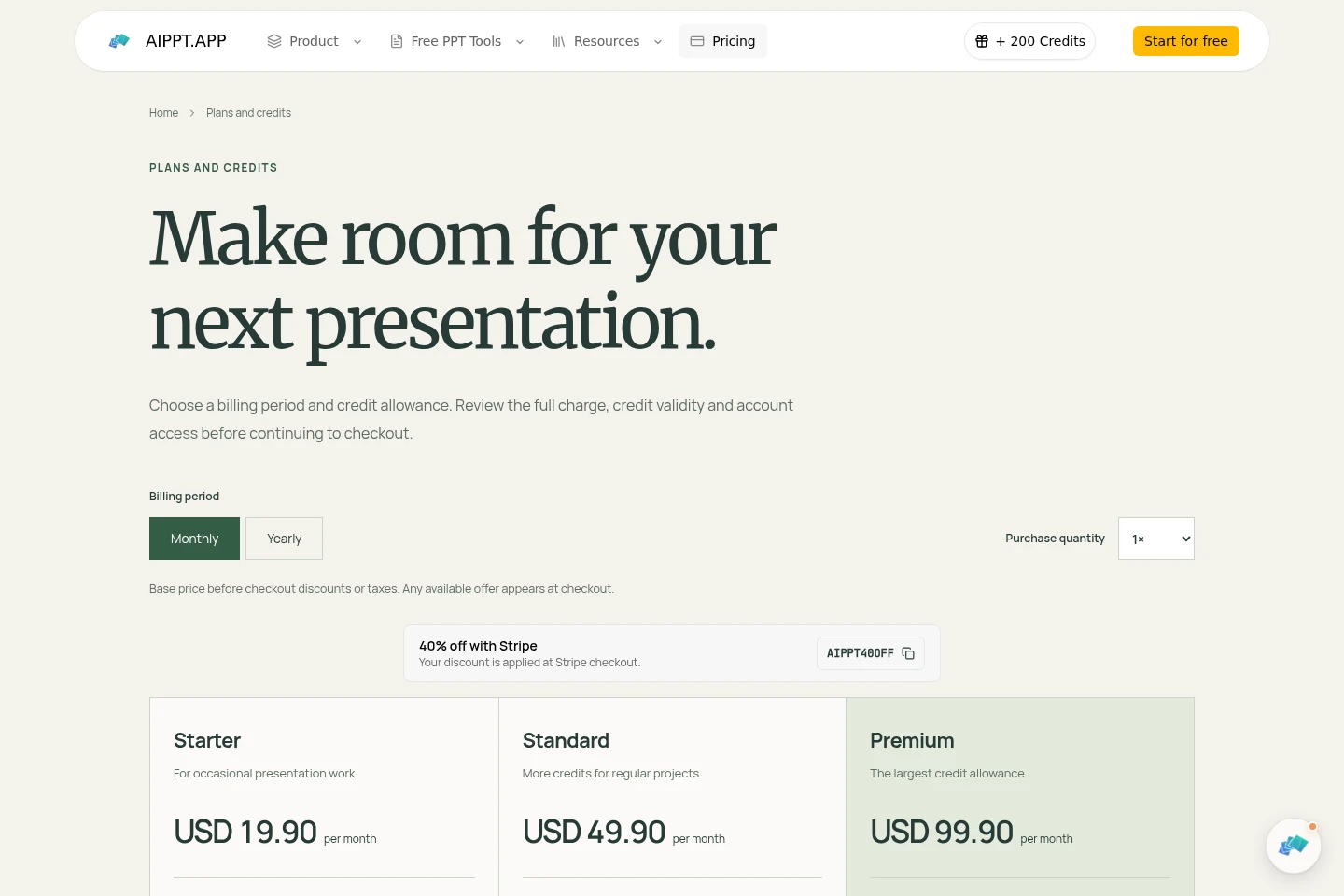
GenPPT offers paid subscriptions billed monthly or annually, with a credit allowance for each billing period. Compare the credit amount, paid model and illustration access, and download conditions when choosing a plan.
| Plan | Price | Included features and limits |
|---|---|---|
| Starter | USD 19.90 per month |
|
| Standard | USD 49.90 per month |
|
| Premium | USD 99.90 per month |
|
Yearly billing is charged as a single annual payment; its monthly equivalent is only for comparison. Annual credits are granted for the annual period and do not refresh monthly. Credits expire at the end of their associated period. Checkout may show discounts or taxes, and the payment provider displays the final amount before payment.
Use cases
Create a presentation from a brief
When a talk or briefing needs a first slide-by-slide draft, provide its audience, purpose, confirmed facts, and any permitted source files. Choose slide count, language, and rendering mode, then review and revise the generated draft in the workspace.
Redesign an existing PowerPoint deck
When an existing presentation needs a different visual direction, upload the PowerPoint and describe the design changes and content to retain. Review the new arrangement against the source because the redesign is not a lossless conversion.
Review and export a presentation
When a generated deck is nearly ready to share, inspect its facts, text, and layout in the browser workspace and make revisions. Export the reviewed PowerPoint if account conditions allow, then reopen the file to check its contents and formatting.
Convert a PowerPoint file to PDF
When a presentation needs a PDF copy, submit the PowerPoint to GenPPT's conversion tool. The tool produces a PDF for inspection or download, subject to the workflow's own inputs and account download conditions.
Limitations
Source uploads for AI presentation generation are limited to 10 files, with each file no larger than 10 MB.
Generation and revisions consume credits according to the selected workflow and settings; plans do not specify a fixed presentation count.
Credits expire at the end of their associated billing period and unused credits from an expired grant are unavailable.
Annual-plan credits are granted for the annual period and do not refresh monthly.
Image-rendered slides export as full-page pictures, so their words are not individually selectable PowerPoint text.
PowerPoint download access depends on account conditions; current rules allow downloads with an active subscription, with stated account exemptions and referral eligibility also applying.
Who it is for
People who need to turn a brief or source documents into a presentation draft
People who need to revise the visual arrangement of an existing PowerPoint
Teachers and trainers preparing lessons or training sessions from supplied material
FAQ
Can I try GenPPT before subscribing?
You can open a tool to explore its inputs and settings. Sign in to see any credits currently granted to your account; promotional or registration credits do not automatically provide paid model access or download permission.
Do unused credits roll over?
No. Credits expire at the end of the billing period associated with their grant. Check your account's credit history for the balance and exact expiry date; credits from an expired grant are no longer available.
Does a yearly plan charge me every month?
No. A yearly plan is charged as a single annual payment. Any monthly equivalent is shown only for comparison, and the annual credit allowance is granted for that annual period.
Are subscriptions unlimited?
No. Each plan has a credit allowance, and generation or revisions may consume credits. Feature availability also depends on the workflow and account eligibility.
How do cancellation and refunds work?
Manage a subscription in Settings → Billing and review the cancellation date and status shown there. Refund requests are governed by the Terms of Service and applicable rights; contact support with your order details.
Which payment methods can I use?
The payment provider displays the methods available for your location and selected plan at checkout. Review the currency, discounts, taxes, total, and renewal terms before paying.

Comments