

- Monthly visits
- 3,056
- 2026-09
- Monthly growth +374.5%
Gemini Omni - Create and edit AI videos from text, images, and clips
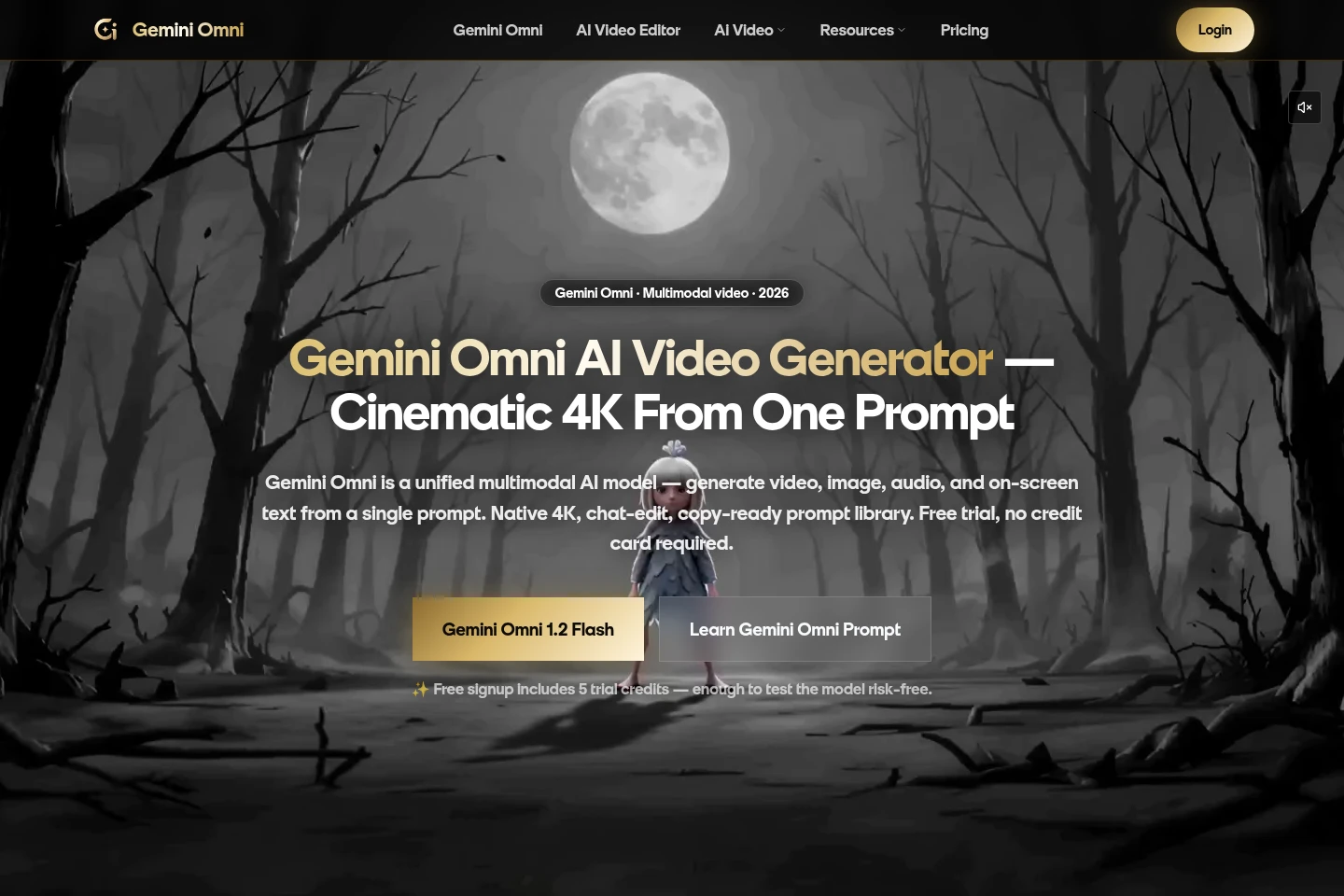
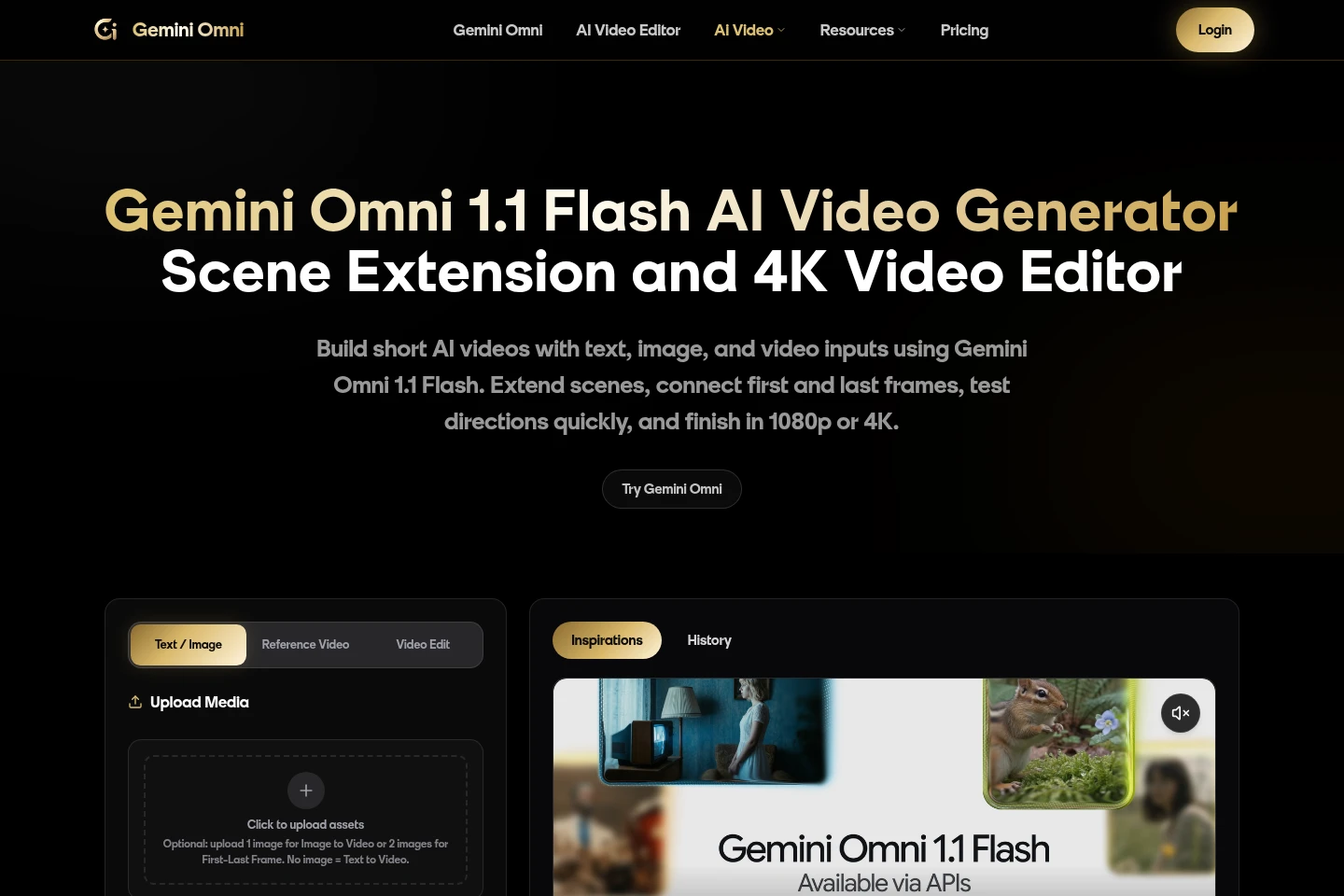
Gemini Omni is a browser-based AI video workspace for generating clips from text or images, guiding scenes with references, editing existing video through prompts, and extending shots. Users can choose aspect ratio, duration, and resolution, then export generated video. New accounts receive five trial credits; additional use is purchased through one-time credit packs.
- AI Video
- Video Generators
- Video Editors
- AI video generator
- text to video
- AI video editor


Capabilities
Text and image video generation
Generate video from a text prompt or an uploaded image. Choose duration, aspect ratio, and output resolution in the workspace; Gemini Omni 1.2 Flash supports clips up to 15 seconds and outputs up to 4K.
Reference-guided generation
Guide a generated scene with visual references. The Gemini Omni 1.2 Flash workflow accepts up to 10 images or three short video clips, while the available controls include first-frame and first-last-frame image inputs.
Prompt-based video editing
Revise an existing clip using follow-up text instructions. Upload source video and describe changes such as lighting, background, or clothing; edits are rerun through the credit meter at the selected resolution.
Video scene extension
Continue a shot from an existing video or image sequence. Provide the source material and use the extension workflow to carry forward the scene's direction, setting, and action.
Video export controls
Set framing and output resolution before generating a video. The workspace lists landscape 16:9 and portrait 9:16, with resolution choices varying by model and including up to 4K.
Pricing
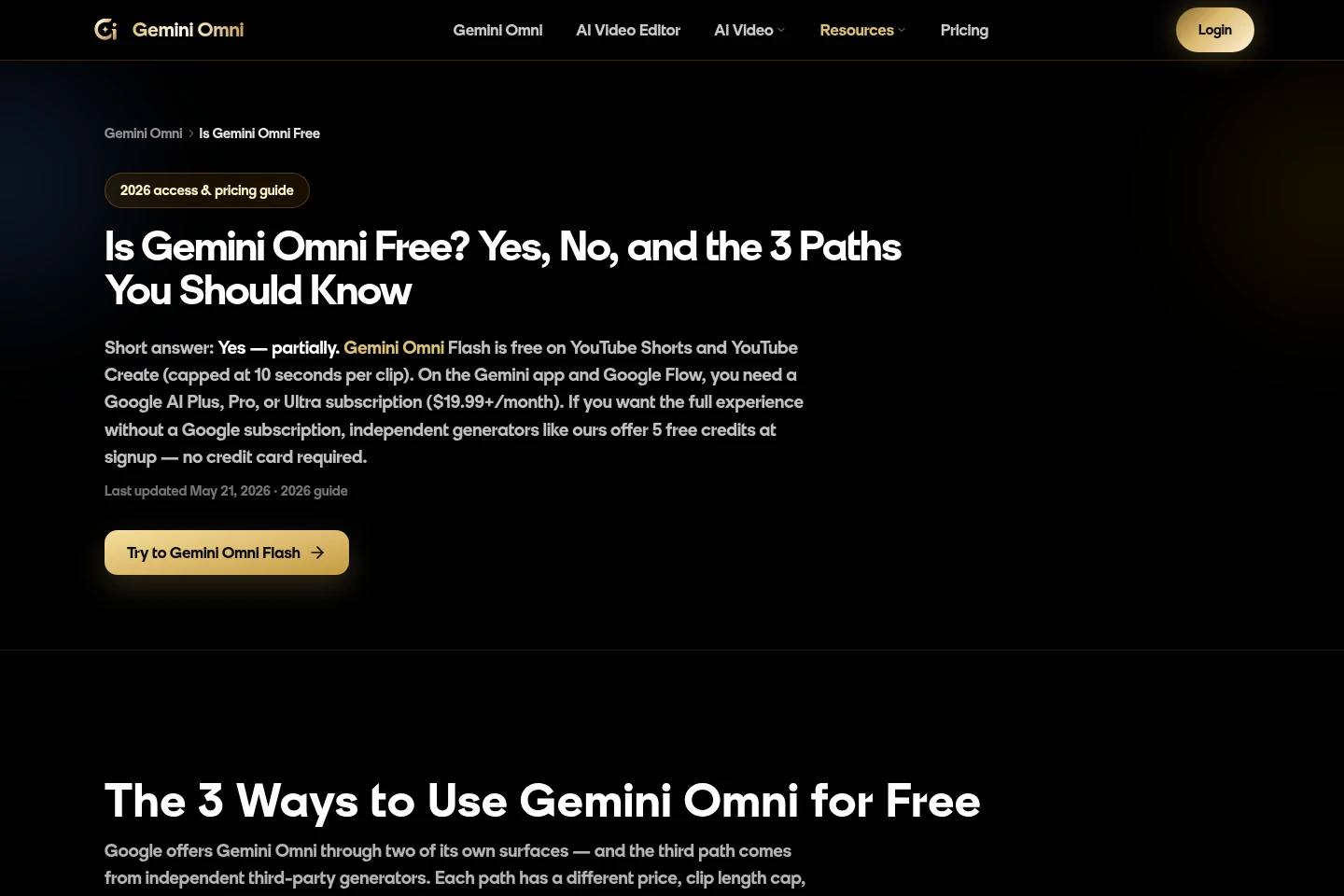
Gemini Omni is paid through one-time credit packs, with five signup trial credits available first. Compare included credits, per-credit cost, export resolution, and queue priority when choosing a pack.
| Plan | Price | Included features and limits |
|---|---|---|
| Starter | $9.9 one-time |
|
| Basic | $29.9 one-time |
|
| Plus | $49.9 one-time |
|
| Professional | $99.9 one-time |
|
New accounts receive five trial credits without a credit card. Credit use varies with duration and resolution; listed pack contents and rates follow checkout and may change.
Use cases
Create a short video from a prompt
When a creator needs a short clip from a written concept, enter a prompt, select format and resolution, and generate in the web workspace. The resulting clip can be up to 15 seconds with Gemini Omni 1.2 Flash.
Animate a still image into video
When a still image needs motion, upload it as the starting image and add a prompt describing the intended scene. The workspace generates a video based on the image and the supplied direction.
Revise an existing video clip
When an existing clip needs changes, upload it and give follow-up instructions about visual details such as lighting or background. The model generates a revised clip, with the selected resolution determining credit use.
Continue a video scene
When a shot should continue beyond its current endpoint, provide the existing video or image sequence and use scene extension. The workflow generates a continuation that carries forward the scene's direction, setting, and action.
Limitations
New accounts receive five trial credits, not an ongoing free plan; paid generation requires purchasing a credit pack.
Gemini Omni credit packs are one-time purchases; the listed pack credits are consumed according to video duration and resolution.
The 1.2 Flash reference workflow accepts up to 10 images or three short video clips as visual or motion guidance.
Who it is for
Creators producing short-form video who need prompt-led generation and editing
Visual content makers who need image or video references to guide generated scenes
Creative teams comparing draft shots before exporting higher-resolution video
FAQ
How many trial credits does a new account receive?
A new account receives five free trial credits at signup. No credit card is required to start; the credits can be used for generation on the Gemini Omni 1.2 Flash workspace.
Does Gemini Omni offer a permanent free plan?
The supplied pricing page describes five signup trial credits, not an ongoing free plan. Paid use is available through one-time credit packs.
How are generation credits calculated?
Credits are charged by video duration and resolution. For Gemini Omni 1.2 Flash the listed rate is one credit per second at 360p, two at 720p, three at 1080p, and six at 4K.
Can I edit a video after generating it?
Yes. Upload an existing clip and provide follow-up instructions for changes such as lighting, background, or clothing. Each edit is rerun at the selected resolution and uses credits.
What are the available credit pack prices?
Starter costs $9.9 for 99 credits, Basic $29.9 for 330, Plus $49.9 for 600, and Professional $99.9 for 1,250. Each is a one-time pack; checkout determines the final pack contents and rates.
Comments