
- Monthly visits
- 2,155
- 2026-09
FxLens - Turn chart screenshots into checked trade setups
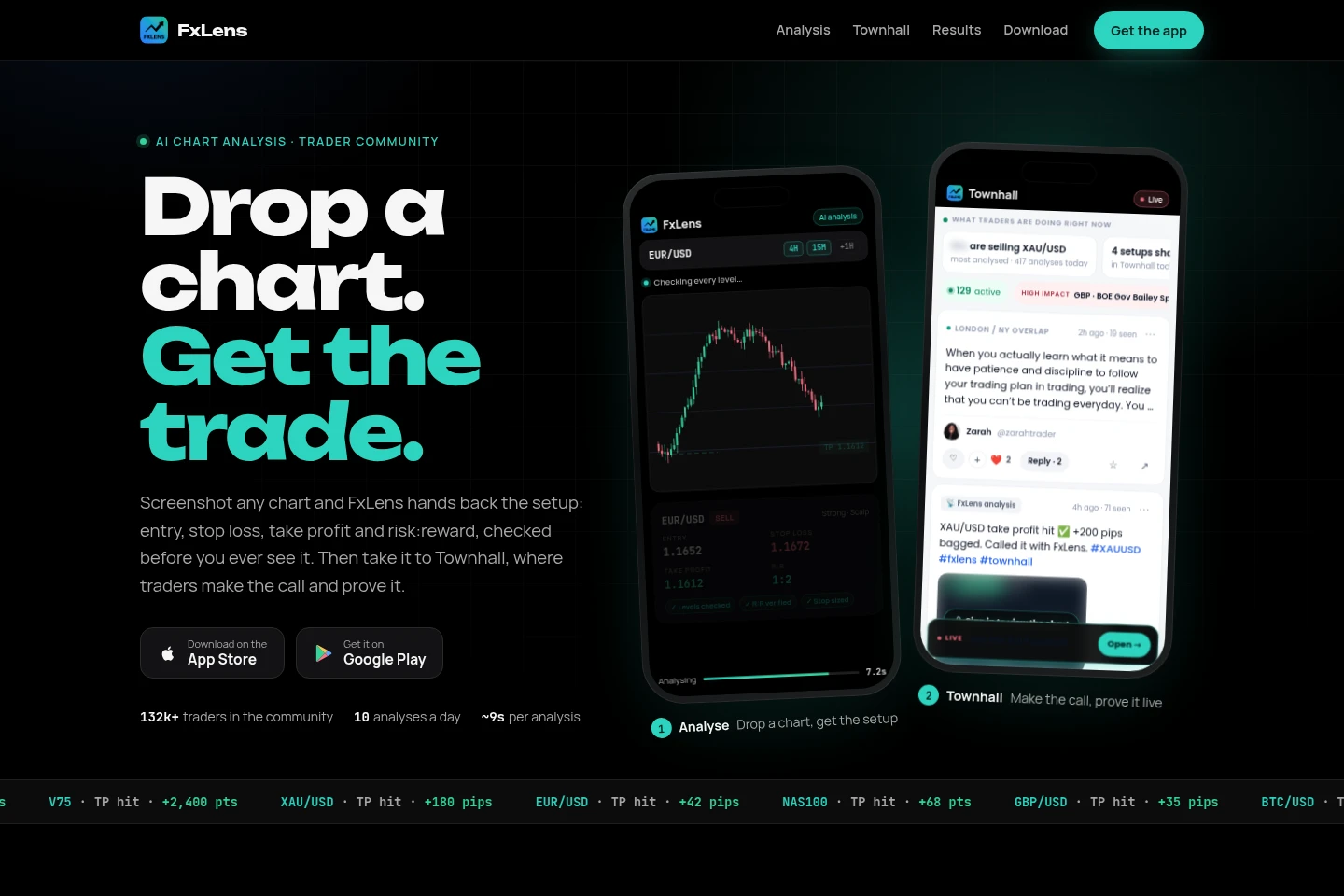
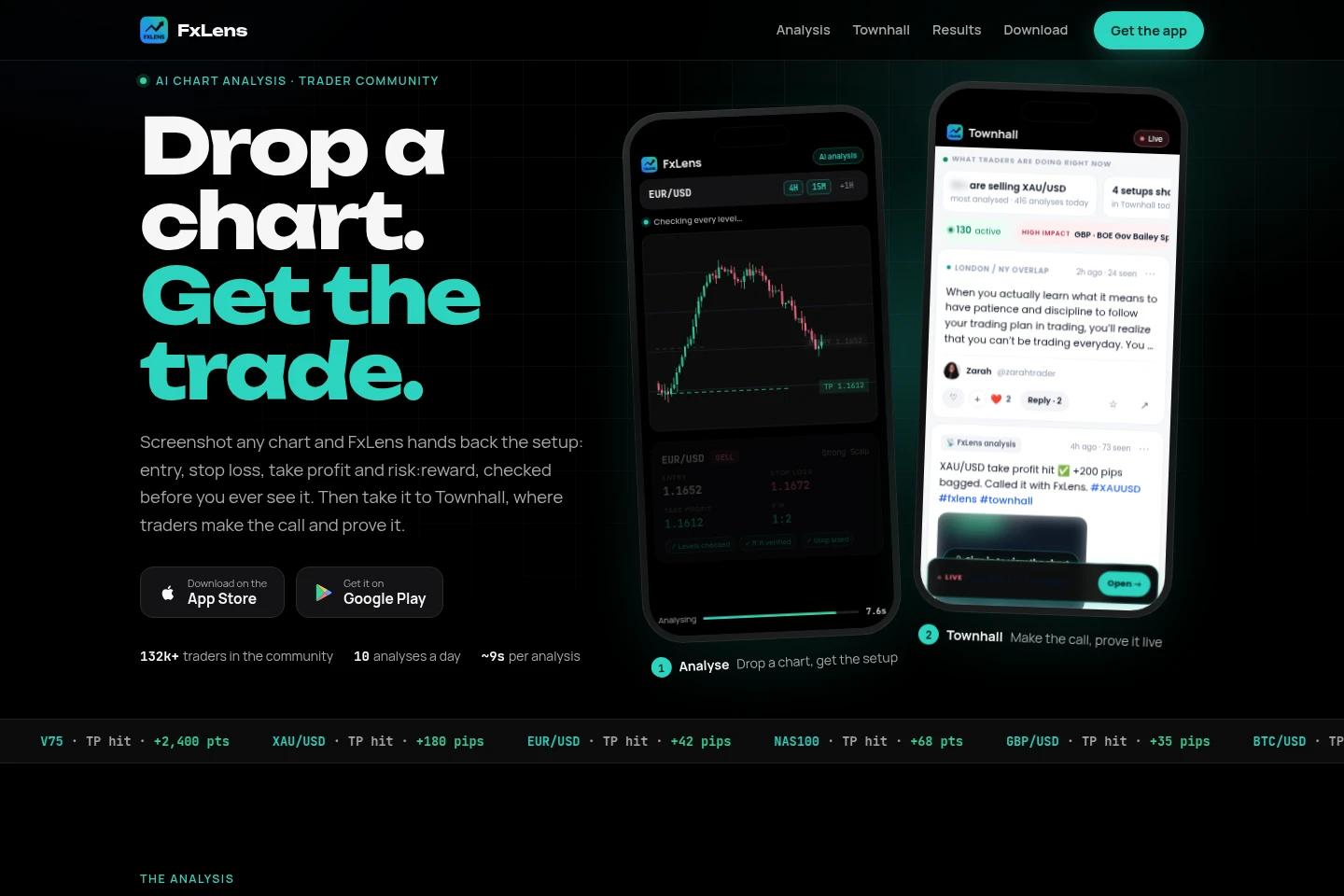
FxLens is a mobile AI chart-analysis app for traders. Upload a chart screenshot to receive a setup with entry, stop loss, take profit and risk:reward, checked against the chart. It can also identify when no clean setup fits its rules and provide levels to watch. Share analyses, market opinions and trade outcomes in Townhall, the in-app trader community.
- AI Business Tools
- Investment Research
- AI chart analysis app
- screenshot trade analysis
- trader community app
Capabilities
Chart screenshot analysis
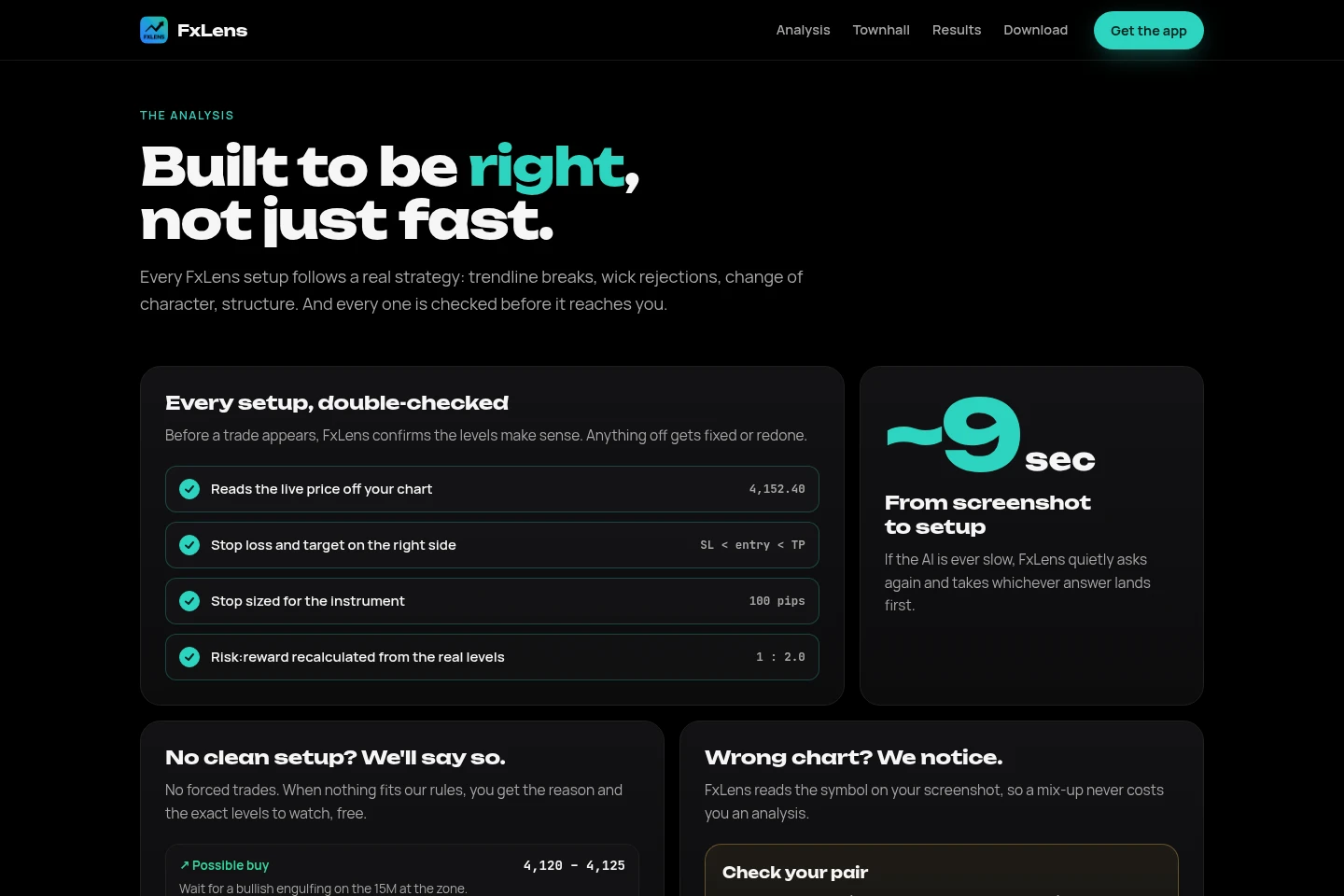
Analyzes a chart screenshot and returns a trade setup with entry, stop loss, take profit and risk:reward. It reads the symbol and price from the image, checks whether levels are consistent, and may return no clean setup with levels to watch when its rules are not met.
Multiple timeframe review
Uses up to three chart timeframes to provide context for a setup. Upload 4H and 15M charts, with an optional additional chart from 1M to Weekly for a broader view.
Townhall trading community
Provides a space to post market opinions, share analyses, discuss and quote posts, and make calls on news. Members can share a setup and connect its original call to a later posted outcome.
Pricing
Pricing and plan billing are not stated on the supplied pages, so there are no plans to compare here. The homepage does describe a daily allowance of 10 analyses.
Use cases
Review a chart for a possible trade setup
When a trader wants to assess a chart, they upload a screenshot from any broker or app. FxLens returns checked entry, stop loss, take profit and risk:reward levels, or explains that no clean setup fits and gives levels to watch.
Share a market call with other traders
When traders want to discuss a market view, they can post an opinion, poll or analysis in Townhall and interact through comments, quotes, mentions and hashtags. They can later post an outcome linked to the original setup.
Limitations
FxLens provides analysis tools and community content for educational purposes; it is not financial advice, and trading carries risk.
Chart analysis is limited to up to three timeframes: 4H and 15M, plus an optional chart from 1M to Weekly.
The app describes a daily allowance of 10 analyses.
Who it is for
Traders who want chart screenshots checked for entry, stop-loss and target levels.
Traders who want to share market opinions and analyses in an in-app community.
FAQ
What does FxLens return from a chart screenshot?
It returns a trade setup with entry, stop loss, take profit and risk:reward after checking the levels against the chart. If no setup fits its rules, it can explain why and provide levels to watch.
Which chart timeframes can I upload?
Upload 4H and 15M charts, with an optional additional timeframe from 1M to Weekly. FxLens describes support for up to three timeframes in one analysis.
Can FxLens provide a setup when conditions do not fit?
No. When nothing fits its rules, FxLens says there is no clean setup and provides the reason and levels to watch instead of forcing a trade.
Where can I share an analysis?
You can share an analysis in Townhall, the trader community inside FxLens. Posts support text, images, polls, mentions and hashtags, and users can quote posts or comments.
Is FxLens financial advice?
No. FxLens states that its analysis tools and community content are for educational purposes, not financial advice, and that trading carries risk.
Comments