Monthly visits
108,446
2026-10
Monthly growth -4.1%

FreeUpscaler - Upscale images and videos locally in your browser

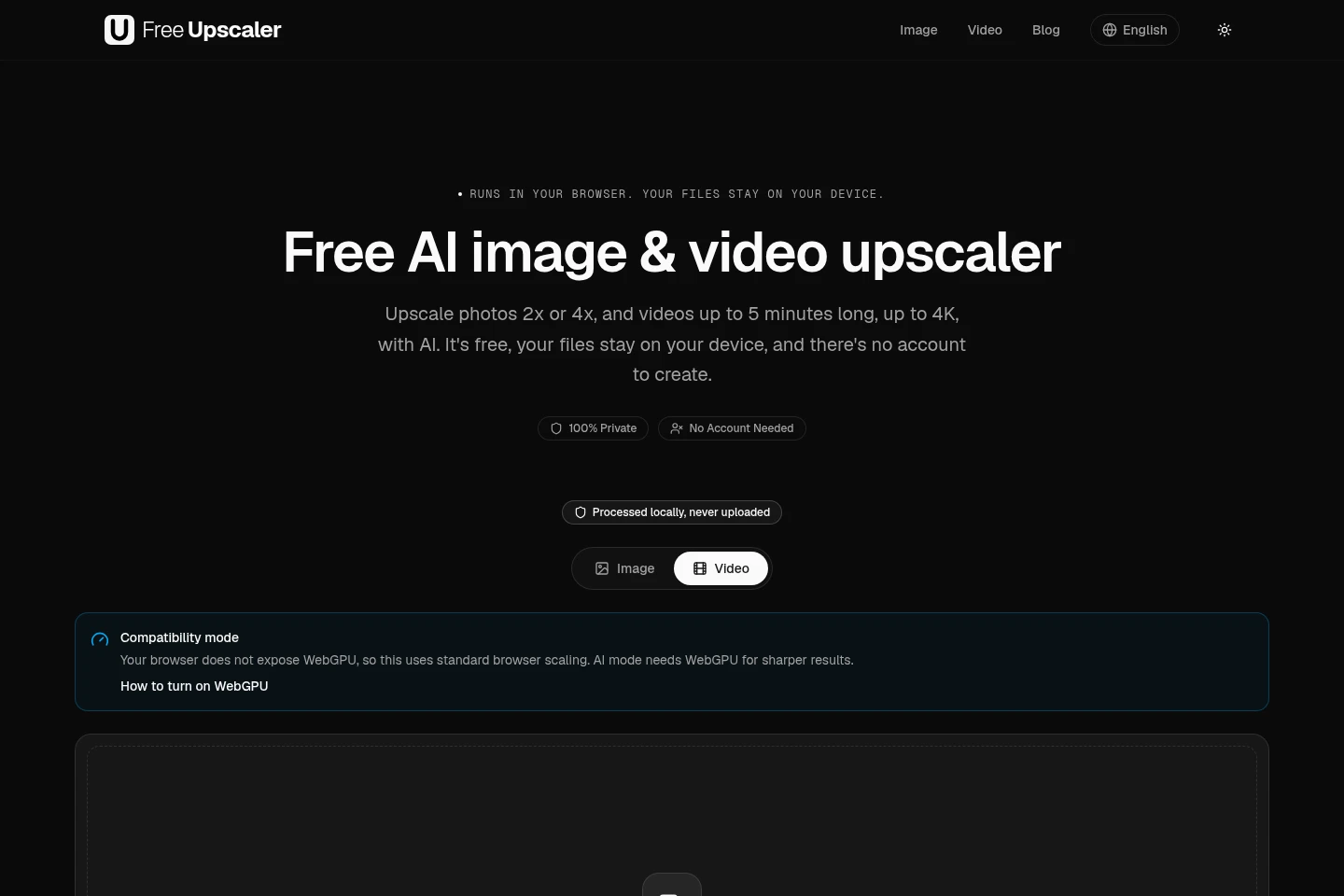
FreeUpscaler enlarges images by 2x or 4x and videos up to 4K using AI in your browser. Files are processed on your device rather than uploaded. Image inputs include JPG, PNG, and WebP up to 20 MB; video inputs include MP4, MOV, and WebM up to five minutes and 150 MB. No account, installation, watermarks, credits, or daily caps are required.

Visit WebsiteUpdate this product

0Views

Capabilities

AI image upscaling

Enlarges images by 2x or 4x and produces a PNG, JPG, or WebP file. Choose a JPG, PNG, or WebP image up to 20 MB; AI processing runs locally in a browser with WebGPU, while compatibility mode uses standard browser scaling.

AI video upscaling

Enhances video frames and exports an H.264 MP4 with audio preserved, up to 4K. Select an MP4, MOV, or WebM video up to five minutes and 150 MB; processing runs on the device, and AI mode requires WebGPU.

On-device processing

Processes selected media on the user's device without uploading the file to a server. Open the browser tool, select one image or video, wait for processing, and download the result; only one item can be processed at a time.

PricingFree

FreeUpscaler is currently free, with no payment, trial, credits, or daily caps. The site also describes a separate Pro service as early access, but provides no price or purchasable plan details.

Use cases

Enlarge low-resolution images for reuse

When an image is too small for its intended use, select a JPG, PNG, or WebP file up to 20 MB and choose 2x or 4x upscaling. Download the enlarged image as PNG, JPG, or WebP without a watermark.

Enhance short video clips for sharing

When a short video needs enlargement, select an MP4, MOV, or WebM file up to five minutes and 150 MB. The browser processes its frames on the device and provides an H.264 MP4 up to 4K with audio preserved.

Upscale media without uploading it

When media should remain on the user's device, use the browser-based tool to process one image or video locally. Download the result when processing finishes; the site says the source file is never uploaded.

Limitations

  • Only one image or video can be processed at a time; start another after the current item finishes.

  • AI processing requires a browser with WebGPU; without it, images can use a slower compatibility mode with standard browser scaling.

  • Image inputs are limited to JPG, PNG, or WebP files up to 20 MB.

  • Video inputs are limited to MP4, MOV, or WebM files up to five minutes and 150 MB.

  • The Pro cloud service is described as early access; its launch availability is not established.

FreeUpscaler alternatives

VideoUpscaler.dev

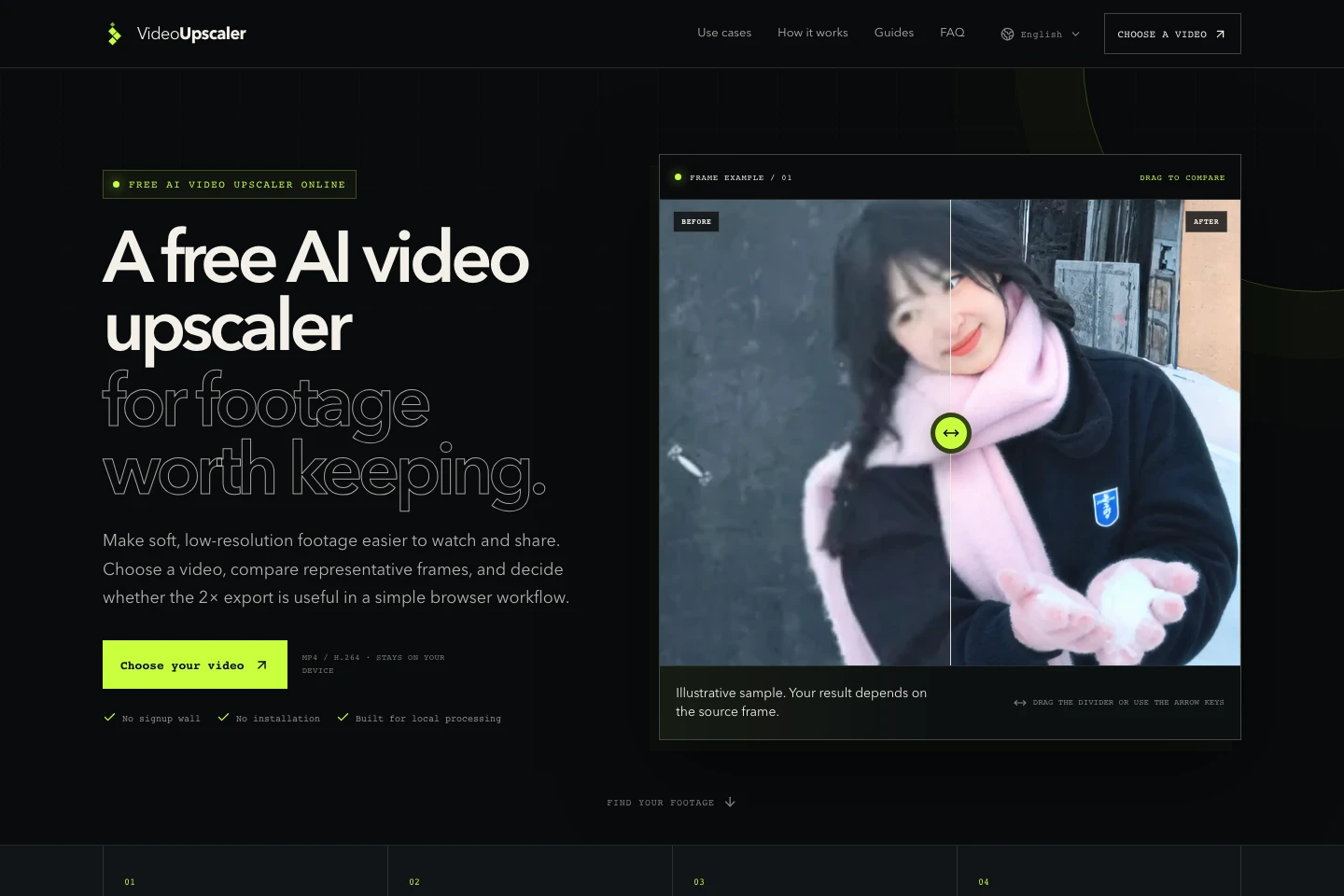
Free, privacy-first 2x video upscaling in your browser. Enhance short MP4 clips locally with WebGPU and Anime4K, without uploads or signup.

VideoUpscaler.dev is a free, privacy-first browser tool for upscaling short MP4/H.264 videos to 2x resolution. In a compatible desktop Chromium browser, it uses WebGPU, WebCodecs, and an Anime4K convolutional neural network to process footage locally on the user’s device. Creators can inspect a preview and export the result without uploading the source video, installing a desktop application, or creating a product account. It is designed for short creator clips, animations, product demonstrations, and other supported videos where privacy and quick experimentation matter. Browser support, device hardware, source resolution, and clip length affect performance and practical limits.

  • Free
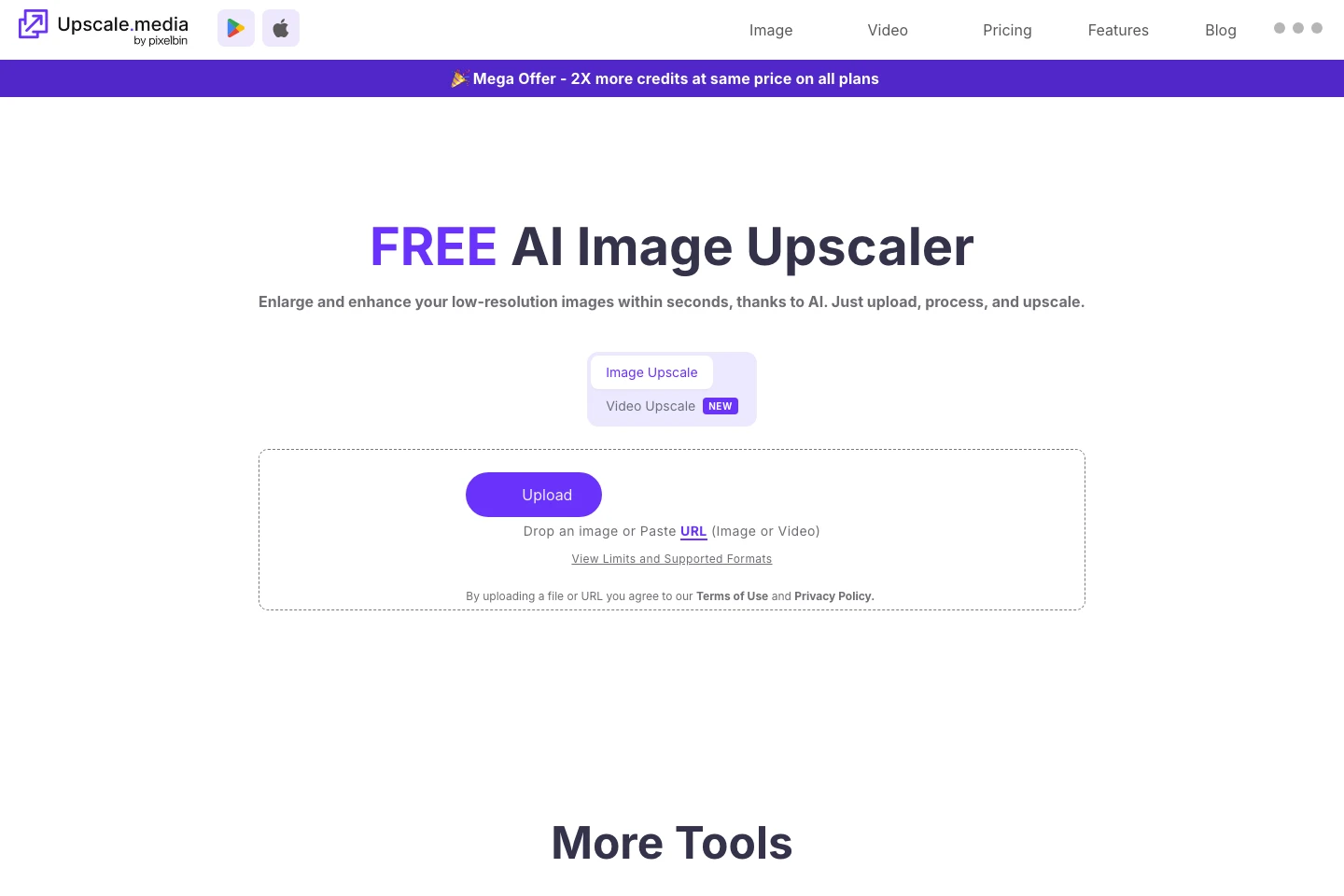
  1. Upscale.media

    Transform low-res images into stunning visuals

    Freemium
  2. VideoToFrames AI Video Upscaler

    Free private AI video upscaler that runs in your browser

    Free
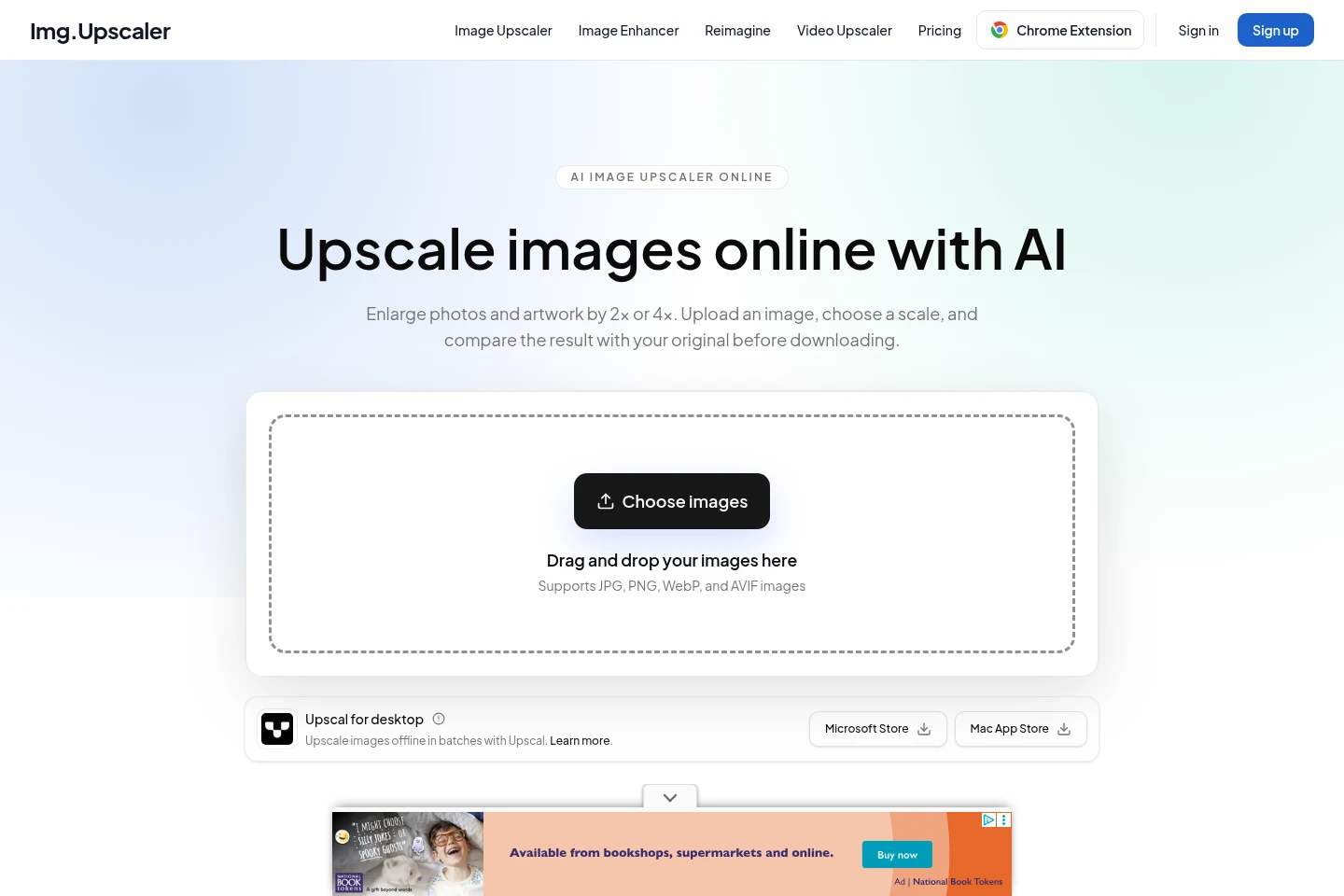
  3. ImgUpscaler

    Transform your images with advanced AI technology

    Freemium
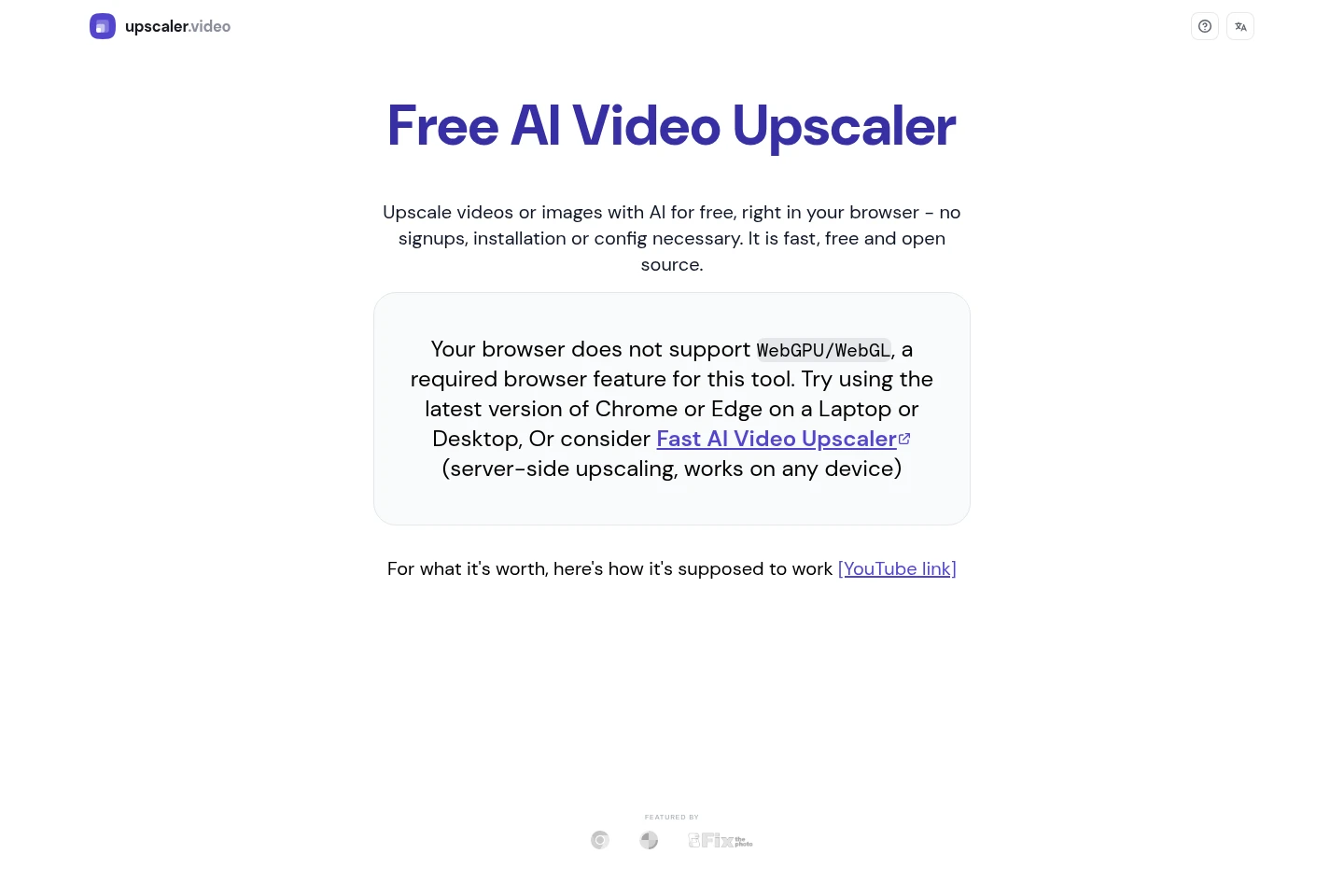
  4. Free AI Video Upscaler

    Free AI-powered video and image upscaling in your browser

    Free
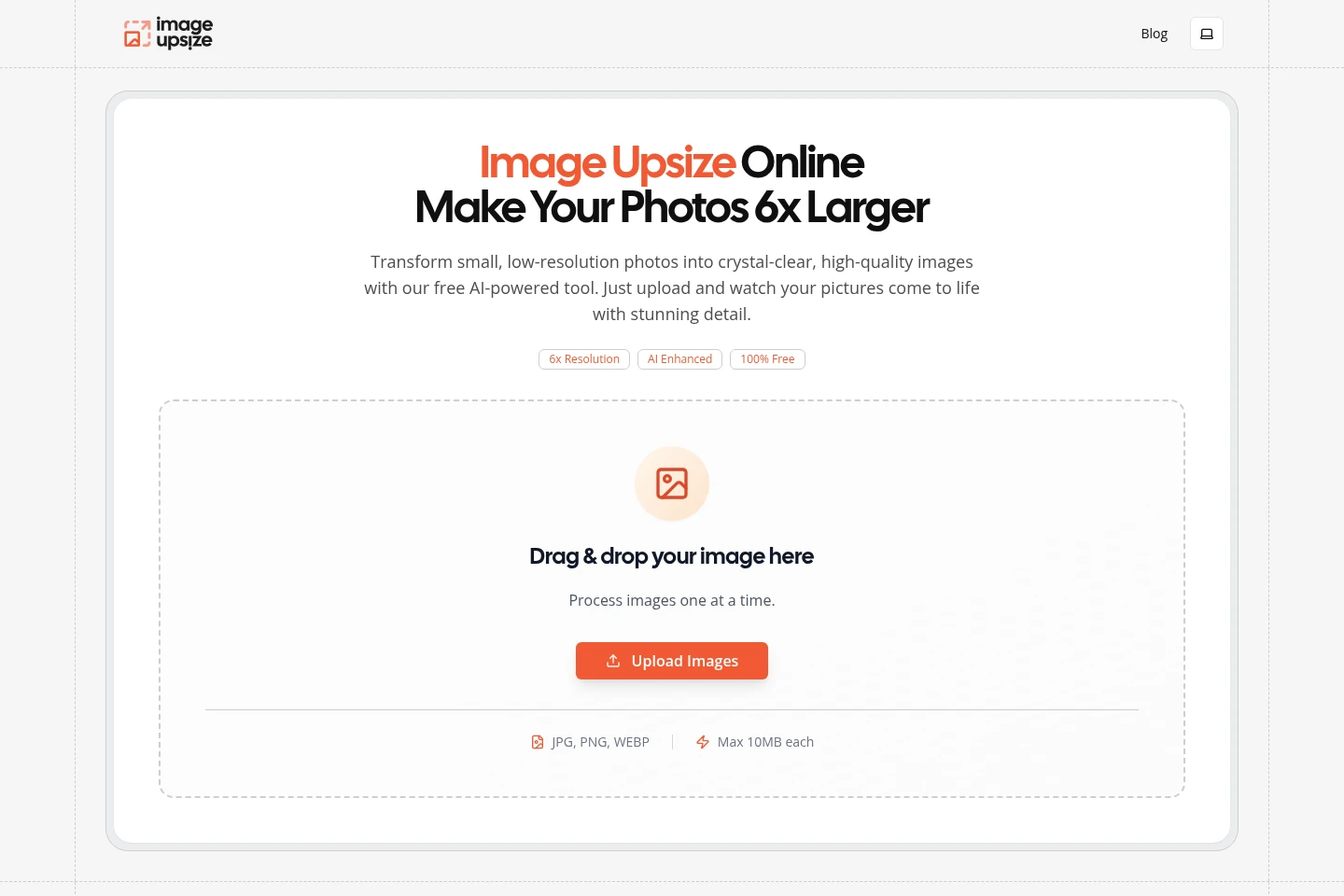
  5. ImageUpsize

    AI-Powered Image Upscaling Tool for High-Quality Photos

    Freemium

Who it is for

  • Designers and image editors enlarging low-resolution source files

  • Photographers enlarging archive scans for printing

  • E-commerce sellers resizing supplier product images

  • Video creators enhancing compressed social clips

FAQ

Is FreeUpscaler free to use?

Yes. The available tool is free, with no payment, trial, usage quotas, watermarks, or account requirement. Processing runs on the user's device.

Do I need an account or installation?

No. FreeUpscaler runs in a browser, and the pages say there is nothing to install or sign up for. Select a media file and download the result when processing finishes.

Are my files uploaded?

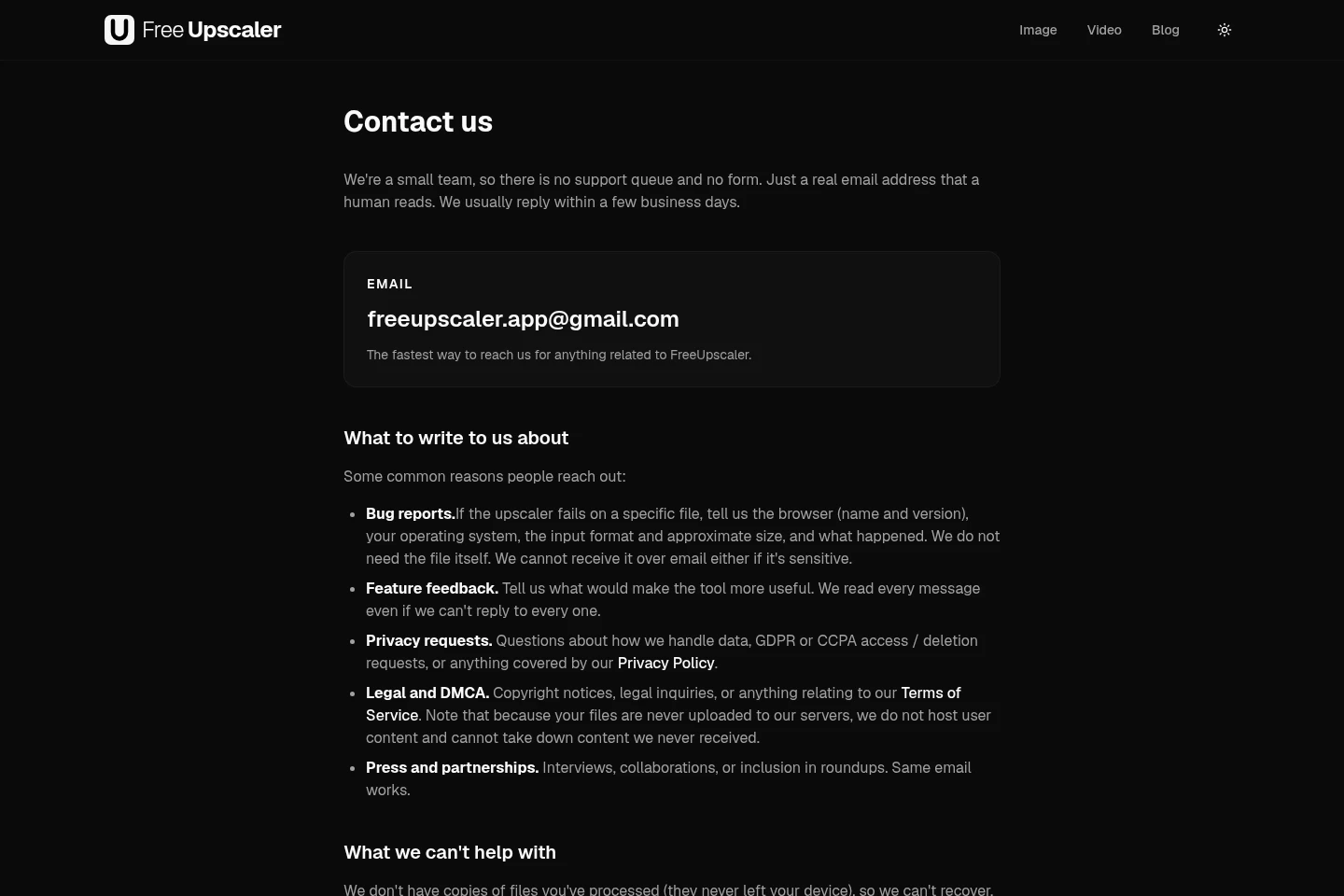
No. The site says selected files are processed locally and never uploaded. The contact page also says the operator does not have copies of files users have processed.

What file types and sizes can I upscale?

Images can be JPG, PNG, or WebP files up to 20 MB. Videos can be MP4, MOV, or WebM files up to five minutes and 150 MB.

Which browsers support AI processing?

AI mode requires WebGPU. The FAQ identifies current Chrome and Edge on computers, Chrome on recent Android phones, browsers on iPhone and iPad with iOS 26, Safari on Macs with macOS 26, and Firefox on Windows and Apple-silicon Macs; images also have a slower compatibility mode without WebGPU.

Can I process multiple files at once?

No. The tool processes one image or one video at a time. Start the next item after the current one finishes.

Comments

Please sign in to leave a comment.
No comments yet. Be the first to share your thoughts!