Monthly visits
873
2026-10

Free AI Wiper - Inspect and remove supported AI traces from files on your device

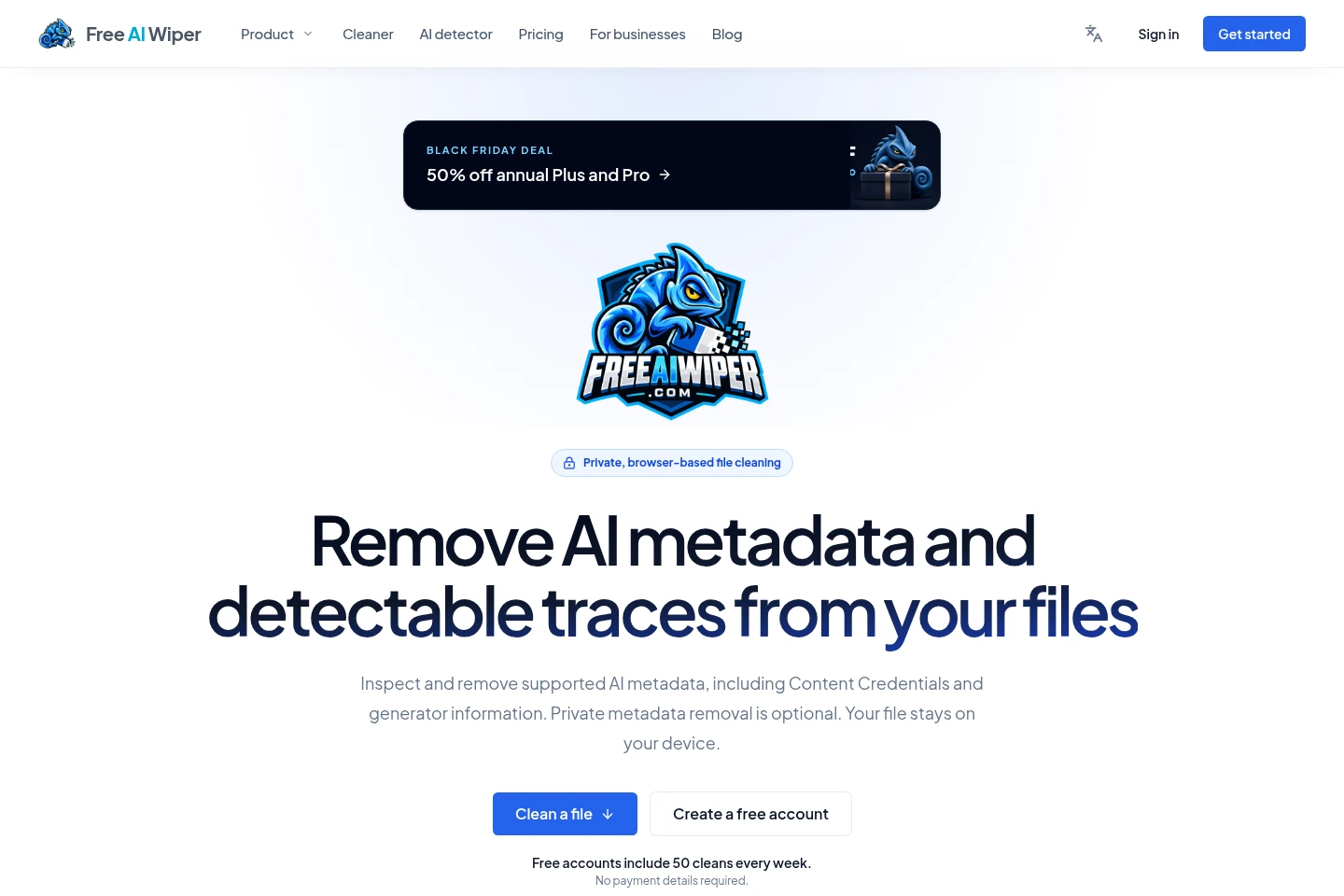
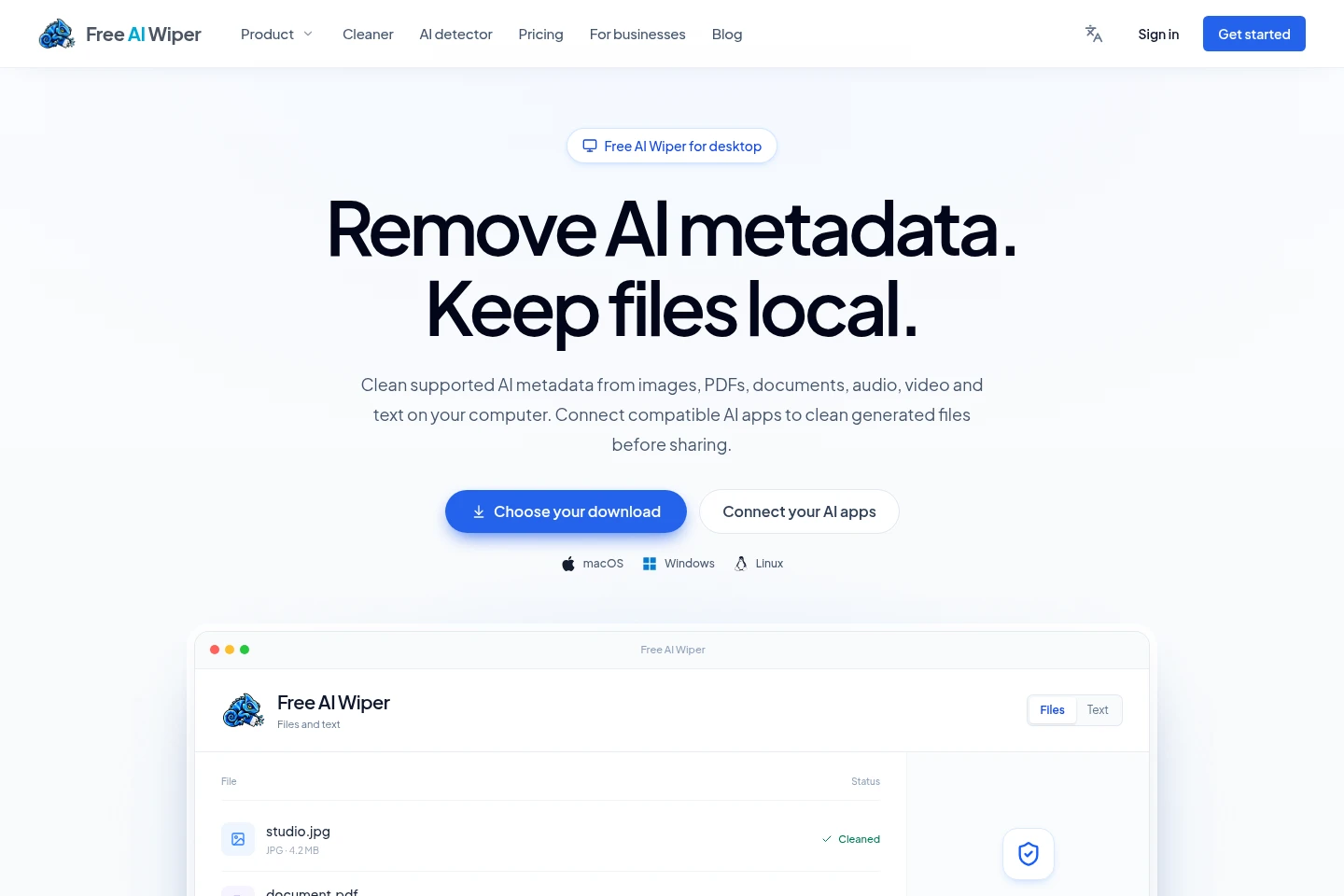
Free AI Wiper inspects supported files for AI provenance such as Content Credentials and generator information, then removes selected traces and verifies the rebuilt file. Browser cleaning stays on your device; API cleaning uploads files for server processing. It supports images, documents, video, audio and text, with desktop apps and API access available on eligible plans.

Visit WebsiteUpdate this product

0Views

Capabilities

Inspect supported files

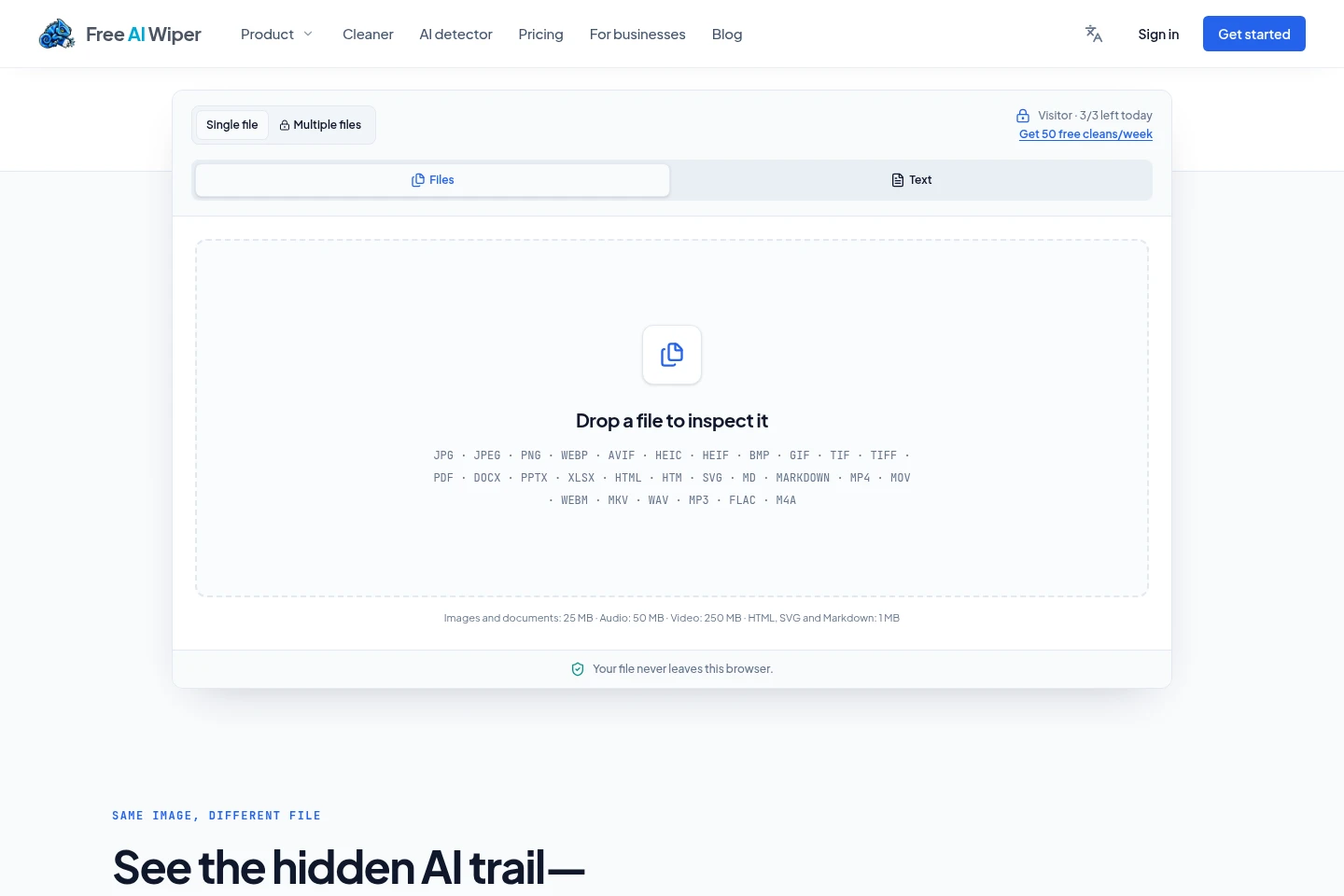
Inspects supported files and identifies detectable provenance and metadata. It reads file containers without uploading or decoding them, then reports supported AI records such as Content Credentials and generator information.

Remove selected metadata

Removes selected supported AI provenance and, optionally, private metadata. The cleaner processes supported images, documents, video, audio and text, subject to format and file-size limits.

Verify cleaned output

Checks the rebuilt file before making its download available. It inspects supported portable signals after removal; a clear result does not prove how the content was created.

Connect local AI workflows

Lets compatible local AI apps call the desktop cleaner through its local MCP server and cleanup instructions. An accessible generated file and compatible local host are required for automatic delivery.

Clean files through the API

Cleans files submitted through the Pro API and returns results through API requests. Pro includes 5,000 cleanups per month; files sent to the API are processed on the vendor's servers.


PricingFreemium

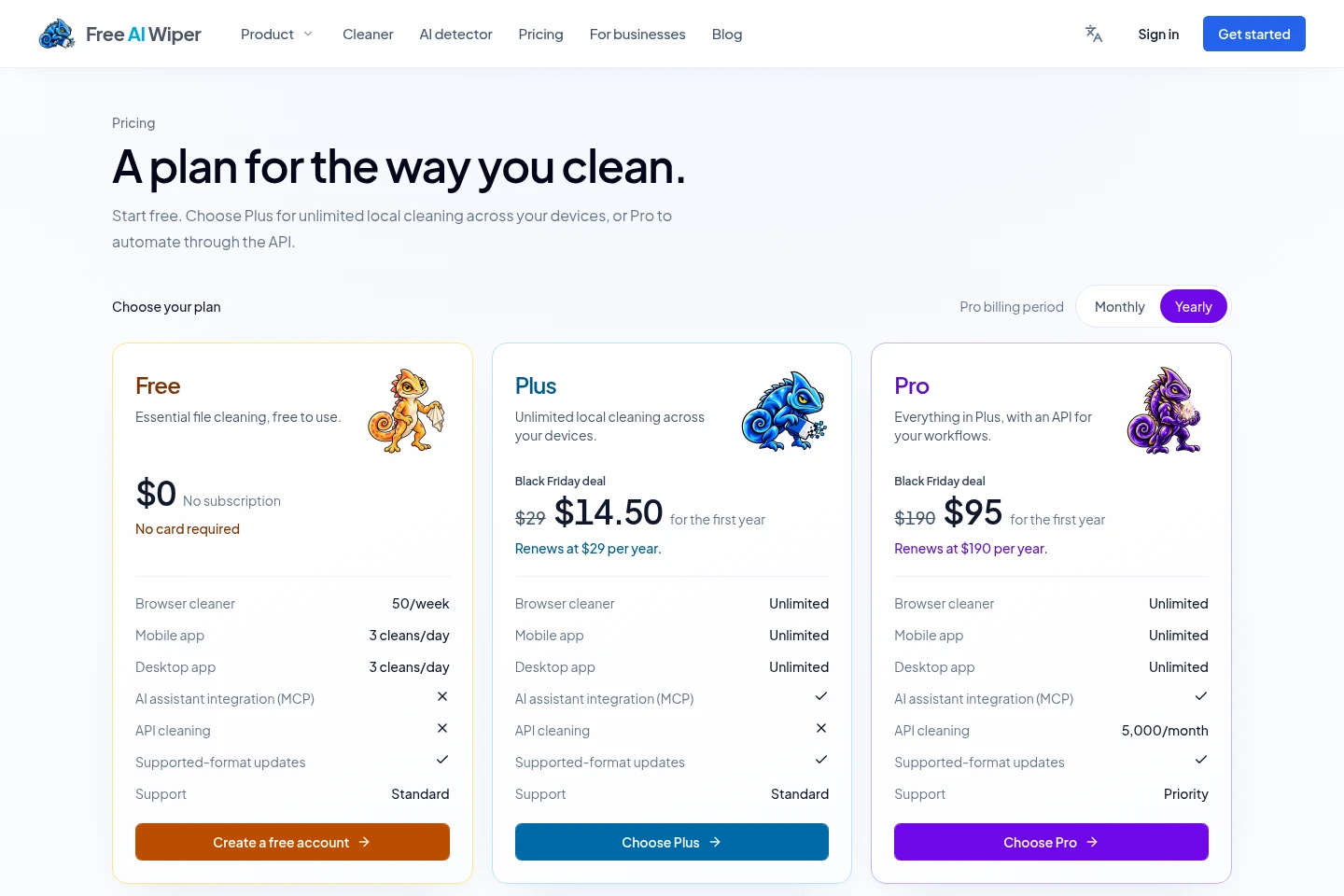
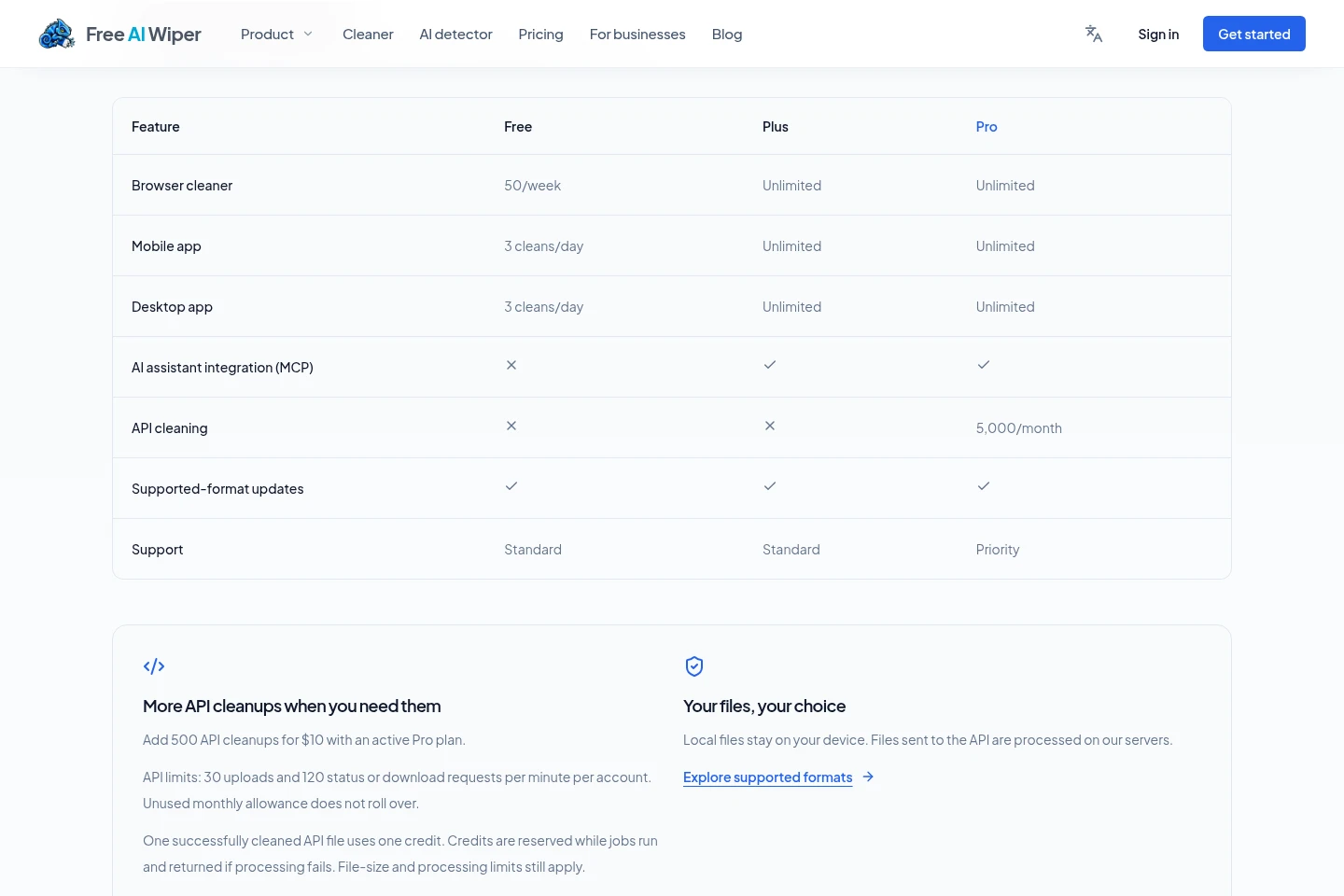
Free AI Wiper offers a free plan and paid subscriptions. Compare browser, mobile and desktop allowances, MCP inclusion, API access and support level; paid plan prices shown here reflect the current first-year offer and stated renewal terms.

PlanPriceIncluded features and limits
Free

$0; no subscription

  • Browser cleaner: 50 cleans per week; verified account required.

  • Mobile app: 3 cleans per day.

  • Desktop app: 3 cleans per day.

  • MCP integration and API cleaning are not included.

  • Supported-format updates included; standard support.

Plus

$14.50 for the first year; renews at $29 per year

  • Browser, mobile and desktop cleaning are unlimited.

  • AI assistant integration (MCP) included; API cleaning not included.

  • Supported-format updates included; standard support.

Pro

$95 for the first year; renews at $190 per year

  • Browser, mobile and desktop cleaning are unlimited.

  • AI assistant integration (MCP) included.

  • Includes 5,000 API cleanups per month; unused monthly allowance does not roll over.

  • Supported-format updates included; priority support.

Prices are in US dollars, and tax is calculated at checkout. API top-ups add 500 cleanups for $10 with an active Pro plan; purchased cleanups carry over between months and are usable while the subscription is active. API rate limits and file-size and processing limits apply.

Use cases

Check a file for AI provenance

When a user wants to know whether supported traces are present, they inspect a file in the browser or desktop app. The tool identifies detectable supported records without changing the original.

Remove supported traces before sharing

When preparing a supported file for sharing, the user selects which AI provenance and optional private metadata to remove. The tool creates and verifies a cleaned copy while leaving the original untouched.

Clean AI-generated files in a local workflow

When a compatible local AI app creates an accessible file, the user connects it to Free AI Wiper's local MCP integration. The workflow can clean a copy and provide a link to the verified result.

Automate file cleaning through the API

When a workflow needs programmatic cleanup, a Pro subscriber submits files through the API and retrieves processing results. The plan allowance resets monthly, and uploaded API files are processed on servers.

Limitations

  • A clean result only means supported portable signals were not found after cleaning; it does not prove that a file was made by a human.

  • Cleaning does not necessarily remove labels applied by social platforms, which may use their own detection systems or creator disclosures.

  • Supported metadata cleanup does not detect or remove SynthID or other watermarks embedded in audio.

  • The macOS desktop build supports Apple silicon Macs; Intel Macs are not supported by this build.

  • Linux distribution compatibility beyond the stated Ubuntu build is not verified and depends on compatible system libraries and graphics drivers.

  • Only API cleaning uploads files; browser and local desktop cleaning keep files on the user's device.

Alternatives

W-Agent

AI cleanup for video and image overlays

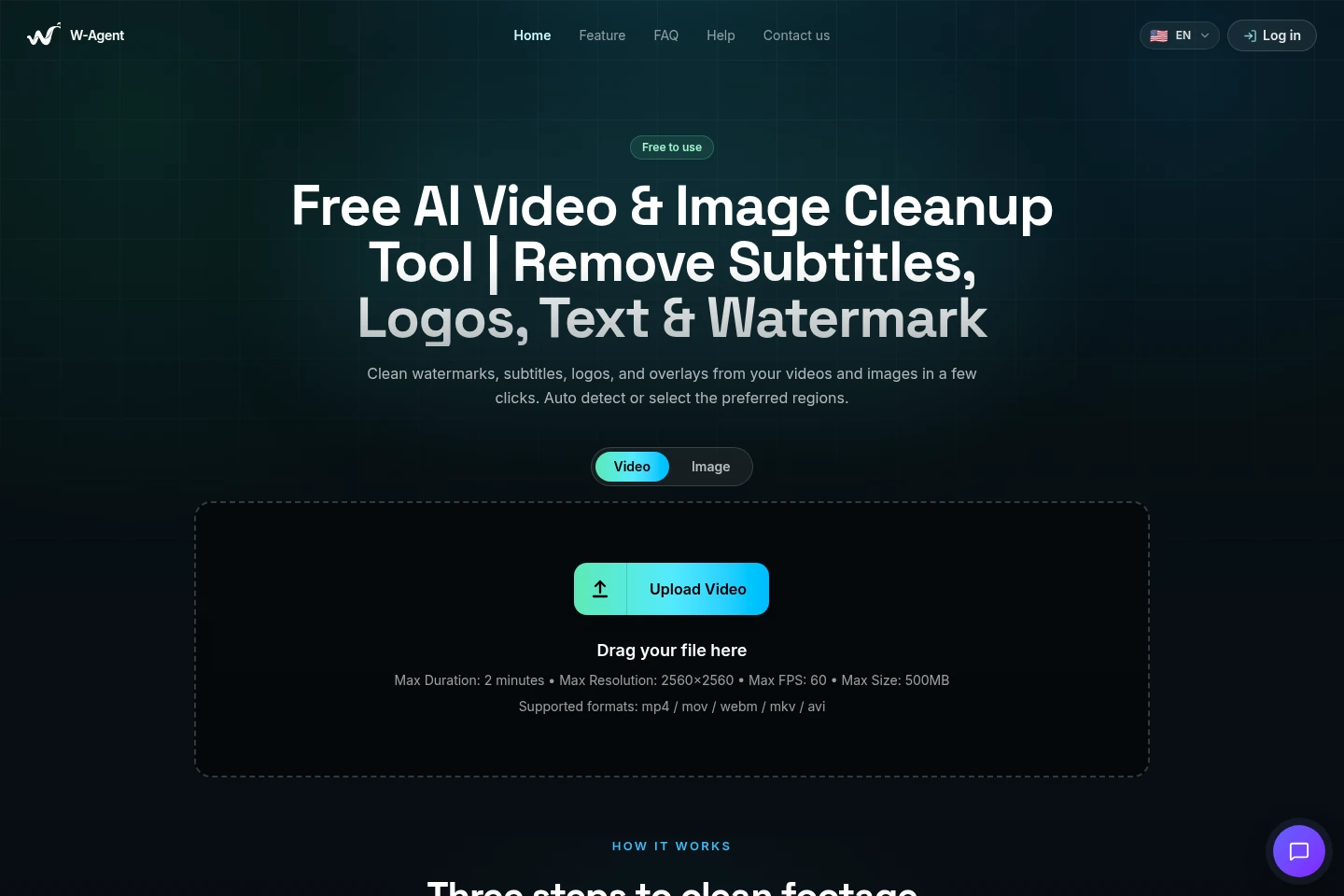
W-Agent removes watermarks, subtitles, logos, and text overlays from uploaded videos and images. Users can let AI detect marks automatically or select regions with bounding boxes and brush masks, including time ranges for video masks, then download the cleaned file. The browser-based tool is free to use and requires no installation.

  • Cloud
  • Free
  • FreeFree
  1. Remove AI Label

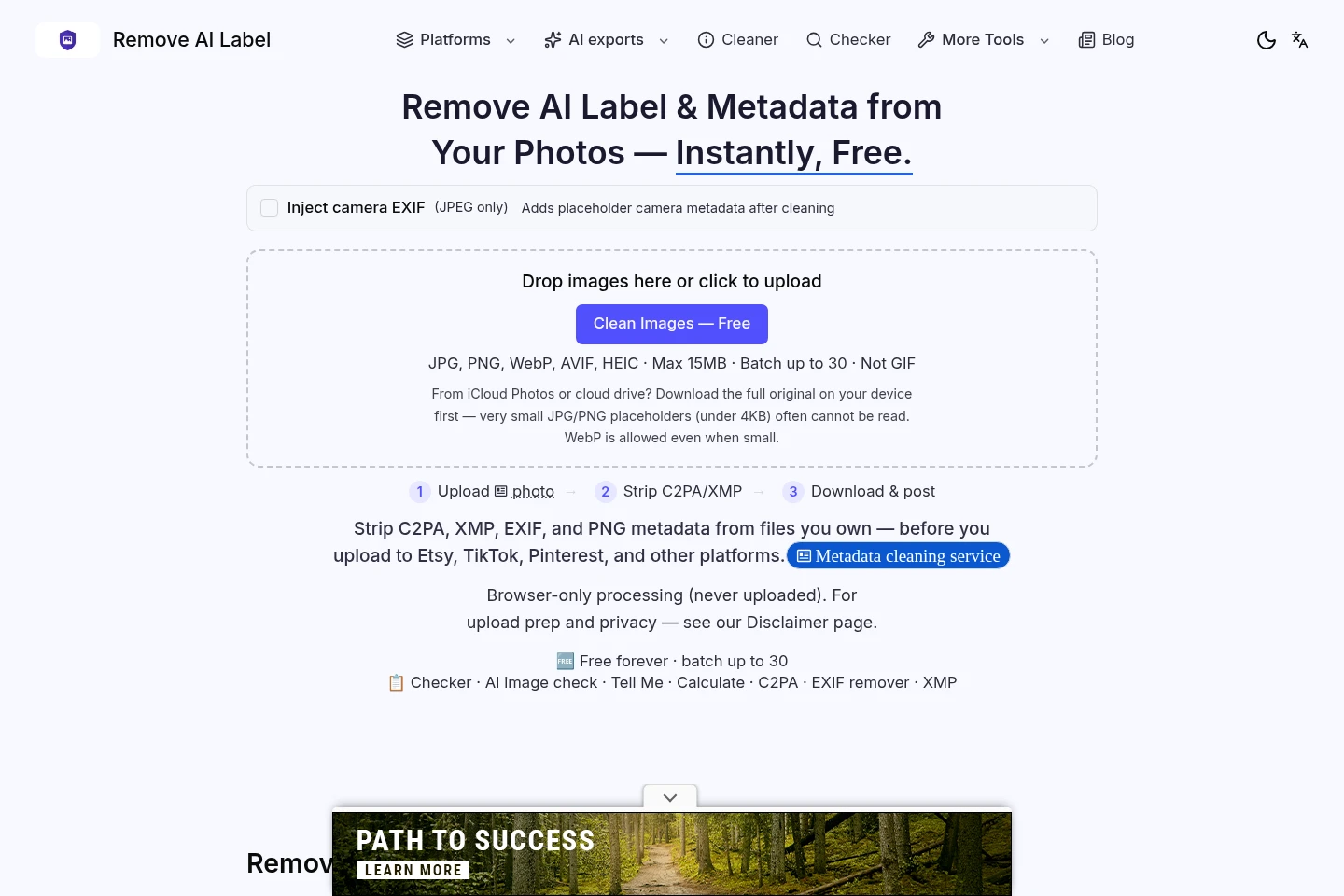
    Clean image metadata locally before sharing

    Free
  2. Remove AI Metadata

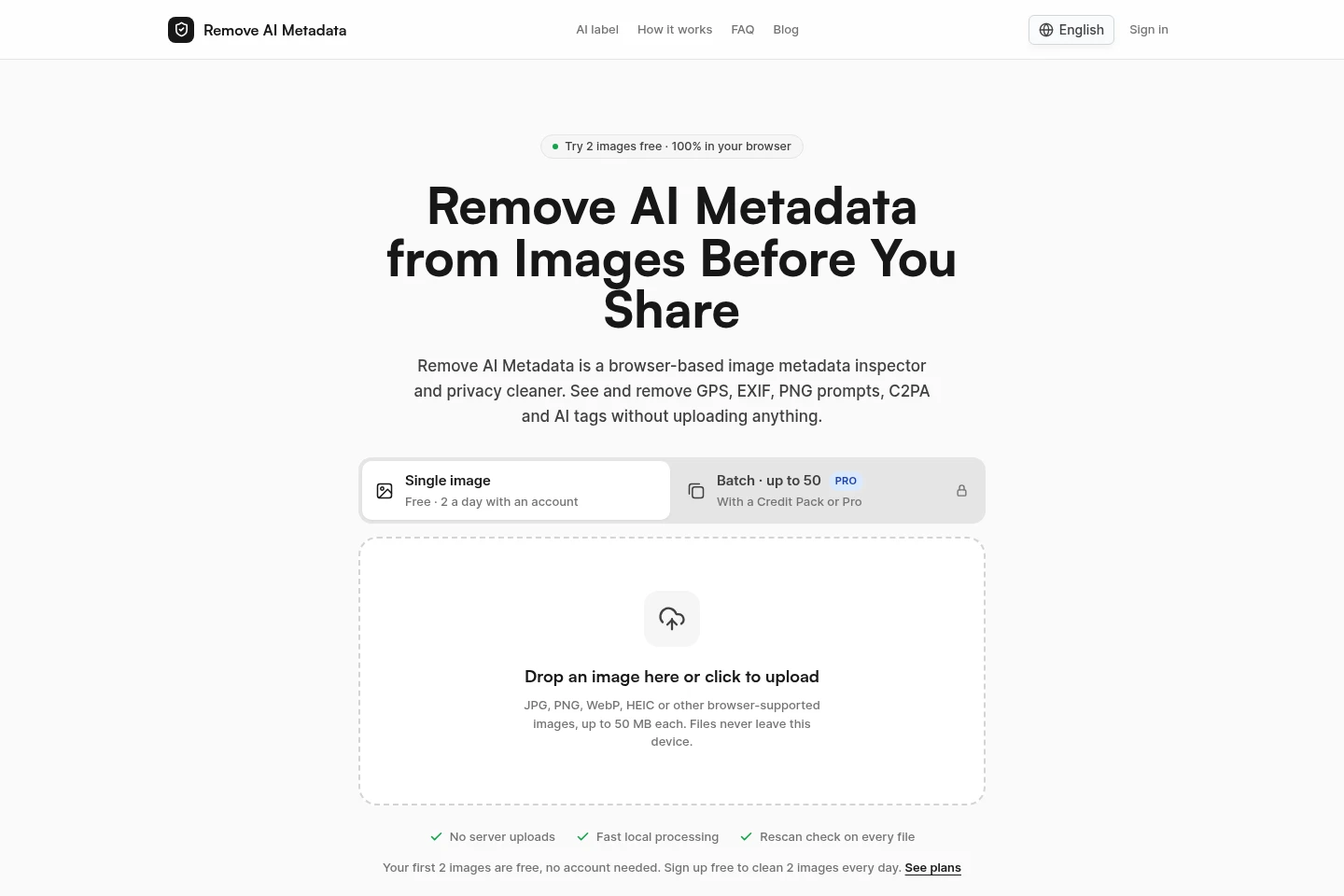
    Inspect and clean image metadata locally in your browser

    Free · $0
  3. CleanVideoAI

    Remove video watermarks with browser-based AI tools

    Free
  4. GPT Watermark Remover

    Detect and clean invisible characters in AI text and documents

    Free · Free: $0
  5. AI Image Cleanup Tool

    Remove image text with AI detection and manual mask control

    Free · $0/month

Who it is for

  • People who want to inspect and remove supported metadata locally before sharing files

  • Users of compatible local AI applications who want generated files cleaned before delivery

  • Developers building file-cleaning workflows that need the Pro API and its monthly allowance

FAQ

What does Free AI Wiper remove?

It removes detectable supported AI metadata and provenance, including Content Credentials, C2PA/JUMBF records, generator information and selected metadata supported by each file format.

Does a file leave my device during browser cleaning?

No. The current browser cleaner processes supported files and text locally, and the selected content is not uploaded. API cleaning is the exception: files submitted through the API are processed on the service's servers.

Does a clean result prove that a file was made by a human?

No. It means only that supported portable signals were not found after cleaning. It does not establish how the content was created.

Will cleaning remove a social network's AI label?

Not necessarily. A platform may rely on portable metadata, its own detection systems or creator disclosure; Free AI Wiper verifies only signals it can inspect in the file.

Does cleaning change audio or image quality?

Supported audio is not re-encoded, and supported images retain their encoded image payload without recompression. Audio cleanup does not remove embedded SynthID or other sound watermarks.

How do API allowances and top-ups work?

Pro includes 5,000 API cleanups each month, and unused monthly allowance does not roll over. The monthly allowance is used first; purchased cleanups carry over and can be used while the Pro subscription is active.

Comments

Please sign in to leave a comment.
No comments yet. Be the first to share your thoughts!