Monthly visits
25,950
2026-10
Monthly growth +1,147%

ForgeGUI - Generate game thumbnails and interface artwork from prompts

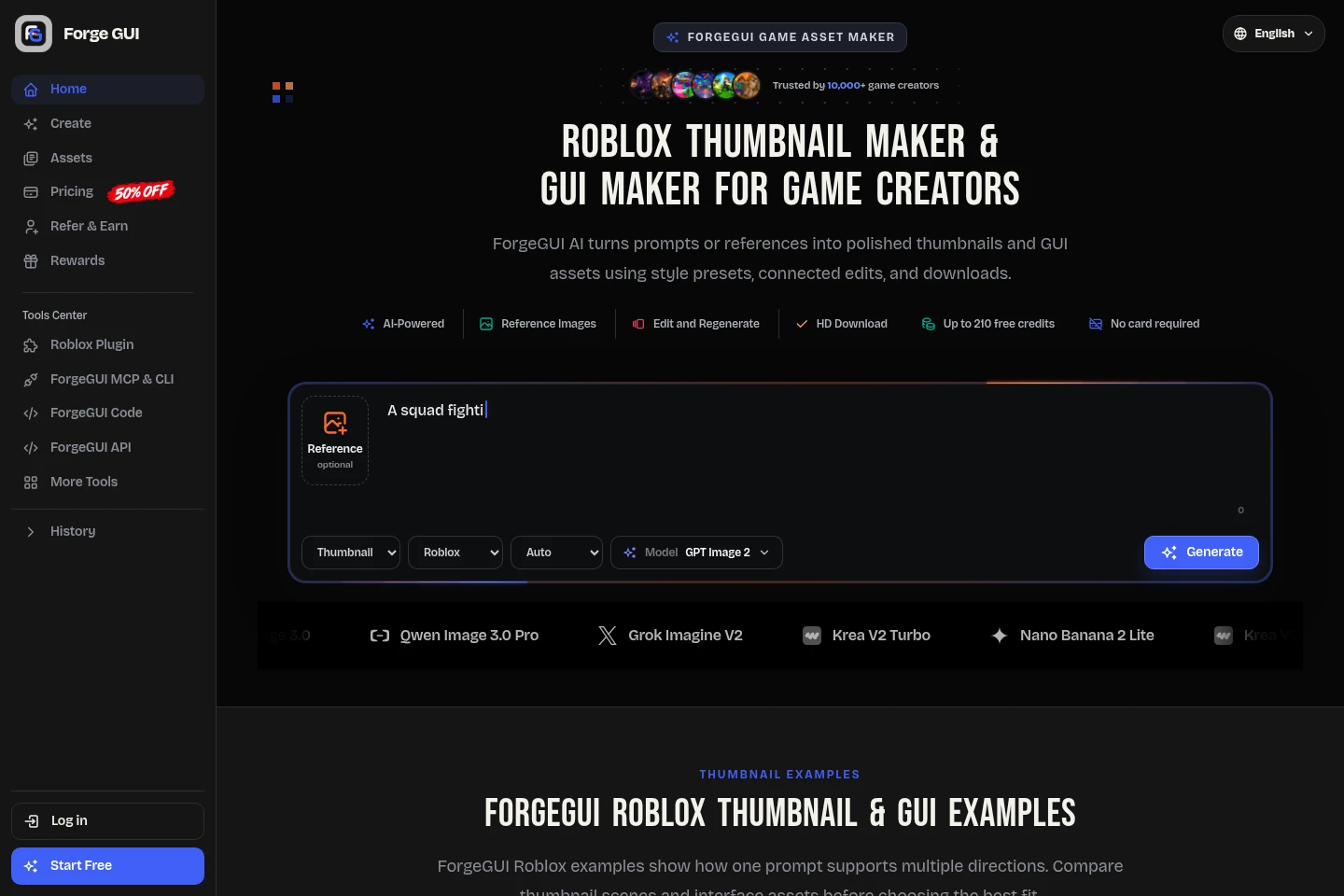
ForgeGUI creates AI-generated thumbnails, GUI images, HUDs, panels and icons from text prompts or reference images. Choose visual styles for Roblox, Minecraft, Unity and Fortnite, edit results with further instructions or references, and save or download images. A Roblox Studio plugin imports artwork as images for projects.

Visit WebsiteUpdate this product

0Views

Capabilities

Prompt-based image generation

Generate game thumbnails and interface artwork from a written prompt, producing images for later review and use. Choose a platform style and describe a scene; the service offers multiple image models and supports thumbnail, GUI, 3D, music and sound-effect, and avatar generation.

Reference-guided editing

Refine generated artwork using instructions or reference images, producing revised image results. References are optional; users can change a scene or direction, generate again, and save or download a selected result.

Platform style presets

Apply visual presets to generated artwork for Roblox, Minecraft, Unity, and Fortnite-style aesthetics. Choose a platform and theme, then provide a prompt to guide the image direction.

Roblox Studio image import

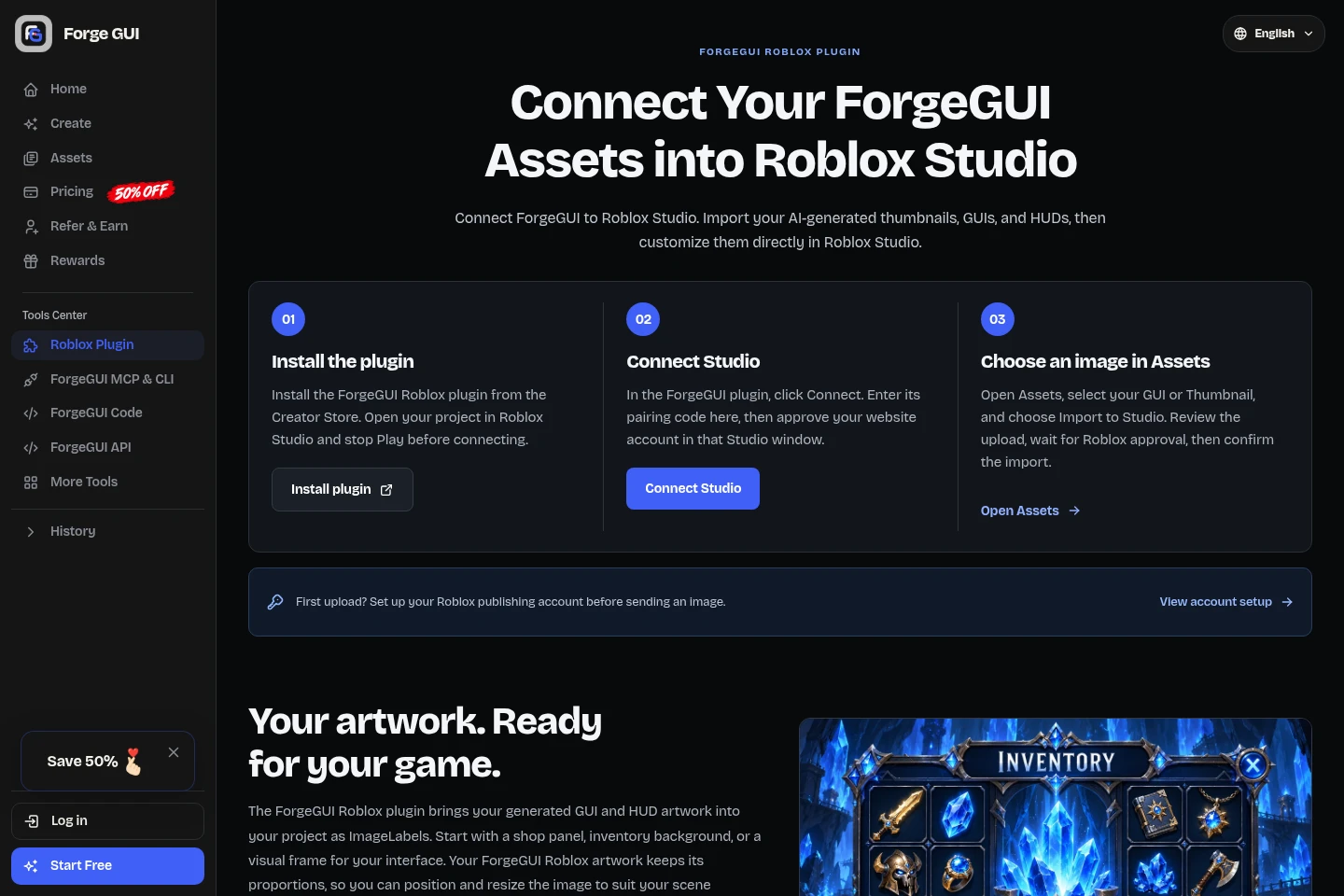
Import selected GUI or thumbnail artwork from ForgeGUI Assets into Roblox Studio as an image. Connect the installed plugin using a pairing code, then review the upload and confirm after Roblox approval; imported artwork does not become functional controls.

PricingFreemium

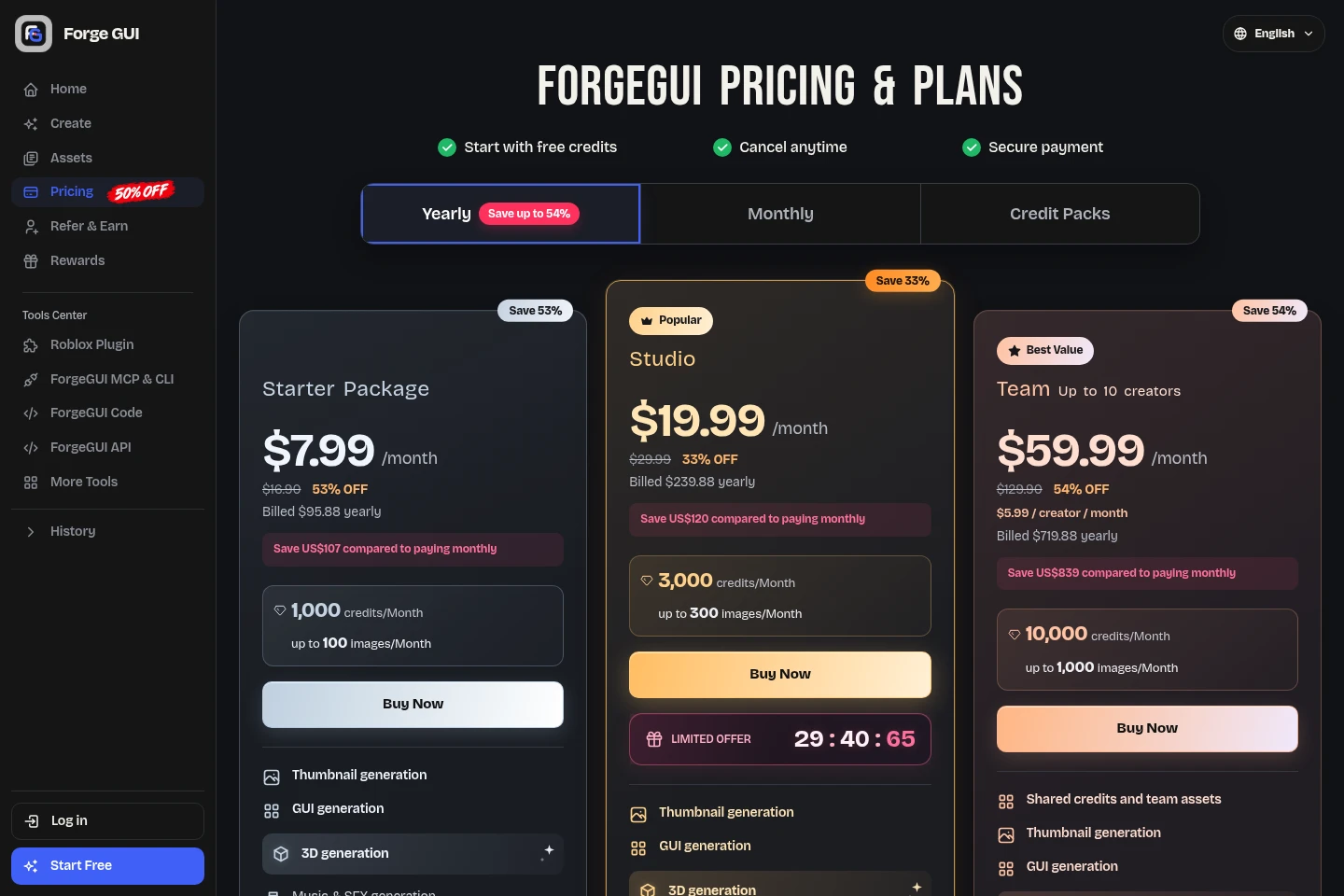
ForgeGUI offers free credits and paid subscriptions billed monthly or annually. Compare the monthly credit and estimated image allowances, collaboration needs, and the yearly total before choosing a plan.

PlanPriceIncluded features and limits
Starter Package

$7.99/month; $95.88 billed yearly

  • 1,000 credits per month

  • Up to 100 images per month

  • Thumbnail, GUI, 3D, music and SFX, and avatar generation

  • No watermarks; full privacy

  • Private commercial-use workflow; access to all AI models

Studio

$19.99/month; $239.88 billed yearly

  • 3,000 credits per month

  • Up to 300 images per month

  • Thumbnail, GUI, 3D, music and SFX, and avatar generation

  • No watermarks; full privacy

  • Private commercial-use workflow; dedicated email support

  • Access to all AI models

Team Up to 10 creators

$59.99/month; $719.88 billed yearly

  • For up to 10 creators

  • 10,000 credits per month

  • Up to 1,000 images per month

  • Shared credits and team assets

  • Thumbnail, GUI, 3D, music and SFX, and avatar generation

  • No watermarks; full privacy; dedicated email support

The monthly amount shown for an annual option is a comparison equivalent; the yearly total is billed annually. Monthly subscriptions charge for each monthly billing period. Each image generation costs 10 credits.

Use cases

Explore game thumbnail directions

When preparing a game thumbnail or comparing visual concepts, describe a scene and choose a platform style. Generate and refine alternatives with instructions or references, then save or download a direction to develop further.

Create visual artwork for game interfaces

When planning a shop panel, menu, HUD or other interface visual, generate GUI artwork from a prompt and refine it with references or instructions. Import a selected image into Roblox Studio to position and resize it in the project.

Import artwork into Roblox Studio

When a generated GUI or thumbnail is ready for a Roblox project, connect the ForgeGUI plugin to the correct Studio window and select the asset in ForgeGUI Assets. Review the upload and confirm its import as an image.

Limitations

  • Images imported by the Roblox plugin are single images; buttons drawn in the artwork do not become working controls.

  • The plugin adds thumbnail images to StarterGui; it does not change a Roblox game cover or publish an experience.

  • A first image upload requires a Roblox publishing account to be set up.

  • The Studio plugin workflow requires the project to be open in Roblox Studio and Play to be stopped before connecting.

Alternatives

ForgeGUI

Generate game assets with AI and guide styles with references

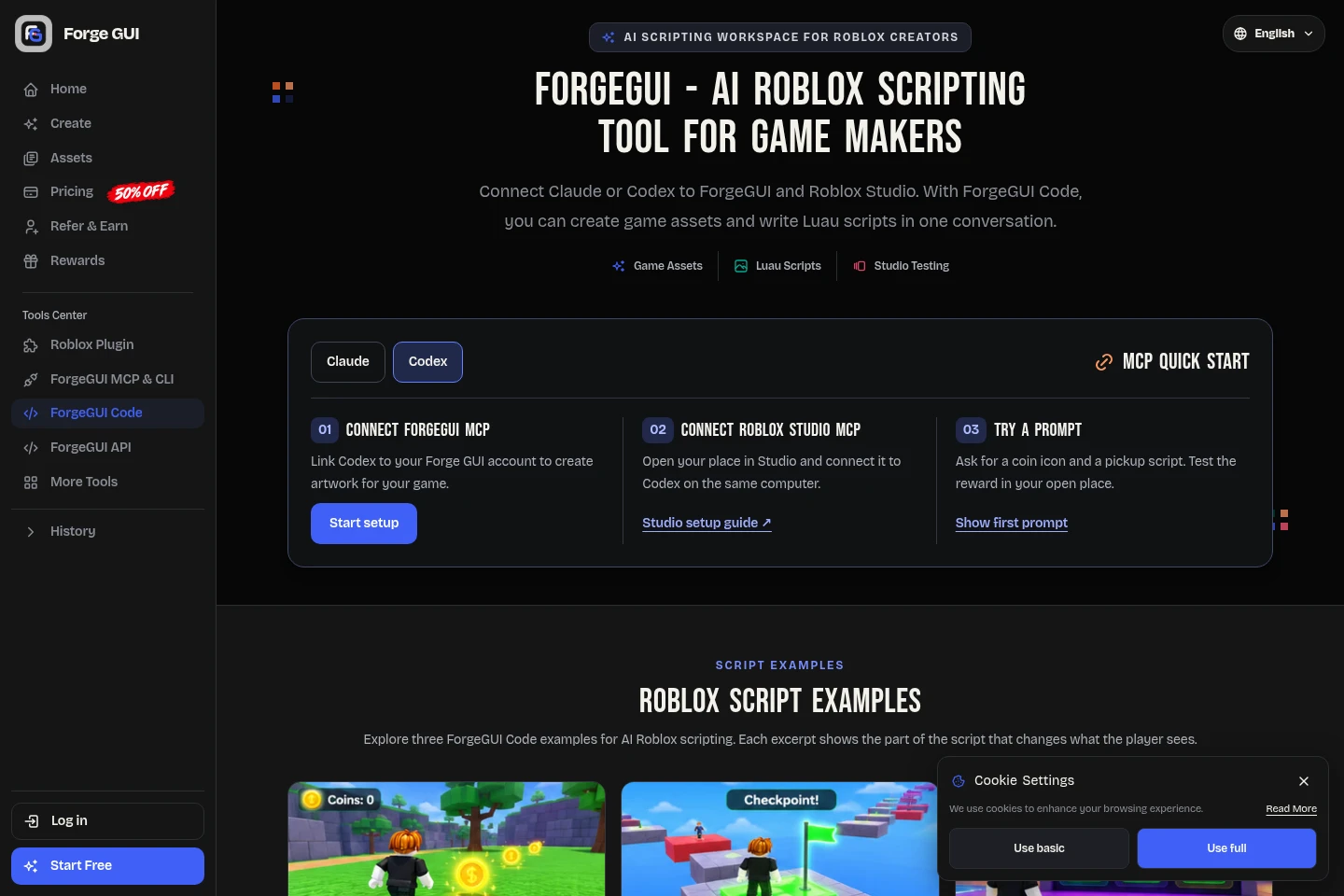
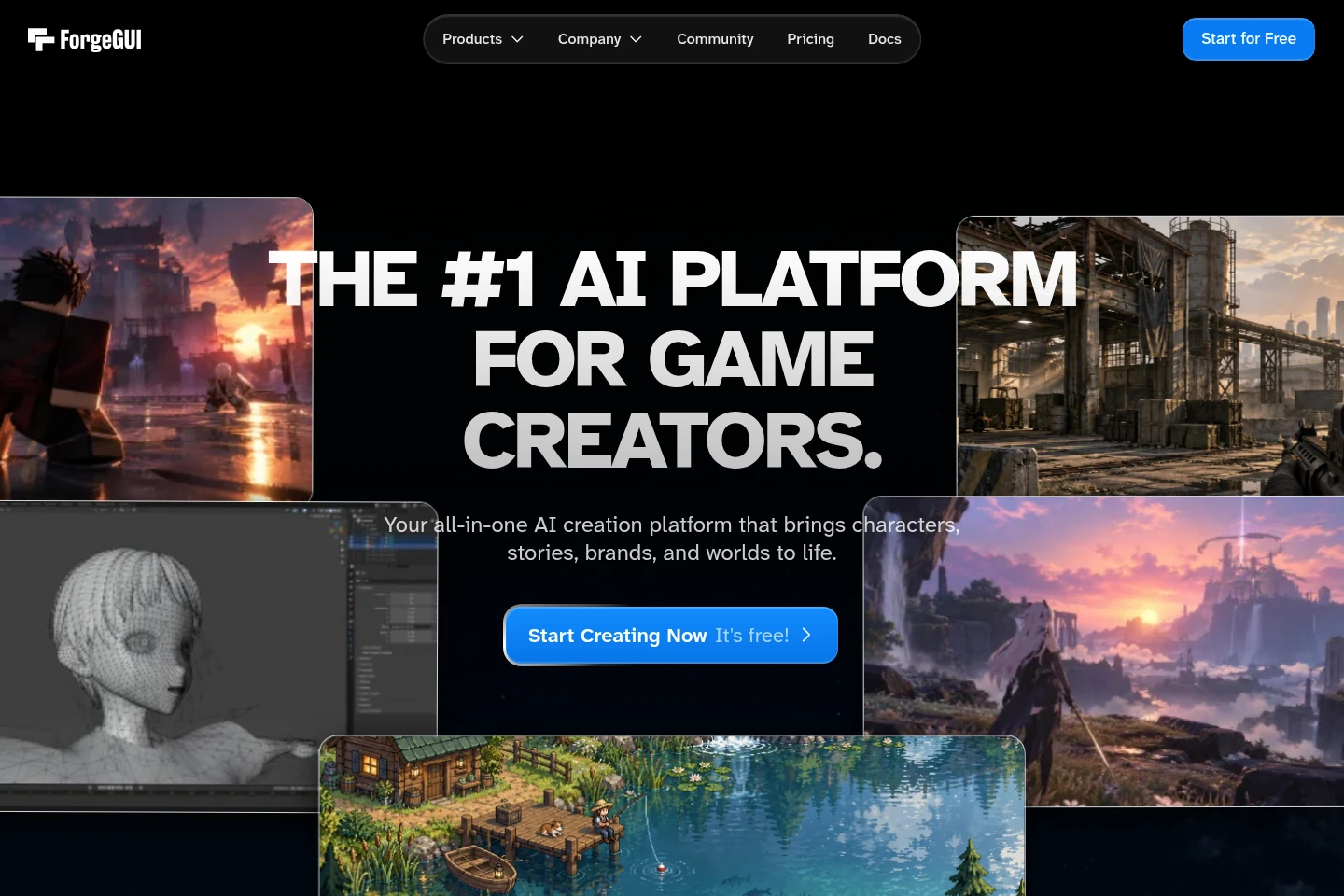
ForgeGUI is an AI design platform for game creators. Describe a game asset to generate it, upload reference assets to guide style, and explore community-published assets. The homepage says generated assets can be used across Roblox, UEFN, Unity, and more; free generations may be public with consent, while paid generations are private by default.

  • Cloud
  • Free
  1. GFX Forge

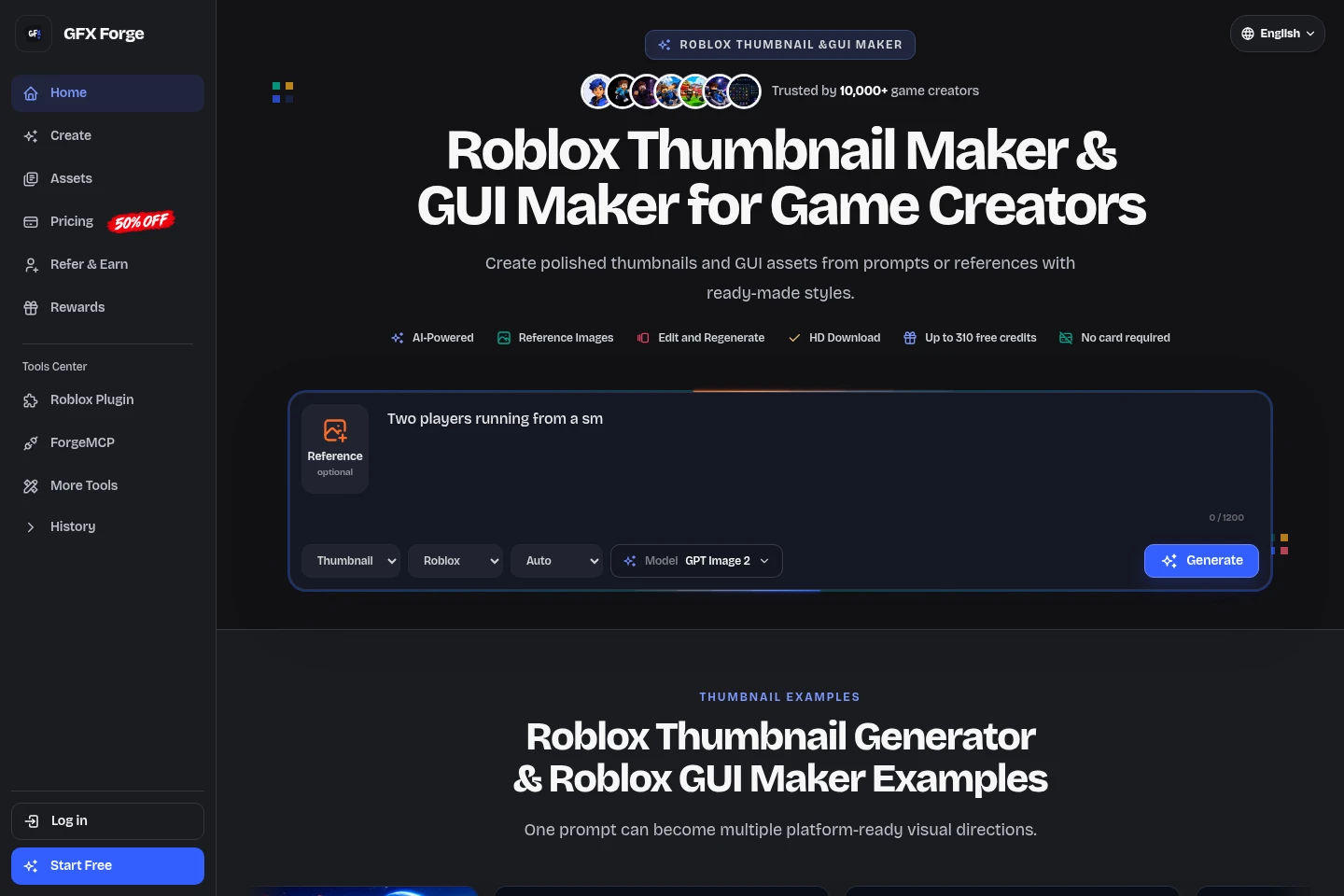
    Generate game thumbnails and interface assets from prompts

    Starter · $7.99/month; $95.88 billed yearly
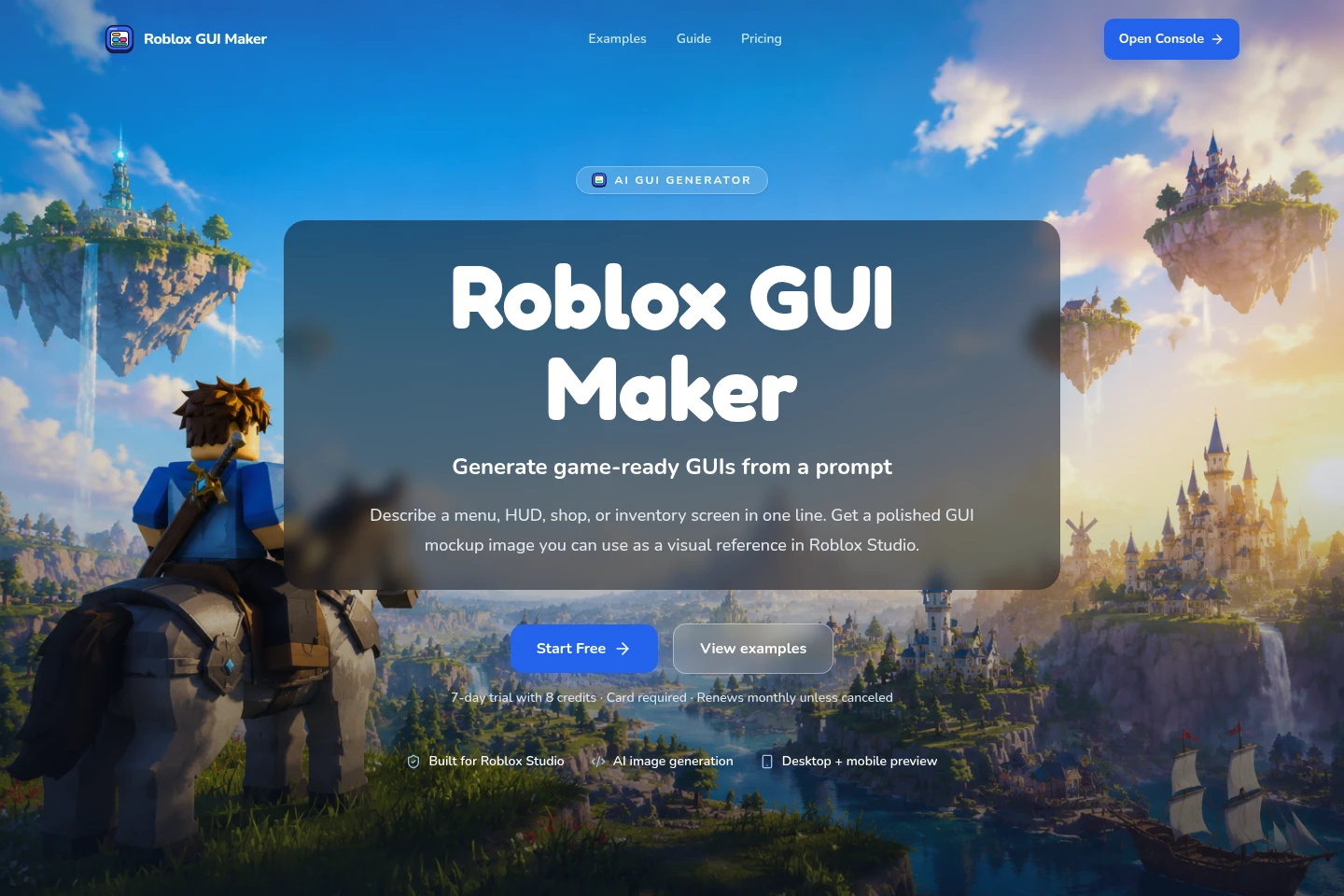
  2. Roblox GUI Maker

    Turn Roblox UI ideas into editable Studio interfaces

    Creator · $12/month or $100.80/year
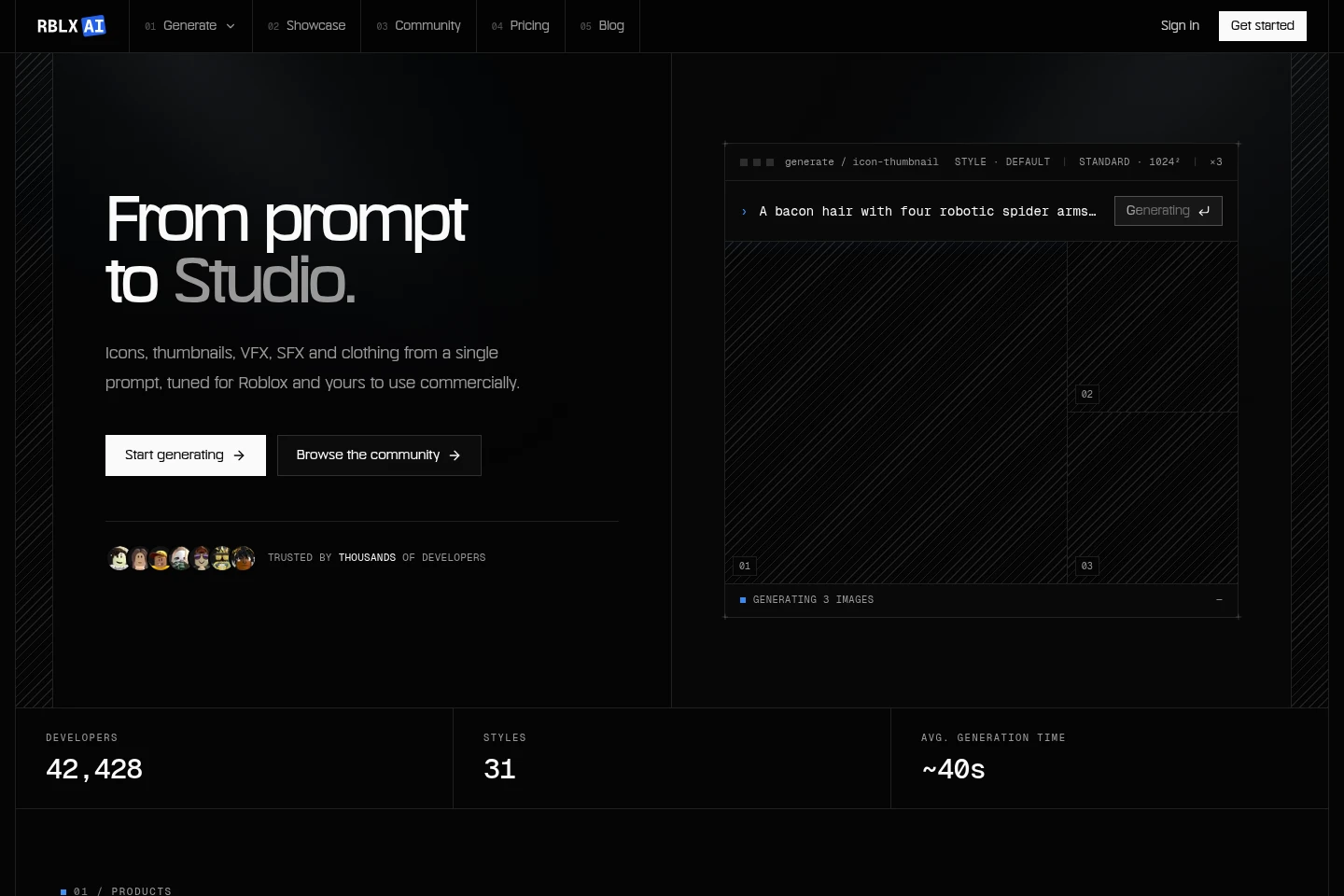
  3. RBLX/ai

    Generate Roblox game assets and code from prompts

    Hobby · Free; no card needed
  4. Gencraft

    Create stunning visuals with AI magic

    Freemium
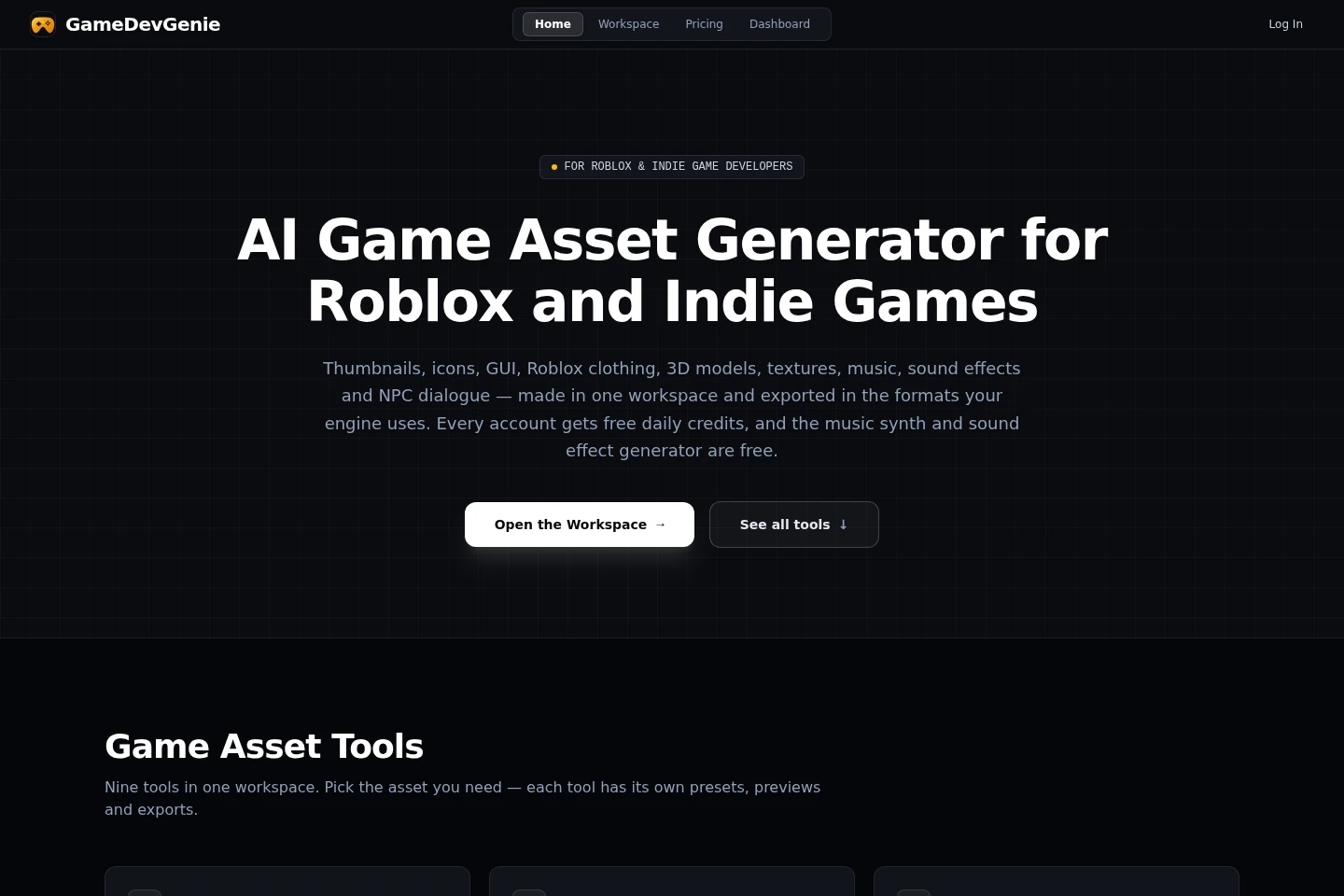
  5. GameDevGenie

    Generate game assets and export them for your engine

    Lite · $8.90/mo

Who it is for

  • Roblox creators who need thumbnail or interface artwork for their games

  • Indie game developers exploring visual concepts for game projects

  • Minecraft creators preparing voxel-style thumbnails for maps, servers or videos

FAQ

How many credits does one image generation cost?

Each generated image costs 10 credits. A new generation or regeneration uses credits, so divide the plan allowance by 10 to estimate attempts and include revisions in your budget.

Can credits be used for both thumbnails and GUI images?

Yes. Generation credits can be used for both Roblox thumbnail artwork and GUI images, so the same balance can support either type.

How does annual billing differ from monthly billing?

Monthly subscriptions charge for each monthly billing period. Annual subscriptions charge the yearly total shown on the plan card and provide credits on a monthly schedule; the displayed monthly equivalent is not the amount charged each month.

How do I import artwork into Roblox Studio?

Install the ForgeGUI Roblox plugin from the Creator Store, connect it to the correct Studio window with a pairing code, then select an asset and confirm its import. Roblox approval is required for the upload.

Do imported GUI images contain working buttons?

No. Imported artwork is a single image, so buttons drawn into it are not functional controls. Add separate interface objects and game logic when interaction is needed.

Comments

Please sign in to leave a comment.
No comments yet. Be the first to share your thoughts!