


Monthly visits
451,768
2026-10
Monthly growth +16%

Flux - AI-assisted hardware design from concept to production

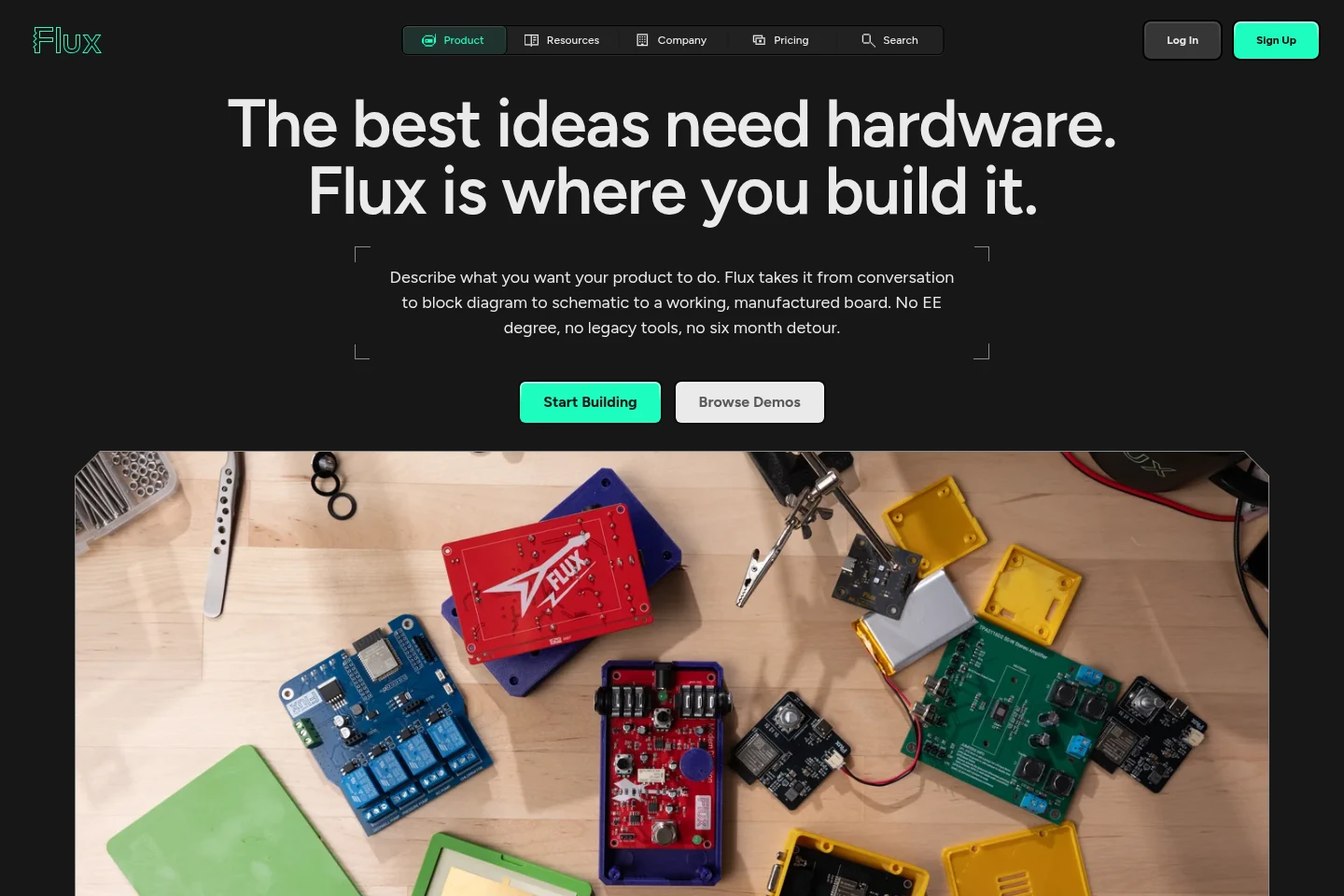
Flux is a browser-based AI hardware design workspace for electronics, mechanical parts, firmware, simulation, and manufacturing preparation. It edits project schematics, PCB layouts, and 3D models, checks designs with simulations and design rules, and can use live component pricing and availability. Teams can work in shared projects.

Visit WebsiteUpdate this product

0Views

Capabilities

Electronics design

Create and edit schematics and select electronic components. Flux works directly on project designs, checks circuits and design rules, and reads component datasheets and availability information.

PCB layout and routing

Arrange components and route complete boards or selected nets. Users can request routing changes through chat, including trace widths, layers, differential pairs, and matched lengths.

Mechanical and enclosure design

Design mechanical parts and enclosures around the hardware. Flux provides editable 3D project models and supports mechanical stress analysis for brackets, enclosures, and mounts.

Engineering simulation and checks

Run circuit, electromagnetic, thermal, fluid, and mechanical simulations and inspect their results. Flux also performs electrical and manufacturing rule checks and checks designs against component datasheets.

Manufacturing preparation

Prepare hardware projects for manufacturing with component availability, pricing, and order-ready files. The project can include electronics, enclosure, firmware, and manufacturing materials.

PricingFree trial

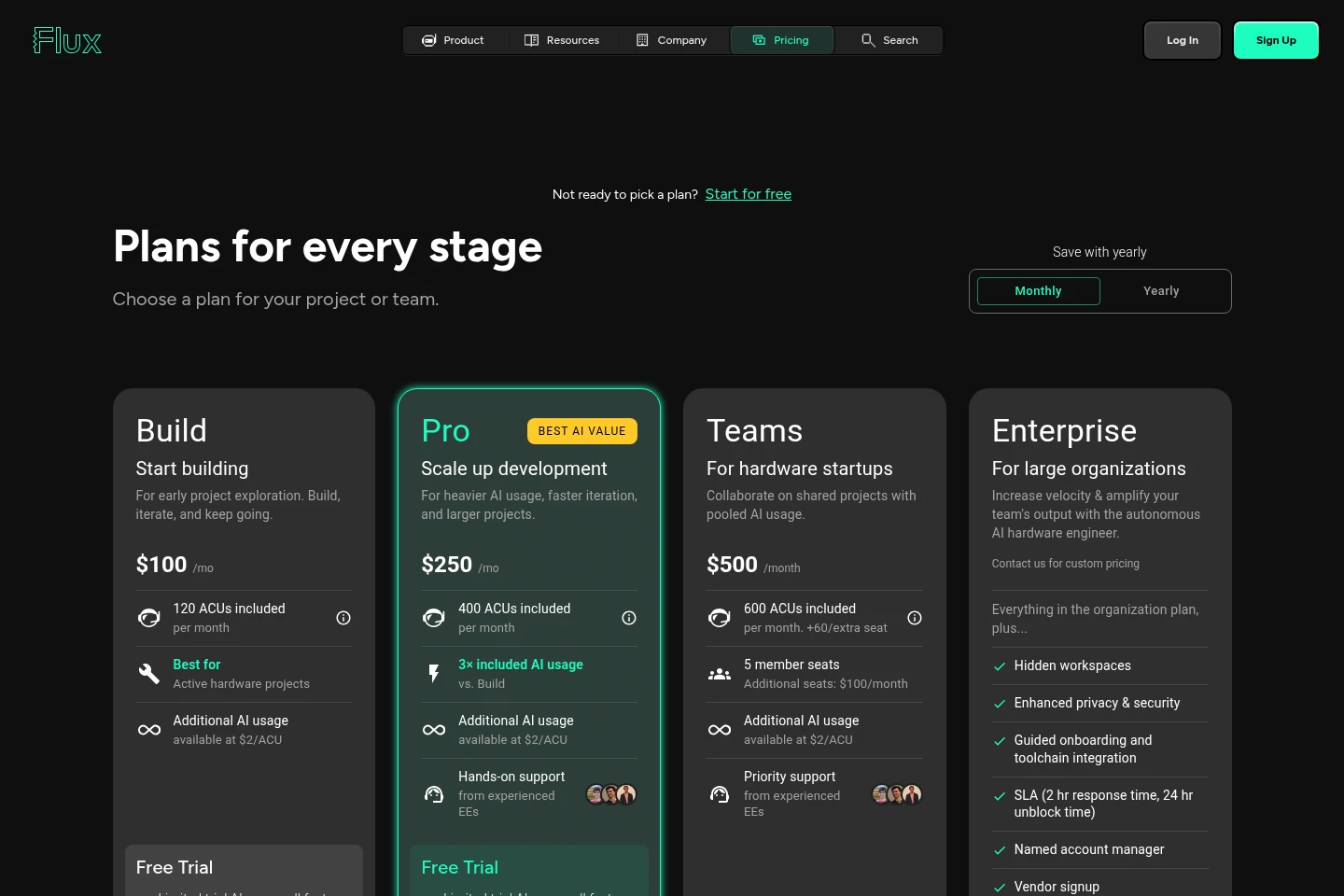
Flux offers paid recurring plans with monthly and yearly billing options. Compare included monthly ACUs, seats, additional-use charges, support, and organization features to choose a plan.

PlanPriceIncluded features and limits
Explore

$50/month

  • 40 ACUs included per month

  • Seven-day free trial with limited trial AI usage

  • All features during the trial

  • Plan begins after the trial

Build

$100/month; $80/month billed annually

  • 120 ACUs included

  • Additional AI usage costs $2 per ACU

  • For early project exploration

Pro

$250/month; $200/month billed annually

  • 400 ACUs included

  • Three times the included AI usage of Build

  • Hands-on support from experienced EEs

  • Requires a $250 hold monthly, or $2,400 hold annually

Teams

$500/month; $4,900/year

  • 600 ACUs included per month

  • Five member seats included

  • Additional seats cost $100/month or $980/year

  • Additional AI usage is pooled

Enterprise

Custom pricing

  • Includes everything in the organization plan

  • Hidden workspaces and enhanced privacy and security

  • Guided onboarding and toolchain integration

  • SLA: two-hour response and 24-hour unblock times

  • Named account manager, vendor signup, and invoiced billing

Monthly and yearly billing choices are shown on the pricing page. The displayed annual per-month amounts are billed annually; they are not monthly billing prices.

Use cases

Design and revise an electronic circuit board

When developing an electronic product, describe the circuit or board changes and use Flux to edit schematics, choose parts, place components, and route traces. The project includes circuit checks and design-rule checks for review.

Check a hardware design before building

When a board or mechanical part needs engineering review, run supported circuit, electromagnetic, thermal, fluid, or mechanical simulations and inspect the results. Flux also checks component datasheets and electrical or manufacturing rules.

Prepare an electronics project for manufacturing

When a hardware design is ready for production preparation, keep the board, enclosure, and related project materials together. Flux can show live component pricing and availability and prepare files for ordering.

Limitations

  • The starter firmware capability is labeled beta, and the pricing page does not establish that it supports every microcontroller.

Alternatives

Flux 3 AI

Unified multimodal AI for image video and audio creation

Tired of jumping between separate tools for images, videos, and audio? Flux 3 AI is a unified creative platform powered by Black Forest Labs' FLUX 3 multimodal foundation model. It lets you generate and edit images, create videos with native synchronized audio, and transform static visuals into dynamic content. With support for text-to-video, image-to-video, keyframe control, and multilingual dialogue, you can bring your vision to life in minutes. Start with free credits and scale with flexible plans.

  • Freemium
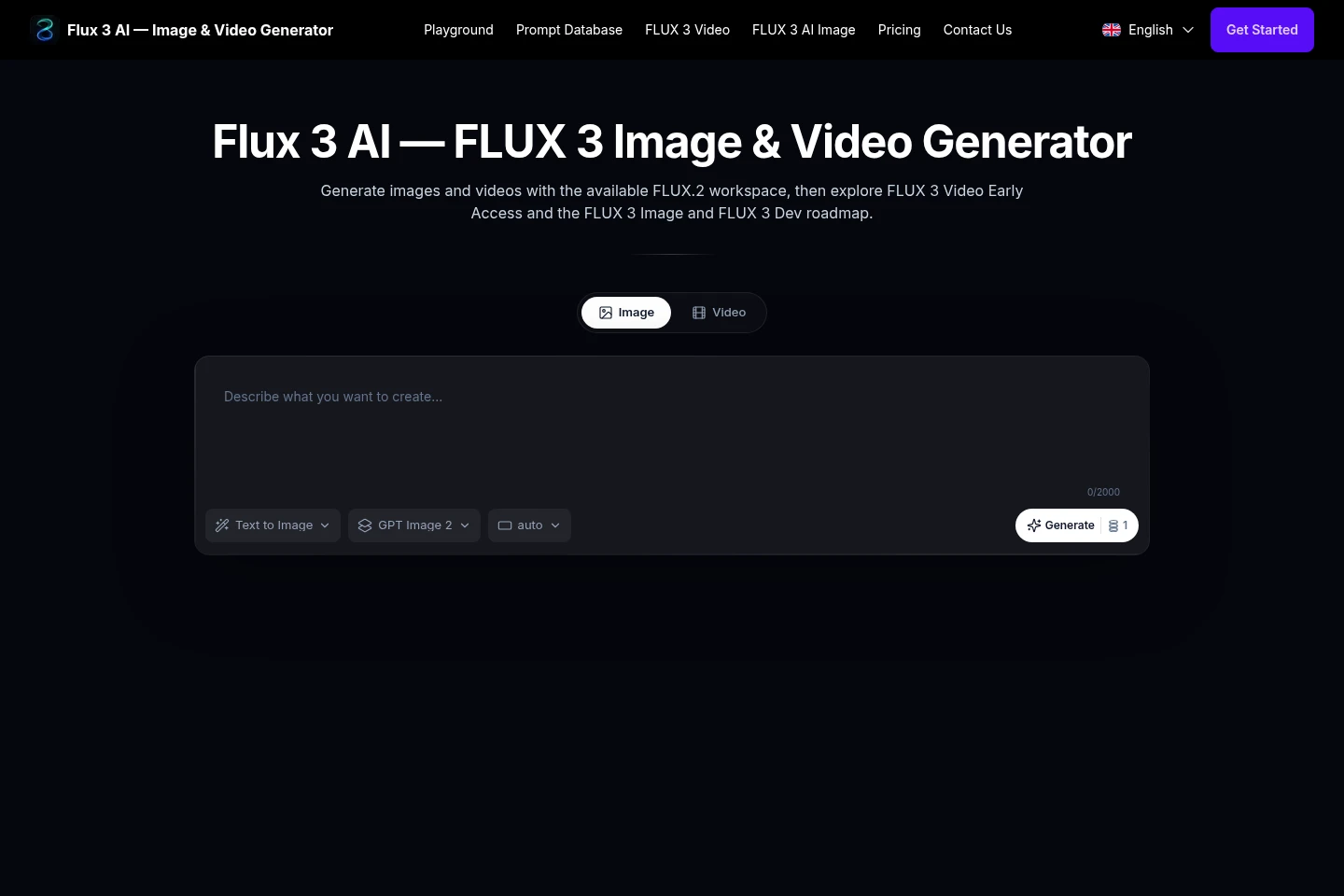
  1. Flux 3 AI — Image & Video Generator

    AI-powered image and video generator powered by FLUX model family

    Freemium
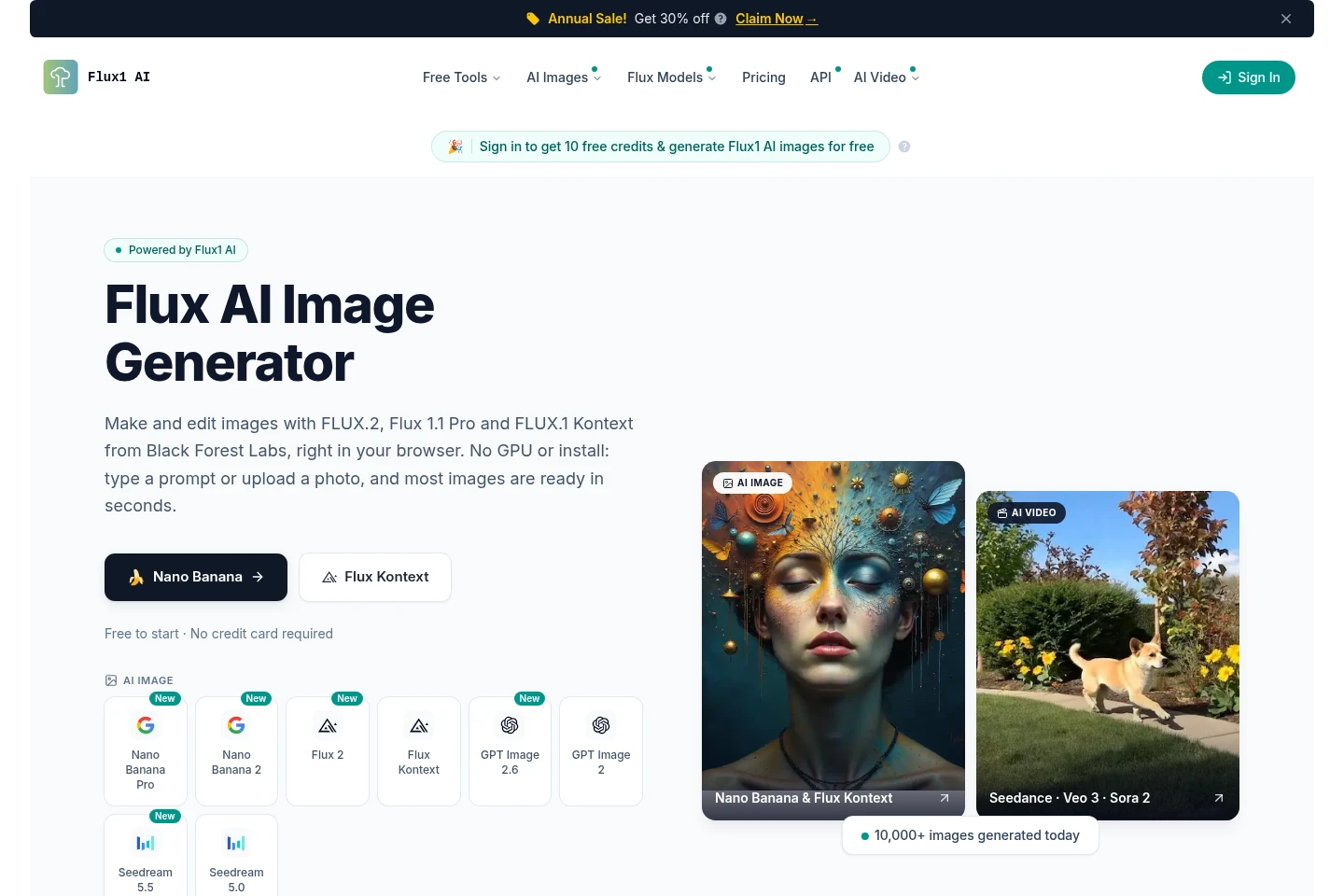
  2. Flux1 AI

    Generate and edit AI images and videos in your browser

    Basic · $11.90/month billed yearly; $16.90/month billed monthly
  3. Flux AI

    AI-powered image generation with FLUX.1 models

    Freemium
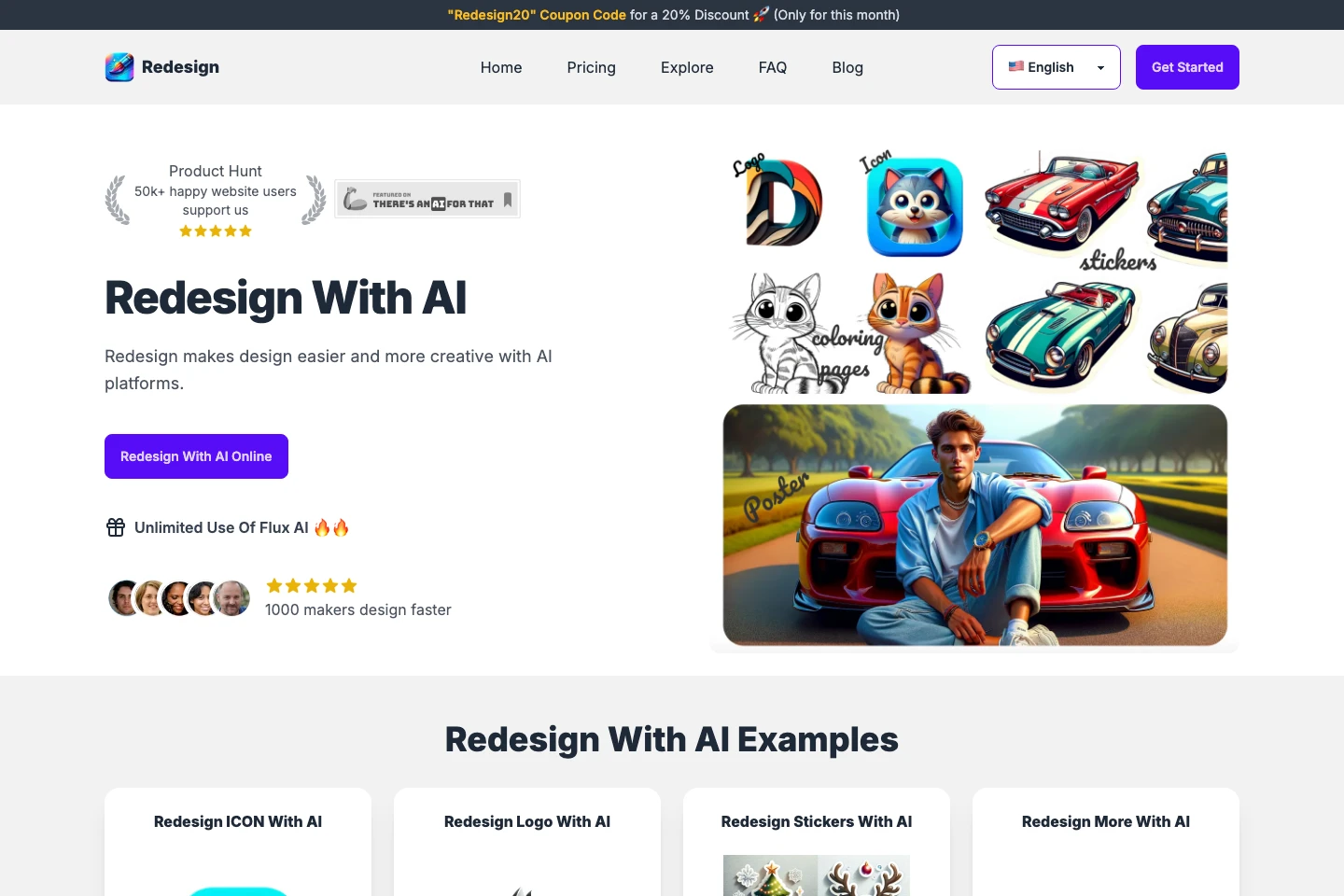
  4. Redesign With AI

    AI-powered design tool for rapid image creation

    Freemium
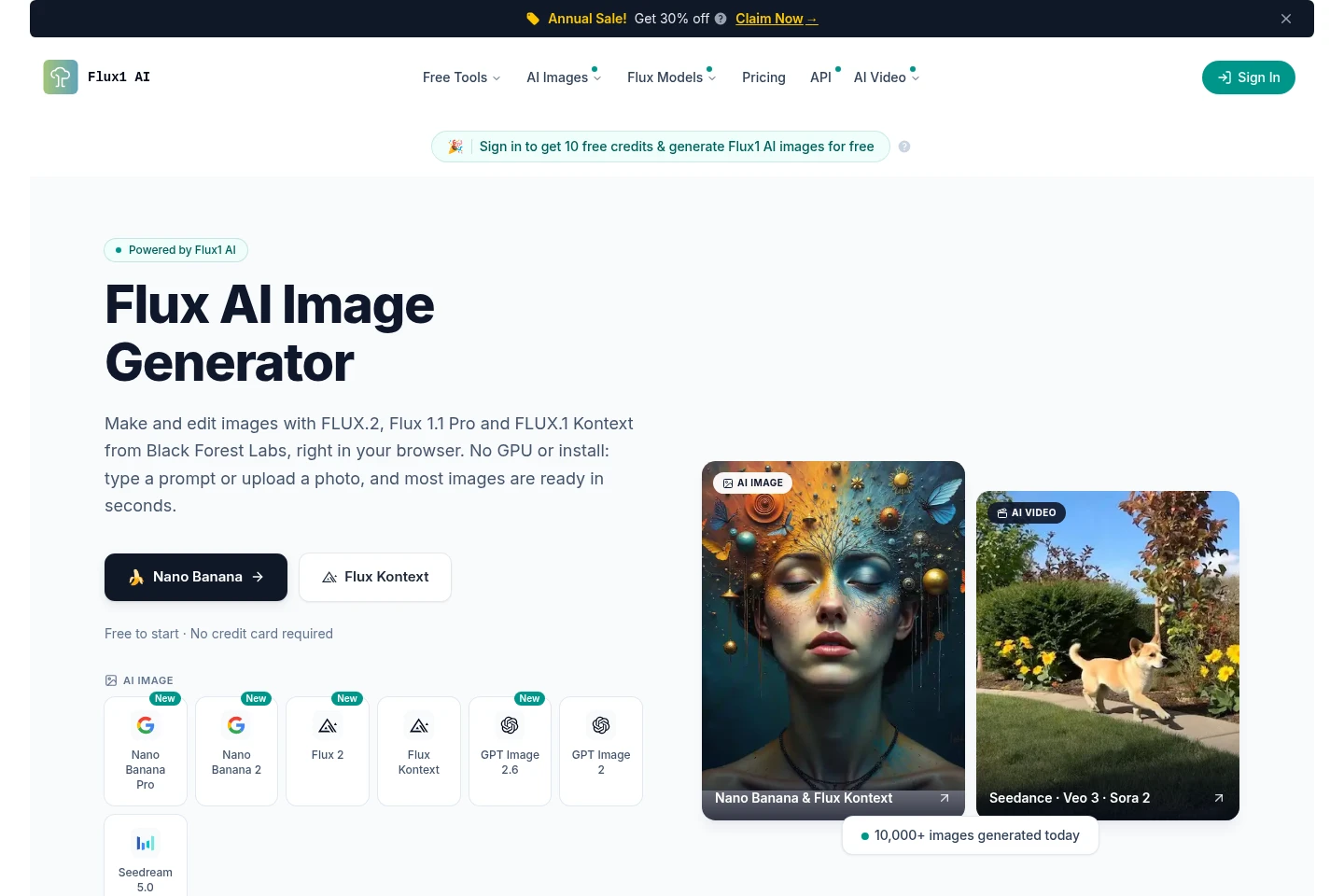
  5. Flux1 AI

    Generate and edit AI images from your browser

    Basic · $11.90/month billed annually ($142.80/year); $16.90/month billed monthly

Who it is for

  • Hardware designers developing electronic products who need circuit, PCB, and mechanical design in one project

  • Hardware engineering teams that need to collaborate on shared projects with pooled AI usage

  • Electronics builders evaluating circuit and PCB design workflows before committing to larger projects

FAQ

Can Flux be used in a browser?

Yes. Flux describes its design environment as browser-based and invites users to launch it in the browser.

What kinds of hardware work can Flux support?

Flux supports electronics and PCB design, mechanical parts and enclosures, starter firmware, simulations, and manufacturing preparation. Starter firmware is labeled beta.

Does Flux check designs before manufacturing?

Yes. It offers circuit, electromagnetic, thermal, fluid, and mechanical simulation, along with electrical and manufacturing rule checks and datasheet checks.

Is there a free plan or a free trial?

The pricing page offers a seven-day free trial for Explore and free trial signup for Build and Pro. It does not establish a permanent free plan in the supplied pricing details.

How are paid plans priced?

Explore, Build, Pro, and Teams have recurring prices, with monthly and yearly billing options shown. Enterprise uses custom pricing; plan quotas and conditions vary.

How does Teams handle seats and AI usage?

Teams includes five member seats and 600 ACUs per month. Additional seats are listed at $100 per month or $980 per year, and additional AI usage is pooled.

Comments

Please sign in to leave a comment.
No comments yet. Be the first to share your thoughts!