

- Monthly visits
- 2,383
- 2026-09
Flowodo - AI-assisted mind maps from a topic or prompt
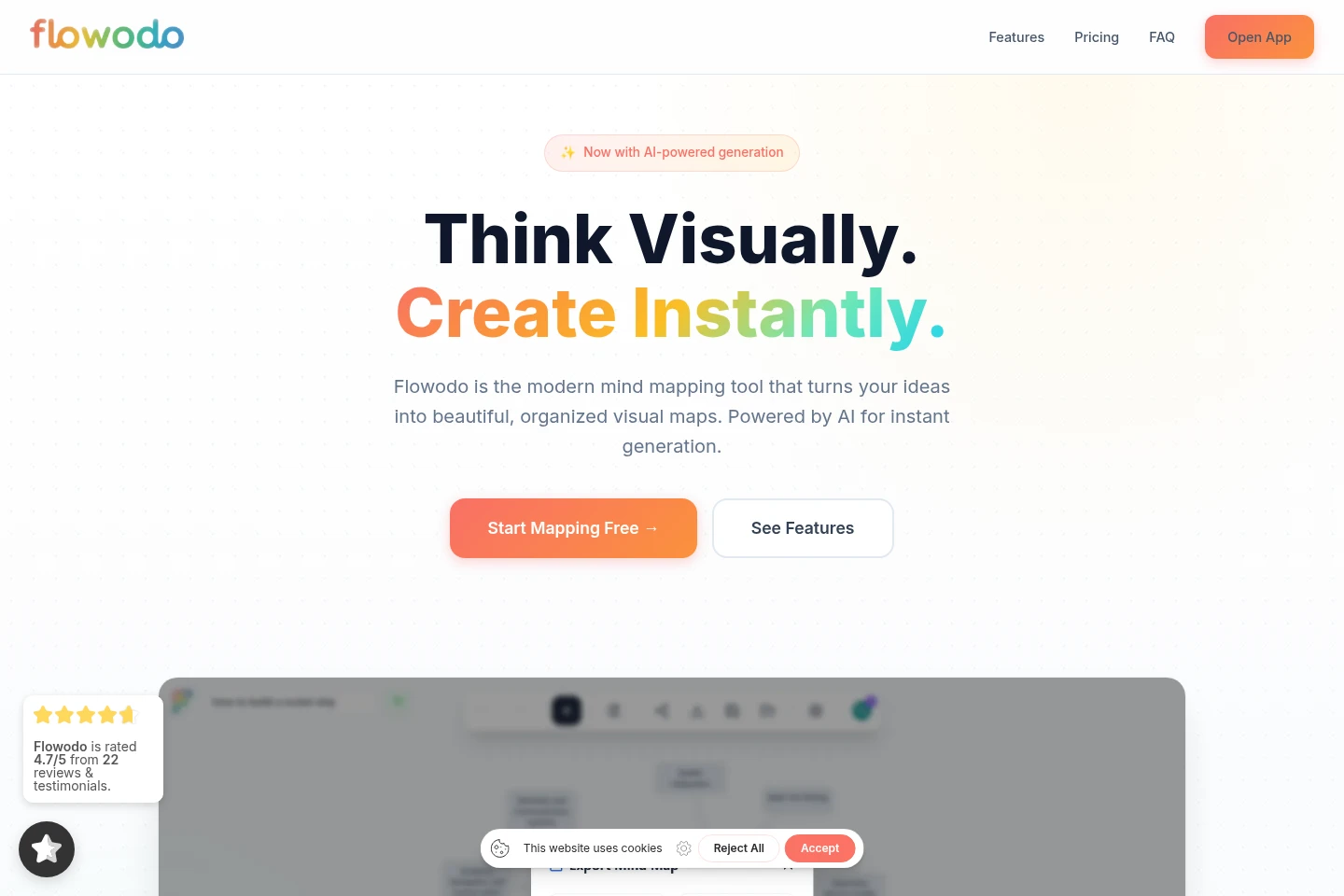
Flowodo is a web-based mind-mapping tool for creating and organizing visual maps. Enter a topic to generate a hierarchical structure with AI, or build a map manually using nodes and drag-and-drop editing. Add images and colors, share view-only or collaborative edit links, and export maps as PNG or PDF. The Free plan uses your own Gemini API key for AI generation; Pro plans include AI credits and cloud storage.
- AI Design
- Diagram Generators
- AI mind mapping
- mind map maker
- visual brainstorming
Capabilities
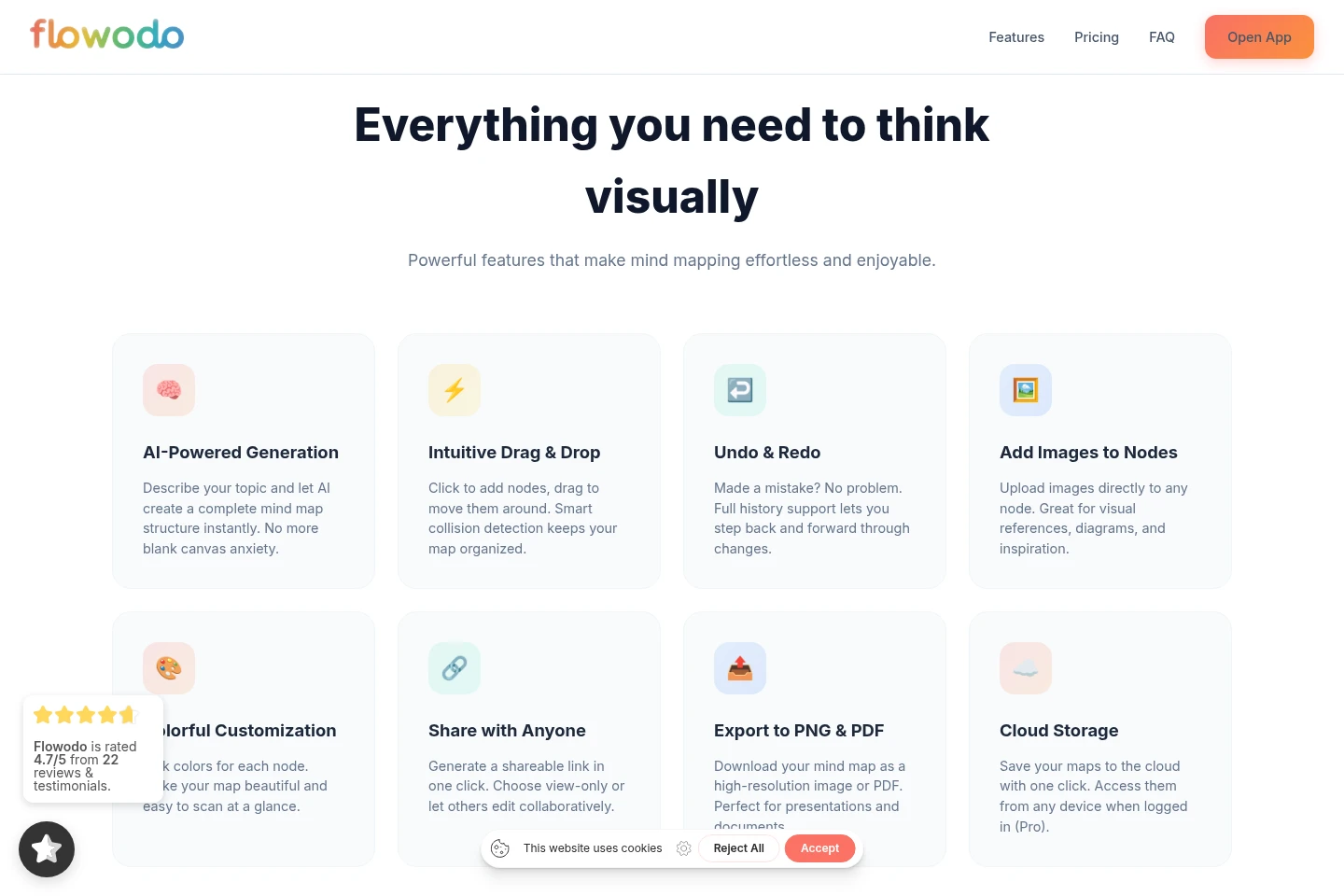
AI mind map generation
Generate a hierarchical mind-map structure from a topic or question. Enter a prompt, and the AI analyzes it to create the map; Free requires your own Google Gemini API key, while Pro includes 500 AI mind maps per month.
Manual map editing
Create and arrange map nodes through a visual editor. Click to add nodes and drag them to reposition; undo and redo are available through full change history.
Map sharing
Share a map using a generated link with view-only or collaborative editing access. Create the link in one click and select the access mode for recipients.
Map export and backup
Export maps as PNG images or PDF documents and transfer map data as JSON. Free exports include a watermark; Pro exports do not.
Cloud map storage
Save maps to cloud storage and access them from any device when logged in. Cloud storage is included in Pro; Free provides unlimited local maps.
Pricing
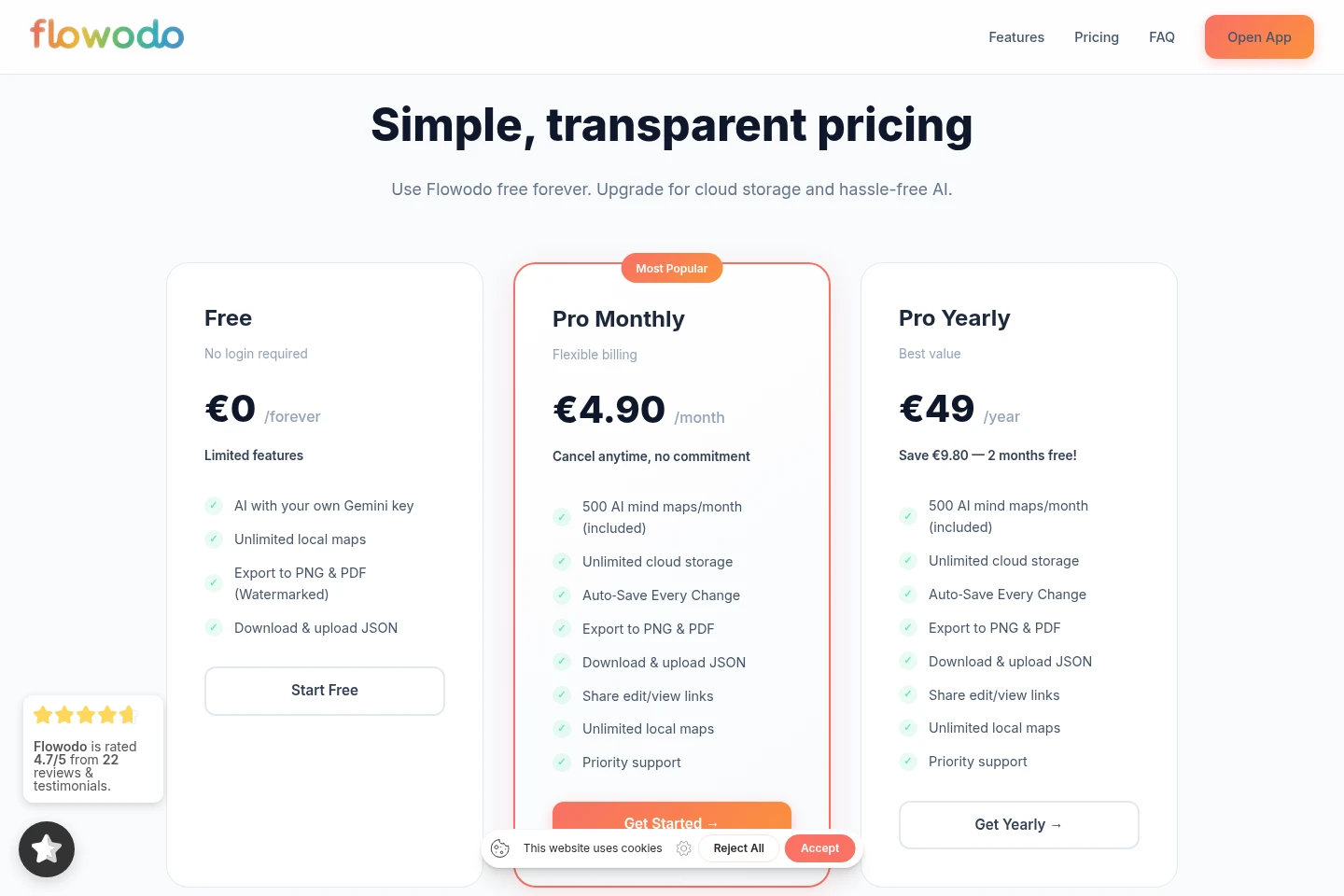
Flowodo offers a permanent free plan and paid Pro subscriptions billed monthly or yearly. Compare AI access and quota, cloud storage, export watermarks, and sharing features to choose a plan.
| Plan | Price | Included features and limits |
|---|---|---|
| Free | €0 / forever |
|
| Pro Monthly | €4.90 / month |
|
| Pro Yearly | €49 / year |
|
Pro Monthly can be canceled at any time, with no commitment stated. After cancellation, Pro features remain active through the end of the current billing period.
Use cases
Turn a topic into a brainstorming map
When starting with a topic or question, enter it as an AI prompt to create a hierarchical mind-map structure. Review and arrange the resulting nodes in the visual editor.
Organize ideas into a visual structure
When thoughts or notes need visual organization, create nodes, move them with drag-and-drop, and use colors or attached images to distinguish and review parts of the map.
Share or present a completed mind map
When others need to review or work on a map, create a view-only or collaborative edit link. Export the map as a PNG or PDF for use in presentations and documents.
Limitations
AI generation on the Free plan requires a personal Google Gemini API key; Pro plans include AI generation without a personal key.
PNG and PDF exports from the Free plan include a watermark; Pro exports are listed without watermarks.
Cloud storage and access across devices require a logged-in Pro account; Free maps are stored locally.
Who it is for
People who organize ideas more clearly in visual maps
People preparing workshop materials or collaborative planning maps
Learners who want to structure complex topics as mind maps
FAQ
What is Flowodo?
Flowodo is an AI-assisted mind-mapping tool. Create maps manually with drag-and-drop editing or enter a prompt to generate a hierarchical map structure.
Is Flowodo free to use?
Yes. The Free plan is available forever and requires no login to start; it includes unlimited local maps, watermarked PNG/PDF export, JSON transfer, and AI generation using your own Google Gemini API key.
Do I need an API key for AI generation?
A Google Gemini API key is required on Free, and the key is stored on your device. Pro plans handle API access and costs and include 500 AI mind maps per month.
Can I export and share mind maps?
Yes. Maps can be exported as PNG or PDF and map data can be downloaded or uploaded as JSON. Shareable links can be view-only or allow collaborative editing.
How can I cancel a Pro subscription?
Cancel from the profile settings at any time. Pro features remain active until the end of the current billing period.
Comments