

- Monthly visits
- 8,447
- 2026-10
- Monthly growth +2,792.8%
Flockbay - Build and ship Godot games with an AI desktop editor
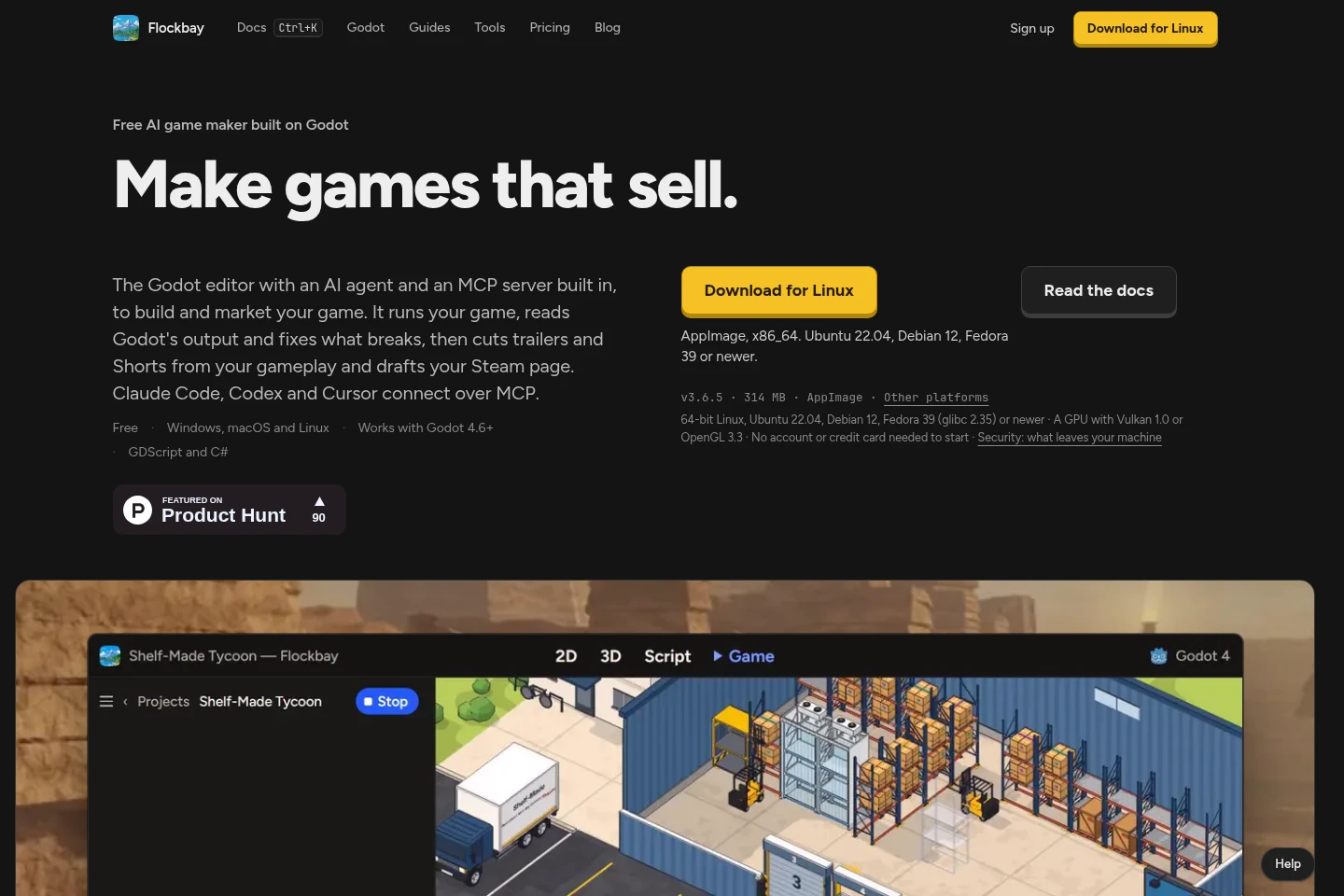
Flockbay is a desktop app built around the Godot editor for making and marketing games. Its AI agent can run a game, inspect Godot output, and address errors; tools also create gameplay videos, draft Steam page content, and publish a game website. It supports Godot 4.6+ and GDScript and C#.
- AI Coding
- Coding Assistants
- Clip Makers
- Gaming
- AI Godot game maker
- Godot AI playtesting
- gameplay trailer maker
Capabilities
Godot AI agent
The agent runs a Godot game, inspects its live scene tree, profiler, and errors, then applies fixes and runs it again. It works with Godot 4.6+ and GDScript or C# projects.
Gameplay video tools
Video Studio cuts trailers and Shorts from recorded gameplay and can add music, titles, and captions. Availability of trailer and ad-cut features depends on the paid plan.
Steam page preparation
Flockbay drafts Steam page copy, tags, capsules, and the content survey for review and upload. Free users can prepare a page by hand and export it as a ZIP; Flockbay drafting is included in paid plans starting with Hobby.
Game publishing tools
The app builds and publishes a game website using game art, trailer, and store-page content, with wishlist buttons and email signup. Published-site quotas and custom-domain availability vary by plan.
MCP agent connection
External coding agents connect to Flockbay through Godot MCP. Supported examples include Claude Code, Codex, and Cursor; users can also supply their own supported AI account or API key.
Pricing
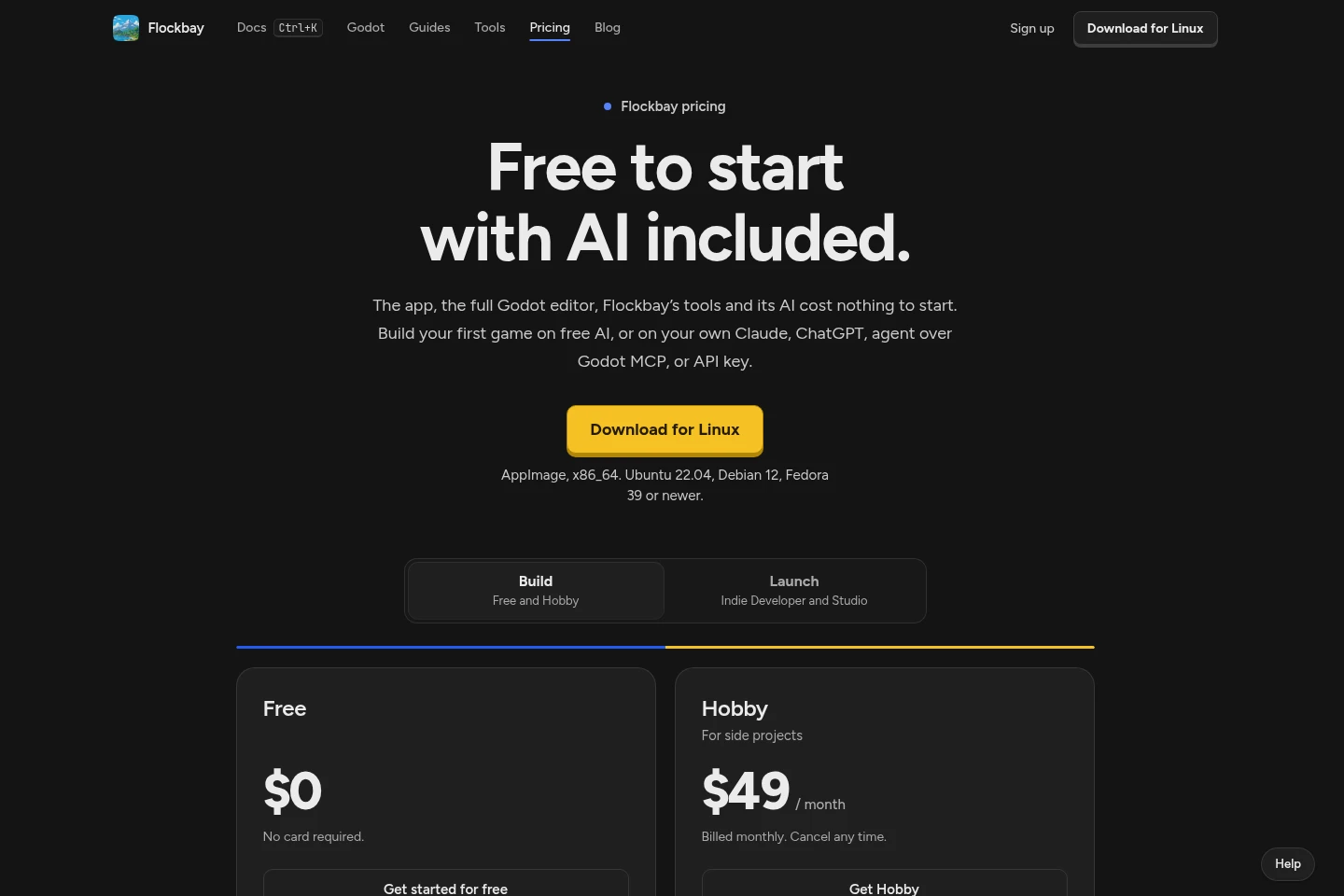
Flockbay offers a free plan and paid monthly subscriptions. Compare hosted AI usage and model access, publishing features, and quotas for social accounts, published sites, and playtest links when choosing a plan.
| Plan | Price | Included features and limits |
|---|---|---|
| Free | $0 |
|
| Hobby | $20 per month; billed monthly |
|
| Indie Developer | $60 per month |
|
| Studio | $200 per month |
|
Prices are in US dollars before tax. Hosted usage beyond the plan limit is not charged unless on-demand usage is turned on; users set its monthly limit.
Use cases
Test and fix a Godot game
When checking a Godot project for runtime problems, use the Flockbay agent to play through it, inspect the scene tree, profiler, and engine errors, then apply fixes and repeat the run.
Create trailers from gameplay sessions
When preparing video for a game page or social post, use Video Studio to cut footage from recorded play sessions and add music and titles. Trailer and ad-cut access depends on the selected plan.
Prepare a Steam store page
When getting a game ready for Steam, use the page tools to draft copy, tags, capsules, and the content survey for review. Free users can prepare the page manually and export a ZIP.
Publish a website for a game
When a game needs a public web page, build one from its artwork, trailer, and store page, then publish it with wishlist buttons and email signup. Site counts and custom-domain options depend on the plan.
Limitations
The desktop app requires a supported 64-bit system; the listed Linux builds require Ubuntu 22.04, Debian 12, Fedora 39 or newer, and a GPU with Vulkan 1.0 or OpenGL 3.3.
Chromebook use is listed for Intel or AMD devices with Linux enabled; it is not presented as a general Chromebook installation.
For new accounts, using a personal AI after the first build is available on Indie Developer and Studio; accounts created before the change retain free access.
Hosted AI usage stops at its plan limit unless on-demand usage is enabled; on-demand usage is off by default and subject to a monthly limit set by the user.
The Free plan includes one free Video Studio video; paid-plan video, publishing, social-account, site, and playtest quotas differ by plan.
Who it is for
Indie developers building games with Godot who need editor-based AI assistance and testing.
Game creators preparing Steam pages, gameplay videos, social posts, or a website for a release.
Godot developers who want to connect Claude Code, Codex, Cursor, or another MCP client.
FAQ
Which Godot versions does Flockbay support?
Flockbay supports Godot 4.6 and later. Its projects open as plain Godot 4 projects in the standard Godot editor.
Which operating systems can run the app?
Flockbay is a desktop app for Windows, macOS, and Linux, with a Chromebook option for Intel or AMD devices with Linux turned on. Linux requirements include 64-bit Linux and a compatible GPU.
Can I use my own AI with Flockbay?
Yes. The pages list Claude, ChatGPT, agents connected over Godot MCP, and supported API keys. For new accounts, building on your own AI after the first build requires Indie Developer or Studio.
What happens when hosted AI usage reaches its limit?
Hosted usage stops at the plan limit unless you enable on-demand usage. On-demand usage is off until enabled and stops at a monthly limit you set.
What does the Free plan include?
Free costs $0 and requires no card. It includes free hosted AI to start, the app and Godot editor, private projects, manual Steam page preparation, website export, and one free Video Studio video.
How much do the paid plans cost?
Hobby is $20 per month, Indie Developer is $60 per month, and Studio is $200 per month. Hobby is billed monthly and can be canceled any time; prices are in US dollars before tax.

Comments