Monthly visits
1,965
2026-10
Monthly growth +1,845.5%

Filer AI - A file explorer with AI that works within your folders

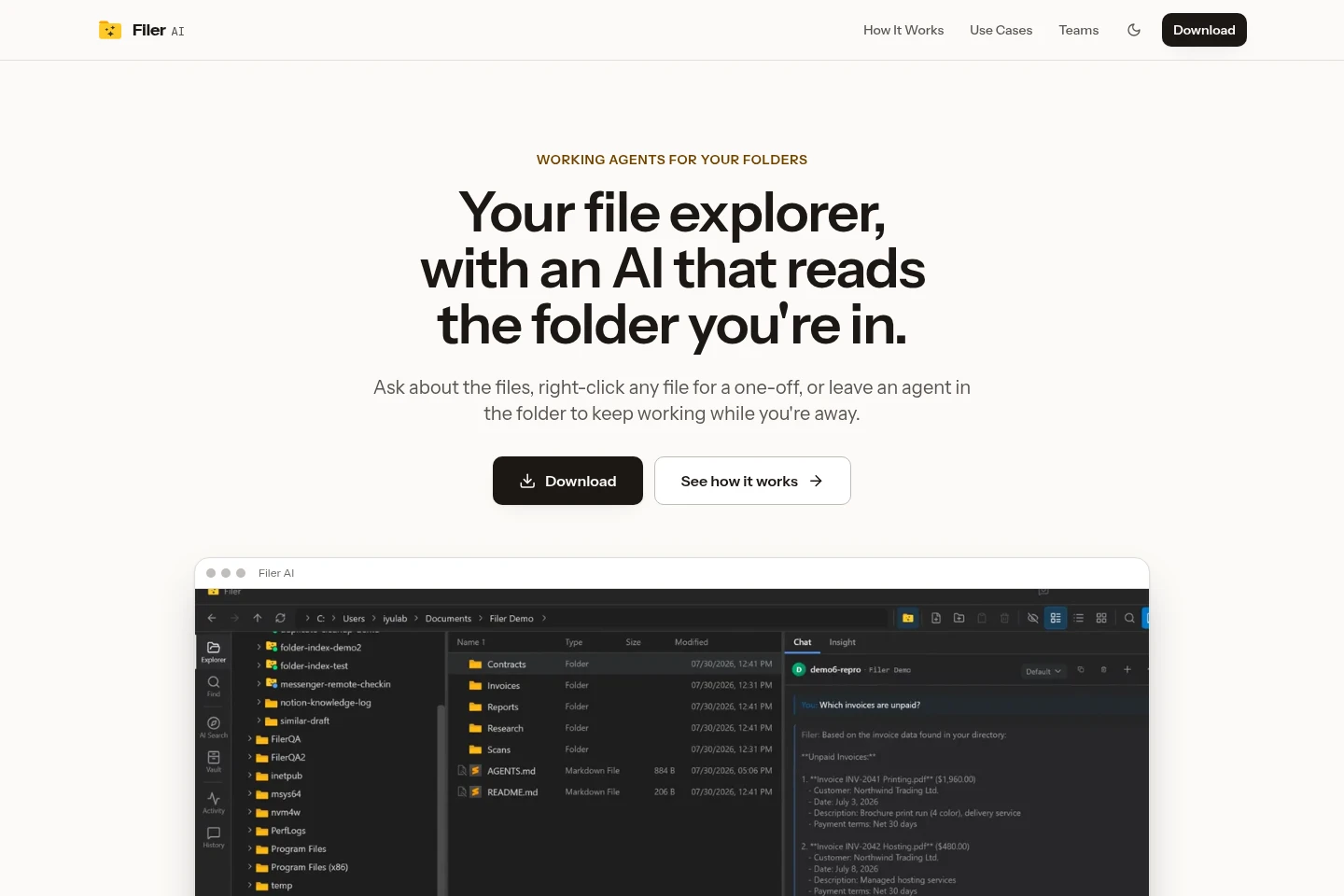
Filer AI is a desktop file explorer that lets you ask questions about files, search their contents, and run AI actions from a right-click menu. Folder agents can respond to file events, schedules, or messages. Choose a local model, your own provider API key, or an OpenAI-compatible company endpoint. The app is free to install and use.

Visit WebsiteUpdate this product

0Views

Capabilities

Answers questions and searches file contents within the folder in view. It can narrow the search to a subfolder and cite the file used to ground an answer.

Folder agents

Runs instructions stored in a folder's AGENTS.md when files change, on a schedule, or after a message arrives. Agents can read or act within folder scope and follow configured trust levels.

Right-click file actions

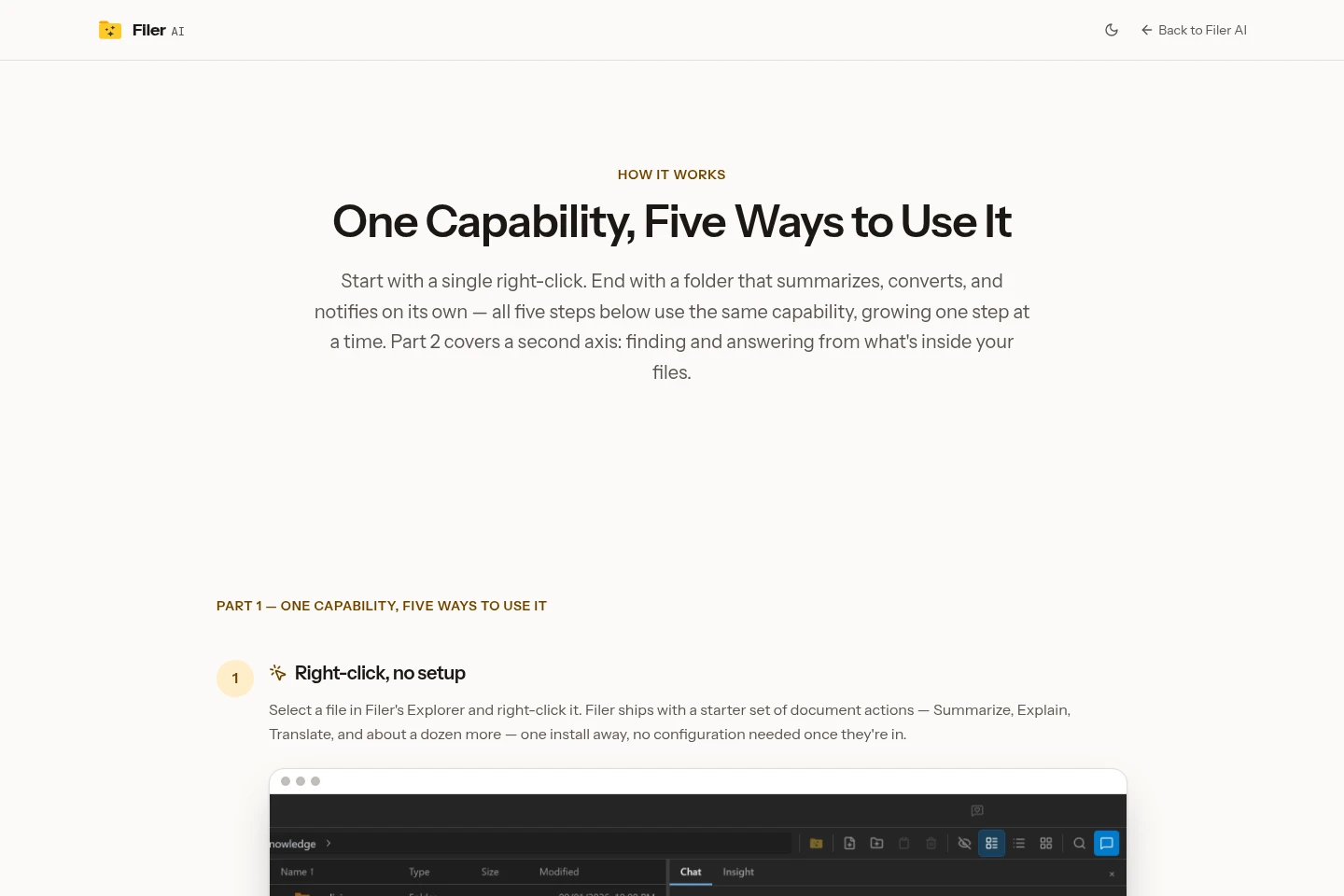
Runs document and file actions from the Explorer context menu. Available actions include summarizing, translating, proofreading, finding duplicates, converting formats, and combining images into a GIF.

Model choice

Connects Filer to a local model, a provider account using your own API key, or a company OpenAI-compatible endpoint. The included small local model can run offline after download.

PricingFree

Filer AI is free to install and use, with no subscription or monthly fee. There are no paid plan tiers listed; the app's model options are a local model, your own provider API key, or a company endpoint.

Use cases

Find information across folder files

When information is spread across documents, ask a question or search by text inside the files. Filer uses the current folder as scope, can narrow to a subfolder, and can cite the source file in an answer.

Automate recurring folder tasks

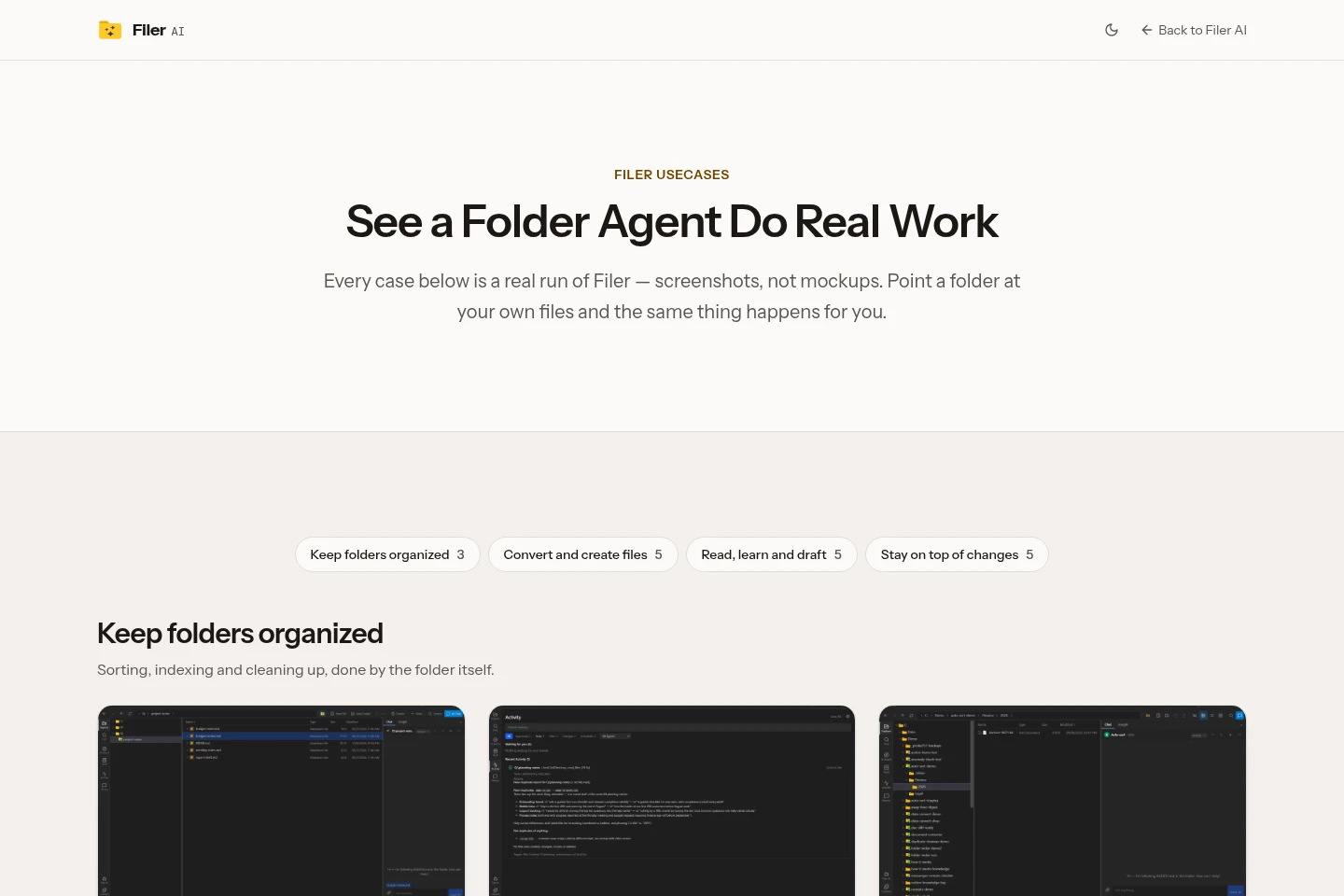
When files arrive or work must happen on a schedule, place instructions in a folder's AGENTS.md. Its agent can process files and send a response after a file event, schedule, or message, subject to its trust level.

Convert or transform selected files

When a document or group of images needs a different output, choose an available action from the right-click menu. Filer can convert documents to formats such as PDF, HTML, Markdown, or plain text, and combine selected images into a GIF.

Limitations

  • The app is currently listed for Windows 10+ and macOS 14+ on Apple silicon; the stated minimum memory is 8GB.

  • Actions that delete or move files, roll back changes, or run commands that change something wait for approval unless the folder's trust level allows them.

  • The included local model is downloaded once with the user's approval and may take a moment to load after Filer starts.

Alternatives

AI Finder

Effortlessly locate files with AI

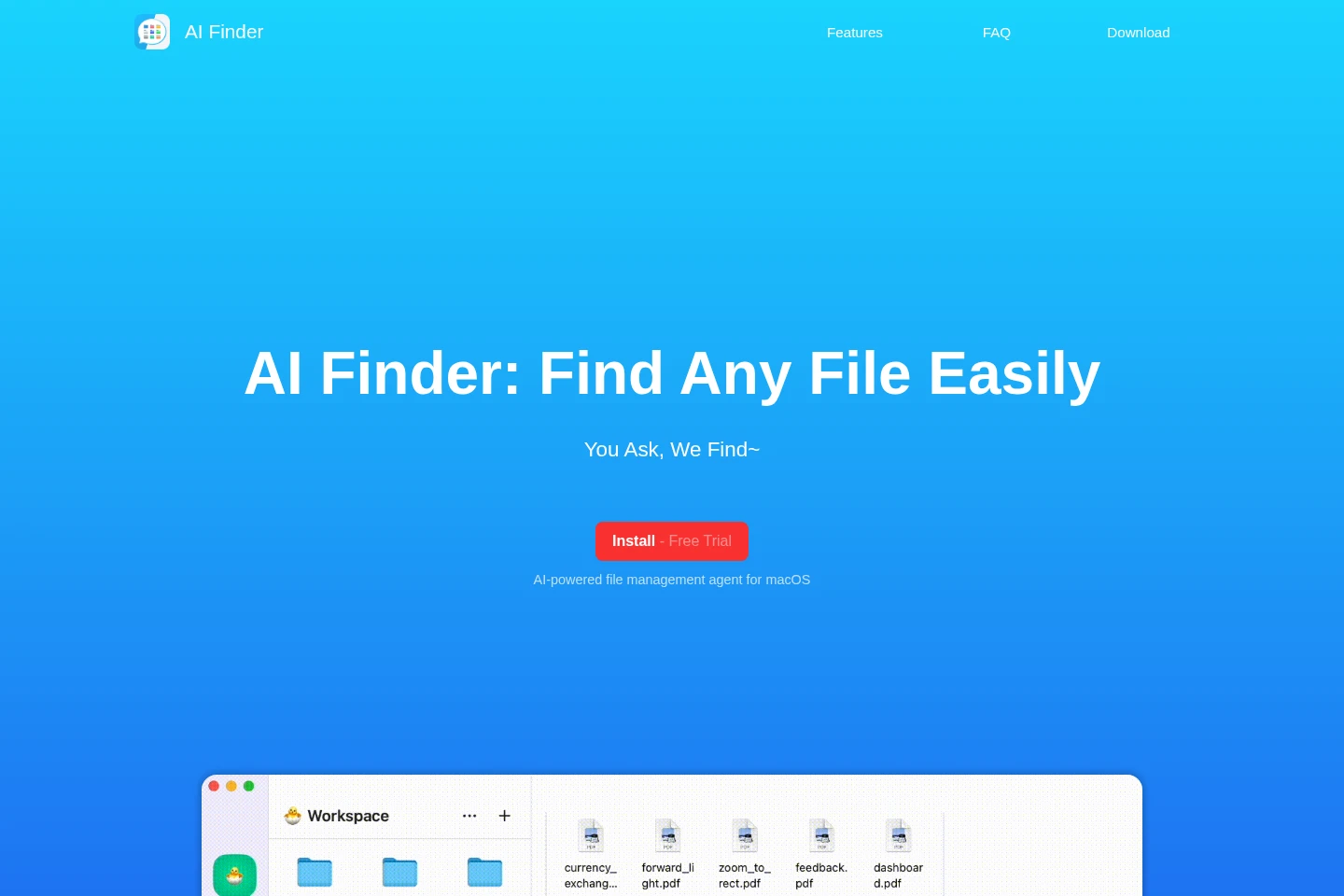
AI Finder is an intelligent file management tool designed to enhance your productivity by allowing you to search for files using natural language queries. No more cumbersome searches or complex folder hierarchies—simply type what you’re looking for, and AI Finder delivers instant results. This tool is perfect for professionals, students, and anyone who manages a significant amount of digital content. With its user-friendly interface and smart algorithms, AI Finder helps you find any file effortlessly, ensuring you spend less time searching and more time focusing on your tasks. Experience seamless integration with your existing file systems and enjoy a smarter way to manage your digital life.

  • Paid
  1. Filex AI

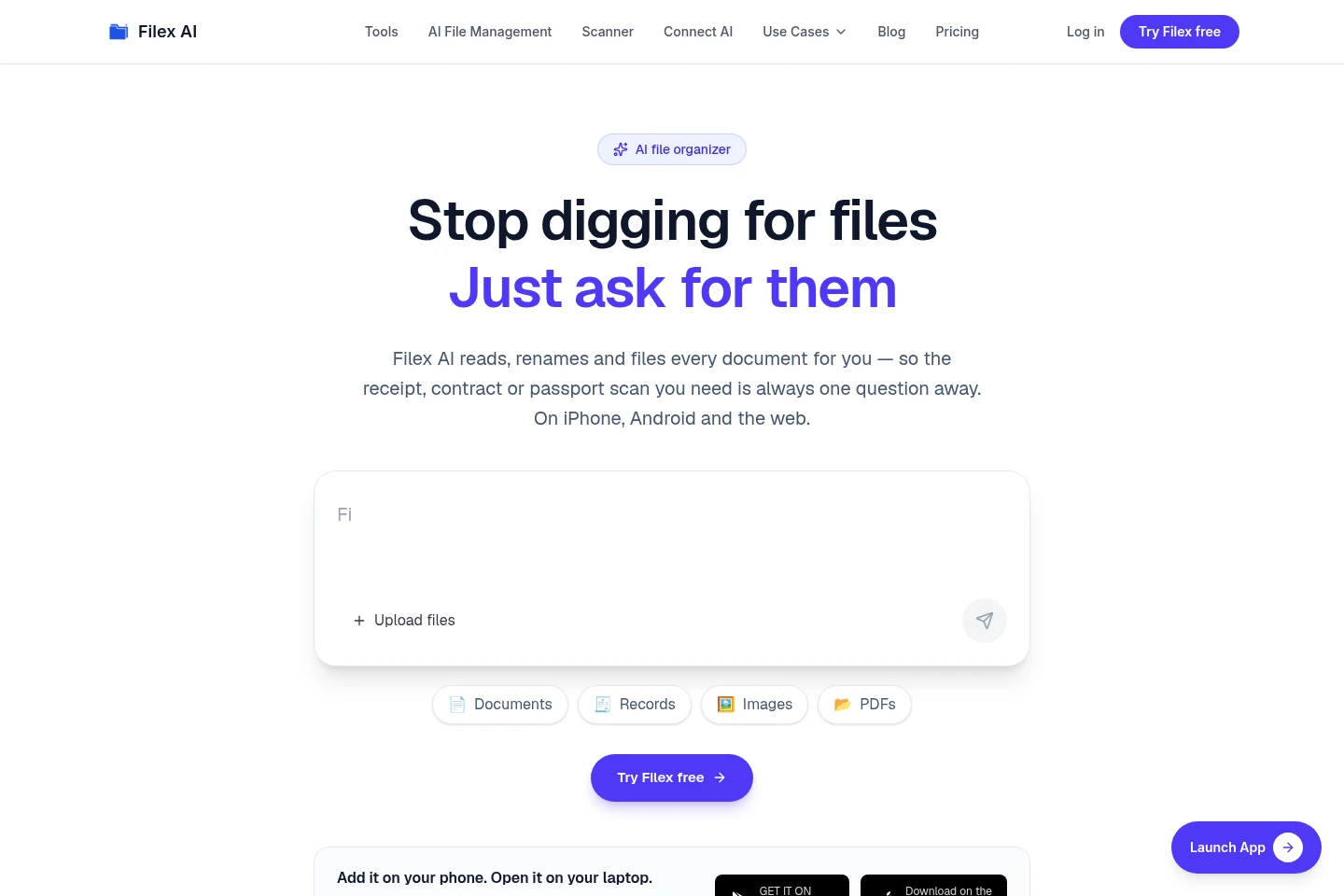
    Organize files and find them by asking

    Free · $0
  2. Agent FM

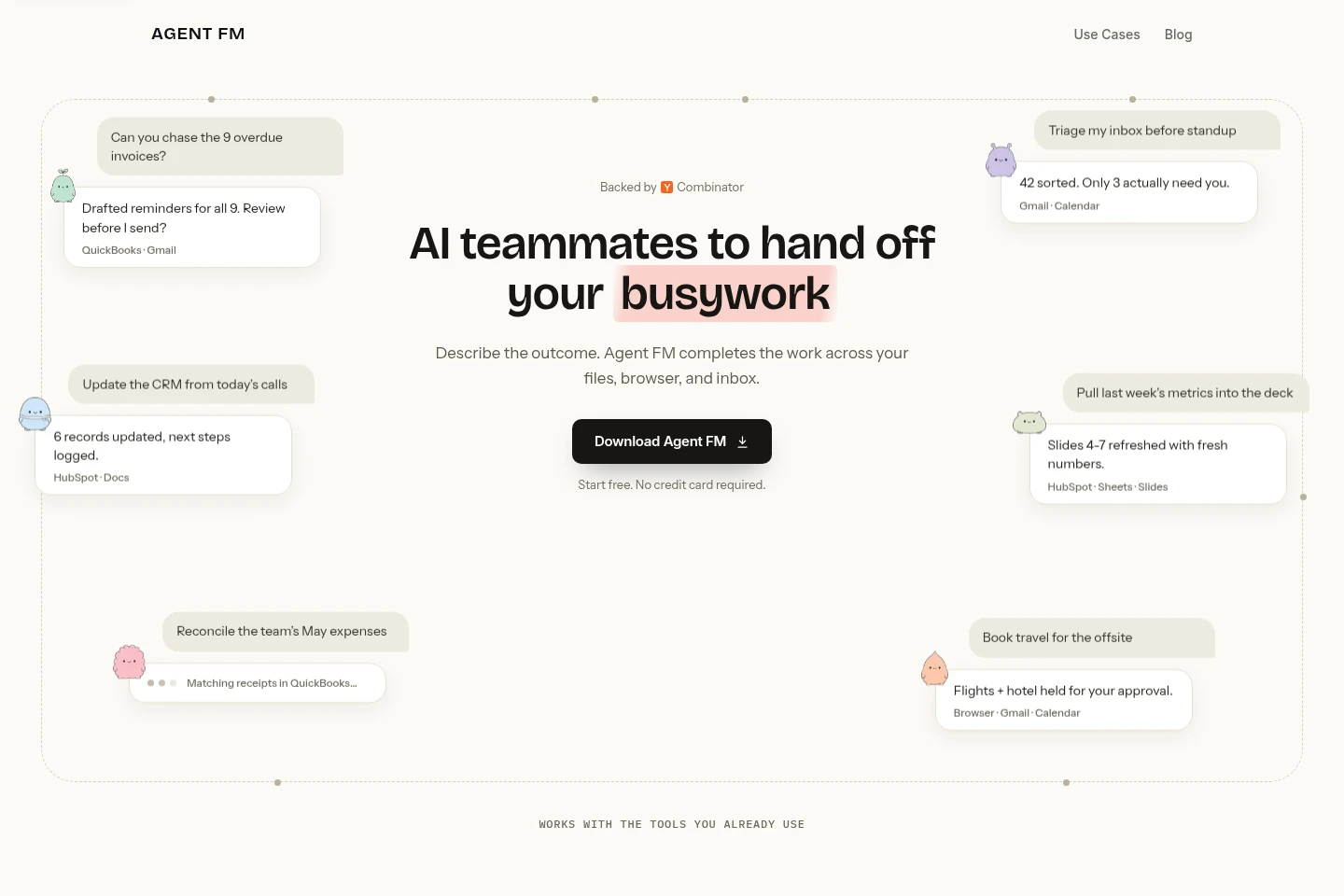
    Delegate cross-app computer work to AI teammates

    Contact Sales
  3. FileNeatAI

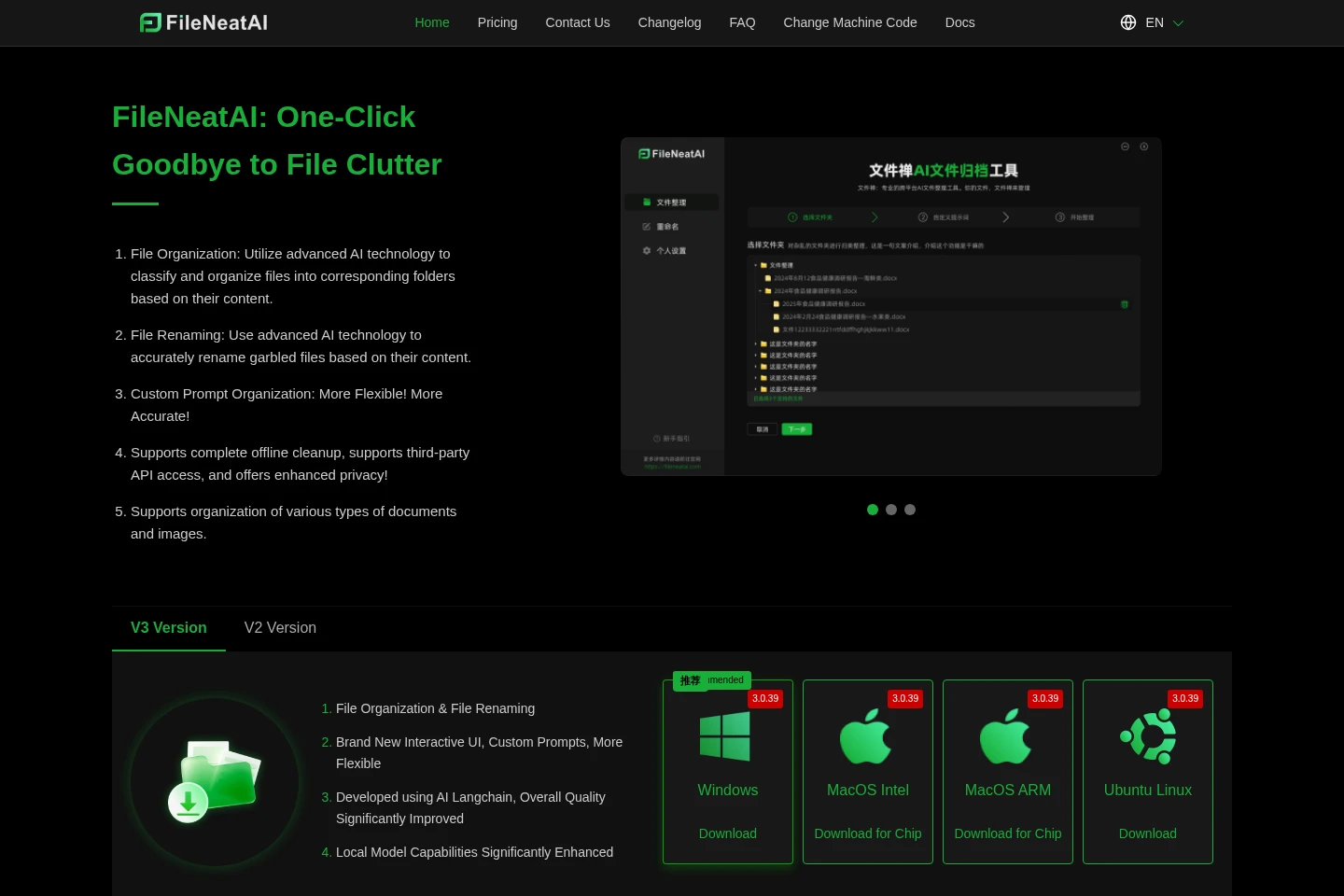
    Organize and rename files with online or local AI models

    Free Version · Free
  4. Aera

    AI project manager for work across your accounts

    Pro · $20/month
  5. CFAI

    Coordinate AI across Windows, with approval at every critical step

    CFAI Pro · €3.99/monthly

Who it is for

  • People who need AI help working with files stored in local folders

  • Teams that want folder-scoped agents to process files on events or schedules

  • Users who want to choose a local model, their own API provider, or a company endpoint

FAQ

Does Filer AI require a subscription?

No. The app is free to install and use, with no subscription or monthly fee.

Which operating systems can run Filer AI?

The page lists Windows 10+ and macOS 14+ on Apple silicon. Both listings state an 8GB memory requirement.

Which AI models can I use with Filer?

You can use the included local model, your own provider API key, or a company OpenAI-compatible endpoint. The local model can run offline after it has been downloaded with your approval.

How do folder agents get triggered?

An agent can run when a file event occurs, on a schedule, or when a message arrives. Instructions are stored in the folder's AGENTS.md, and the folder's trust level affects which actions require approval.

Can Filer search inside files?

Yes. AI Search matches file contents rather than only filenames, and answers can be grounded in relevant passages with the source file cited. The folder currently in view sets the search scope.

Comments

Please sign in to leave a comment.
No comments yet. Be the first to share your thoughts!