

- Monthly visits
- 4,148
- 2026-09
- Monthly growth +125.3%
Aera - AI project manager for work across your accounts
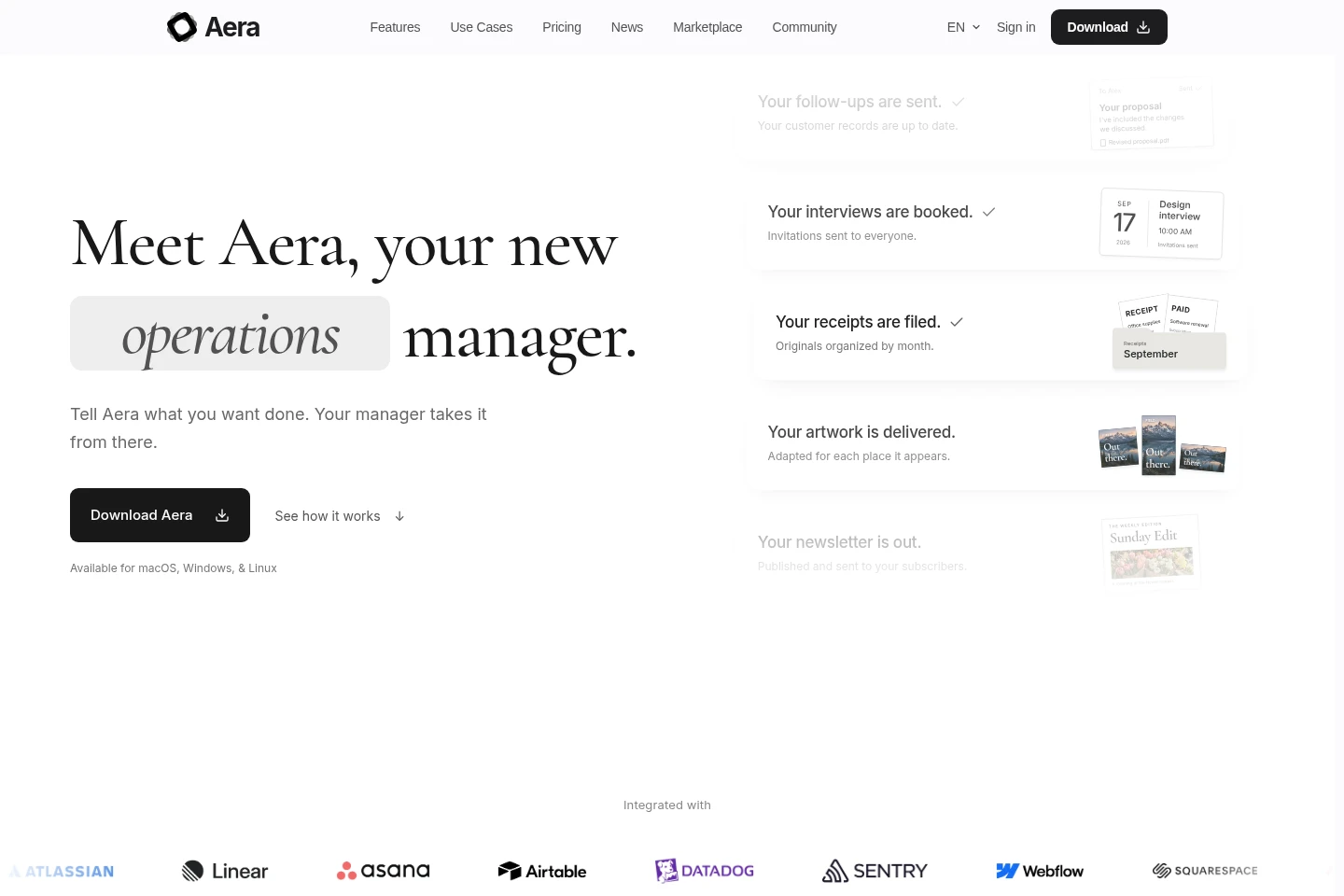
Aera is a downloadable AI manager that organizes projects into workspaces, coordinates tasks, and acts through connected services or browser pages. It can research, prepare files and reports, schedule recurring work, and keep project context together. Workspaces and files are stored locally; using the agent requires signing in.
- AI Agents
- General AI Agents
- Browser Automation
- Project Management
- AI project manager
- browser task automation
- recurring work manager
Capabilities
Project workspaces
Workspaces organize a project’s files, conversations, team, and context. A user describes an outcome, and Aera sets up the workspace and coordinates the work within it.
Browser and service actions
Aera reads information and carries out actions in browser pages and connected services. It can update records, create follow-ups, and work in signed-in accounts using saved logins without revealing passwords to agents.
Research and reporting
Research tasks produce findings, comparisons, and reports with source details. Aera can compare supplier requirements such as materials, lead times, and minimum orders when those details are relevant to the request.
Scheduled work
Aera schedules recurring tasks, coordinates follow-ups, and delivers progress reports. Schedules and run history remain associated with the workspace.
File and context management
Aera works with project files, pages, and history, and keeps context available for later work. Workspaces, files, chats, and context are stored locally on the device.
Pricing
Aera has a free plan and paid subscription access, with account credit also available. Compare model access, workspaces, scheduling, tools, and usage limits to choose a plan.
| Plan | Price | Included features and limits |
|---|---|---|
| Pro | $20/month |
|
| Ultra | $200/month |
|
| Free | $0/month |
|
Aera requires sign-in to use on every plan. Paid access is available through subscription or account credit. Users can change plans in the app; upgrades are prorated and downgrade credit applies to the next billing cycle.
Use cases
Coordinate work across a project
When a project has several related tasks, describe the desired outcome to Aera. It creates a workspace, organizes context, coordinates the needed work, and returns updates and results.
Research and compare options
When a decision depends on information from websites or documents, ask Aera to research and compare the options. It can gather source details and prepare a comparison or report for review.
Manage recurring follow-ups
When work needs attention after the first task, set Aera to schedule checks and coordinate follow-ups. It keeps task history in the workspace and can deliver progress reports.
Limitations
An account is required for the agent to run on every plan, although downloading Aera does not require an account.
The Free plan is limited to browsing and interactive chat using a user-configured OpenAI-compatible model endpoint; workspaces, scheduled tasks, and advanced tools require paid access.
Free-plan local-model chat uses text-based browser tools; vision is described as paid access with supported models.
Inference requests reach the selected provider, and user-connected models follow that endpoint’s configuration and policies.
Who it is for
Project owners who need browser-based tasks and follow-ups coordinated across their accounts
Solo founders handling recurring business work alongside project planning and customer follow-ups
People comparing suppliers or other options using information gathered from websites and files
FAQ
Does Aera require an account?
Yes. An account is required for the agent to run on every plan; downloading the application itself does not require an account.
What is included in the Free plan?
The Free plan includes browsing and interactive chat with an OpenAI-compatible model endpoint configured in Settings > Models. Workspaces, scheduled tasks, and advanced tools require paid access through a subscription or account credit.
Can I change my plan later?
Yes. You can upgrade or downgrade from within the app at any time. An upgrade charges the prorated difference, while downgrade credit is applied to the next billing cycle.
How does Aera handle project data and model requests?
Workspaces, files, chats, and context are stored locally on your device. Inference requests still go to the selected provider; models you connect yourself follow that endpoint’s configuration and policies.
Can I cancel a paid plan?
Yes. Cancel from account settings at any time, and access continues until the end of the current billing period.
Comments