

- Monthly visits
- 2,391
- 2026-09
FeedLog - Turn GitHub issues into approved customer changelogs
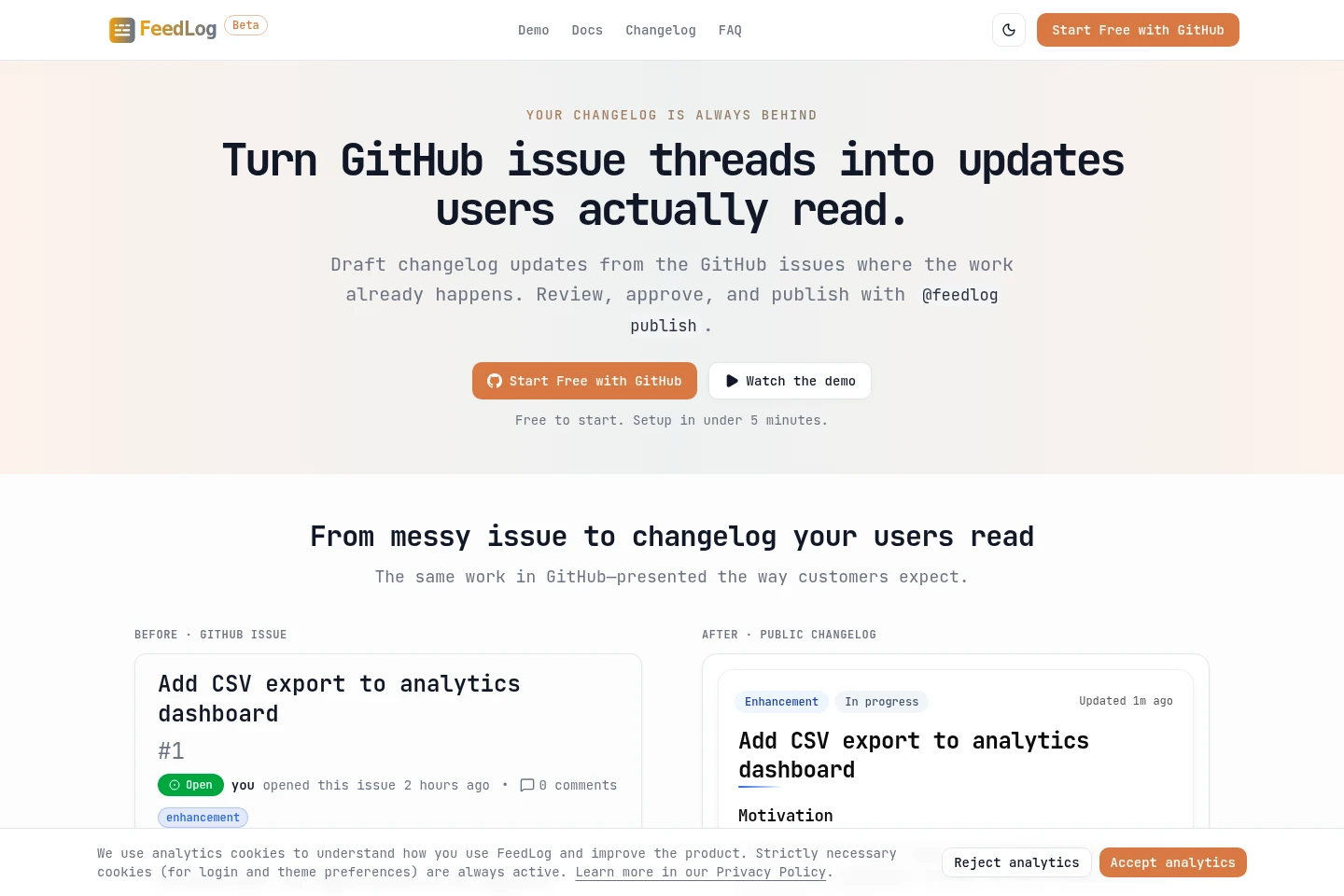
FeedLog connects selected GitHub repositories to an embedded public changelog. Its bot drafts customer-facing updates from issue threads, and teams review and publish them with GitHub comments. Optional upvotes and in-progress status are shown in the widget; GitHub remains the source of truth.
- AI Writing
- Copywriting
- Software
- GitHub changelog automation
- AI release notes
- embedded product changelog
Capabilities
GitHub issue draft generation
Creates a structured, customer-facing changelog draft from a GitHub issue. FeedLog's bot analyzes the issue thread, rewrites its content, and posts drafts and revisions in the thread for review.
Comment-based publishing controls
Publishes, removes, regenerates, displays, switches, or reverts an issue's changelog entry through GitHub comments. Users issue commands such as @feedlog publish, and publication only occurs after approval.
Embedded changelog widget
Displays published updates in a widget embedded on a website. Teams add a component or script using a widget key; optional upvotes and assignee-based in-progress status are available.
Pricing
FeedLog is free to start. The supplied homepage does not list paid plans, billing periods, or prices to compare, so paid pricing and billing terms are not specified here.
Use cases
Publish approved GitHub release updates
When product work is tracked in GitHub issues, teams can turn an issue into a clear customer-facing update without moving the drafting workflow to a separate CMS. They review the bot's draft in the issue thread and publish it with a comment command.
Show product updates on a website
When customers need a public place to see shipped work, teams embed the changelog widget using its key and a component or script. Approved entries appear in the widget, where users can optionally upvote them.
Limitations
Publishing is not automatic by default: a person must review the draft and issue the @feedlog publish command before it appears publicly.
Optional upvotes provide a signal on published work; the widget is not a full feedback board.
FeedLog's described workflow depends on GitHub repositories and issue comments; the homepage FAQ asks about working without GitHub but does not provide an answer.
Who it is for
Product teams that track shipped work in GitHub and need to publish customer-facing release updates.
Software teams that want an embedded public changelog while keeping GitHub as the source of truth.
FAQ
Does FeedLog publish drafts automatically?
No. A person reviews the draft in the GitHub issue and publishes it with @feedlog publish; nothing user-facing goes live before approval.
Can I embed the changelog on my website?
Yes. Create a widget key in dashboard installation settings, then add a component or script to your site to display published updates.
Is FeedLog a full feedback board?
No. The widget can show optional upvotes on published work, but FeedLog describes this as a signal rather than a full feedback board.
How does FeedLog mark work in progress?
Assign someone to the GitHub issue. FeedLog uses issue assignees to mark the entry In progress in the public widget.
How are AI drafts reviewed and published?
The bot prepares a draft in the issue thread, where users can review revisions and use commands to manage the entry. The public changelog updates only after a user issues @feedlog publish.
Comments