

- Monthly visits
- 2,282
- 2026-10
Favore.ai - Create and refine AI images and videos from prompts or references
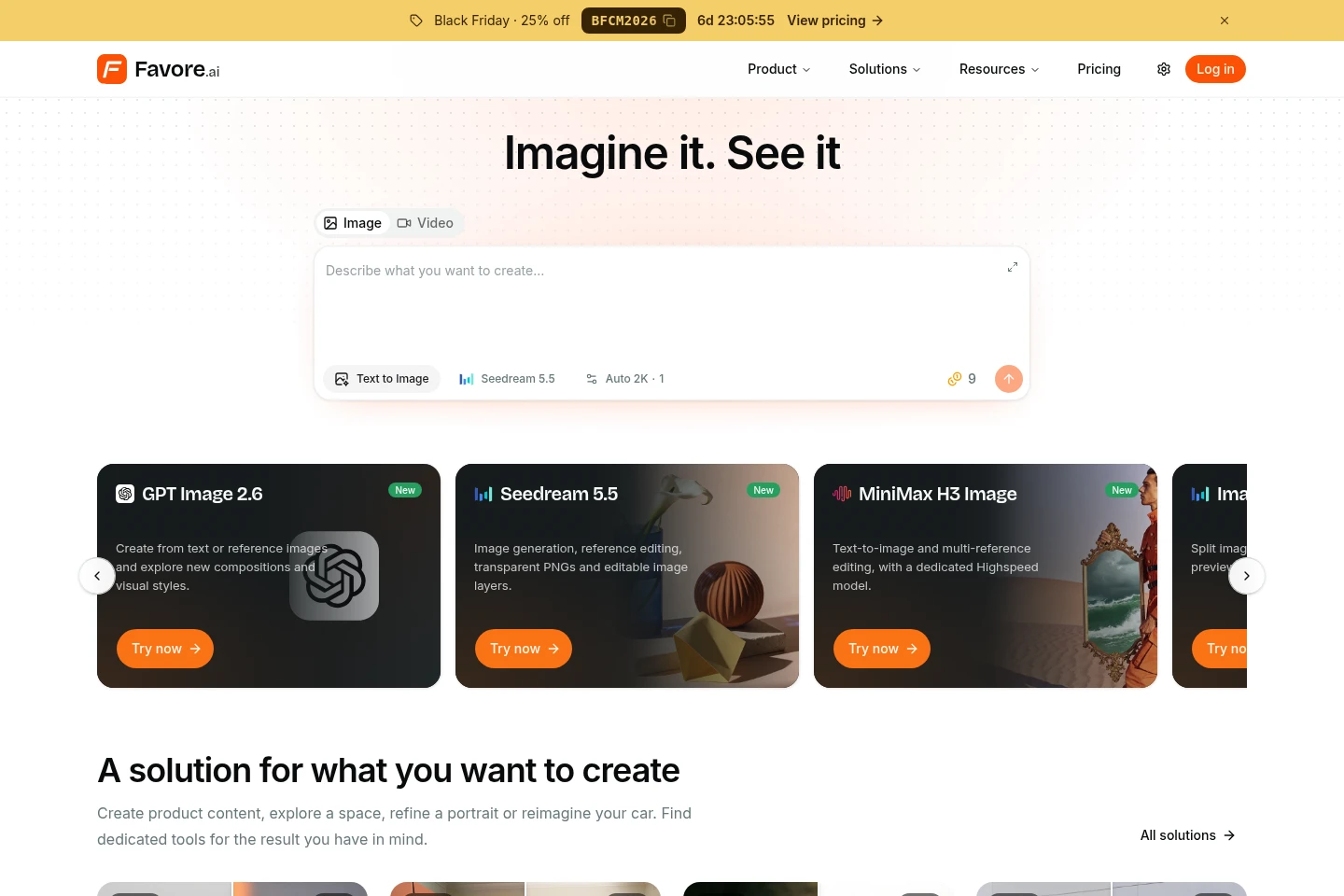
Favore.ai is an online platform for creating and editing AI-generated images and videos. Start with text prompts or reference media, choose from available models, and use focused tools to remove objects, upscale images, extend videos, or prepare product, interior, portrait, and car visuals. Templates and effects provide additional starting points; credit use varies by model and generation settings.
- AI Image
- Image Generators
- Video Generators
- Photo Editors
- E-commerce
- Real estate
- Architecture
- AI image generator
- AI video creation
- image editing tools
Capabilities
Image creation and editing
Generate images from text or reference images and edit existing compositions. Choose an available model or focused tool; model inputs and output options differ.
Video creation and extension
Generate short videos from prompts or reference media, animate still images, or continue existing clips. Available duration, resolution, audio options, and model depend on the selected workflow.
Image and video tools
Remove backgrounds or objects, erase text, upscale images or video, and apply other focused edits. Upload media or begin with a supported task; available operations depend on the tool.
Product and scene workflows
Prepare product photos, preview interior changes, refine portraits, and visualize car modifications. Choose a dedicated tool and provide a prompt, image, or other requested input.
Model and template selection
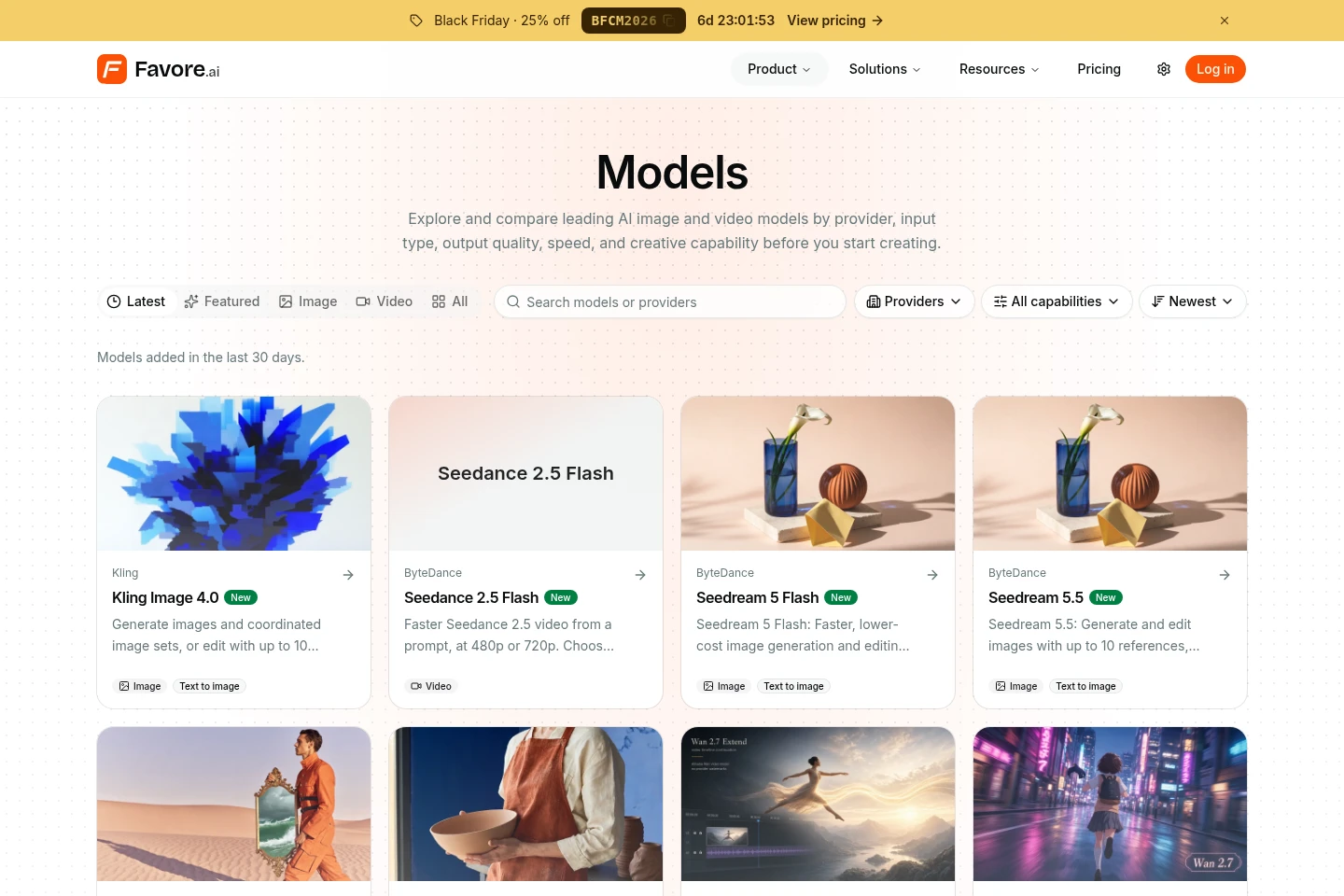
Browse models and reusable templates before creating. Model pages describe capabilities and inputs, while templates provide a starting recipe that can be changed.
Pricing
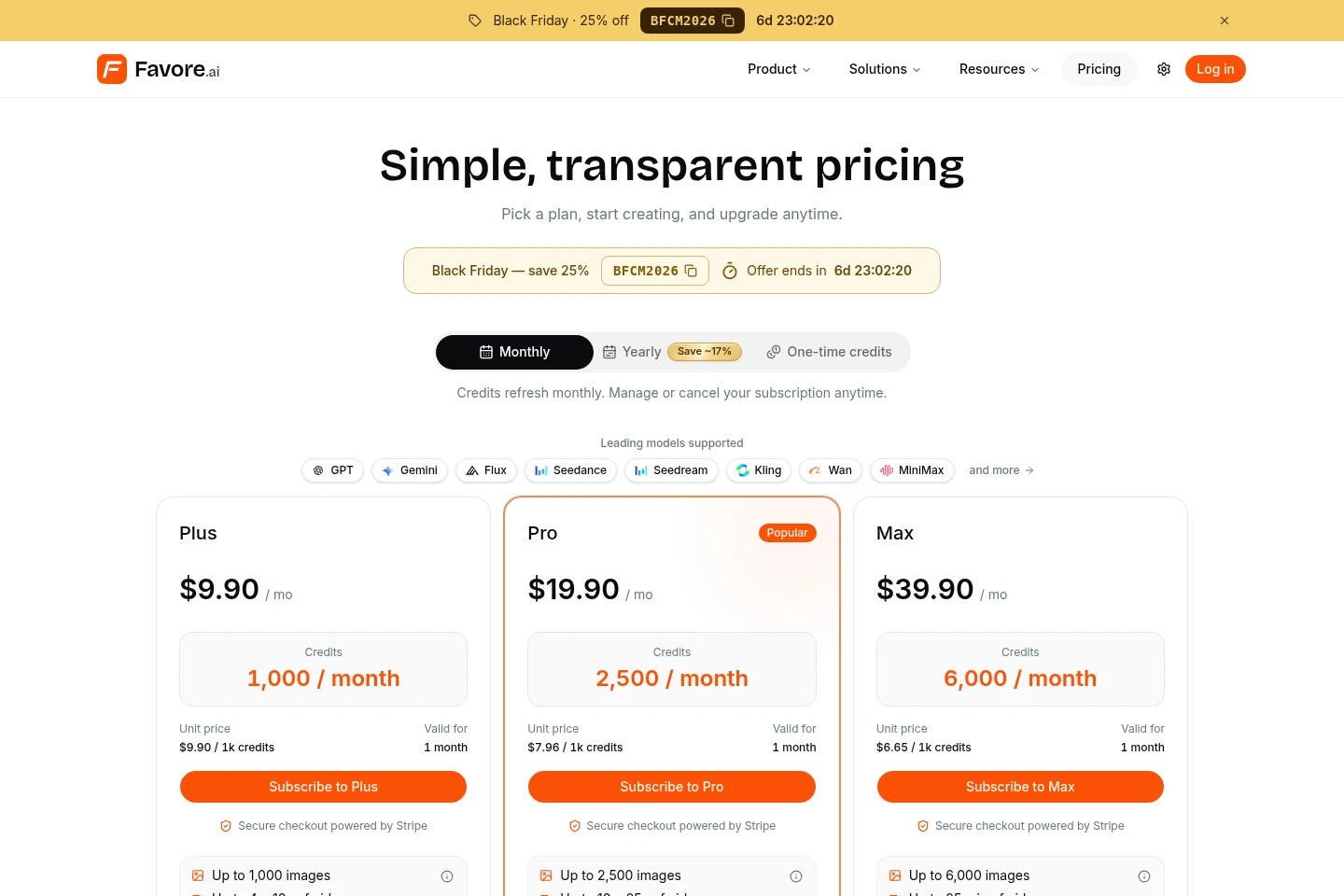
Favore offers monthly subscriptions and one-time credit purchases. Compare each plan’s credit allowance, file-retention period, and included generation limits; actual credit use varies by model and settings.
| Plan | Price | Included features and limits |
|---|---|---|
| Plus | $9.90 per month |
|
| Pro | $19.90 per month |
|
| Max | $39.90 per month |
|
Subscriptions can be managed or canceled anytime. Yearly billing provides the full year's credits at once and saves about 17%. One-time credits do not renew automatically and must be used before they expire.
Use cases
Create images or videos from a prompt
When a written brief needs a visual, enter a prompt in an image or video workflow and select an available model or dedicated tool. The result is generated media, with options determined by that model.
Edit or enhance existing media
When an image or clip needs adjustment, upload reference media and use an editing, removal, restoration, upscaling, or extension tool. The resulting media depends on the chosen operation and its supported inputs.
Prepare product or interior images
When presenting a product or exploring a room or exterior, use product-photography or architecture tools to adjust backgrounds, lighting, staging, furniture, or finishes. These workflows create visual previews for review.
Preview portrait or car changes
When exploring a portrait treatment or vehicle appearance, use portrait or car tools with an image and the requested changes. Review the generated preview against the original before relying on details such as identity, colors, or fitment.
Limitations
Generation estimates are shown before a run, but final credit use depends on resolution, duration, quality, audio options, and output count.
AI previews are exploratory; check products and faces against the original and verify real materials, colors, and fitment before acting on a design.
Actions that require an account prompt users to sign in; browsing tools, models, solutions, and templates is available before signing in.
Commercial use is subject to the terms of the model used.
Who it is for
Visual creators needing prompt- and reference-based image or video generation
Shop owners preparing product photos with backgrounds, lighting, and retouching
People previewing furniture, finishes, or remodel ideas for interior and exterior spaces
People refining portraits or previewing paint, wraps, wheels, and other car details
FAQ
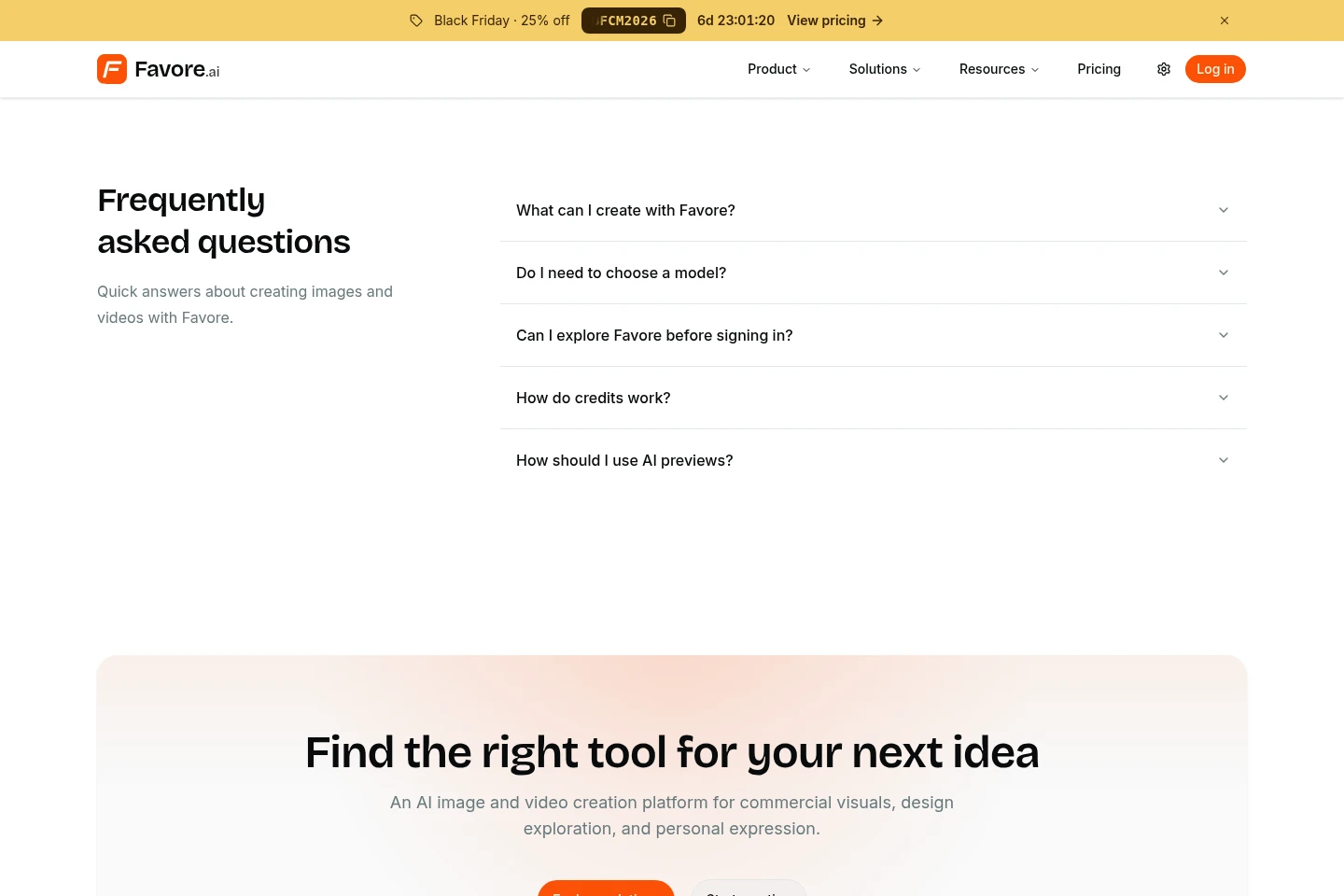
What can I create with Favore?
You can create images and videos from prompts or reference media, or use focused tools for products, rooms, portraits, and cars. Compatible results can continue into editing, enhancement, or animation.
Do I need to choose a model?
No. Each dedicated tool comes with its own model and task settings. You can also explore models separately in Create when you want more control.
Can I explore Favore before signing in?
Yes. You can browse solutions, tools, models, and templates and prepare creative input. Actions that require an account ask you to sign in when you use them.
How do credits work?
Each model shows an estimate before you run it. Final usage depends on resolution, duration, quality, audio options, and output count; compare plans on the pricing page.
How should I use AI previews?
Treat AI previews as a way to explore a direction. Check products and faces against the original, and verify real materials, colors, and fitment before acting on a design.


Comments