

- Monthly visits
- 394
- 2026-10
- Monthly growth +44.3%
Face Crop Jet - Crop faces from photos and PDFs for ID-ready images
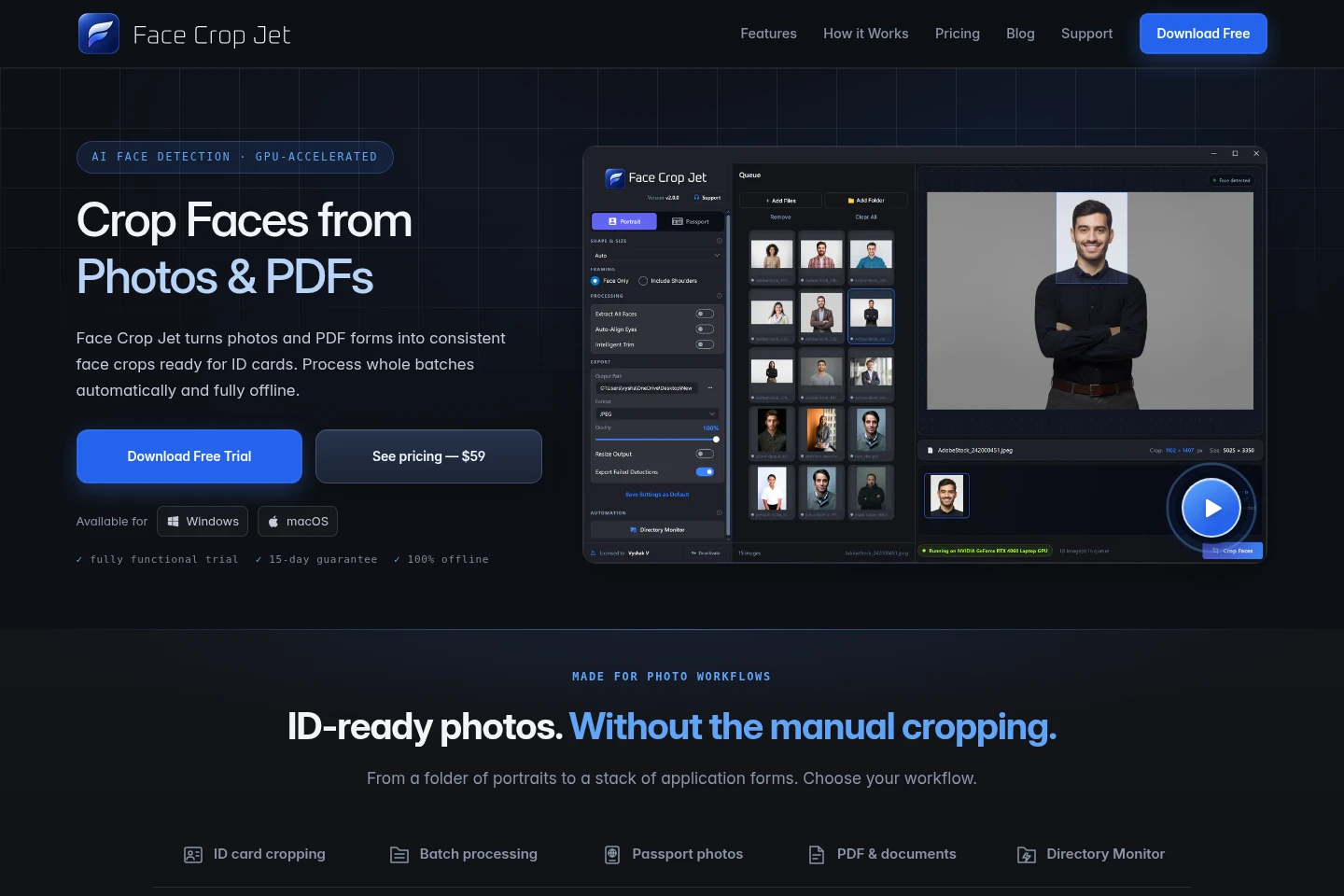
Face Crop Jet is desktop software for detecting and cropping faces from photos and scanned PDFs. It processes batches locally on Windows and macOS, with configurable framing, passport presets, and folder monitoring. Crops can be saved in several image formats, while original files remain untouched.
- AI Lifestyle
- Face Shape Analysis
- Photo Editors
- Education
- ID photo cropping software
- PDF face extraction
- batch passport photo cropping
Capabilities
Batch face cropping
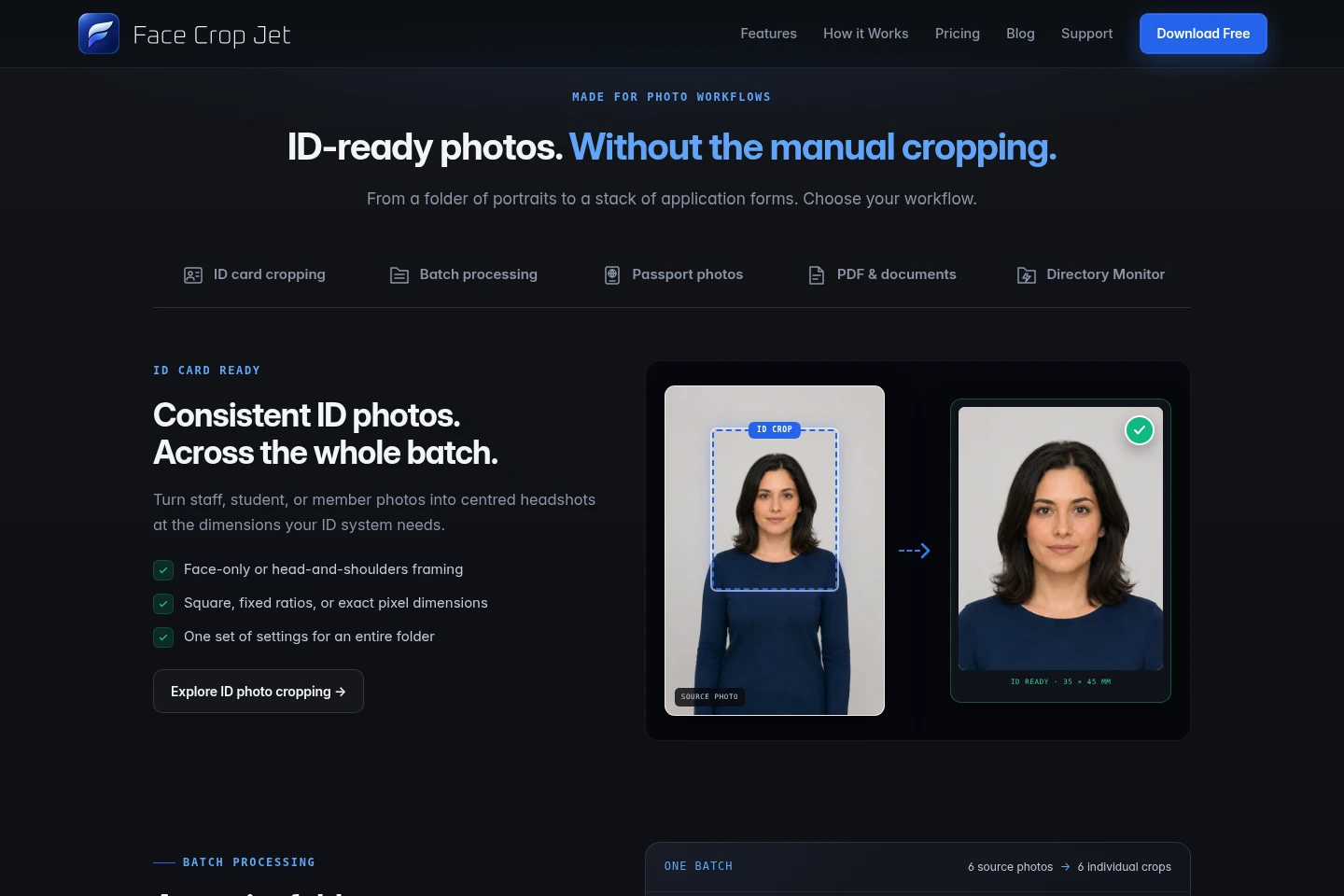
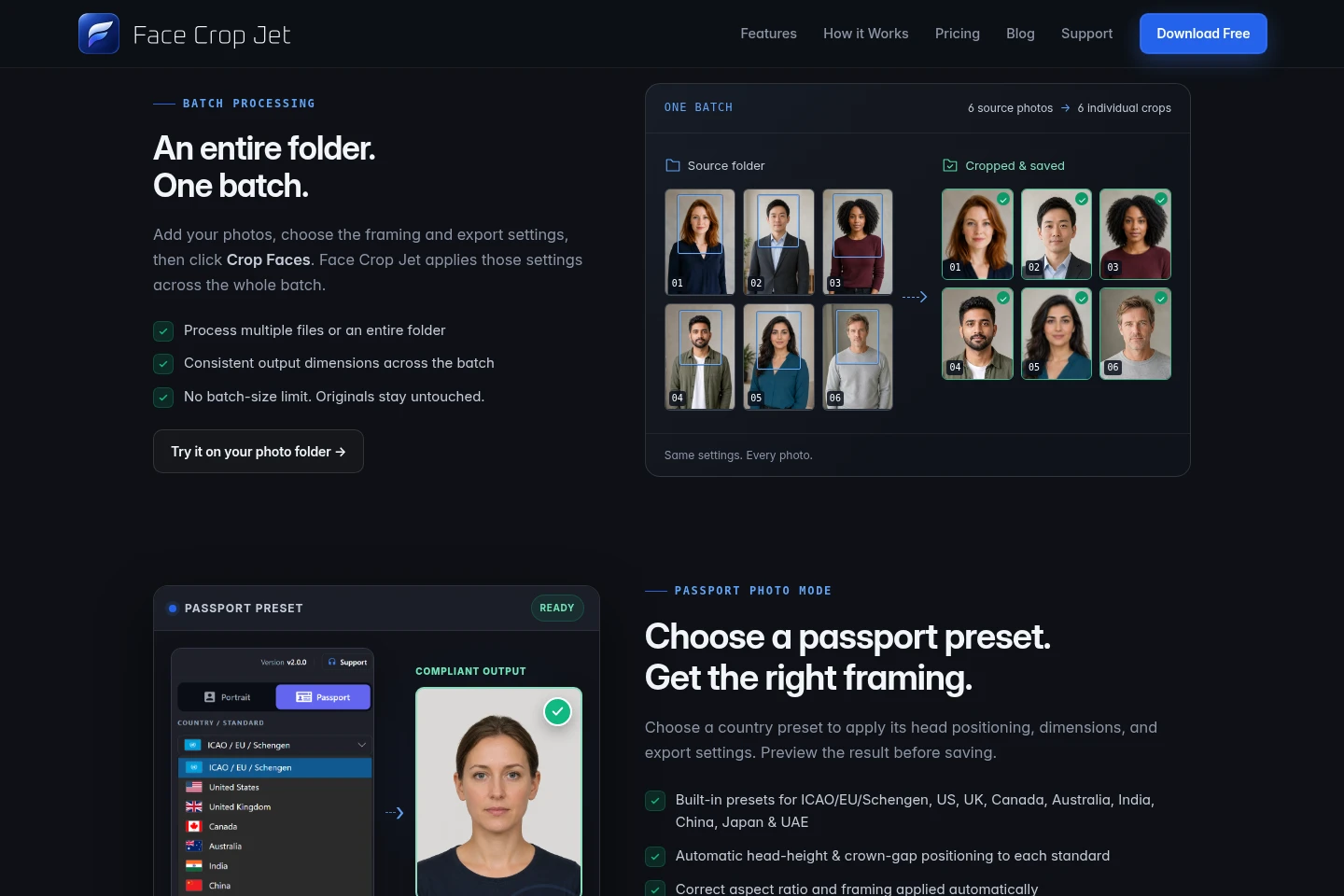
Detects faces in photos and applies one set of crop and export settings across multiple files or a folder. Choose face-only or head-and-shoulders framing, ratios, or exact dimensions; the stated batch size has no cap.
PDF photo extraction
Finds photos within single- or multi-page PDFs and saves individual crops. PDF pages can be mixed with image files in a batch, and whitespace trimming can remove scan margins and page gutters.
Passport photo presets
Applies country-specific head positioning, dimensions, and export settings to passport photos. Choose a listed preset, preview the crop, and export exact millimetre, pixel, and DPI dimensions subject to country file-size limits.
Folder monitoring
Monitors a chosen folder and crops new images as they arrive using the current settings. It can watch external drives; unattended operation on a server is described for the Windows Service Edition.
Pricing
Paid editions are listed with prices of $59 and $200; compare the edition and workflow offered before choosing. The supplied pricing evidence does not establish billing periods or payment conditions.
| Plan | Price | Included features and limits |
|---|---|---|
| Standard Edition | $59; payment terms not shown |
|
| Service Edition | $200; payment terms not shown |
|
Use cases
Prepare a batch of ID card photos
When staff, student, or member portraits need consistent ID-card framing, add the images or a folder and set the crop dimensions and framing once. Face Crop Jet applies those settings across the batch and saves the resulting crops.
Extract photos from application PDFs
When scanned application forms contain portrait photos, load single- or multi-page PDFs, optionally alongside image files. The software finds photos on the pages and saves individual crops locally.
Create country-sized passport photos
When preparing passport photo batches for a listed country or standard, select its preset and preview the framing. The preset applies positioning and output settings, including dimensions and applicable file-size limits.
Limitations
The Service Edition is identified for Windows Servers; the supplied pages do not describe an equivalent unattended server service for macOS.
Passport presets and their file-size limits depend on the selected country; the pages do not claim that every country’s requirements are covered.
Who it is for
HR teams preparing consistent employee badge photos from portraits or application forms
Schools and universities processing enrolment photos for student ID cards
Photo studios producing batches of passport photos to country-specific dimensions
Operators needing unattended folder-based face cropping on Windows Server
FAQ
Does Face Crop Jet upload photos or PDF documents?
No. The pages describe processing as fully local and offline, with documents staying on your machine and nothing uploaded.
Which systems is Face Crop Jet available for?
The product is listed for Windows and macOS. The separate Service Edition is described for Windows Servers.
Can it process PDF application forms?
Yes. It accepts single- and multi-page PDFs, processes every page, and can mix PDFs and photos in one batch. It saves the detected photos as individual crops.
Is there a limit on batch size?
The product page says there is no batch-size limit and no per-photo credits. It does not specify a maximum number of files.
Can it create passport photos for different countries?
Yes. The page lists presets for ICAO/EU/Schengen, the US, UK, Canada, Australia, India, China, Japan, and UAE. Output settings and file-size limits vary by country.
Comments