

- Monthly visits
- 104,260
- 2026-10
- Monthly growth +3,760.1%
EveryGen AI - Create AI videos, images and audio in one creative studio
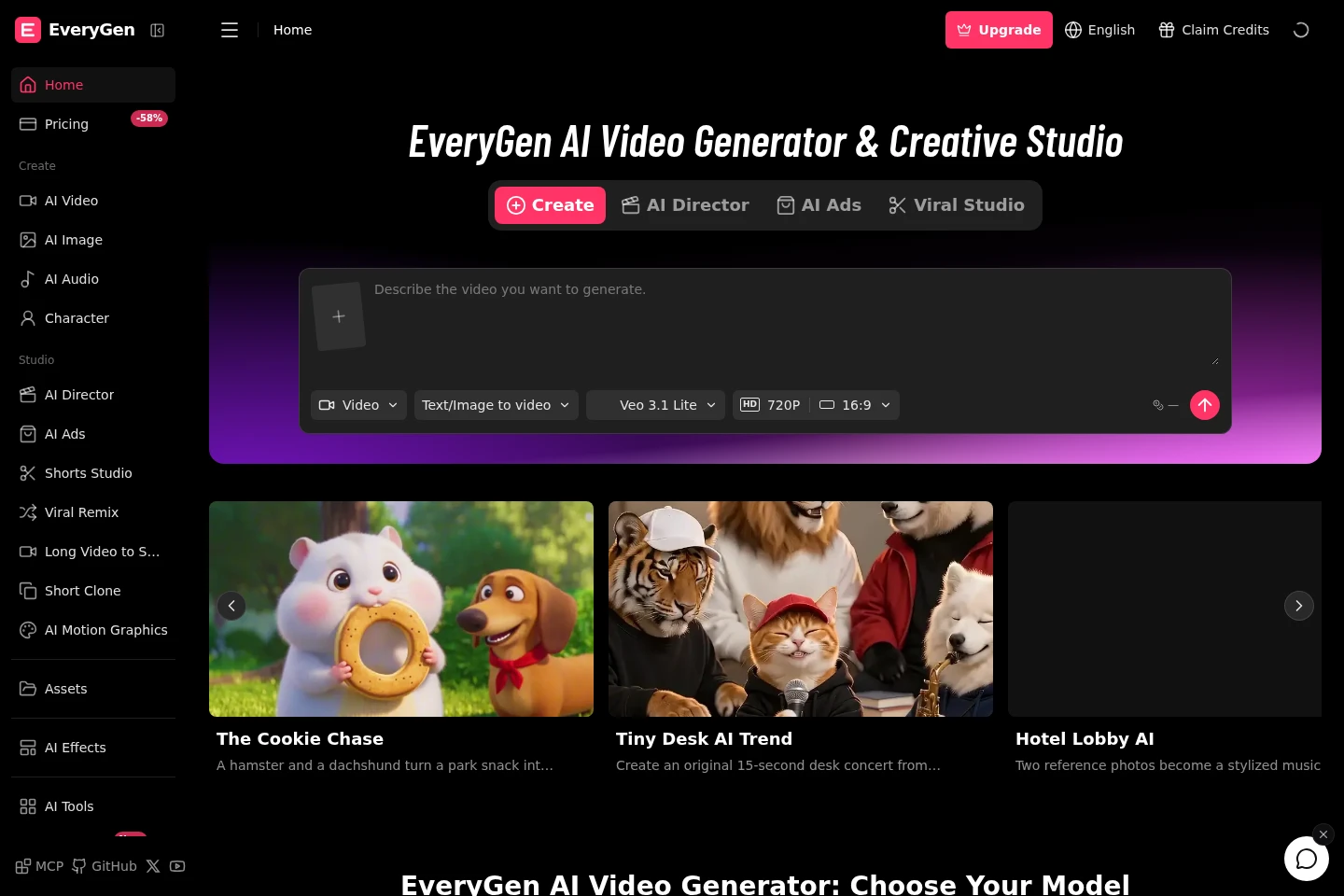
EveryGen AI is a browser-based creative studio for generating and editing videos and images, with audio tools and multi-scene video workflows. Users can create clips from text prompts or images, choose supported models, and use studio tools such as Shorts Studio, AI Motion Graphics and Video Editor. Paid plans provide annual credit allowances and additional generation capacity.
- AI Video
- Video Generators
- Image Generators
- Video Editors
- AI video generator
- image-to-video studio
- AI creative tools
Capabilities
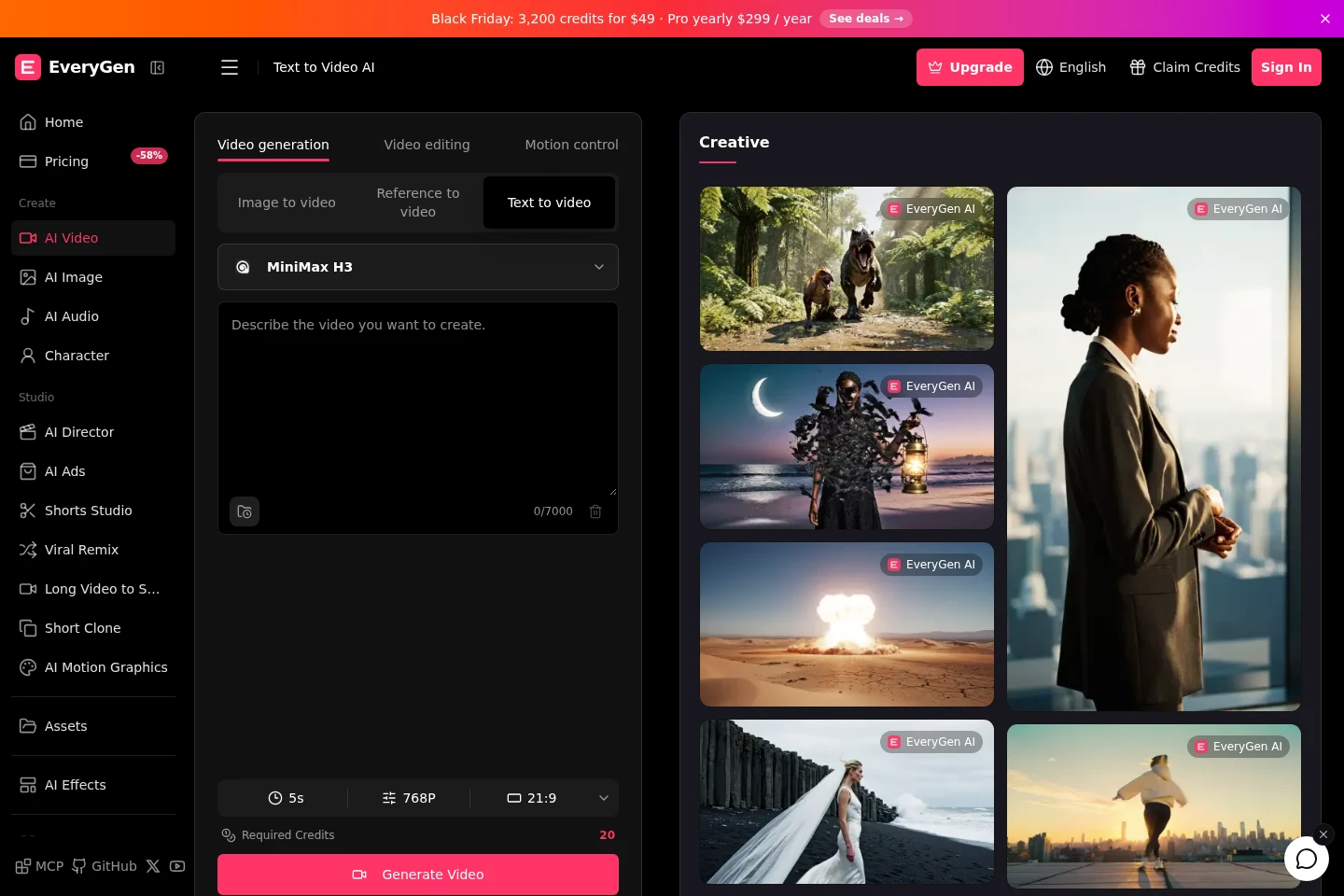
Text-to-video generation
Generates video clips from a written prompt. Enter a subject, action and camera direction, choose an available model and settings, then review the resulting clip; available lengths and output options vary by model and plan.
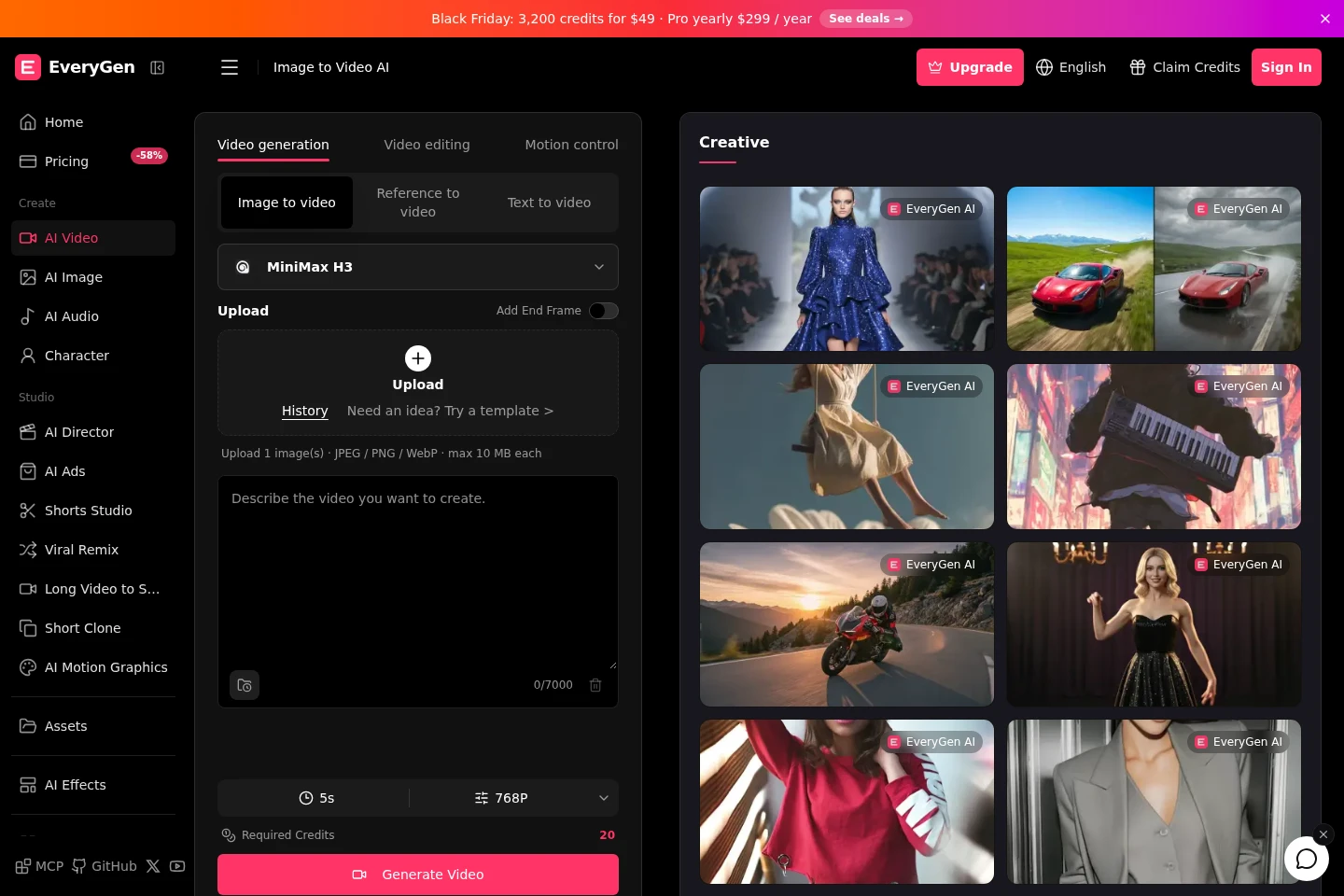
Image-to-video generation
Animates a still image into a video clip. Upload a JPEG, PNG or WebP image and add a motion prompt; supported models and settings determine the resulting movement, framing and clip options.
AI image generation and editing
Creates and edits images using selectable AI models. Provide text or reference images and choose available quality settings; model-specific reference-image limits and daily free-image allowances apply.
Multi-scene video studio
Plans and creates videos through the EveryGen Studio workflow. Users can work with scenes, voice, music and sound, and use chat and planning tools; Studio requires a paid plan or credit pack.
Video and creator tools
Provides tools including AI Motion Graphics, Short Clone, Shorts Studio, Long Video to Shorts and Viral Remix. Access and generation capacity depend on the selected paid plan.
Pricing
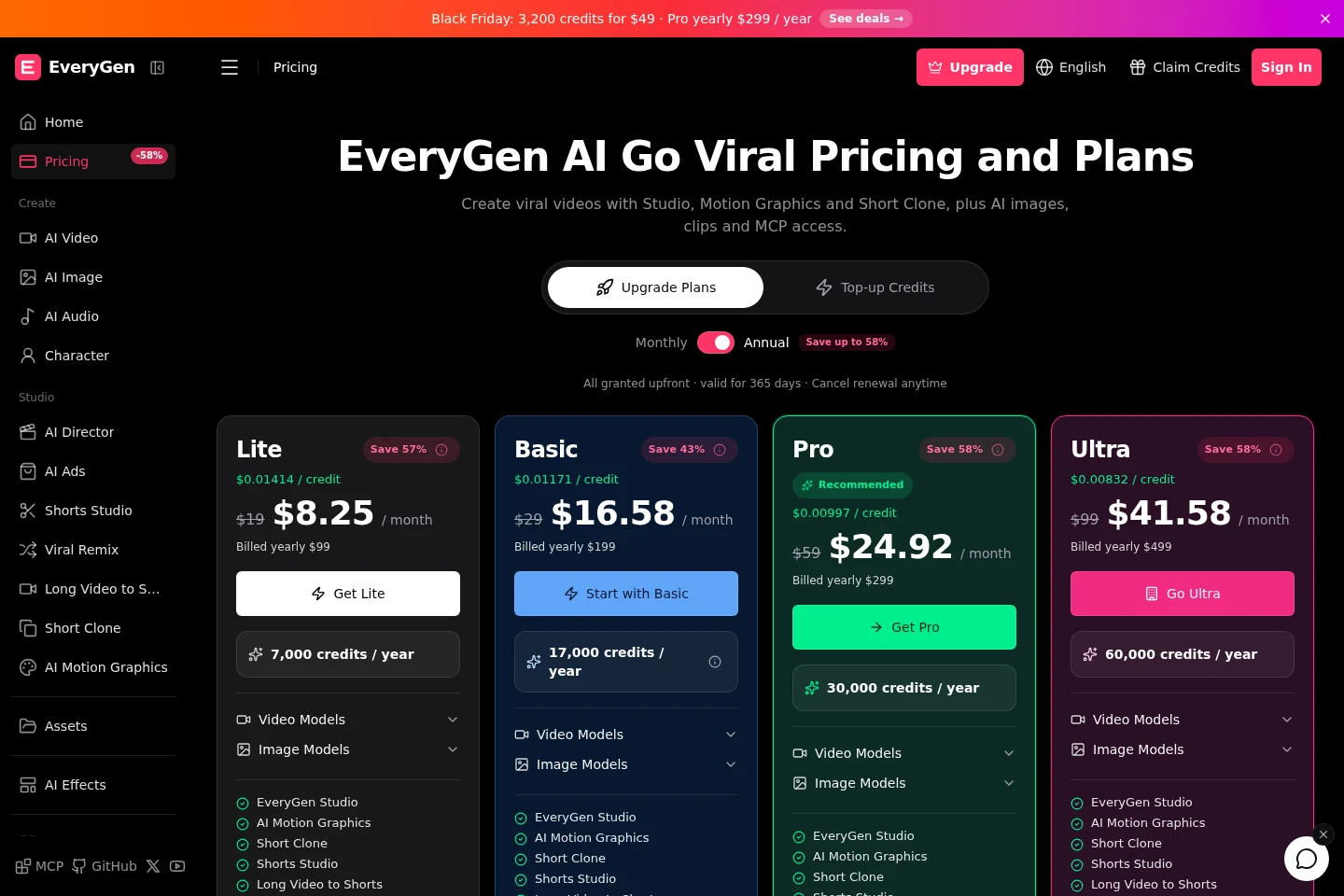
EveryGen offers a free 10-credit starting allowance and paid annual subscriptions. Compare yearly credit totals, simultaneous generations, image allowances and included tools when choosing a plan.
| Plan | Price | Included features and limits |
|---|---|---|
| Lite | $99 billed yearly |
|
| Basic | $199 billed yearly |
|
| Pro | $299 billed yearly |
|
| Ultra | $499 billed yearly |
|
Annual plans charge once, grant credits upfront and keep those credits valid for 365 days. Cancel renewal anytime; unused credits do not roll over.
Use cases
Generate a video from a written scene
When a creator has a described scene but no starting footage, they can enter a prompt, choose an available video model and set options such as duration and framing. EveryGen generates a clip for review, with available settings varying by model.
Animate a still image into a clip
When a creator wants movement from a still visual, they can upload a supported image and describe the motion or camera direction. The selected model produces a video clip that can be previewed and downloaded.
Plan and produce a multi-scene video
When a project calls for multiple scenes, users can work in EveryGen Studio with scene planning and video creation, alongside voice, music and sound tools. Studio access requires a paid plan or credit pack, and output depends on the project.
Limitations
Video duration, resolution, model selection and reference inputs vary by creation mode and plan.
Monthly plan credits expire after 30 days and do not roll over; annual plan credits are granted upfront and are valid for 365 days.
Studio, AI Motion Graphics and Short Clone require a paid plan or credit pack.
Free daily image allowances are available on specified plans and are subject to fair use; images beyond the allowance use credits.
Confirmed failed operations return affected credits, while completed work remains chargeable.
Who it is for
Video creators who need prompt-based clips or image animation
Creative professionals producing multi-scene video and AI visuals
Short-form publishers using tools to edit, remix or repurpose video
FAQ
Can I try EveryGen for free?
New accounts receive 10 credits for image and video tools. EveryGen Studio, AI Motion Graphics and Short Clone require a paid plan or credit pack.
How are annual plan credits billed and used?
Annual plans charge once and grant all plan credits upfront, valid for 365 days. Monthly plan credits last 30 days and do not roll over.
Do Pro and Ultra include free images?
Yes. Pro and Ultra have daily image allowances shared across GPT Image 2.5, GPT Image 2, Nano Banana 2 and Grok Imagine. Images within the allowance use no credits; standard credit prices apply afterward, and fair use applies.
Can I cancel or receive a refund?
You can cancel renewal in billing settings before the next charge, but cancellation does not refund earlier payments. Purchases are generally non-refundable unless required by law; contact support about incorrect or duplicate charges.
What happens when a generation fails?
Confirmed failed operations return the affected credits. Completed work remains chargeable, and credit returns are separate from payment refunds.

Comments