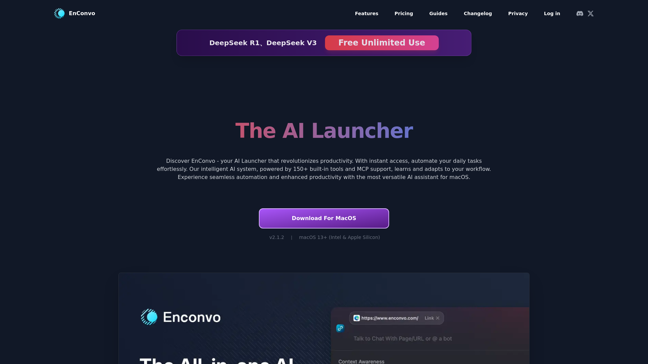
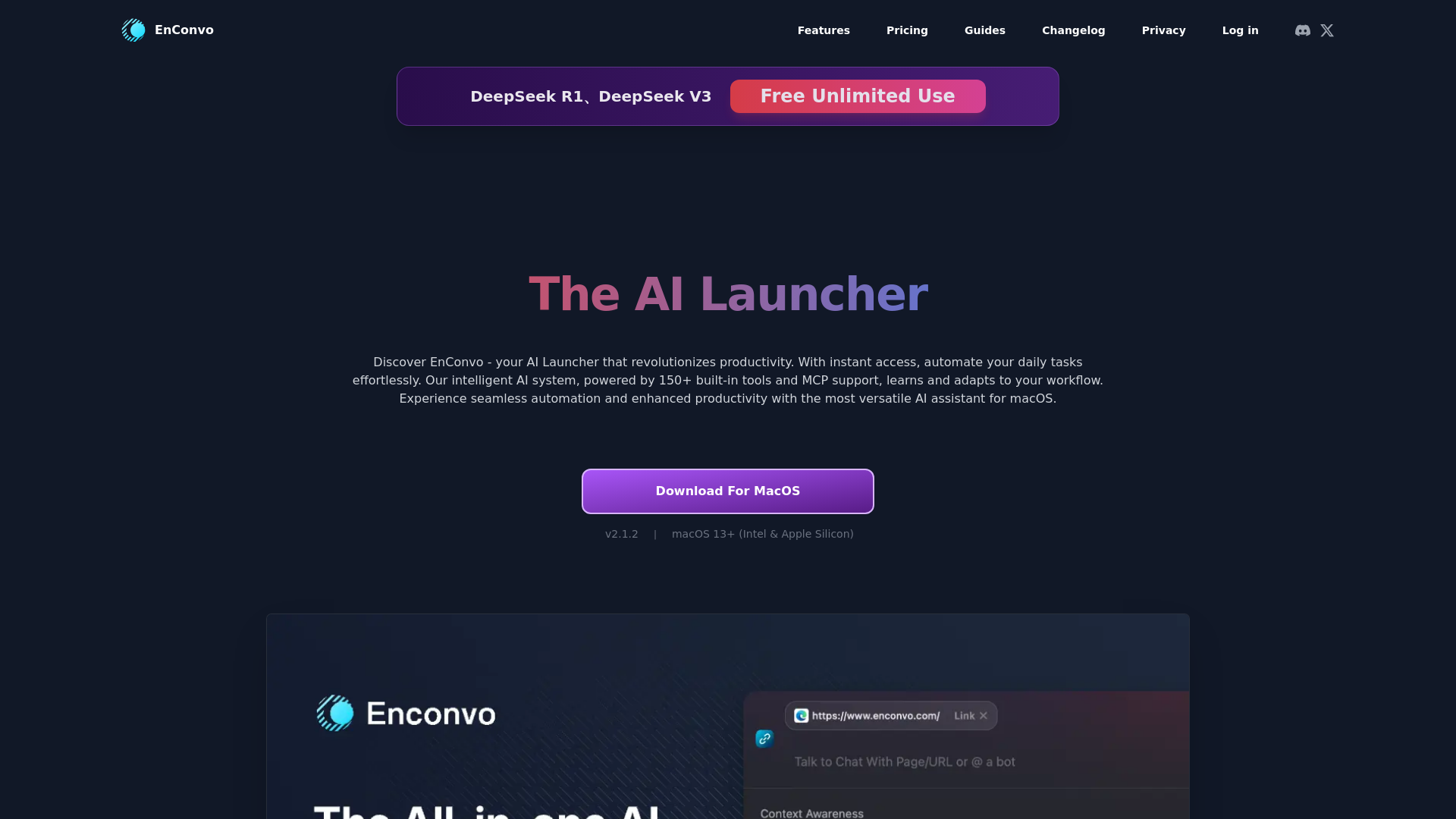
Are you struggling to manage your daily tasks effectively? Look no further than EnConvo, your ultimate AI Launcher designed to streamline processes and maximize productivity. With our intelligent system powered by over 150 built-in tools, you can automate tasks seamlessly, making your workflow smoother than ever. Whether you're a developer, content creator, or product manager, EnConvo adapts to meet your unique needs, transforming how you interact with technology.
How It Works
EnConvo operates on advanced AI technologies that make your workflow seamless and efficient. The core functionalities include:
- AI Learning: The system continuously learns from user interactions, adapting to specific preferences and needs to provide tailored suggestions.
- SmartBar: A unified entry point that provides quick access to all features and functionalities, streamlining your workflow with simple commands.
- Knowledge Base: Users can curate knowledge from various sources, enabling fast search and retrieval of relevant information using AI-powered vector searches.
- Context Awareness: Utilizes real-time contextual data (like text selections and active applications) to recommend suitable tools and features.
- Voice Input: Enables easy integration of voice commands throughout the system, facilitating hands-free operation.
- Workflow Customization: Users can build personalized workflows that combine multiple tools for enhanced productivity.
- Live Closed Captions: Provides real-time typing simulations and translations, improving accessibility and breaking down language barriers.
- Image Generation: Quickly create and adjust visuals using AI tools that support various input methods.
Overall, EnConvo leverages cutting-edge AI to simplify user interactions, enhancing productivity across the board.
Usage
Getting started with EnConvo is simple and designed for users of all levels. Follow these steps to harness the full potential of your AI Launcher: 1. Installation: Download EnConvo from the official website and follow the simple installation prompts to set it up on your macOS. 2. Create an Account: Launch the app and create an account to unlock personalized features. 3. Explore the Interface: Familiarize yourself with the SmartBar and PopBar, your primary navigational tools for accessing features and plugins. 4. Set Up the Knowledge Base: Import your documents and digital references into the Knowledge Base. This will allow you to utilize AI-powered searches for efficient information retrieval. 5. Customize Workflows: Using the Workflow feature, customize specific tasks by arranging tools according to your daily needs. Combine plugins (like AI Web Search or Image Generation) to streamline processes. 6. Activate Voice Input: Go to settings to enable the Voice Input Method. Customize shortcuts for easy access while navigating through your daily tasks hands-free. 7. Utilize Context Awareness: When using SmartBar or PopBar, leverage context awareness features for quicker access to relevant tools based on what you’re currently working on. 8. Start Working: Begin executing tasks using the efficient features offered by EnConvo. Remember to explore its abundant options, including AI-generated visuals and document Q&A capabilities to elevate your productivity!
Software Development
EnConvo enables developers to automate repetitive coding tasks and manage code documentation effectively, thus fostering a more productive programming environment.
Content Creation
Writers can utilize EnConvo's writing tools for grammar checking, text improvement, and AI web searches to generate creative content quickly.
Data Analysis
Researchers can combine multiple AI tools to automate data analysis processes and create presentations quickly, making their reports more effective.
Project Management
Project managers can streamline team workflows, assign tasks, and oversee progress with customized workflows that integrate team communication tools.
Accessibility Support
EnConvo's live closed captions and voice input enable individuals with disabilities to interact more effectively with technology.
Education
EnConvo assists students with research and collaborative tasks while enabling teachers to enhance lesson planning using integrated resources.
Features
- AI Learning: The system learns from user interactions, adapting to preferences for a tailored experience.
- SmartBar: Offers quick access to all tools with simple commands, streamlining workflow.
- Knowledge Base: Manage and curate your knowledge for quick, AI-powered searches.
- Context Awareness: Automatically adjusts to the user's context, improving workflow efficiency.
- Voice Input Method: Integrates voice commands for hands-free management.
- Workflow Customization: Build personalized workflows tailored to specific needs.
Free (Lifetime access to all basic features): FREE
- 10 uses/day
- Knowledge Base
- Workflow
- Voice Input Method
- Context Awareness
- Live Closed Captions
- Seamless access AI via SmartBar
- More than 100+ features
Premium (One-time): $99
- 150,000 Points bonus
- Unlimited AI use
- 3 MacOS Devices
- Lifetime free updates
- All premium features
Standard (One-time): $49
- 50,000 Points bonus
- Unlimited AI use
- 1 MacOS Device
- 2 years free updates
- All premium features
Cloud Premium (Monthly): $10
- 500,000 Points/Month
- Unlimited Knowledge Bases
- 5 MacOS Devices
- No Cash Needed APIKey
- All premium features
Cloud Premium (Yearly): $96
- 500,000 Points/Month
- Unlimited Knowledge Bases
- 5 MacOS Devices
- No Cash Needed APIKey
- All premium features
FAQ
- Is EnConvo an Electron app?
No, EnConvo is a native macOS application built for optimal performance and system integration.
- Is EnConvo free to use?
EnConvo offers a free trial with 10 uses per day and also provides lifetime licenses and subscription plans for full access.
- Does EnConvo use my data for training?
No, we do not use any user data for training. All data is encrypted during transmission and we only store basic usage analytics.
- What is your refund policy?
We offer a 14-day no-questions-asked refund policy for Lifetime Licenses. For Subscription plans, you can cancel your subscription at any time.
- What platforms does EnConvo support?
EnConvo currently only supports macOS, and has been optimized for native performance.
- Is EnConvo open source?
While EnConvo itself is not open source, all EnConvo extensions are open source and can be found on GitHub.
- Do you offer technical support?
Yes, you can join our Discord community for technical support with our team and community members.
- How often do you release updates?
We regularly release updates with new features, improvements, and bug fixes, free for existing users within their license period.




Comments