
- Monthly visits
- 2,232
- 2026-09
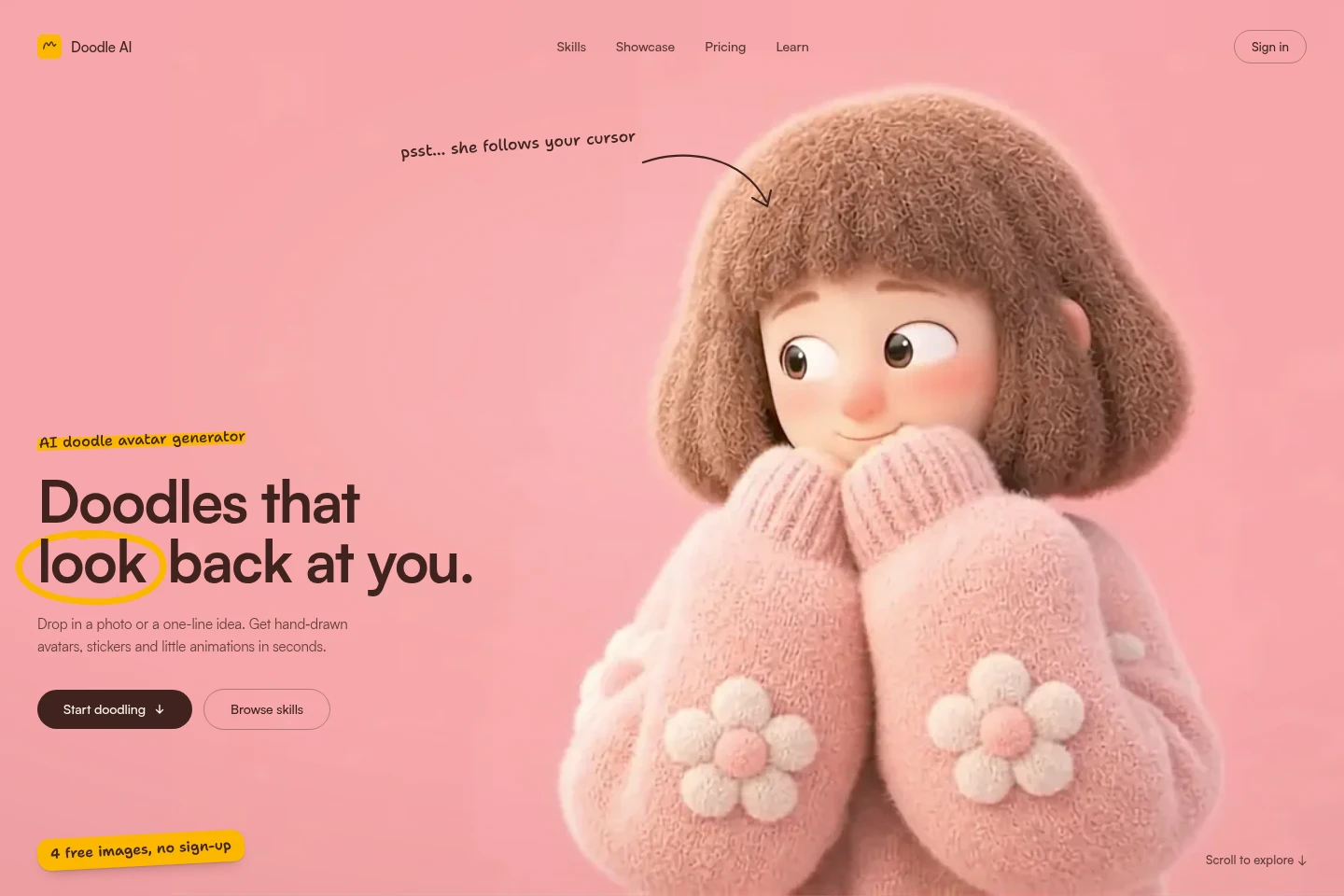
Doodle AI - Turn photos and ideas into hand-drawn doodles
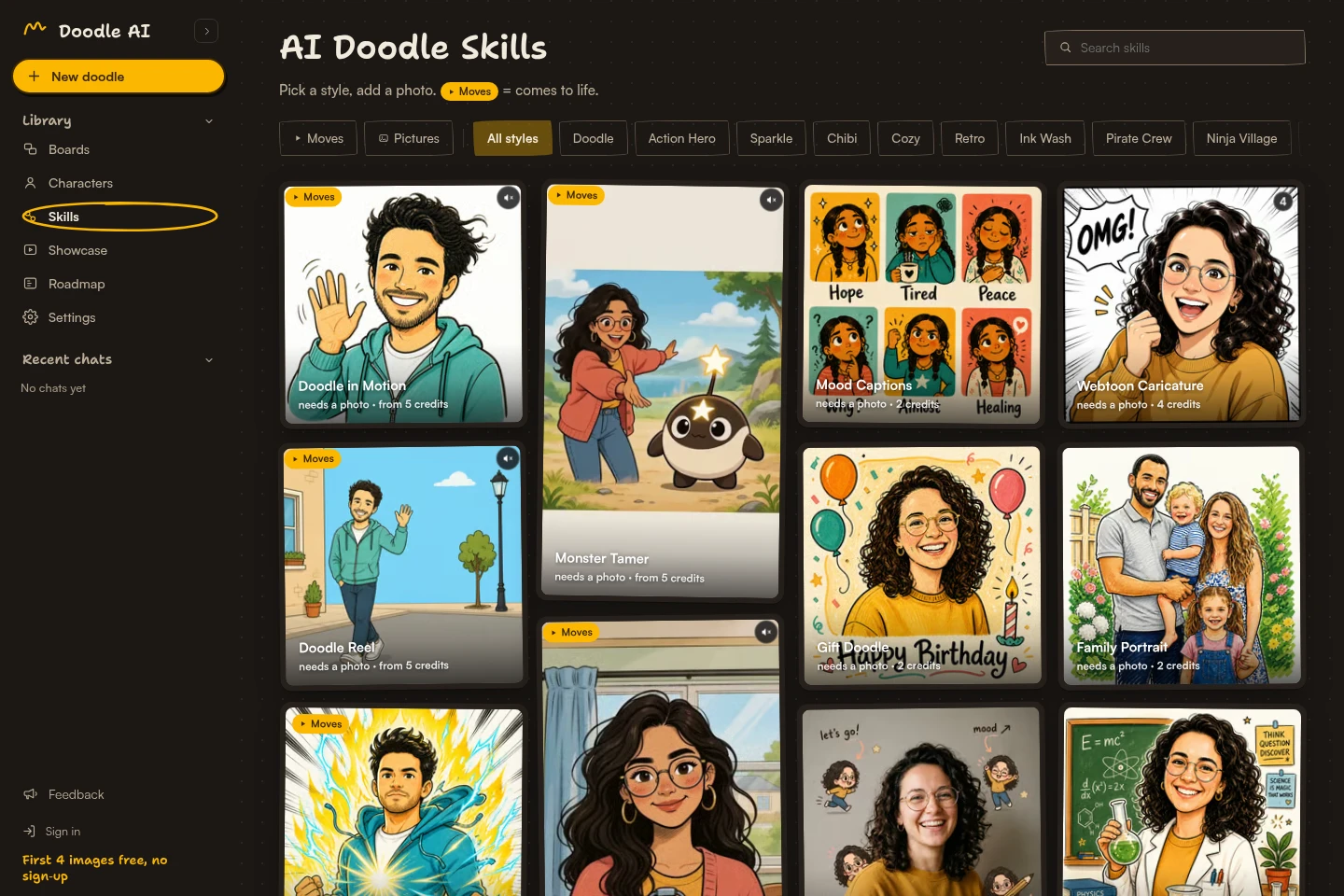
Doodle AI turns a photo or a one-line character idea into hand-drawn avatars, stickers, portraits, collages and short animations. Choose from picture and animation skills, then save results to a board, remix them or download and share them. Four images are available without an account; signing in with Google adds 10 free credits.
- AI Design
- Illustration Generators
- Animation Generators
- Portrait Generators
- AI photo doodle generator
- doodle avatar maker
- photo sticker generator
Capabilities
Photo-to-doodle generation
Creates hand-drawn avatars, portraits, collages and sticker designs from an uploaded photo. Select a picture skill; most require a photo and return multiple versions or a defined image pack.
Idea-to-doodle generation
Turns a written character description or rough sketch into doodle art without requiring a photo for the description-based skills. Choose a suitable skill and style to generate the result.
Doodle animation
Produces a 5–15 second animated clip from a photo and an animation skill. Clips cost 1 credit per second, and the animation may bring the drawing to life or place the character in a new scene.
Save and remix creations
Lets users save creations to boards, revisit them and remix them. Sign in to save and revisit work across devices; saved characters can be reused in doodle creations.
Pricing
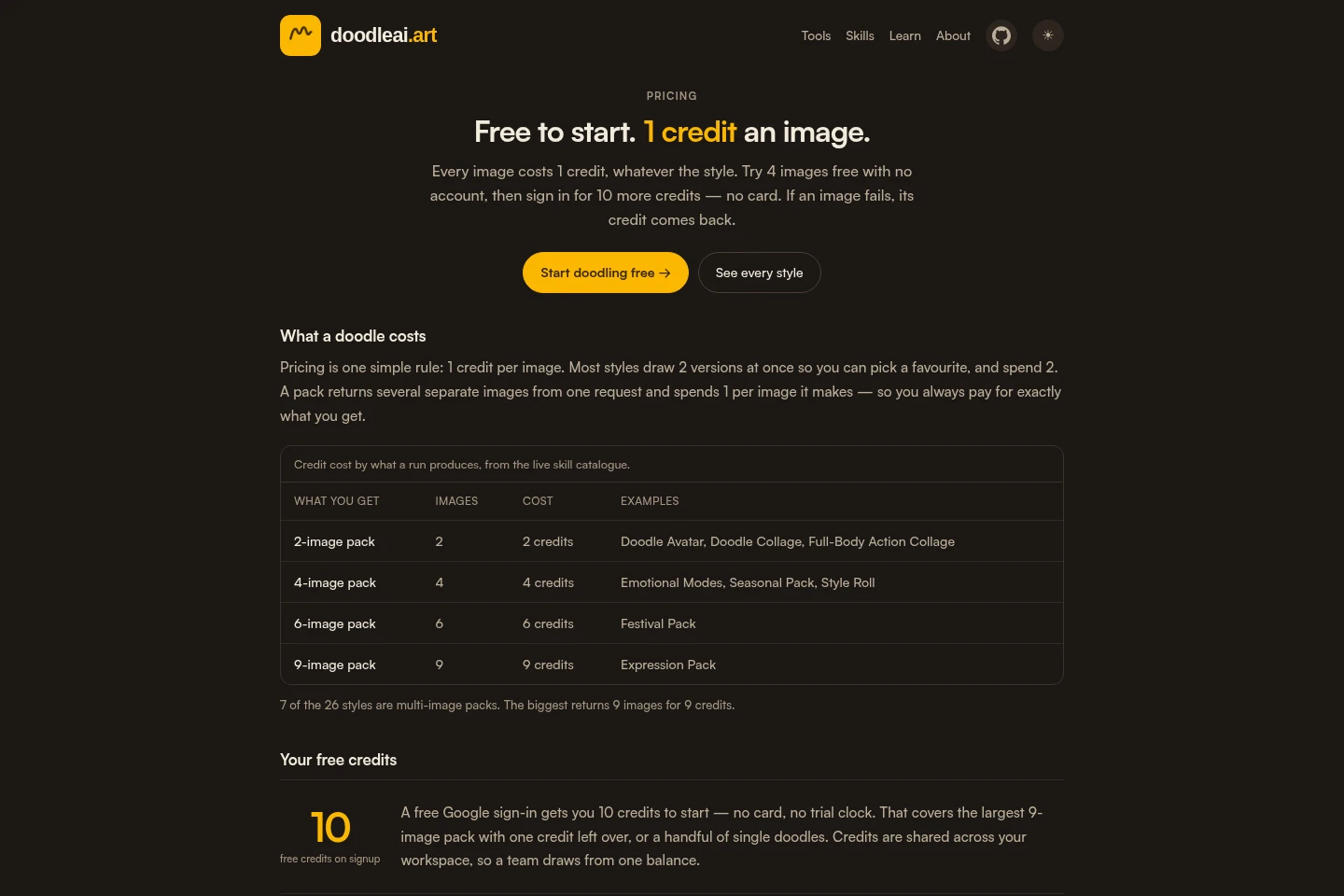
Doodle AI is free to start, using credits rather than a currently purchasable subscription. Compare the free image allowance, credits per generated image or clip, and the output quantity of each skill.
Four images can be made without an account; signing in with Google adds 10 free credits with no card or trial clock. Checkout is not open during testing, so additional credits are manually granted rather than sold.
Use cases
Create a hand-drawn profile avatar
When someone wants a drawn profile image from a personal photo, they can choose an avatar skill and submit the photo. Doodle AI returns hand-drawn versions that can be saved, downloaded or shared.
Create personal chat stickers
When someone wants stickers based on their own photo or expressions, they can select a sticker or expression skill and generate an image pack. The resulting sticker designs can be downloaded and shared.
Turn a character photo into a short clip
When someone wants a still character to move, they can provide a photo and select one of the animation skills. The result is a 5–15 second clip, charged at 1 credit per second.
Limitations
Most picture skills require a photo; only some skills accept a written description without one.
Checkout is not open during the current testing phase, so extra credits are granted manually rather than sold.
Animation skills make clips 5–15 seconds long and charge 1 credit per second.
Photos, prompts and settings are sent to fal.ai for rendering; finished doodles are stored by Doodle AI.
Who it is for
People who want hand-drawn avatars or portraits made from personal photos
People creating personalized sticker packs or reaction images for chats
People turning character ideas or photos into doodles and short animated clips
FAQ
Can I use Doodle AI without signing up?
Yes. You can make four images without an account. Signing in with Google adds 10 free credits, requires no card and brings your guest creations into your account.
How many credits does an image or animation use?
Each generated image costs 1 credit. A run that returns two versions costs 2 credits, and packs cost 1 credit per image returned. Animation costs 1 credit per second for a 5–15 second clip.
Do I need to upload a photo?
Most skills require a photo, but some create from a written description alone. You can also sketch an idea, and the app offers a chat-based way to describe the character you want.
Can I buy more credits now?
No. Checkout is not open during the current testing phase, so extra credits are granted manually rather than sold.
What happens when an image generation fails?
The credit is returned automatically if a generation errors out. You are charged only for images that are produced.
Where does Doodle AI process and store my photo?
Your photo, prompt and settings are sent to fal.ai to render the image, and the finished doodle is kept in Doodle AI storage. The stated handling applies whether you are signed in or using the guest flow; fal.ai’s privacy practices also apply.
Comments