

- Monthly visits
- 895
- 2026-10
- Monthly growth +8,036.4%
Dollie Agent OS - Configure Agents around your work, with people reviewing their output
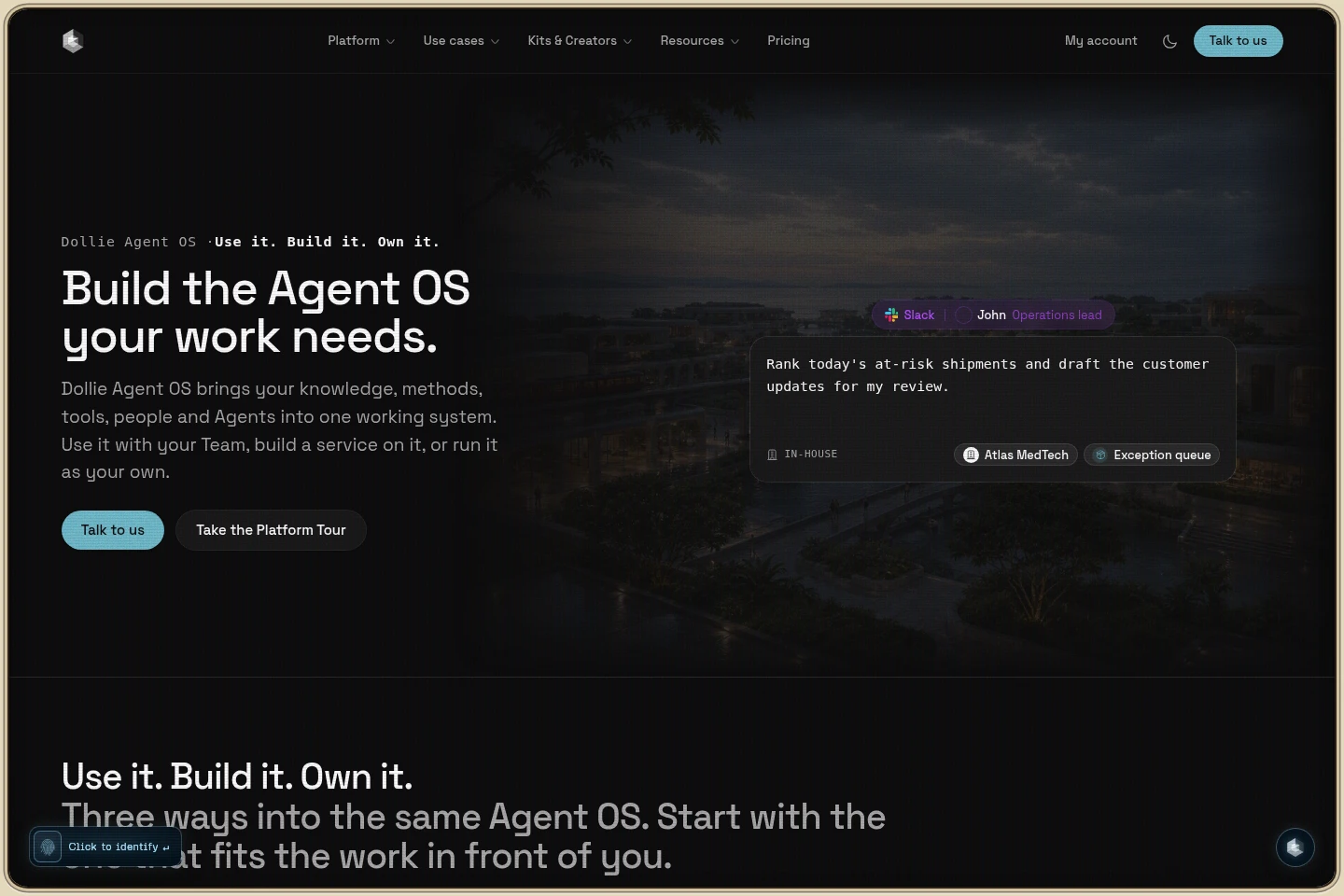
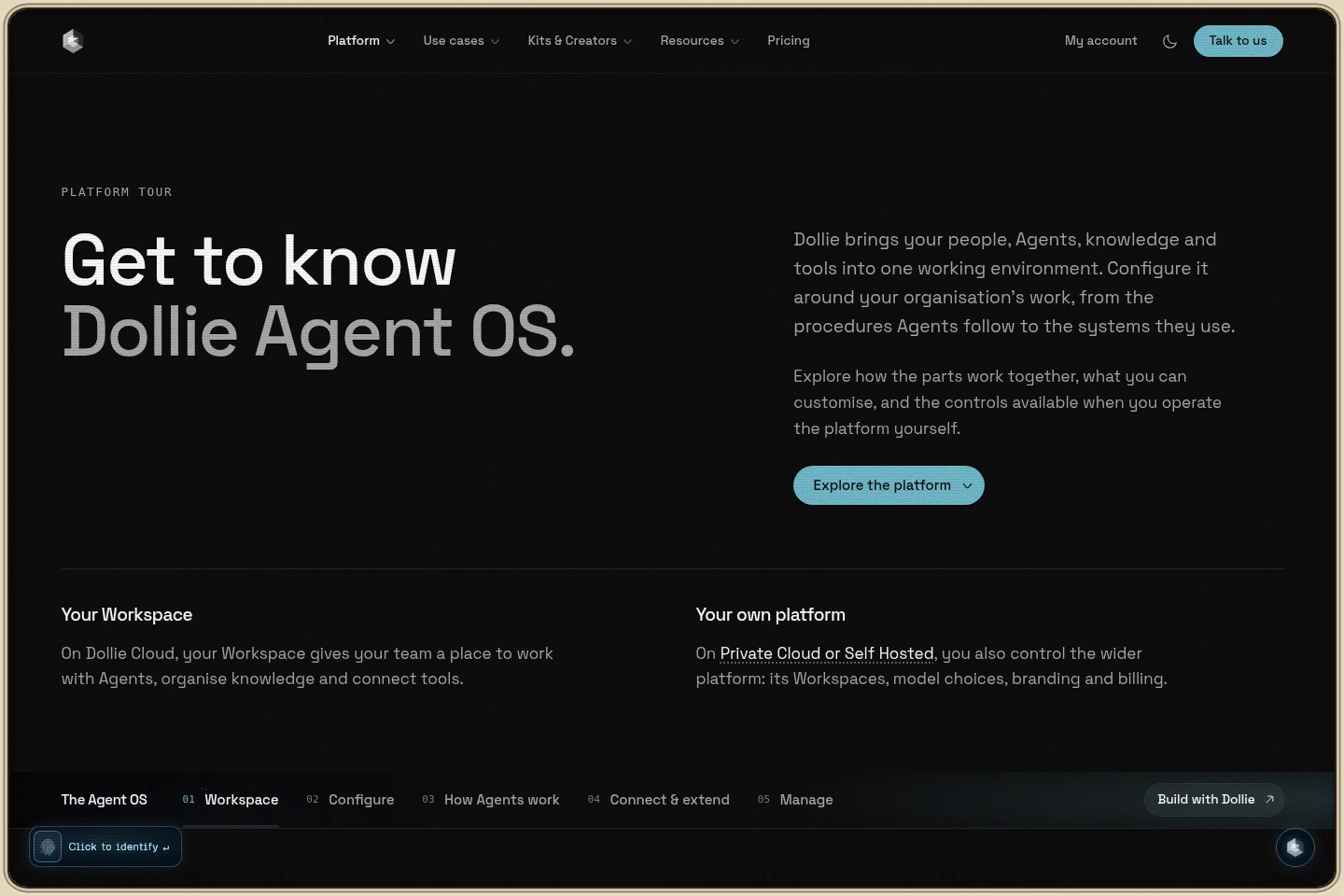
Dollie Agent OS brings Agents, knowledge, tools and people into a shared working environment. Teams can configure Agents around their methods, connect them to selected knowledge and systems, and review work before actions reach customers. It is available on Dollie Cloud, Private Cloud or as a self-hosted deployment, depending on the plan.
- AI Agents
- Agent Builders
- AI agent workspace
- self-hosted agent platform
- business AI agents
Capabilities
Configure work-specific Agents
Create Agents with defined roles, instructions and tools. Configure their model, knowledge and connections, and choose when they may act or must wait for approval.
Organize work in Workspaces
Bring people and Agents together in Channels, conversations, Tasks and Runs. Create separate Workspaces for departments, customers or projects, with managed members and resource access.
Connect knowledge and tools
Give Agents access to Knowledge Bases, Brain Files, Records and connected systems. Access is scoped to each Agent, and the available connections and model choices depend on the plan.
Review work and save outputs
Assign work to people or Agents and keep responsibility, progress and review visible. Save outputs as documents, dashboards or files, then share, download or review earlier revisions.
Deploy and control the platform
Run Dollie on Dollie Cloud, Private Cloud hosted by Dollie, or self-hosted on your infrastructure. Enterprise adds platform control, your brand and domain, and deployment arrangements agreed with Dollie.
Pricing
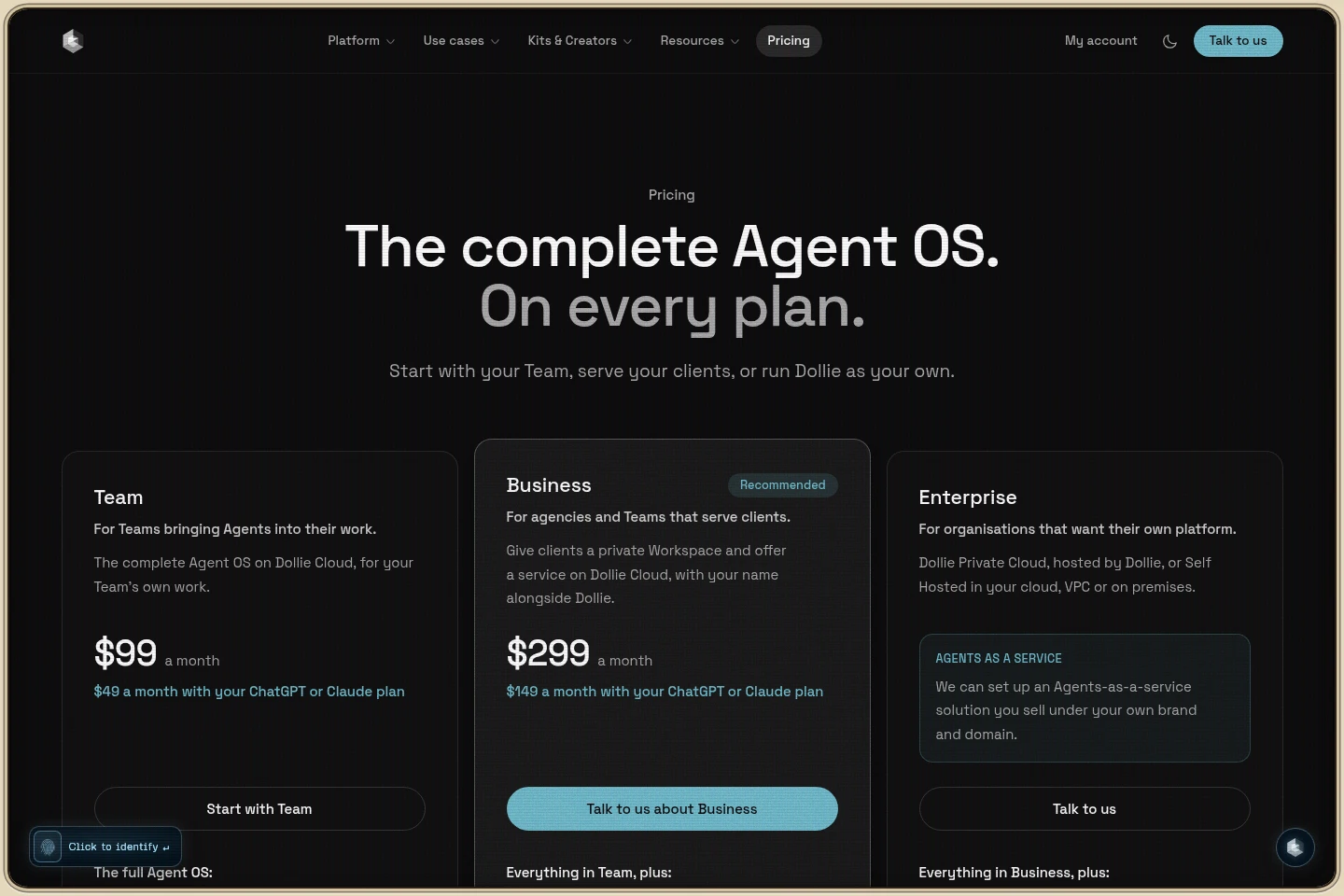
Dollie offers monthly paid Team and Business subscriptions, plus Enterprise with deployment and support agreed with Dollie. Compare monthly credits, client access, branding, model control and deployment options to choose a plan.
| Plan | Price | Included features and limits |
|---|---|---|
| Team | $99 a month; $49 a month with eligible connected plan |
|
| Business | $299 a month; $149 a month with eligible connected plan |
|
| Enterprise | Contact Dollie for an agreed price |
|
The 50% offer is limited by availability and requires an eligible ChatGPT or Claude plan; that provider subscription is separate. Included credits reset monthly and do not roll over. Top-ups cost $25 for 500, $50 for 1,000, $100 for 2,000 or $250 for 5,000 credits, which last 12 months. Credit use depends on the model and work.
Use cases
Coordinate Agent work for an internal team
When a team wants Agents to assist with its own work, it can configure Agents in a Workspace, connect relevant knowledge and tools, and assign Tasks. The team can review Runs and outputs before taking action.
Offer an Agent service to customers
When an agency or specialist serves customers, Business provides private client access and co-branding on Dollie Cloud. Teams can keep each customer's people, files and history in a separate Workspace and review work before delivery.
Run a branded Agent platform
When an organisation wants to provide Agents under its own brand, Enterprise offers Dollie Private Cloud or self-hosting. The organisation can use its own domain and provider accounts, with deployment and support agreed with Dollie.
Limitations
Team is for a team's own work; client access is not included in that plan.
Business client access is limited to 50 clients; larger requirements need a discussion with Dollie.
Team and Business use Dollie-managed platform model policies and do not include customers' own API keys.
Included monthly credits reset and do not roll over; purchased top-up credits last 12 months.
The 50% ChatGPT or Claude offer is limited by availability and applies only to eligible plans; provider subscriptions remain separate.
ChatGPT Business and Enterprise plans cannot currently be shared with apps, and Claude Pro is not eligible for the stated connected-plan offer.
Who it is for
Teams that want Agents configured around their internal methods and work
Agencies and specialists who want to provide Agent-supported services to customers
Organisations and software companies that need their own branded Agent platform
FAQ
Which Dollie Agent OS plan should we choose?
Choose Team for Agents used by your own team, Business when serving clients, or Enterprise when you want the platform under your own brand. Enterprise deployment and support are agreed with Dollie.
How are Team and Business billed?
Team costs $99 a month and Business costs $299 a month, billed monthly by card. Each includes monthly credits, and top-up packs can be purchased when more credits are needed.
How does the 50% connected-plan offer work?
Eligible ChatGPT or Claude plans can be connected for the lower listed price and credit allowance, while the provider subscription remains separate. The offer is limited by availability and has provider eligibility conditions.
Do unused credits carry over?
No. Included credits reset each month and do not roll over. Purchased top-up credits last 12 months.
Can we cancel or change a plan?
Yes. You can cancel at any time, and the plan continues until the end of the paid month. The Workspace and work are kept, and you can resume later.
Where can Enterprise be deployed?
Enterprise can run on Dollie Private Cloud hosted by Dollie or be self-hosted in your cloud, VPC or on premises. Deployment and support are agreed with Dollie.

Comments