Monthly visits
1,671
2026-10
Monthly growth +865.9%

DeckAssistant - Use AI from Stream Deck buttons and an online chat

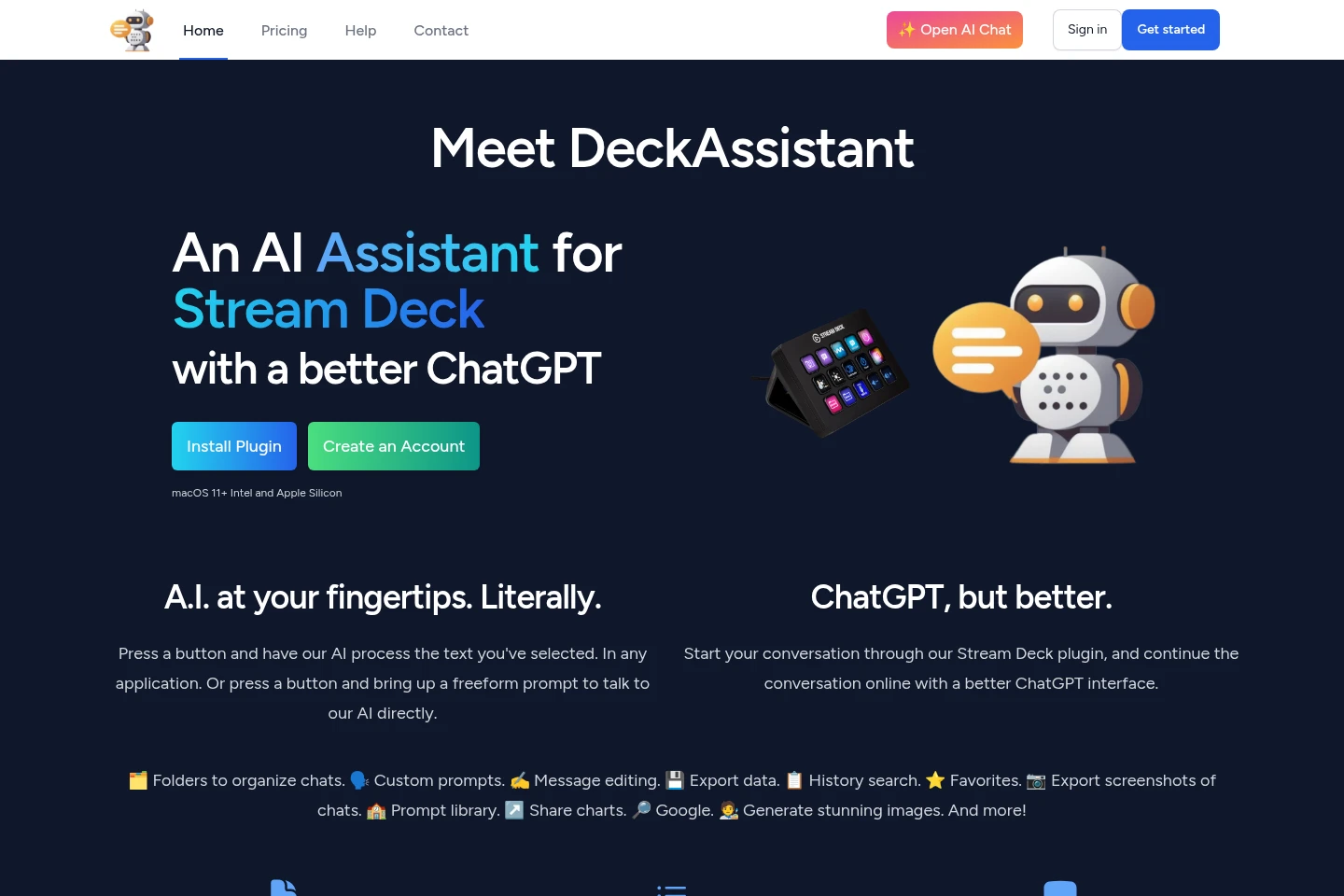
DeckAssistant is an AI assistant that connects a Stream Deck plugin with an online chat interface. Send selected text from any application to AI, or open a freeform prompt from a button. The online chat supports folders, custom prompts, message editing, history search, favorites and data export.

Visit WebsiteUpdate this product

0Views

Capabilities

AI processing for selected text

Send selected text from any application to AI with a Stream Deck button. Install the plugin, configure a button and API token, then press it to process the selection.

Custom prompt buttons

Run a chosen prompt from a Stream Deck button and receive an AI response. Configure the button title and icon, then enter a prompt or choose an example.

Online AI chat

Continue conversations in DeckAssistant's online chat interface. Start through the plugin or use a freeform prompt, then manage chats with folders, editing, search and favorites.

PricingFree trial

DeckAssistant is a paid subscription with monthly or annual billing and a 7-day free trial. Compare the billing interval and the included AI and Stream Deck features; the page shows the amount at checkout.

PlanPriceIncluded features and limits
DeckAssistant

Price at checkout; monthly or annual

  • 7-day free trial

  • Unlimited chats

  • Use AI in any application

  • Freeform chat workflows

  • Stream Deck integration

Taxes are calculated by Paddle for your location. Paddle is the merchant of record and handles payment and tax.

Use cases

Process selected text from an application

When text in another application needs an AI response, select it and press the configured Stream Deck button. DeckAssistant sends the selection for processing without requiring the user to copy and paste it into chat.

Run a configured prompt from Stream Deck

When a task uses a repeatable instruction, add a prompt button and enter the instruction or select an example. Give it a recognizable title and icon, then press it to send the prompt to AI.

Continue and organize AI conversations

When a conversation started from Stream Deck needs further work, open the online chat interface. Continue chatting and use folders, message editing, history search or favorites to manage conversations.

Limitations

  • The Stream Deck workflow requires installing the plugin, creating an account, copying an API token from the dashboard and adding it to a button.

  • The listed platform requirement for the plugin is macOS 11 or later on Intel or Apple Silicon.

  • The pricing page shows the amount as price at checkout rather than stating a numeric price.

DeckAssistant alternatives

AI Chatting

Chat and create effortlessly with AI

AI Chatting is a free, user-friendly AI chatbot that allows you to ask questions and receive instant responses on a wide range of topics. Whether you're looking for advice on making a latte, writing a poem, or exploring a new diet, our chatbot can assist you in real-time. The platform also features AI characters that engage in informative conversations about various subjects, such as education, lifestyle, and business strategies. With AI Chatting, you can enhance your creativity by generating emails, articles, and scripts effortlessly without the fear of writer's block. Our chatbot is powered by GPT technology, ensuring high-quality and expert-level content every time you interact.

  • Freemium
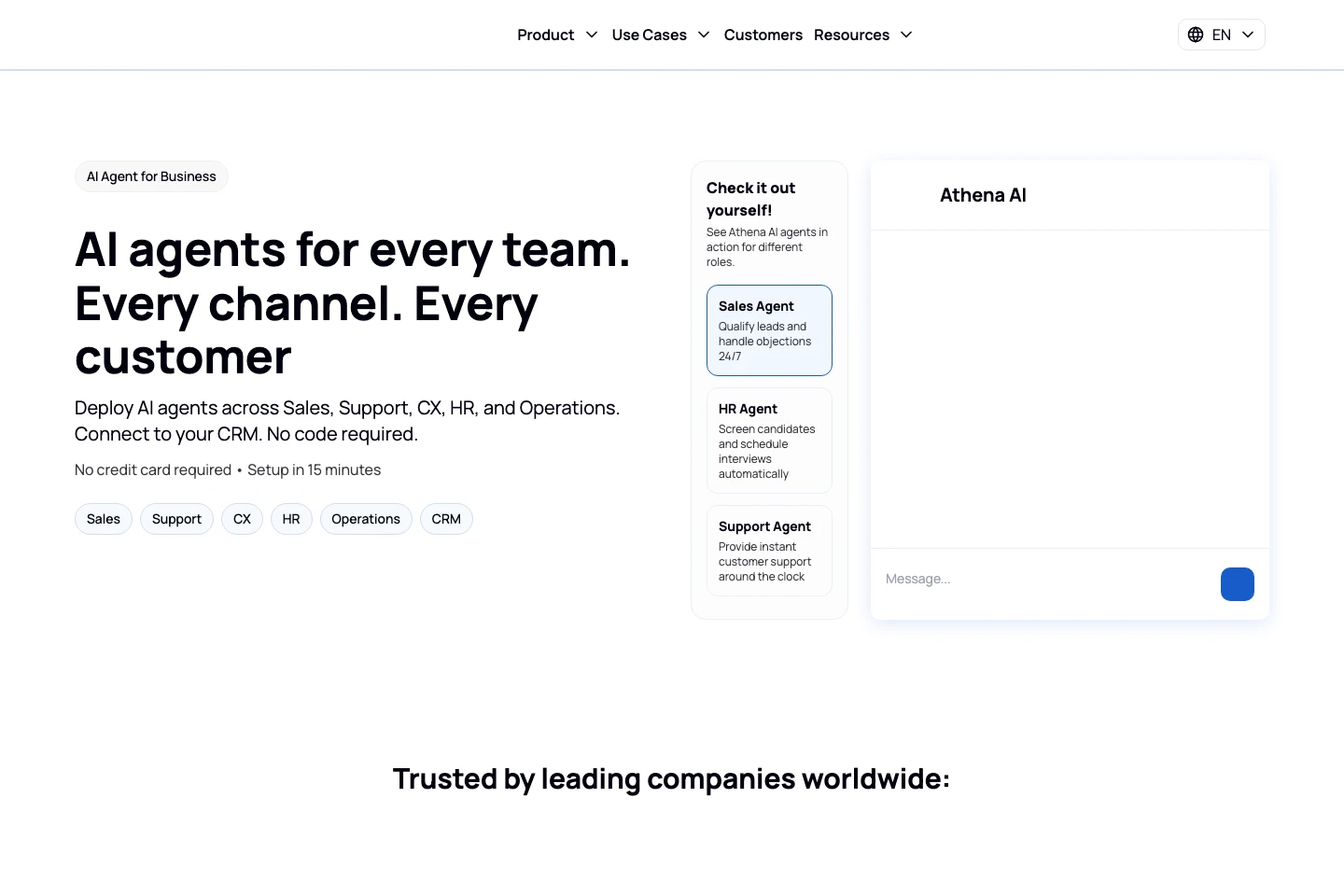
  1. AthenaChatAI

    Automate your communication effortlessly

    Free
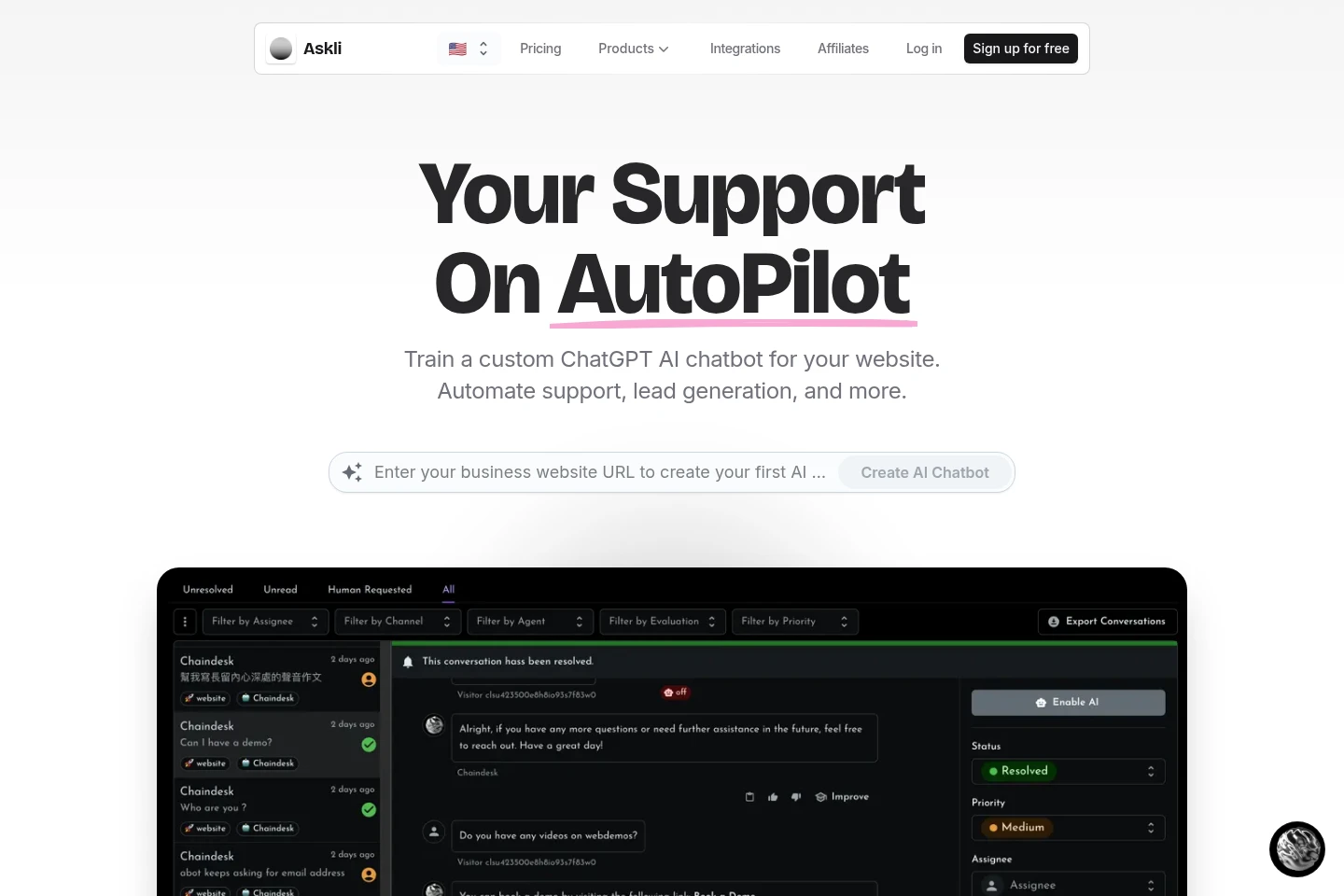
  2. Chaindesk

    Automate your support with AI efficiency

    Freemium
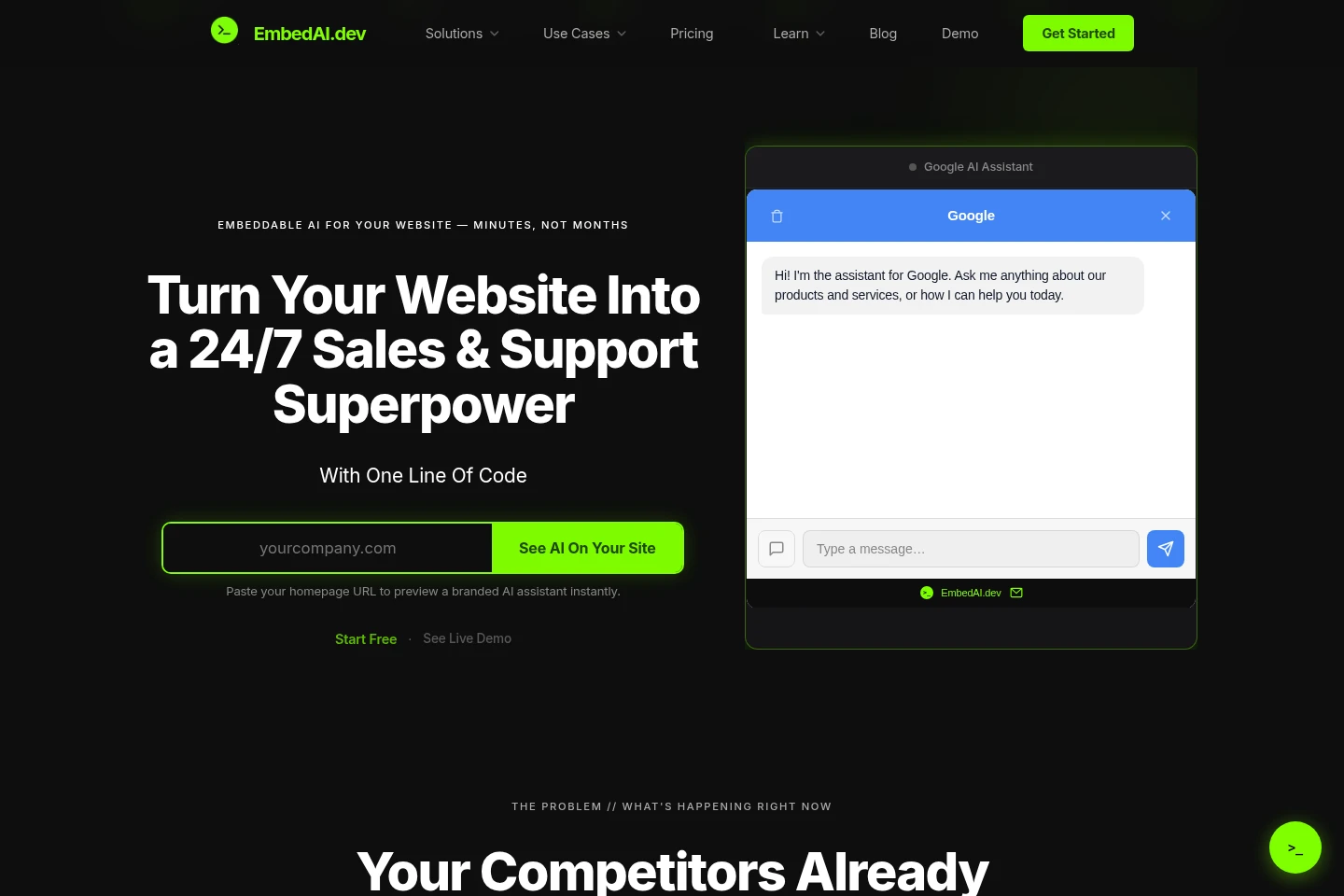
  3. EmbedAI.dev

    Embed an AI assistant into your website with one script

    Free · $0 forever
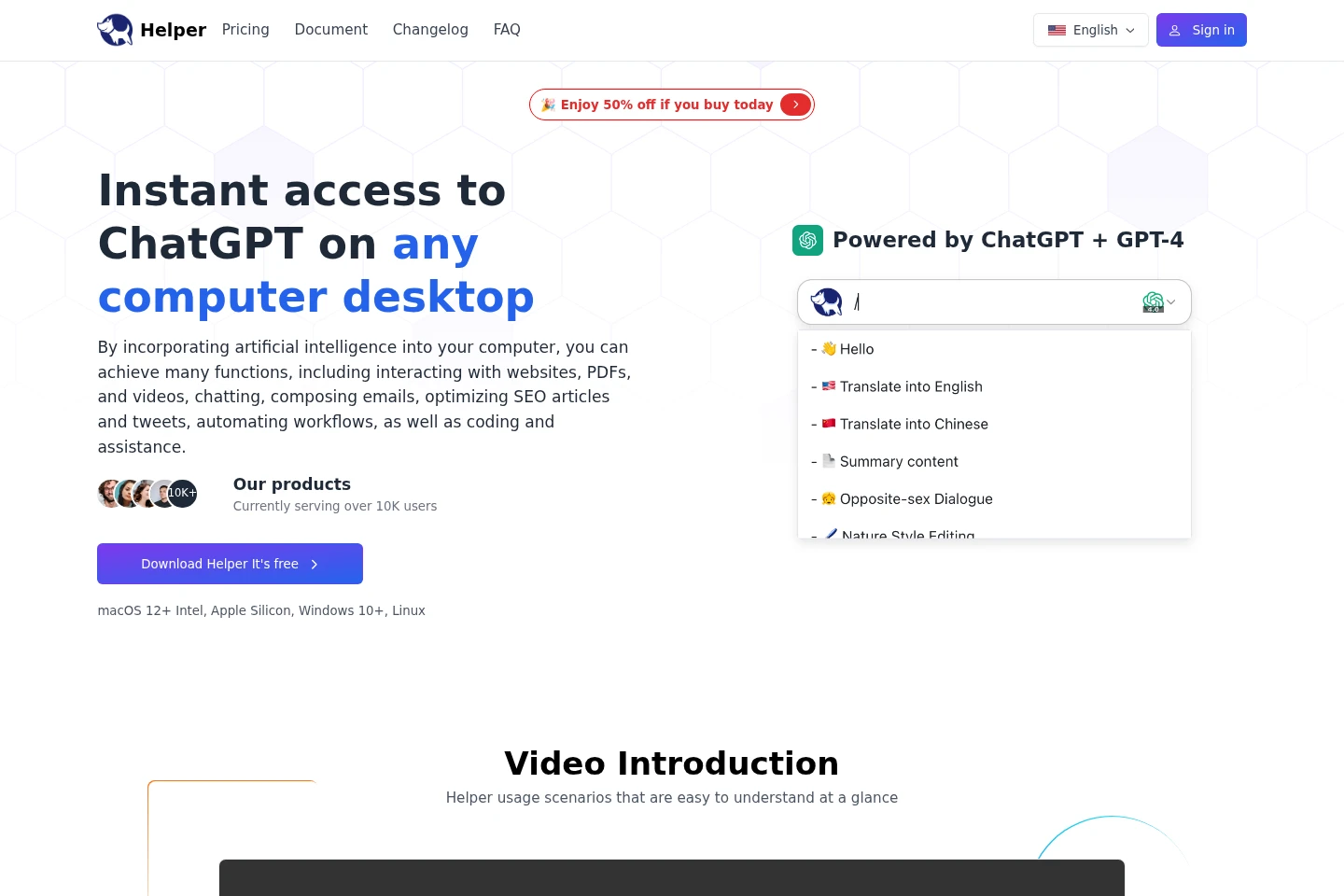
  4. Ai Helper

    A desktop AI assistant for chat, writing, and coding

    Free
  5. YesChat AI

    All-in-one AI platform for chat image video and music creation

    Freemium

Who it is for

  • Stream Deck owners who want AI actions available at the press of a button

  • People who repeat AI prompts or process selected text across applications

  • AI chat users who need searchable, editable conversations and chat folders

FAQ

How do I set up DeckAssistant with Stream Deck?

Create an account, copy the API token from your dashboard, install the Stream Deck plugin, add a button and paste in the token. Then press the button to use it.

Can DeckAssistant process text from other applications?

Yes. Select text in an application and press a configured button to send it to AI for processing. The homepage describes this workflow for any application.

Can I use my own prompts?

Yes. Configure a prompt button with a prompt you write, or choose one of the example prompts. You can set the button title and icon.

What does the DeckAssistant plan cost?

The pricing page displays “Price at checkout” rather than a numeric amount. It offers monthly or annual billing, with taxes calculated by Paddle for your location.

Does the plan include a free trial?

Yes. The pricing page lists a 7-day free trial for DeckAssistant.

Comments

Please sign in to leave a comment.
No comments yet. Be the first to share your thoughts!