

- Monthly visits
- 546
- 2026-09
data-peek - A keyboard-first desktop client for database work
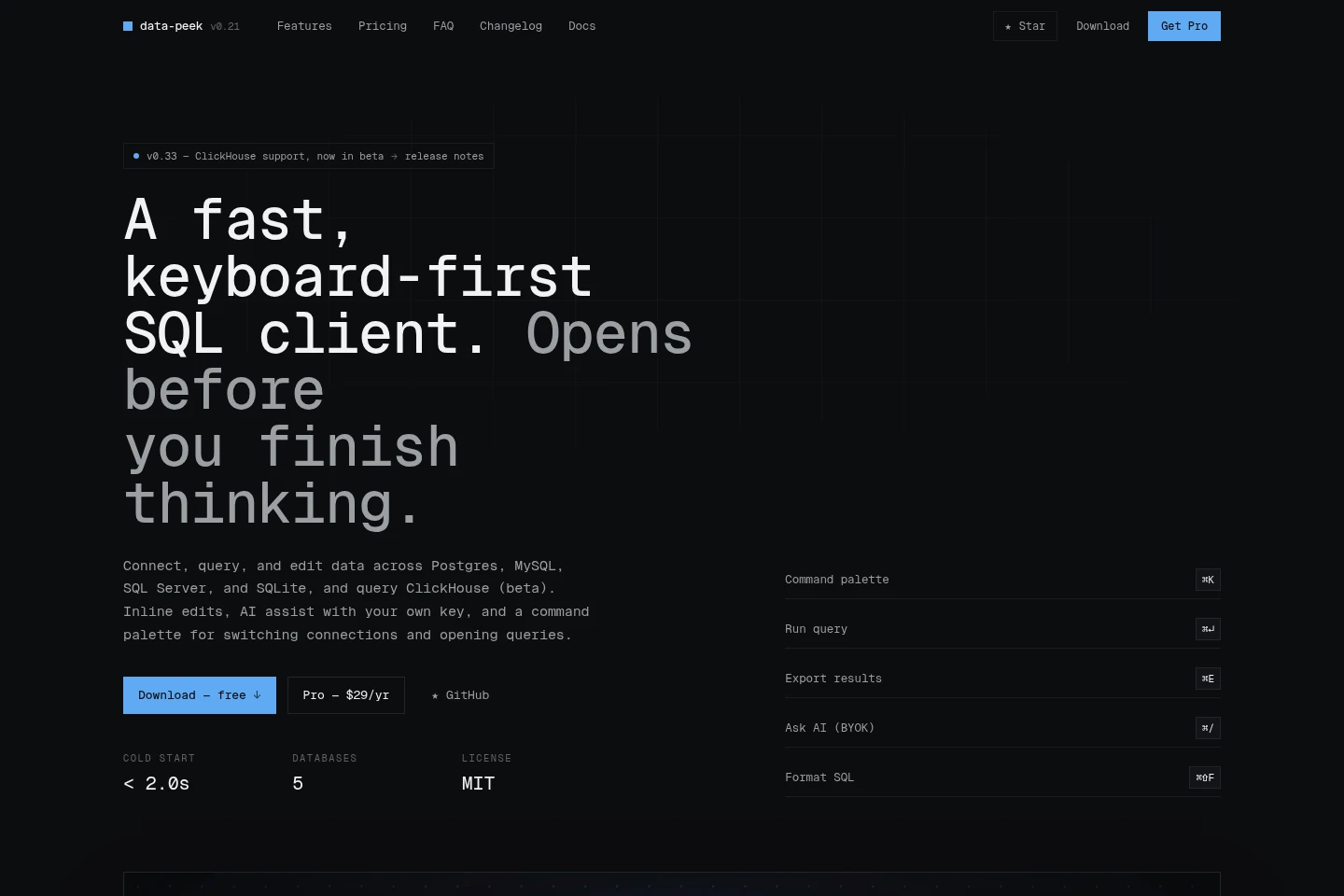
data-peek is a desktop SQL client for connecting to PostgreSQL, MySQL, SQL Server and SQLite, with ClickHouse querying and browsing in beta. It supports query editing, inline data changes, saved queries, result exports and optional AI assistance using your own provider key or a local Ollama model. Personal use is free; commercial use in qualifying for-profit teams requires Pro.
- AI Coding
- Text to SQL
- Data Analysis
- Data Visualization
- desktop SQL client
- database query editor
- AI database client
Capabilities
Database querying and editing
Run SQL and inspect or edit data in PostgreSQL, MySQL, SQL Server and SQLite. ClickHouse currently supports querying and browsing in beta, without inline editing or the table designer.
Keyboard query management
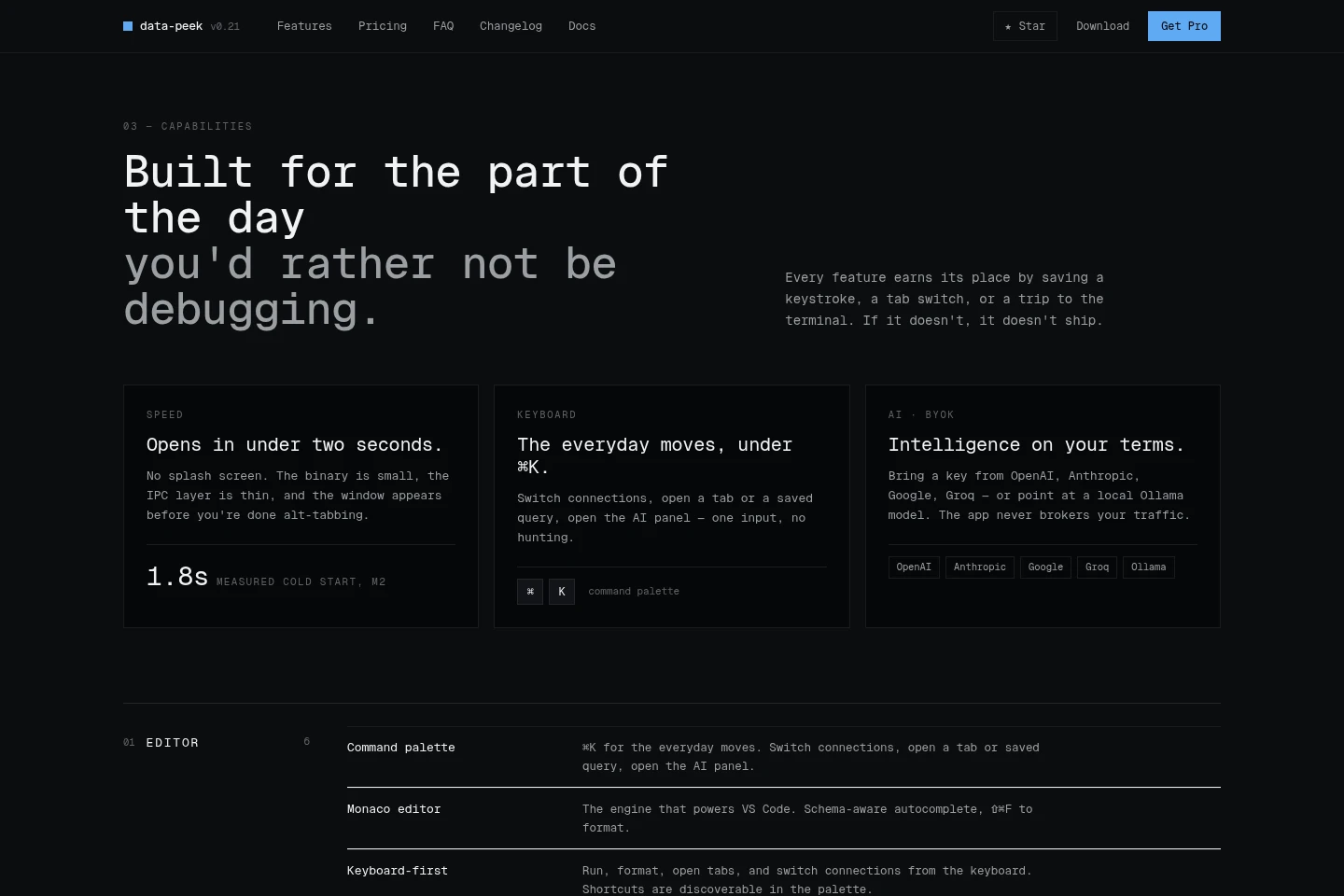
Use the command palette to switch connections, open tabs and saved queries, and access the AI panel. Executed statements are captured in searchable, filterable history.
AI-assisted SQL
Turn questions into schema-aware runnable SQL, request SQL edits, or generate charts from results. Supply a key for a supported provider or use a local Ollama model; writes can require approval.
Database inspection tools
Inspect query plans, execution timings, health indicators, column statistics and schema relationships. The health monitor can show active queries, cache hit ratios, locks and table sizes.
Data import and export
Import CSV with automatic column mapping and type inference, and export results as CSV, JSON or Markdown, or copy rows as SQL INSERT statements.
Pricing
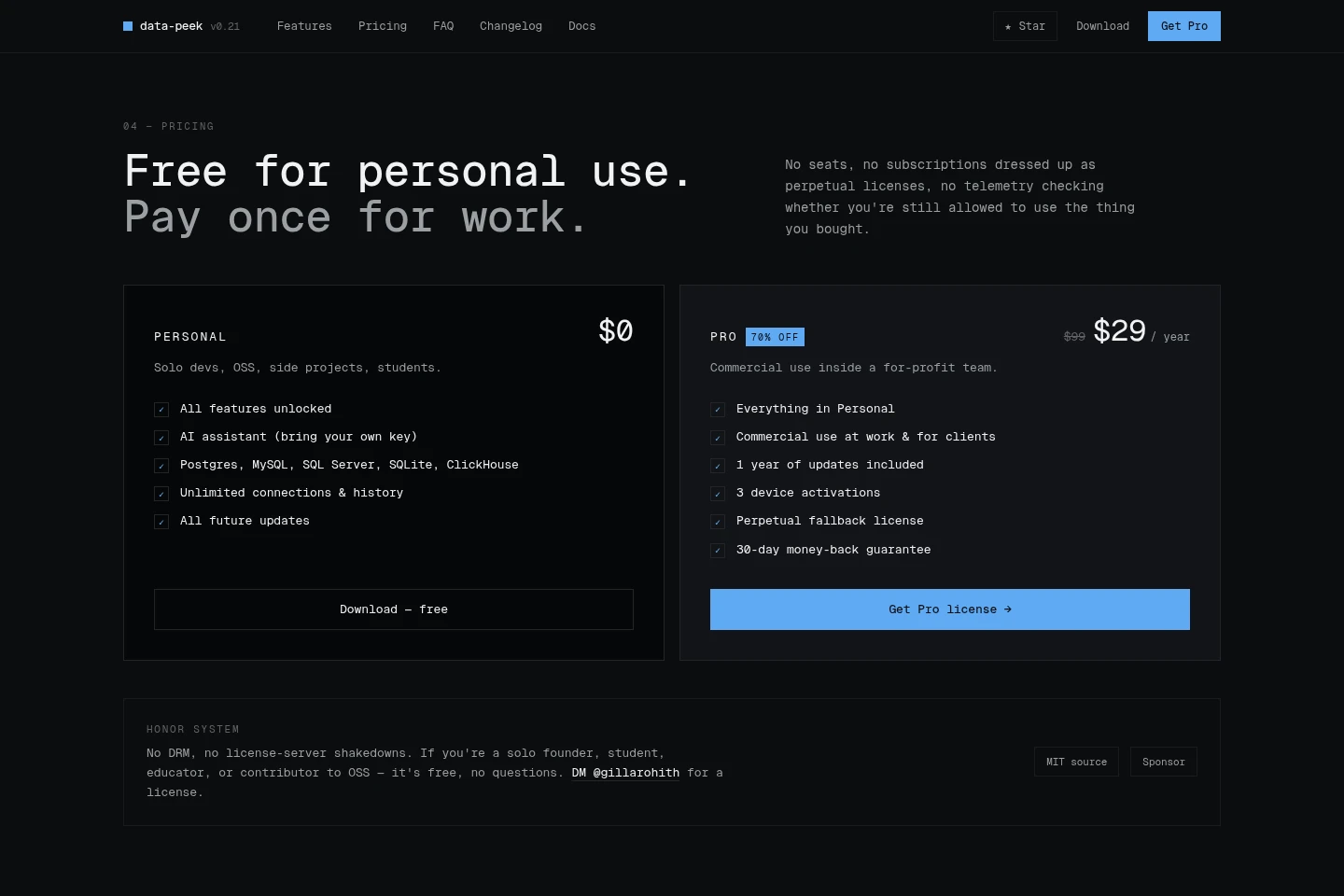
Personal is free, while Pro is a one-time annual license payment for commercial use. Compare permitted use, update coverage and device activations; the Pro price is shown as $29 per year, reduced from $99.
| Plan | Price | Included features and limits |
|---|---|---|
| Personal | $0 |
|
| Pro | $29 per year, reduced from $99 |
|
No subscription is charged, and the Pro license is presented as a pay-once license. Students, educators, solo founders and open-source contributors can request a free license; the site describes the honor system without DRM.
Use cases
Run and review database queries
When working with a supported database, connect and run SQL in the editor, review results, and use query history to search or rerun executed statements. ClickHouse querying and browsing are beta features.
Edit database rows inline
When changing records in PostgreSQL, MySQL, SQL Server or SQLite, edit a cell, preview the resulting SQL, and commit or undo the change. Inline editing is not listed for beta ClickHouse support.
Draft SQL with AI assistance
When a query needs to be expressed or revised, ask in plain language for schema-aware SQL or describe an edit and review it as a diff. This uses a user-supplied provider key or a local Ollama model; the app does not broker provider traffic.
Import or export database data
When moving data into or out of a database, import a CSV with inferred types and mapped columns, or export results in CSV, JSON or Markdown formats. CSV import also offers batch insert and conflict handling.
Limitations
ClickHouse support is beta and covers querying and browsing; inline editing and the table designer are described for the other four databases.
Commercial use in a for-profit team of two or more, freelancing for clients, or agency work requires a Pro license; solo founders are free.
AI assistance requires a user-supplied provider key or a supported local model, and prompts sent to a hosted provider include the question and relevant schema.
The Pro license includes one year of updates and three device activations; after updates end, the activated version continues working under the perpetual fallback license.
Who it is for
Developers who query and edit relational databases
Students and educators needing database tools for coursework
Open-source contributors using a desktop SQL client
For-profit teams and client-service developers needing commercial use
FAQ
Is data-peek free to use?
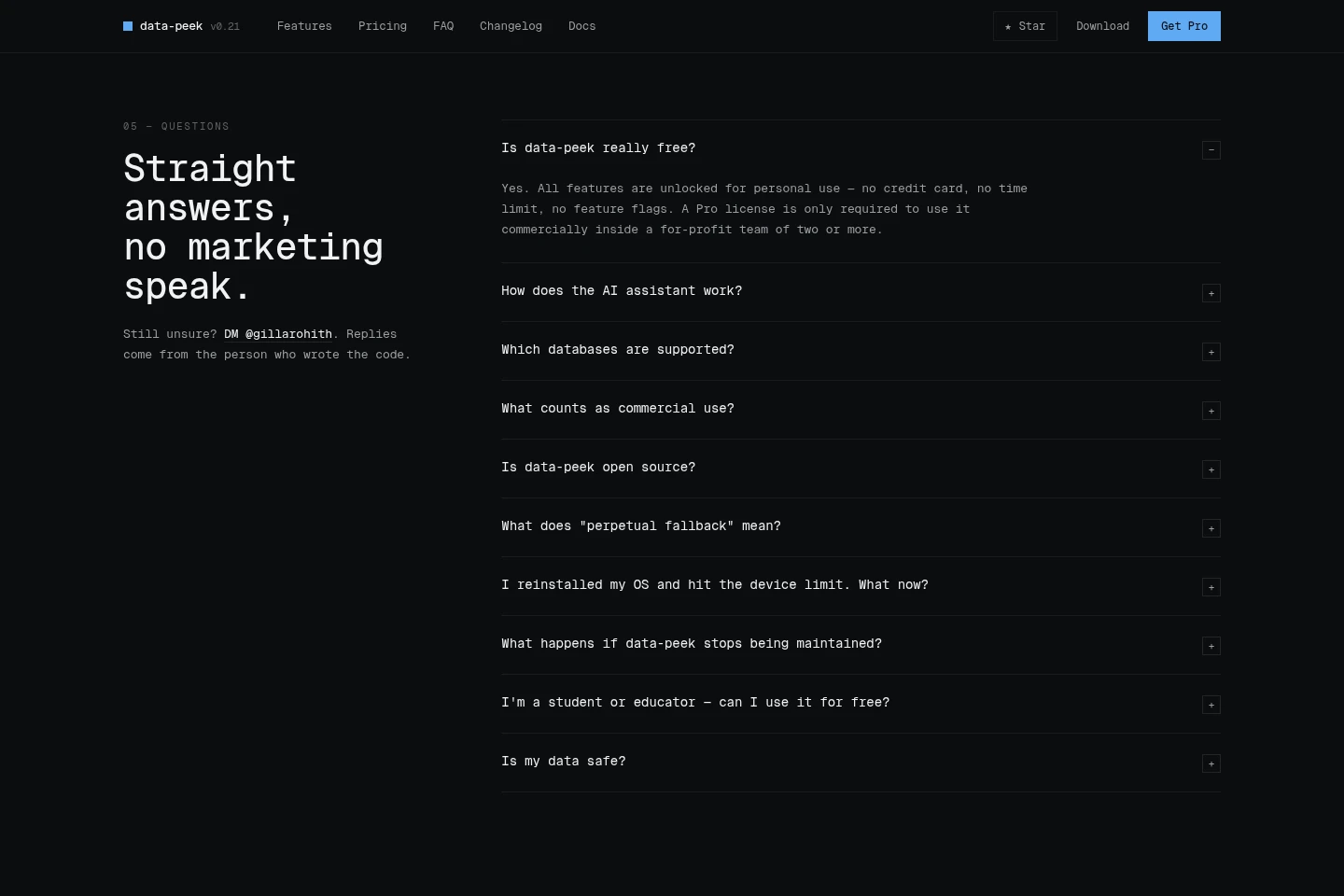
Yes, all features are unlocked for personal use with no time limit or credit card requirement. Commercial use in a for-profit team of two or more requires Pro; solo founders, students, educators and open-source contributors can request a free license.
Which databases can data-peek connect to?
It supports PostgreSQL, MySQL, Microsoft SQL Server, SQLite and ClickHouse. ClickHouse is in beta and supports querying and browsing; inline editing and the table designer cover the other four.
How does the AI assistant handle requests?
You provide a key for OpenAI, Anthropic, Google or Groq, or select a local Ollama model. For hosted providers, data-peek sends the question and relevant schema; Ollama can keep the prompt on your machine.
What counts as commercial use?
Commercial use includes using data-peek at a for-profit company with two or more people, freelancing for clients, or agency work. A solo founder at a company of one can use it for free.
What does the Pro perpetual fallback license include?
Pro includes one year of updates, and the version you have keeps working forever if you do not renew. Renewing is optional and is needed only to receive newer features after the included update period.
Comments