

- Monthly visits
- 2,293
- 2026-09
cyberWriter - A native Markdown studio for Apple devices
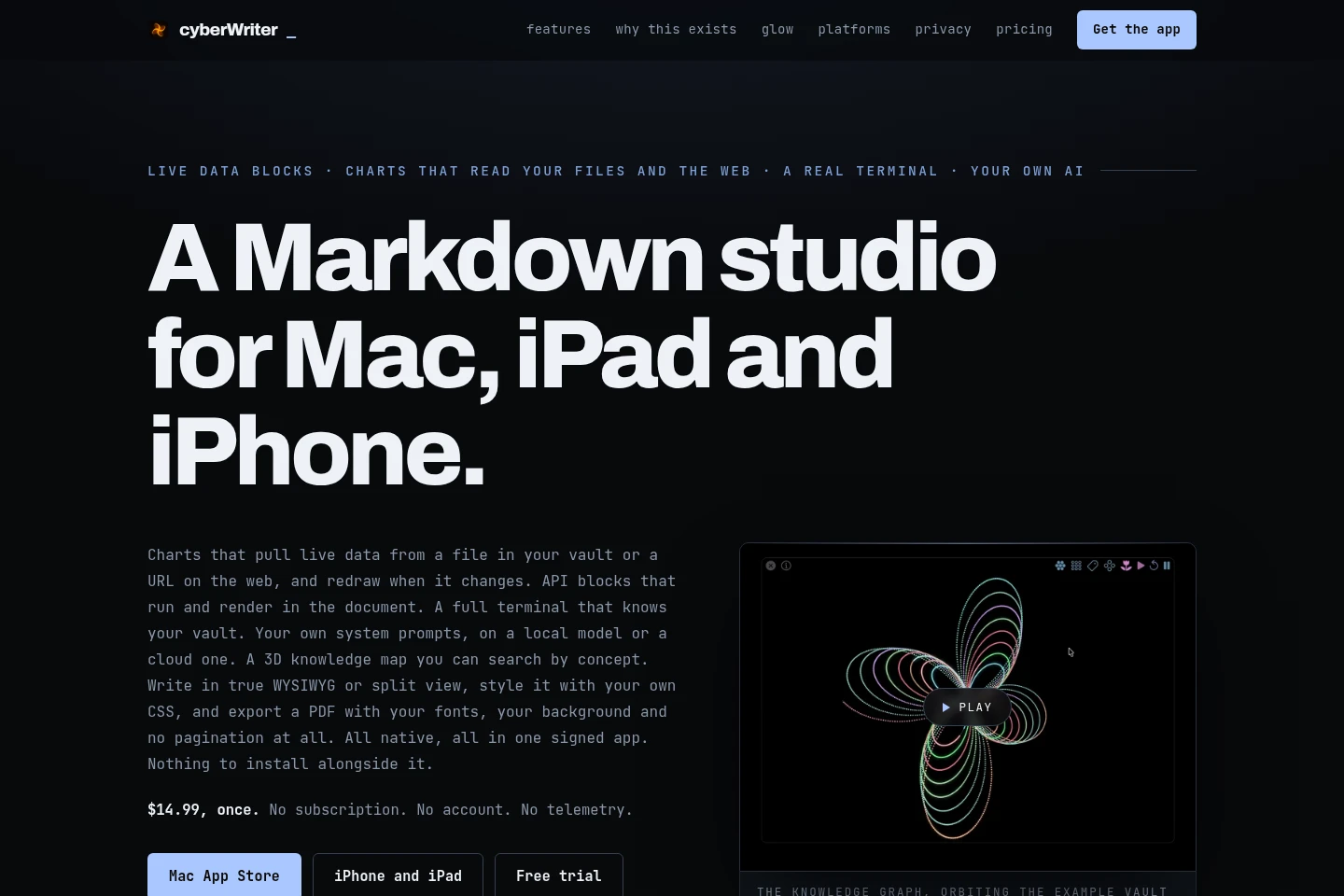
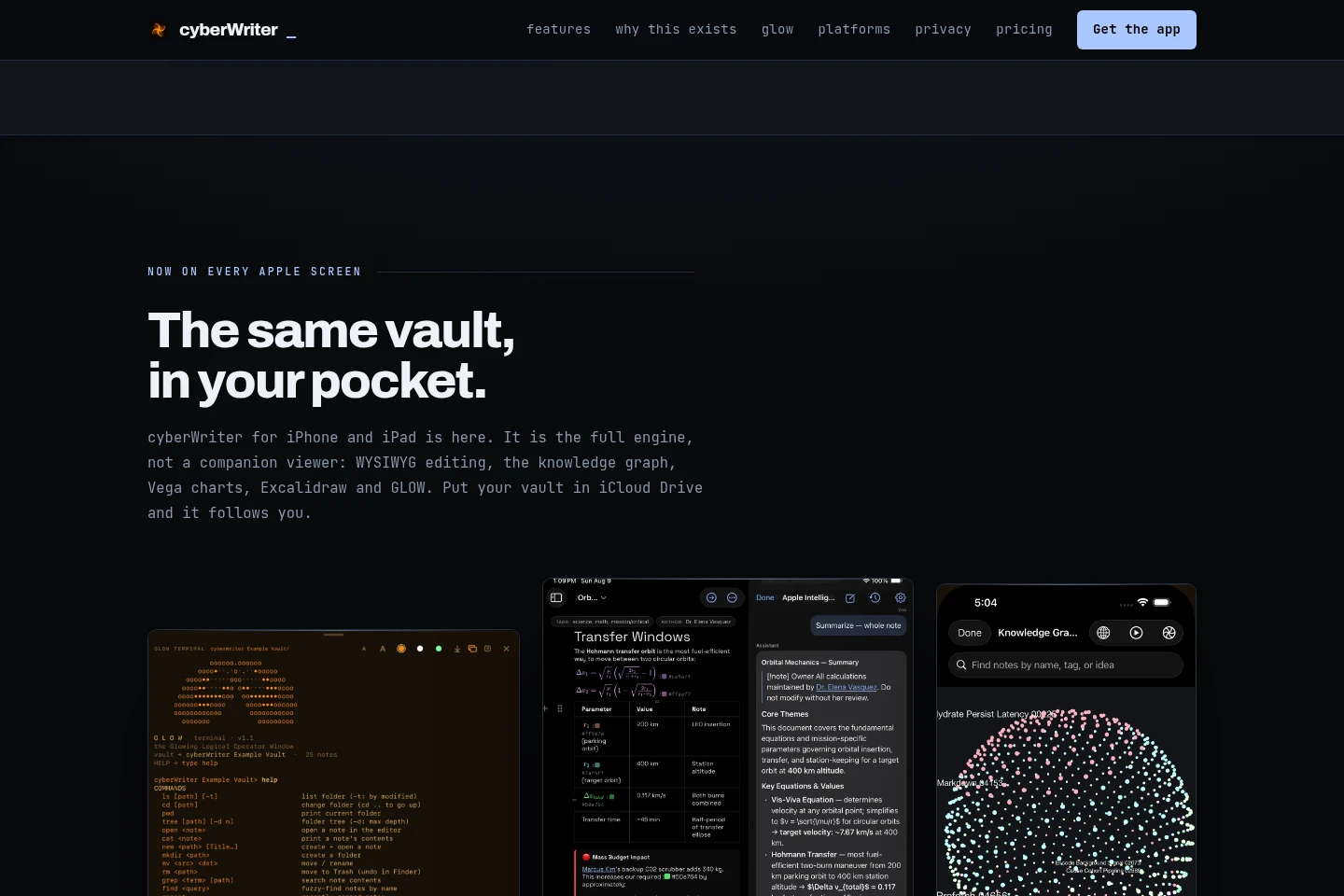
cyberWriter is a native Markdown editor for Mac, iPad, and iPhone that works with folders of plain-text files, including Obsidian vaults. It combines WYSIWYG and source editing with linked-note graphs, charts, diagrams, a terminal, optional AI models, and PDF, Word, and HTML export. Purchases are one-time, with a free trial offered for direct purchase.
- AI Productivity
- Note-Taking Apps
- Knowledge Base
- Markdown editor for Mac
- Obsidian vault editor
- Markdown knowledge graph
Capabilities
Markdown editing
Edit plain Markdown files in WYSIWYG or split-source view, with formatting rendered beside the text. Files remain ordinary .md files in the user's folder.
Linked-note graph and search
Explore wikilinks and backlinks as a searchable knowledge graph and find notes by concept. Search also covers files, tags, and content using an index built on the device.
Live content and export
Render Mermaid diagrams, KaTeX math, Vega charts, and API blocks in documents, then export to PDF, Word, or HTML. Charts can use a vault file or a web URL; PDF appearance can be customized.
Pricing
Paid one-time purchases are offered, with a free trial for direct purchase. Compare the device or purchase channel, included app access, and whether the direct trial suits your needs.
| Plan | Price | Included features and limits |
|---|---|---|
| MAC APP STORE | $14.99 once |
|
| IPHONE AND IPAD | $14.99 once |
|
Use cases
Edit and organize a Markdown vault
When working with notes stored as Markdown files, edit them in formatted or source view and connect them with wikilinks. The app can open an existing Obsidian-compatible vault and display its links as a knowledge graph.
Create and export formatted documents
When a note needs diagrams, math, charts, or publication output, add supported rendered content and style the document. Export it as PDF, Word, or HTML, with PDF page settings including fonts and margins.
Limitations
The direct purchase is described as a free trial followed by $14.99; the supplied page does not state the trial duration.
AI features require the user to configure Apple Intelligence, a local model, or their own API key; no AI model is bundled.
Who it is for
People who write and organize notes in plain Markdown files
People who keep sensitive notes or records in folders on their own devices
FAQ
Which devices does cyberWriter support?
The site offers native apps for Mac, iPhone, and iPad. It links to separate Mac App Store and iPhone/iPad App Store listings.
Can cyberWriter open an existing Obsidian vault?
Yes. The site says cyberWriter is Obsidian compatible and can open an existing vault of Markdown files, which users can continue using with both apps.
How is cyberWriter purchased?
The listed Mac and iPhone/iPad purchases cost $14.99 once, and Setapp is also listed at $14.99 once. Direct purchase is offered with a free trial followed by $14.99; the page does not specify the trial duration.
Does cyberWriter include an AI model?
No model is bundled. Users can configure Apple Intelligence, a local model, or their own API key; prompts go to the configured provider, and local models can run with the network off.
Comments