
- Monthly visits
- 4,241
- 2026-09
- Monthly growth +125.3%
CVFormatter - Branded, anonymised CV formatting for recruitment agencies
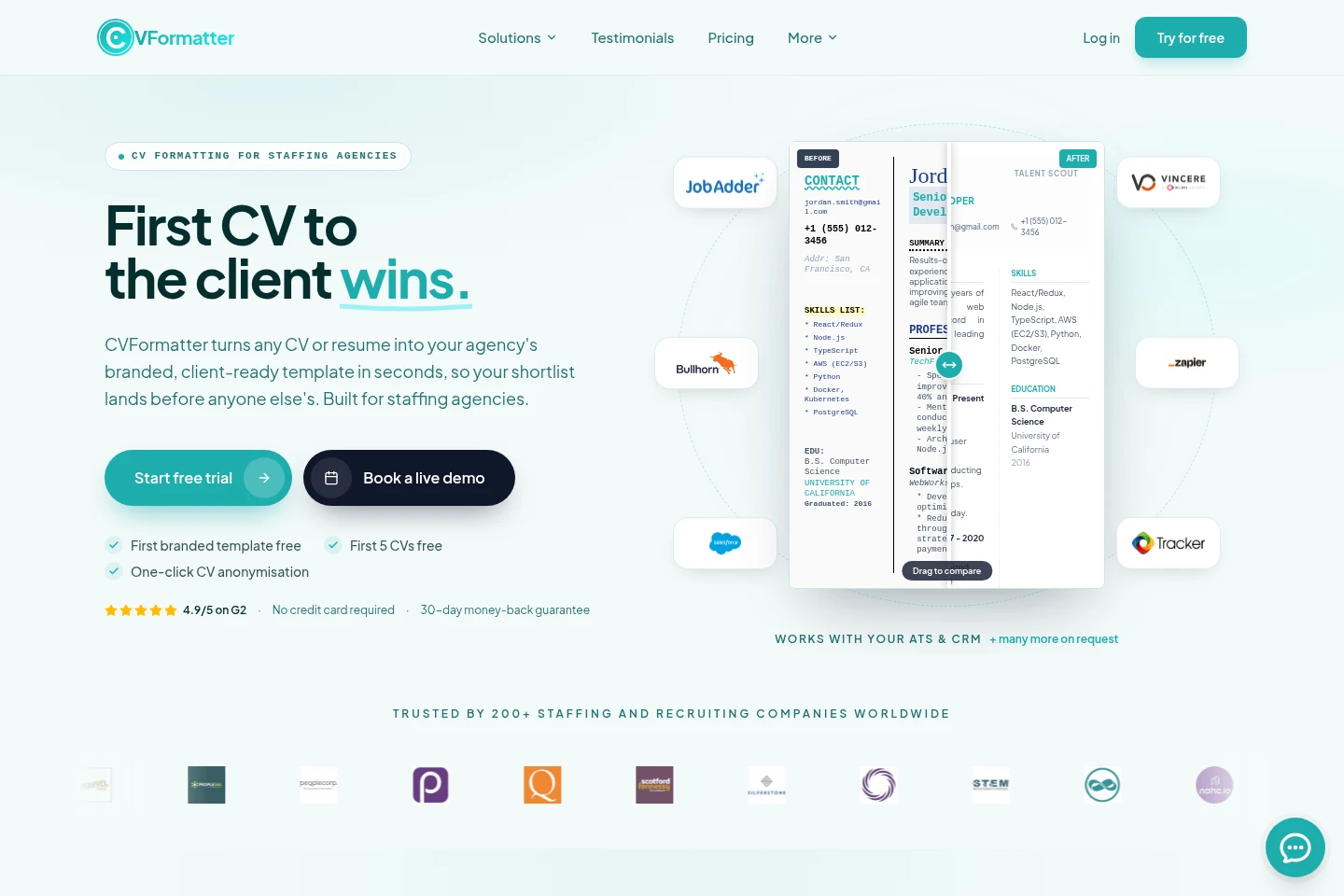
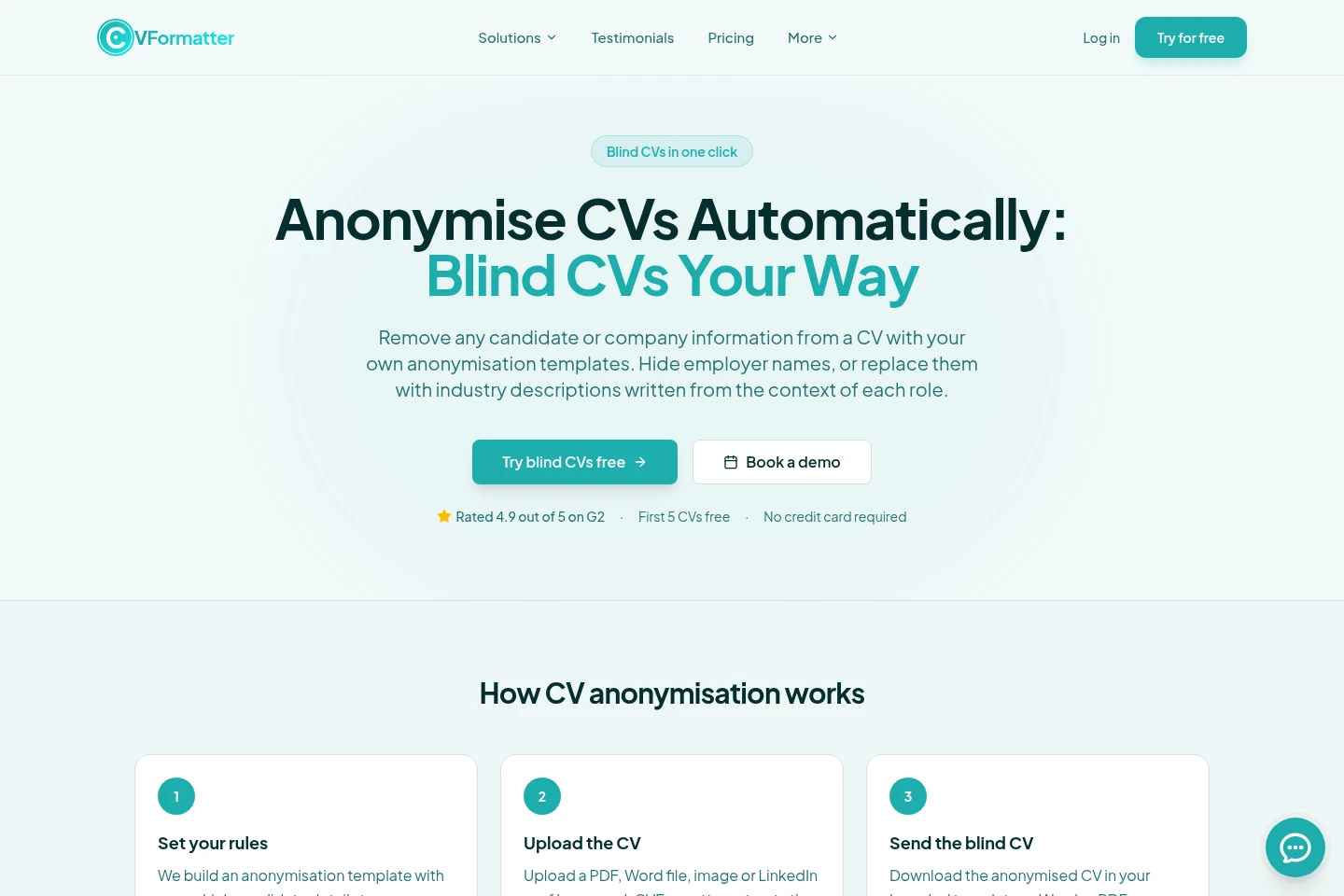
CVFormatter converts candidate CVs and resumes into a recruitment agency’s branded template. It processes PDFs, scanned images, Word files and LinkedIn profiles, then formats the content for client presentation. Recruiters can apply anonymisation rules, including removing personal details or hiding or replacing employer names. The service also offers ATS and CRM integrations, multilingual formatting, and Word or PDF downloads.
- AI Productivity
- Document Generators
- Data Redaction
- Resume Builders
- Recruitment
- recruitment CV formatting
- CV anonymisation software
- LinkedIn profile to CV
Capabilities
Branded CV formatting
Converts candidate CVs into a recruitment agency’s branded template. It accepts PDFs, scanned images, Word files and LinkedIn profiles, applies the agency’s logo, fonts, colours and layout, and produces formatted Word or PDF files.
CV anonymisation
Removes candidate identifiers or hides or replaces employer names in CVs. Recruiters configure anonymisation rules and templates, which are applied to uploaded CVs or LinkedIn profiles before downloading or sharing the blind CV.
LinkedIn profile import
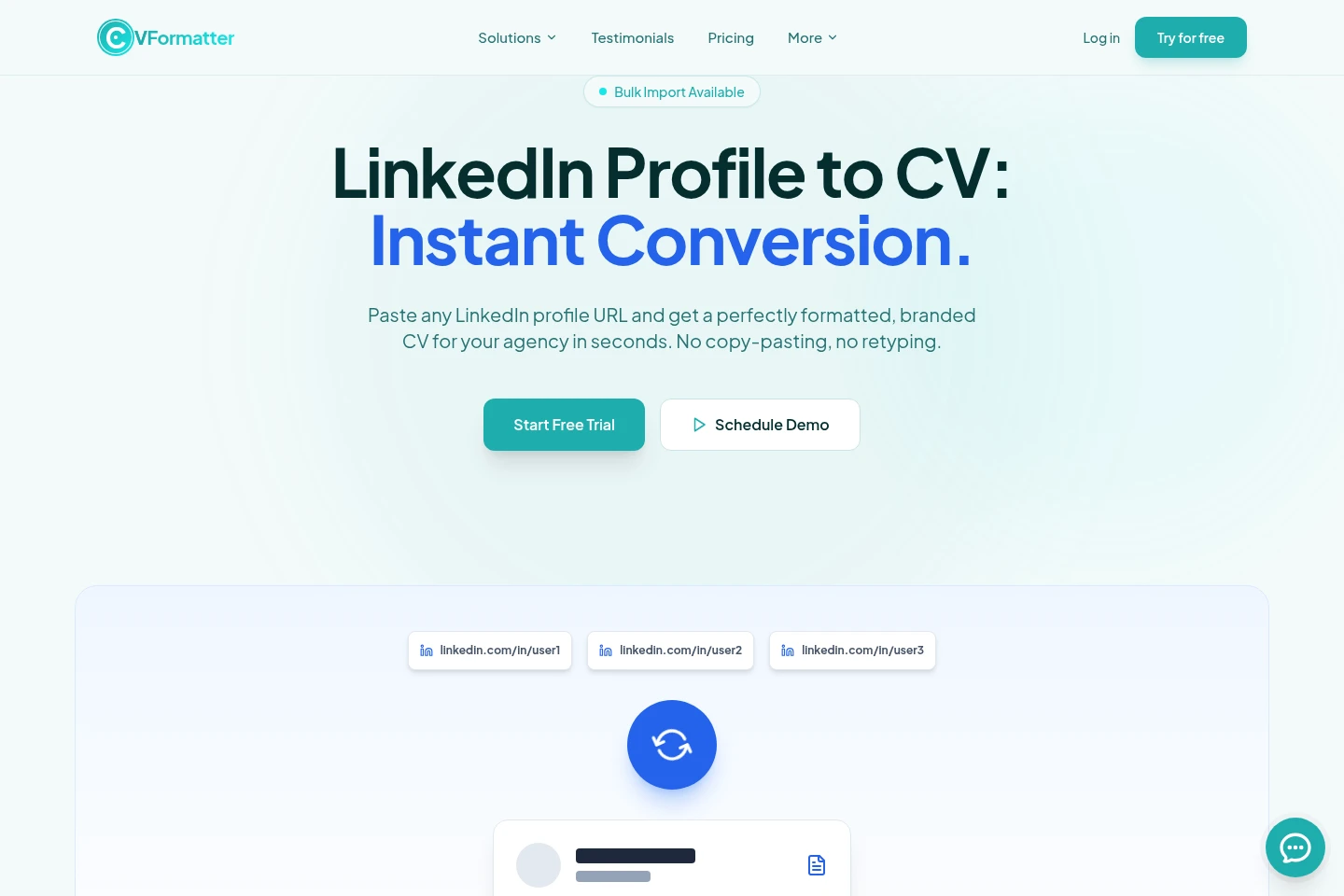
Turns a public LinkedIn profile URL into a structured, branded CV. The service fetches available profile data, organises it into CV sections, and lets recruiters review and edit fields before downloading a Word or PDF file.
ATS and CRM integration
Connects CVFormatter with supported ATS and CRM systems to import CVs and return formatted Word or PDF files. Existing integrations are included in every plan; other integrations can be requested.
AI text enhancement
Provides AI summarising, proofreading, rewriting and translation for CV content. Enhance credits are used for translating or proofreading a resume, and Auto-Proofread is an optional subscription add-on.
Pricing
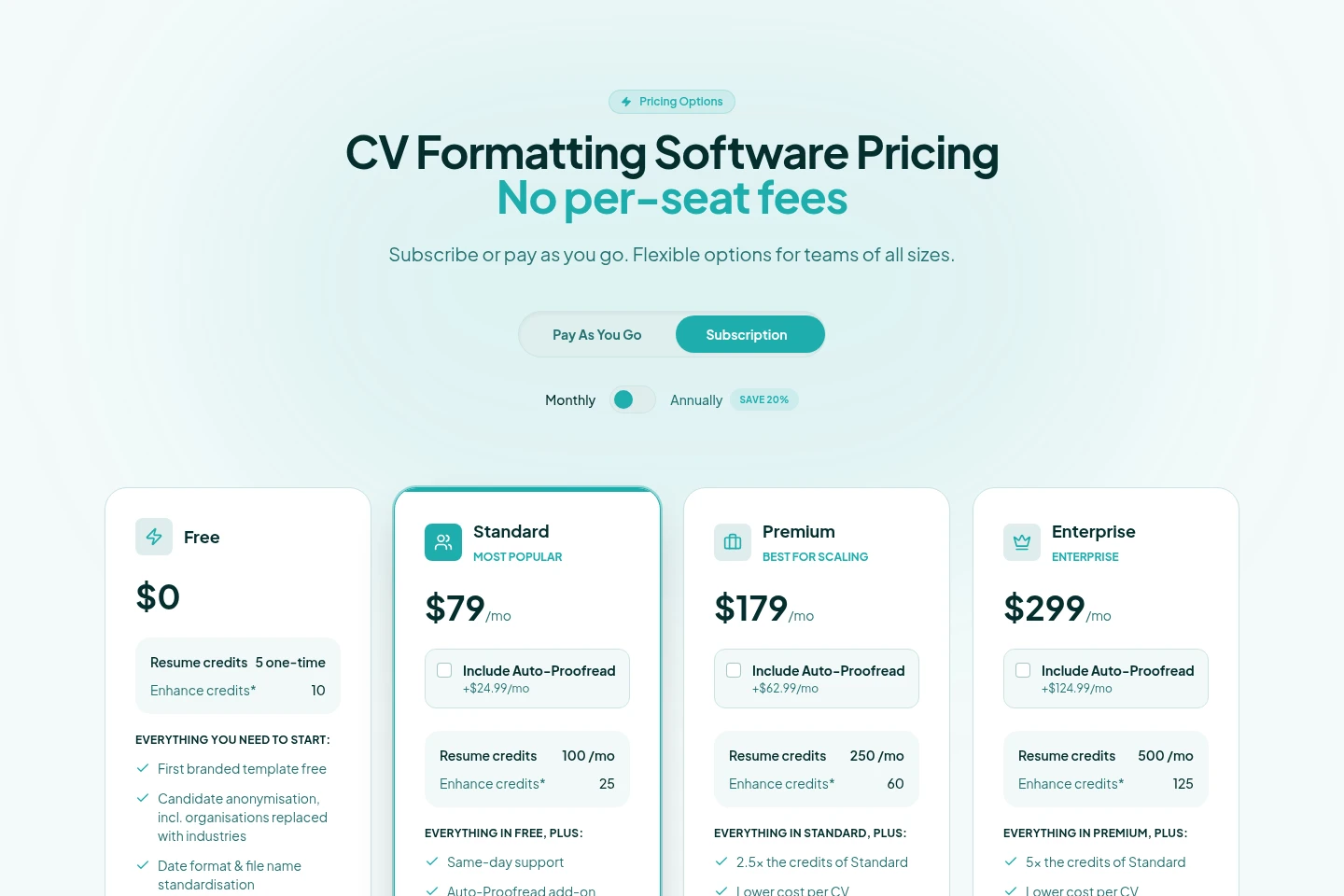
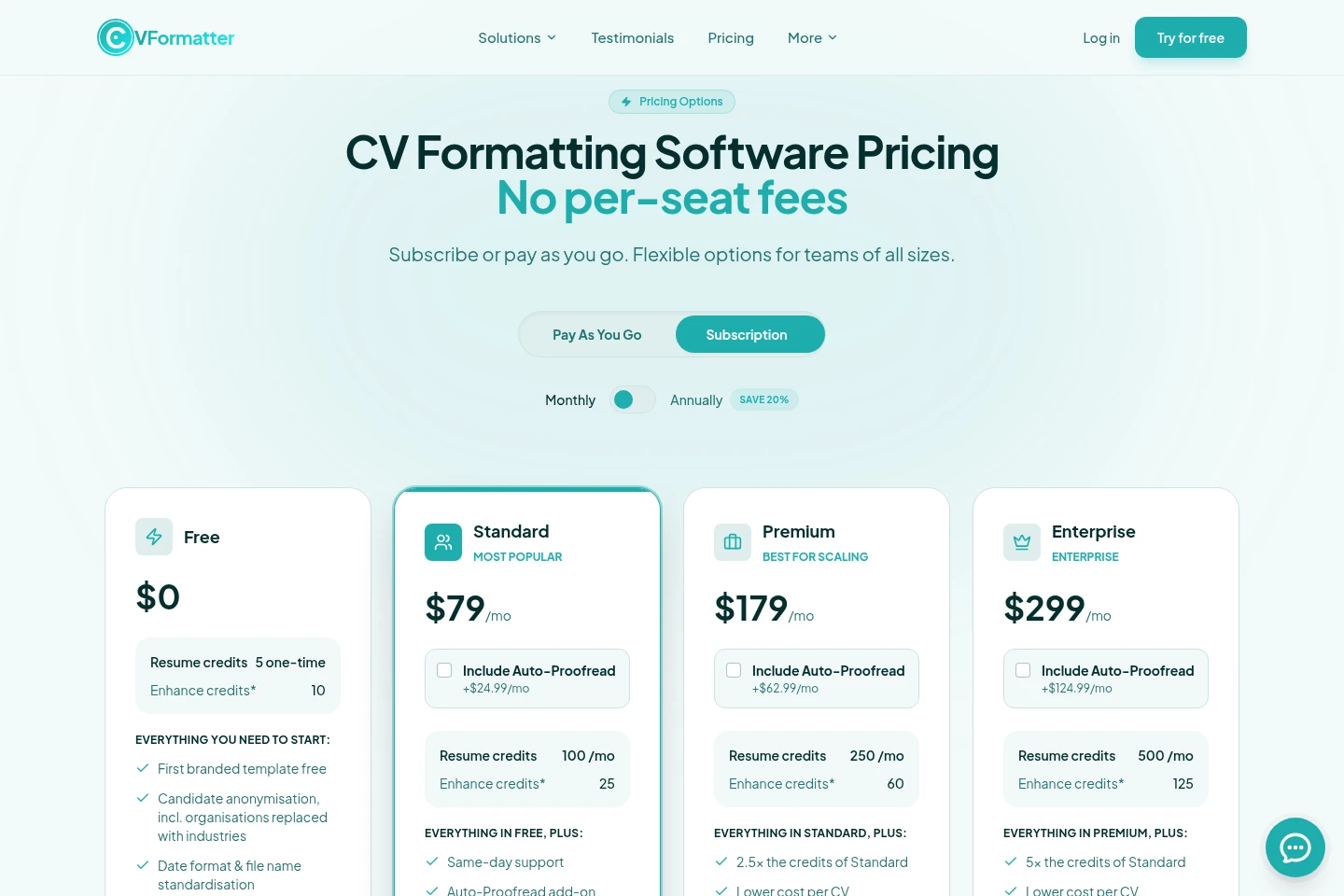
CVFormatter has a free tier and paid subscriptions billed monthly, with annual billing also offered at a 20% saving. Compare resume and Enhance Credit quotas, support levels and optional Auto-Proofread pricing when choosing a plan.
| Plan | Price | Included features and limits |
|---|---|---|
| Free | $0 |
|
| Standard | $79/mo |
|
| Premium | $179/mo; add-on +$62.99/mo |
|
| Enterprise | $299/mo; add-on +$124.99/mo |
|
The pricing page offers monthly and annual subscription billing and states that annual billing saves 20%. Auto-Proofread is optional for subscription plans, with credits matching the plan’s resume credits. Additional Enhance credits are available on demand: $14.99 for 50 or $24.99 for 100.
Use cases
Format candidate CVs for client submission
When candidates submit CVs in inconsistent formats, recruiters upload the files and apply their agency’s branded template. CVFormatter structures the content and creates a client-ready Word or PDF, including for complex layouts and scanned images.
Prepare anonymised CVs for confidential searches
When a client needs a blind submission, recruiters select an anonymisation template and upload a CV or LinkedIn profile. The service removes specified personal details and can hide or replace employer names before the recruiter downloads or shares the result.
Convert LinkedIn profiles into branded CVs
When a sourced candidate does not have an up-to-date CV, recruiters paste a public LinkedIn profile URL. CVFormatter structures the available data in the agency’s template, allows review and editing, and provides a Word or PDF download.
Limitations
LinkedIn conversion relies on profile information available at the supplied URL; limited or private profiles may not provide enough data, so a CV can be uploaded instead.
A LinkedIn-derived CV should be reviewed and candidate dates, responsibilities and achievements confirmed before it is sent to a client.
The agency remains the data controller for candidate information and needs a lawful basis, such as candidate agreement, before sharing a LinkedIn profile.
The Free plan includes five one-time resume credits; ongoing monthly resume-credit quotas depend on the paid subscription plan.
Who it is for
Recruitment agencies formatting candidate CVs for client submissions
Staffing firms preparing consistent branded candidate profiles
Executive search teams preparing candidate profiles for confidential searches
FAQ
What file types and profiles can CVFormatter process?
It processes PDF, Word and image files, including scanned and two-column CVs, and can import public LinkedIn profile information. LinkedIn conversion depends on the data available at the profile URL.
Can I create a CV without the candidate’s existing resume?
Yes. Paste a public LinkedIn profile URL and CVFormatter builds a branded CV from the profile information available there. Review the result and confirm details with the candidate before sending it to a client.
How does CV anonymisation work?
Recruiters configure a template specifying which candidate details to remove and whether employer names should be hidden or replaced by contextual industry descriptions. The rules are applied to an uploaded CV or LinkedIn profile.
Can I review and edit a converted LinkedIn CV?
Yes. You can review and edit every field before downloading the formatted CV as a Word or PDF file.
What does one Enhance Credit cover?
One Enhance Credit is used when a resume is translated or proofread. Auto-Proofread is an optional add-on for subscription plans, with credits matching the plan’s resume-credit quota.
Are additional templates and updates included?
The first three updates are free for each template; each later update costs $24.99. Additional templates can be customised starting at a one-time setup fee of $49.
Comments