

- Monthly visits
- 1,097
- 2026-09
CreateEbook - Turn your notes into an editable, typeset ebook.
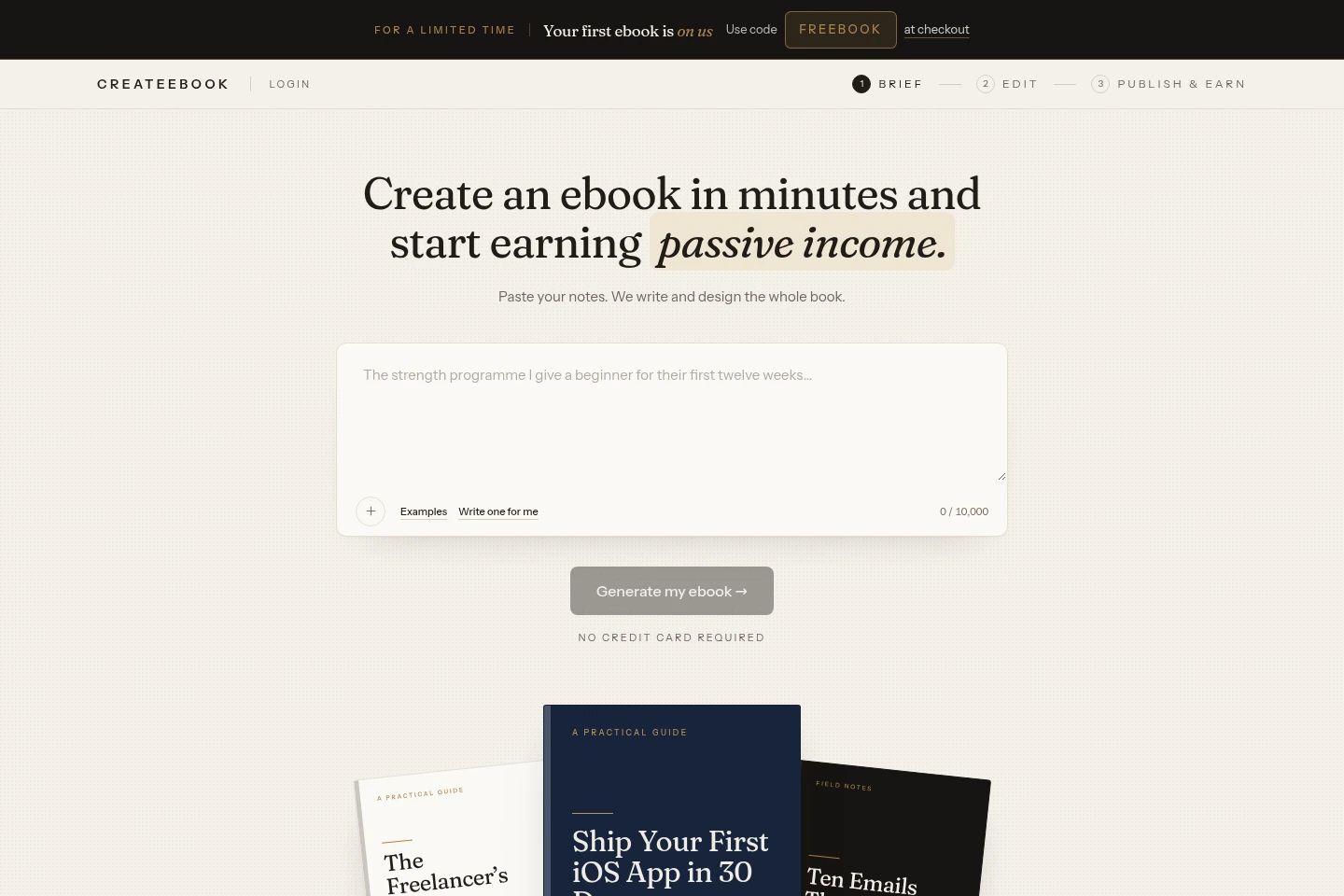
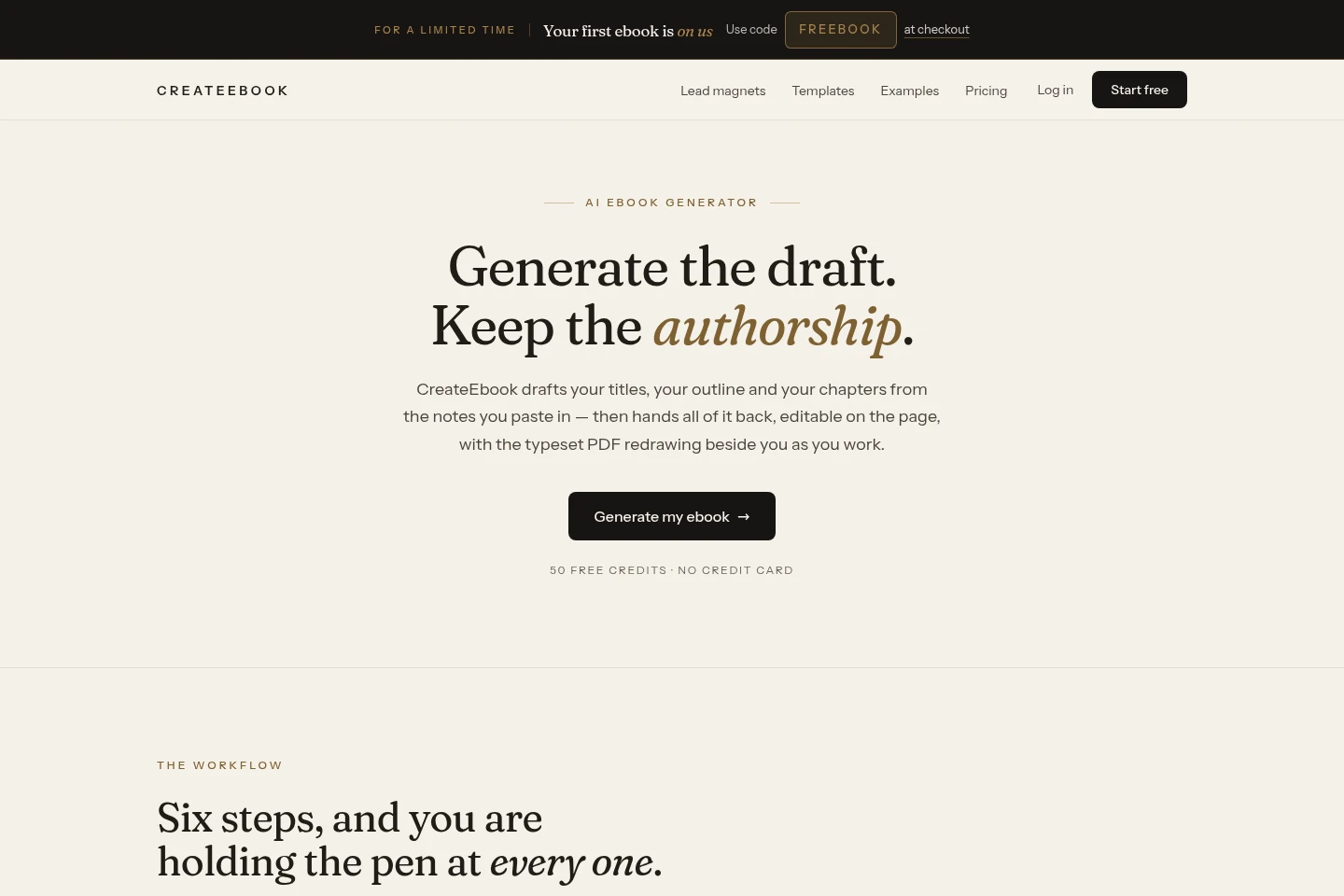
CreateEbook turns notes, outlines, or documents into editable ebook titles, chapters, and covers. Edit the outline and text while a print-quality PDF updates in a live preview, then export PDF and reflowable EPUB files. It can also publish a hosted opt-in page for collecting email signups.
- AI Writing
- Writing Assistants
- Document Generators
- Email Marketing
- AI ebook creator
- notes to ebook
- ebook PDF and EPUB
Capabilities
AI ebook drafting
Drafts titles, an outline, chapters, and cover artwork from notes or an existing document. Users can edit generated text, replace titles, and shape the outline rather than accepting a fixed draft.
Live ebook editing
Lets users rename, reorder, and remove chapters and edit text on the page. The PDF preview redraws as edits are made, so users can inspect layout changes without exporting.
PDF and EPUB export
Exports a print-quality PDF with trim size and margins, plus a reflowable EPUB for phones and e-readers. PDF export is available on every plan; full book access depends on the plan.
Hosted opt-in pages
Publishes a hosted page where readers can exchange an email address for an ebook download. A live dashboard shows visitors, signups, and conversion rate; collected subscriber addresses can be exported.
Ebook sales and ownership
Allows creators to sell or license the ebooks they make and keep the resulting revenue without CreateEbook taking a percentage. Storefront fees, when applicable, are set by the storefront.
Pricing
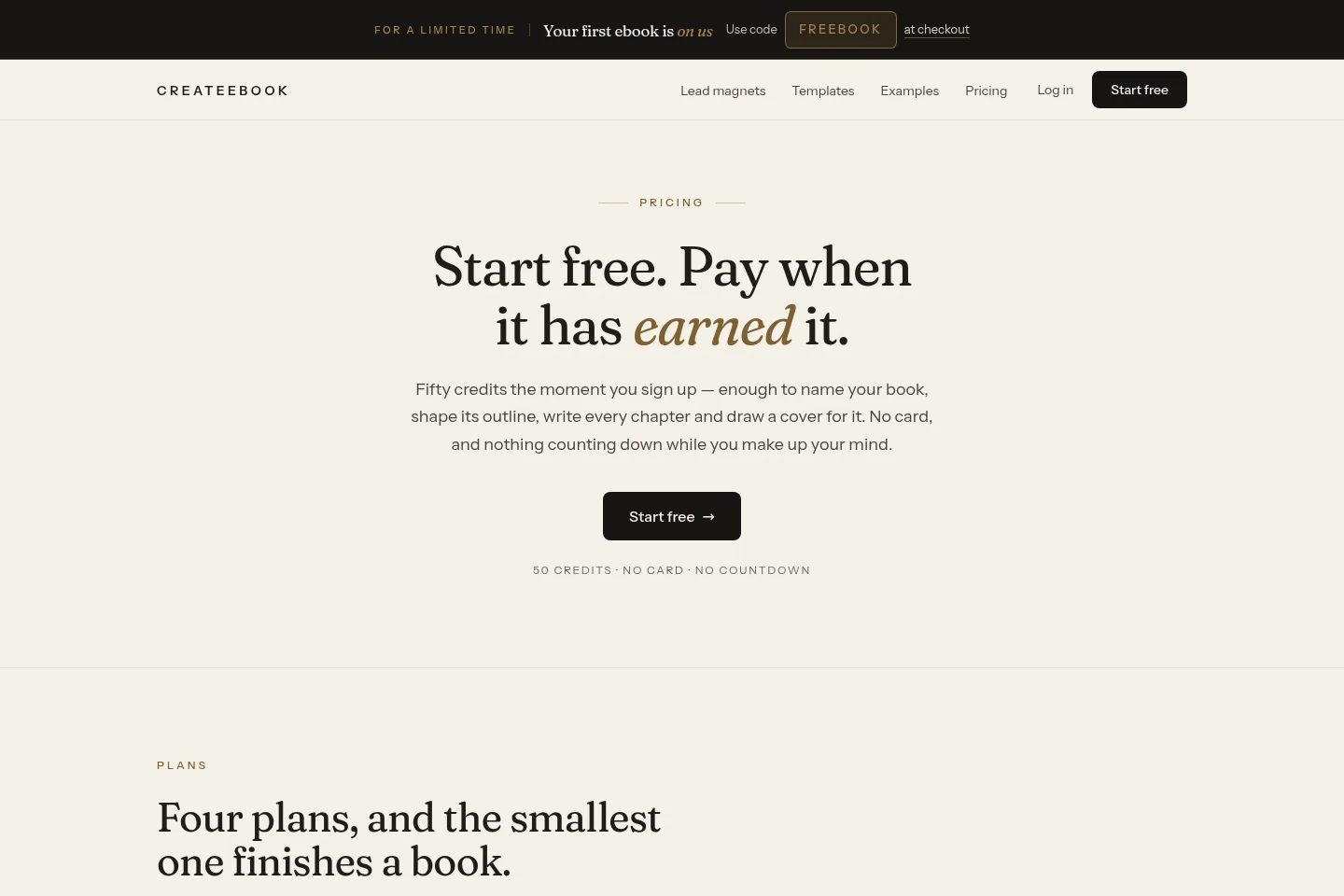
CreateEbook offers a free tier, recurring monthly or yearly subscriptions, and one-time credit purchases. Compare credit allowances, branding, domains, analytics, seats, and access to complete chapters when choosing.
| Plan | Price | Included features and limits |
|---|---|---|
| Free | $0 |
|
| Creator | $12.50/month or $150 billed yearly |
|
| Publisher | $25/month or $300 billed yearly |
|
| Studio | $62.50/month or $750 billed yearly |
|
| One ebook | $39 once; first one free with FREEBOOK |
|
| 300 credits | $25 once |
|
| 1,000 credits | $69 once |
|
The yearly subscription prices are shown alongside monthly equivalents. The page states yearly billing costs ten months’ price for twelve and includes 20% more credits each month; bought credits do not renew.
Use cases
Create an ebook from existing notes
When a creator has notes, an outline, or a document but no finished book, they can use that material to draft titles, chapters, and a cover. They can edit the result and review the updating PDF before exporting.
Publish an ebook as an email lead magnet
When a creator wants to offer an ebook in exchange for email signups, they can publish its hosted opt-in page and share the page link. Signups are collected in a dashboard, and the address list can be exported.
Prepare ebook files for online bookstores
When a creator is preparing a book for distribution, they can export a print-quality PDF and a reflowable EPUB from the same book. The EPUB is the format identified for Amazon, while PDF files are suitable for listed storefronts such as Etsy and Gumroad.
Limitations
The Free plan shows only the first two chapters to read and provides a sample PDF; full chapters are included on paid plans.
Free exports and opt-in pages carry a small “Made with CreateEbook” footer line; paid plans can disable it in Branding settings.
Plan credits refresh at the start of each billing period and do not carry over; purchased credits remain valid for three months.
The 50 free signup credits never expire, while paid plan credits refresh monthly rather than accumulating.
The Studio plan includes ten seats; the listed Creator and Publisher plan details do not specify additional seats.
Who it is for
Creators with notes or expertise to turn into ebooks
Coaches and marketers collecting email signups with ebook lead magnets
Publishers and studios producing branded ebooks for sale or clients
FAQ
How many credits does a book use?
A first book typically uses about 46 credits. The exact amount depends on revisions; the product shows the cost of each step before you take it and displays your balance while you work.
Do credits expire?
The 50 free signup credits do not expire. Plan credits refresh at the start of each billing period without carrying over, and credits bought outright are valid for three months.
Can I sell the ebooks I create?
Yes. Commercial use is included on every plan, and CreateEbook takes no percentage of sales. A storefront such as Amazon KDP, Gumroad, or Payhip may charge its own fees.
Who owns the ebook I create?
You own the ebook you create, and CreateEbook claims no rights over the result. You can sell or license it and add your own copyright notice.
What file formats can I export?
You can export a print-quality PDF and a reflowable EPUB, and publish a hosted opt-in page. The PDF preserves the designed layout; the EPUB adapts text to a reader’s screen and is the format Amazon accepts.
What happens to my books if I stop paying?
Books you have made remain yours and downloadable, and your subscriber list remains exportable. A subscription pays for new work, not access to existing books.
Comments