

- Monthly visits
- 3,505
- 2026-10
- Monthly growth -57.8%
crawler.sh - Local website crawling, Markdown extraction, and SEO analysis
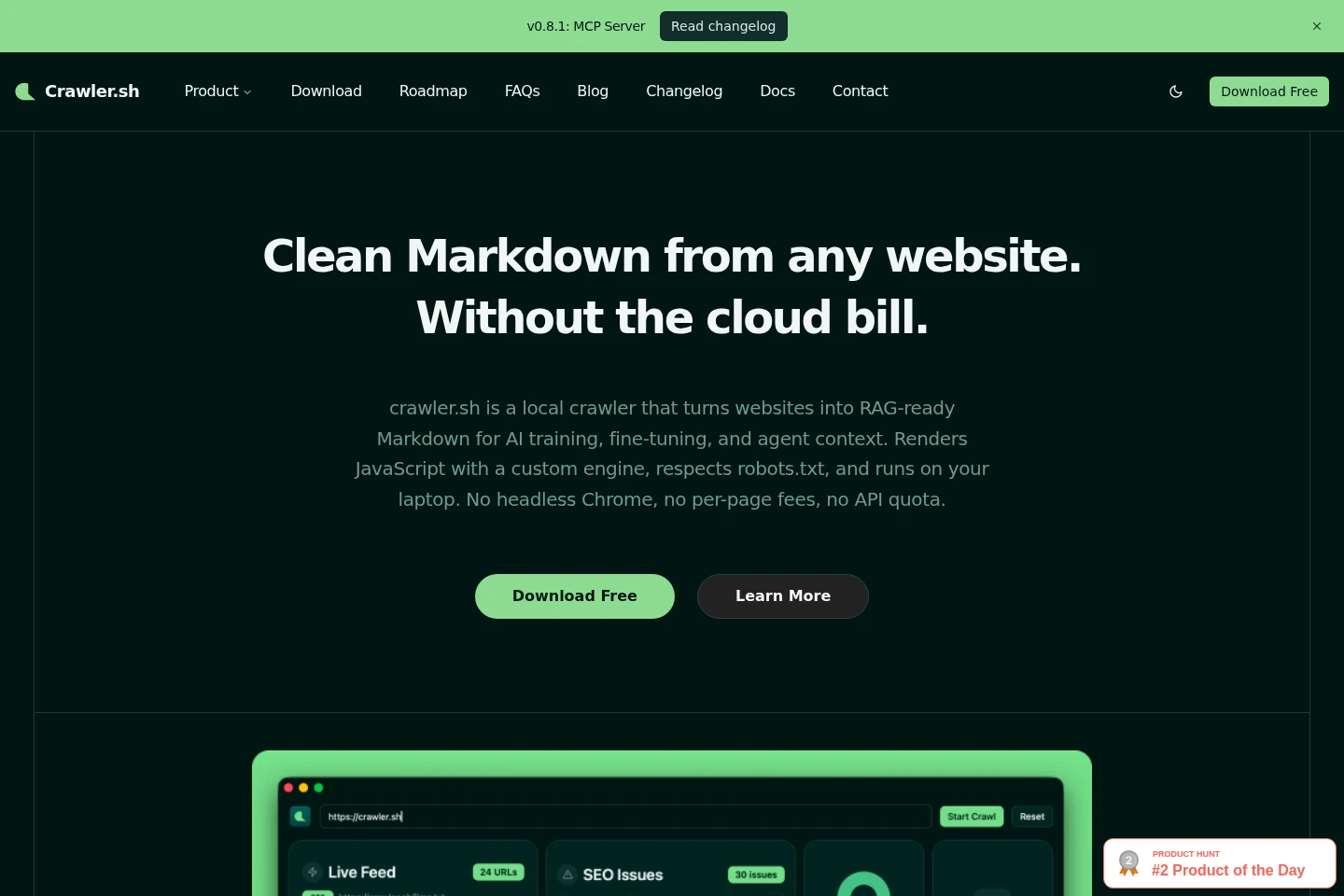
crawler.sh is a local CLI and desktop web crawler that extracts article content as Markdown, renders JavaScript-heavy pages, and checks crawled pages for SEO issues. It respects robots.txt, exports crawl and analysis results in several formats, and runs on the user's machine. Free use allows up to 50 pages per session; paid CLI Pro allows up to 10,000.
- AI Marketing
- SEO Tools
- Web Scraping
- local website crawler
- Markdown content extractor
- SEO audit tool
Capabilities
Website crawling
Crawls websites locally and saves page results for inspection or export. Configure concurrency, retries, and rendering; crawling respects robots.txt directives and adjusts pacing after 429 or 403 responses.
Markdown extraction
Extracts the main article content from HTML pages and outputs clean Markdown with word count, author byline, and excerpt. Extraction is enabled by default and can be disabled with --no-extract.
JavaScript rendering
Renders pages that depend on client-side JavaScript using a built-in engine. Auto mode detects whether rendering is needed; users can also force it with --render or disable it with --no-render.
SEO analysis
Checks crawled pages for SEO issues and exports grouped findings as CSV or TXT. The analysis covers 24 categories, and only 2xx HTML pages are analyzed.
Crawl and site export
Exports crawl data as NDJSON, JSON, or W3C-compliant Sitemap XML, with SEO results available as CSV or TXT. Pro Content Archive export writes extracted pages to individual Markdown files in a ZIP archive.
Pricing
A free plan is available, and paid Pro plans use subscriptions; compare per-session page limits, interfaces, analysis, and export formats. Free is $0, while CLI Pro is priced annually; the supplied pages do not state a price for Desktop Pro.
| Plan | Price | Included features and limits |
|---|---|---|
| Free | $0 |
|
| CLI Pro | $99 per year |
|
| Desktop Pro | Price not stated |
|
One subscription covers both the CLI and desktop app. The product page says signing in raises the limit to 400 pages per crawl; it does not specify the associated plan price or billing condition.
Use cases
Prepare website content for AI pipelines
When website pages are needed for RAG, fine-tuning, or agent context, crawl the site and extract its main article text. crawler.sh saves clean Markdown and page metadata locally for use in downstream workflows.
Audit a website for SEO issues
When checking a site before launch or maintenance, crawl its pages and run the SEO analysis. Review categorized issues, export them as CSV or TXT, and use the findings to investigate affected URLs.
Create a Markdown content archive
When website content needs to be backed up or moved into another workflow, crawl pages and export the extracted content. The Pro Content Archive creates a ZIP containing a separate Markdown file for each extracted page.
Generate a sitemap from a live crawl
When a site's sitemap needs to reflect its crawled pages, run a crawl and export W3C-compliant Sitemap XML. The generated file can then be used as a sitemap for the site.
Limitations
Anonymous use is limited to 50 pages per session; signing in raises the limit to 400 pages per crawl, and CLI Pro allows up to 10,000 pages per session.
SEO analysis processes only pages that return a 2xx response and are HTML.
Windows support is described as being on the roadmap; the FAQ lists current CLI and desktop availability for macOS and Linux.
Support is provided in English; the team says it may try to understand and reply to messages written in other languages.
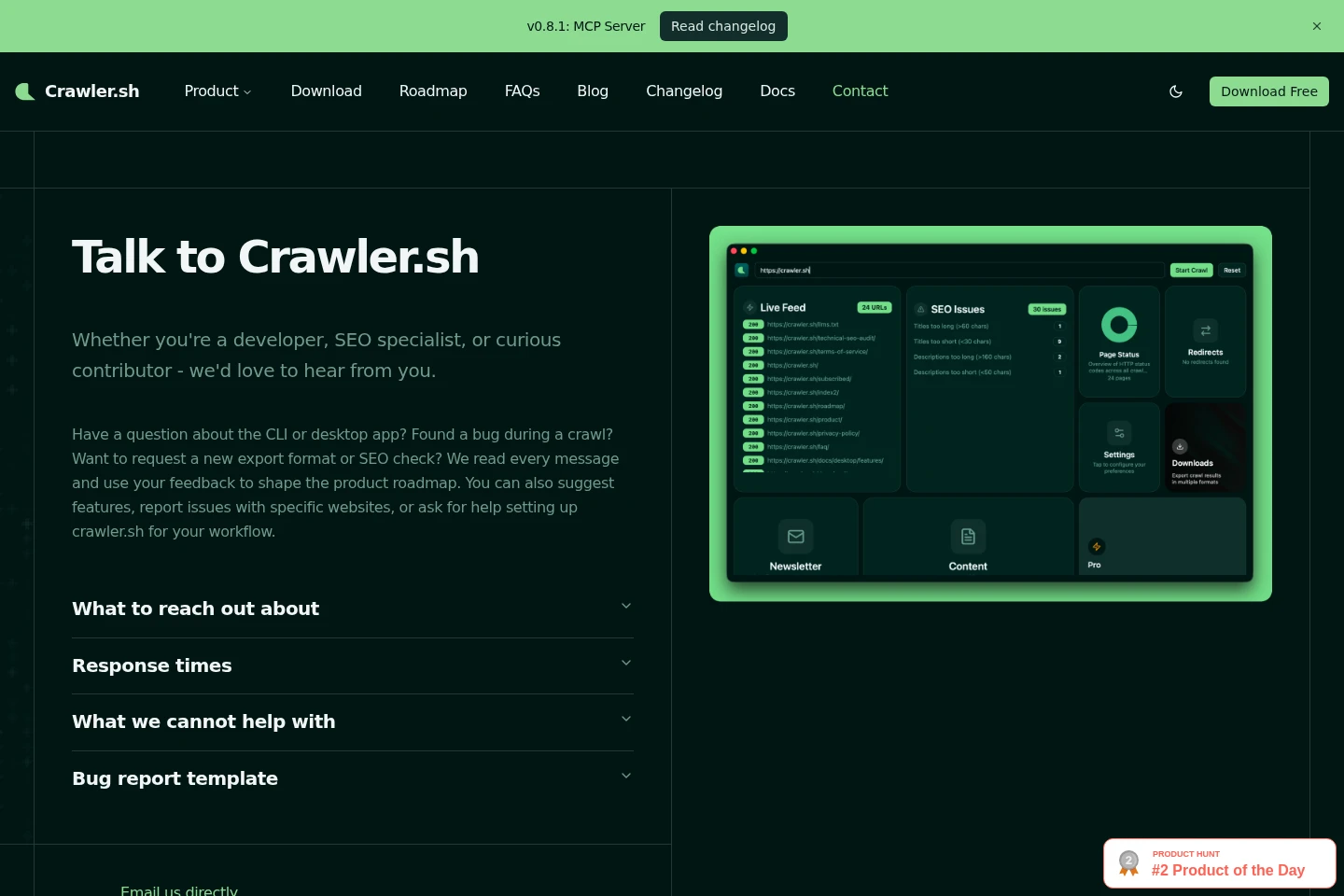
The team does not crawl sites on a user's behalf, build custom dashboards, or write bespoke SEO reports as a paid service.
Phone support, ticket SLAs, and dedicated account managers are not offered, including on Pro.
Who it is for
Developers who need local crawling in scripts, scheduled jobs, or CI pipelines
SEO specialists who need to inspect crawl-wide technical issues and export reports
People preparing website text as Markdown input for RAG, fine-tuning, or agent context
Website owners who need to archive content, generate sitemaps, or monitor page changes
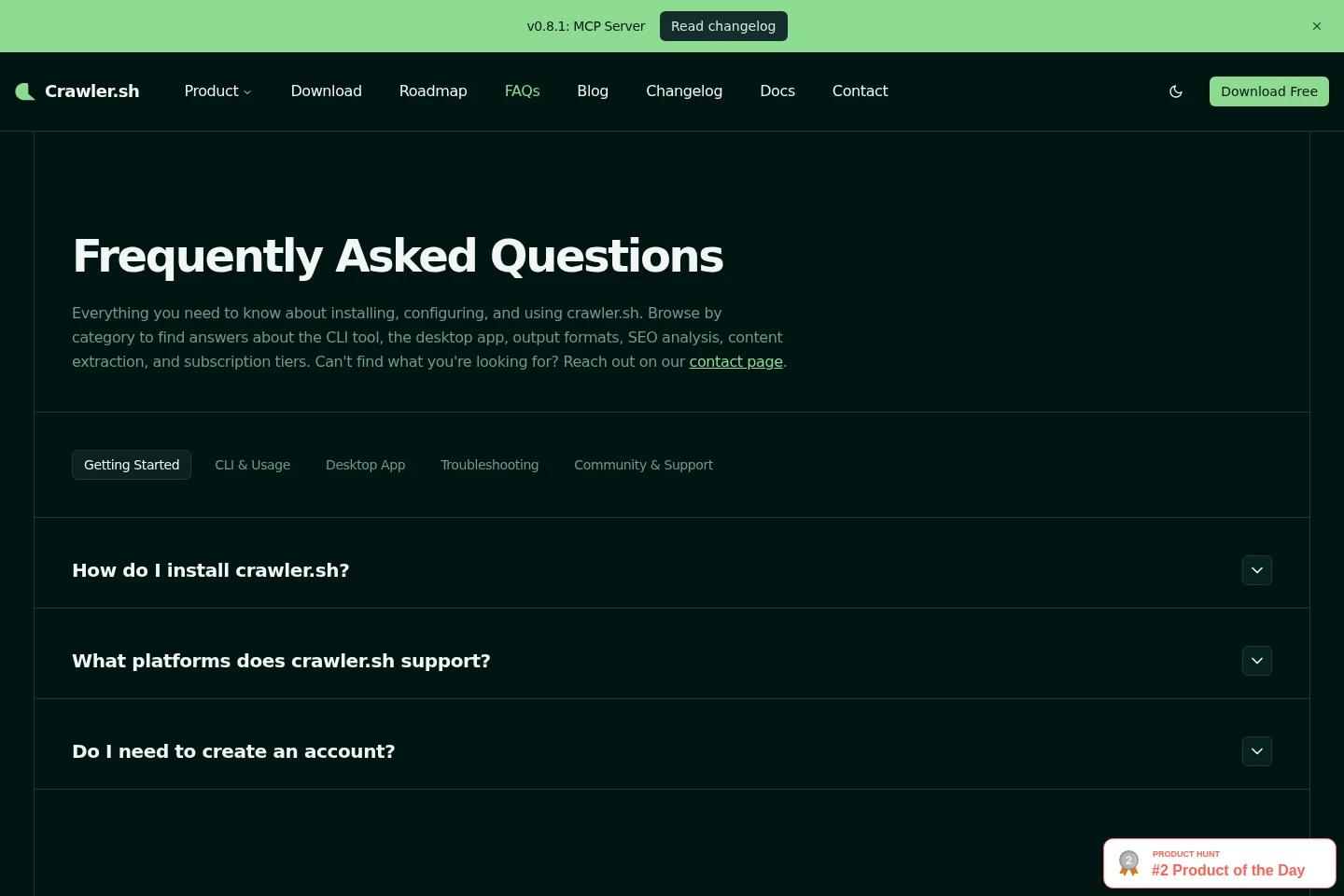
FAQ
Which operating systems can run crawler.sh?
The CLI and desktop app are available for macOS and Linux. The FAQ specifies Apple Silicon and Intel for macOS and x86_64 for Linux; Windows support is on the roadmap.
Do I need an account to crawl a site?
No. The CLI and desktop app can be used without an account, with a limit of 50 pages per crawl; signing in raises that limit to 400 pages.
Can crawler.sh render JavaScript pages?
Yes. Its built-in renderer can detect client-side JavaScript frameworks in Auto mode. Use --render to force rendering or --no-render to turn it off.
What formats can crawler.sh export?
Crawl data can be exported as NDJSON, JSON, or Sitemap XML, while SEO reports can be exported as CSV or TXT. Pro Content Archive also outputs extracted pages as Markdown files in a ZIP.
How does content extraction work?
When enabled, crawler.sh extracts the main article content from HTML pages into Markdown and includes a word count, author byline, and excerpt. Extraction is on by default and can be disabled with --no-extract.
Which pages are included in SEO analysis?
Only HTML pages with 2xx responses are analyzed. The SEO command checks 24 categories, including metadata, headings, links, canonical URLs, and content freshness.
Comments