

- Monthly visits
- 2,314
- 2026-10
- Monthly growth +3.9%
CraftyWand - Design packaging, preview it in 3D, and export dielines
CraftyWand is a browser-based packaging design workspace for creating dimensioned dielines, applying artwork to 3D mockups, and reviewing designs in an interactive 3D view. It also offers AI packaging creation, mockup browsing, and tools to save or export designs. AI features require an active Creator or Studio membership.
- AI Design
- 3D Model Generators
- Interior Design
- packaging design software
- 3D packaging mockups
- packaging dieline generator
Capabilities
Packaging dieline creation
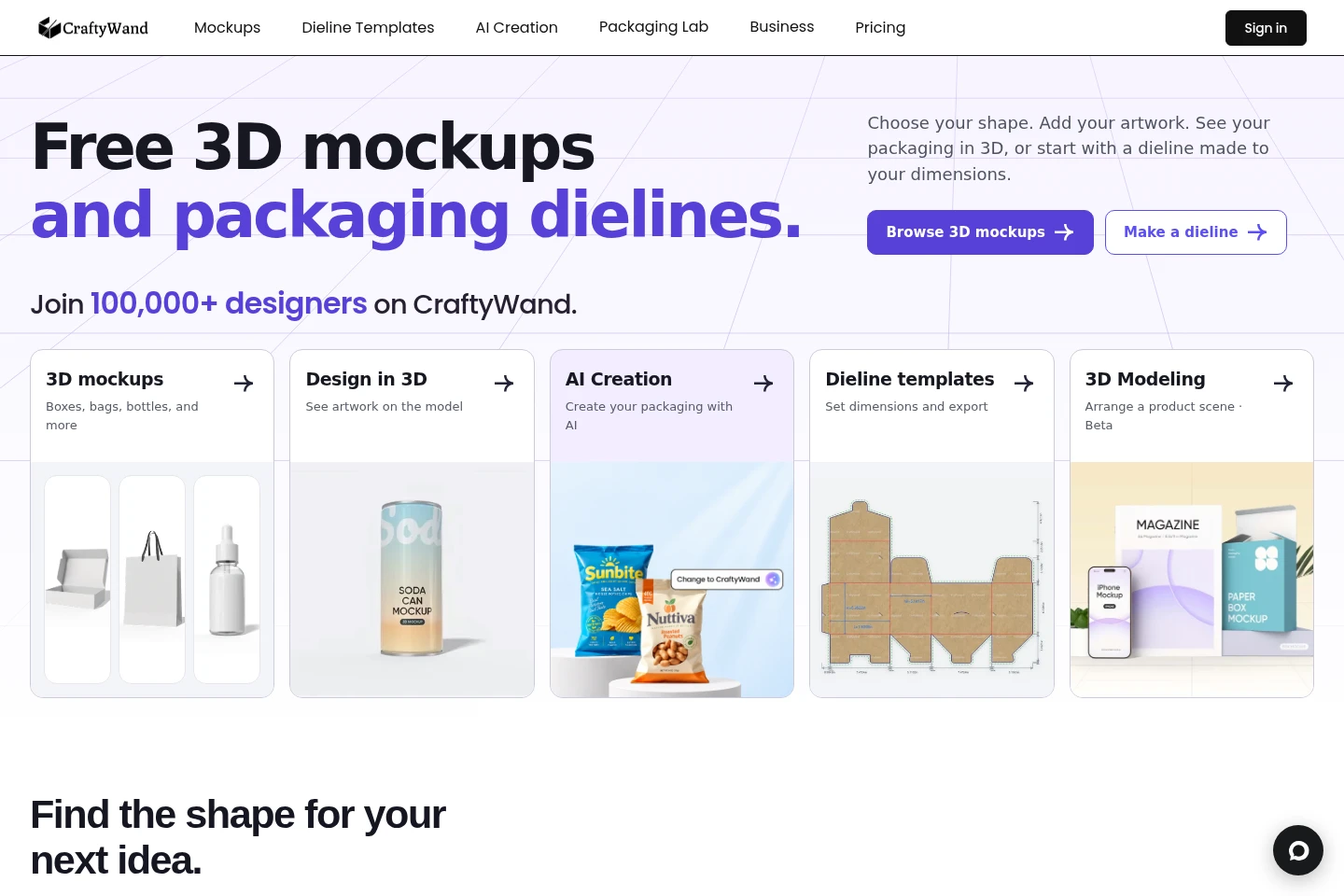
Create packaging dielines from specified dimensions and export the resulting design. The homepage links to a dieline generator where users set box dimensions.
3D packaging mockups
Apply artwork to packaging mockups and inspect it on an interactive 3D model. Users can browse mockup categories and view supported package shapes in the browser-based studio.
AI packaging design
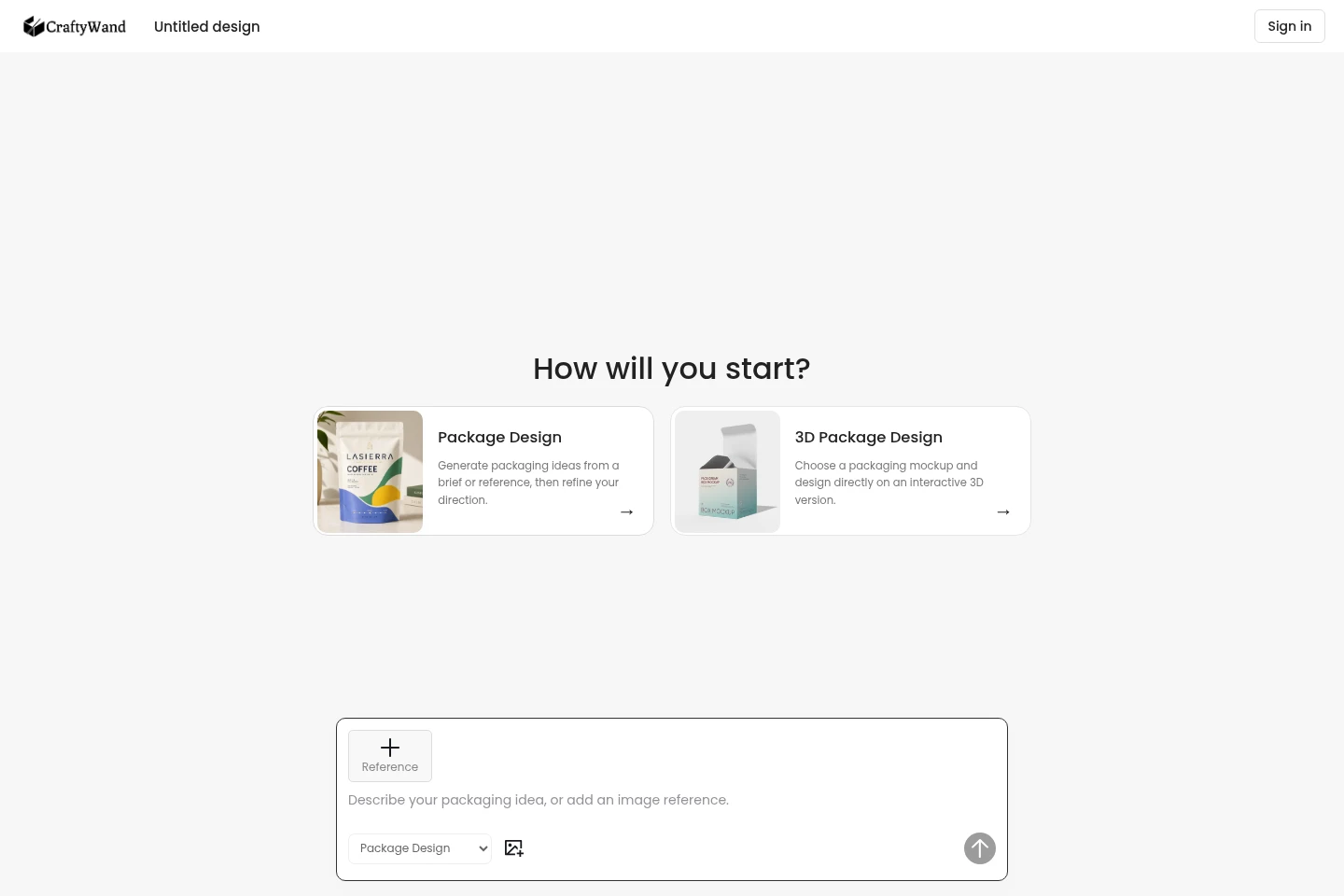
Generate packaging ideas from a brief or reference and refine the direction. The AI workflow can use a selected 3D mockup, but using AI requires an active Creator or Studio membership.
Interactive 3D rendering
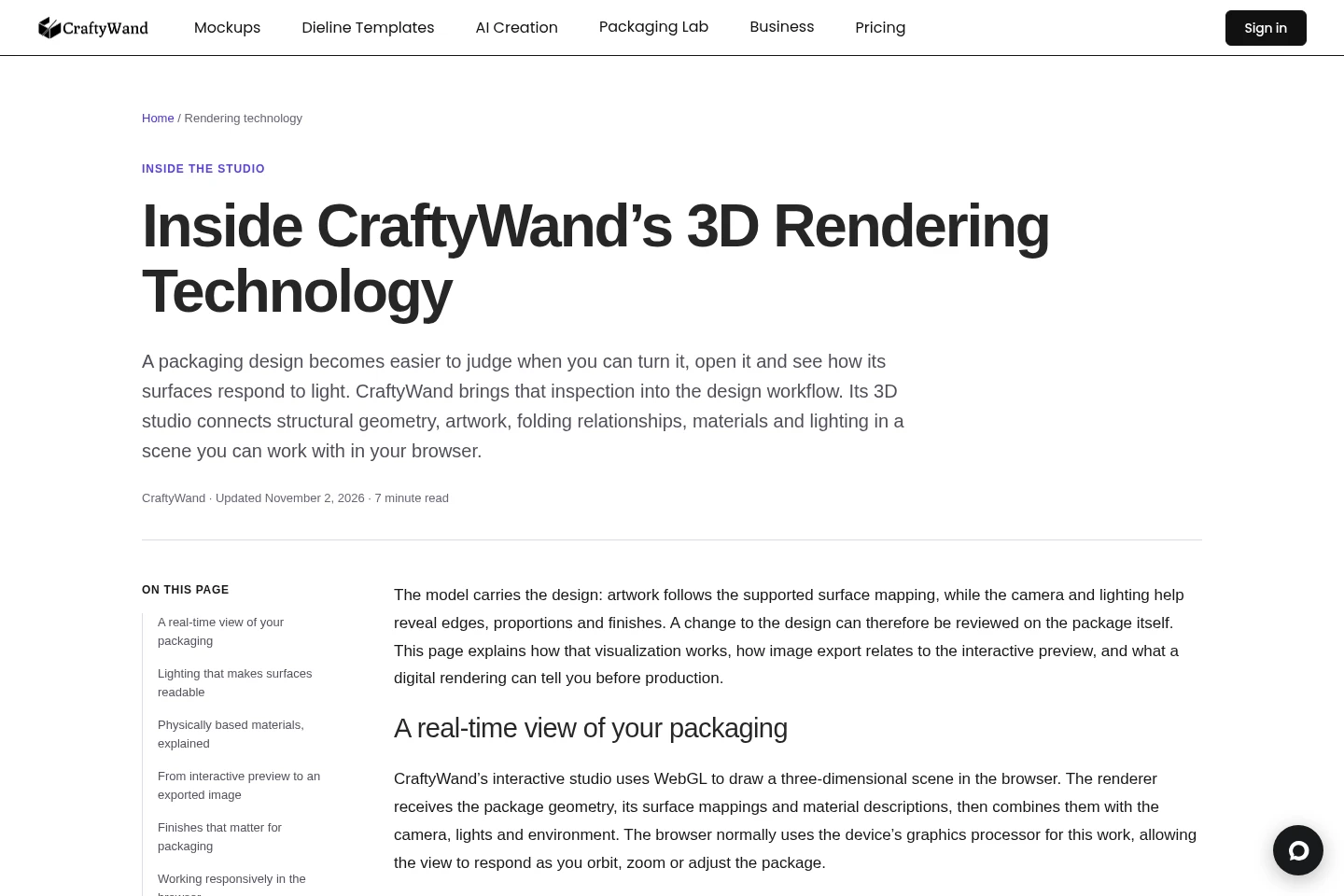
Inspect packaging geometry, artwork, materials, and lighting in an interactive browser-based 3D scene. The rendered view responds to actions such as orbiting and zooming; supported editing controls depend on the selected model and workflow.
Pricing
CraftyWand lists a paid Business plan at $15 per month. Compare the plan's stated price and included features before choosing; the supplied pricing-page content does not provide its full plan details.
| Plan | Price | Included features and limits |
|---|---|---|
| Business | $15/month |
|
Use cases
Create a dimensioned packaging dieline
When preparing a packaging layout, enter box dimensions in the dieline workflow and create a dieline for the design. The homepage describes setting dimensions and exporting the resulting dieline.
Review artwork on a 3D package mockup
When checking how artwork appears on a package shape, choose a mockup and inspect the design on its interactive 3D version. The browser-based view lets users examine the package from different angles.
Generate and refine packaging concepts
When starting with a packaging brief or reference, use AI Creation to generate ideas and refine a design direction. AI use requires an active Creator or Studio membership; the page also offers a 3D mockup-based workflow.
Limitations
AI packaging creation requires an active Creator or Studio membership; purchasing AI credits alone does not meet that stated requirement.
Available editing controls depend on the selected mockup and workflow, so not every model necessarily provides the same controls.
Digital renderings are visual previews; the rendering page says production decisions about colour, substrate, relief, ink, coatings, and finishing tolerances still require consideration.
Who it is for
Packaging designers who need to create dielines and review artwork on 3D package mockups
Brand and graphic designers preparing packaging artwork for visual review
Businesses and developers seeking to add supported product editing and 3D preview to a store or platform
FAQ
What can I create with CraftyWand?
You can create packaging dielines, apply artwork to 3D mockups, and use AI Creation to generate packaging ideas. The site also provides tools to save or export designs.
Can I inspect packaging designs in 3D?
Yes. CraftyWand provides an interactive browser-based 3D view for inspecting packaging geometry, artwork, materials, and lighting. Available editing controls depend on the selected model and workflow.
What is required to use AI packaging design?
An active Creator or Studio membership is required to use AI. Purchased AI credits are added after payment is confirmed, according to the AI Creation page.
Does a 3D preview confirm production colours and finishes?
No. A digital rendering shows a visual appearance, but the rendering page says production decisions about colour, substrate, relief, ink, coatings, and finishing tolerances still need consideration.
Comments