
Monthly visits
397,097
2026-10
Monthly growth +1,661.5%

ConvertAudioToText - Transcribe audio and video with speakers, timestamps, and summaries

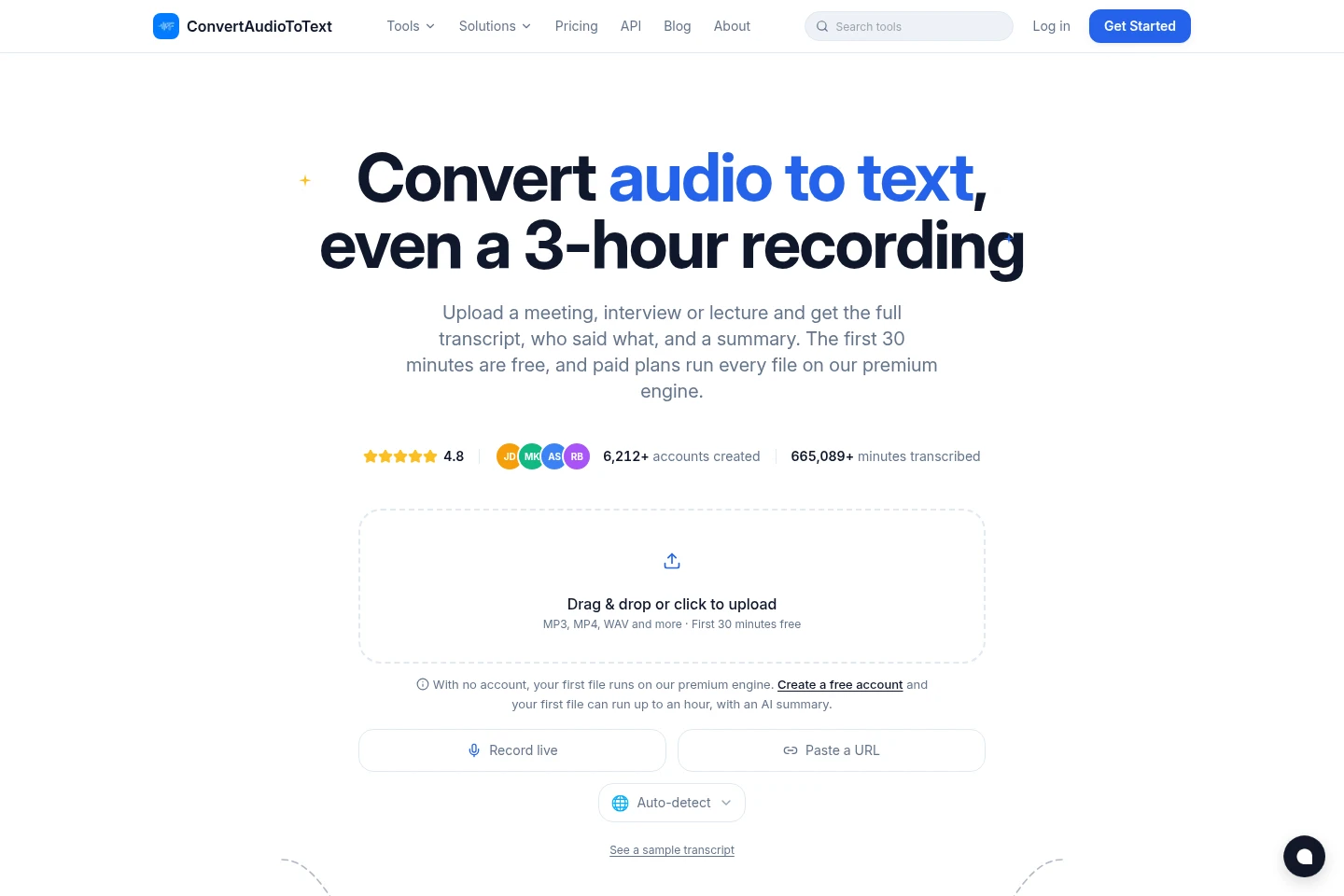
ConvertAudioToText is a web and mobile transcription service for audio and video files, direct media URLs, and live recordings. It creates timestamped transcripts in 99+ languages, can label speakers and generate AI summaries, and exports results in formats including TXT, DOCX, PDF, SRT, and VTT. The first 30 minutes of a file are free.

Visit WebsiteUpdate this product

0Views

Capabilities

Audio and video transcription

Creates a written transcript with timestamps from uploaded audio or video, a direct media URL, or a live browser recording. Supports 99+ languages with automatic language detection; free use and paid plans have different length, file-size, and engine conditions.

Speaker labels and timestamps

Identifies speakers and labels their contributions throughout a transcript, with timestamps for navigating the recording. Paid plans and passes include this on every file; free accounts receive up to two hours monthly at best accuracy, with restrictions thereafter.

AI summaries and exports

Generates summaries, key points, and action items, then lets users edit and download transcripts in supported formats. AI templates and export formats vary by access; TXT downloads are free, while other formats depend on the first-file offer, pass, or paid plan.

PricingFreemium

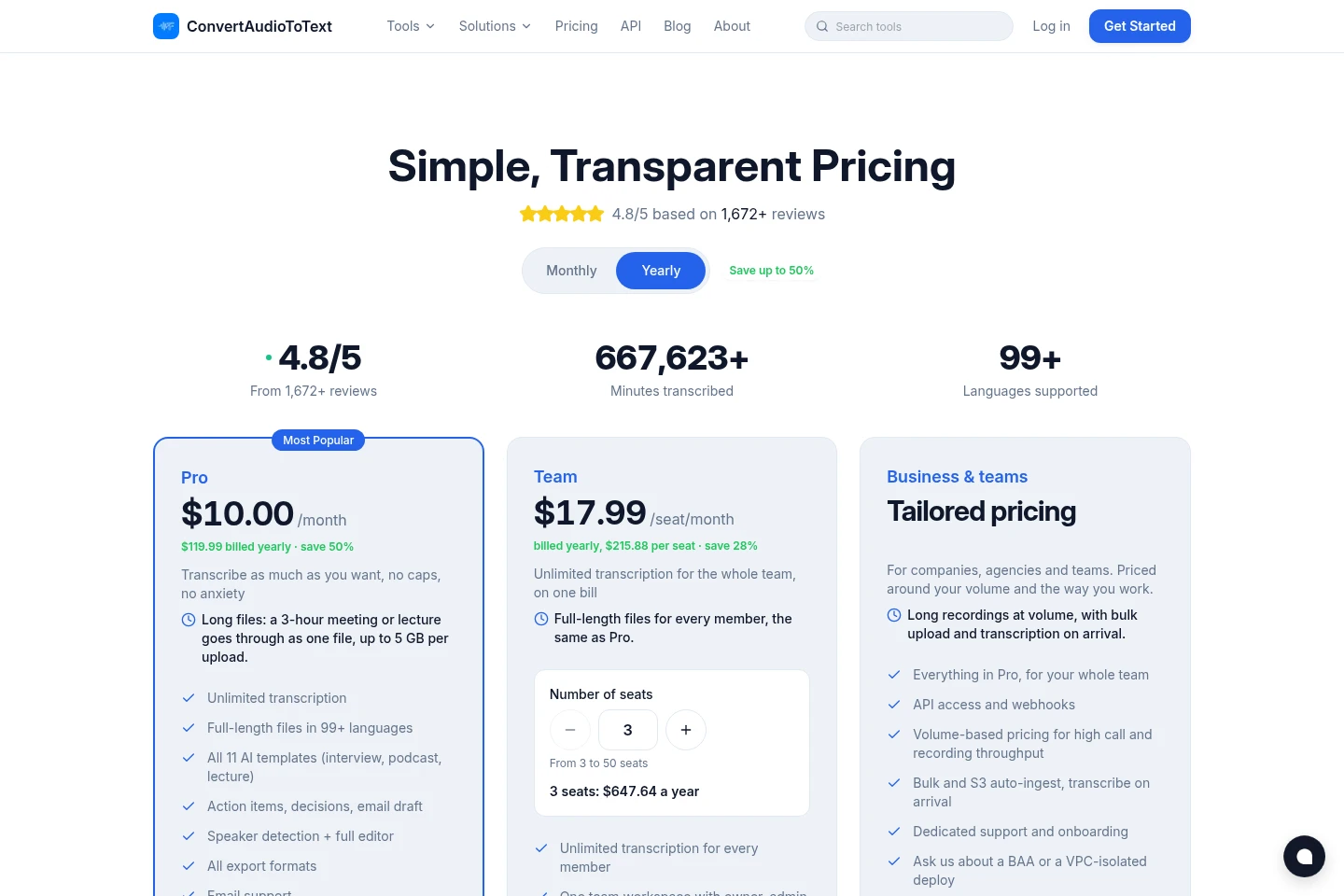
Paid subscriptions are available monthly or annually, alongside tailored business pricing. Compare file capacity, team seats, AI features, support, and API or webhook access when choosing; free use and non-subscription purchase options are also described.

PlanPriceIncluded features and limits
Pro

$8.33 or $10.00/month; yearly billing $99.99 or $119.99

  • Unlimited transcription; files up to 5 GB per upload.

  • 99+ languages and all 11 AI templates.

  • Speaker detection, full editor, and all export formats.

  • Meeting bots for Zoom, Meet, Teams, and Webex.

  • Very heavy use over 30 audio hours in 30 days may use the standard engine.

Team

$17.99/seat/month, billed yearly; $215.88 per seat

  • Available for 3 to 50 seats; three seats cost $647.64 a year.

  • Unlimited transcription for every member and full-length files.

  • One workspace with owner, admin, and member roles.

  • Central billing with one subscription and one invoice.

  • AI features, speaker labels, editor, and all export formats.

  • Priority email support.

Business & teams

Tailored pricing; contact sales

  • Everything in Pro for the whole team.

  • API access and webhooks.

  • Volume-based pricing for high call and recording throughput.

  • Bulk upload and S3 auto-ingest with transcription on arrival.

  • Dedicated support and onboarding.

  • Ask about a BAA or VPC-isolated deployment.

The Pro page shows alternative monthly and annual price figures and discounts, so confirm the selected billing option before purchase. Team is billed yearly. Business pricing is scoped to company volume and workflow.

Use cases

Transcribe a long meeting recording

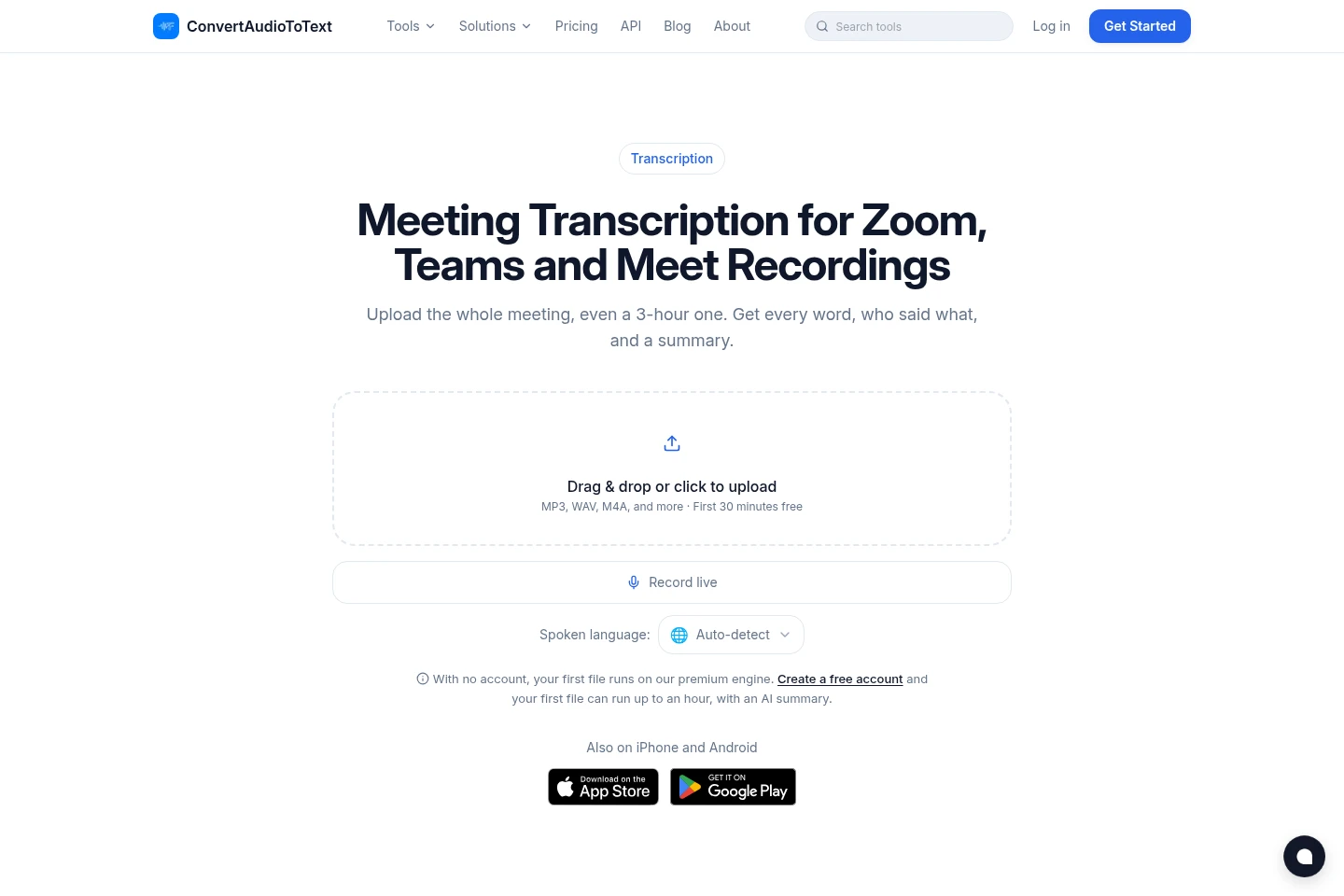
When a meeting recording is too long to transcribe manually, upload the recording or record in the browser to create a transcript with speaker labels, timestamps, and an AI summary. Paid plans process full-length files, with uploads up to 5 GB.

Create interview and focus-group transcripts

When researchers or journalists need to review recorded interviews or group sessions, upload or record the audio and use speaker labels and timestamps to find and quote passages. Transcripts can be edited and exported in supported formats.

Turn lectures into searchable study notes

When a lecture or class recording needs to be reviewed later, upload the audio or video to create a searchable transcript and use AI summaries or templates for notes and study materials. File length, engine, and export access depend on the plan.

Limitations

  • Free accounts receive best-accuracy processing for up to two hours monthly; later files may use the standard engine and omit speaker labels until the next month.

  • Free-account uploads are limited to 30 files per day, 30 minutes per file, and 1 GB; the first file may run up to an hour with an AI summary.

  • No-account uploads are limited to 100 MB, and files are automatically deleted after 24 hours.

  • Very heavy Pro use, over 30 hours of audio in 30 days, may be processed on the standard engine; transcription remains available.

Alternatives

Video Transcriber AI

Turn video and audio into searchable transcripts

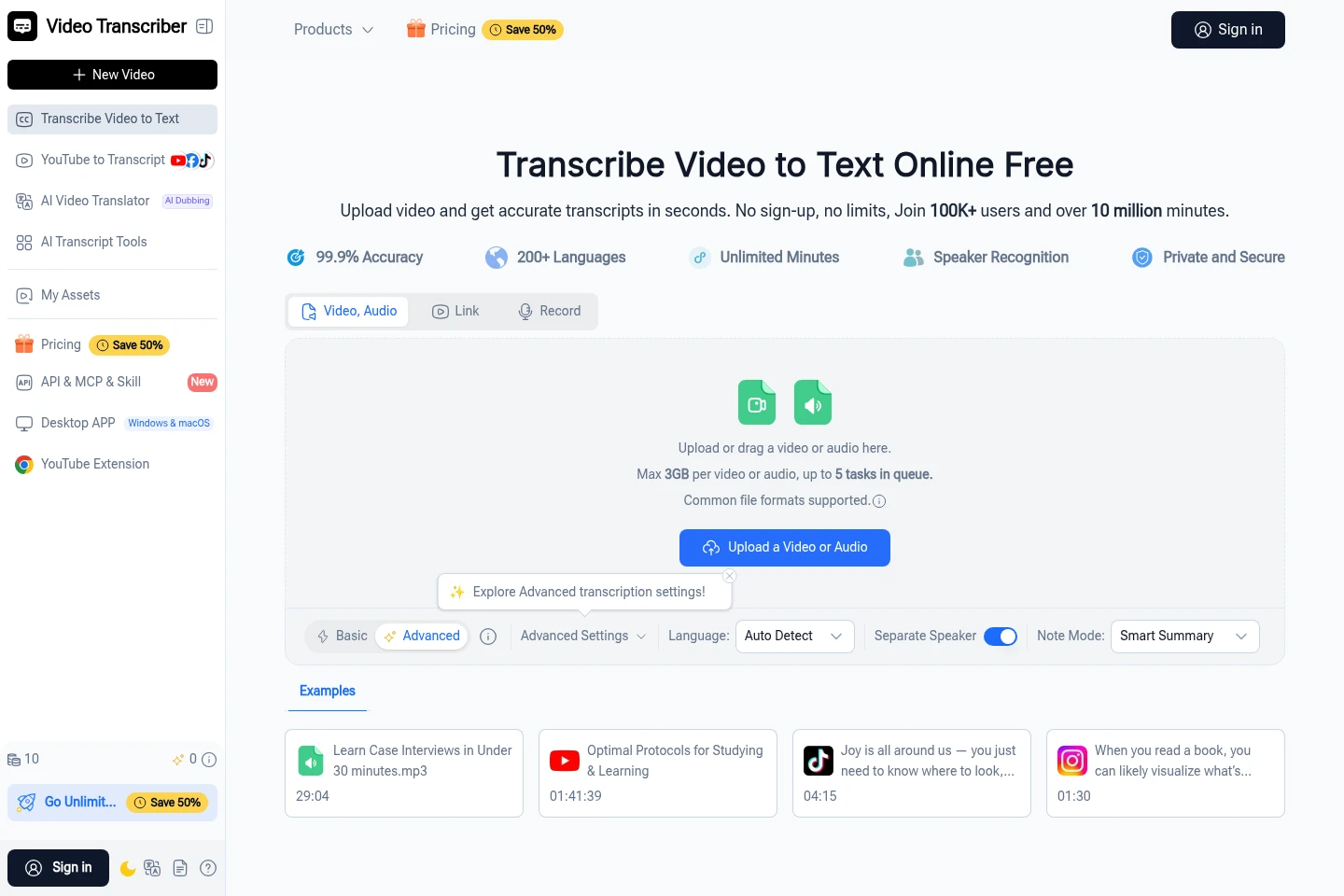
Video Transcriber AI converts uploaded video and audio, online media links, and Zoom recordings into text transcripts. It offers speaker labels, timestamped transcripts, multilingual transcription and translation, summaries, and options to copy, download, or share results. API access is also available.

  • Cloud
  • API
  • Contact Sales
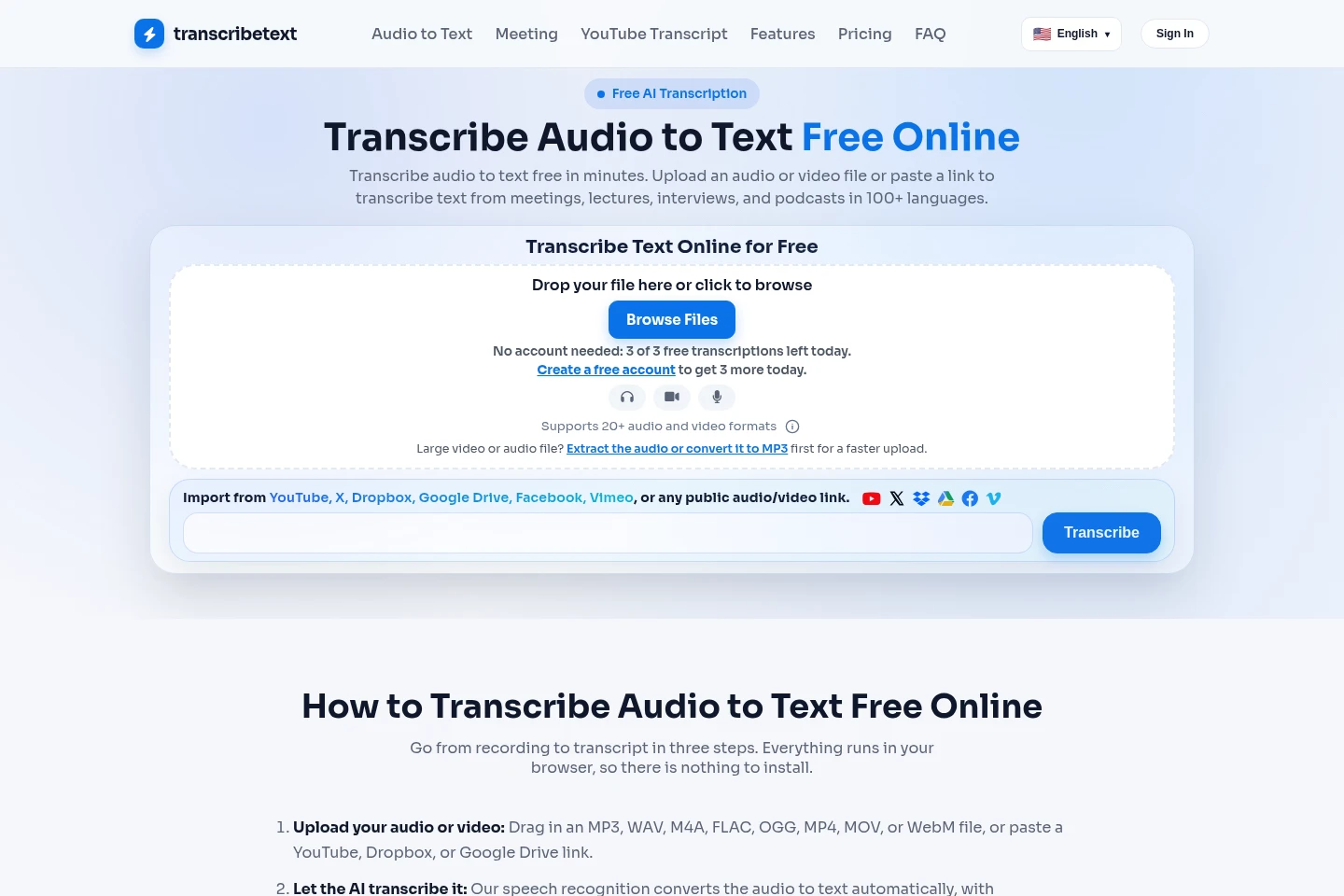
  1. TranscribeText

    Turn audio and video into searchable transcripts and subtitles

    TranscribeText Free · Free forever
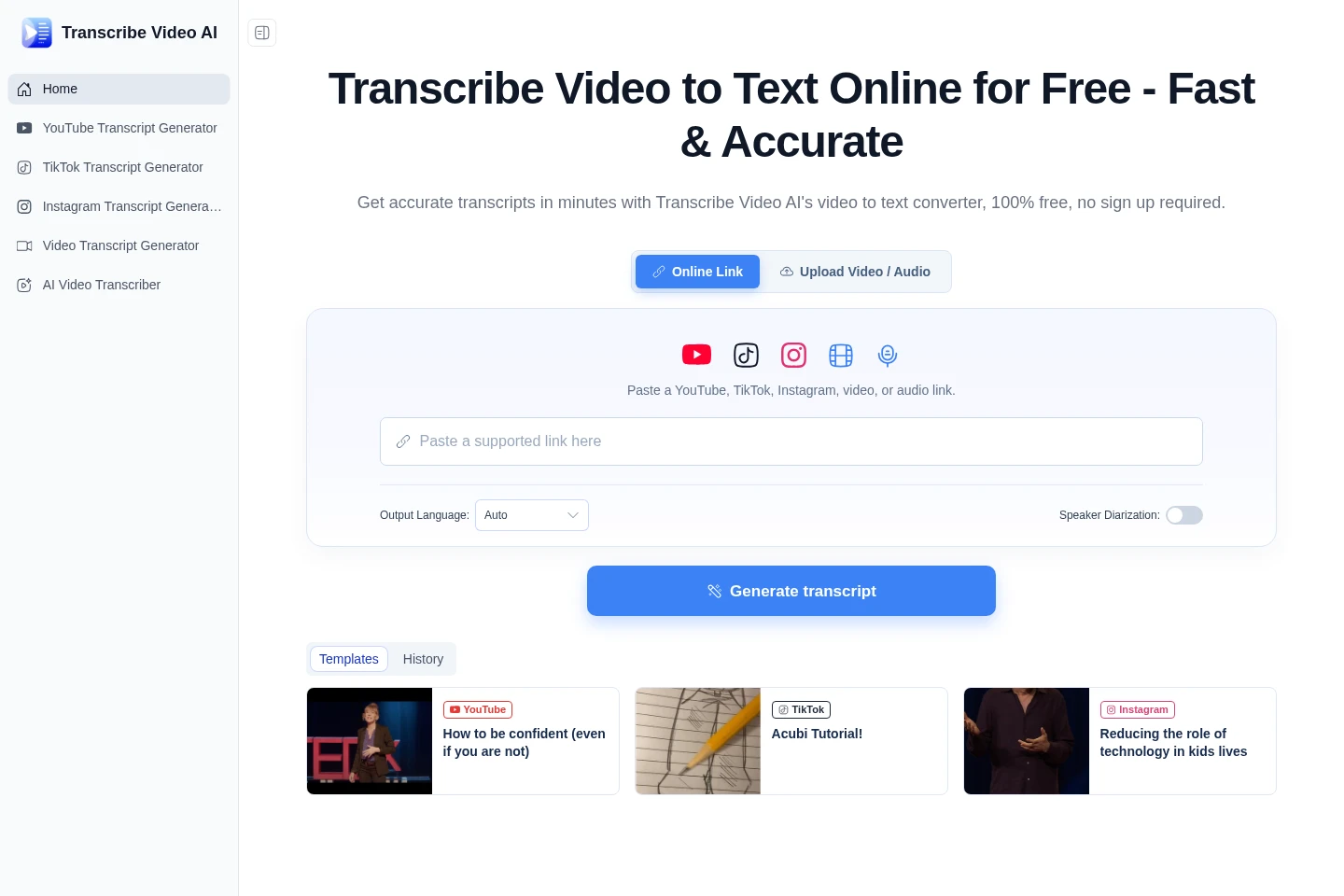
  2. Transcribe Video AI

    Turn video and audio into transcripts, subtitles, and summaries

    Free
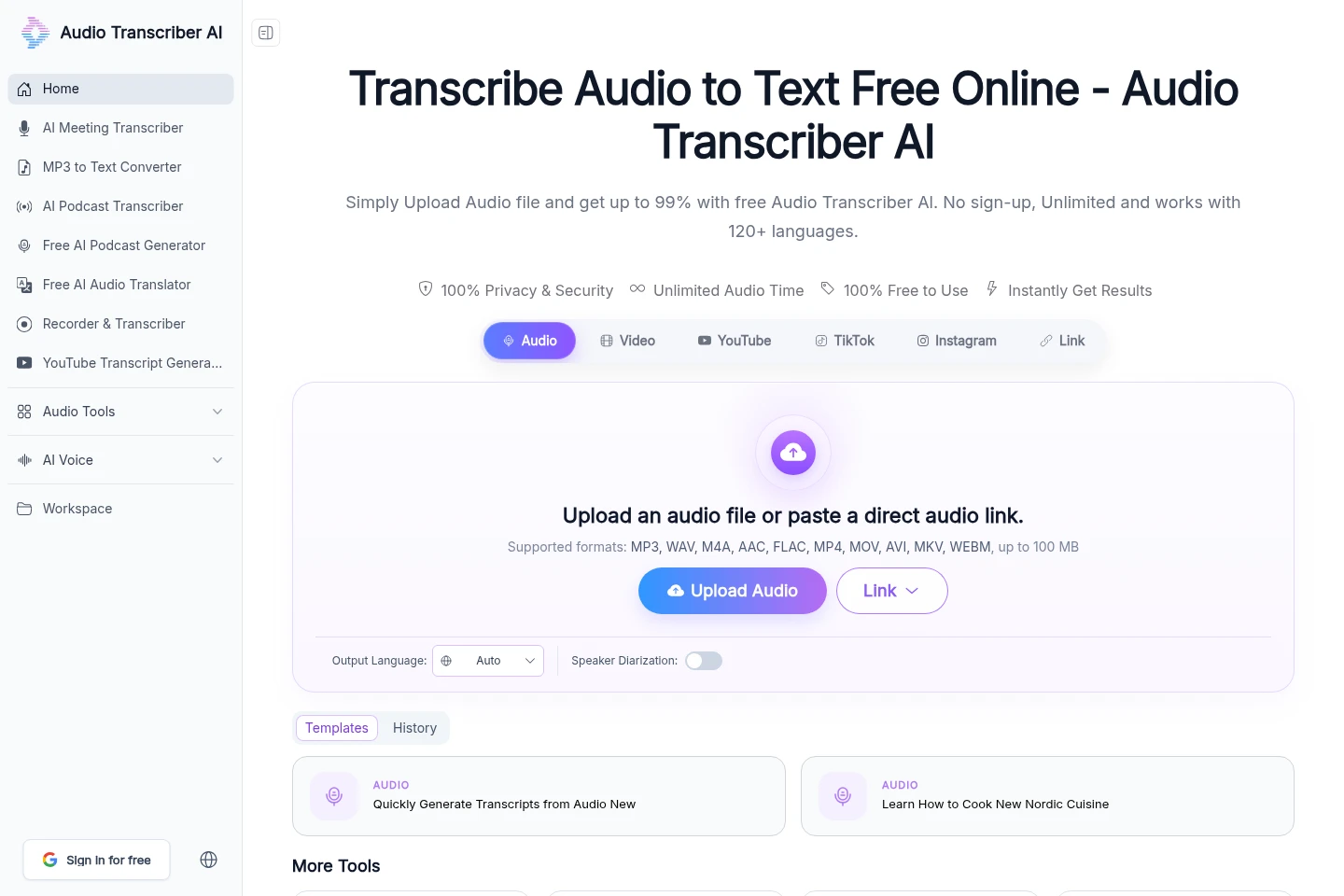
  3. Audio Transcriber AI

    Turn audio recordings into readable transcripts online

    Contact Sales
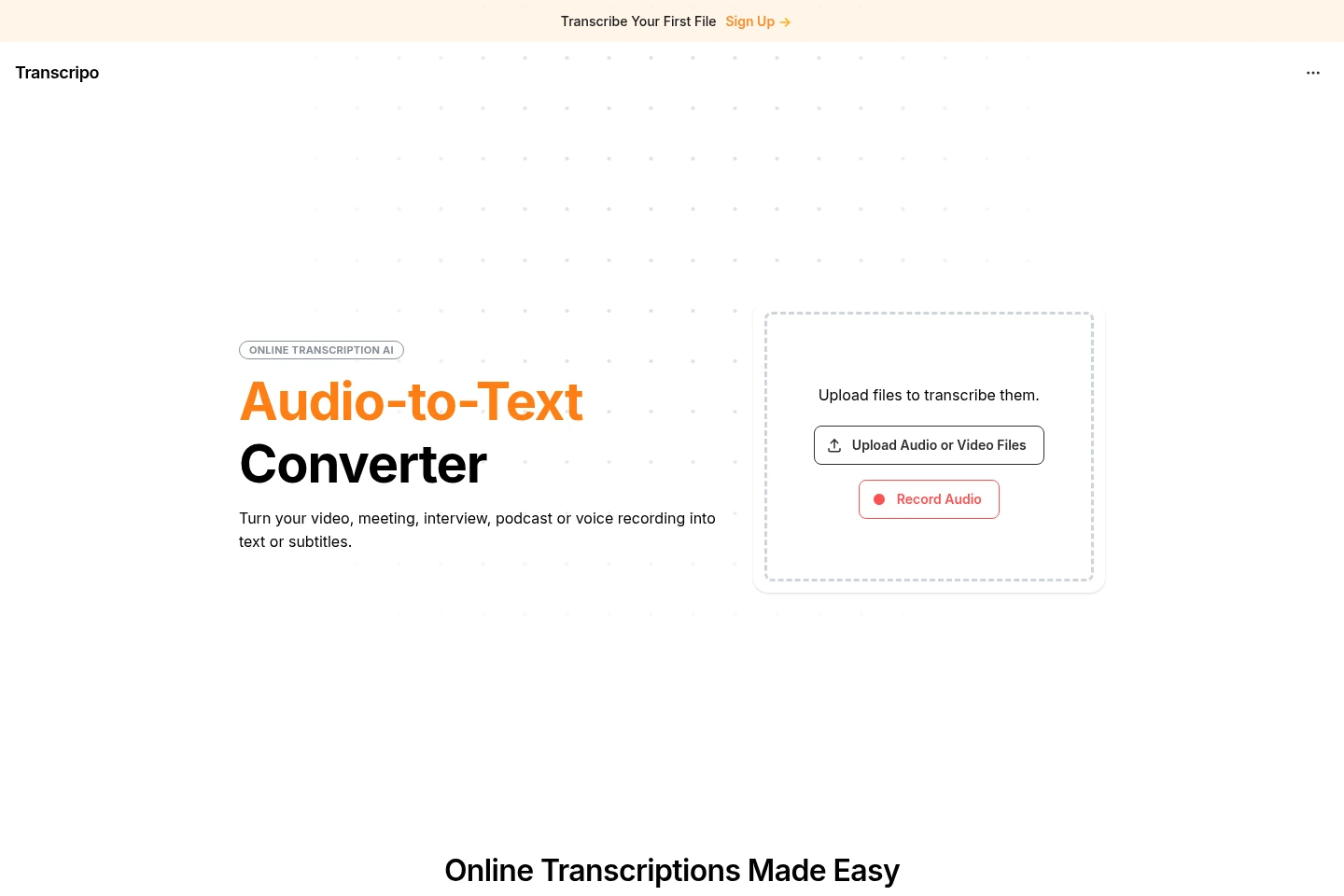
  4. Transcripo

    Turn audio and video into transcripts, subtitles, and summaries

    Paid
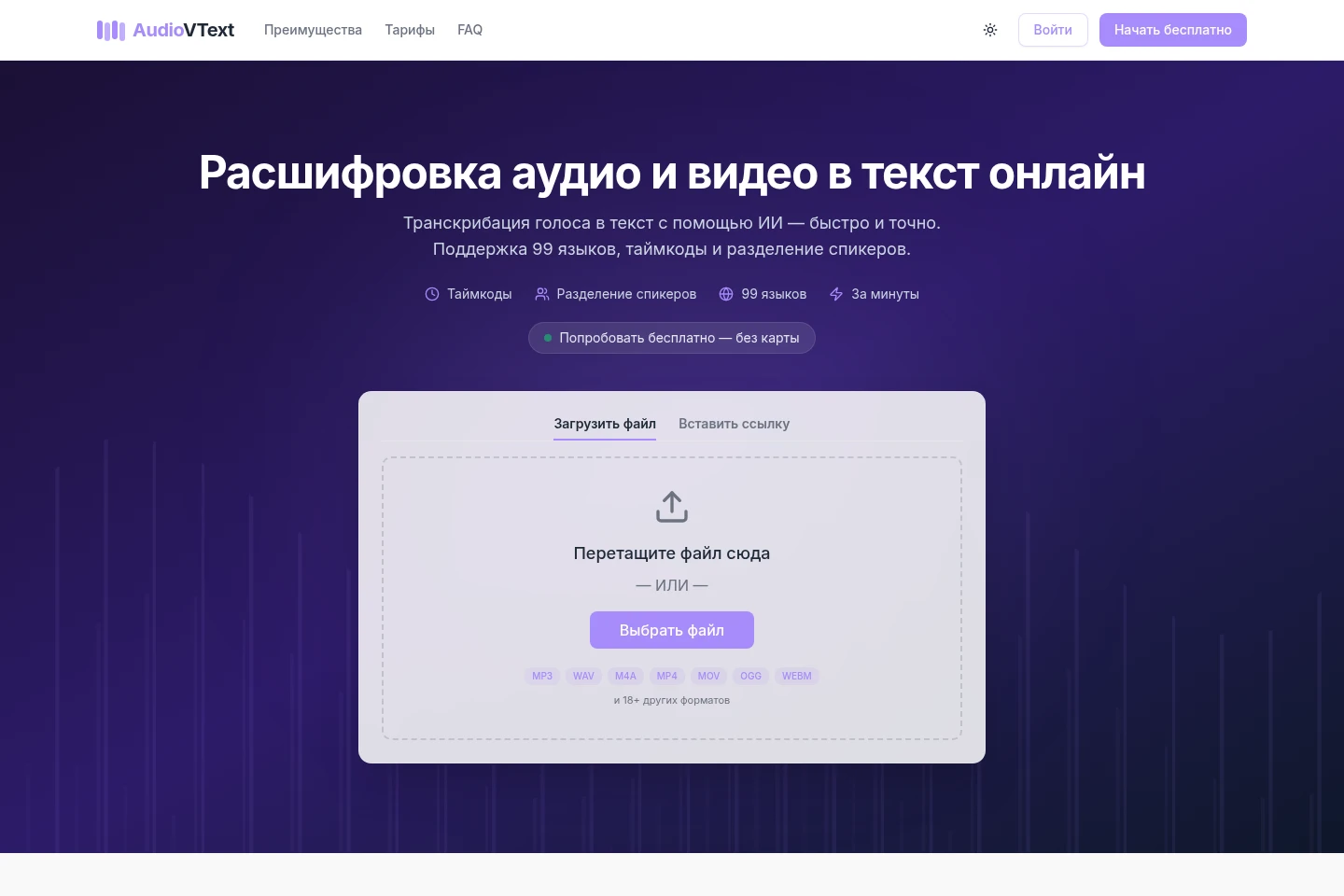
  5. AudioVText

    Transcribe audio and video with timestamps and speaker labels

    Бесплатный · 0 ₽

Who it is for

  • Meeting teams that need searchable records and speaker-attributed action items

  • Researchers and journalists reviewing interviews, focus groups, and recorded discussions

  • Students and educators turning lecture recordings into searchable transcripts and notes

FAQ

Can I transcribe without creating an account?

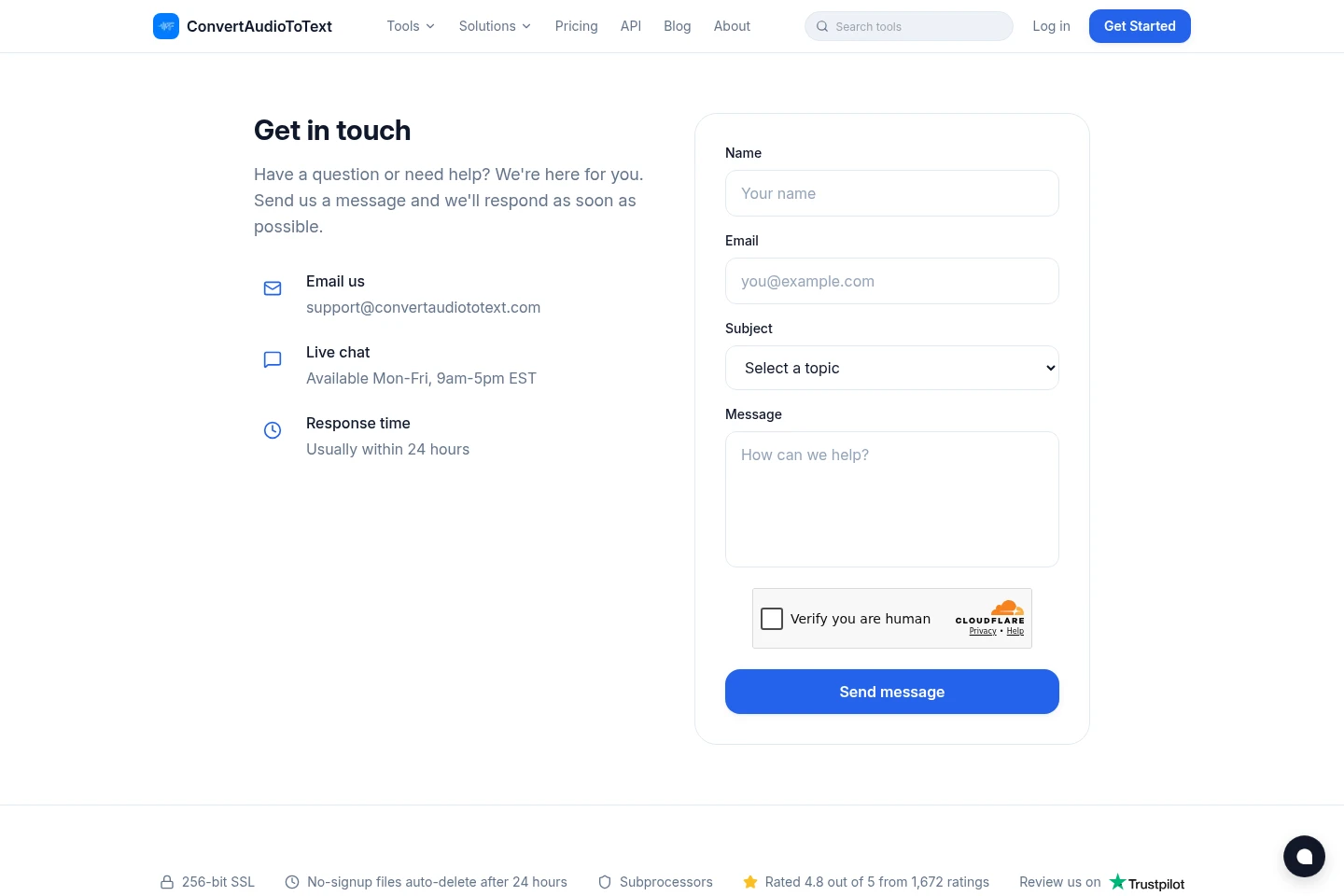
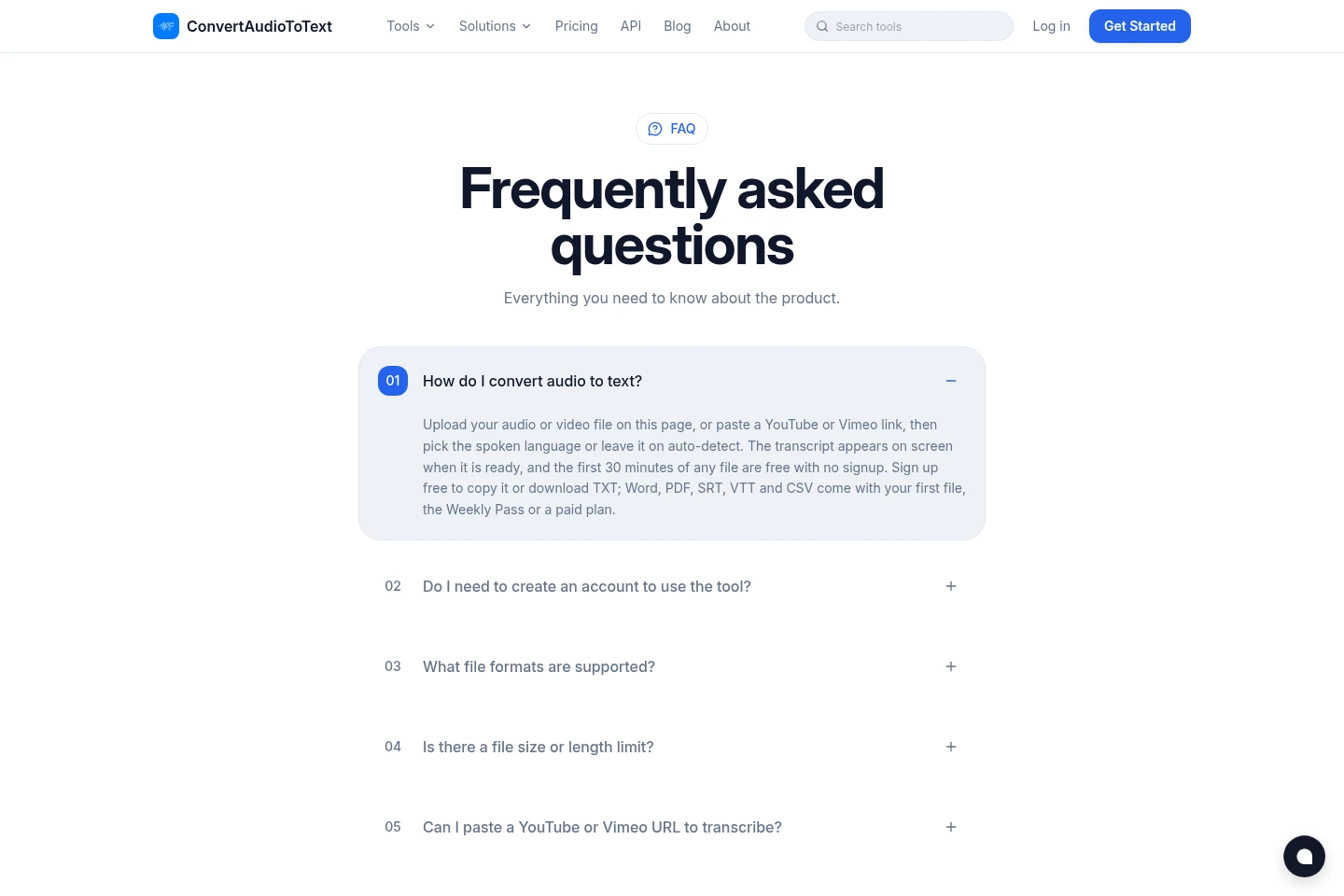
Yes. You can start without an account, and the first 30 minutes of a file are free. Saving transcripts, downloading TXT, and managing multiple files require a free account.

Which file types and sources can I transcribe?

You can upload common audio and video formats, including MP3, WAV, MP4, MOV, M4A, and WebM, or paste a media URL. Live browser recording is also available.

What are the file length and size limits?

Free use has limits that depend on account status: no-account files are up to 30 minutes and 100 MB; free accounts generally allow 30 minutes per file and 1 GB, with the first file up to an hour. Paid plans and passes support full-length files and uploads up to 5 GB.

How does speaker detection work on a free account?

A free account receives up to two hours monthly at best accuracy, including its first file. After that, files may use standard accuracy without speaker labels until the next month; paid plans and passes include speaker detection on every file.

Comments

Please sign in to leave a comment.
No comments yet. Be the first to share your thoughts!