

- Monthly visits
- 2,331
- 2026-09
AudioVText - Transcribe audio and video with timestamps and speaker labels
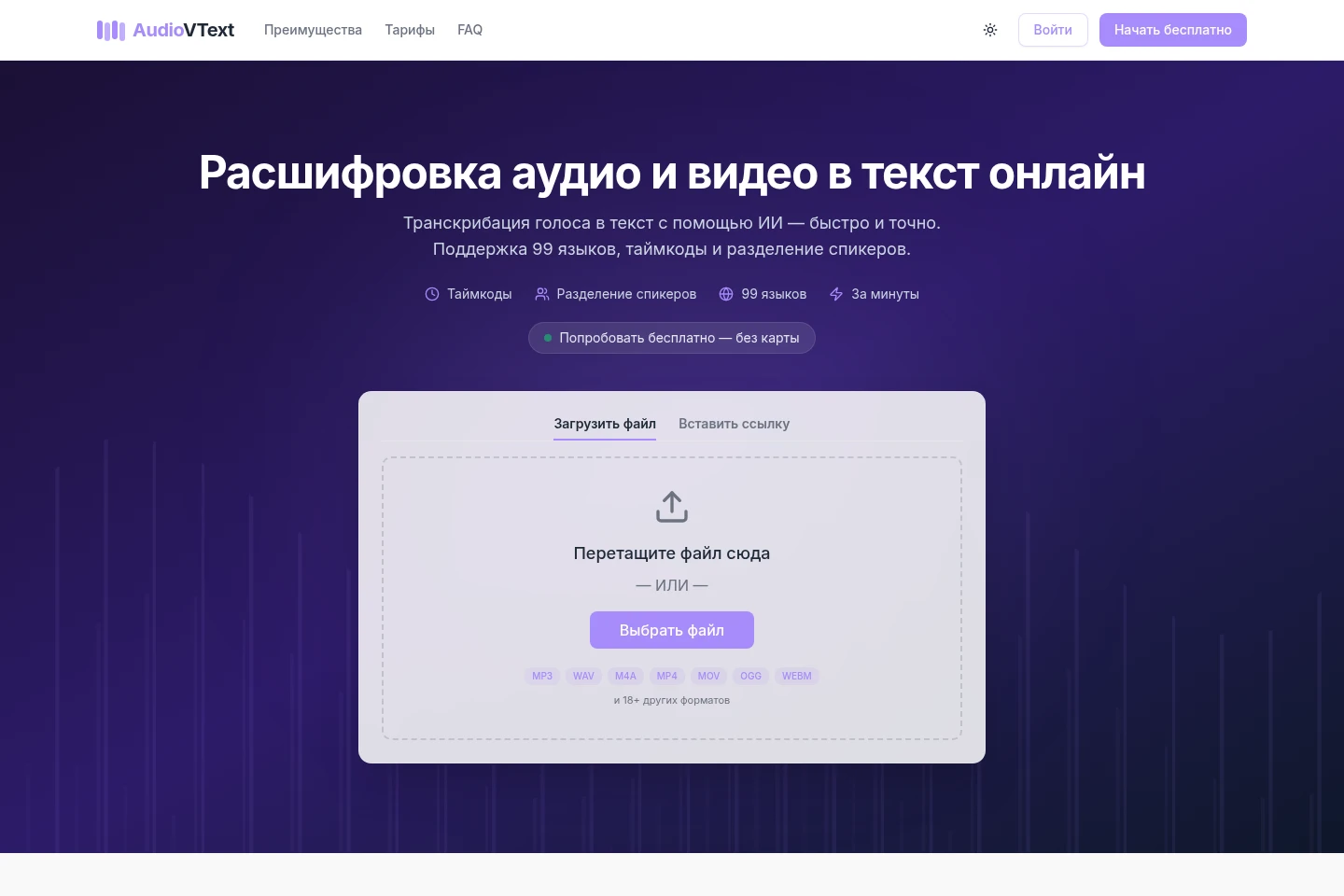
AudioVText is an online AI transcription service for audio and video. Upload a file or provide a video link to receive text with timestamps and speaker labels. It supports 99 transcription languages, offers automatic summaries, and exports transcripts in formats that depend on the plan.
- AI Audio
- Transcription
- Summarizers
- audio transcription
- video to text
- speaker diarization
Capabilities
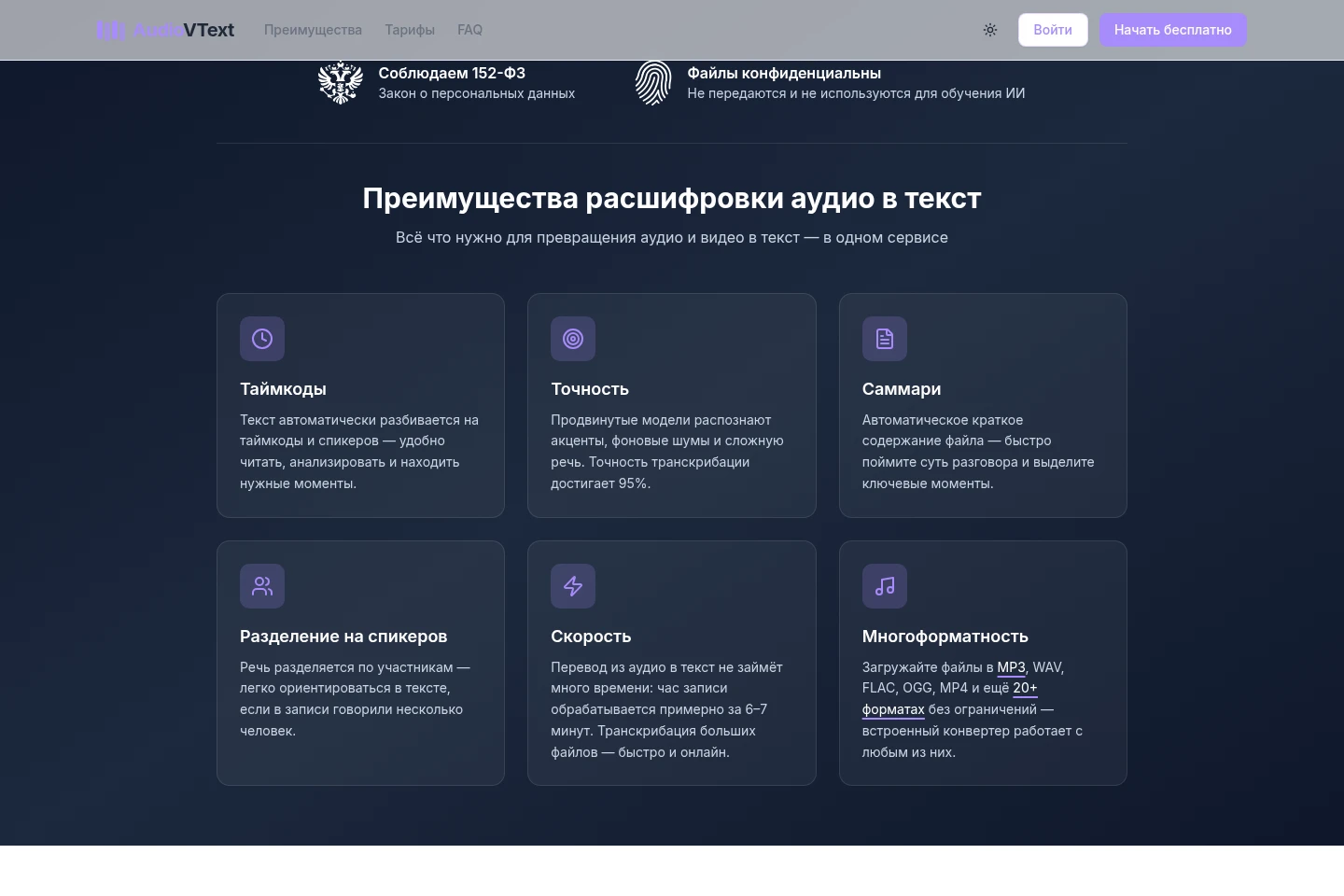
AI speech transcription
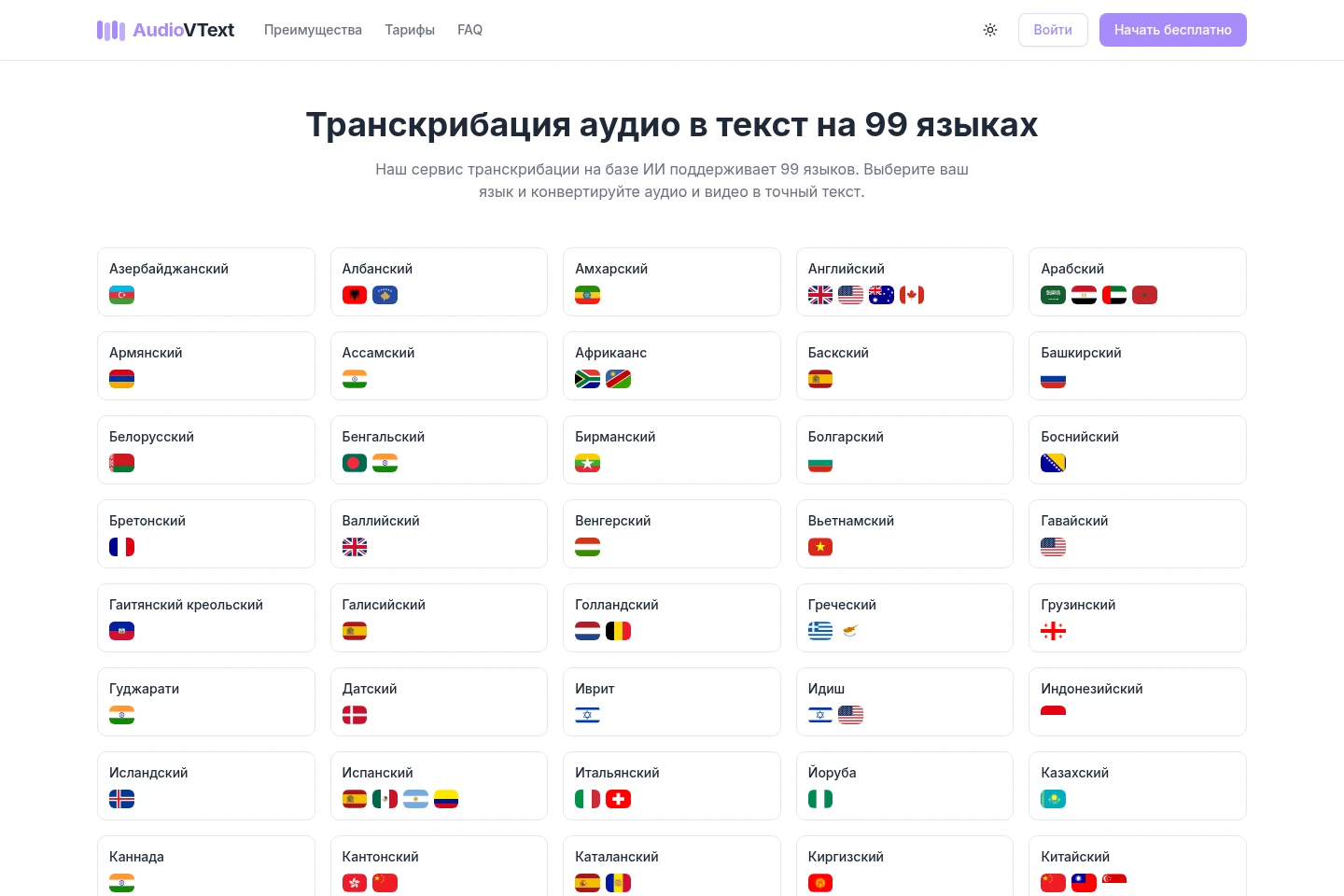
Converts uploaded audio or video, or a video link, into text. The service recognizes speech in 99 languages and can automatically detect the language or use a manually selected one.
Timestamps and speaker labels
Organizes transcript text with timestamps and labels for detected speakers. These markers are generated during transcription and help locate moments and distinguish participants in recordings.
Automatic audio summaries
Produces a short summary and key points from an audio or video file. The summary is generated from the processed recording alongside its transcript.
Transcript export
Exports completed transcripts as files or shareable links. Available file formats depend on the plan; the free plan includes TXT and SRT, while paid plans include additional formats.
Pricing
AudioVText offers a free plan and paid monthly subscriptions. Compare monthly transcription minutes, daily file counts, maximum file duration and size, storage duration, and export formats.
| Plan | Price | Included features and limits |
|---|---|---|
| Бесплатный | 0 ₽ |
|
| Старт | 299 ₽/month |
|
| Стандарт | 699 ₽/month |
|
| Про | 1,890 ₽/month |
|
The page also displays annual billing with a 30% discount. Additional minute bundles of 100, 500, 1,500, or 5,000 minutes are available and remain valid for 365 days after purchase.
Use cases
Create transcripts of meetings and calls
When a meeting or call needs a written record, upload its recording or provide a video link. AudioVText transcribes the conversation with timestamps and speaker labels, which can be used to review what was said.
Prepare subtitle files for videos
When a video needs subtitles, submit its audio or video and export the transcript as SRT or VTT where available. The resulting subtitle file can be uploaded to a video platform.
Find quotes in interview recordings
When reviewing an interview or press conference, upload the recording to create a transcript with timestamps. Use the marked text to locate particular passages and quotes.
Limitations
On the Бесплатный plan, each file can be at most 15 minutes long and 250 MB, with storage for 3 days.
On Старт, Стандарт, and Про, file-duration limits are 2, 4, and 6 hours respectively; maximum file sizes are 500 MB, 750 MB, and 1 GB.
Transcript editing inside the service is not listed as an available feature on the supplied pages.
Who it is for
People who need searchable text from recorded conversations
Video publishers who need transcript or subtitle files
Users transcribing recordings in one of 99 supported languages
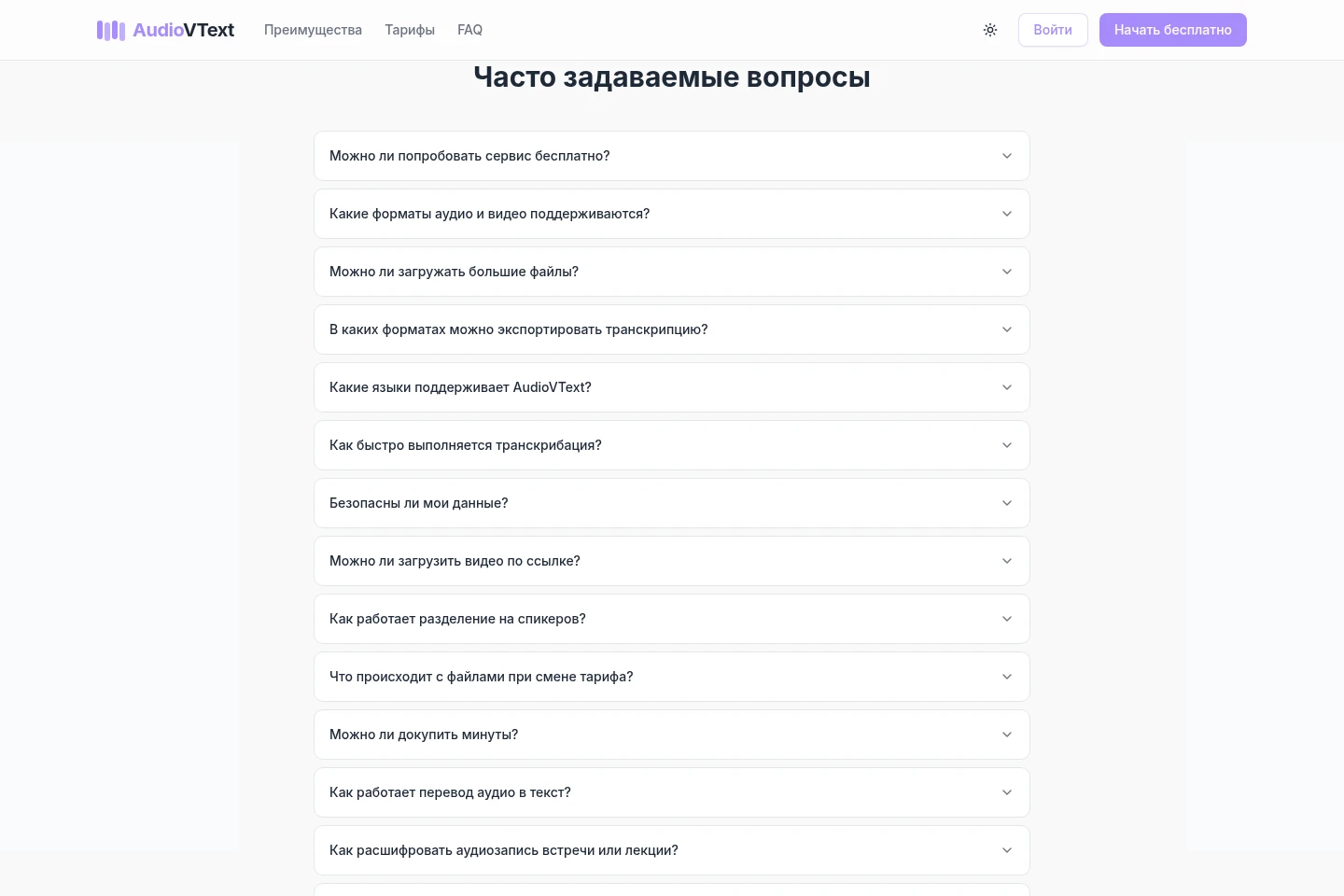
FAQ
Can I use AudioVText for free?
Yes. The Бесплатный plan includes 60 transcription minutes per month and up to 3 files per day, with no card required to start.
Which audio and video formats can I upload?
The service lists 25 audio and video formats, including MP3, WAV, M4A, FLAC, MP4, WebM, MOV, MKV, and AVI. The formats page provides the full list.
How many languages does transcription support?
AudioVText supports 99 languages. Language can be detected automatically or selected manually.
Can I submit a video by link?
Yes. The homepage says links from YouTube, VK Видео, Rutube, and OK.ru can be processed without manually uploading the video file.
What export formats are available?
Бесплатный includes TXT and SRT. Paid plans include TXT, SRT, VTT, DOCX, PDF, and JSON.
How long are uploaded files stored?
Storage duration depends on the plan active when each file is uploaded. Existing files retain that duration after a plan change; new files follow the current plan.
Comments