Monthly visits
2,047
2026-10
Monthly growth +988.8%

CodeDreams - Kids turn ideas into playable apps and real code

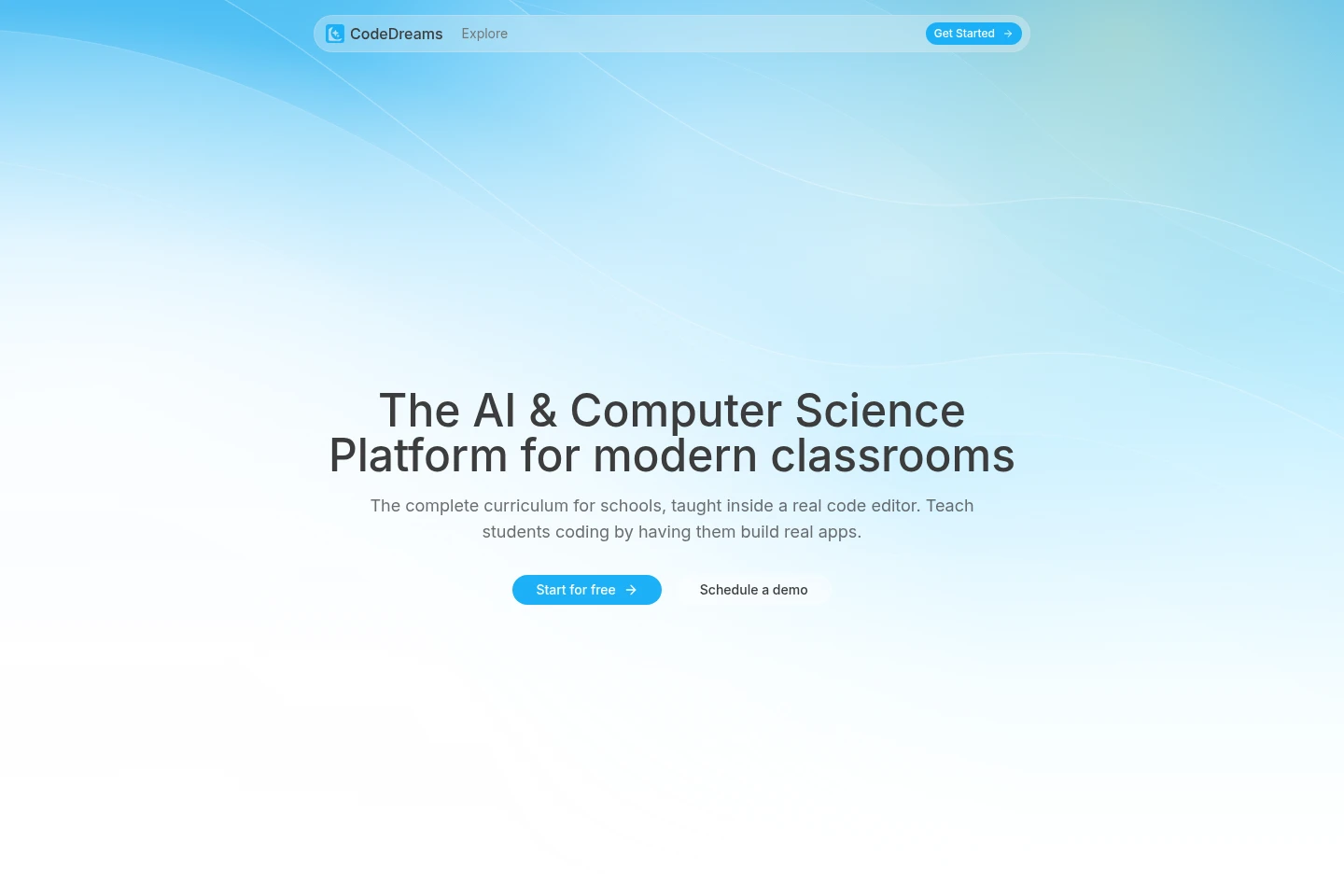
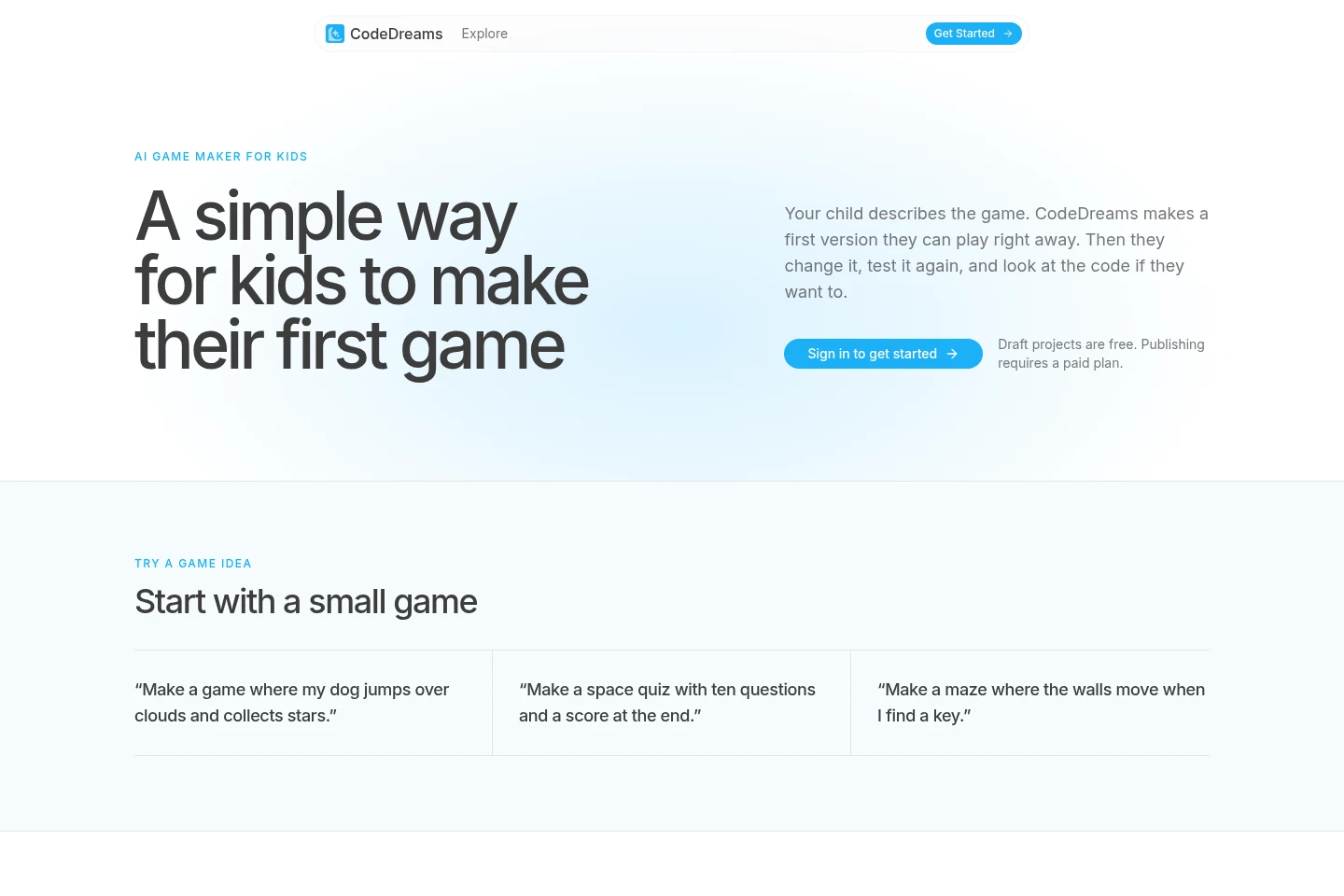
CodeDreams is a browser-based coding studio for children and classrooms. Kids describe an app or game, then play, test, and change the generated project while inspecting its JavaScript or Python code. Learn mode teaches computer science concepts through projects. Draft projects are free; publishing and classroom features have paid pricing.

Visit WebsiteUpdate this product

0Views

Capabilities

AI-assisted project building

Turns a child's natural-language request into a draft app or game they can open and play. The child can ask for changes, test the updated result, and inspect or edit the project code.

Learn mode curriculum

Teaches computer science ideas through a structured curriculum of 75 concepts, from variables and loops to debugging and design. Students can follow the map in JavaScript or Python using code in their own app as an example.

Classroom project management

Lets teachers search and open student projects, assign lessons or projects, and see student progress. Classroom also provides private student threads for discussing attached projects with the teaching team.

One-click project sharing

Publishes a project's latest version as a shareable web app with a link and no hosting setup. Publishing requires a paid plan; draft projects can be created for free.

PricingFreemium

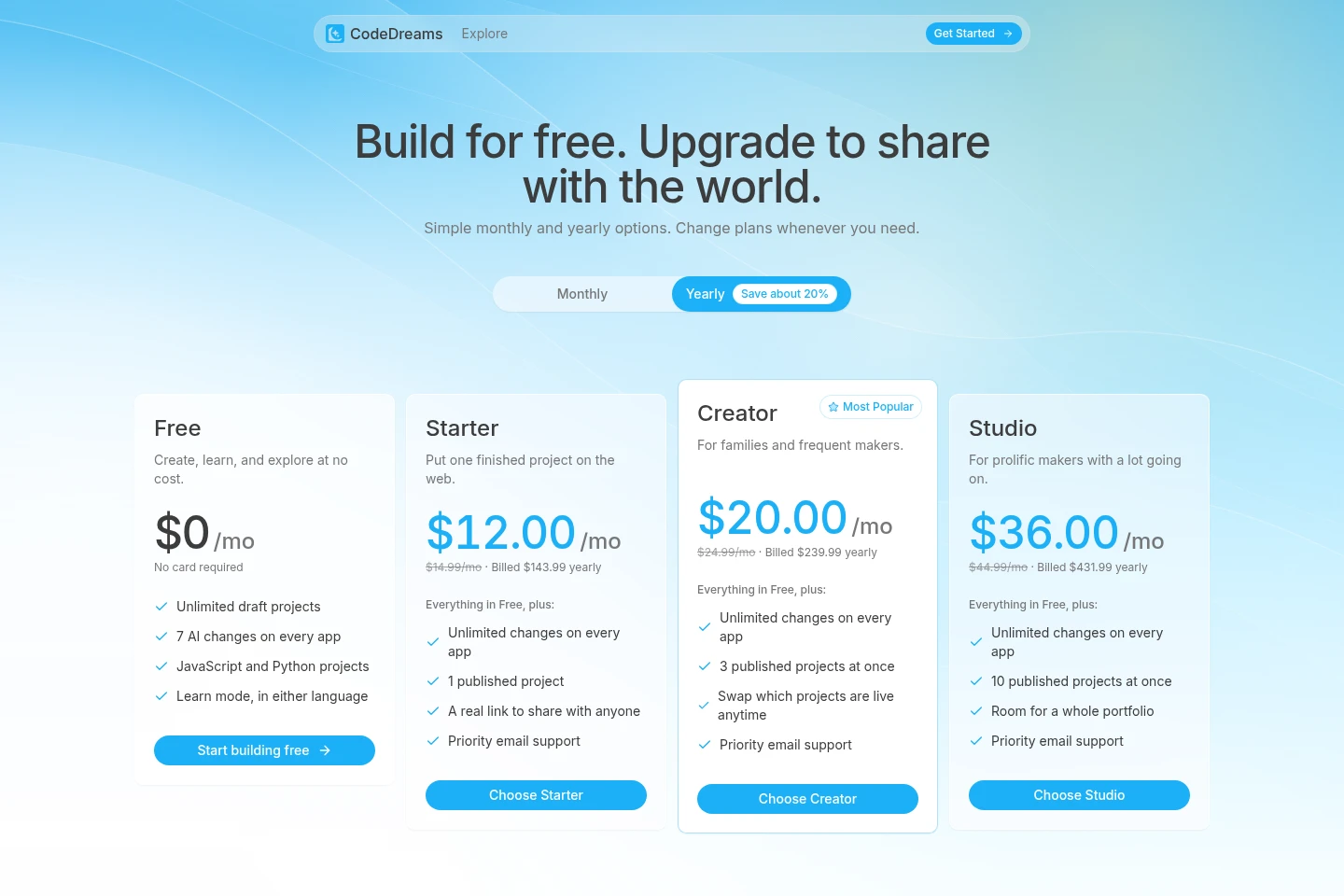
CodeDreams offers a free plan and paid subscriptions with monthly or yearly billing. Compare draft editing limits, published-project slots, support, and whether you need student seats for a classroom.

PlanPriceIncluded features and limits
Free

$0/mo; no card required

  • Unlimited draft projects

  • 7 AI changes on every app

  • JavaScript and Python projects

  • Learn mode in either language

Starter

$14.99/mo or $143.99 yearly

  • Unlimited changes on every app

  • 1 published project

  • A shareable real link

  • Priority email support

Creator

$24.99/mo or $239.99 yearly

  • Unlimited changes on every app

  • 3 published projects at once

  • Swap live projects anytime

  • Priority email support

Studio

$44.99/mo or $431.99 yearly

  • Unlimited changes on every app

  • 10 published projects at once

  • Portfolio project capacity

  • Priority email support

Classroom

$4.99 per student/month; billed once for the school year

  • Price falls to $3.99 per student as the class grows

  • Teachers are free

  • Classes start at 3 seats

  • One class holds up to 200 students

The pricing page says yearly options save about 20%. Switch or cancel anytime; unpublished projects are kept as drafts. Classroom is billed once for the school year, and school or district provisioning is available by direct invoice.

Use cases

Build and test a playable browser game

When a child wants to make a simple game, they describe its idea, play the generated first version in a browser, and request changes such as different rules or difficulty. They can test again and inspect the code.

Learn coding through a working project

When students are learning computer science, they use Learn mode to follow concepts in JavaScript or Python and examine the code in their own app. The curriculum includes 75 ideas, including variables, loops, debugging, and design.

Manage student coding work in class

When a teacher runs a coding class, they can assign lessons or projects, review student projects, track who is finished or stuck, and message students in private project threads.

Limitations

  • Games run at a web link; CodeDreams does not publish projects to app stores or consoles.

  • The game maker does not build multiplayer games or include chat.

  • Publishing a project requires a paid plan; free projects remain drafts.

CodeDreams alternatives

CodeGrow

Turn text ideas into downloadable SwiftUI iOS apps

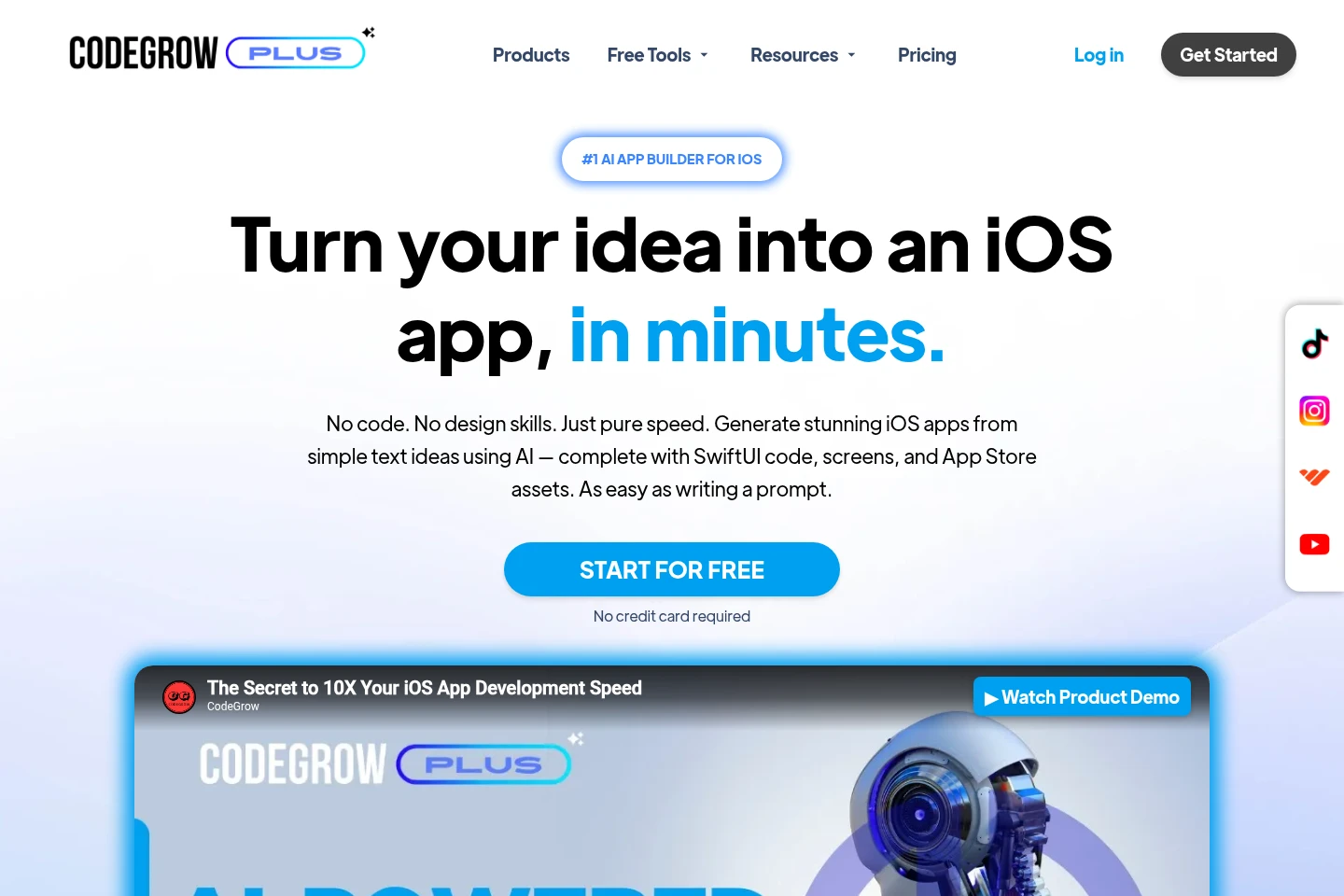
CodeGrow uses AI to turn text app ideas into visual layouts and SwiftUI code. Users can generate or enter an idea, edit screens with a drag-and-drop editor, request functionality such as login flows, and compile and download an Xcode project. The site also describes AI tools for app-store screenshots and bug explanations.

  • Cloud
  • Freemium
  • Free$0/pm
  • Monthly$97/pm, reduced from $130
  • Yearly$970/yr, reduced from $1560

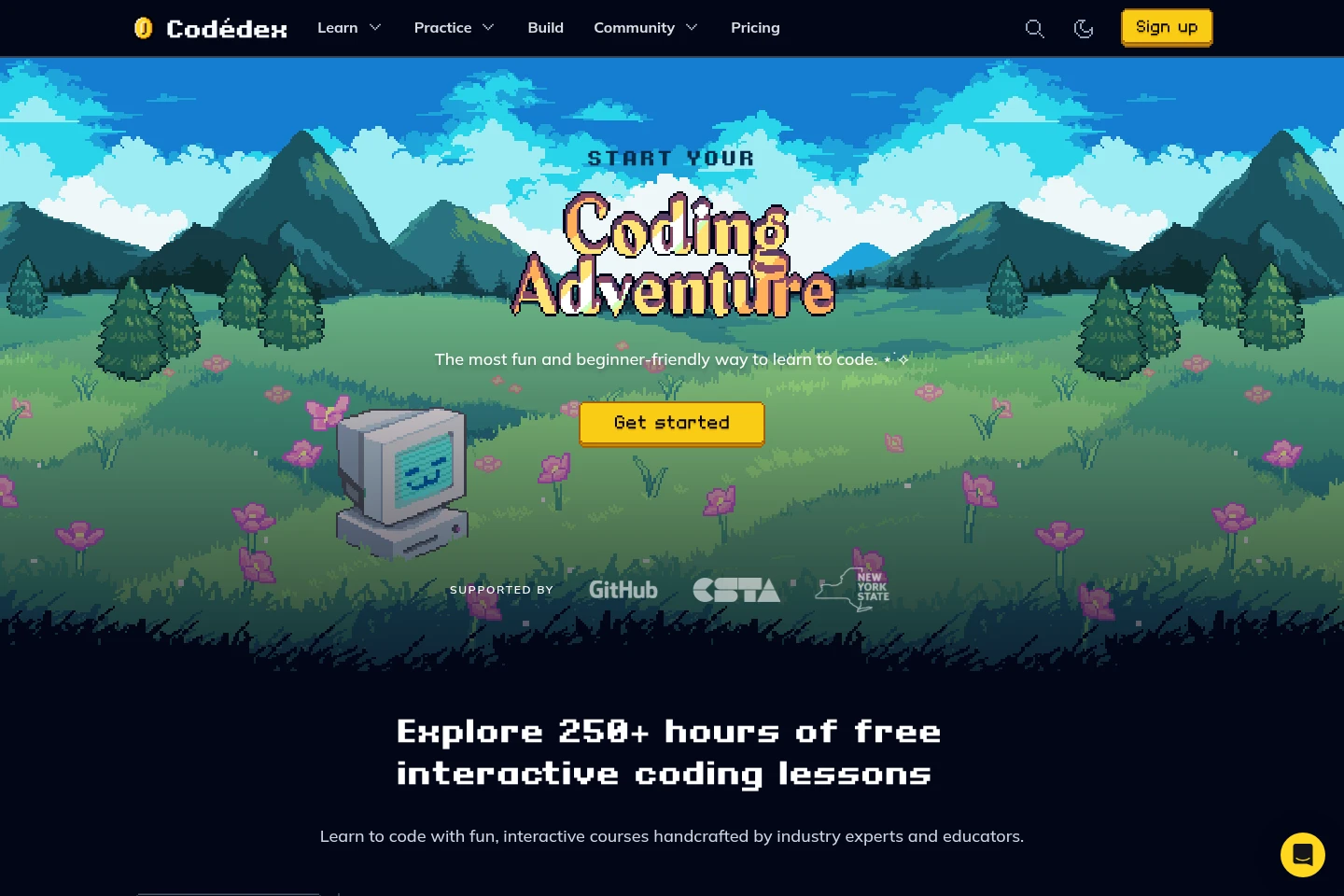
  1. Codédex

    Learn programming through interactive courses, practice, and projects

    Explorer · Free forever
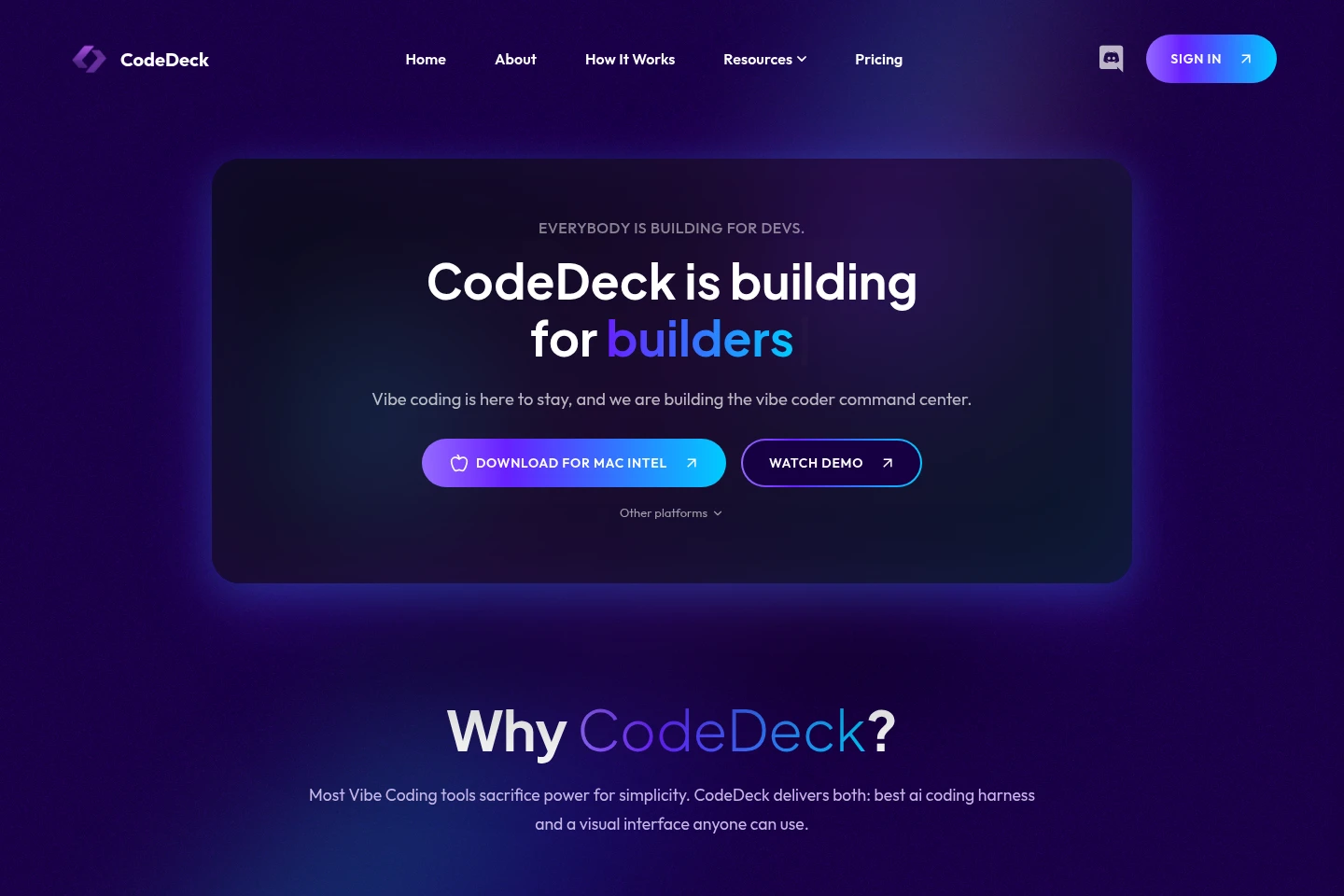
  2. CodeDeck

    Build and deploy apps with AI from your computer

    Free · Free
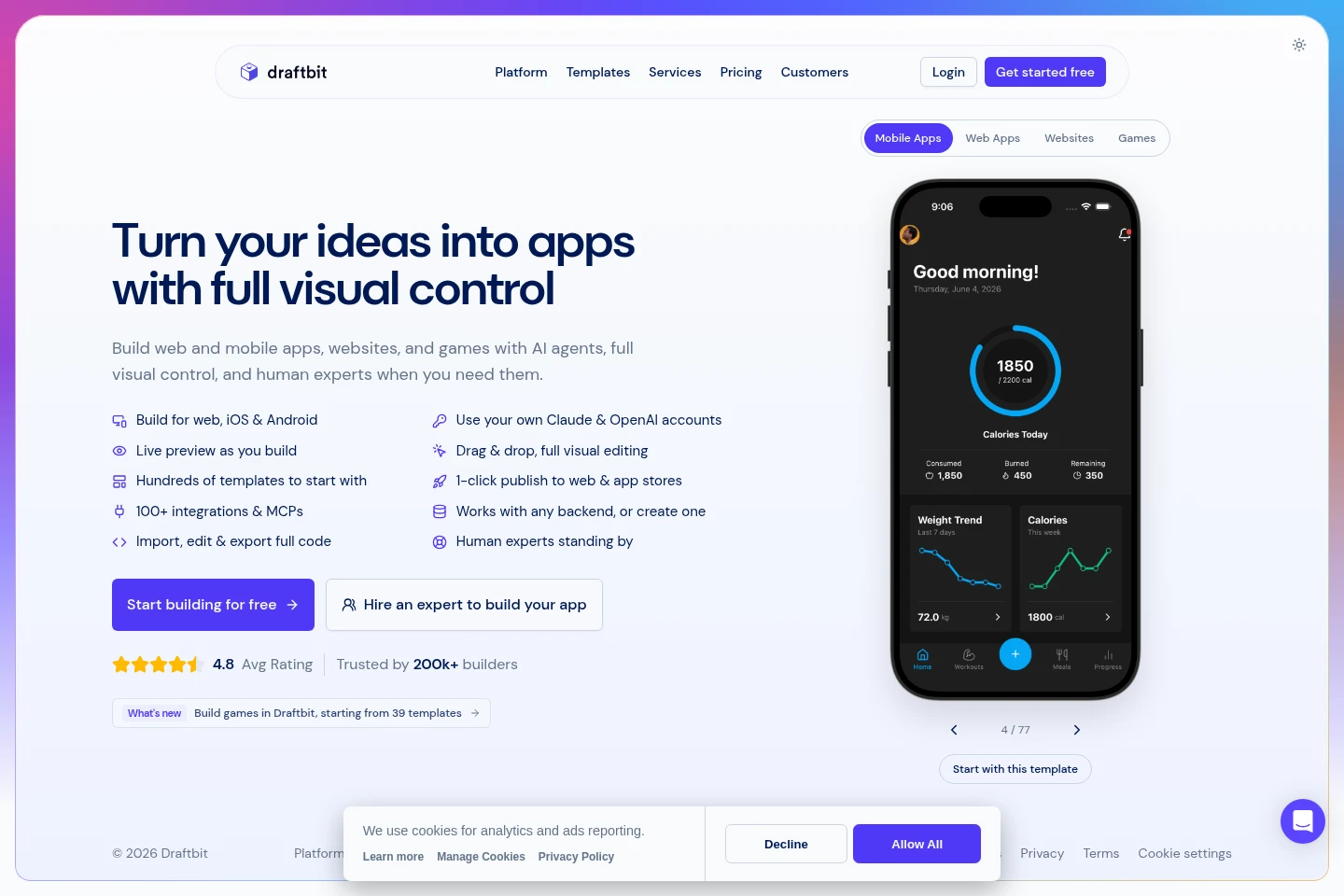
  3. Draftbit

    Build and publish web and mobile apps with AI and visual editing

    Free · $0/month, free forever
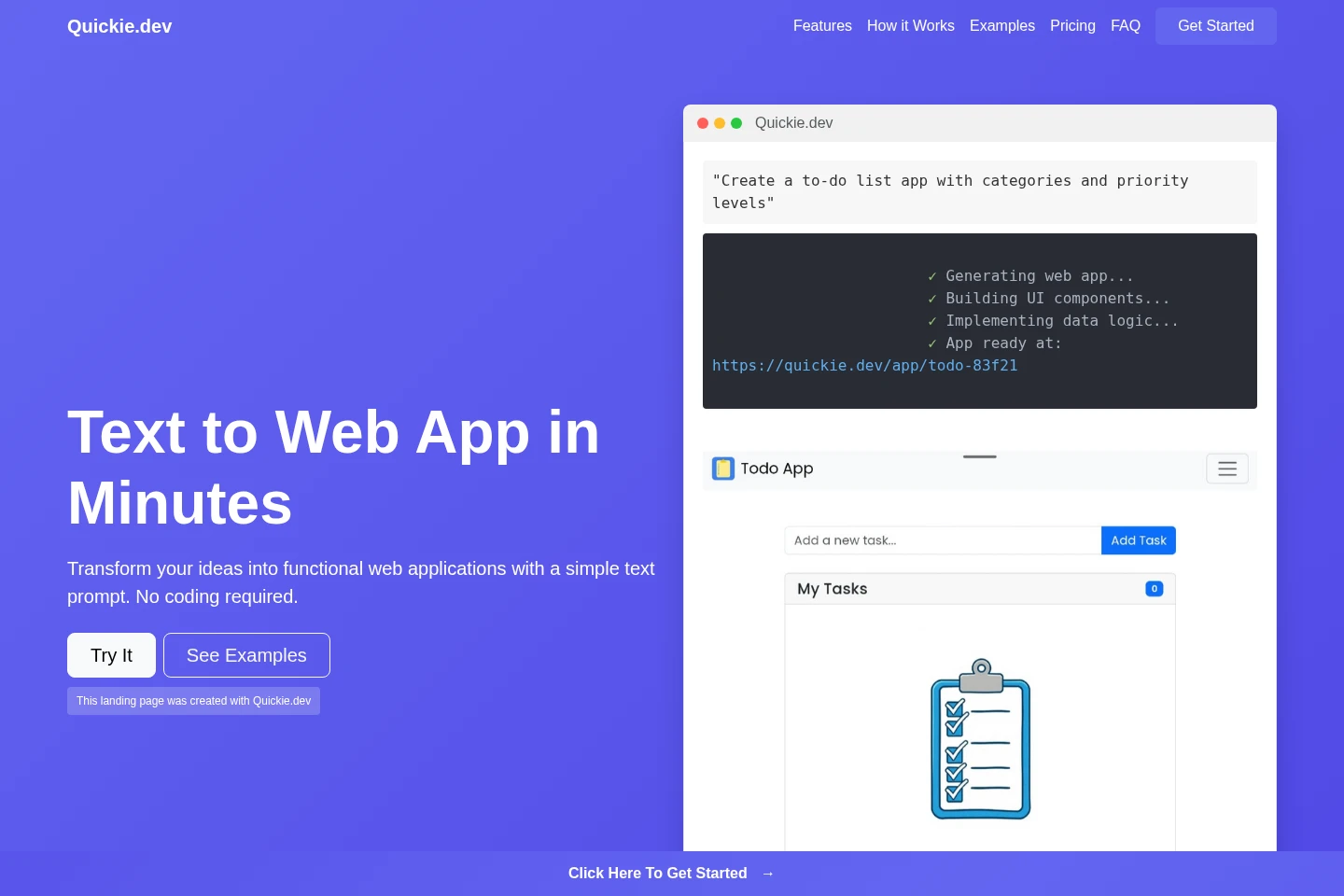
  4. Quickie.dev

    Turn plain-language app ideas into deployed web apps

    Pro · $20/month; $10/month equivalent, billed annually
  5. OpenGame

    Plan, build, and refine playable 2D and 3D browser games with an AI game agent

    Starter · $9 USD, one-time

Who it is for

  • Children who want to create and understand their own apps or games

  • Teachers who need to assign coding work and follow student project progress

  • Parents helping children build and share beginner coding projects

FAQ

Can children use CodeDreams for free?

Yes. The Free plan costs $0 and does not require a card. It includes unlimited draft projects, seven AI changes on every app, JavaScript and Python projects, and Learn mode.

Can a project be published for free?

No. Draft projects are free, but publishing requires a paid plan. Paid plans differ in how many projects can be published at once.

What languages can students use?

Students can build projects in JavaScript or Python. Learn mode and the computer studies curriculum are available in either language.

Can CodeDreams publish games to app stores or consoles?

No. CodeDreams makes games that run at a web link, not app-store or console releases. The game maker also does not build multiplayer or chat.

How is Classroom billed?

Classroom is billed once for the school year per student seat. The displayed price starts at $4.99 per student per month and falls to $3.99 as the class grows; teacher accounts are free.

Comments

Please sign in to leave a comment.
No comments yet. Be the first to share your thoughts!